Project 1
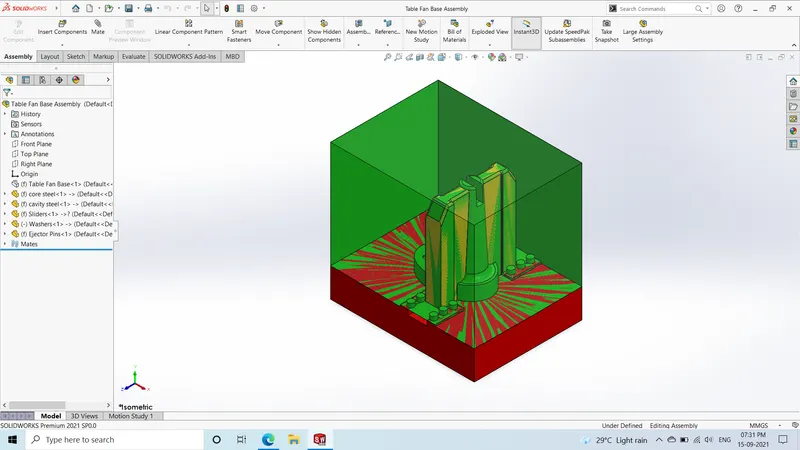
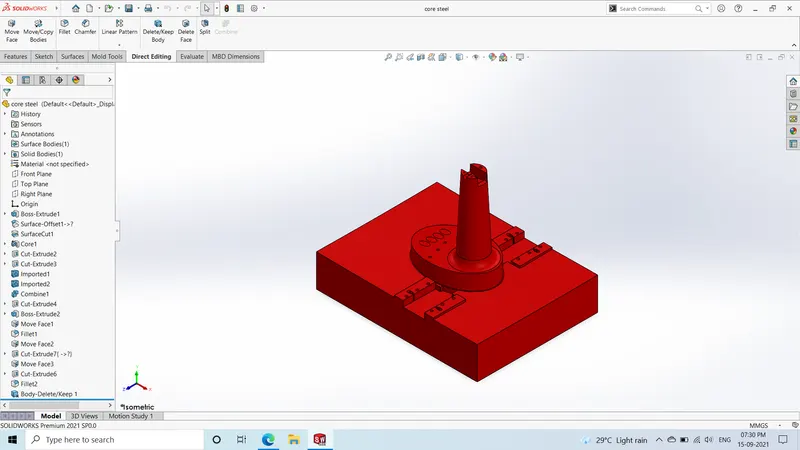
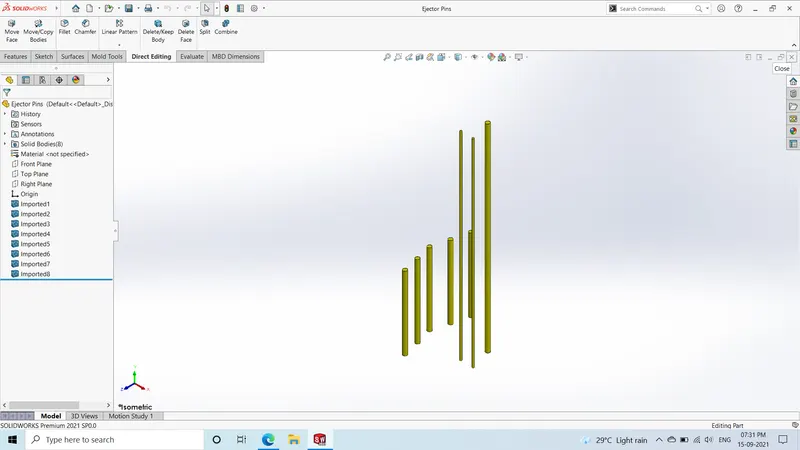
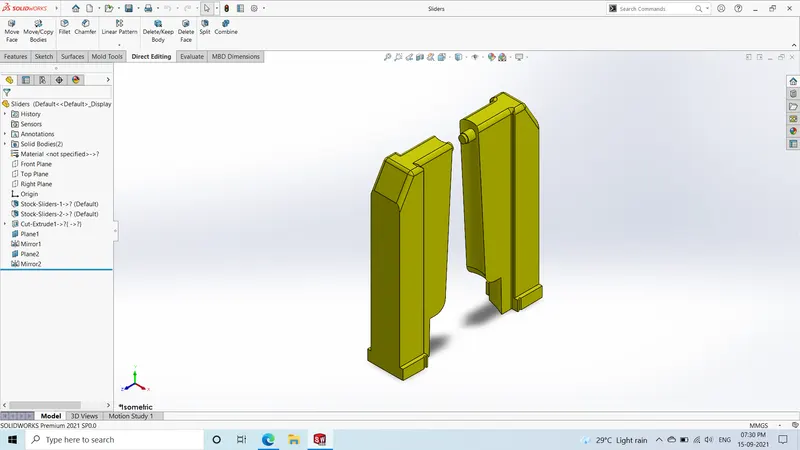
Procedure followed to create the mold:
- Decide the tool direction
- Using draft analysis check for draft on each surface
- Decide the core and cavity side of the mould
- Scale up the model considering 0.6% shrinkage i.e. 1.006
- Using parting line command create appropriate parting line
- Cover the holes present in model using shut off surface command
- Create the parting suface by using ruled surface command.Sketch a rectangle and use trim surface to form a rectangular parting surface
- Use move/copy body command to create additional parting surface
- Knit the surfaces with core & cavity model to form the core & cavity surface
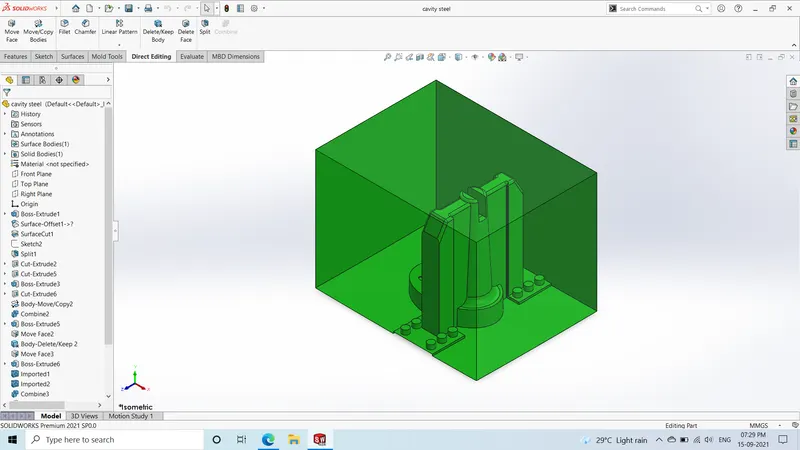
- Sketch a rectangle to form the mold blocks and extrude it using extrude boss/base. Now the offset the surface(core/cavity) to cut
- Use cut with surface command to cut the blocks and the core and cavity blocks will be formed
- Use split command to seperate slider profile from cavity block. Create the extra features on slider body
- Use extrude cut to make required modifications in slider body
- Make the necessary changes in core and cavity blocks using extrude and combine command
- Create guide rails for sliders movement using extrude command
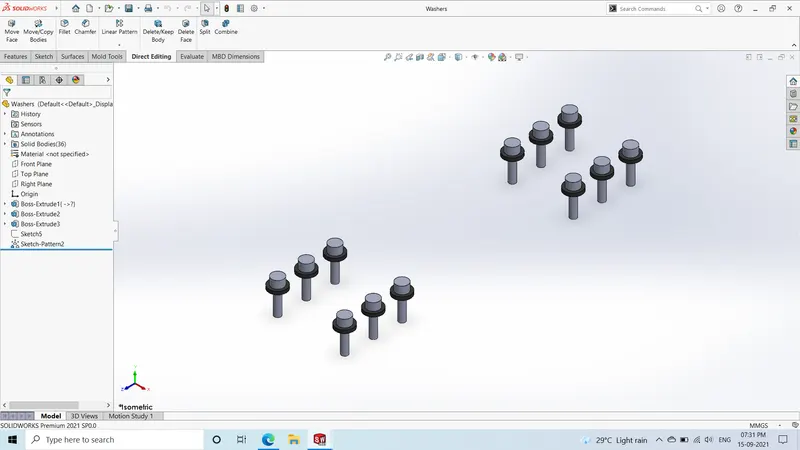
- Create washers and bolts using extrude and sketch driven pattern command to create multiple
- Make necessary edits in core & cavity block
- Provide necessary fillet to sliders
- Using extrude cut create locking mechanism for sliders