Project 2
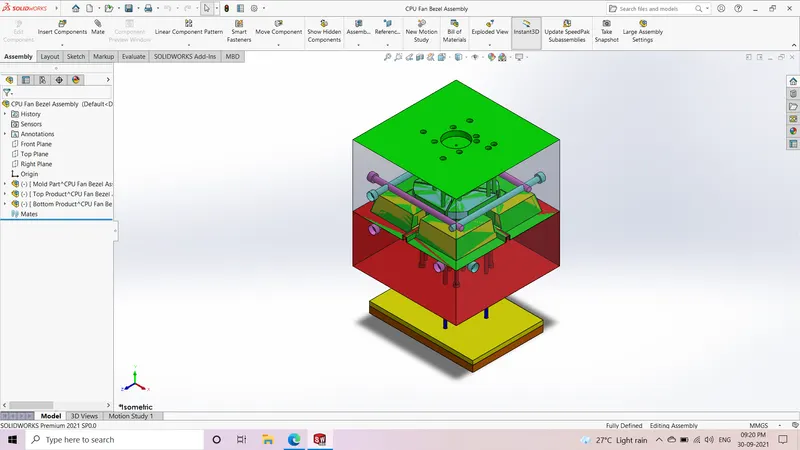
Procedure followed to create the CPU Fan Bezel mold blocks:
- Decide tooling direction and check for draft analysis
- Scale the model considering 0.6% shrinkage i.e. 1.006
- Make the parting lines using parting line command
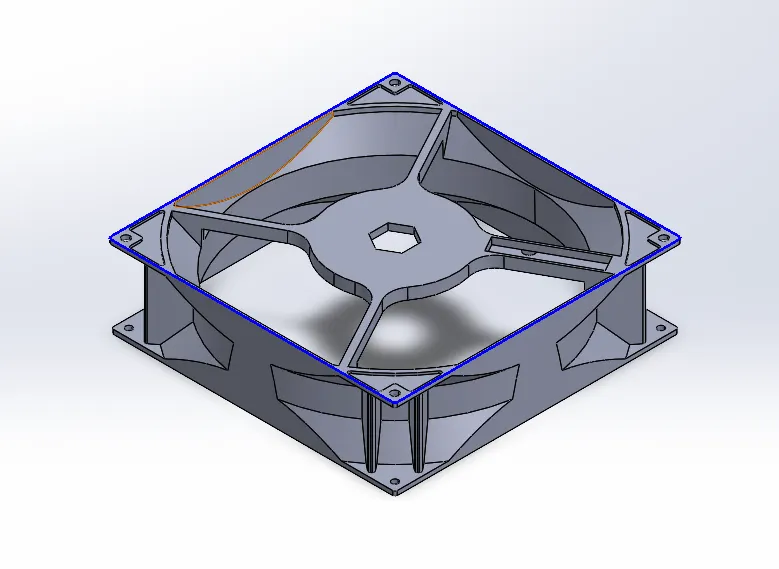
- Close the open surfaces using shut off surfaces and knit them
- Create the parting surfaces for core and cavity mold using parting surface command and knit them together
- Knit the parting surfaces with core & cavity surfaces
-
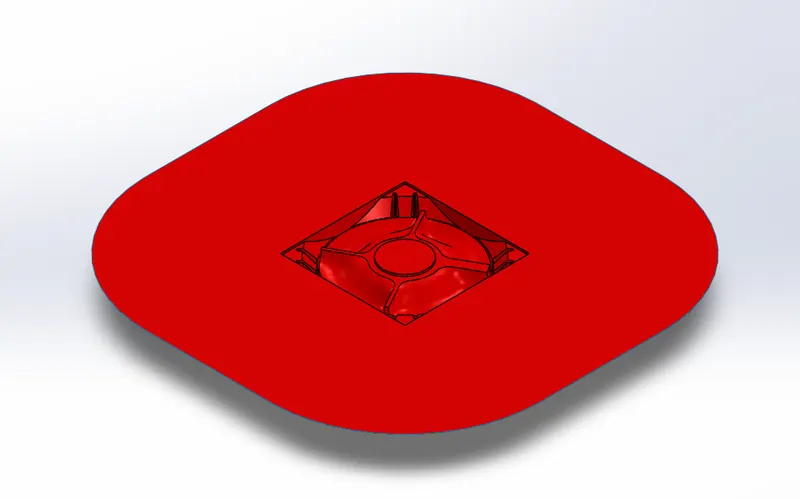
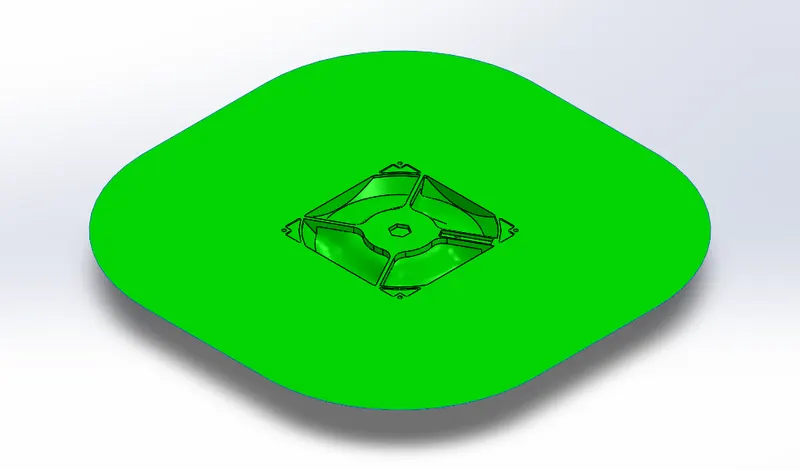
- Create the inner/outer core blocks using boss extrude. Then use split command to seperate inner/outer block
- Offset the core/cavity surfaces and use cut with surface to form the respective blocks
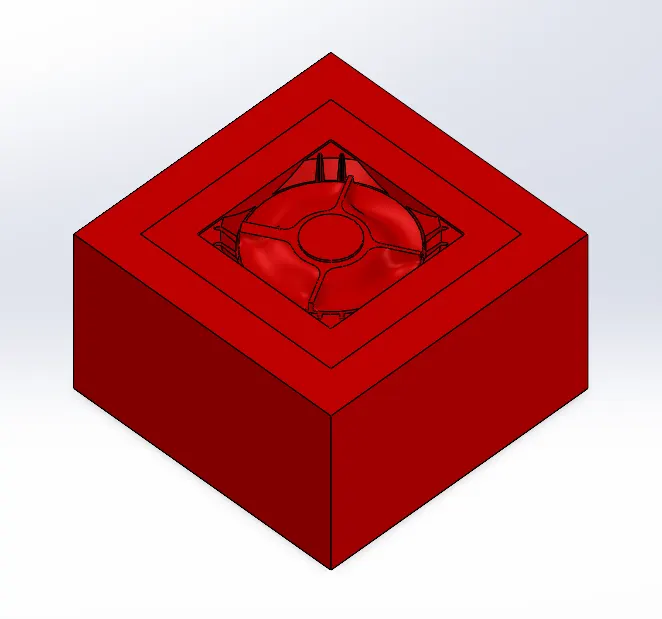
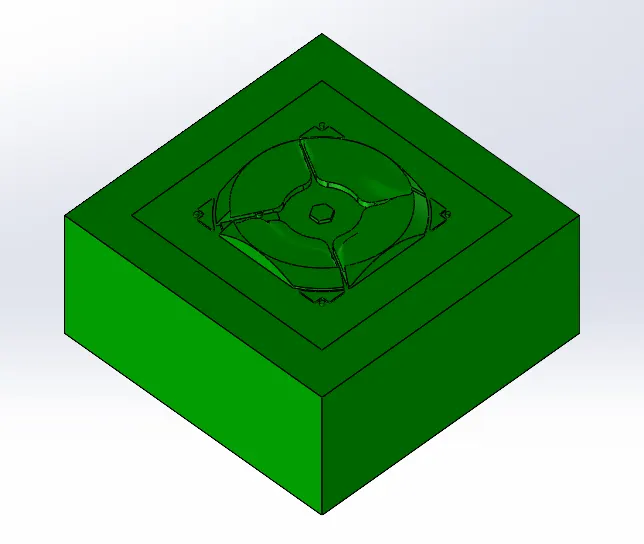
- To form the sliders sketch the profile such that the undercuts get covered and then use split command to seperate slider profile from cavity block
- Use boss extrude to add material and provide draft for slider. Insert into new part
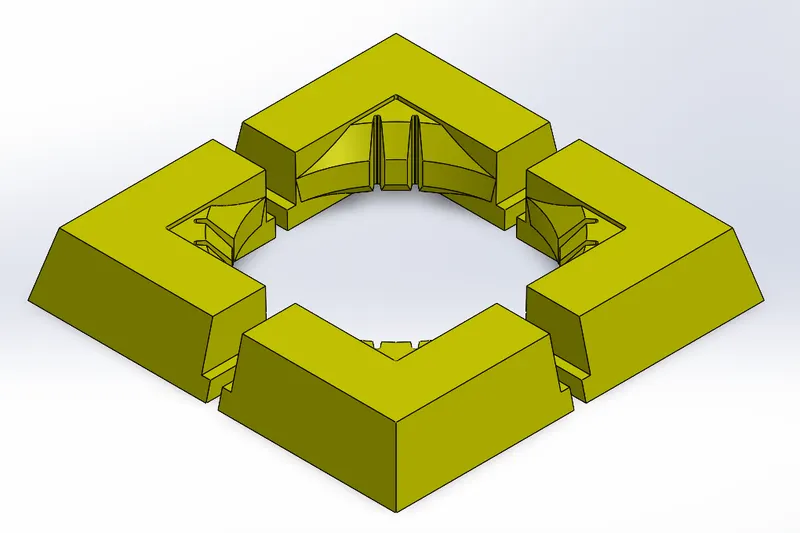
- Use combine(subtract body) command to form the slider profile in blocks
- Make necessary edits in the core & cavity blocks to ensure proper fit and easy movement of slider
- Provide relif between core/cavity block faces which are in direct contact
- We will have to create inserts for the inner features since the thickness is very less i.e. 1mm and the cutting tool for this thickness is not available
- Select the top plane and click on the insert's profile than use convert entities to form the sketch. Then use split command to form inserts
-
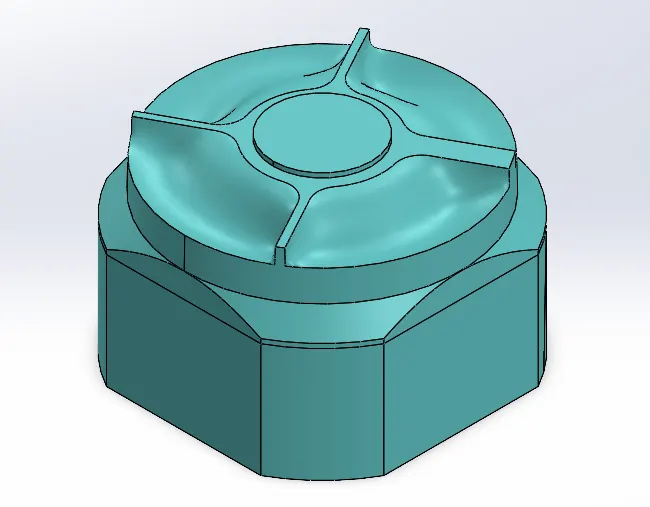
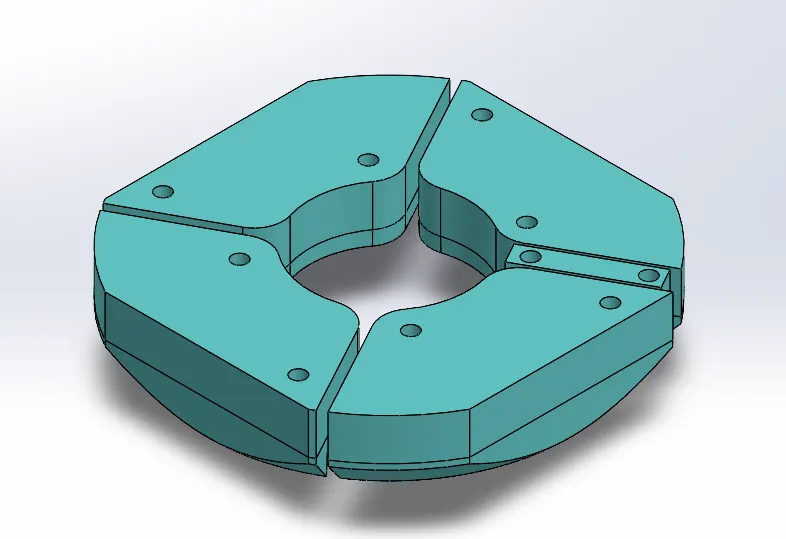
- Use hole wizard command to form holes for bolts for fixing inserts also create holes in inserts using extrude cut
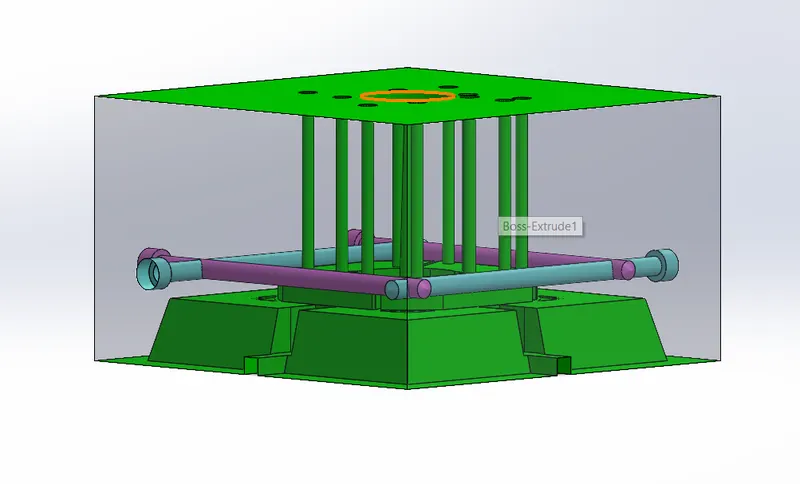
- To create the ejector pins sketch 6mm circles and extrude them.Provide proper relif and holes in core block also create pin head
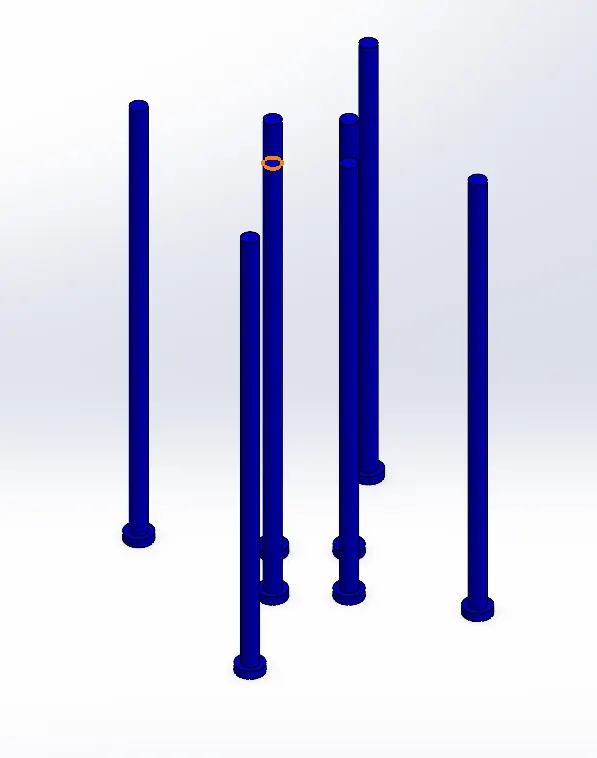
- Select pin head surface and sketch rectangles to form ejector plates. Also, provide pin head relif on plates
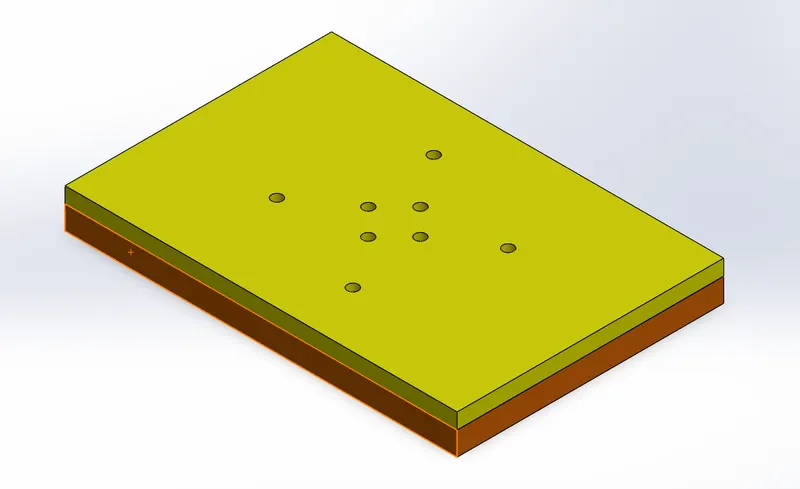
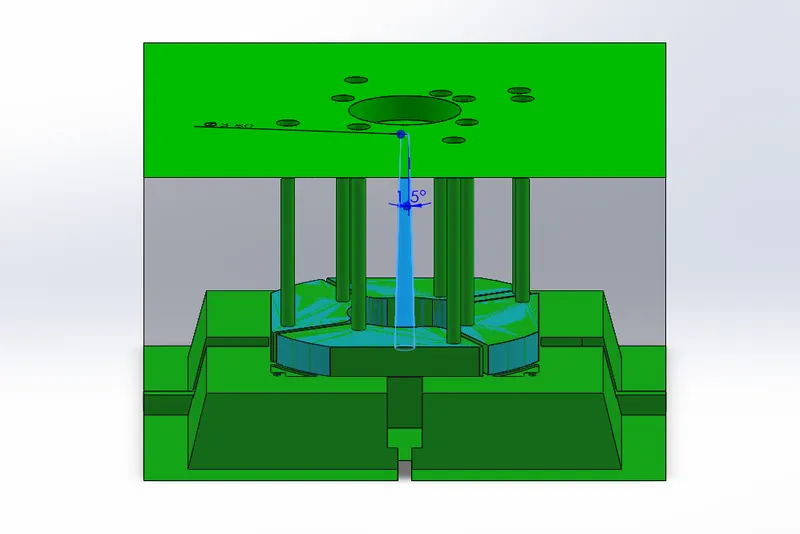
- Now in cavity block sketch circle and extrude cut to form sprue.
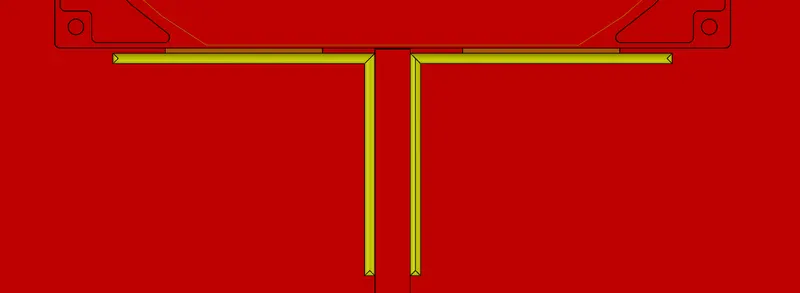
- Create air vents in the core block for air in block to escape use extrude,fillet,mirror & combine commands
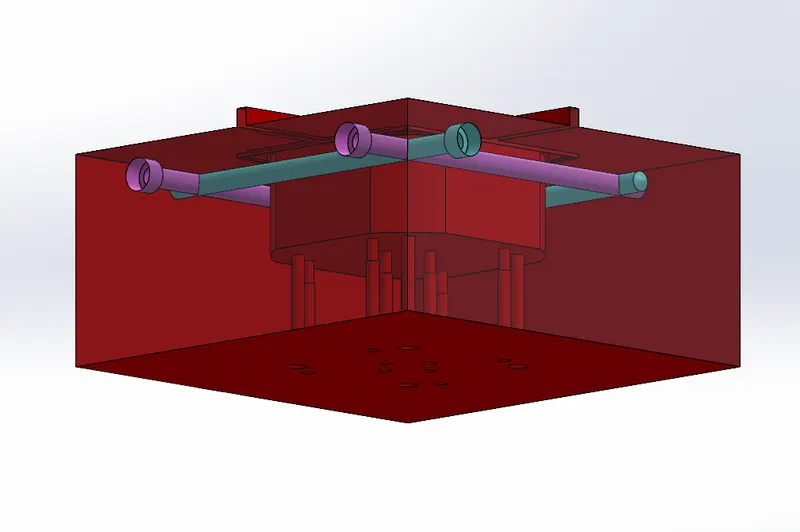
- Now to make the cooling channel across the core & cavity block use hole wizard command and specify M10 socket head cap screw type and create multiple cooling channels.Maintain series flow