Wiring harness routing & packaging Rules Week 3 Challenge
Q1.
Step 1.First Cad data is downloaded and saved in specific folder.
Step 2. In Part design, create Points and Planes in desired place as shown below
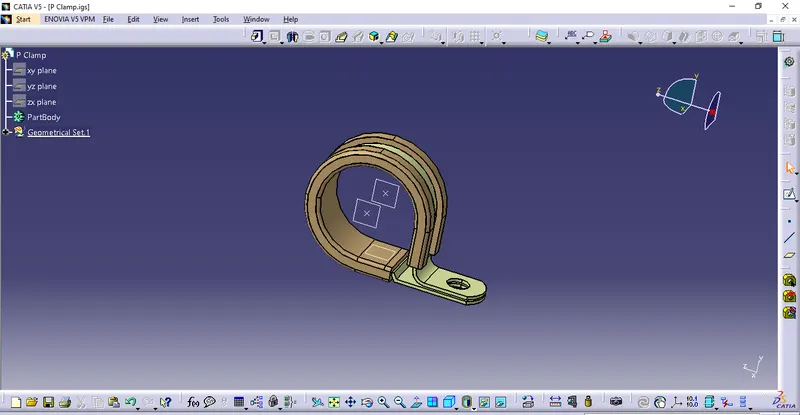
Step 3. Defining part as electrical in electrical part design using "Define Support"
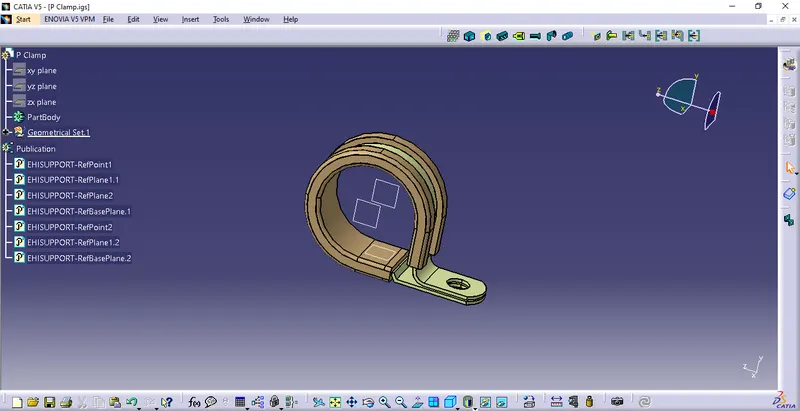
Step 4. Store the part in the Assigned Catalogue as shown below.
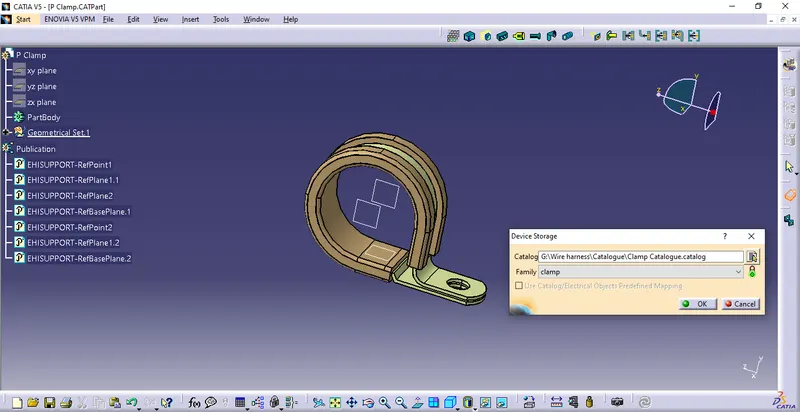
Q2.
Step 1.First Cad data is downloaded and saved in specific folder.
Step 2.In Part design, create Points and axis in desired place as shown below
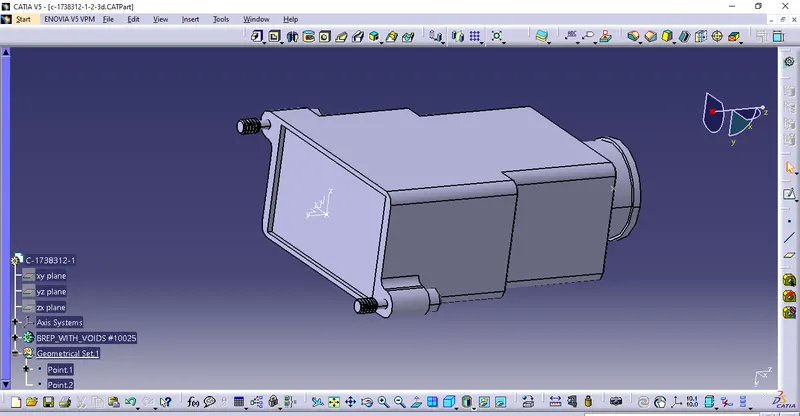
Step 3. Defining part as electrical in electrical part design using "Define Support Part"
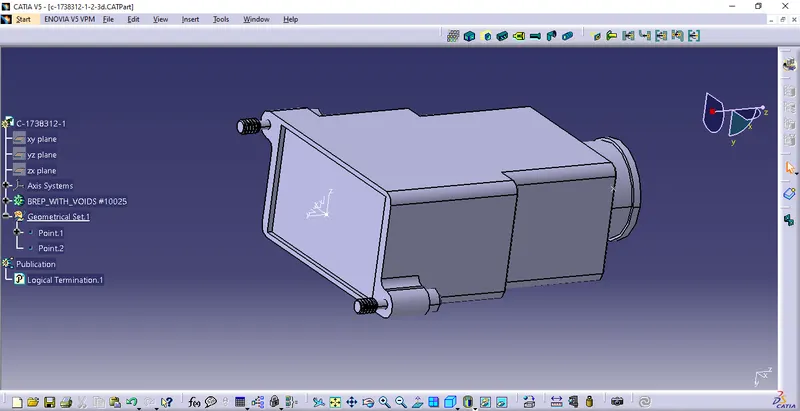
Step 4. Defining Backshell Connection point as shown below
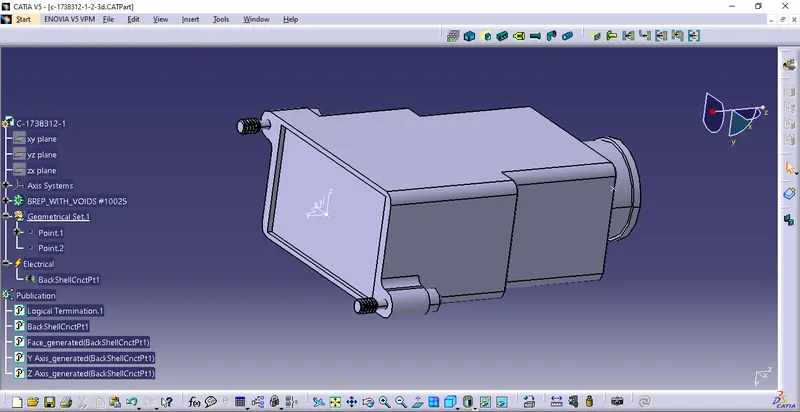
Step 5. Defining Bundle Connection point as shown below
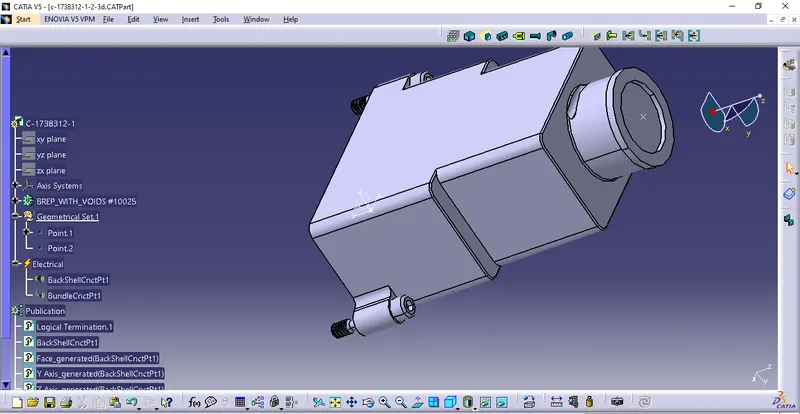
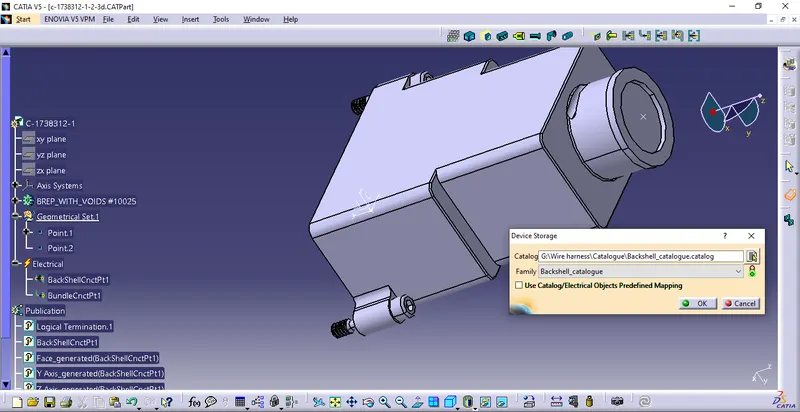
Step 6. Store the part in the Assigned Catalogue as shown below.
Q3.
15MM COT TUBE
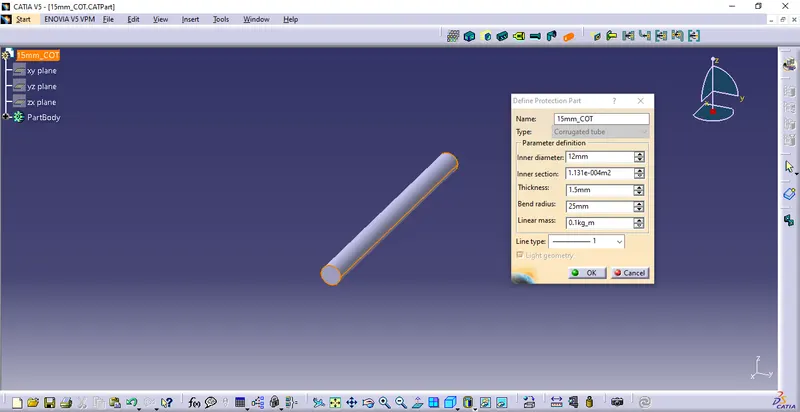
Create Cot tubes using "define Protection part" by Defining all parameters in Electrical part design as shown
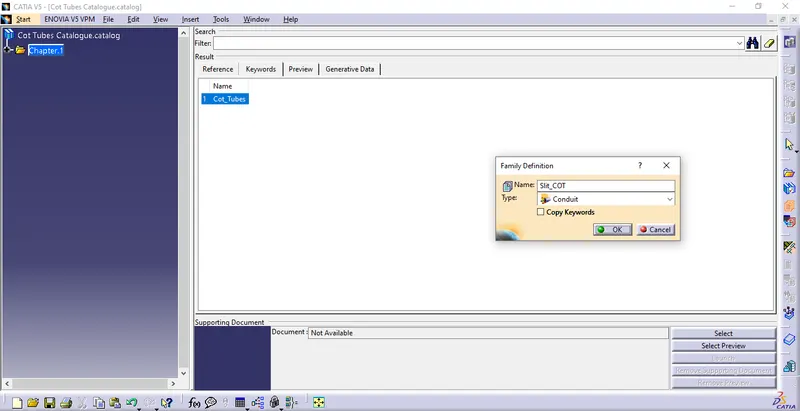
Create Family- "Slit COT" as shown and add all COT tubes in the Catalogue.
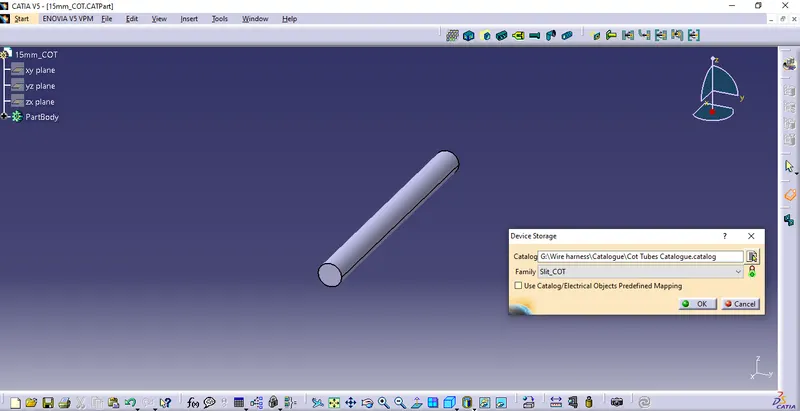
Create in similar steps for remaining COT Tubes, attached for reference.