Project 1
Step 1 : Open all the Step file data and save these files in respective folder in Catia format.
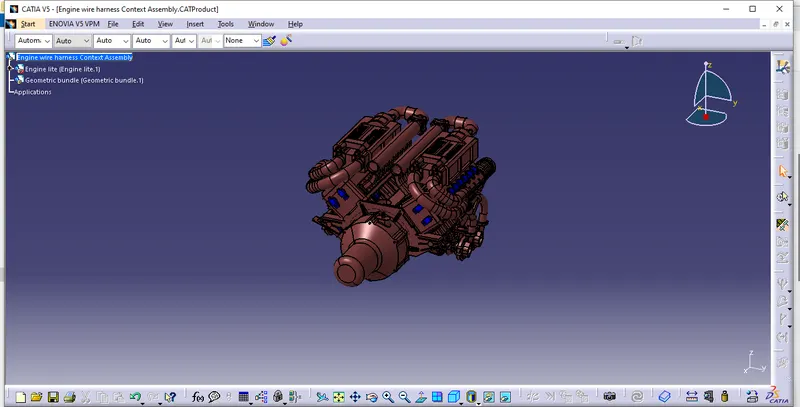
Step 2: Create a new product file and save as "Engine wire harness context assembly".
Step 3: Copy the Engine assembly and paste in context asssembly.
Step 4: Create new product as " Geometric bundle" where all connectors are added for routing and add this in context assembly as shown below
Step 5: Electrically define all the connectors, clips, clamps, supports and save to catalogue for future use as shown below
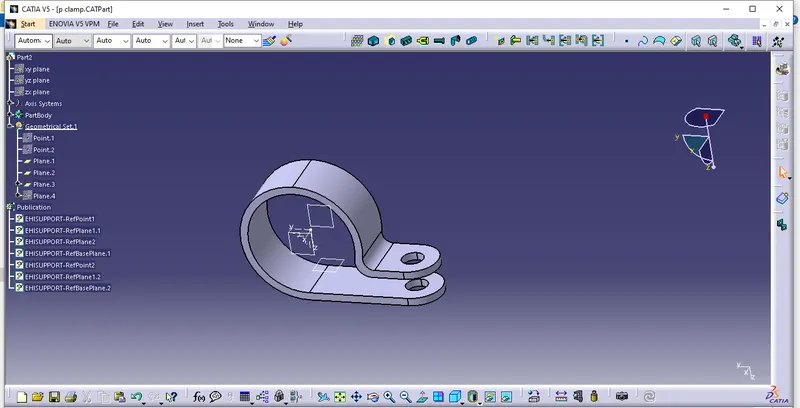
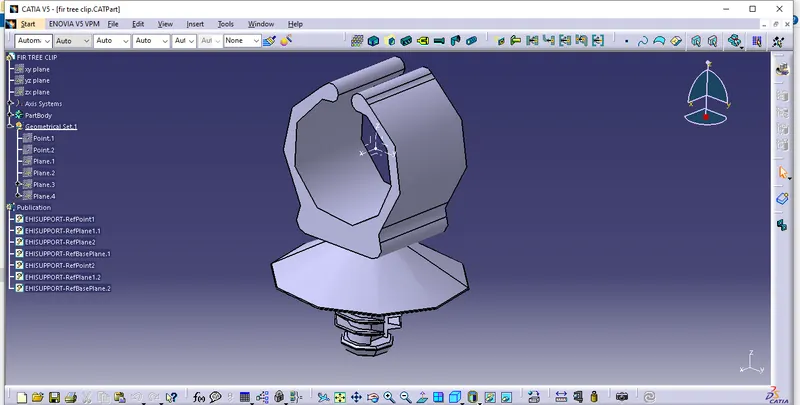
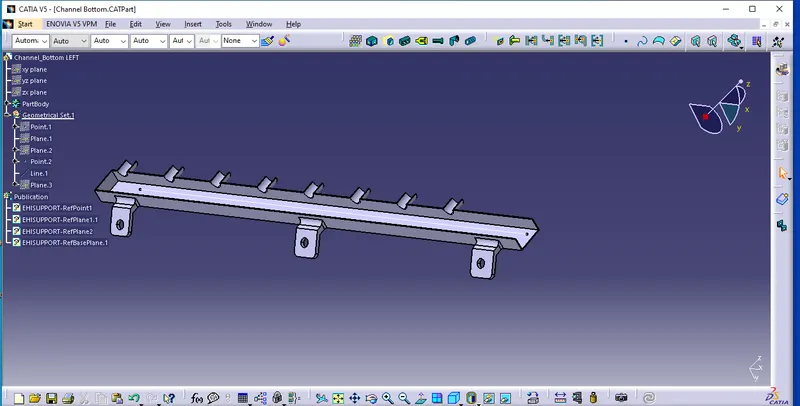
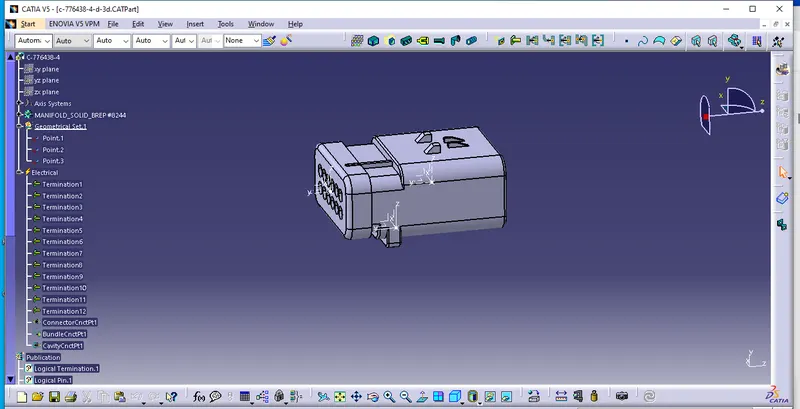
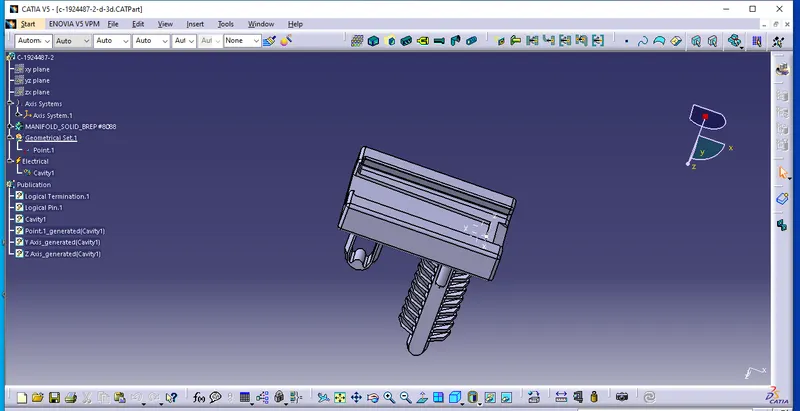
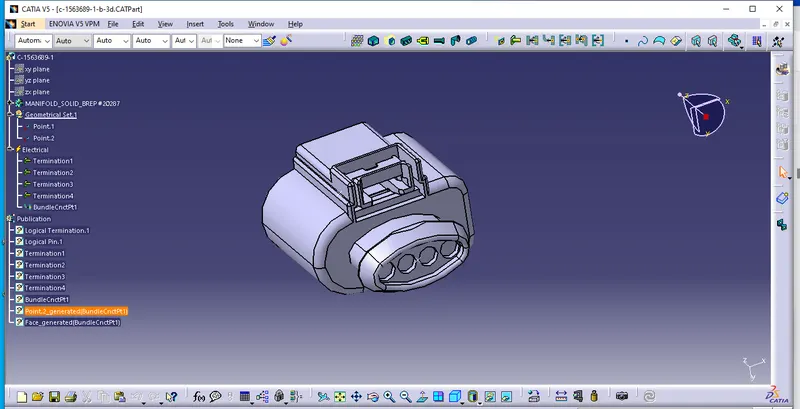 .
.
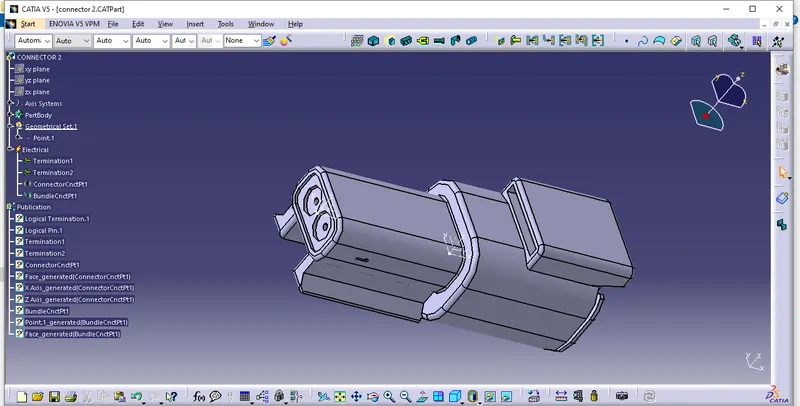
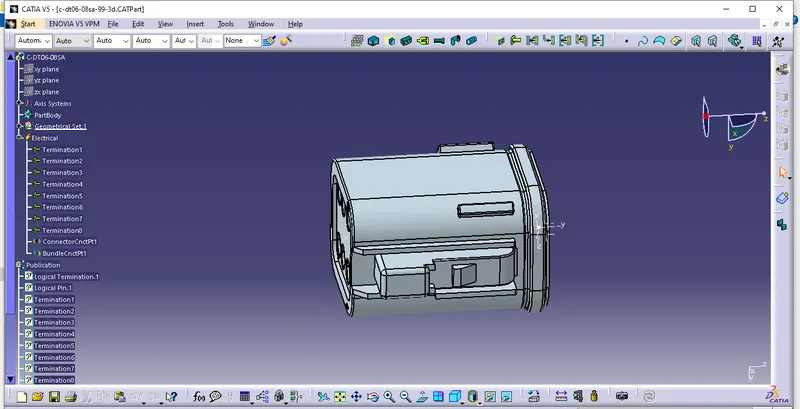
Step 6: Place all the connectors, clips, clamps,supports etc., in the desired location of Engine assembly as shown below
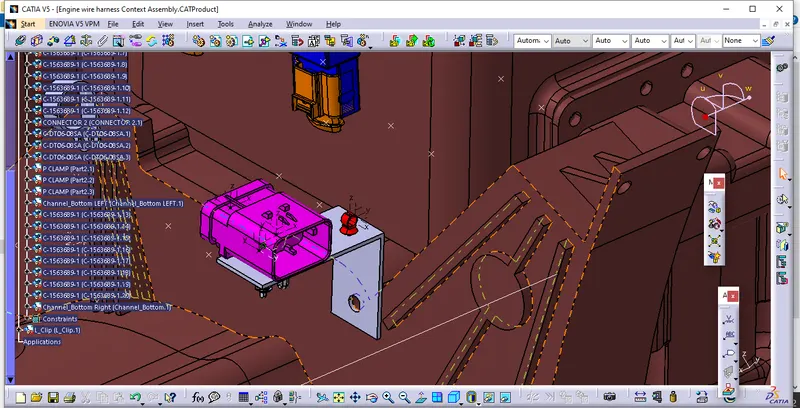
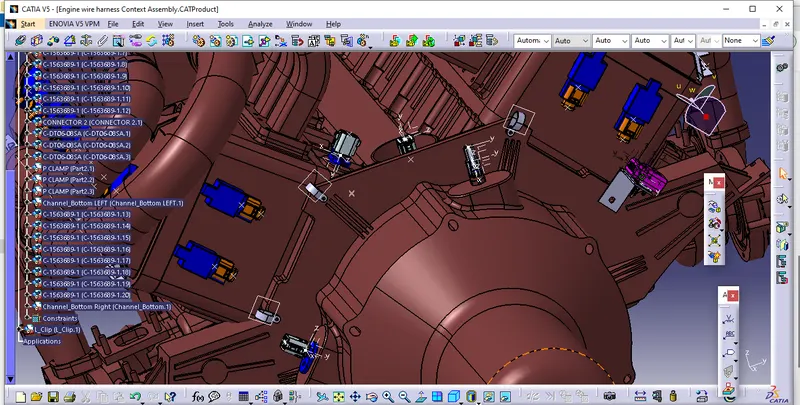
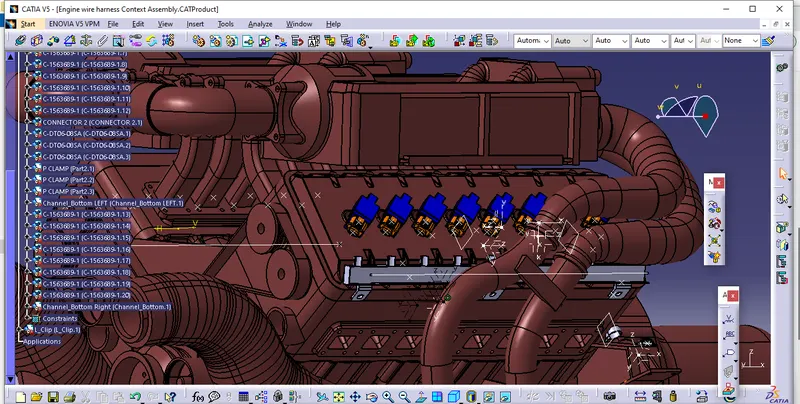
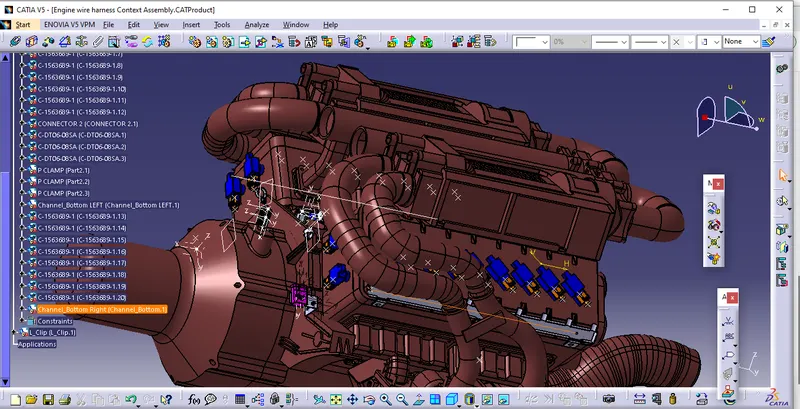
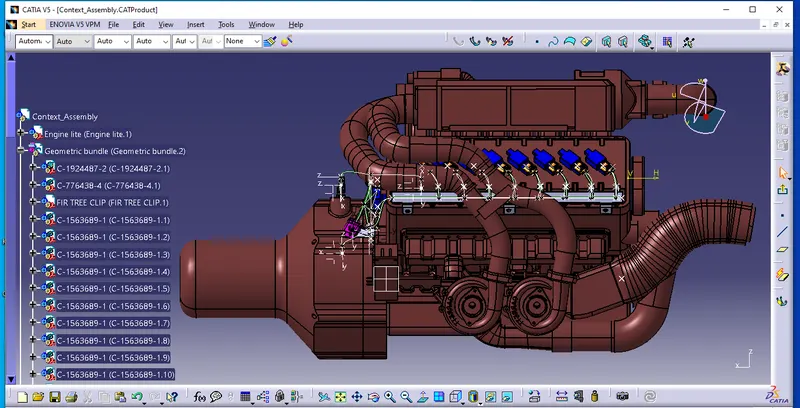
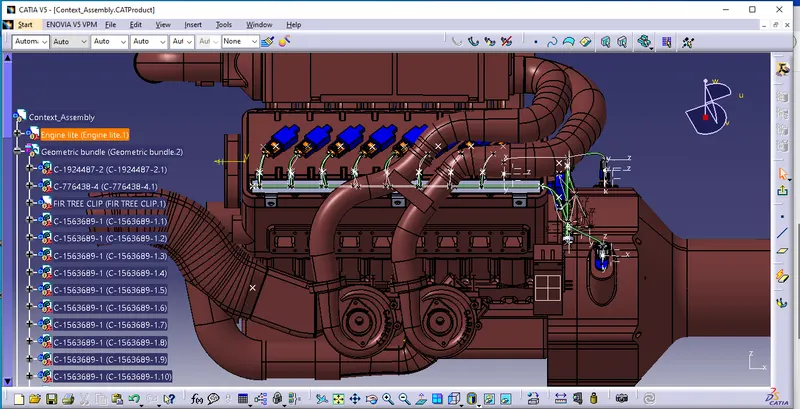
Step 7: Switch to Harness Asembly module and electrify the Geometric bundle and start routing the assembly by providing desired wire diameter and bending radius as per the Manufacturing feasibility and design and provide necessary protection where ever necessary as shown in below images
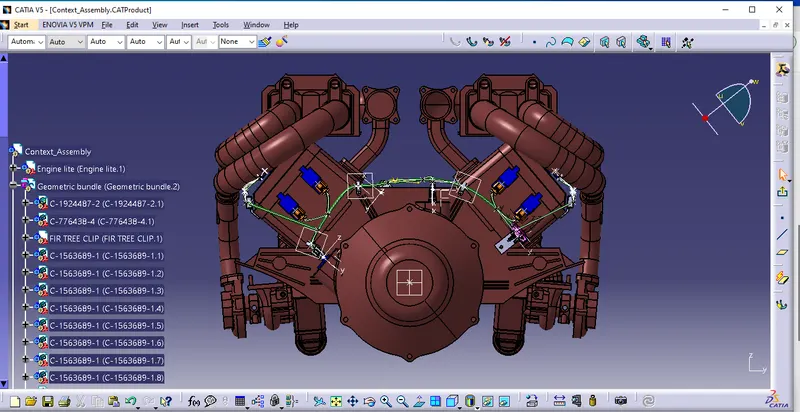
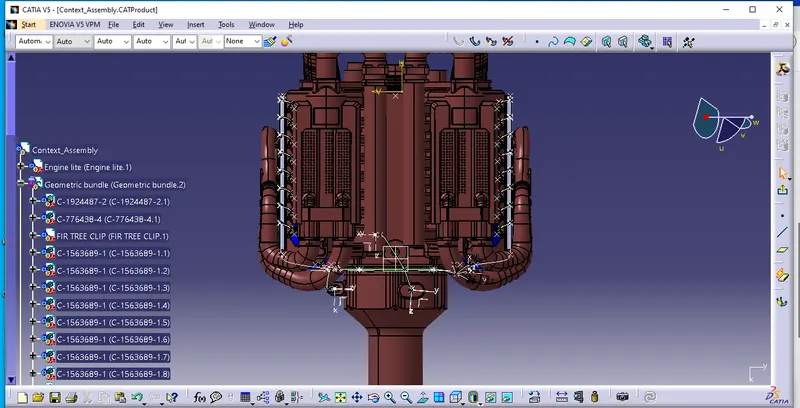
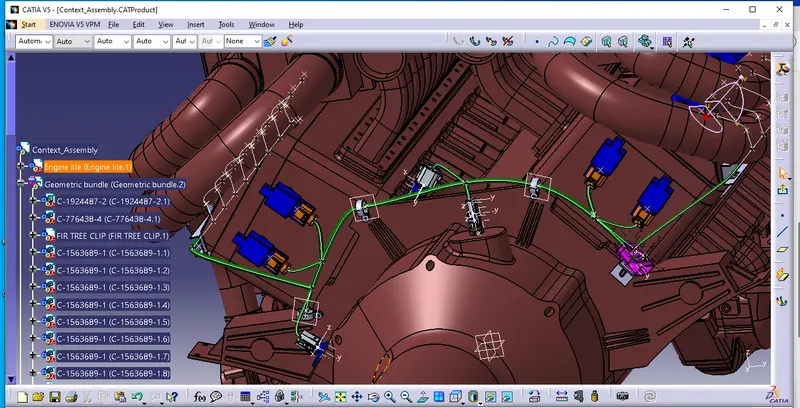
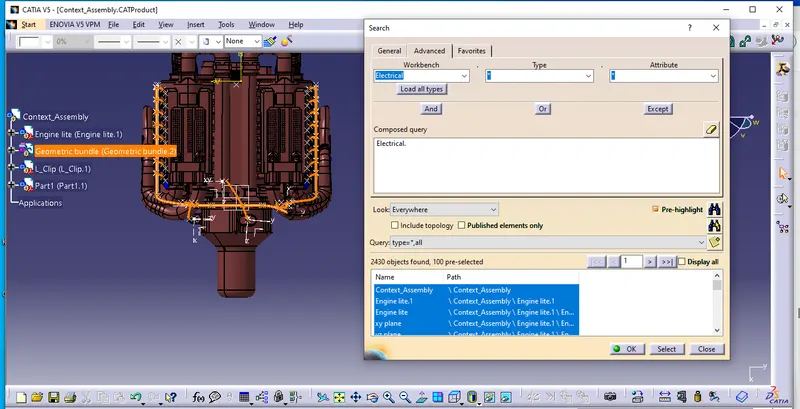
Step 8: Check the Bundle continuity by selecting the Geometric bundle, edit- search- advanced- electrical- Bundle segment-Fully connected and select True to show all connected bundle,as shown below
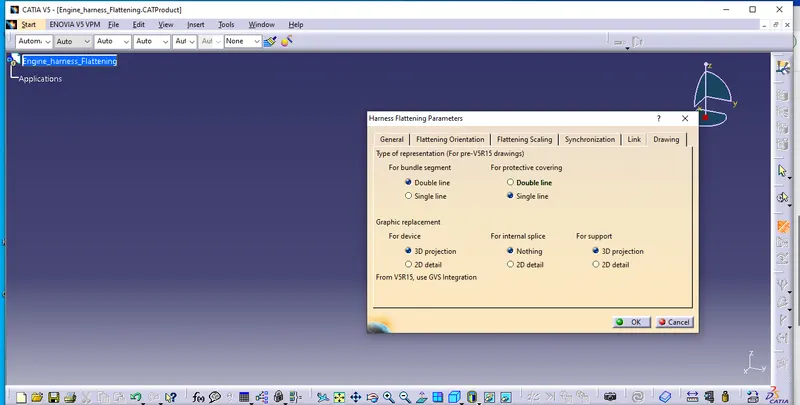
Step 9: Create new product for Flattening of bundles and set required parameters as shown below
Step 9: Extract the bundle for Flattening as shown below
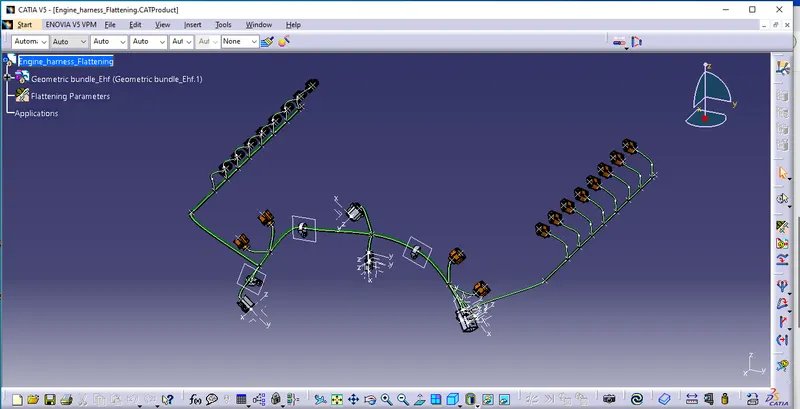
Step 10:Flattening is created and rotated the braches as desired
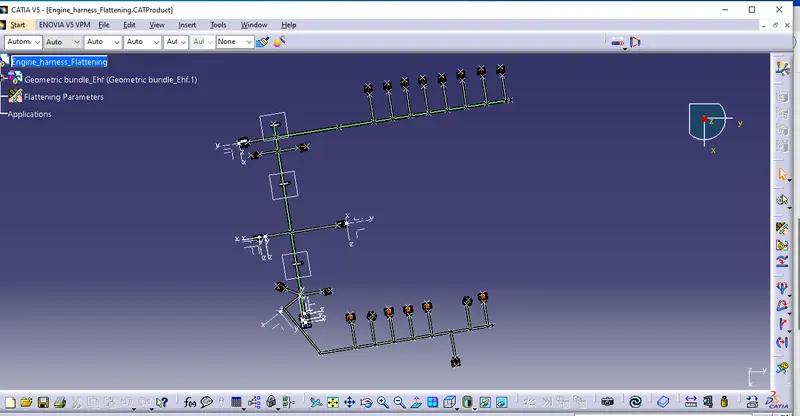
Step 11: Drawing of the Flattened bundle is shown below
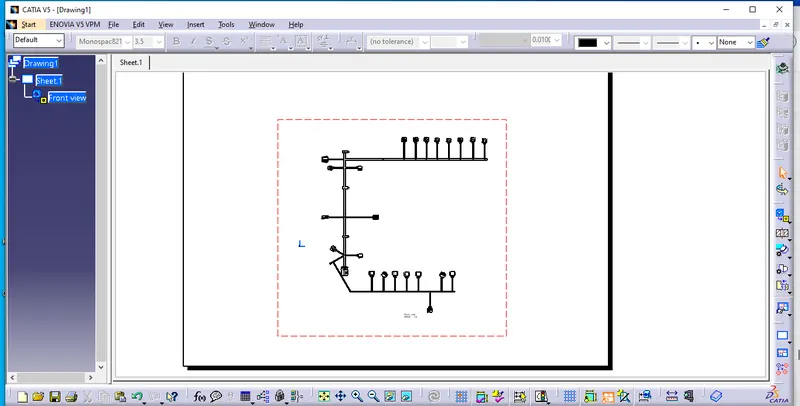
All files are attached for further reference.