Wiring harness design in CATIA V5 - 3D modeling Week 7 Challenge
Q1.
Step 1: Open the Harness assembly of Week 4 challange as shown below
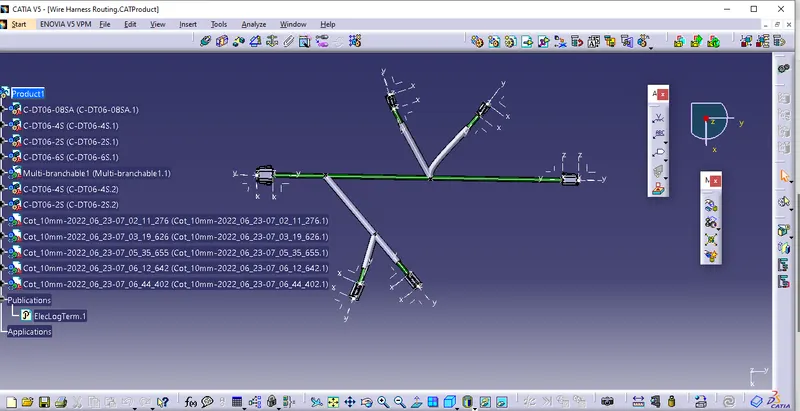 .
.
Step 2: Open new product for flattening of harness assembly. In flattening work bench, set parameters as shown
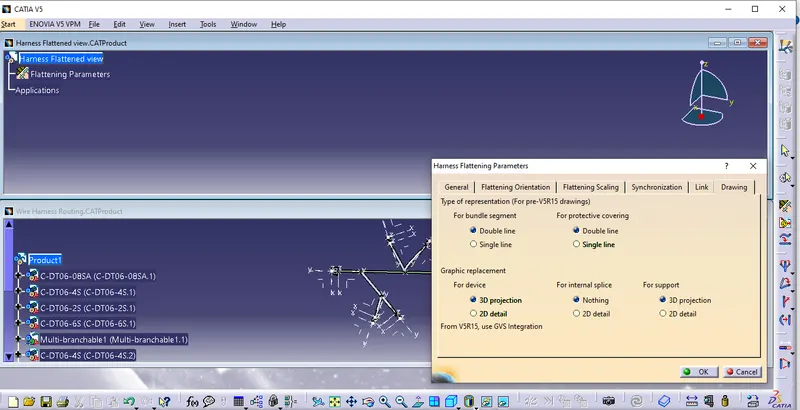
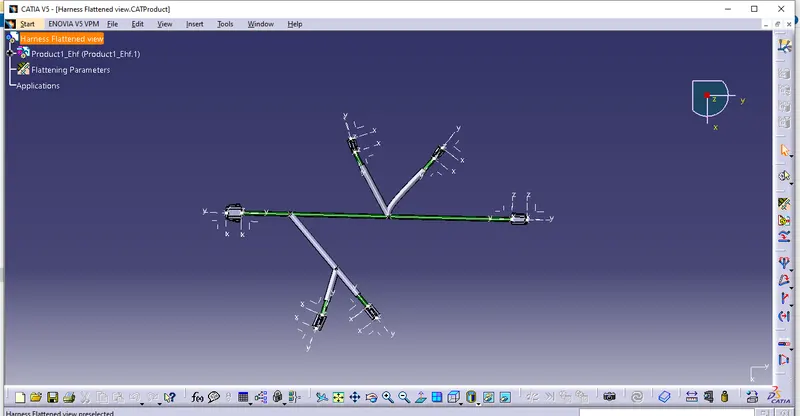
Step 3: Select "Extract " option and select the Harness product as shown
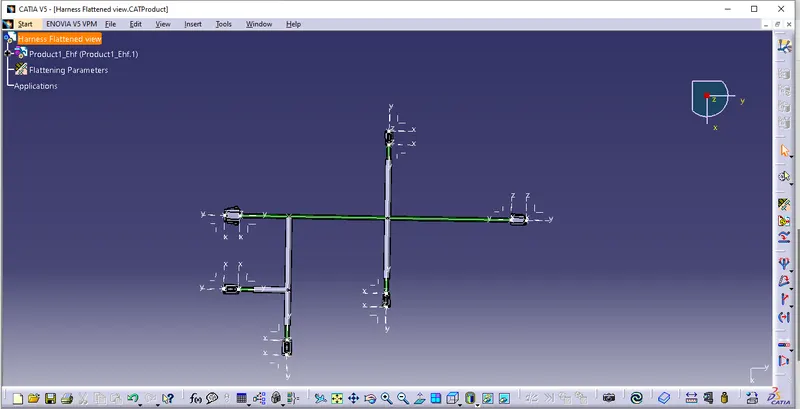
Step 4: Select "Flatten" option, define the connector face for orthogonal orientation and select all branches as shown
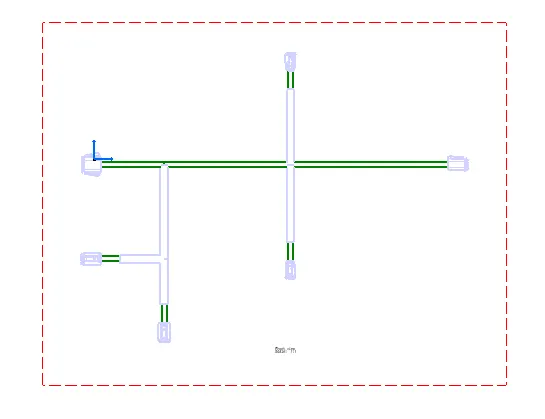
Step 5: Open new drawing sheet and place the flaten view in the sheet as shown below
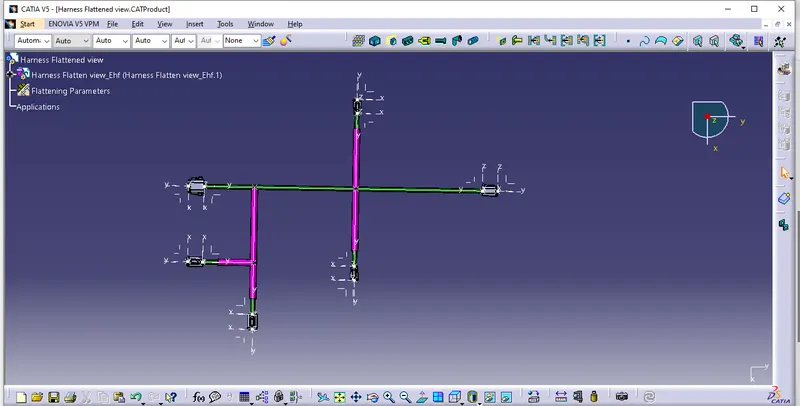
Step 6: Change the colour of Protective tubes in the model as shown
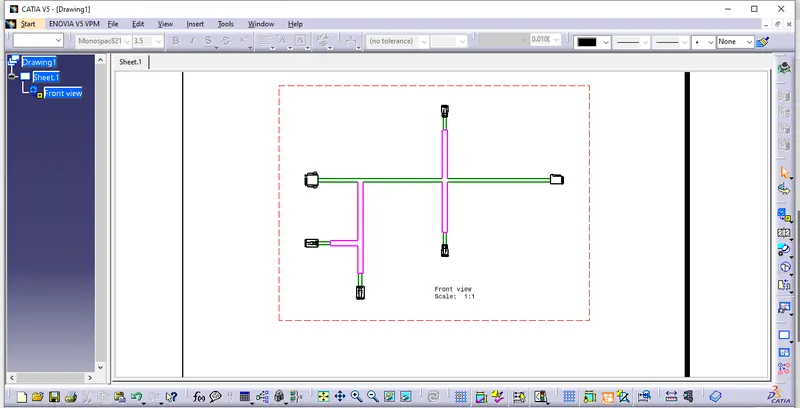
Step 7: Switch to drawing and change the properties as desired and shown below
Please find the attached file for reference.