Wiring harness design in CATIA V5 - 3D modeling Week 2 Challlenge
First download all the connectors and connector clip CAD data from the link provided.
Open those CAD data in CatiaV5 and save it as part file.
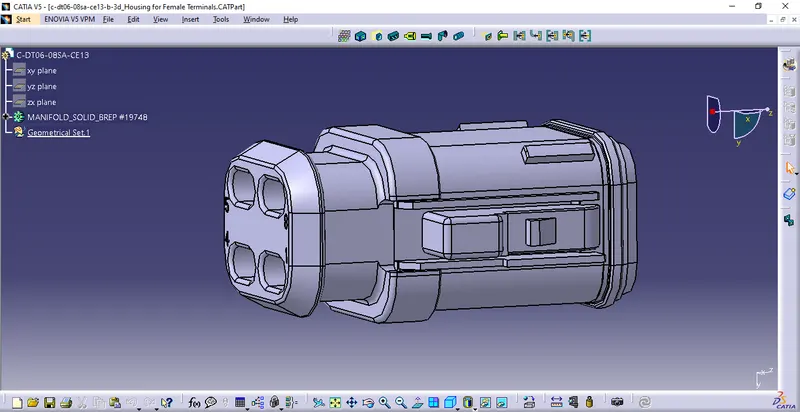
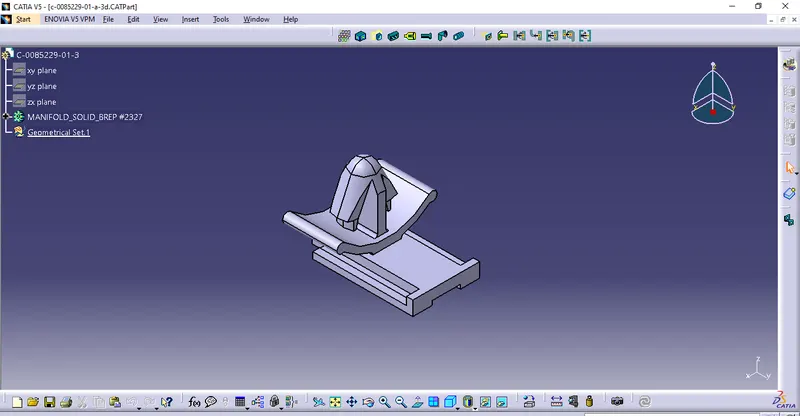
Open in Mechanical part design Work bench and start providing all the Geometry Parameters like Points and Axes creation for connectors and clips as shown below
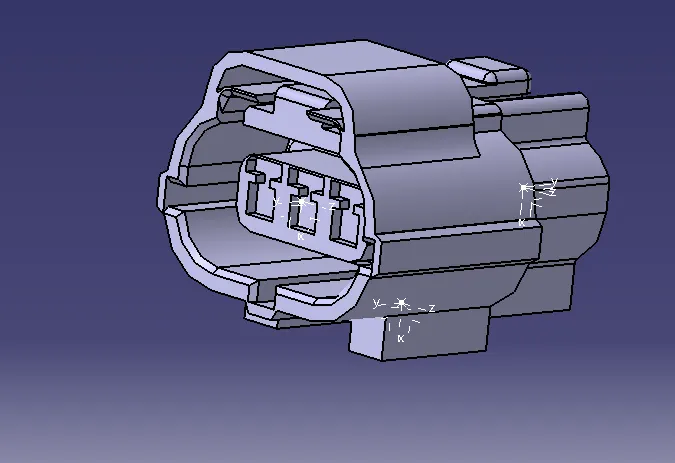
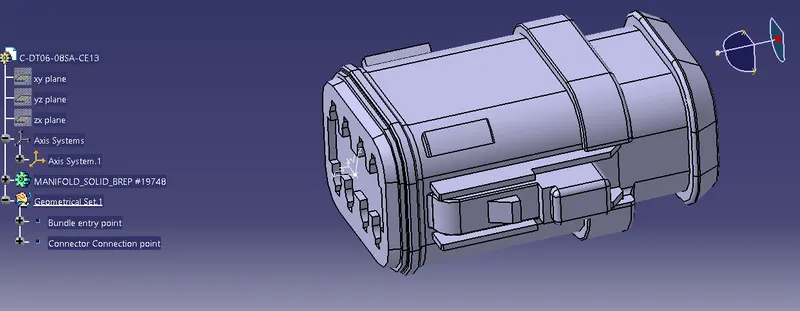
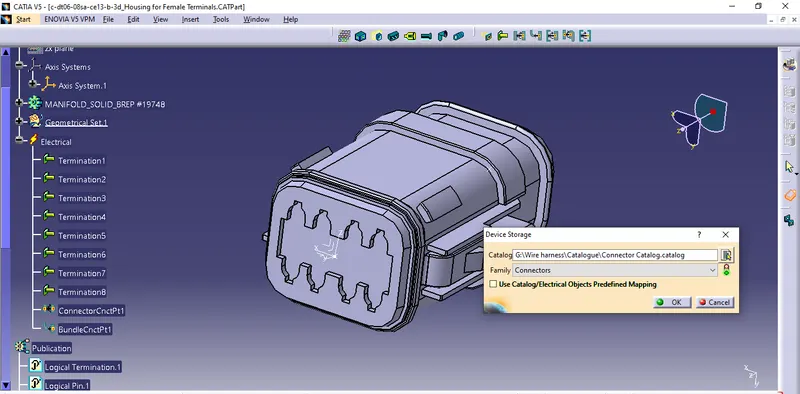
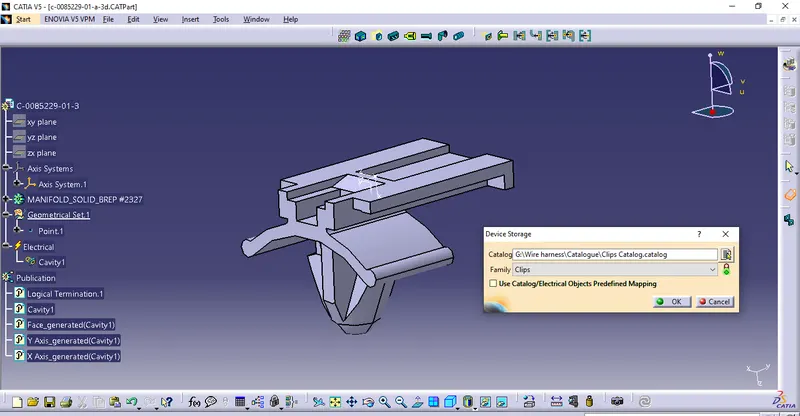
Switch to Electrical Part deisgn Work bench and Define the Connectors and Provide the Connector Connection Points and Cavity Connection Point as required.
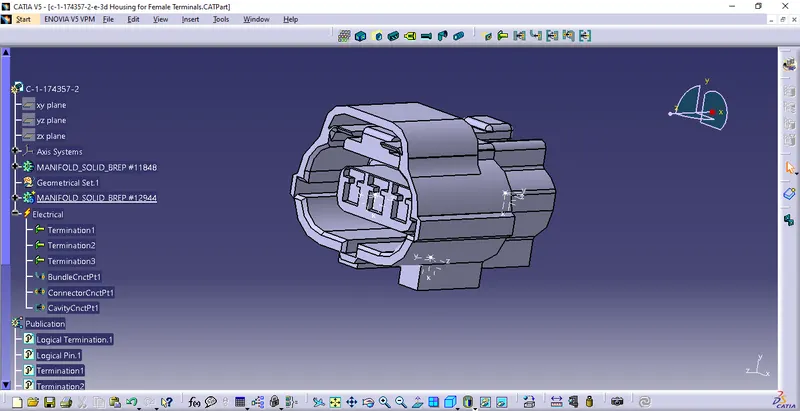
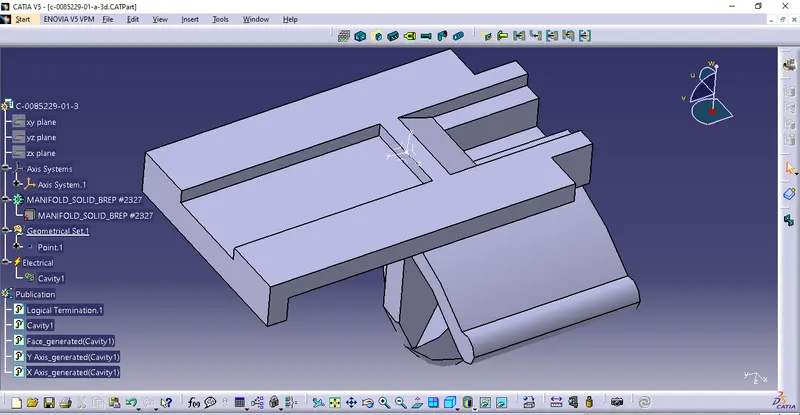
Create Catalog based on the category like Connectors, Clips etc., Save the Electrically defined Connectors and clips in the Catalogue for ready Future use of Harness Engineers.