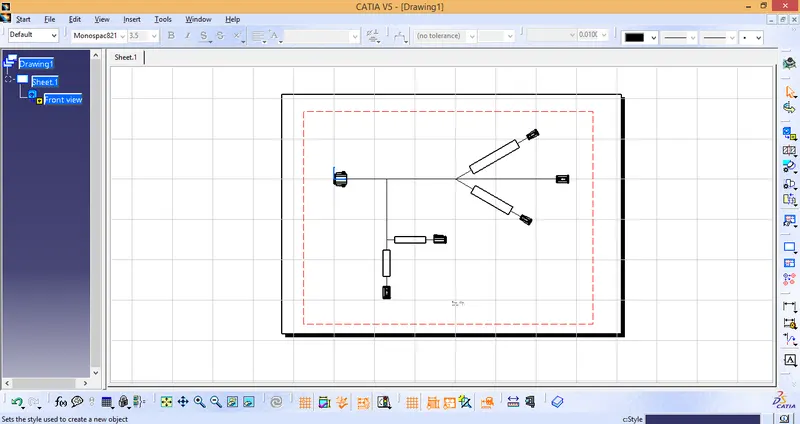
Wiring harness design in CATIA V5 - 3D modeling Week 7 Challenge
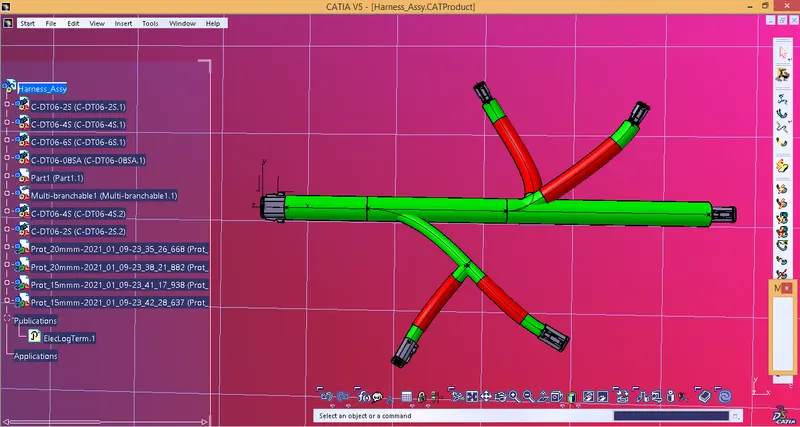
1) Create Harness Bundle as per given specification:
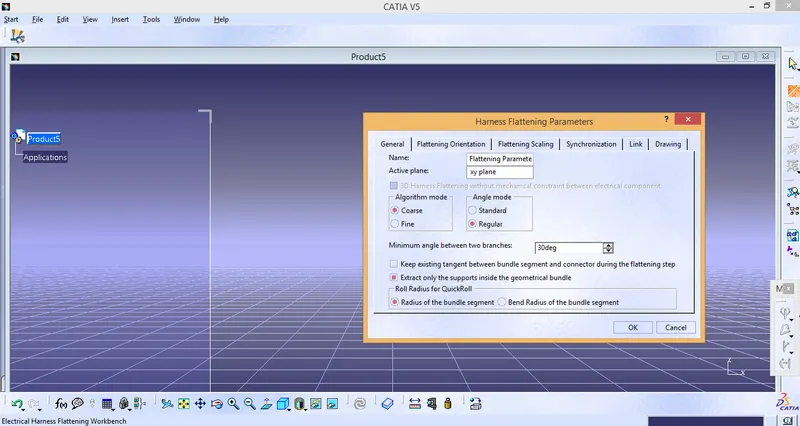
2) Switch to Harness flatenning assembly. Create a new Product and define flattening parameters for the new file.
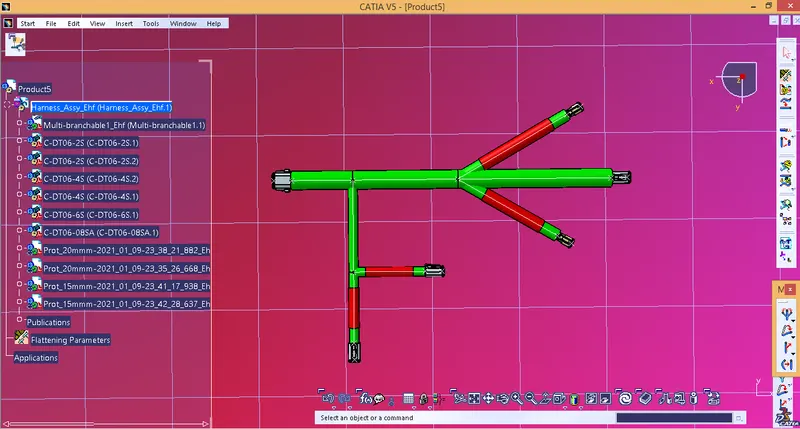
3) Bundle assembly is then transferred to Flattening workbench.
4) Create a new drawing sheet. Select the desired plane to get flattened view of the Harness in 2 Dimension. Change the settings to get 3d projections of the connector and save the document.