Wiring harness design in CATIA V5 - 3D modeling Week 7 Challenge
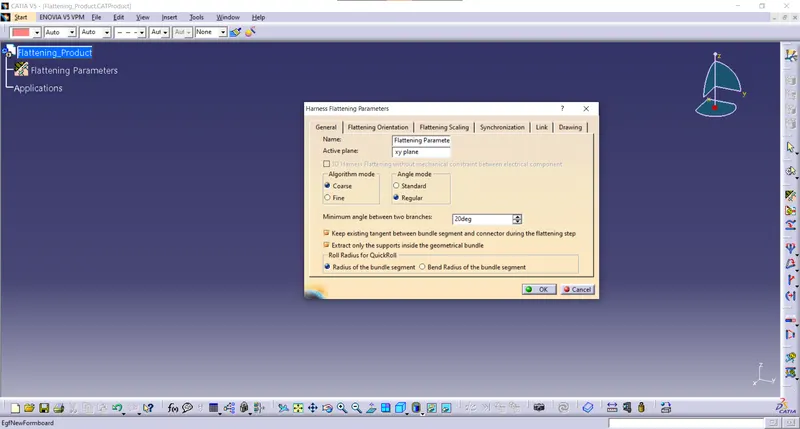
Flattening Parameters are set as required
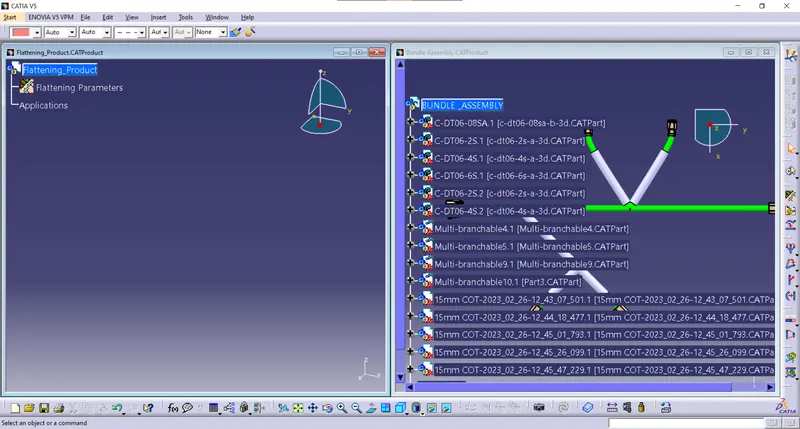
Import the Bundle assembly into flattening product using Extract option
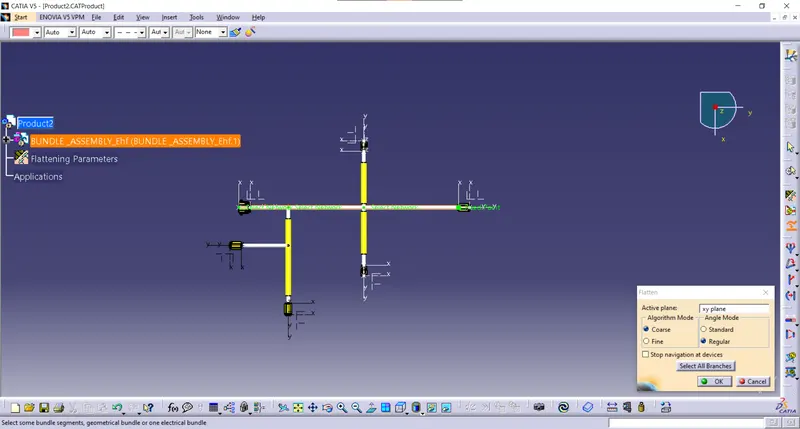
Now done Flatten By selecting the connector face as an active plane and selecting all branches.
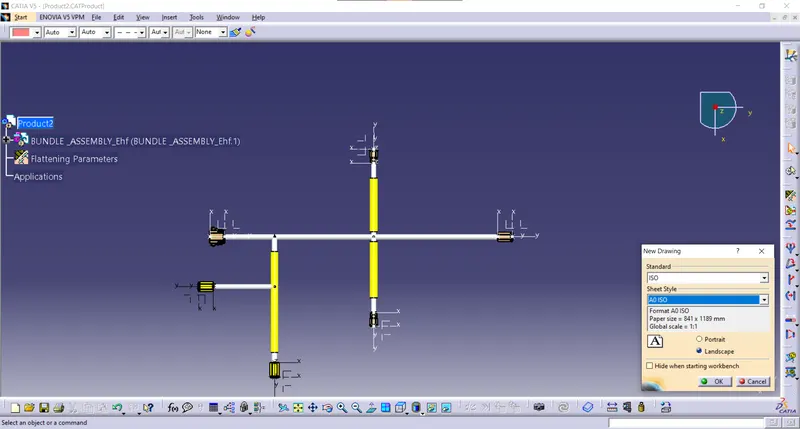
For Converting to drawing file opened new drawing file.
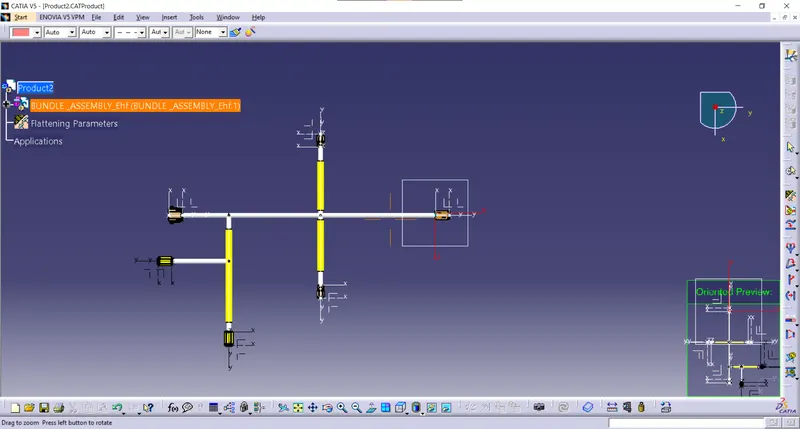
The connector face is selected as the front view.
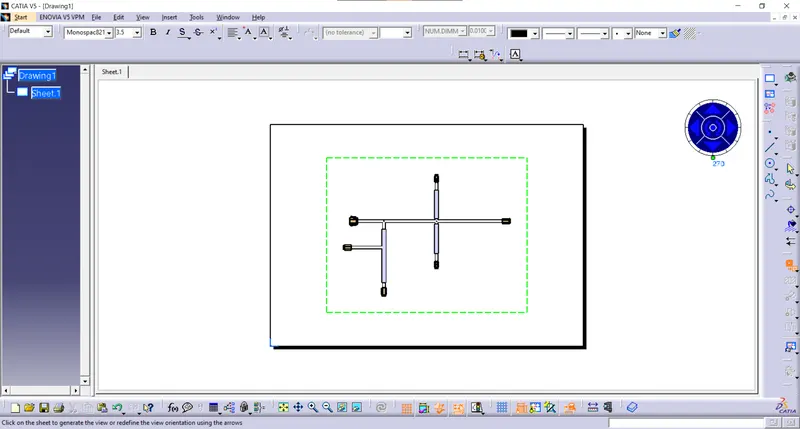
Imported the product to the drawing file
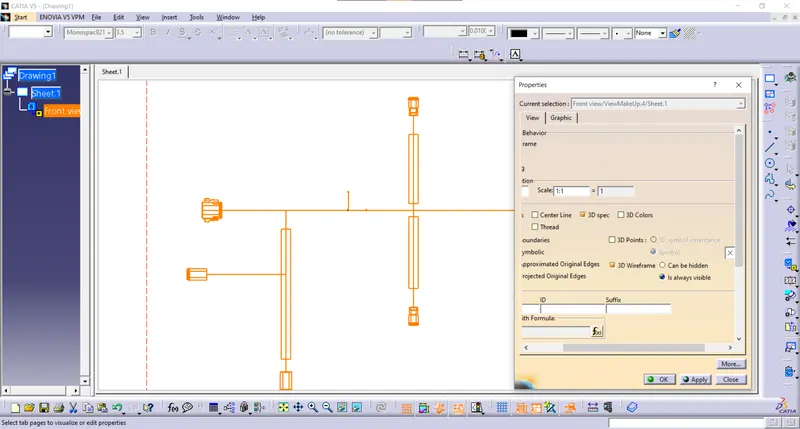
Drawing properties are changed for visualization
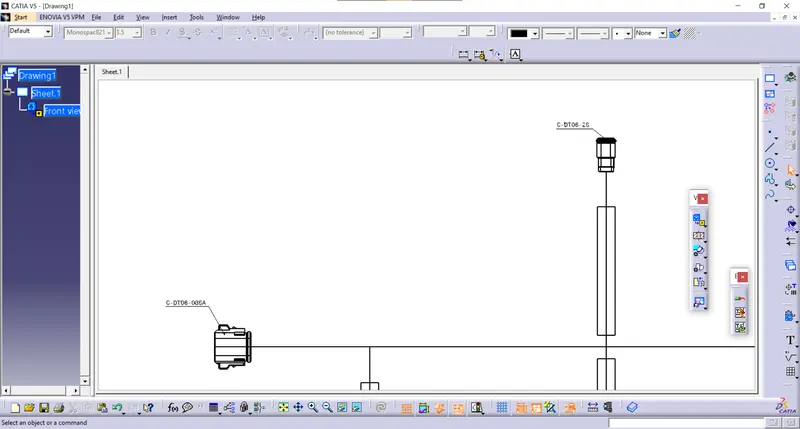
Given identification numbers to all the connectors.
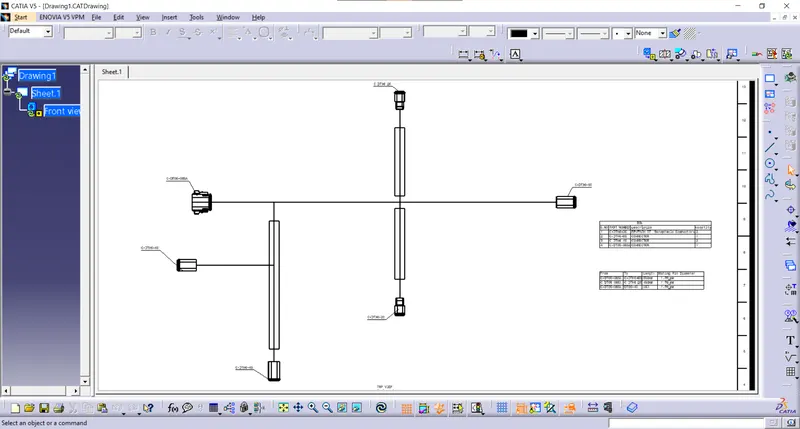
Added Bill of Material in sheet.