Week 8 - Challenge 5 - Core & Cavity Design
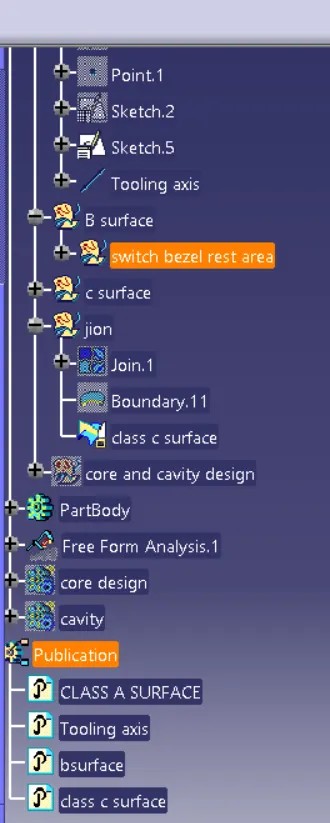
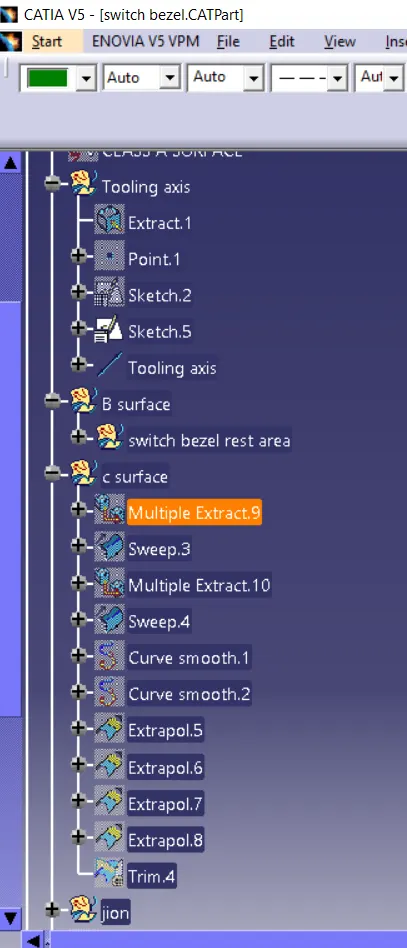
Tooling axis ;
- At first-class A base surface should be extracted and inserted point using point on surface option and then insert axis system on the point
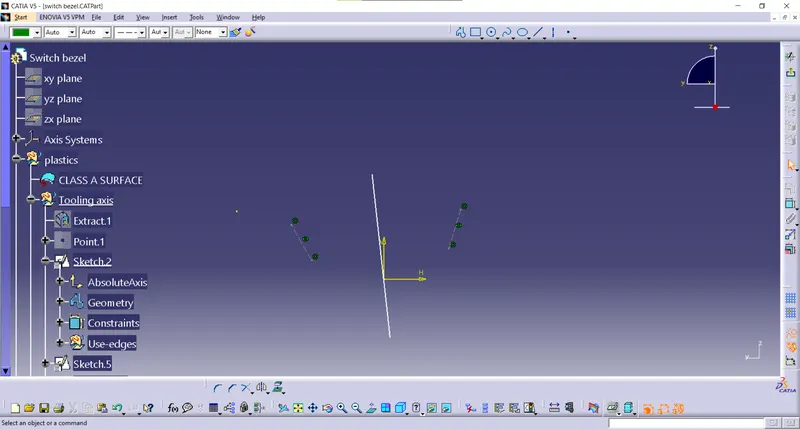
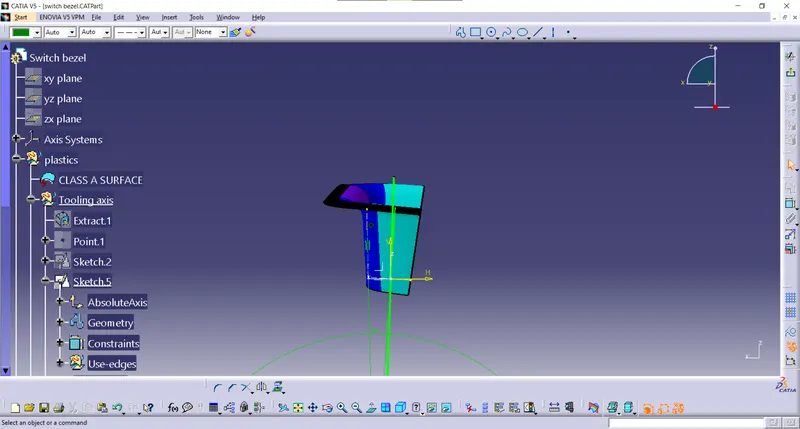
- create a sketch on the yz plane . using project 3d element project the line of the switch bezel curve and then using two-line create single using bisecting line option which tooling axis of y-axis
- Again create a sketch in xz plane and project 3d element option in switch bezel and draw line opposite with 5 to 6 degree angle which tooling axis for x-axis
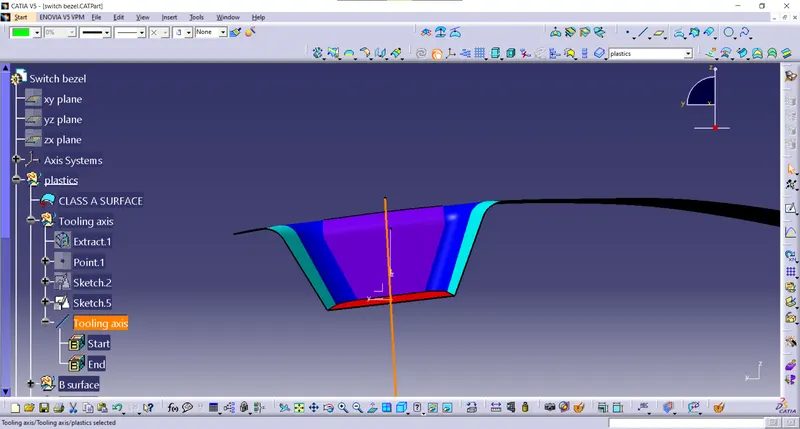
- now bisect both x and y-axis line create main tooling axis line and publish it
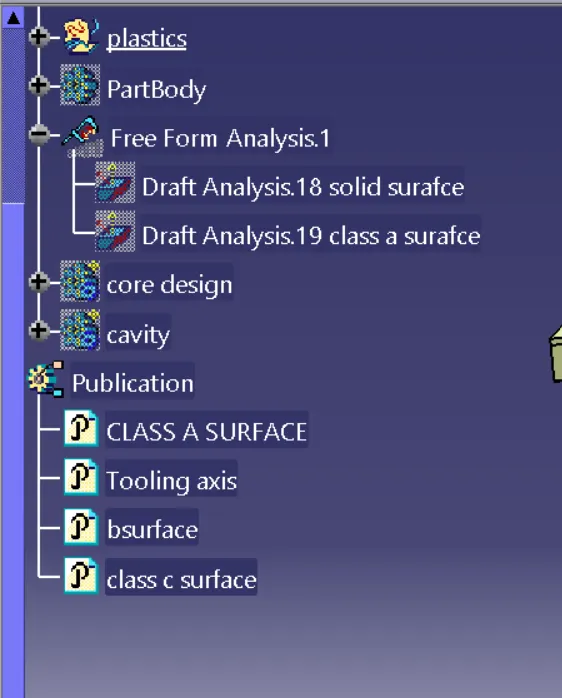
Draft analysis ;
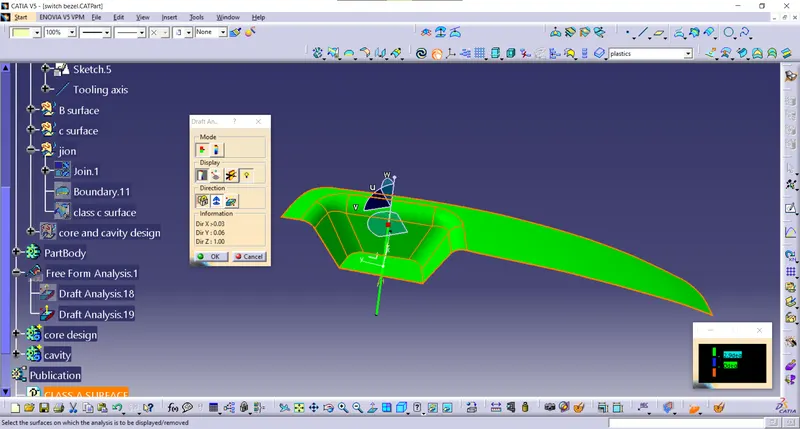
- At first insert component for draft analysis and tooling, the axis must be already created
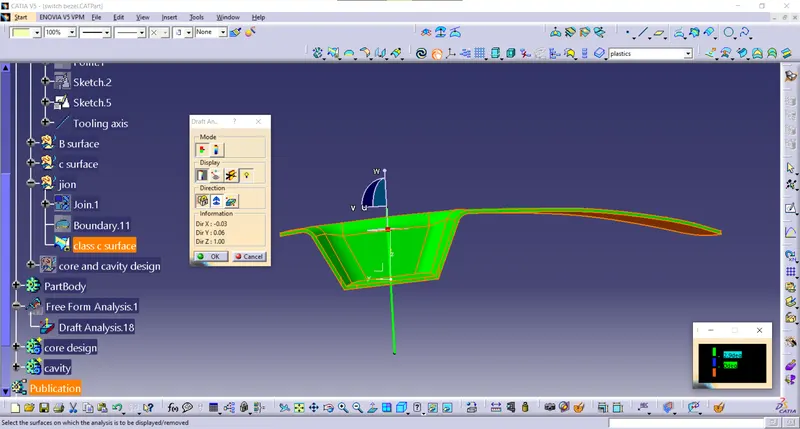
- First compass to be positioned in tooling axis and locked in the position using lock option
- then click on the one component and color will indicate the draft angle of various surface green color indicate surface in correct condition
- Then by using analysis under running point we can check various points of the component, 3 degree angle is the nominal draft angle of a component
core design
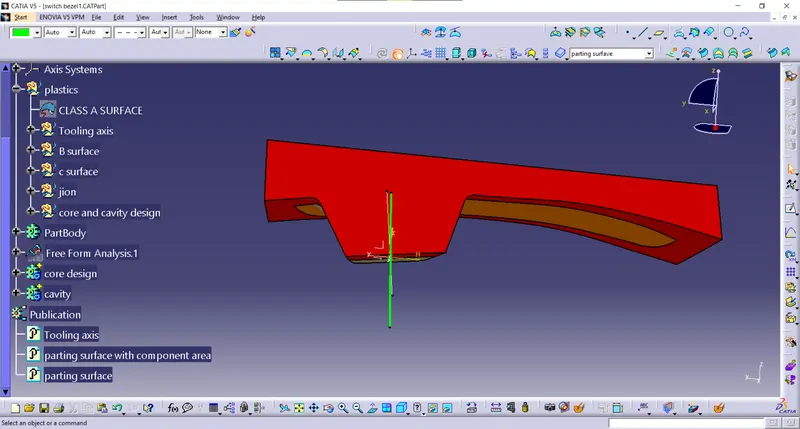
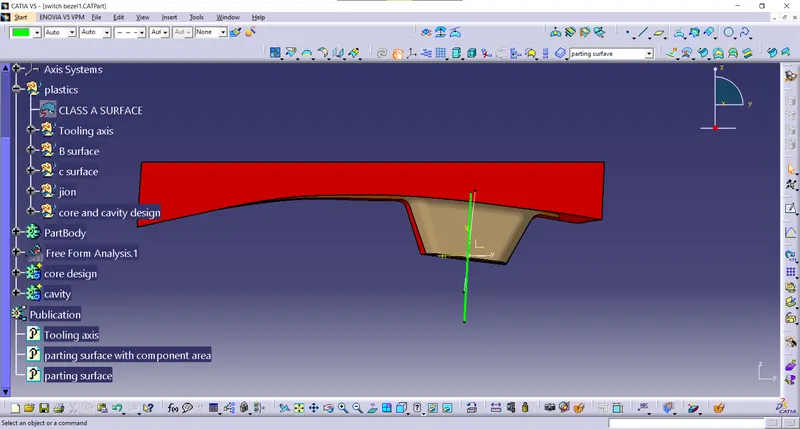
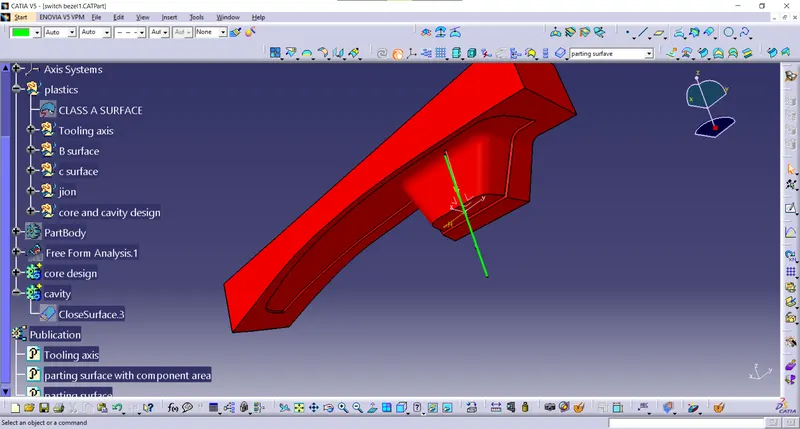
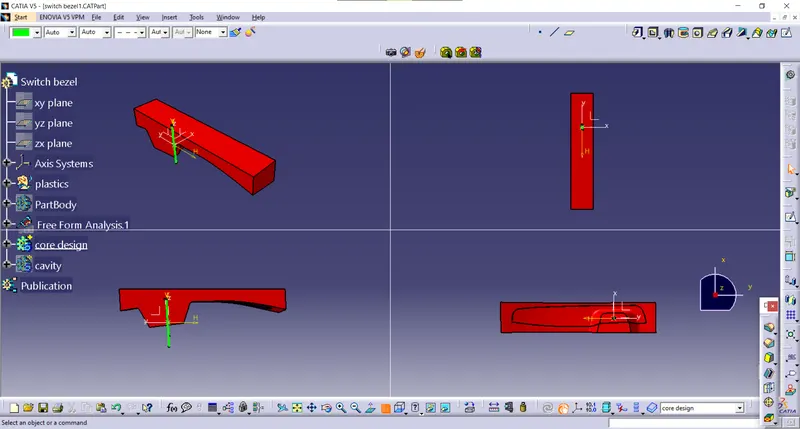
cavity design
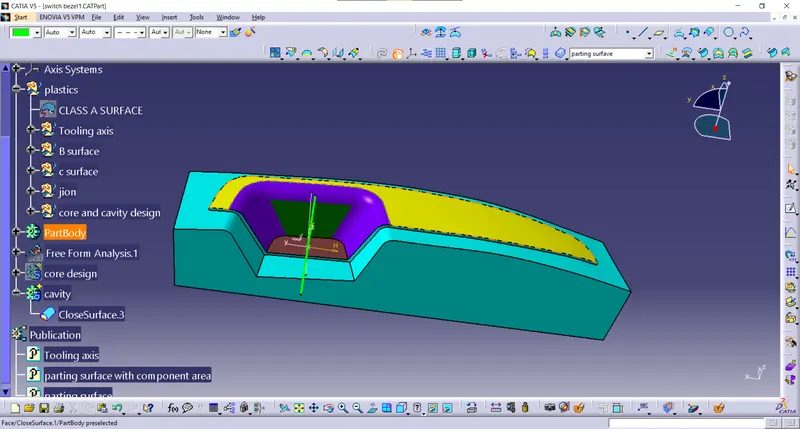
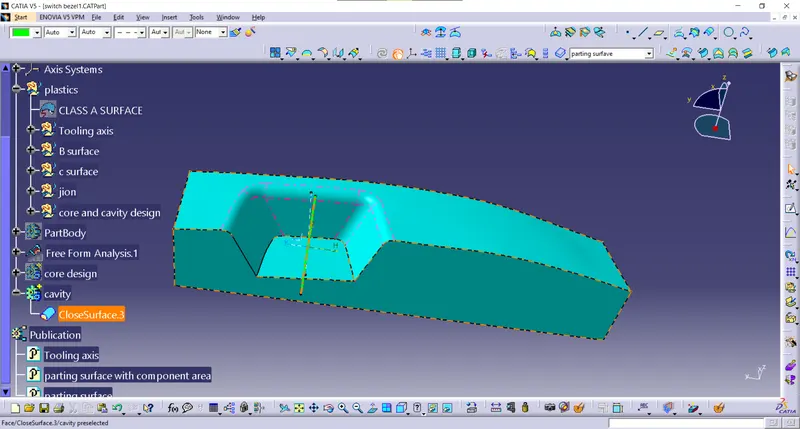
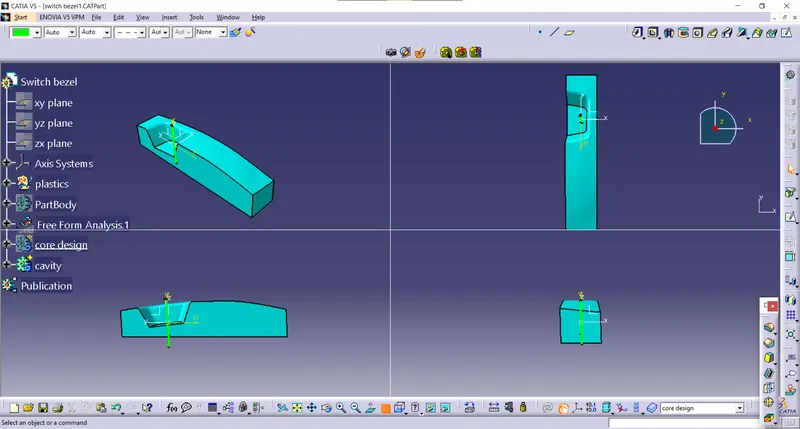
core cavity
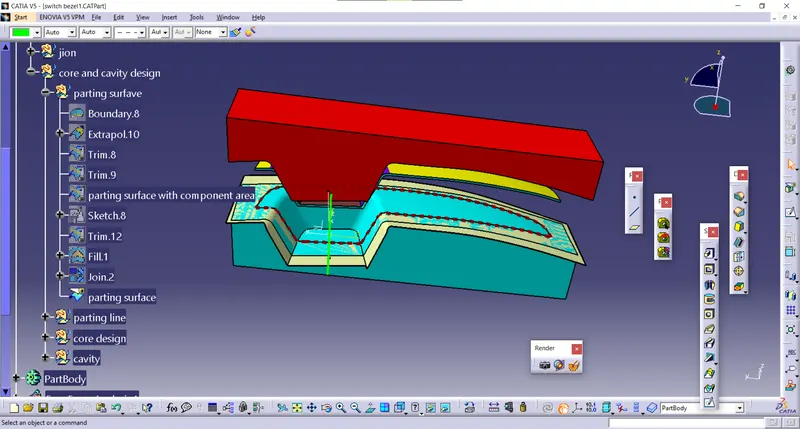
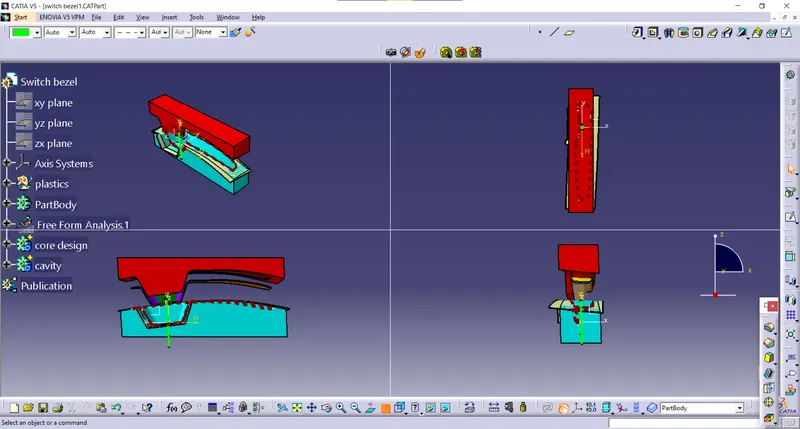
parting line and parting surface
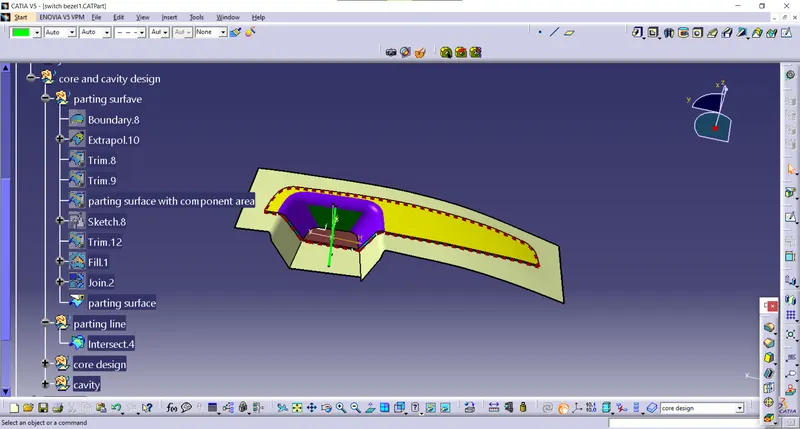
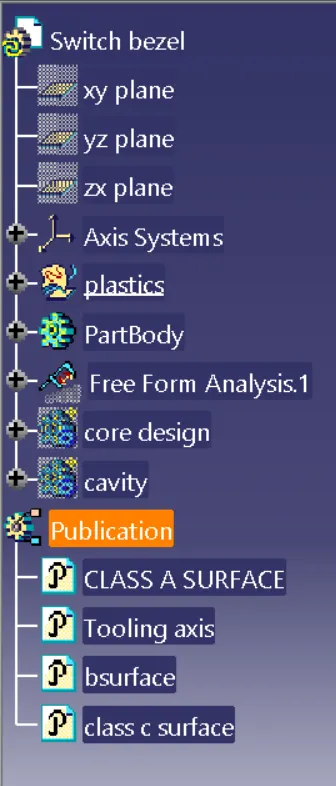
TREE structure