Week 8 - Challenge 2 - Base Bracket Design
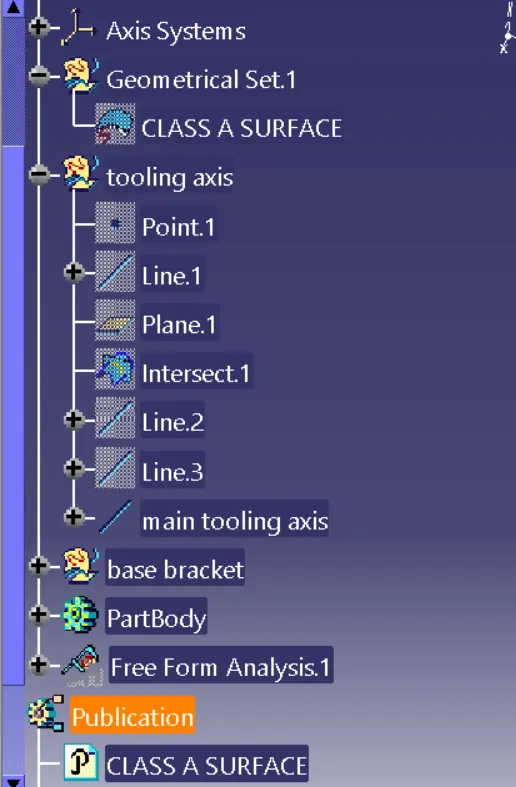
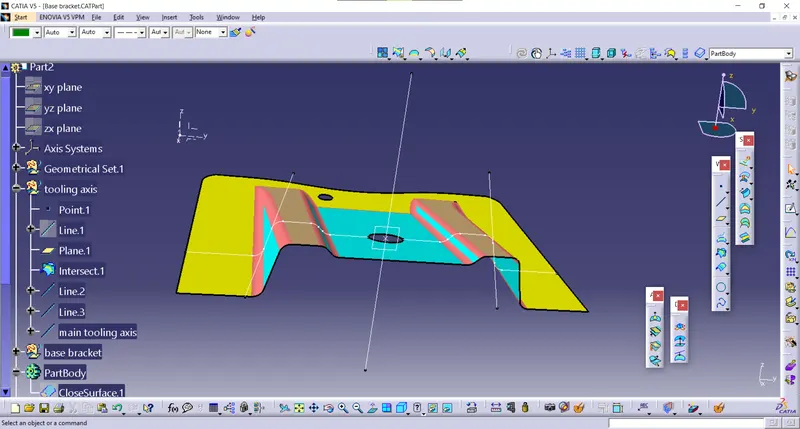
Tooling Axis :
- create boundary using boundary option in the hole on the base bracket and then insert point in it using circle/sphere/ellipse and create a line in the z-direction using point direction option
- create a plane in YZ plane with respect to point
- using intersection option intersect yz plane and class a surface
- by using the point _ point line option extend the line in the sketch and by using bisecting line option bisect two lines which we create and thus tooling axis is create
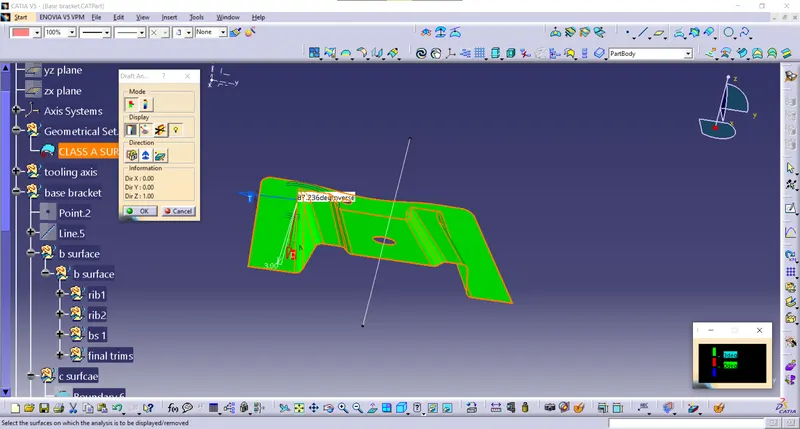
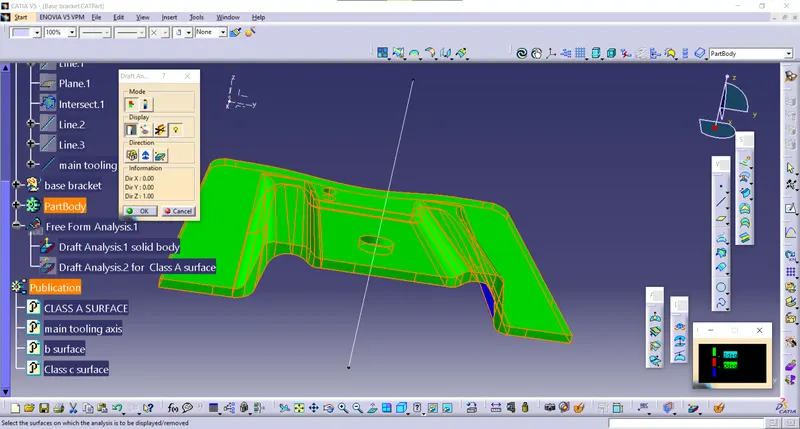
Draft analysis
- At first insert component for draft analysis and tooling, the axis must be already created
- First compass to be positioned in tooling axis and locked in the position using lock option
- then click on the one component and color will indicate the draft angle of various surface green color indicate surface in correct condition
- Then by using analysis under running point we can check various points of the component, 3 degree angle is the nominal draft angle of a component
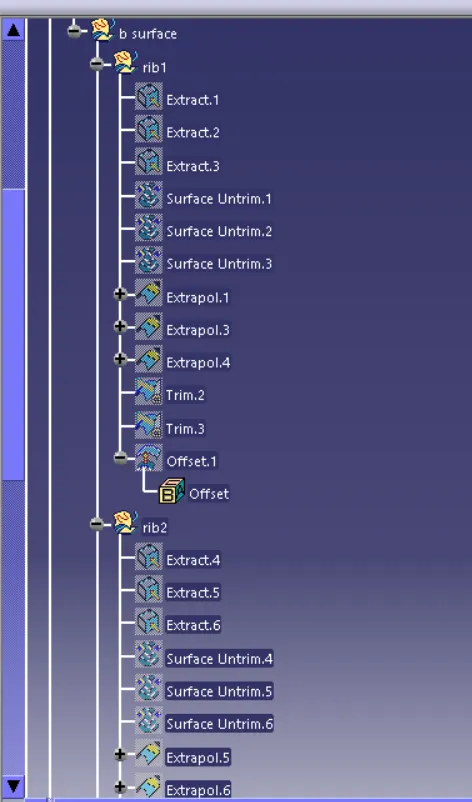
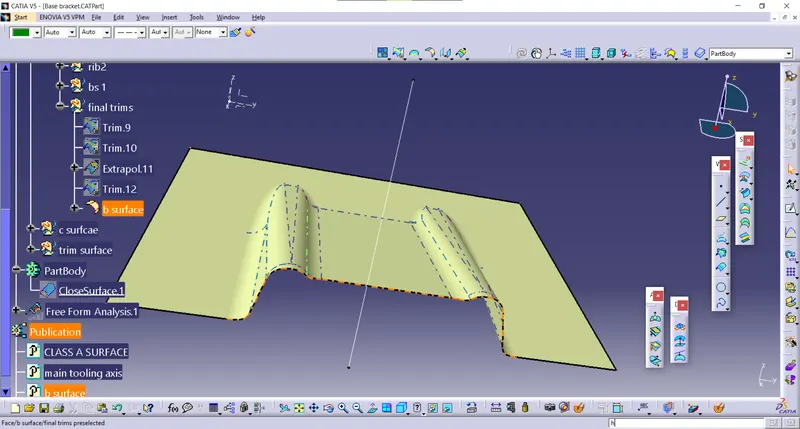
 Class b surface
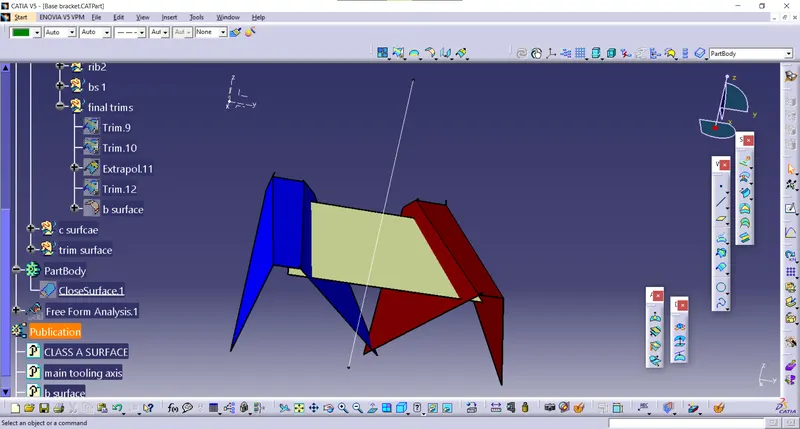
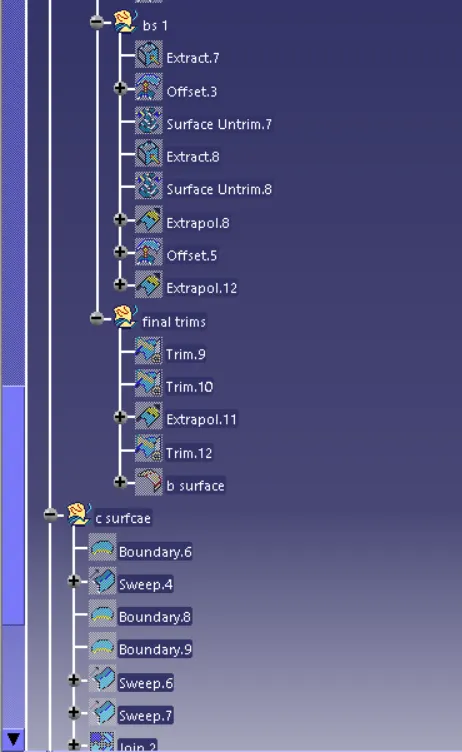
class c surface
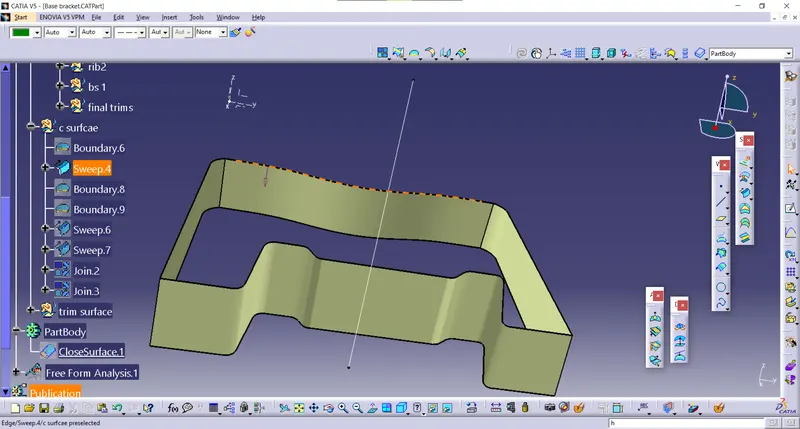
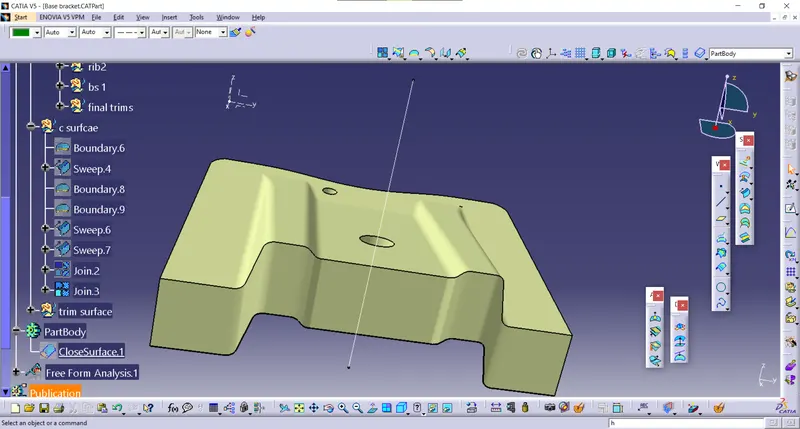
solid surface
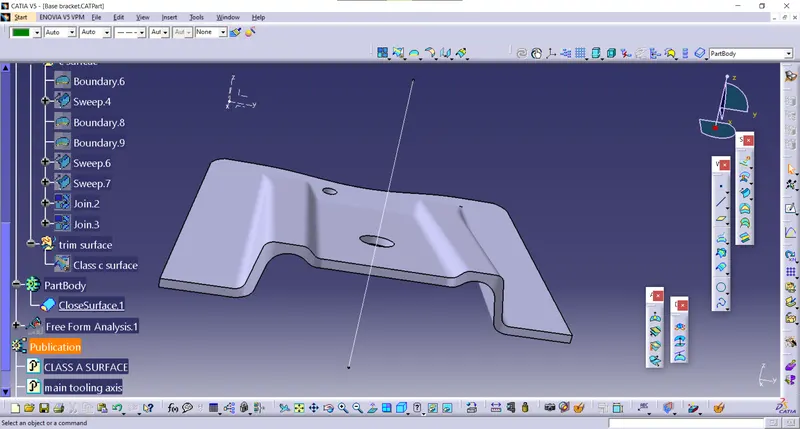
DRAFT ANALYSIS
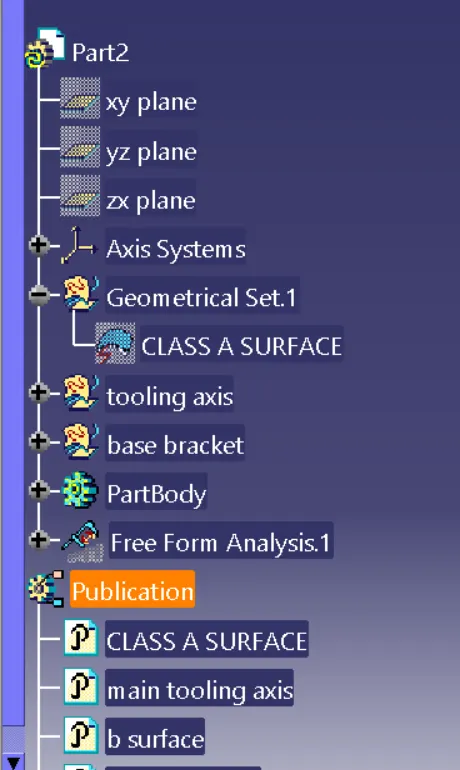
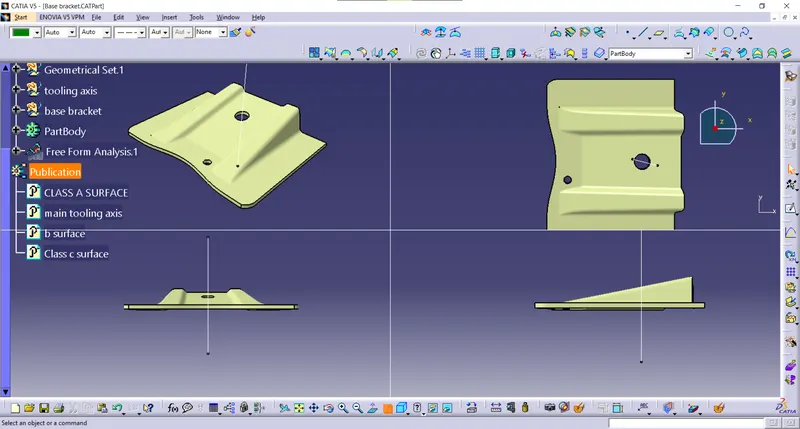
TREE STRUCTURE