Week 8 - Challenge 4 - Bumper
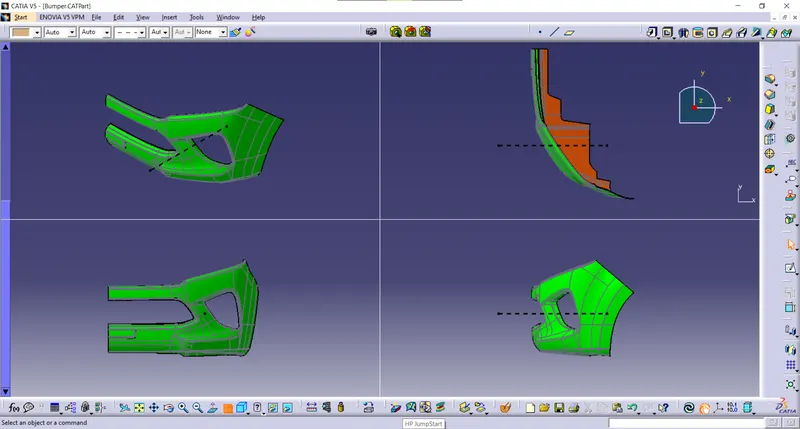
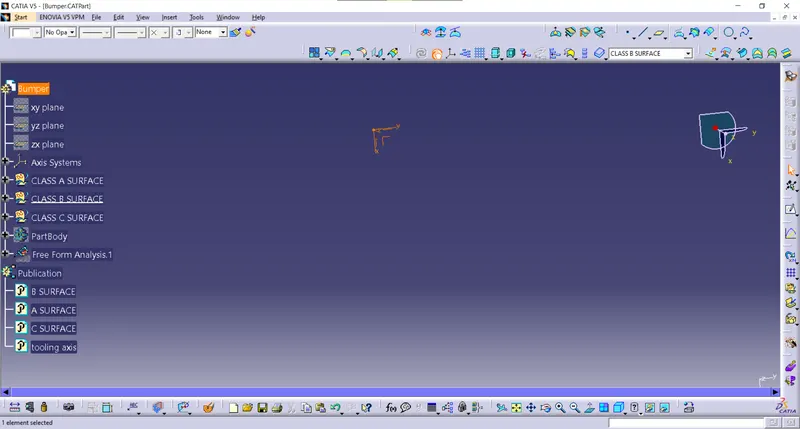
TOOLING AXIS ;
- A Extract the surface from the component
- create a point in the extracted surface using point on the surface option
- using the line option create a line in xy direction make it as main tooling axis
CLASS A SURFACE
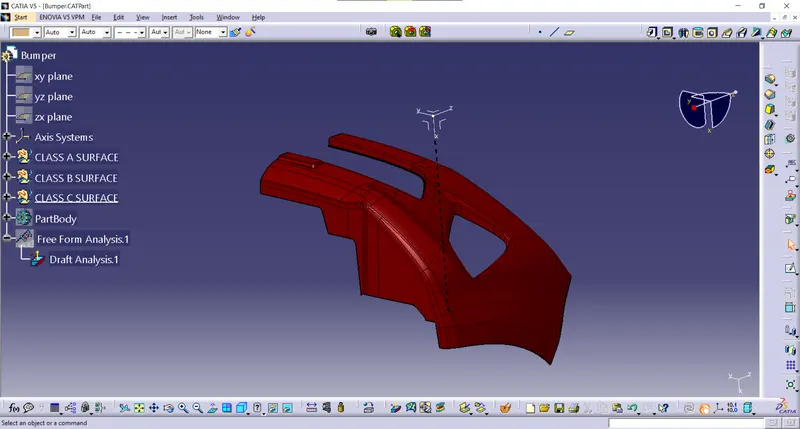
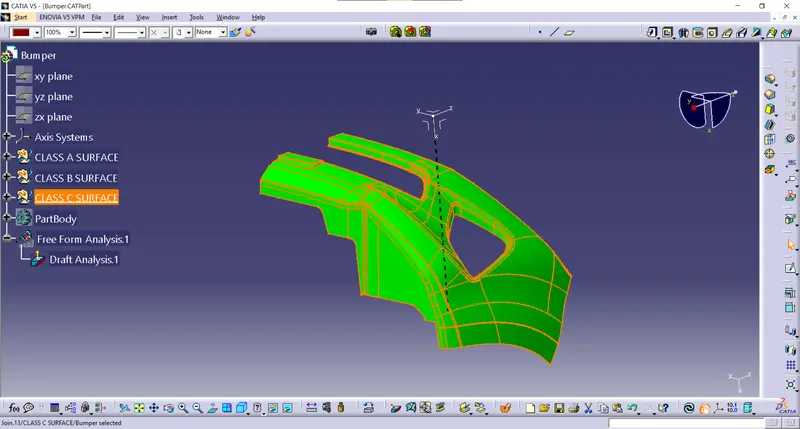
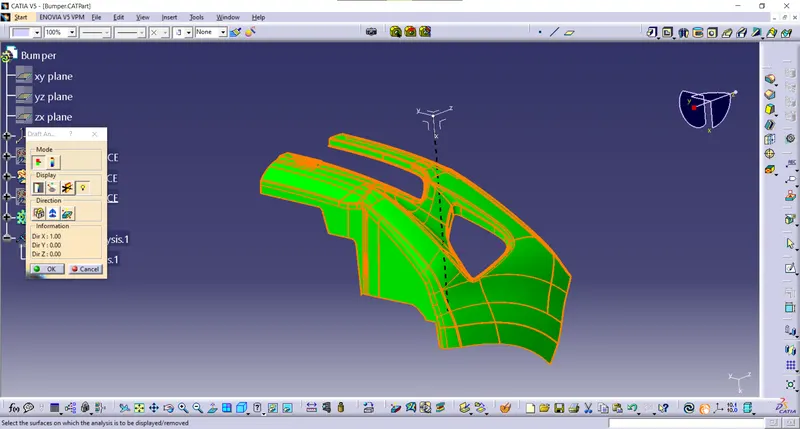
draft analysis
- nominal draft angle is 3 deg
- using feature draft analysis option
- At the first position, the compass on the tooling axis of the component then lock the compass and click on the component where x appears of that color of the component changes
- the color indicates the various conditions of the draft angle and green where parts are accepted and further processed
- by using analysis on the running point icon various surface position is seen
- 3 deg which satisfies the surface which can be seen in green color
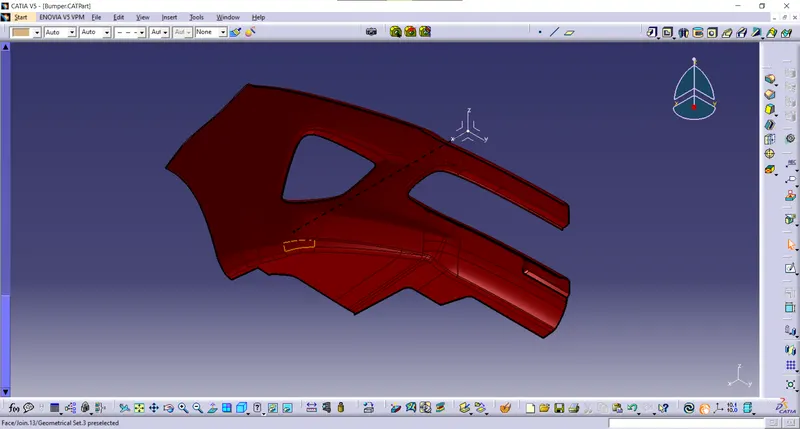
SOLLID SURFACE
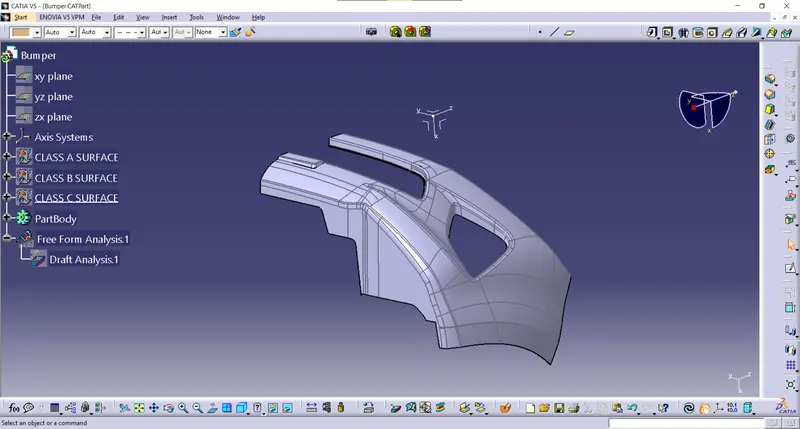
DRAFT ANALYSIS FOR SOLID SURFACE