Wiring harness design in CATIA V5 - 3D modeling Week 7 Challenge
1. we need to open the week4 challenge and open new product in assembly change that product to flatterning
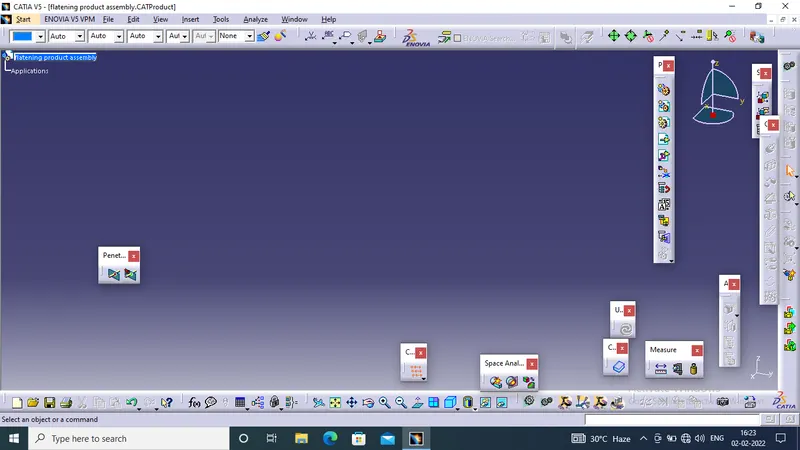
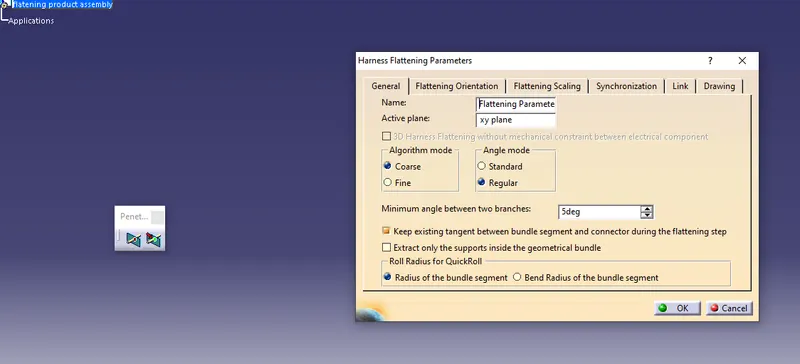
open flatterning workbench and edit the flattering parameter as our needs by using the command "flattering parameter" command. by pressing diiferent tabs we can give our parameter like like how the line should be in drawing after parameter are done click on ok
extract the geometric bunddle file by split the window vertically
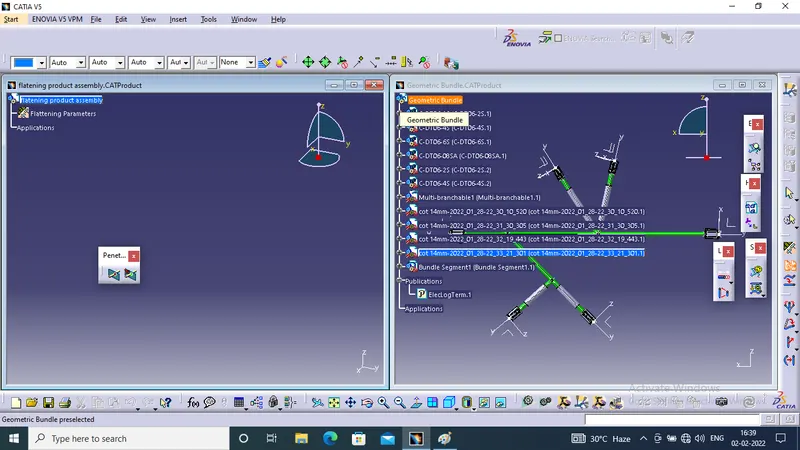
after extracting the geometric bundle, file open in flatterning workbench we can flattern the geometric bundle by using flattern command while pressing the flattering command a dialog box wsill appear
in active plane select the face of the connector, alghorithm select as course, angle mode as regular
select the bundle anden select the all bundle option in dialog box and press ok then the connector and harness get flattern with respect to plane
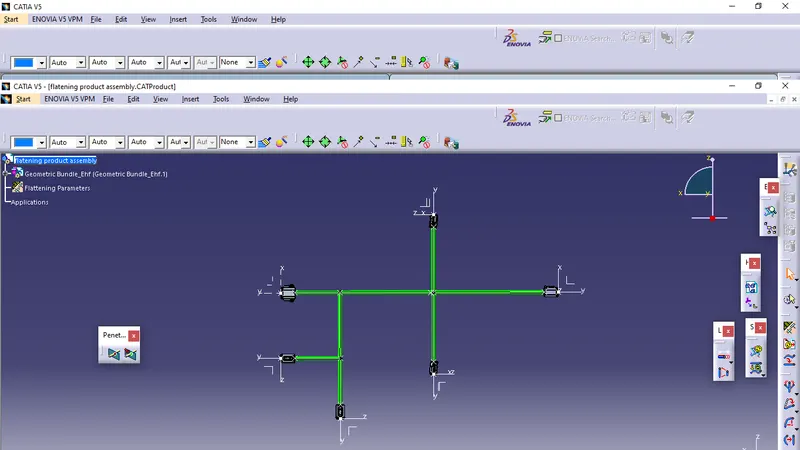
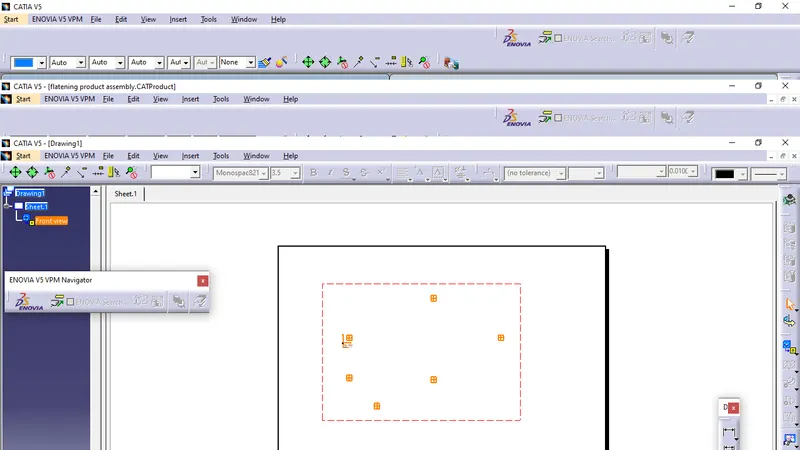
after flattering we can create drawing from drafting to import this in drawing click on front view then select the plane of connector then the flatering is import in 2D in drafting
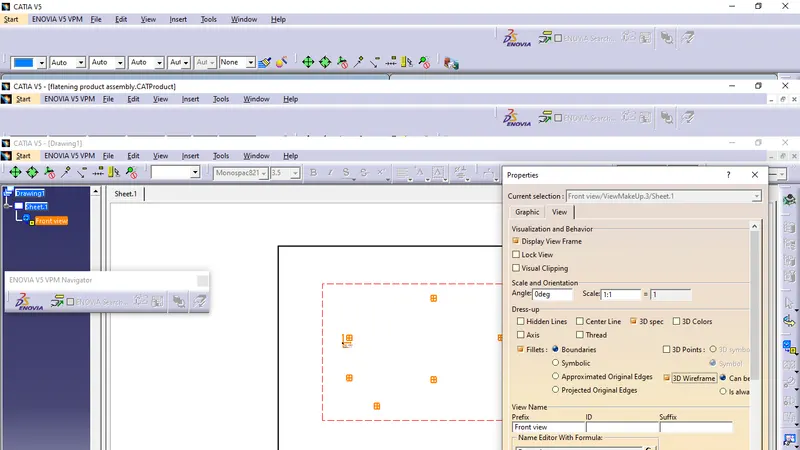
we can view the bundle line by using properties in view tab check the 3D wireframe option
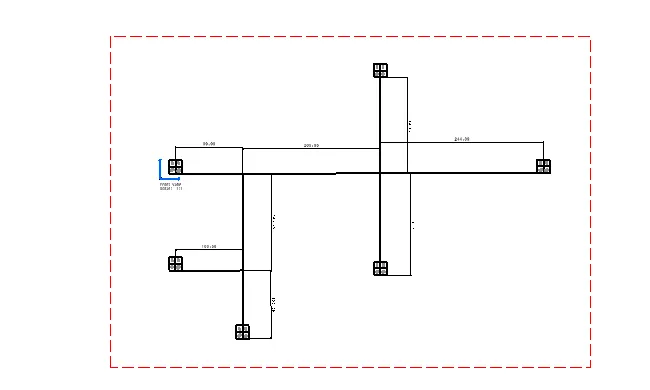
finally we can give dimention title block BOM on drafting