Wiring harness design in CATIA V5 - 3D modeling Week 5 & 6 Challenge
1download the conector and define it electrically and place the connector in desired location in assembly workbench make all this connector in geometric bundle product
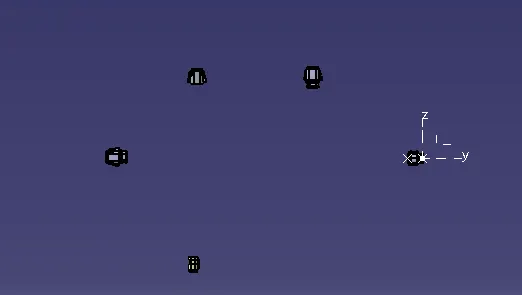
Harness B
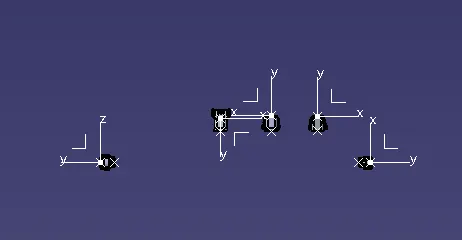
Harness A
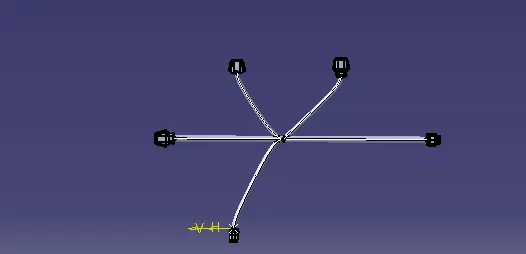
2. Rout the bundle in harness assembly workbench by using multi branchable command. fist route the main branch from connector to connecor then split the branch by using "add branch point" command and rount the sub branch by using route defition for both A&B harness, save this different folder.
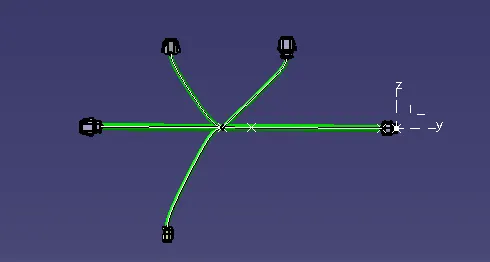
Haeness B
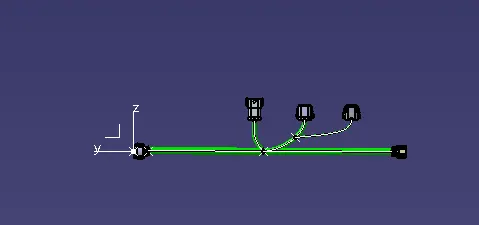
Harness A
3. connect both harness in electrical assembly workbench by using "connect electrical device" command
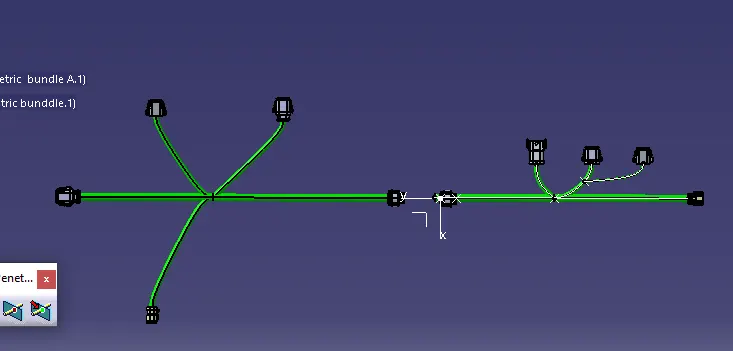
Before connect
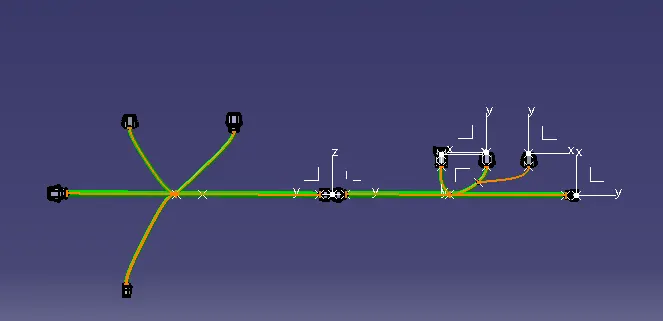
After connect
4.Annotation : creare annotation in assembly workbench
1.create plane
2.make the text like connector number harness name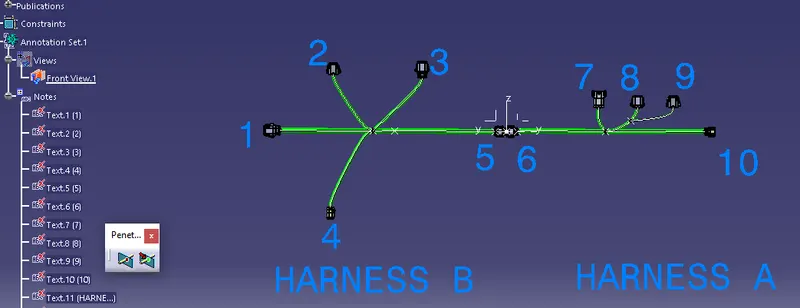
After annotation
5. check bundle connectivity
1.edit-search-advance
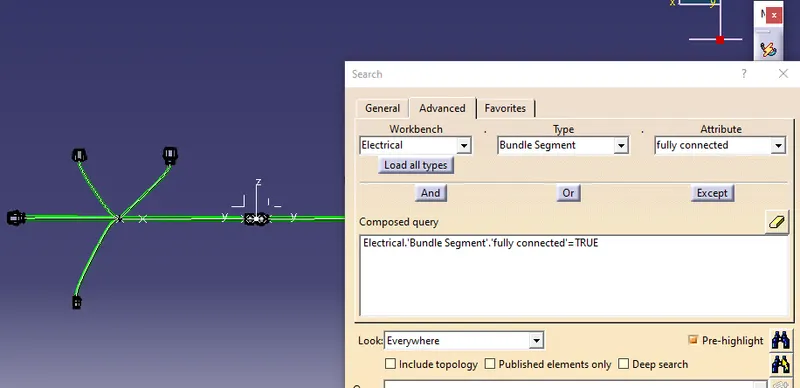
all connectors are connected
5.file coverting
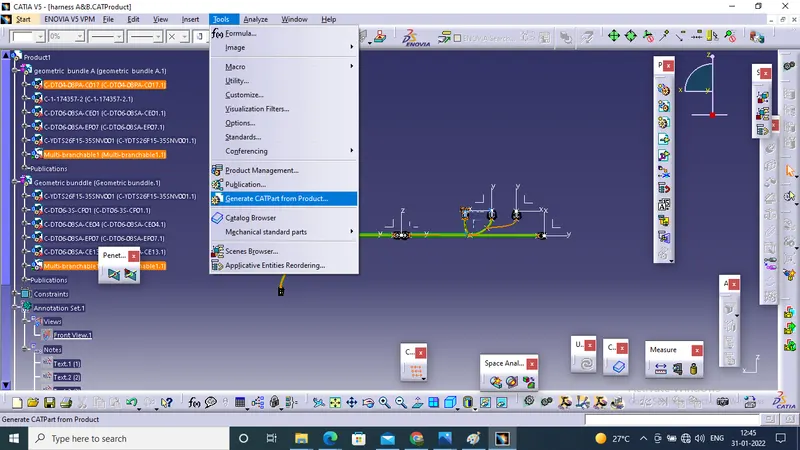
in assembly workbench tools - generate cat part from product the select the product file we can convert and save that as igs stp etc