Wiring harness design in CATIA V5 - 3D modeling Week 7 Challenge
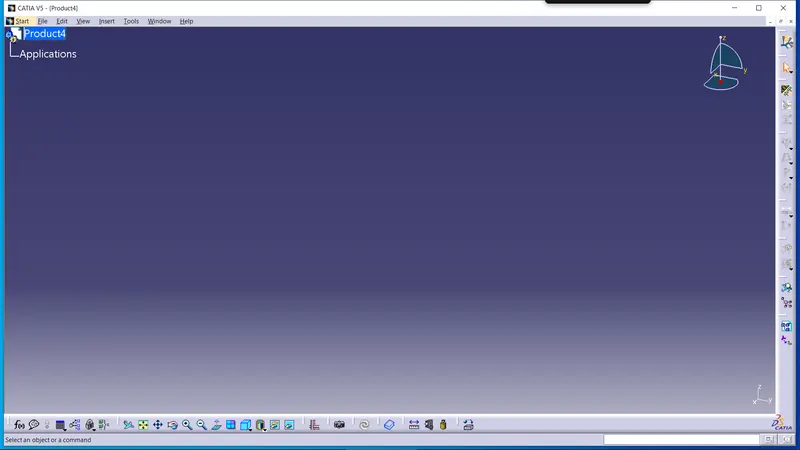
After Creating a geometric bundle assembly in week 4. Now we need to flatten the assembly for that open a new file and select a product. After that choose a Electrical Harness Flattening Workbench and the commands won't be openened unless and untill we select the Geomrtic Bundle File.
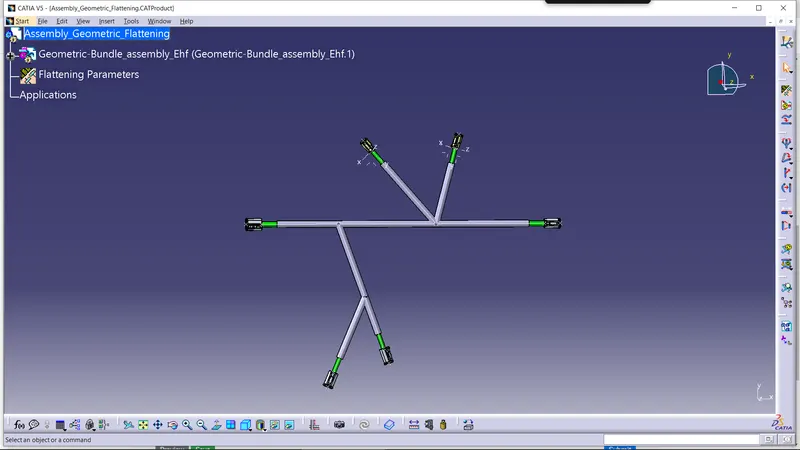
After opening the Electrical Harness Flattening, by clicking the Extract command, Choose the Geometric Bundle Assemly the file will get opened and Ehf file will be opened in a tree.
Now, to flatten the assembly select the flatten command and select a plane or a surface and all the bundle branches to flatten the assembly.
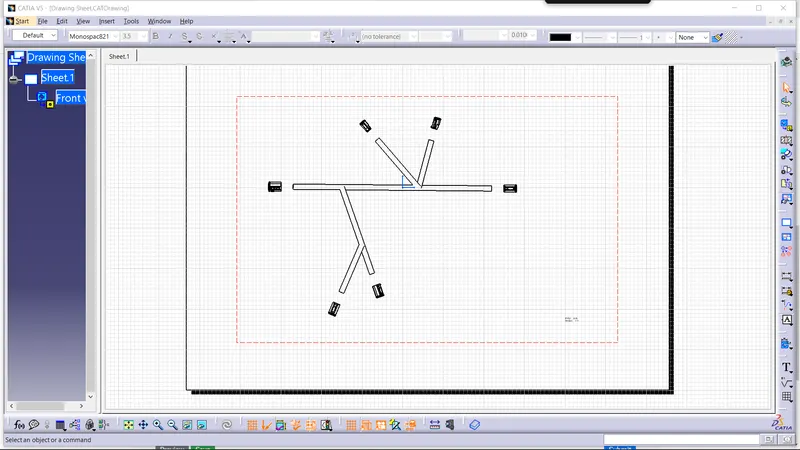
Now to Draw sheet, open new file and select drawing and use standard as ISO and sheet style as AO ISO and keep it in landscape.
If you want to place the harness model i sheet its always frontview(single plane flattening will be available)
Click on frontview command> In a flattening select a plane or surface click on sheet and drawing view will be available.