Wiring harness design in CATIA V5 - 3D modeling Week 7 Challenge
AIM:
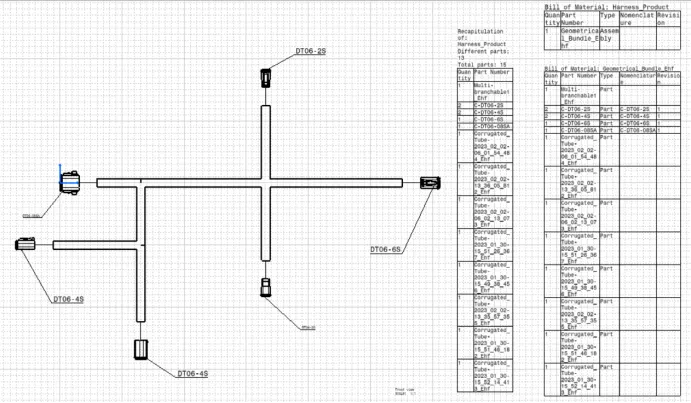
To Flatten the harness assembly completed in “ week 4 challenge”. Place the flattened view on drawing sheet. Ensure bundles with protective coverings has different visuals on drawing view.
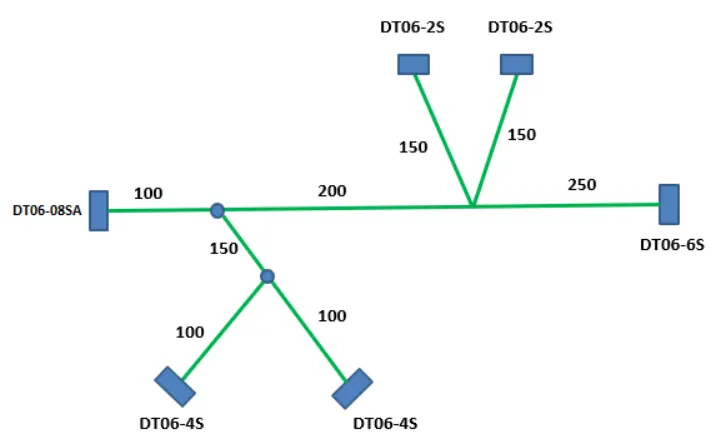
Add protective coverings e covering on all branches connected to DT06-2S & DT06-4S connectors. Keep end extremity at 30mm (from connectors end)
STEPS:
- Download the given part file from the TE website of given part
- Define the electrical properties to each connector, by the given below method
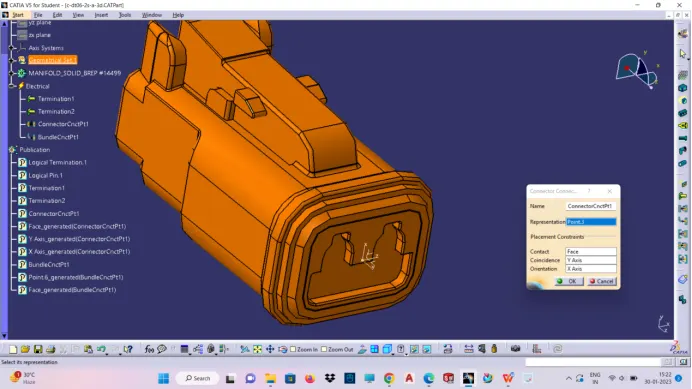
- Defining connector connection point at the first meeting face at pin mating side
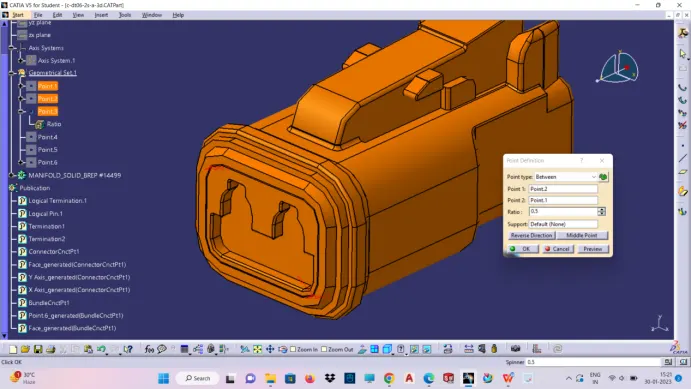
- Create axis system at the connection point created
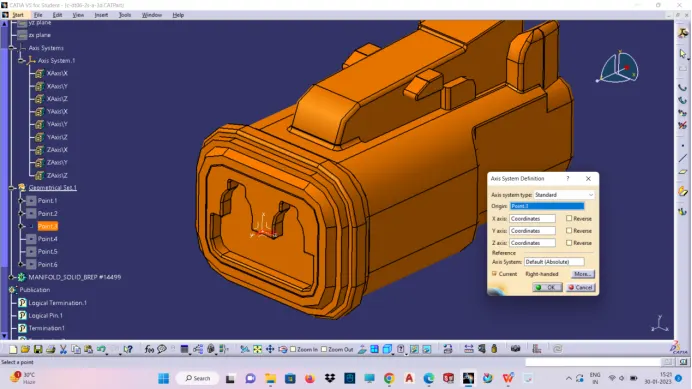
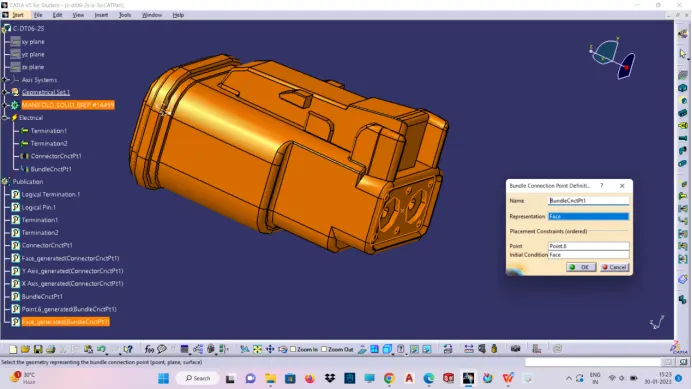
- Create bundle connection point
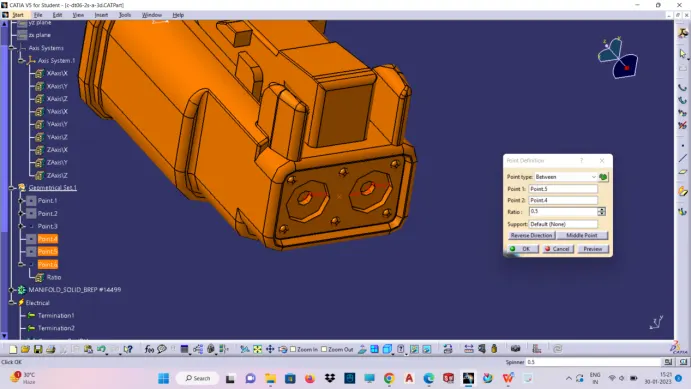
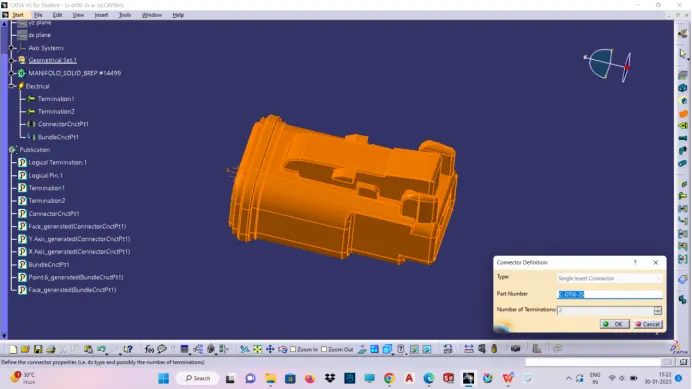
- Defining connector as electrical part in the electrical part workbench
- Define connector connection point
- Define bundle connection point
- Create electrical product workbench and insert all the connectors from already created catalog then manipulate each part with respect to given drawing by using compass or move command.create main trunk/bundle for two main connector.
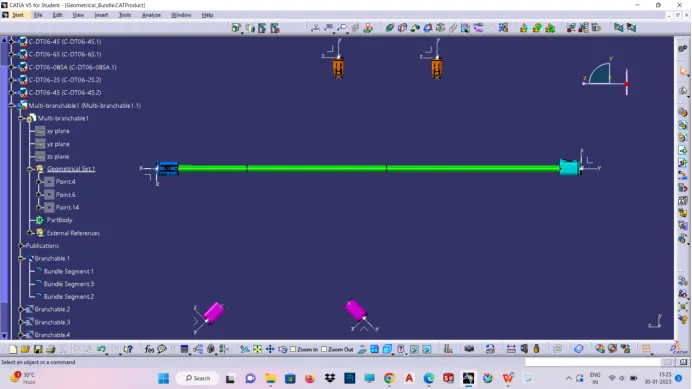
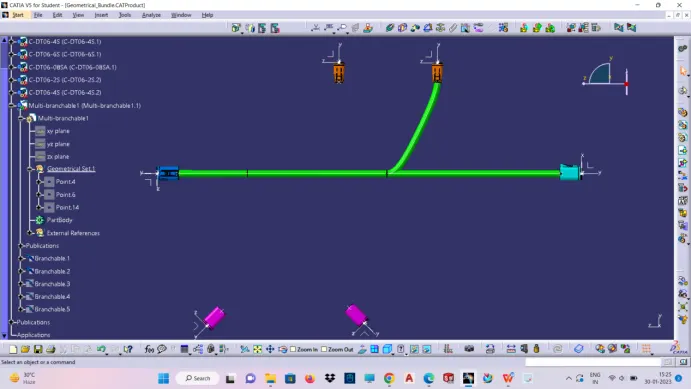
- Similarly ,create bundle to connect each connector from the main bundle by add branch point command,by double clicking multi branch-able
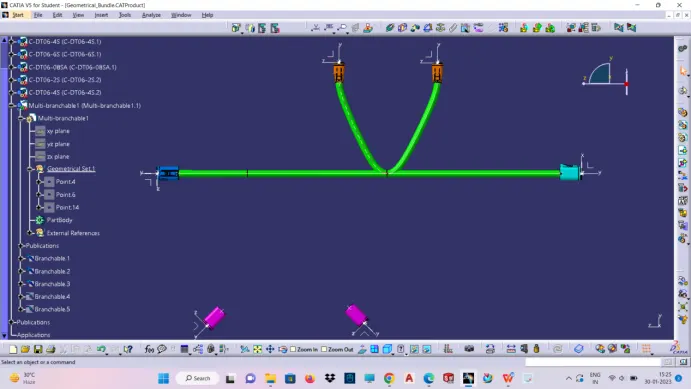
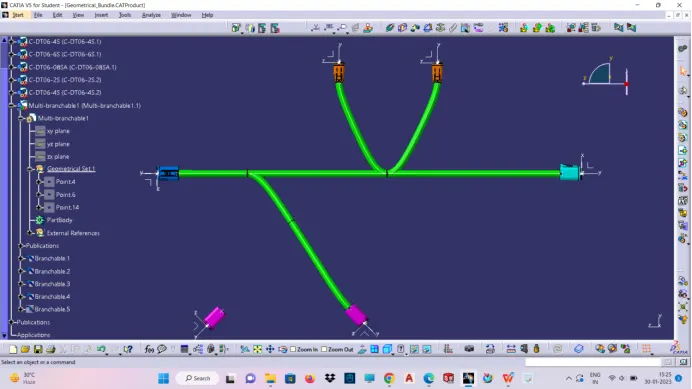
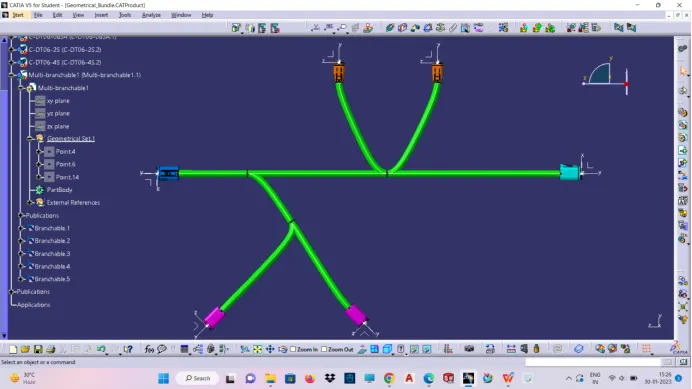
- Similarly add protective covering for the four connector ,by the already created corrugated catalog contain many varieties of corrugated tube
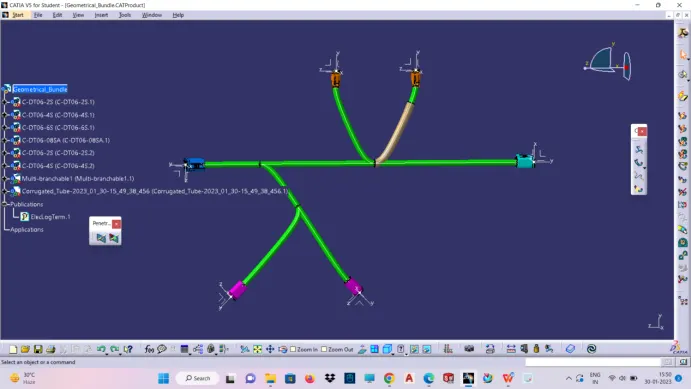
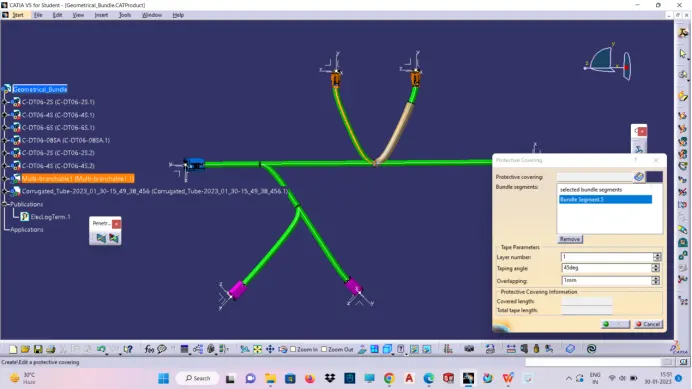
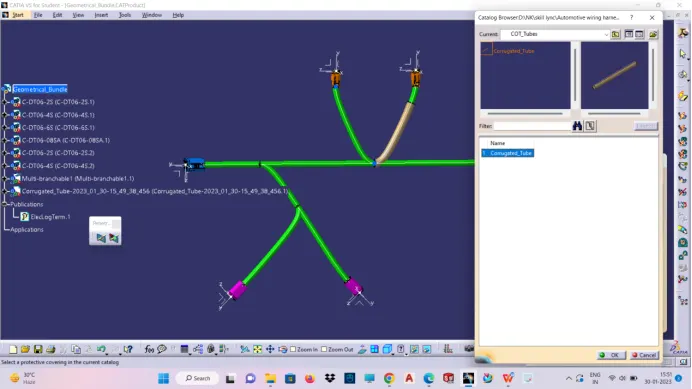
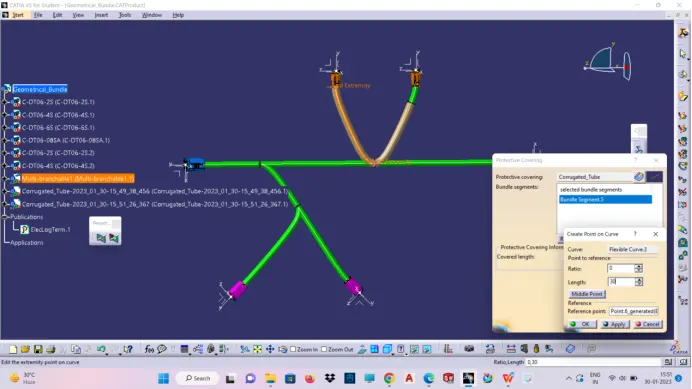
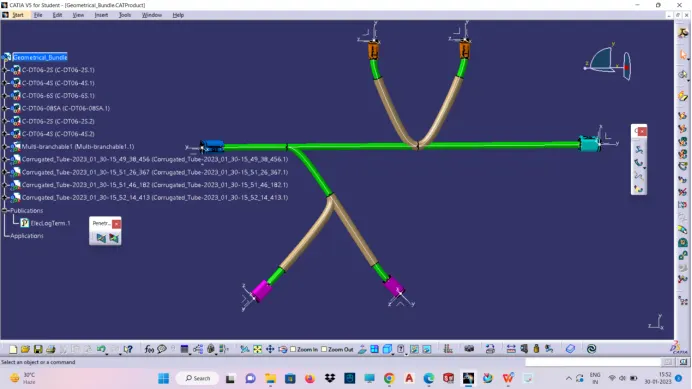
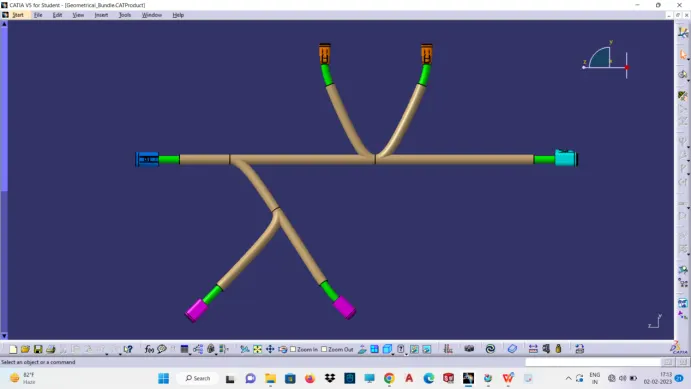
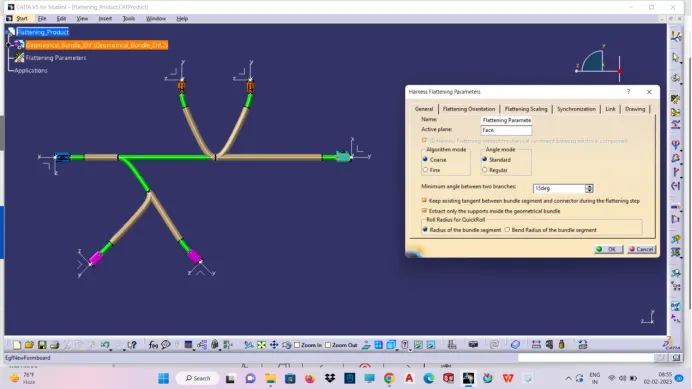
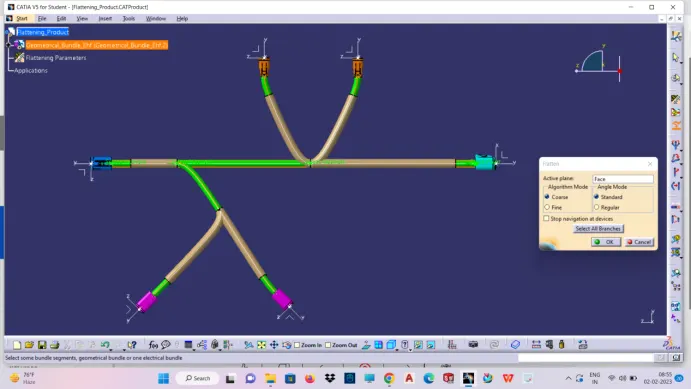
After creating the above product file(geometric bundle) ,then create new electrical harness flattening product file and define the only option is Harness flattening parameters by selecting plane or face and maintain the required minimum angle between two branches after then it allows to extract the created geometric bundle and then define flatten command by selecting the normal plane and select the branches.
Defining Flattening Parameter:
Extracting product File:
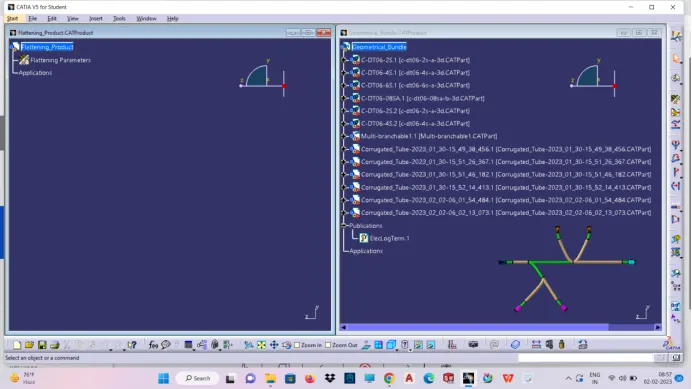
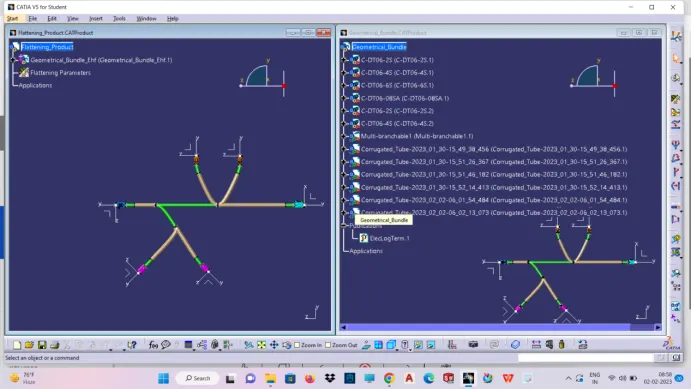
Define Flatten:
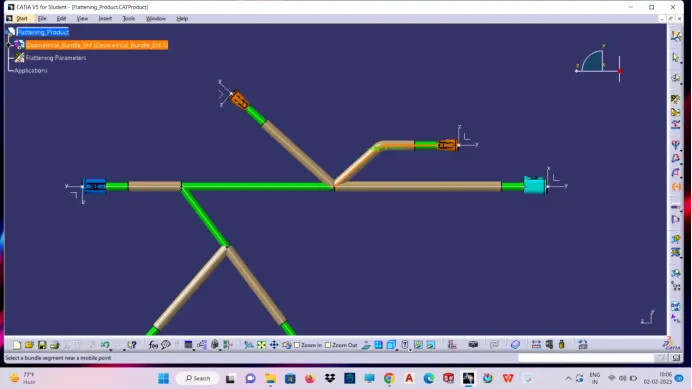
Example For rolling:
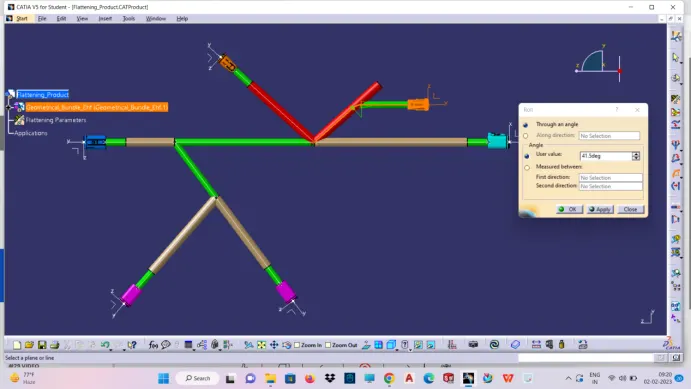
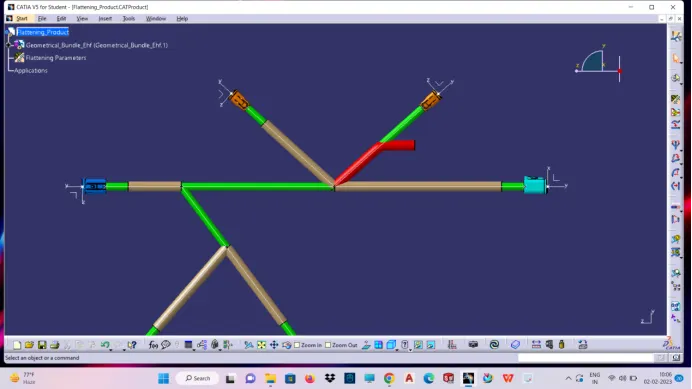
Example For Straightening:
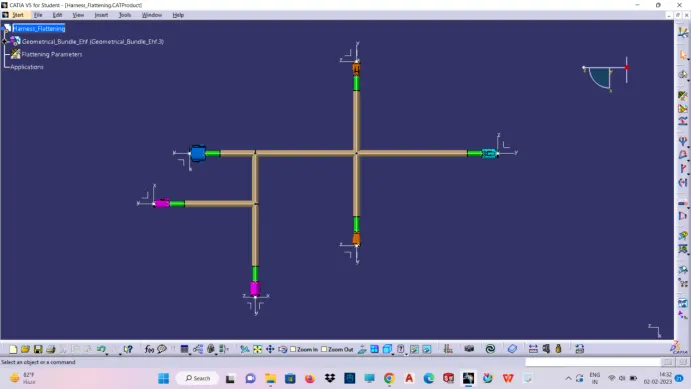
Flatten Drawing: