Wiring harness design in CATIA V5 - 3D modeling Week 7 Challenge
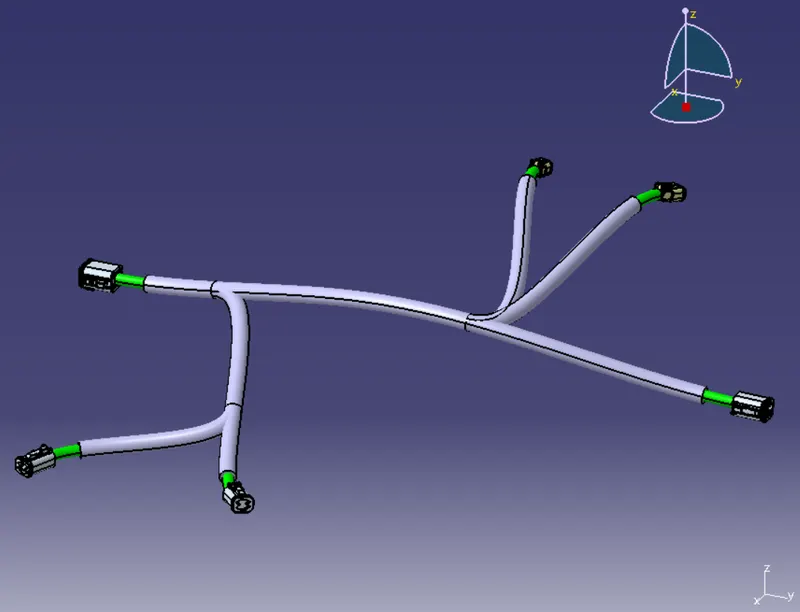
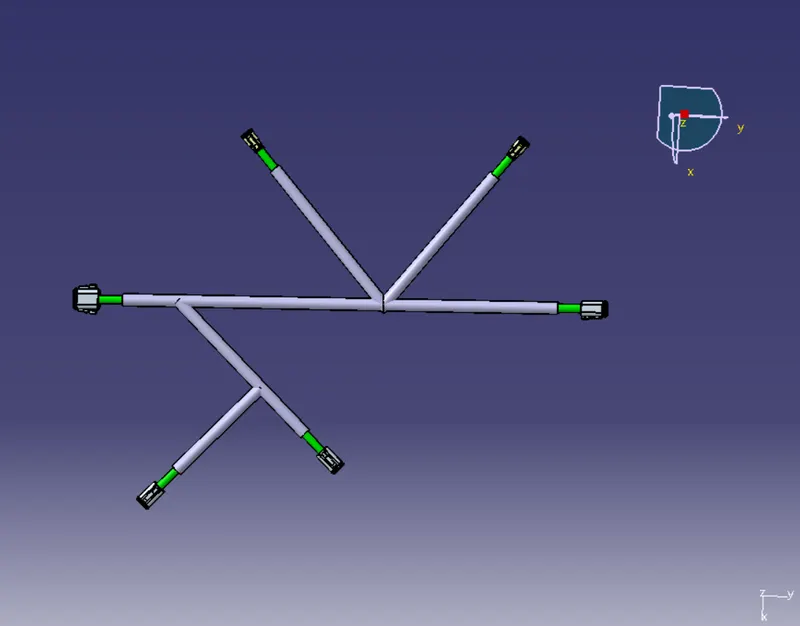
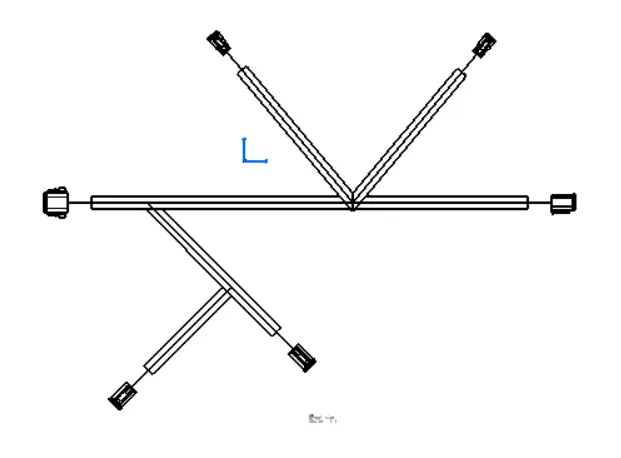
Procedure followed to flatten the wiring harness assembly:
- Open the wiring harness assembly product file
- Create new product and name it as flatten harness
- Go to electrical harness flattening workbench
- Click on harness flattening parameters and input all the parameters
- Extract the harness assembly product to flattening workbench
- Click on flatten command and select the plane to flatten the harness
- Rotate the branches if required
- Create new drawing file select A0 ISO sheet
- On the sheet select front view
- Change the properties and tick 3D wireframe is always visible