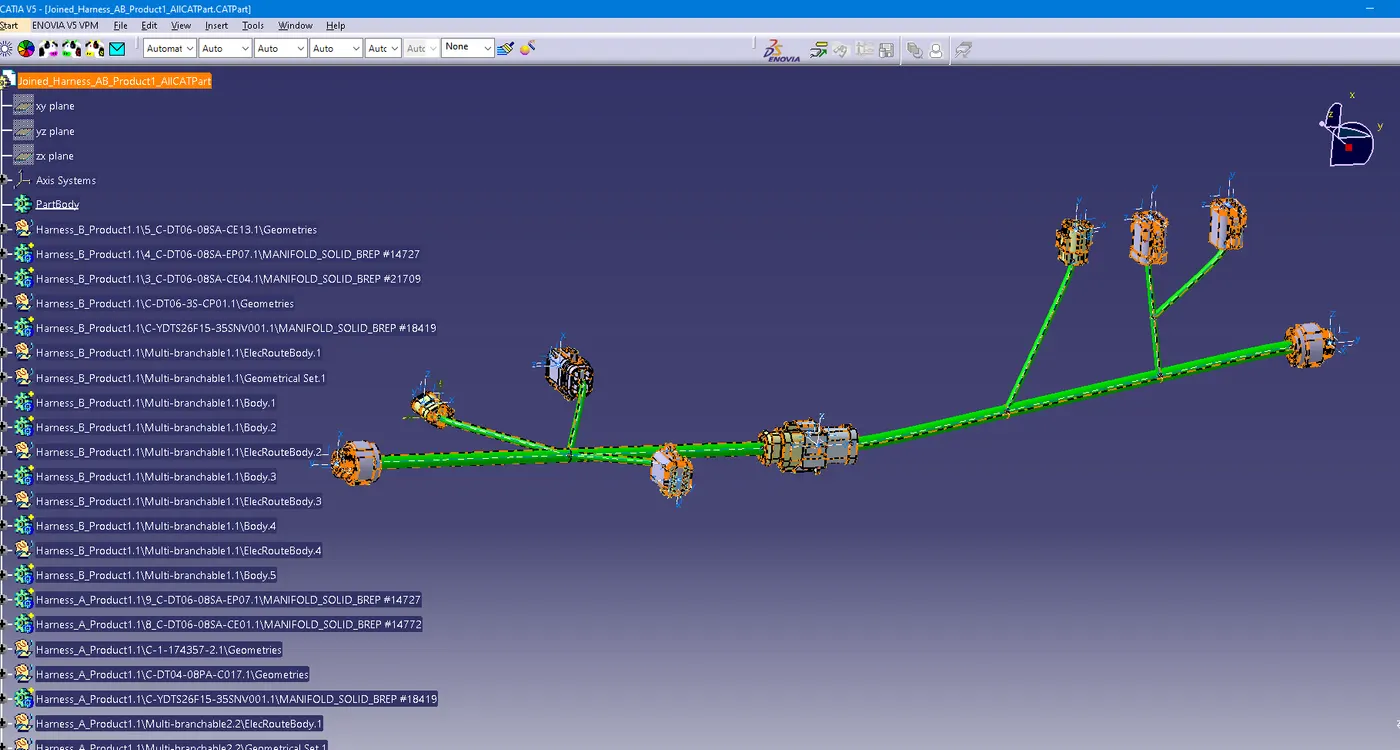
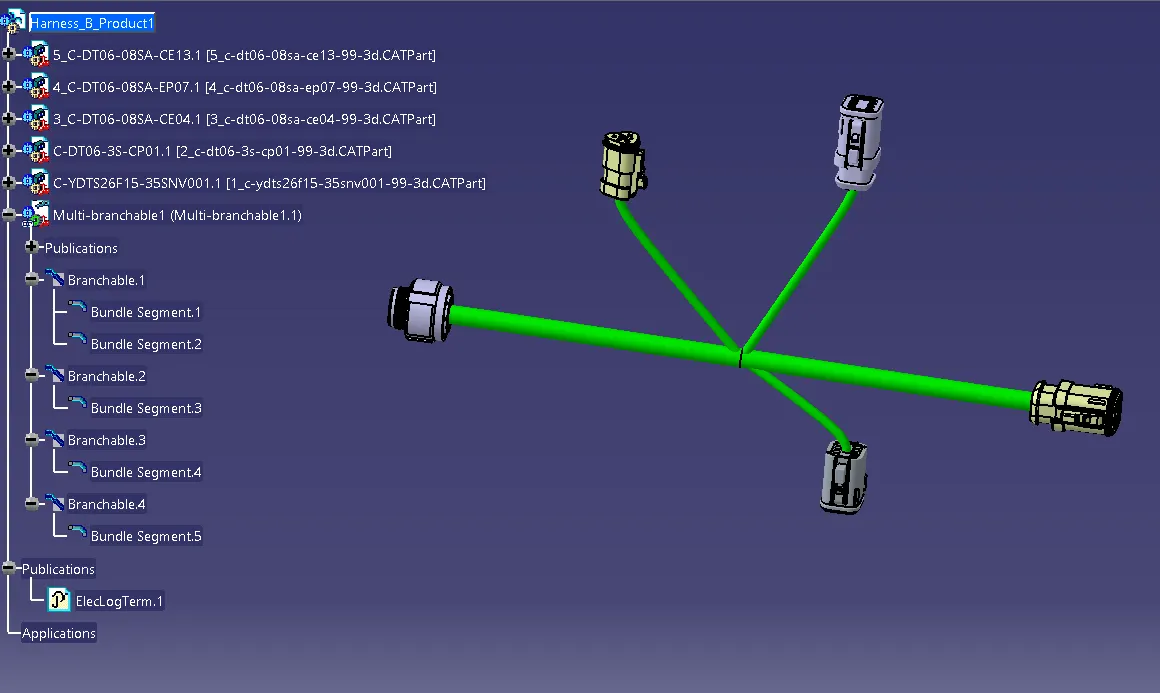
Wiring harness design in CATIA V5 - 3D modeling Week 5 & 6 Challenge
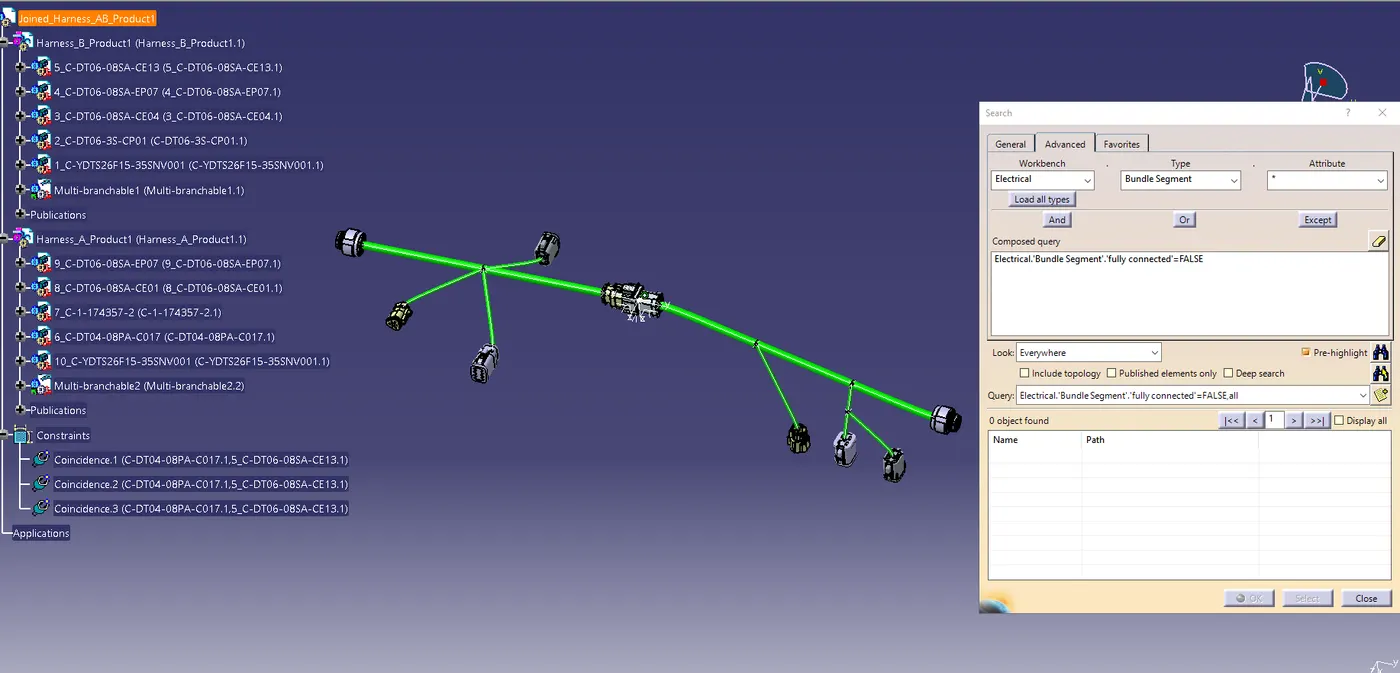
1. bundle continuity is checked. snap is added. the bundle is continuous.
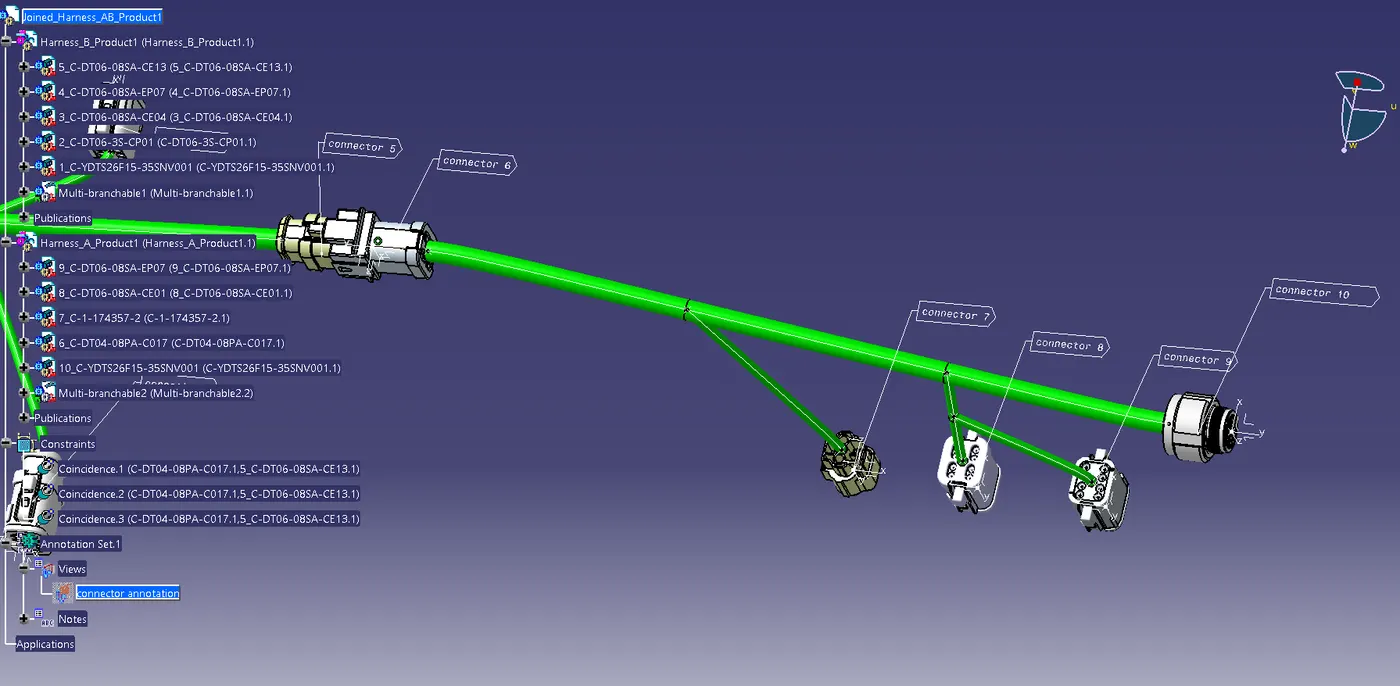
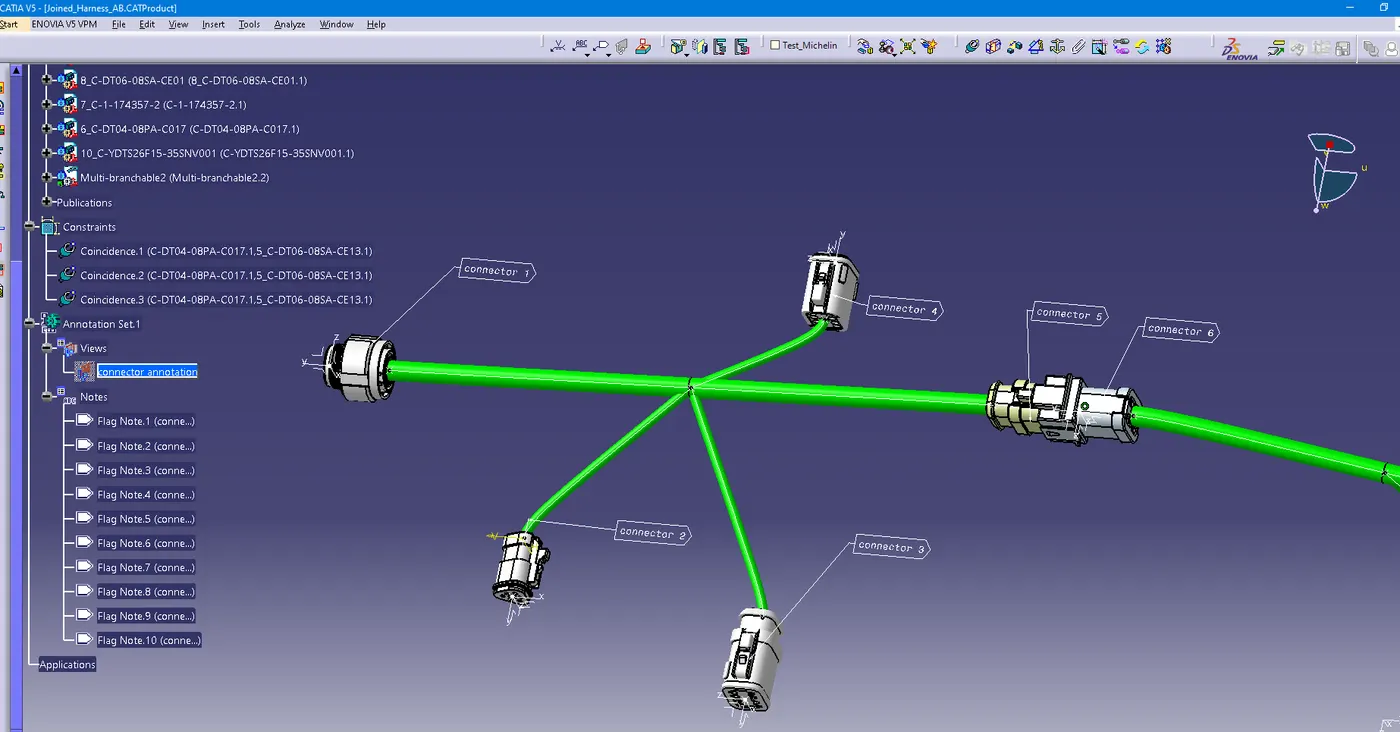
2. annotations to all connectors are added.
3. no bundle warnings are present. snap is added for both the harnesses.
4. CATPart and .igs files of harness assembly are made.
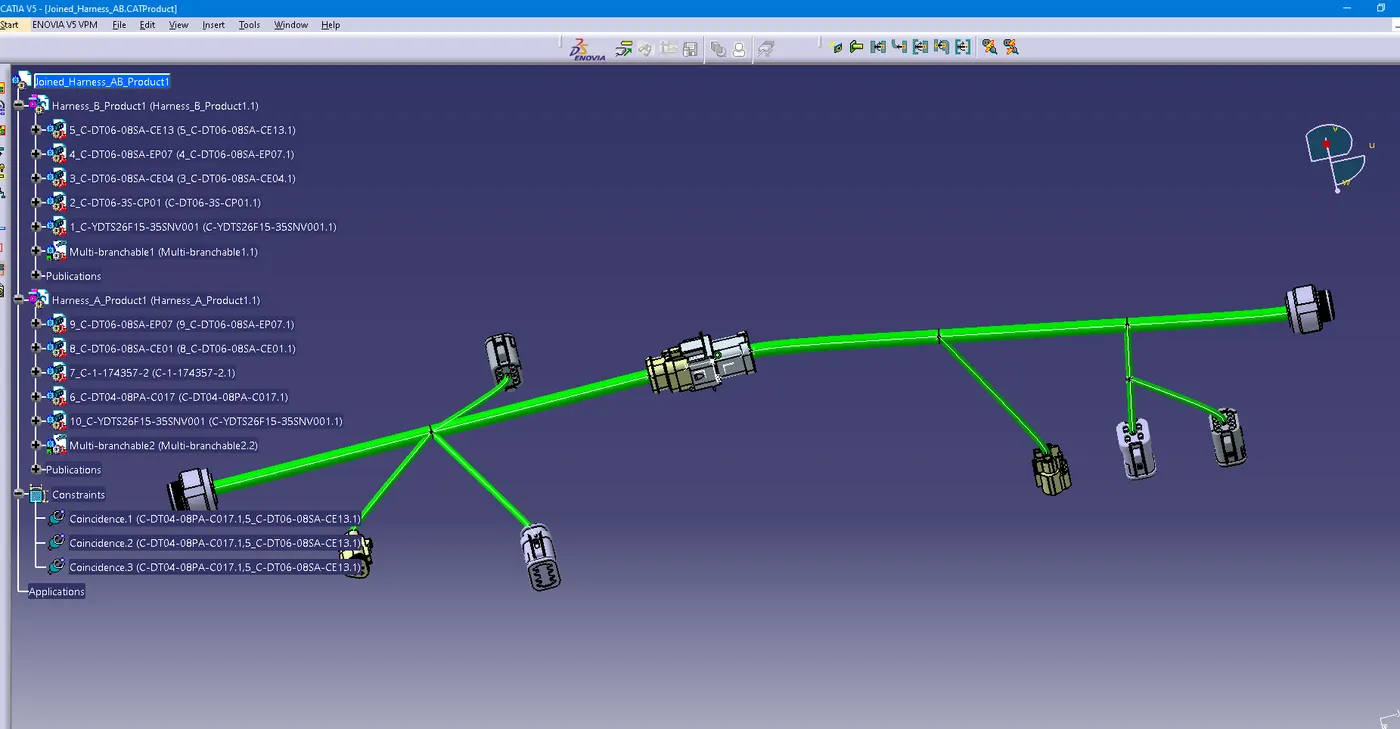
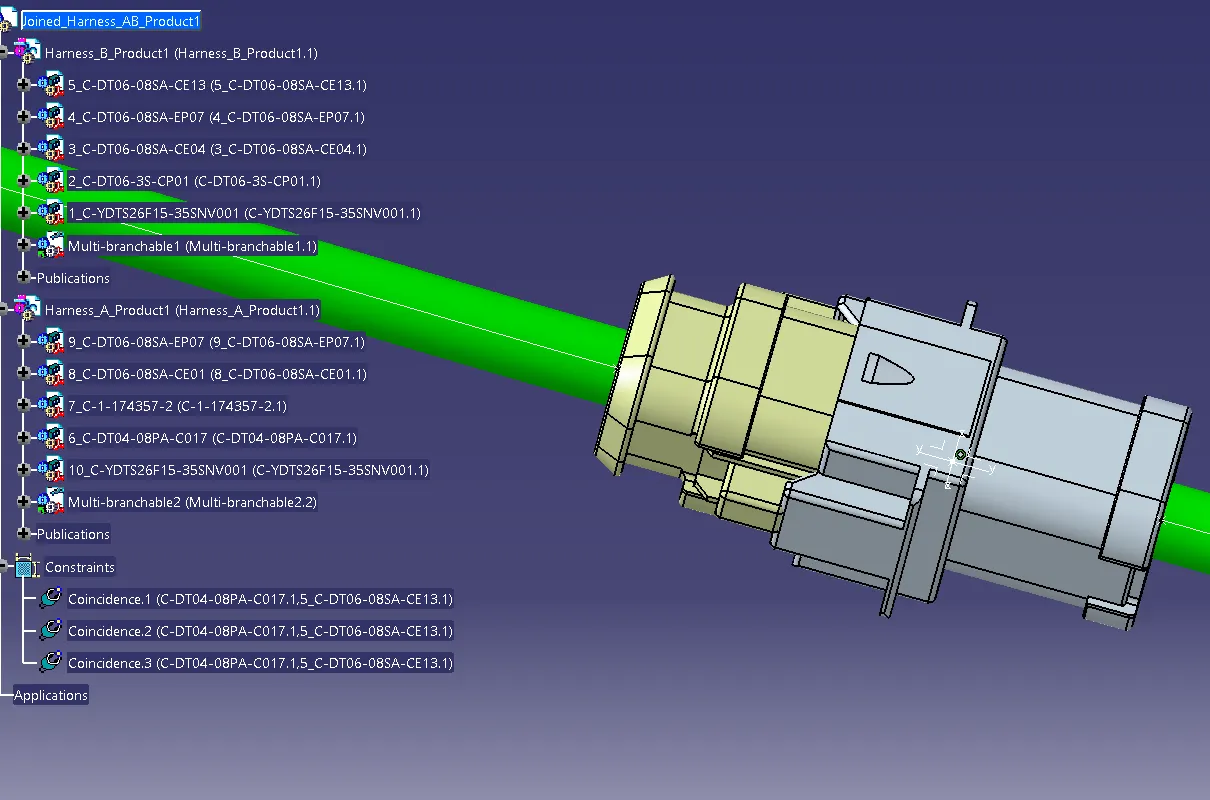
5. interconnection for harness A and B is created.
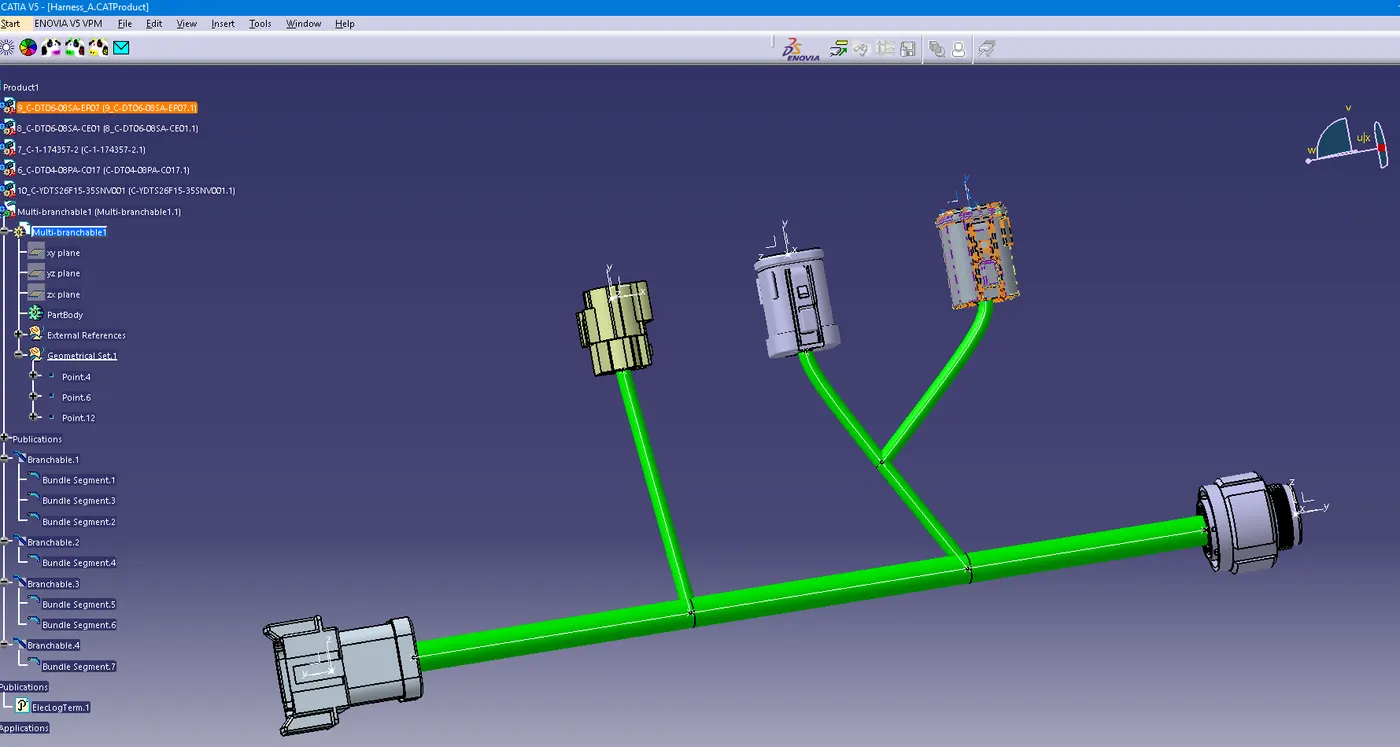
6. wiring harness connecting connectors 1,5,6 and 10 have a 10 mm diameter. remaining harness has a 5 mm diameter.
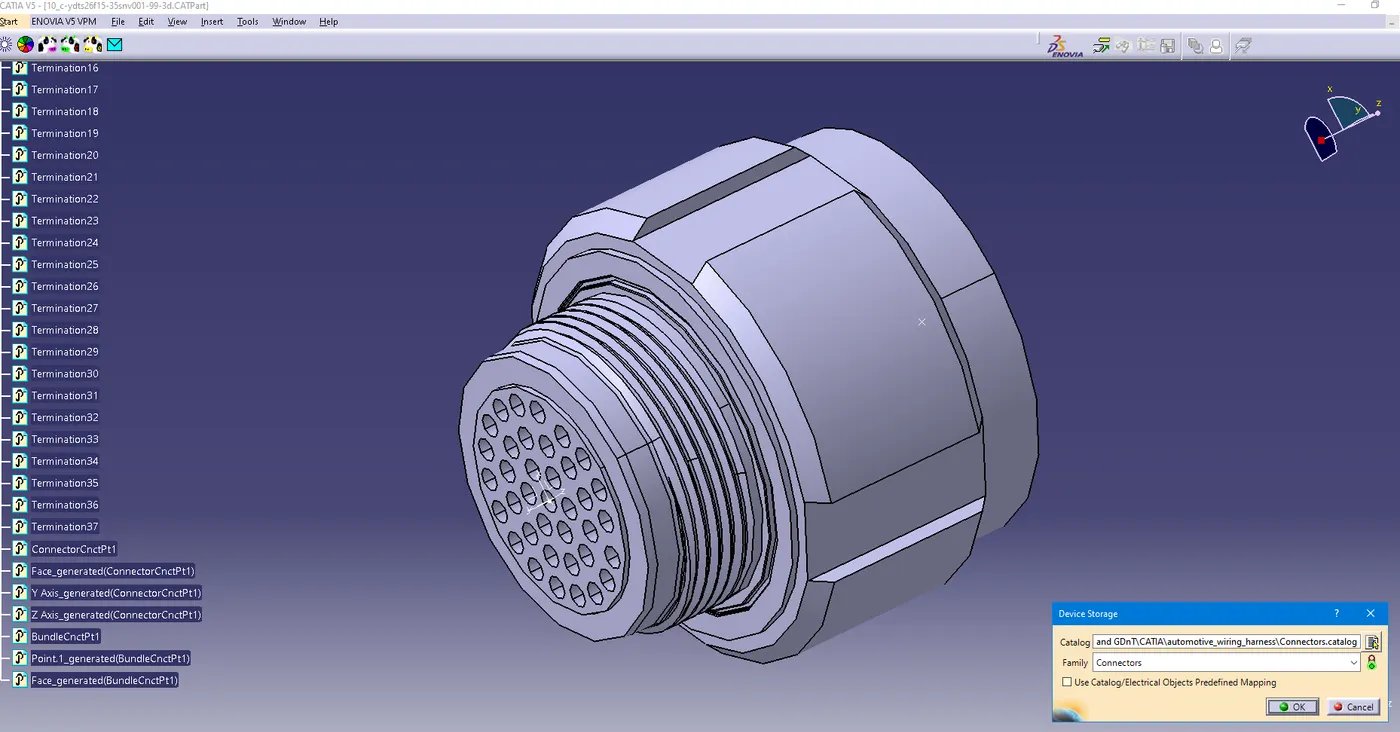
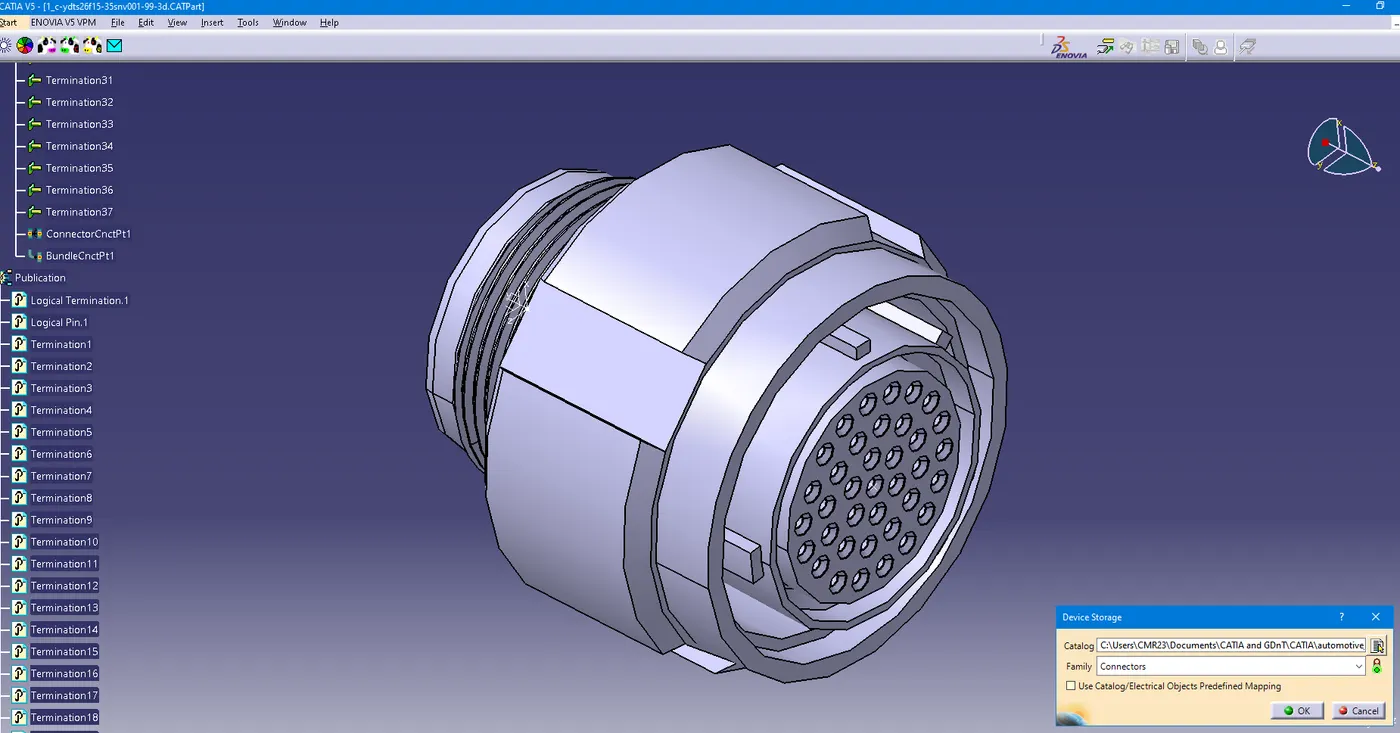
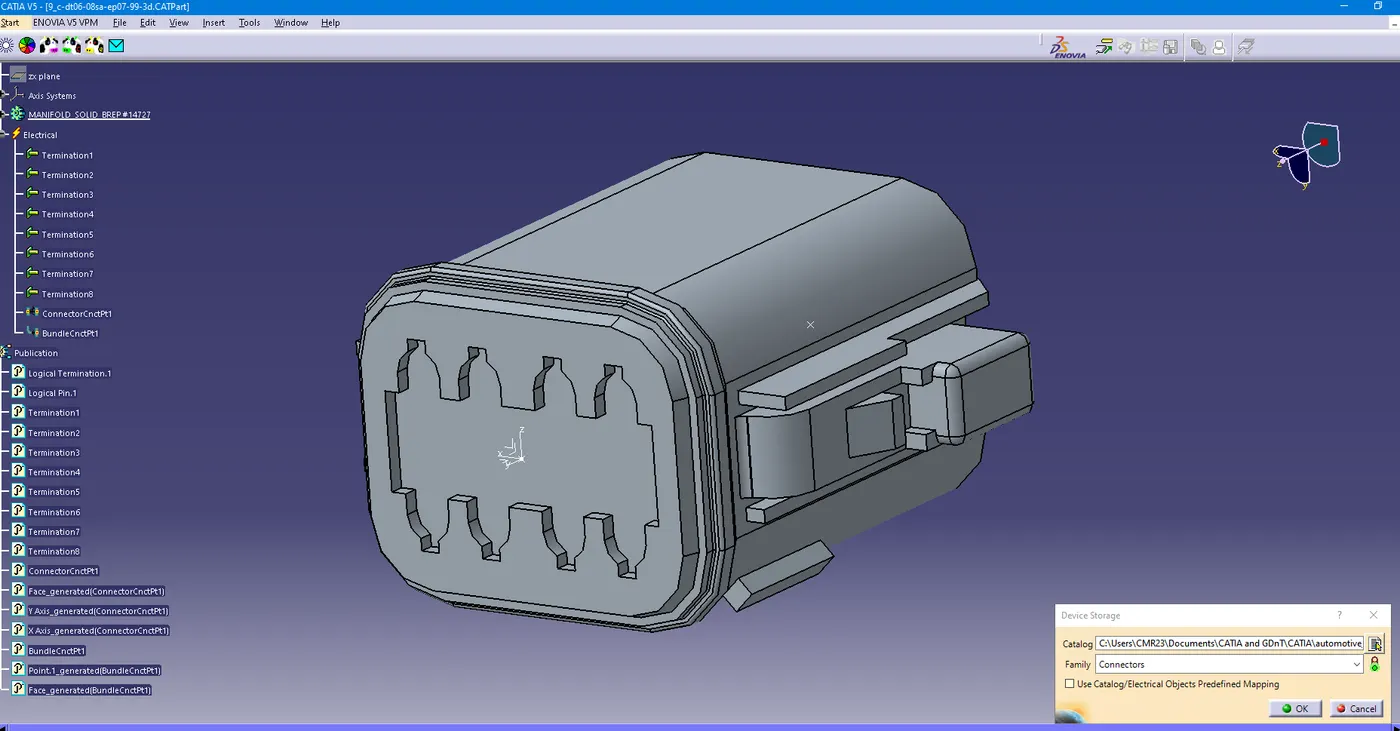
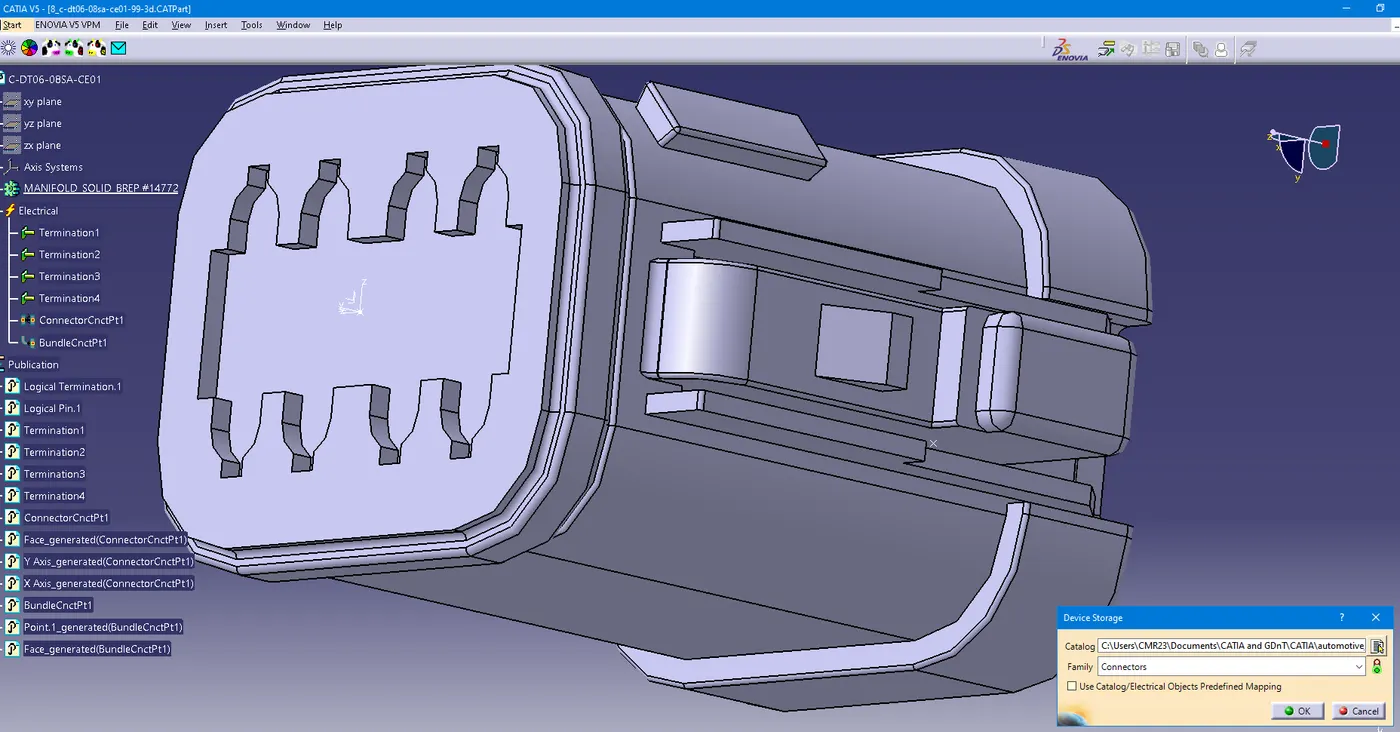
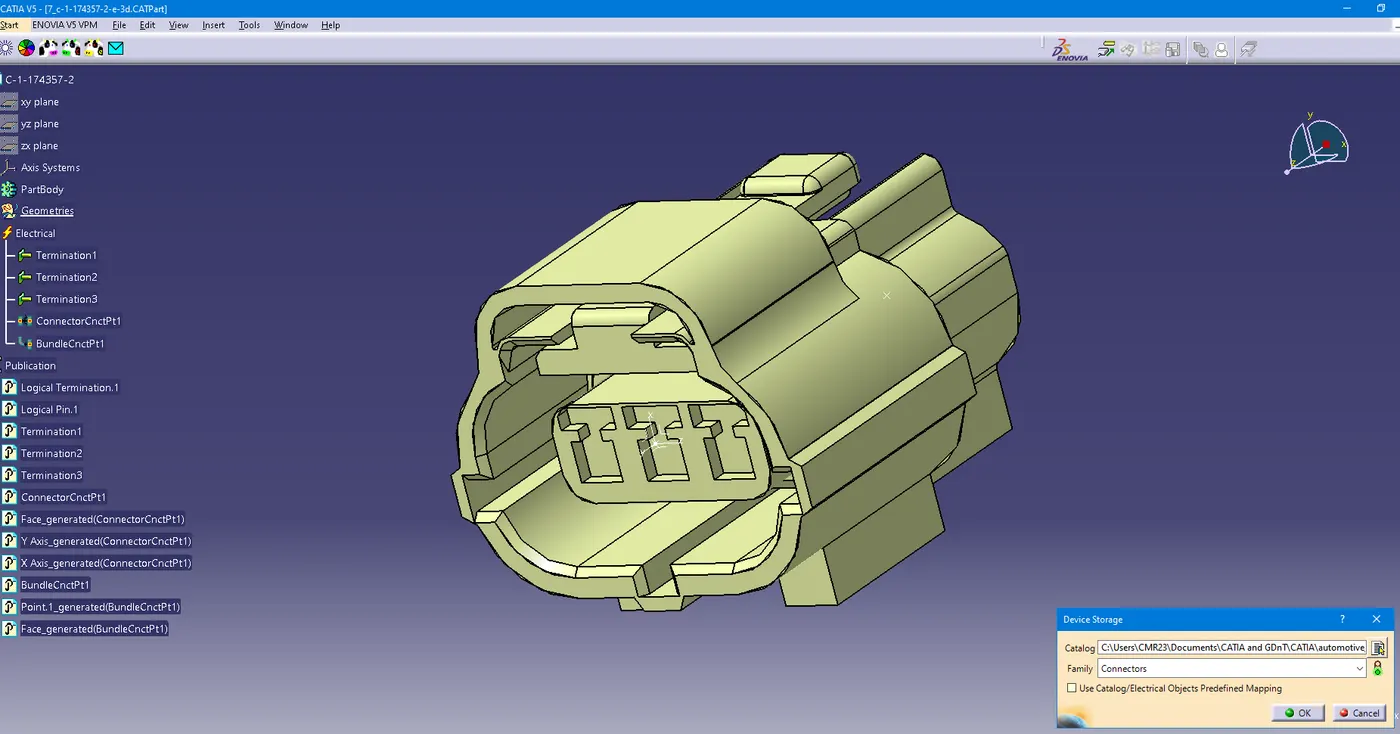
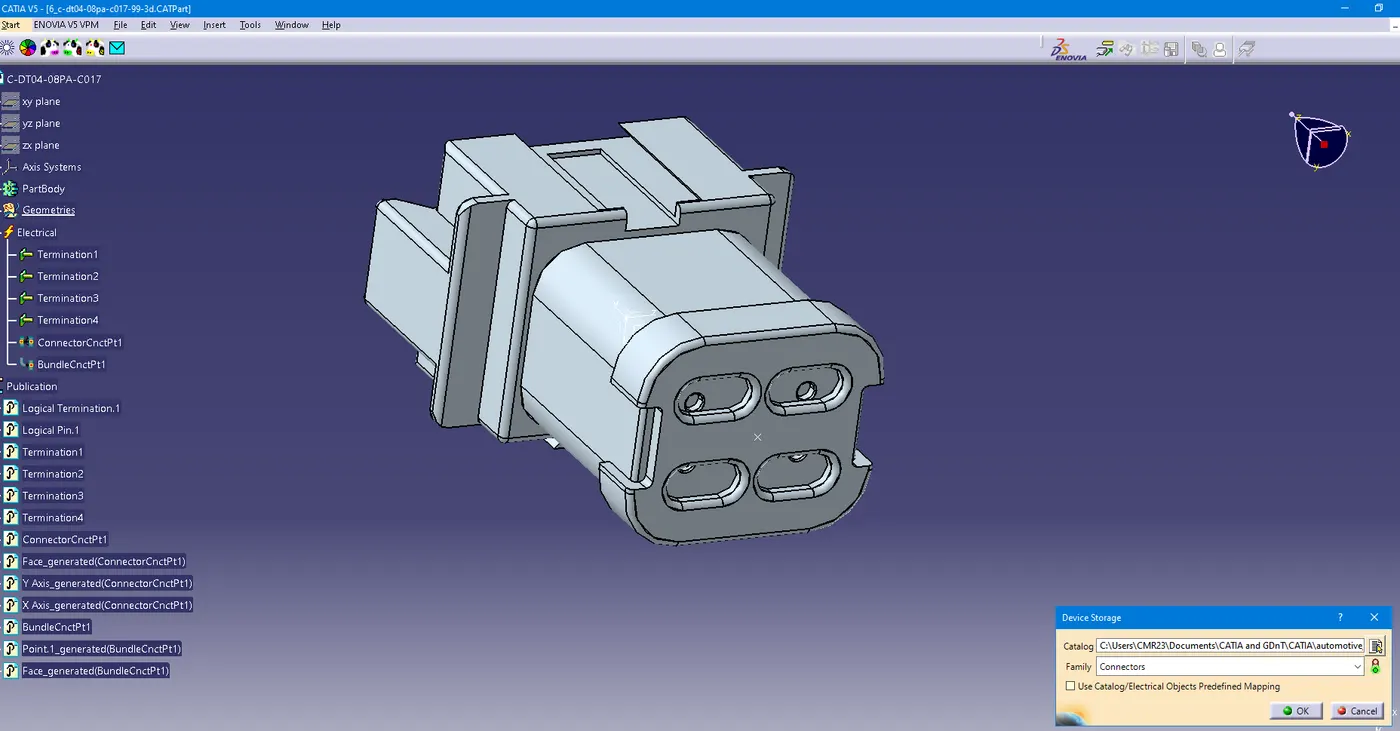
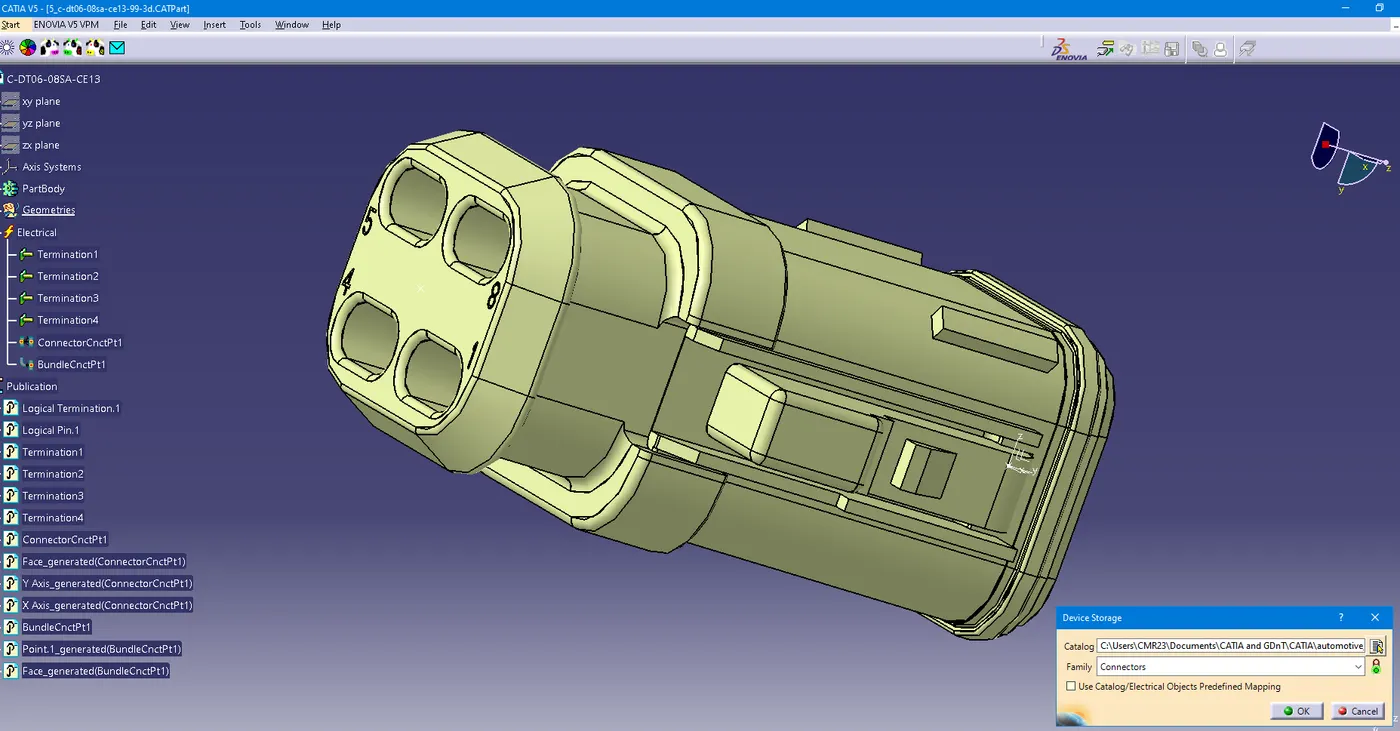
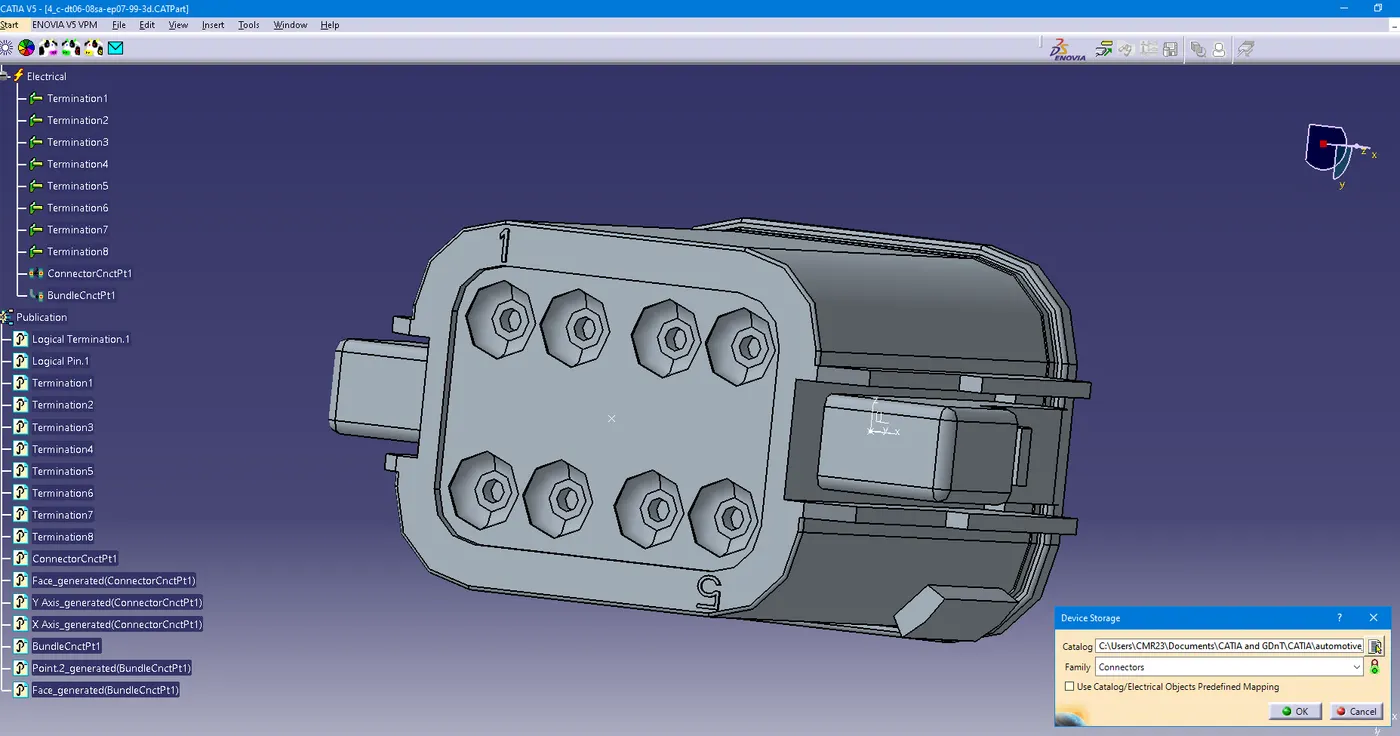
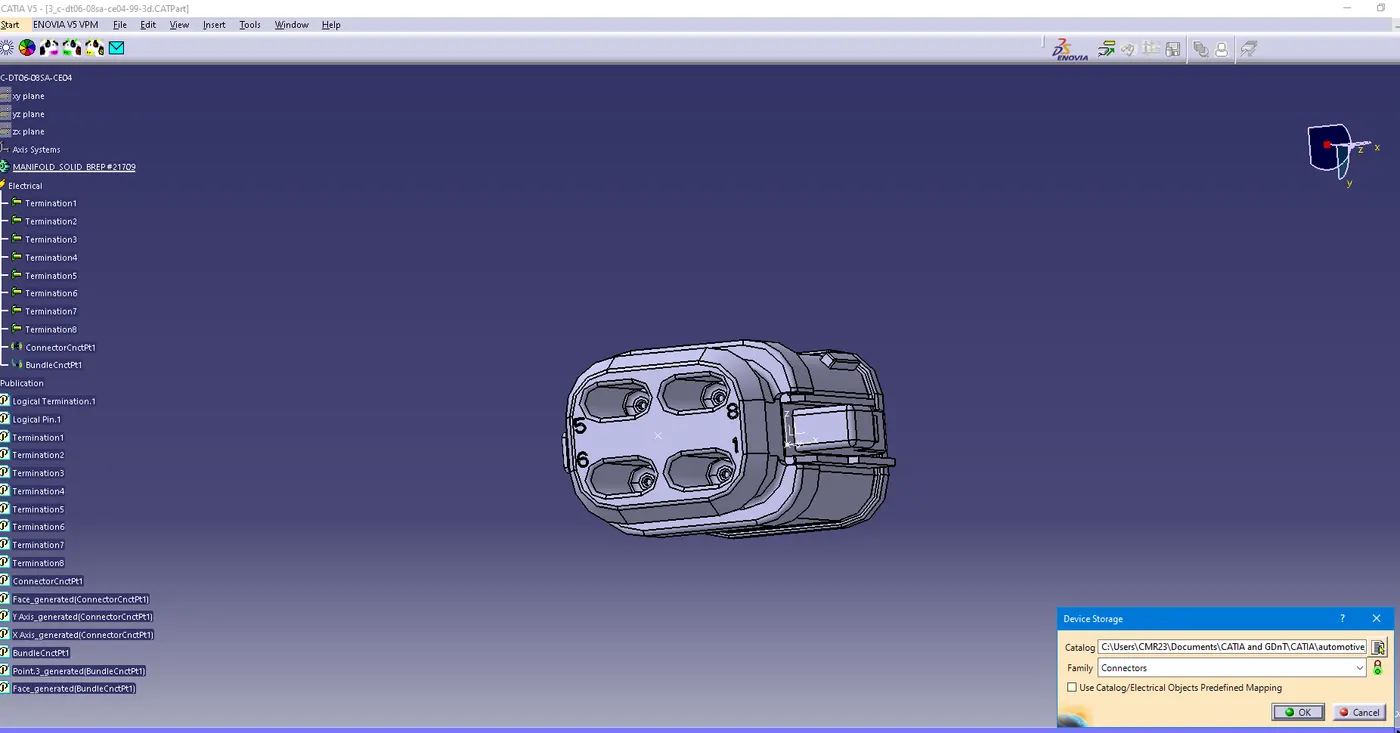
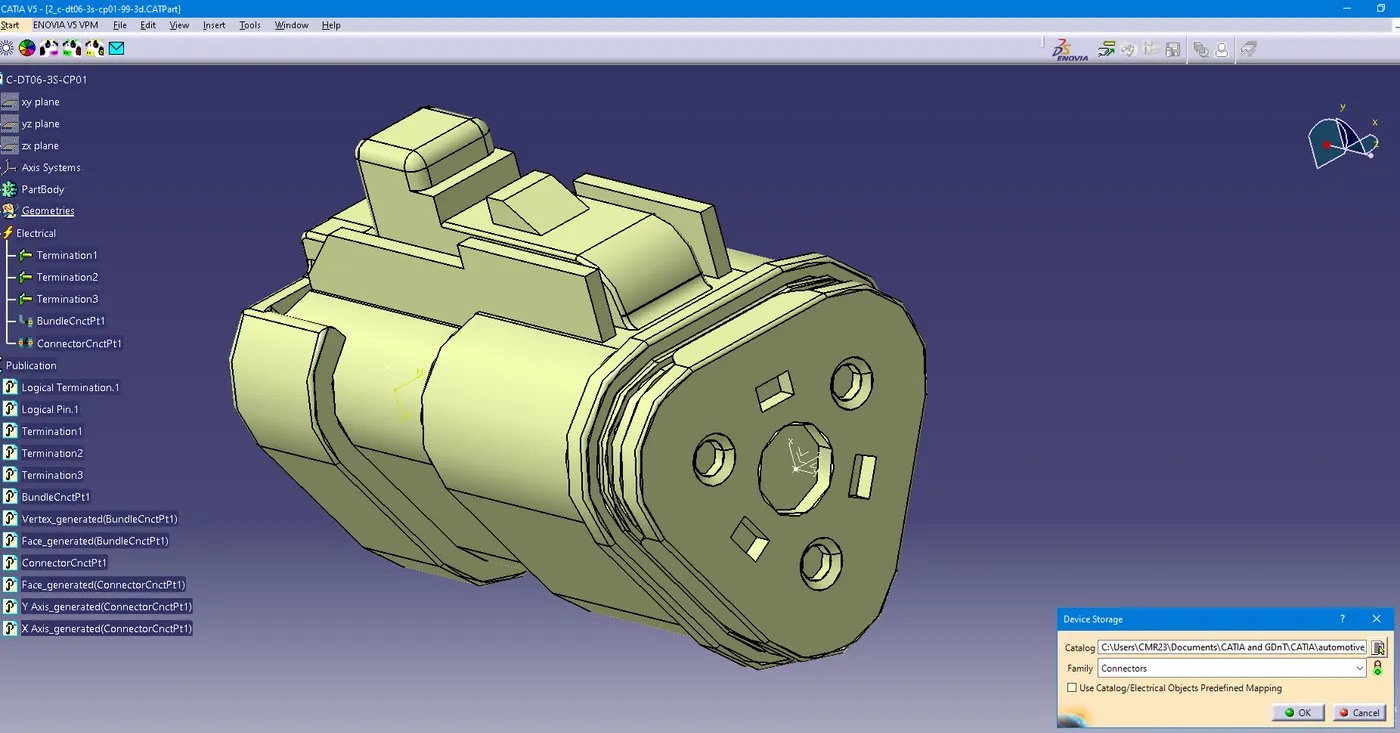
7. connector connection points and bundle connection points are defined for every connector.
8. multi branchables are added prepared, without any warnings.
9. after copy paste of both the harnesses in a different CATProduct, a command called connect electrical devices was used form electrical assembly design, to join the connectors of both the harnesses.