Wiring harness design in CATIA V5 - 3D modeling Week 5 & 6 Challenge
Wiring harness design in CATIA V5 - 3D modeling Week 5 & 6 Challenge
Question:
Route the following harness layout in Electrical workbench. Make assumption for harness bundle diameters. Use the connectors provided. After completion of routing,
- Check the bundle Continuity. Add snap of result in submission
- Add annotation to all connectors. Make an assumptions for annotations like connect 1 , 2 etc
- Check for the bundle warning. Add snap.
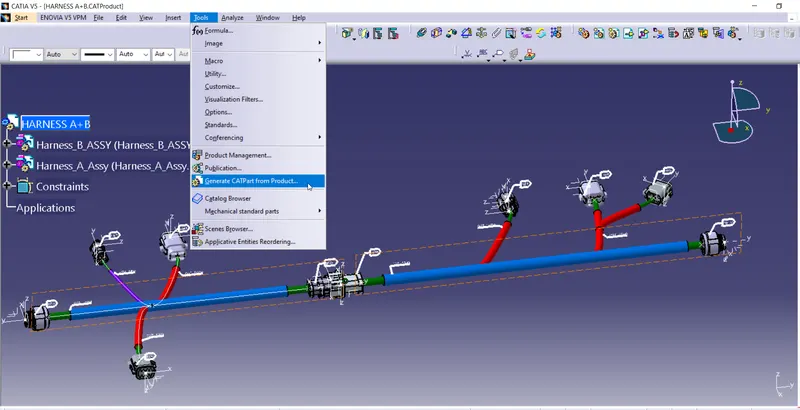
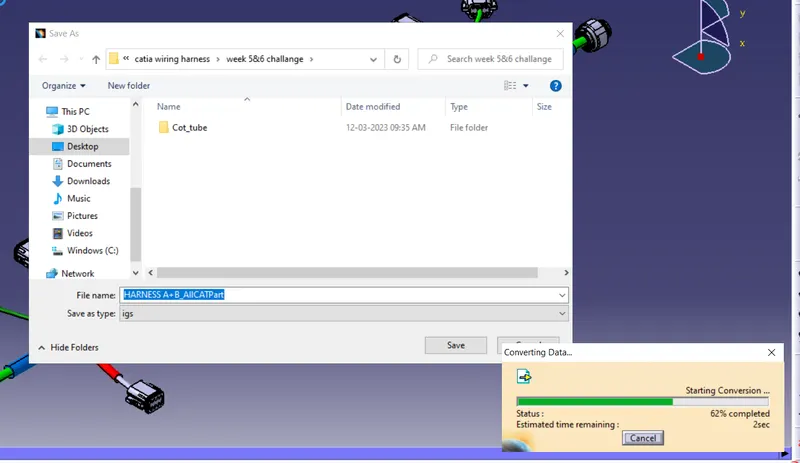
- Generate CAT.part of harness assembly and convert is in. igs format.
sol:
Firstly, preperataion of all required parts
Create A catalogDocument with 2 family namly Harness_A_components & Harness_B_components.
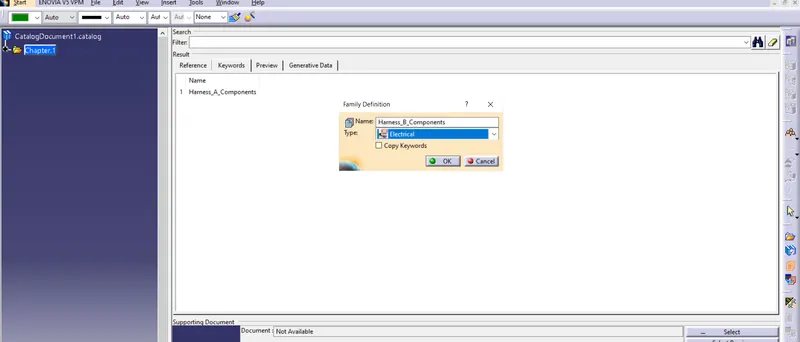
Save file in desired location
Harness A
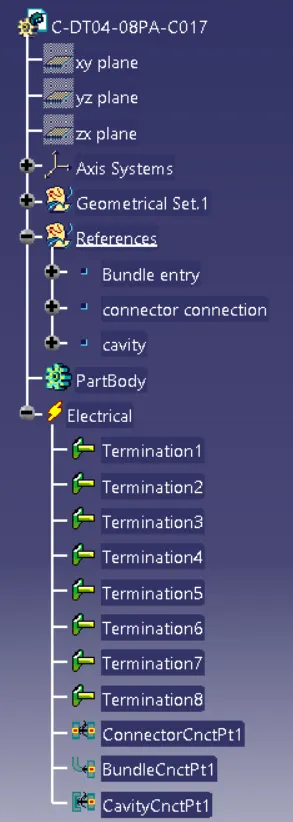
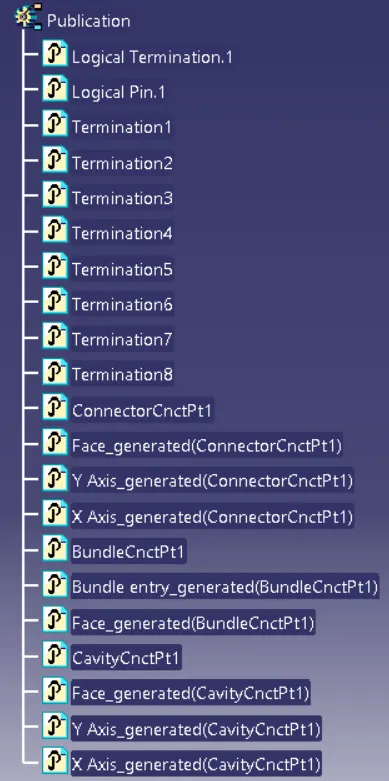
CONNECTOR no.6 : DT04-08PA-C017 (HA6)
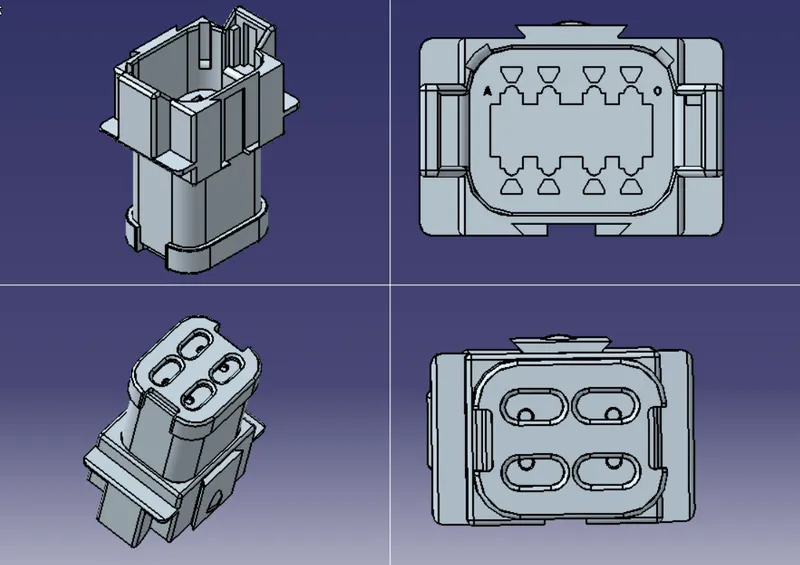
Add bundle entry mid point, conector conection mid point and axis.
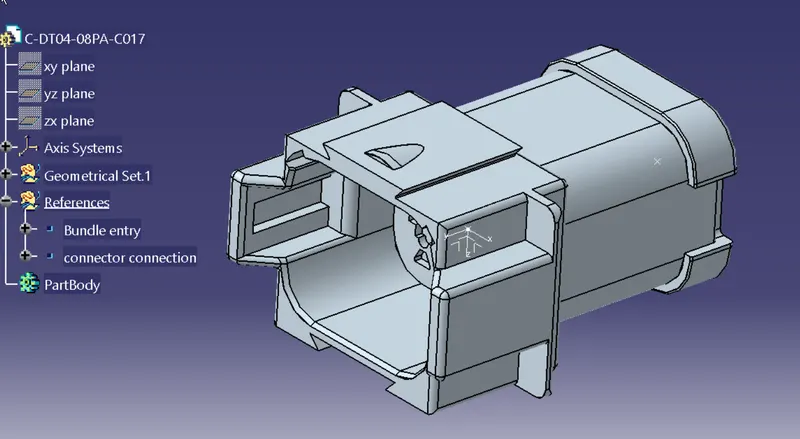
Define connector from electric part design
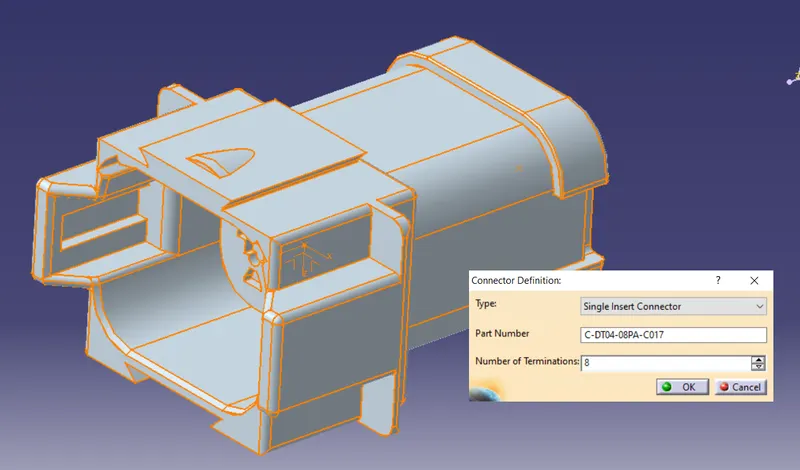
Define connector connection
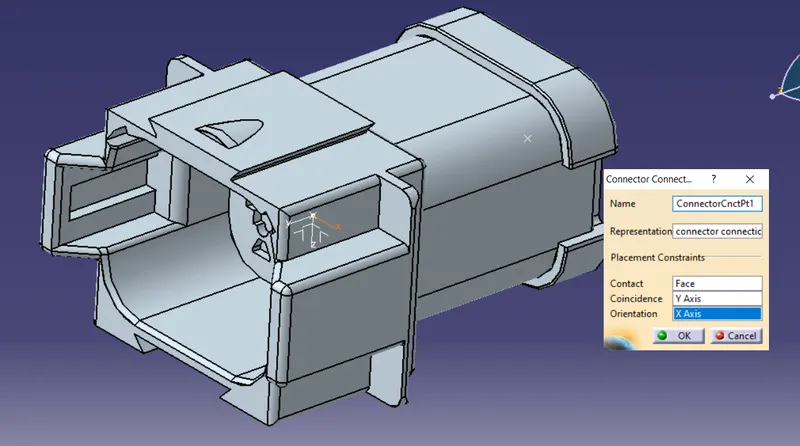
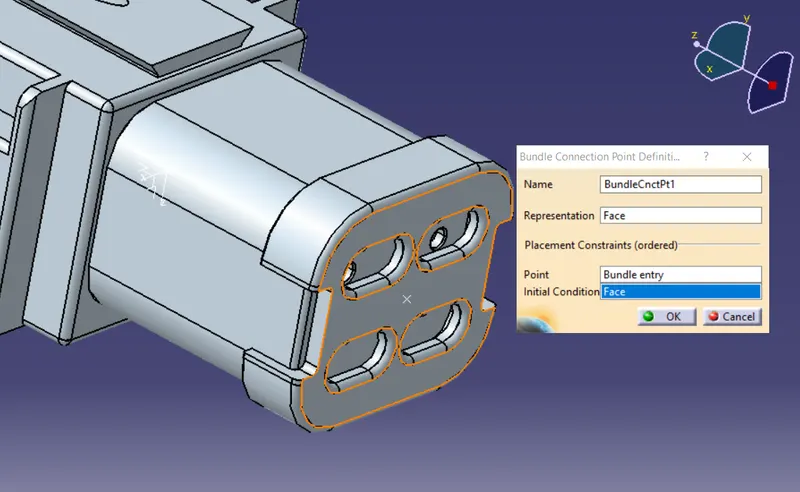
Define bundle entry point
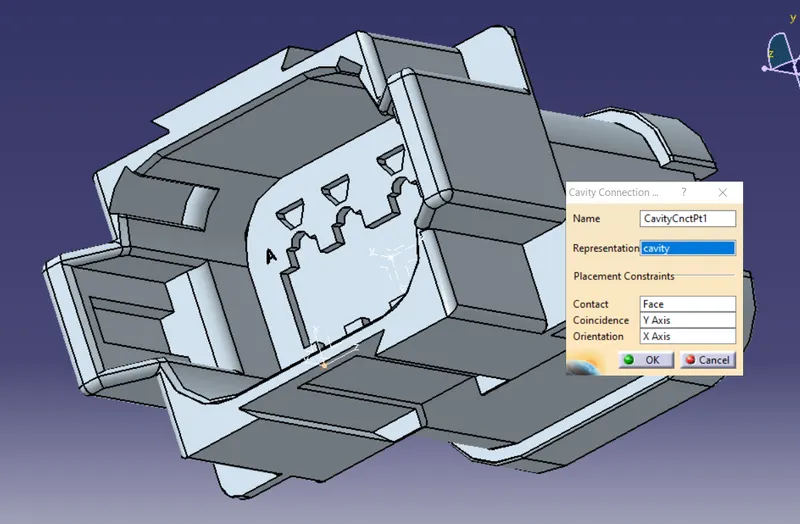
cavity connection point.(may or may not be used)
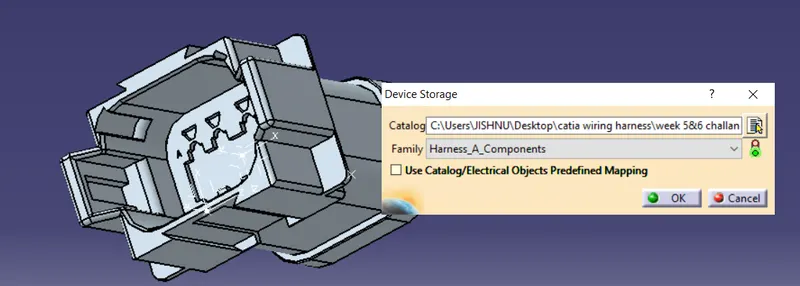
Save and add to catalog
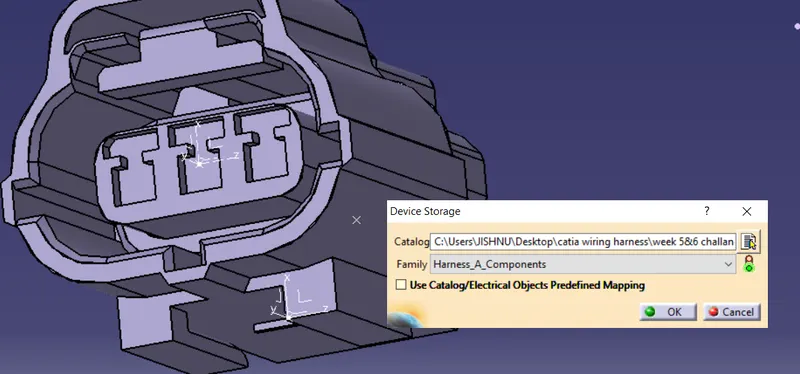
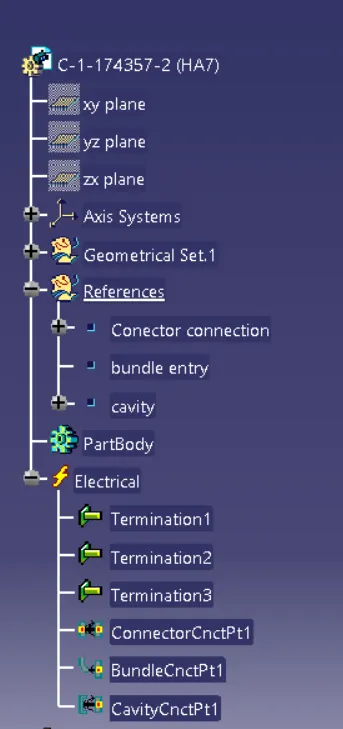
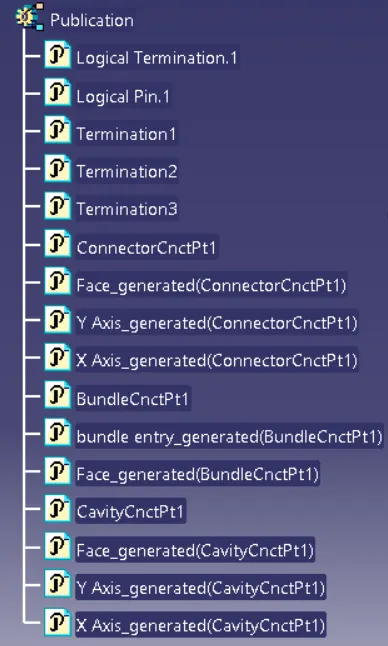
CONNECTOR no.7 : C-1-174357-2 (HA7)
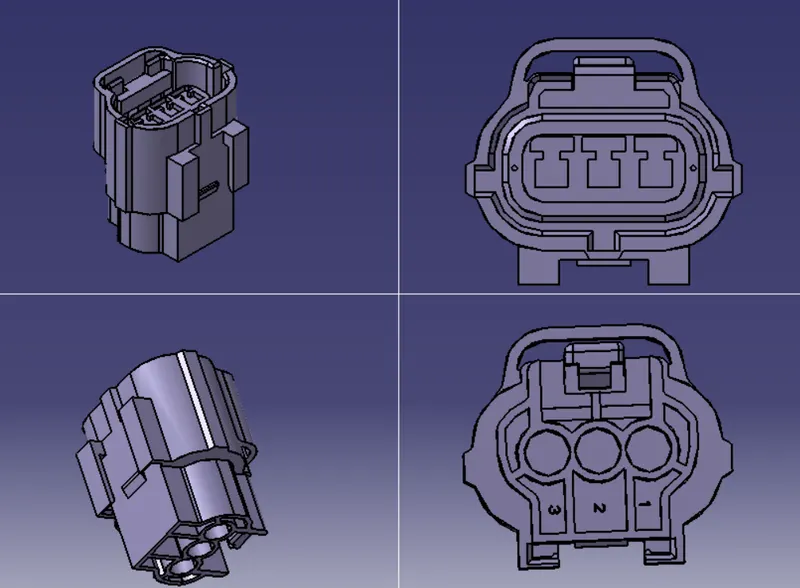
Add bundle entry mid point, conector conection mid point and axis.
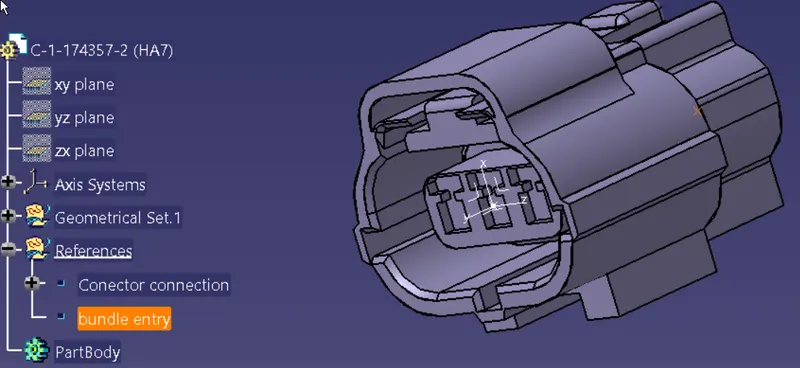
Define as connector from electric part design
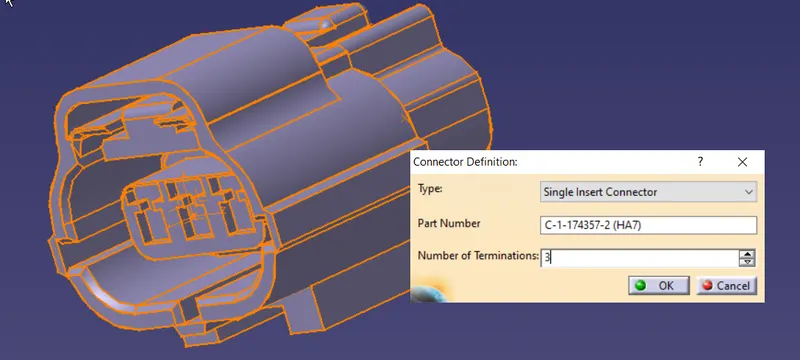
Define connector connection
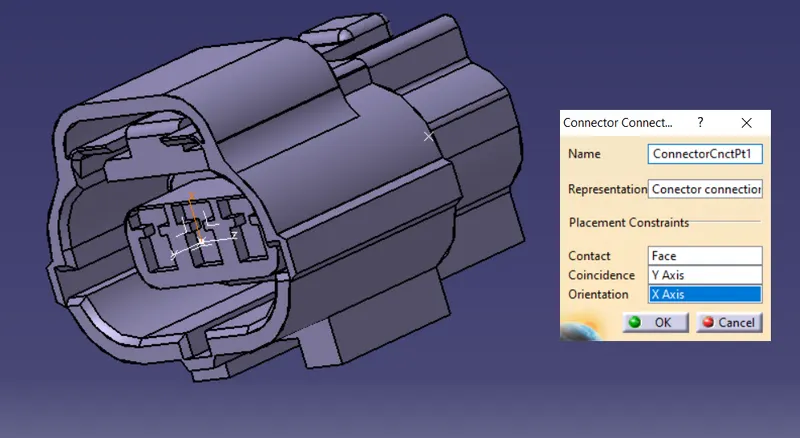
Define bundle entry point
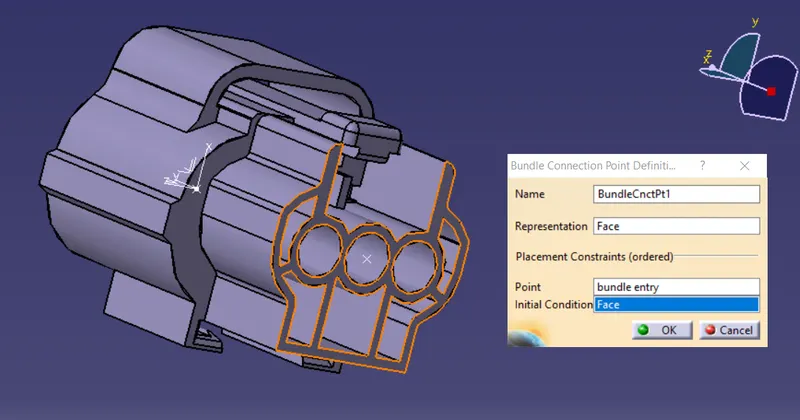
cavity connection point.(may or may not be used)
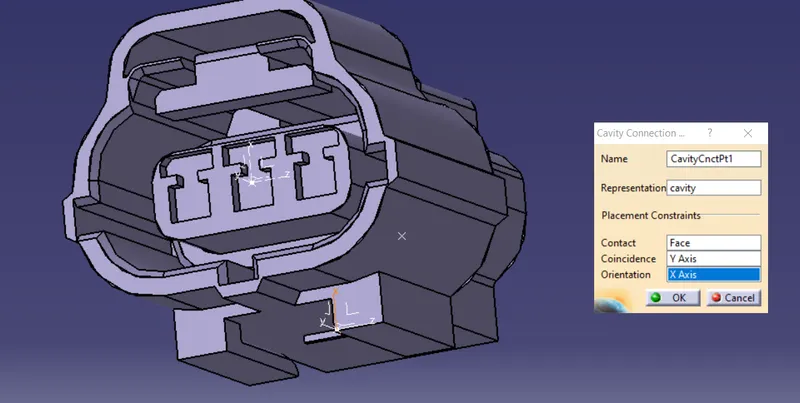
Save and add to catalog
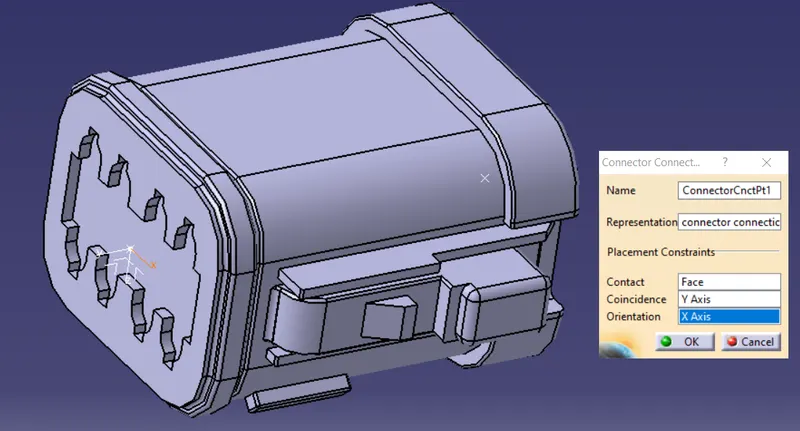
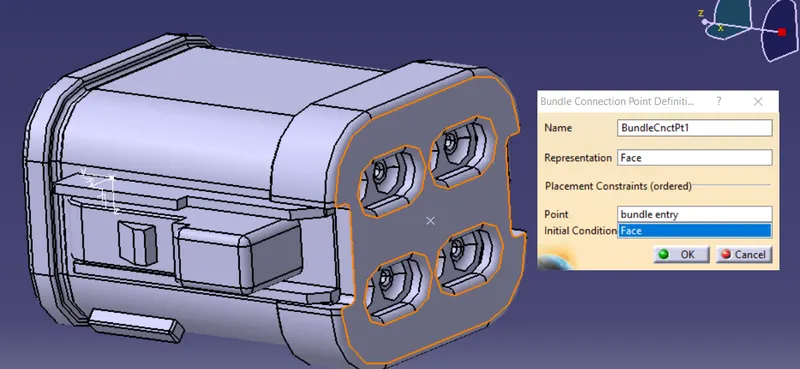
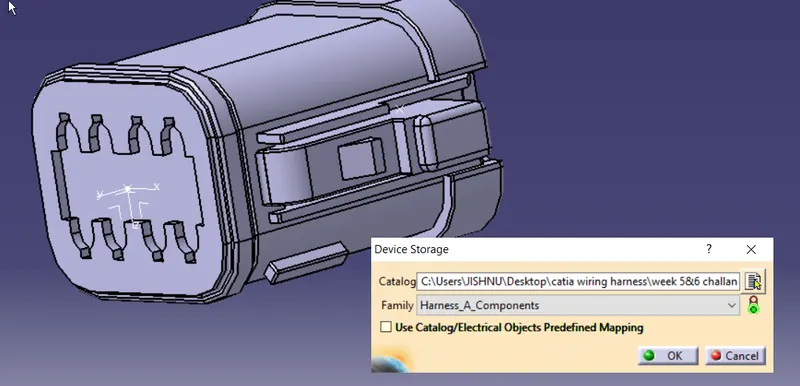
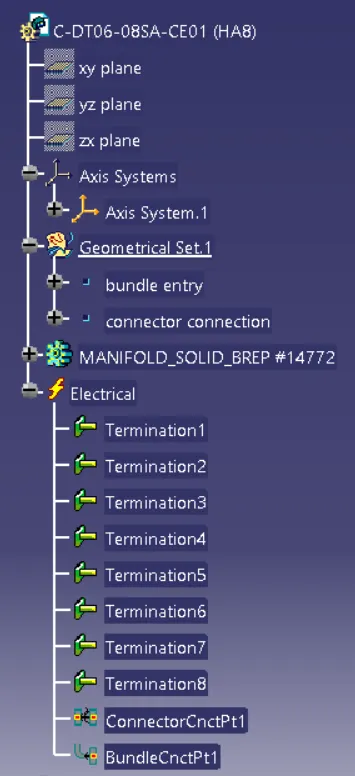
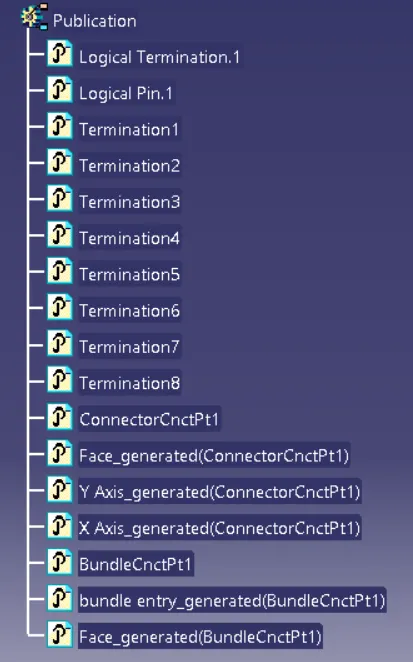
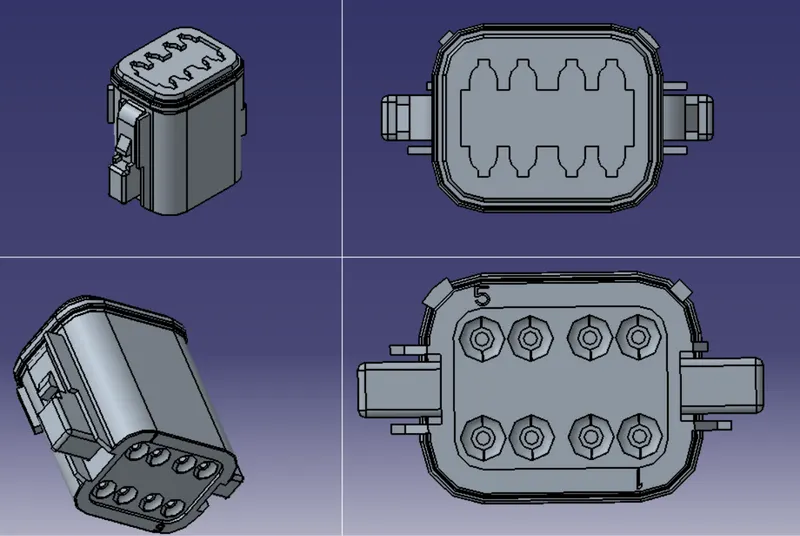
CONNECTOR no.8 : C-DT06-08SA-CE01 (HA8)
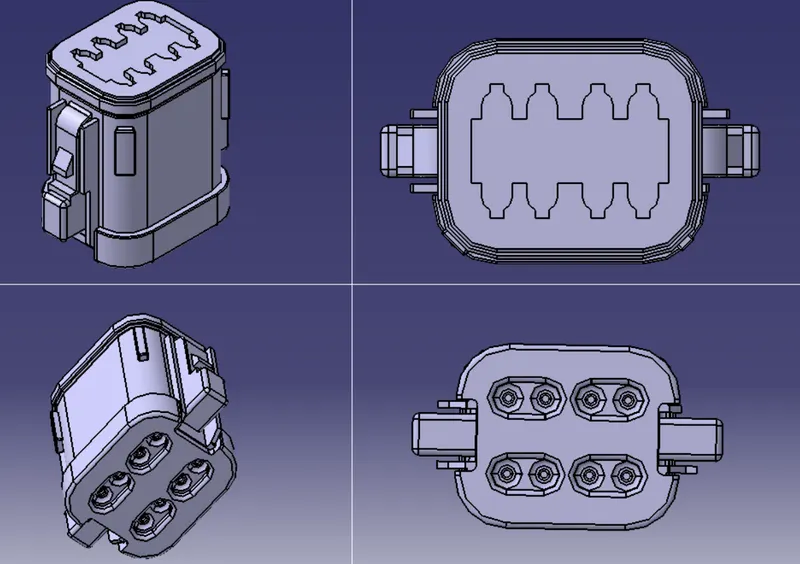
Add bundle entry mid point, conector conection mid point and axis.
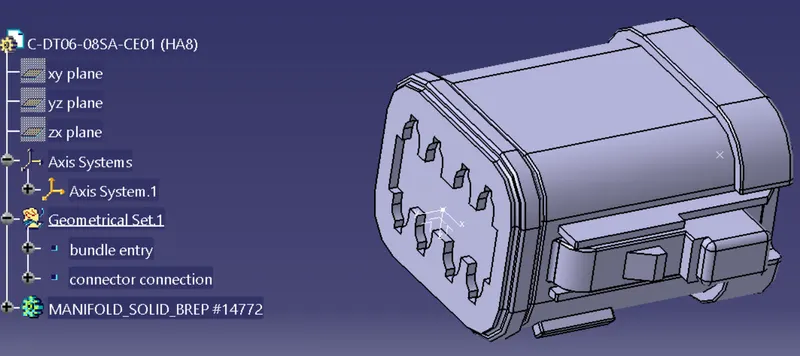
Define connector from electric part design
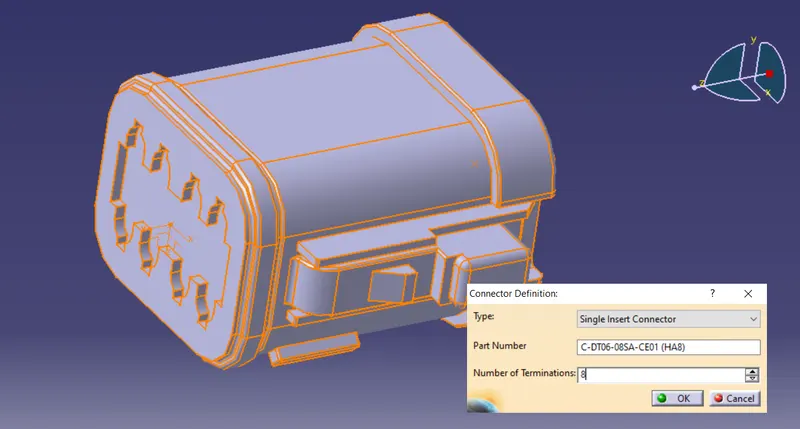
Define connector connection
Define bundle entry point
Save and add to catalog
CONNECTOR no.9 : C-DT06-08SA-EP07 (HA9)
Add bundle entry mid point, conector conection mid point and axis.
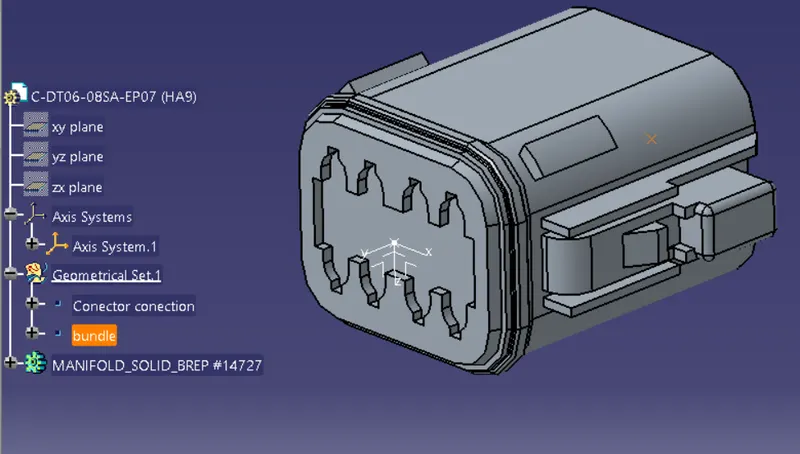
Define as connector from electric part design
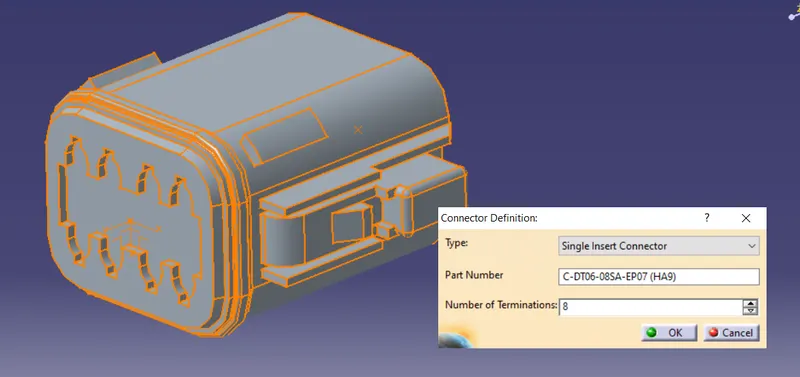
Define connector connection
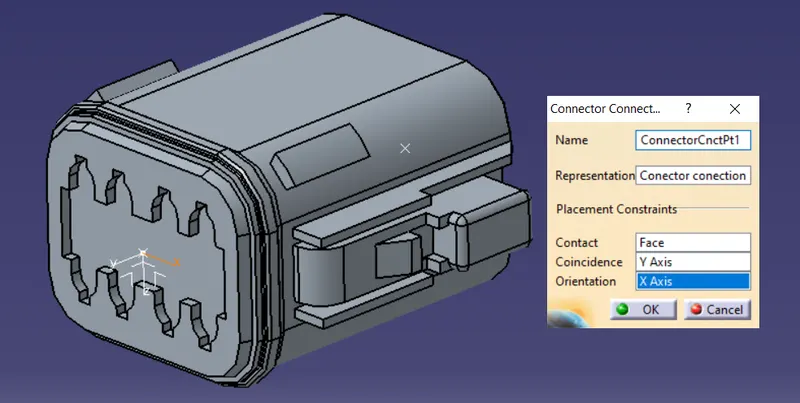
Define bundle entry point
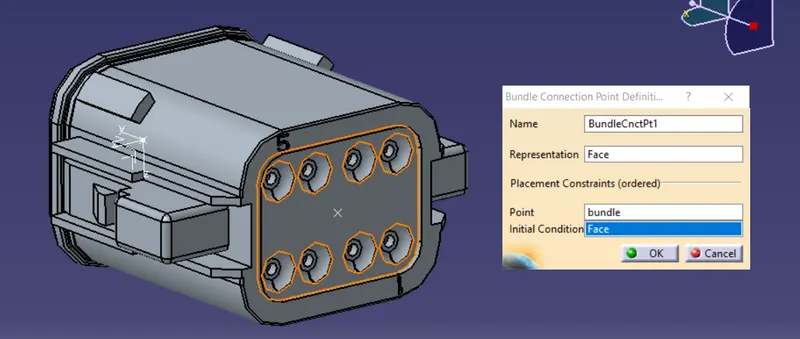
Save and add to catalog
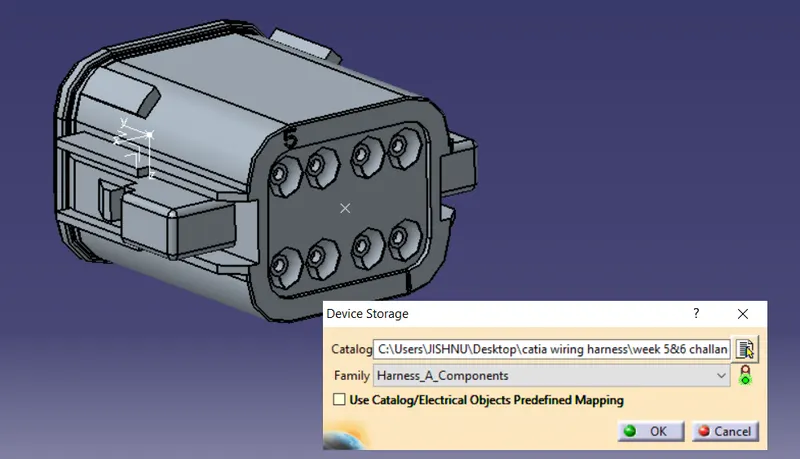
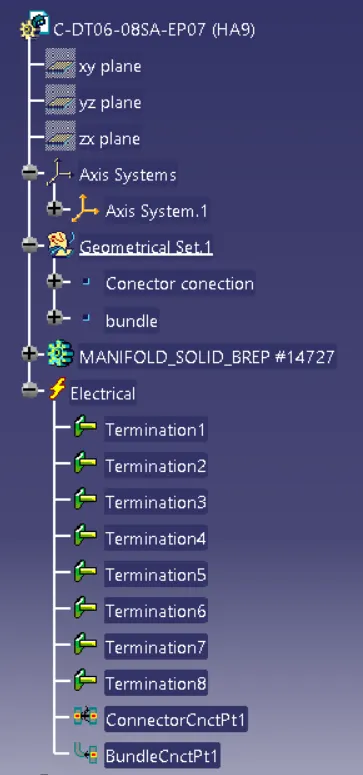
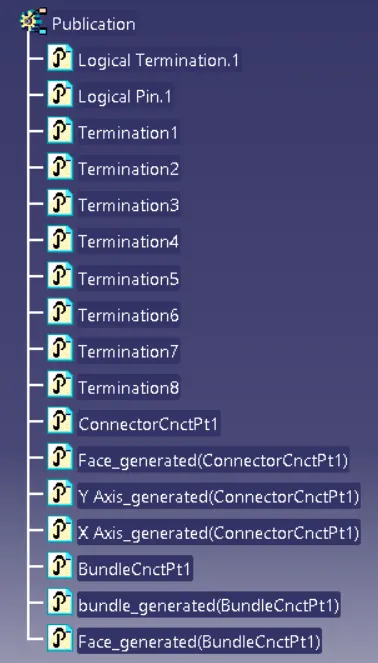
CONNECTOR no.10 : C-YDTS26F15-35SNV001 (HA10)
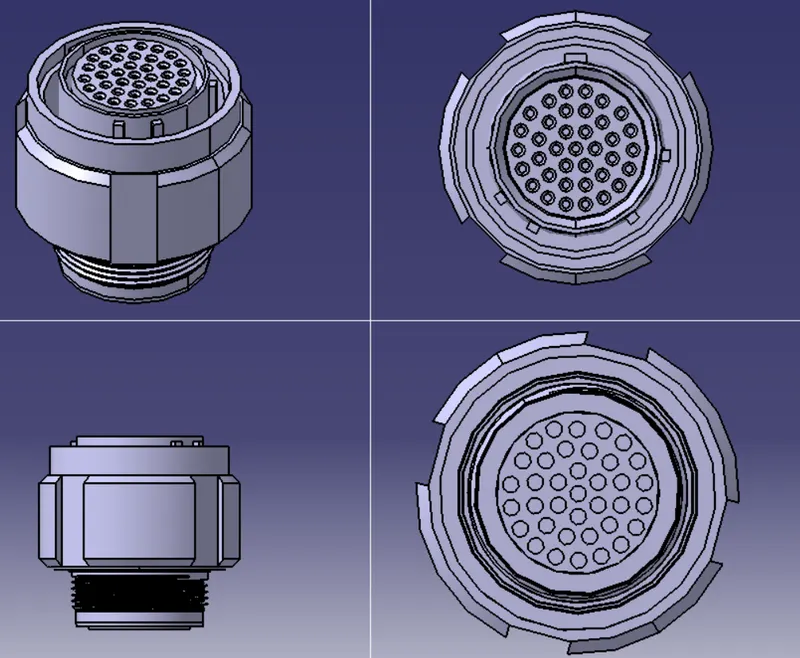
Add bundle entry mid point, conector conection mid point and axis.
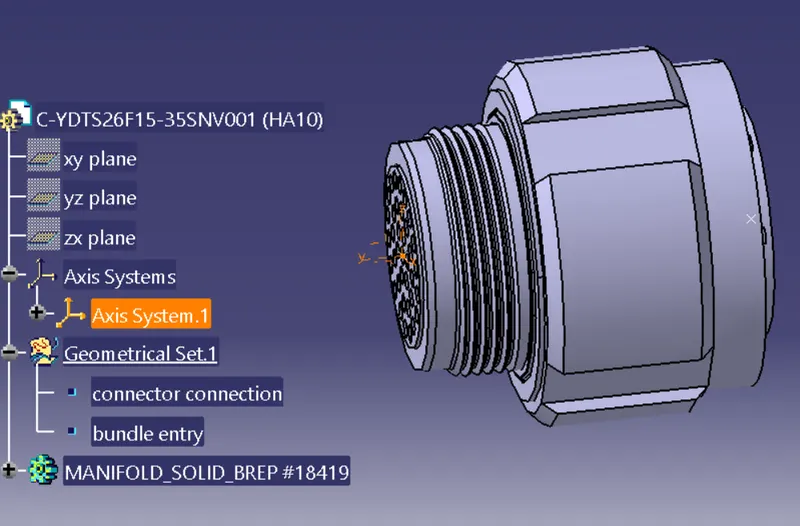
Define connector from electric part design
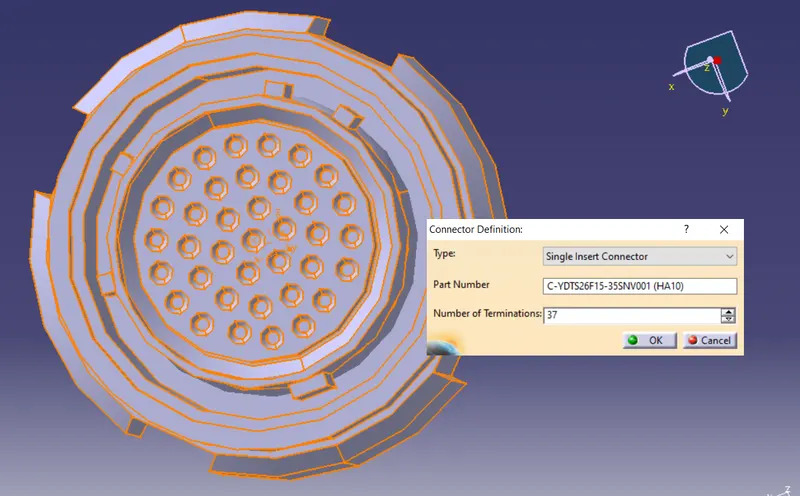
Define connector connection
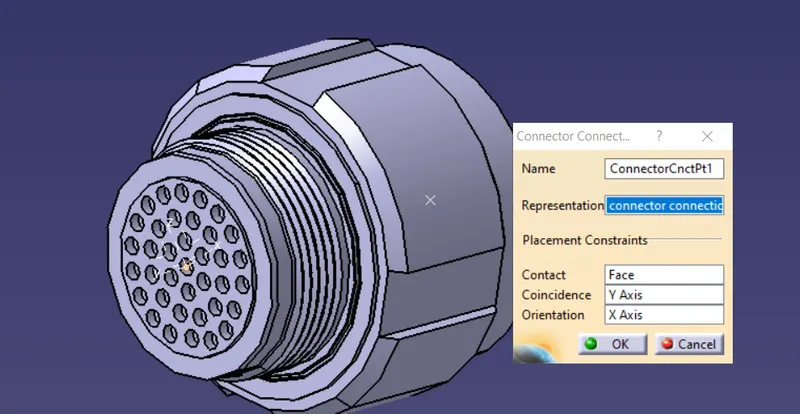
Define bundle entry point
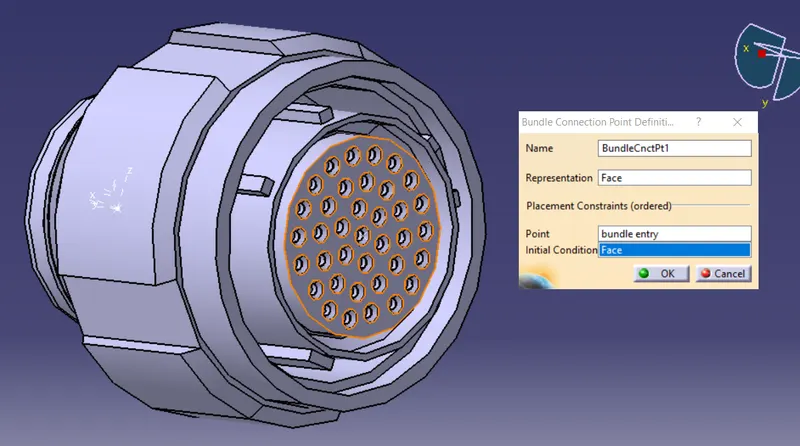
Save and add to catalog
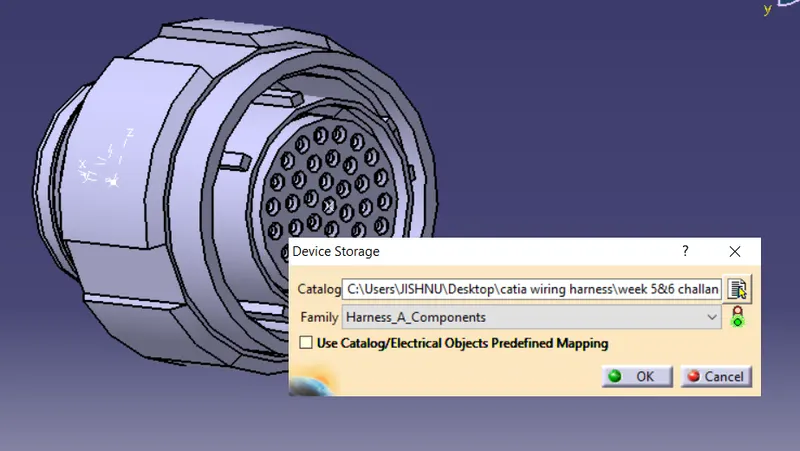
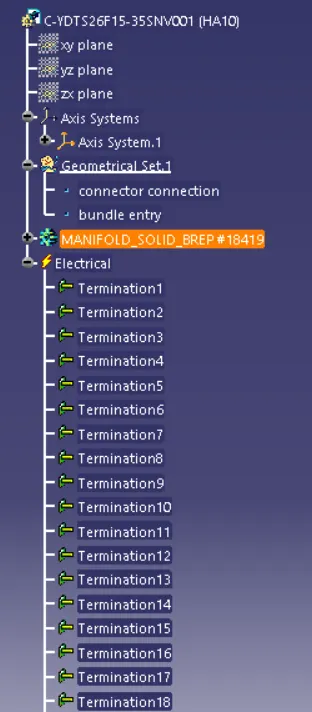
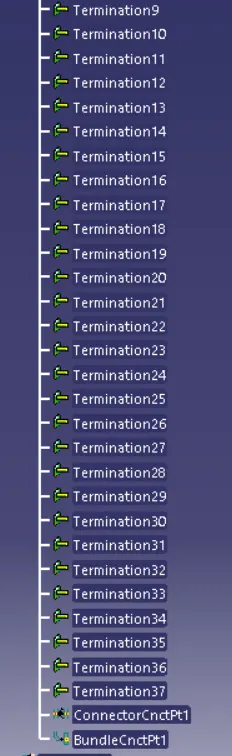
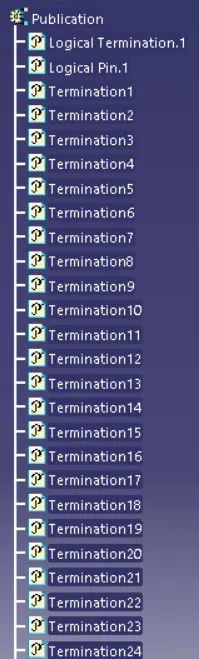
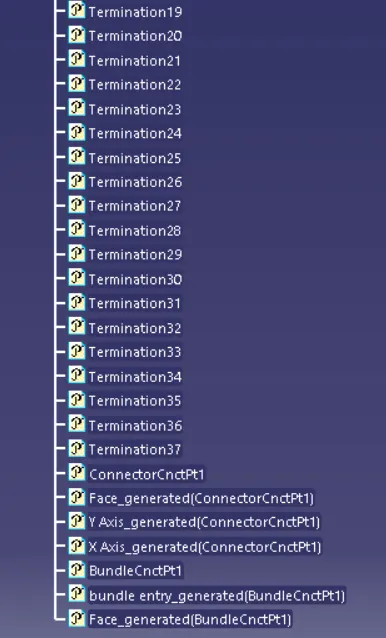
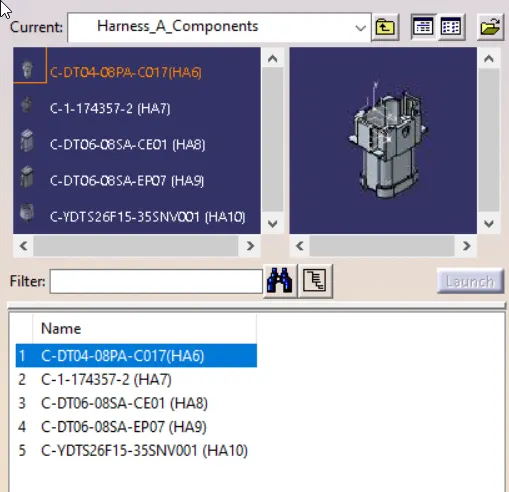
data atored in catalog under harness_A
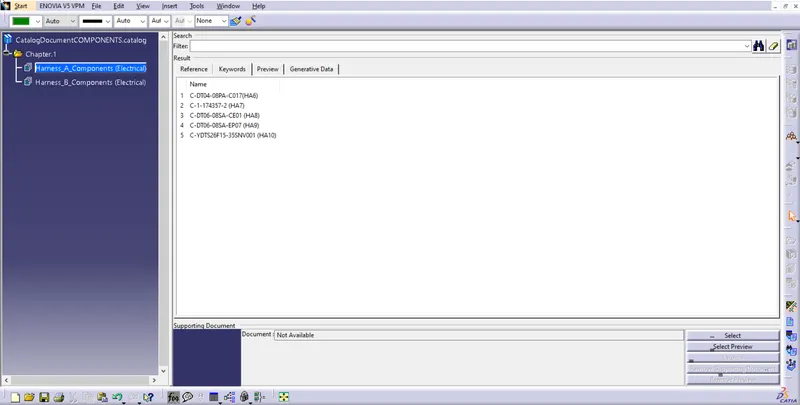
HARNESS B
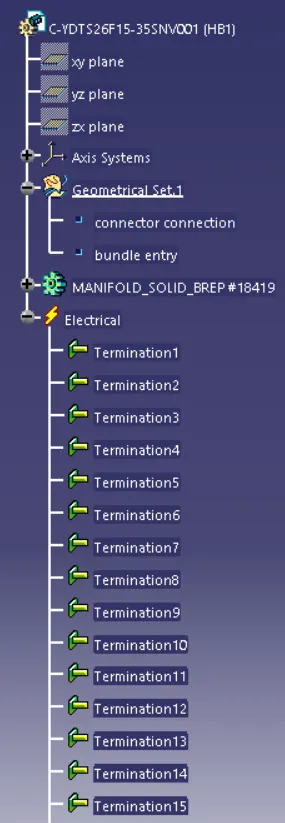
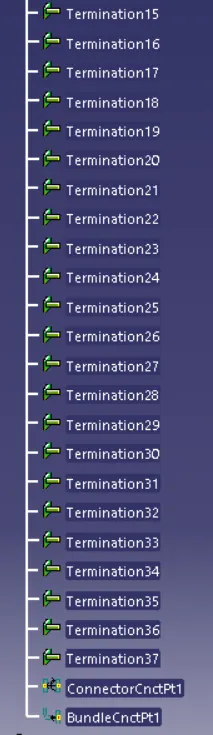
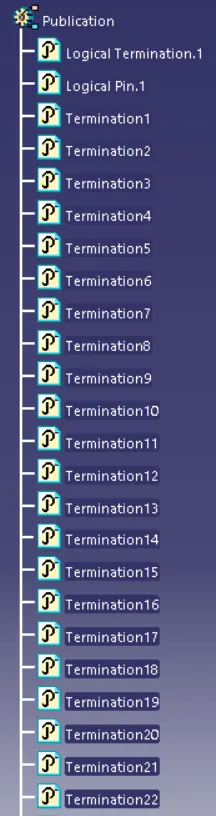
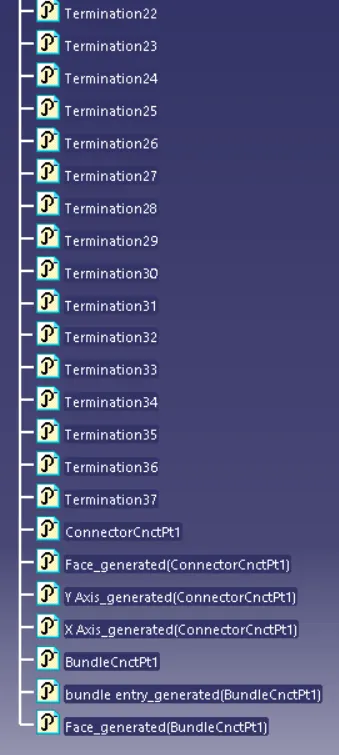
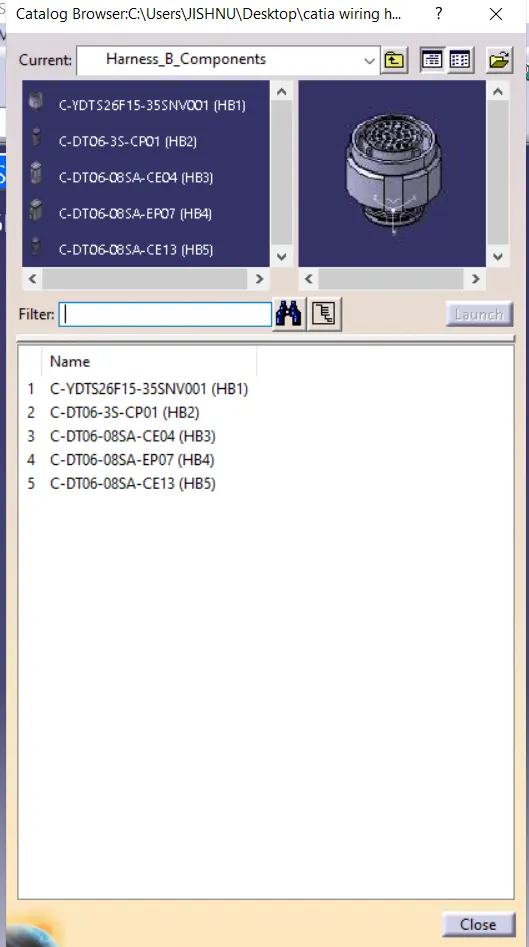
CONNECTOR no.1 : C-YDTS26F15-35SNV001 (HB1)
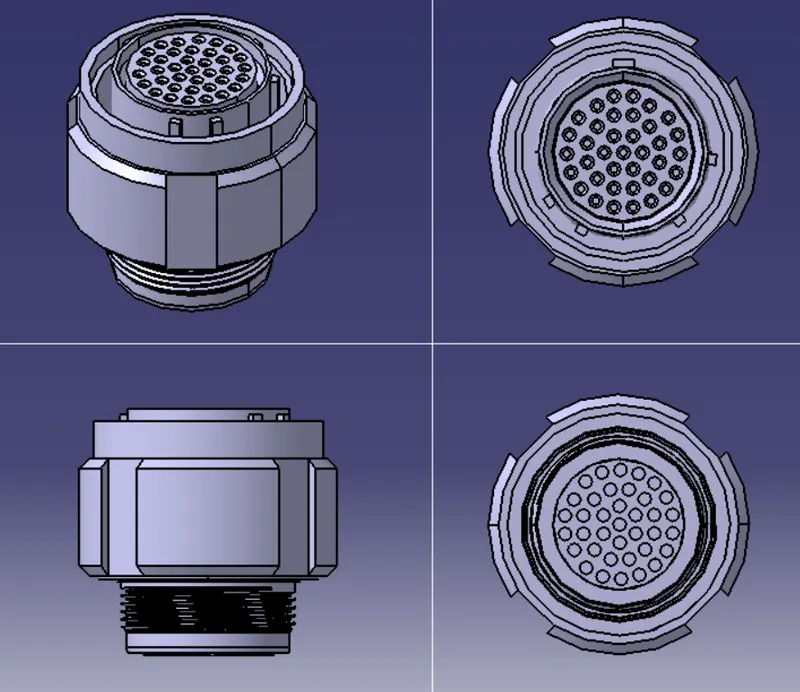
Add bundle entry mid point, conector conection mid point and axis.
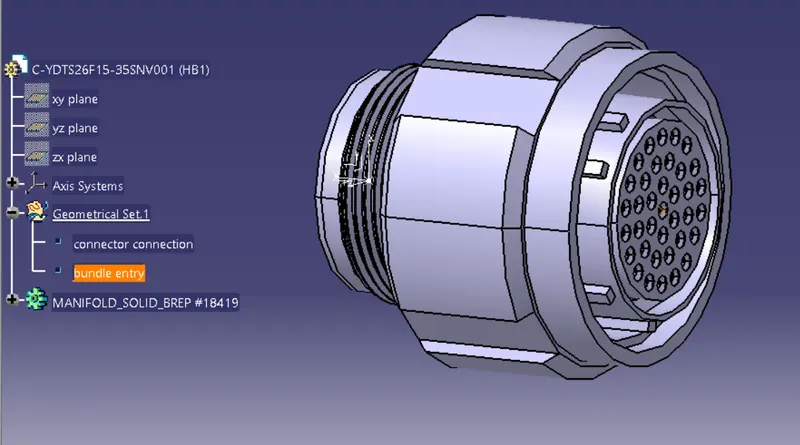
Define connector from electric part design
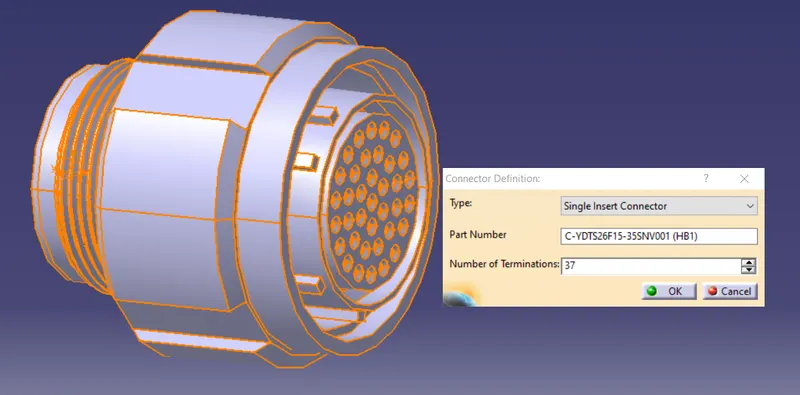
Define connector connection
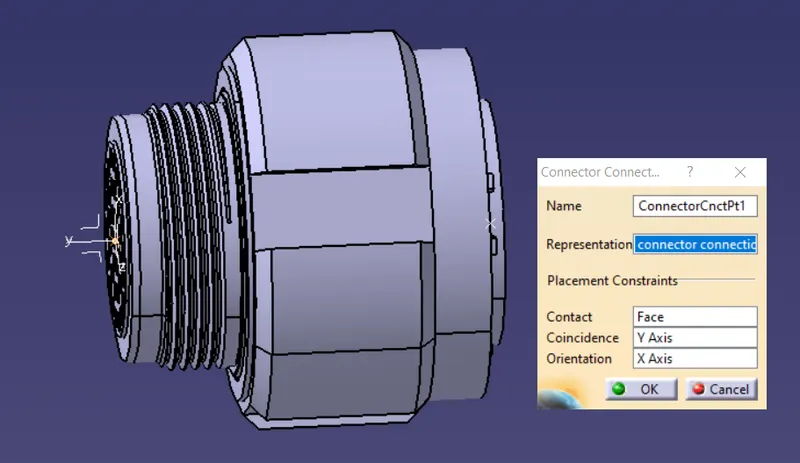
Define bundle entry point
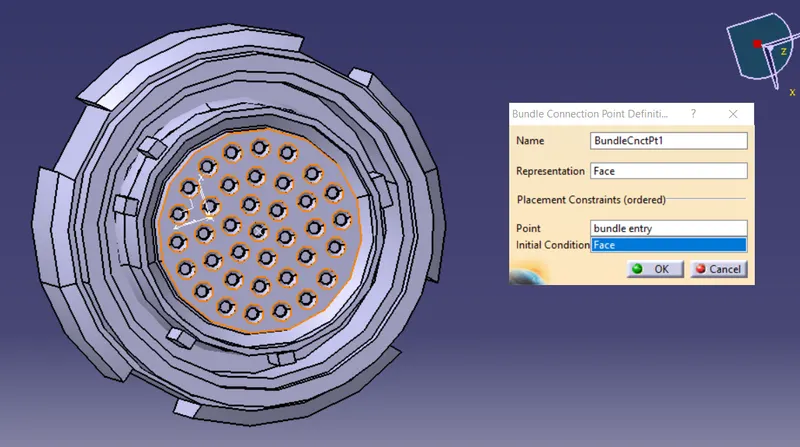
Save and add to catalog
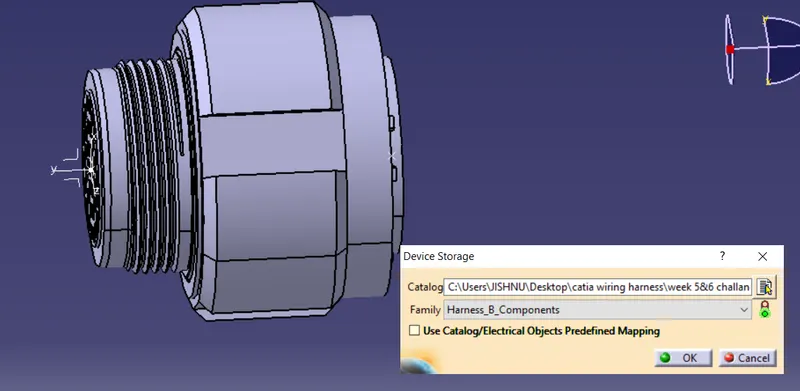
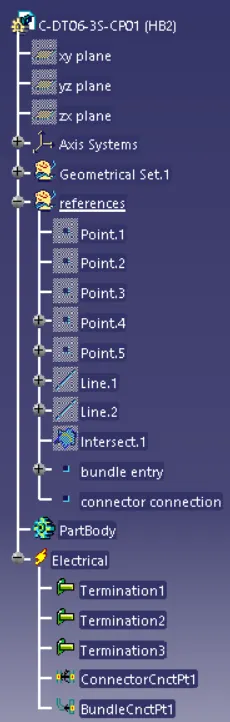
CONNECTOR no.2 : C-DT06-3S-CP01 (HB2)
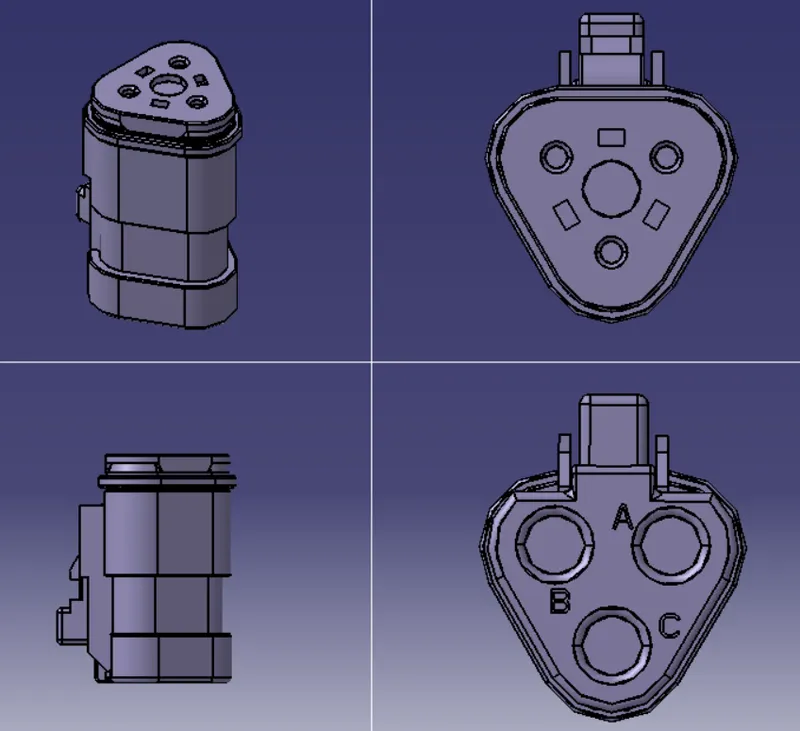
Add bundle entry mid point, conector conection mid point and axis.
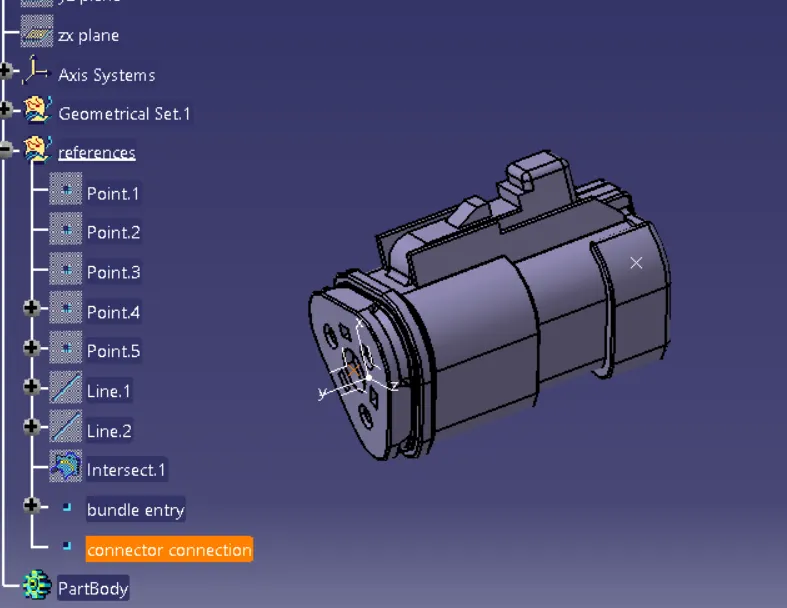
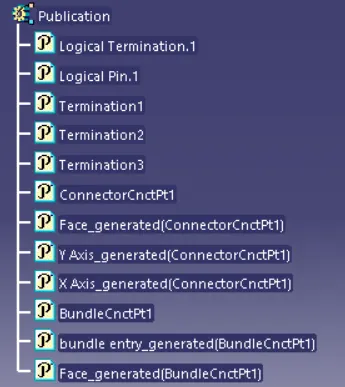
Define connector from electric part design
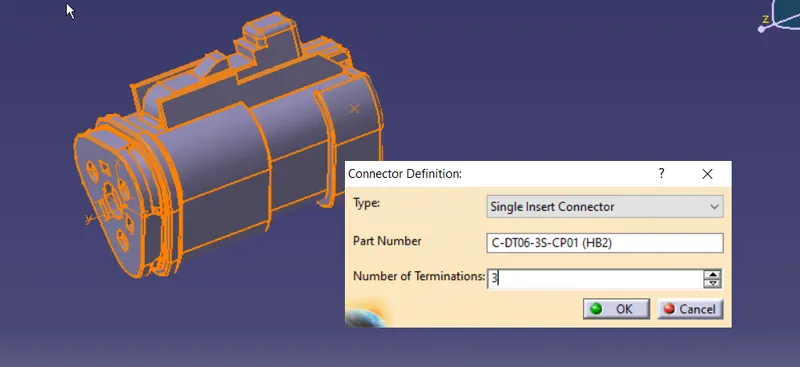
Define connector connection
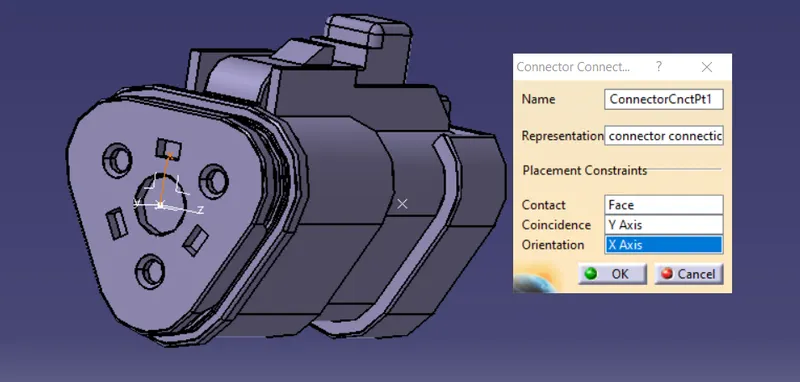
Define bundle entry point
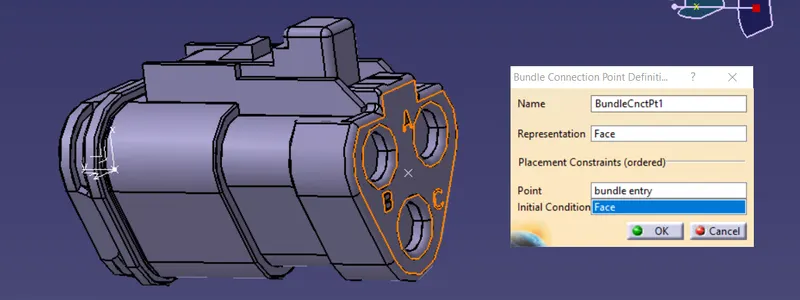
Save and add to catalog
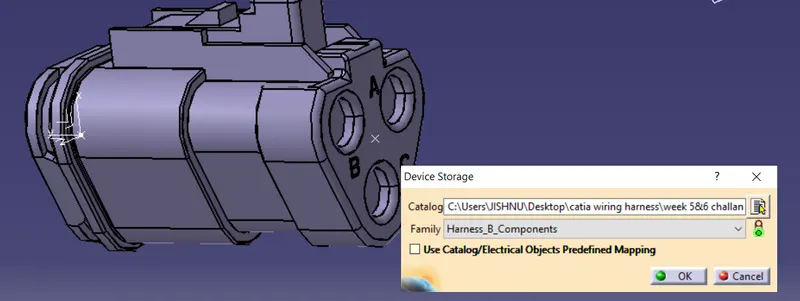
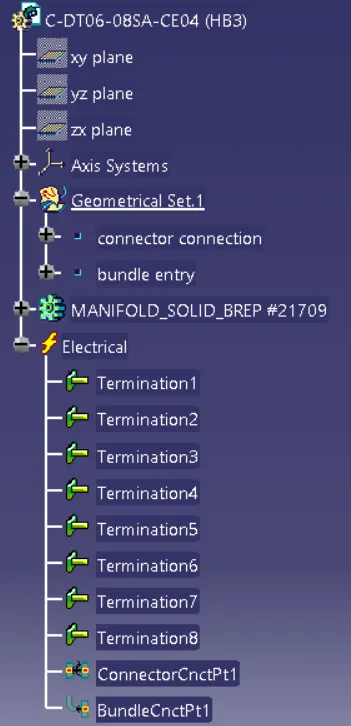
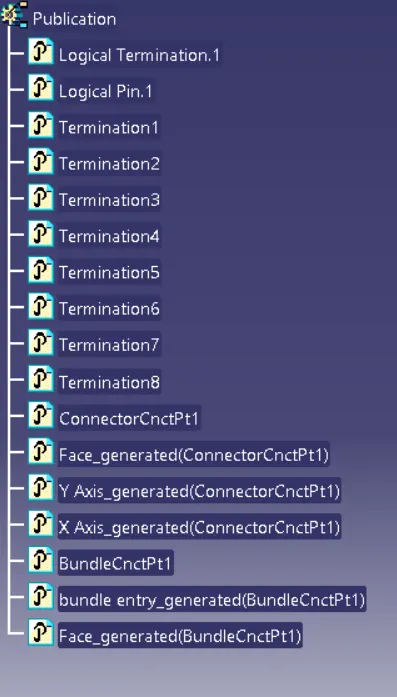
CONNECTOR no.3 : C-DT06-08SA-CE04 (HB3)
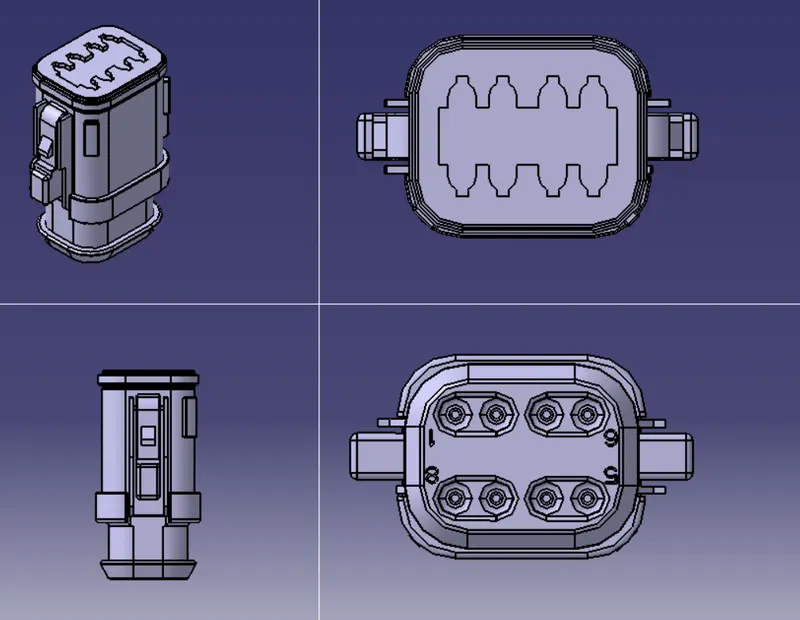
Add bundle entry mid point, conector conection mid point and axis.
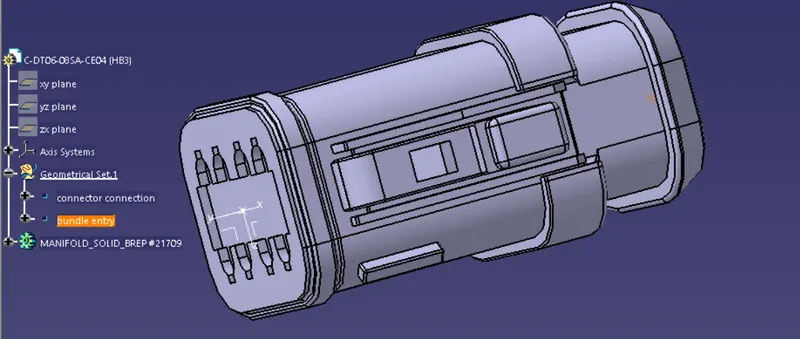
Define as connector from electric part design
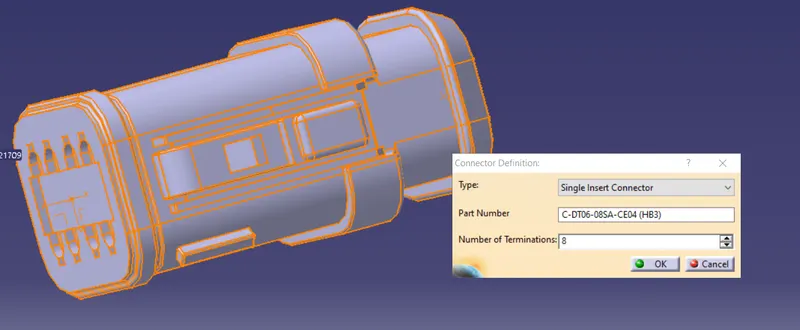
Define connector connection
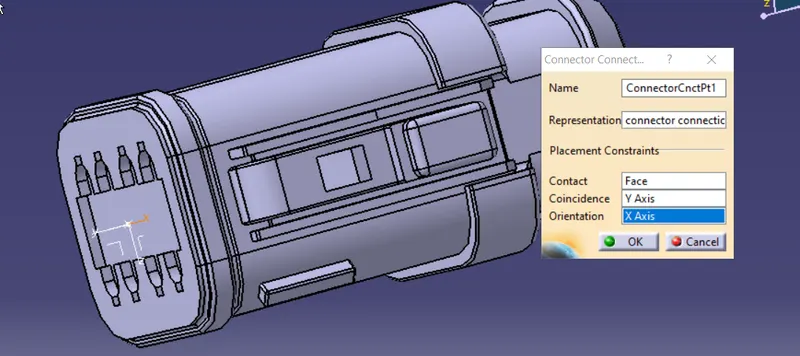
Define bundle entry point
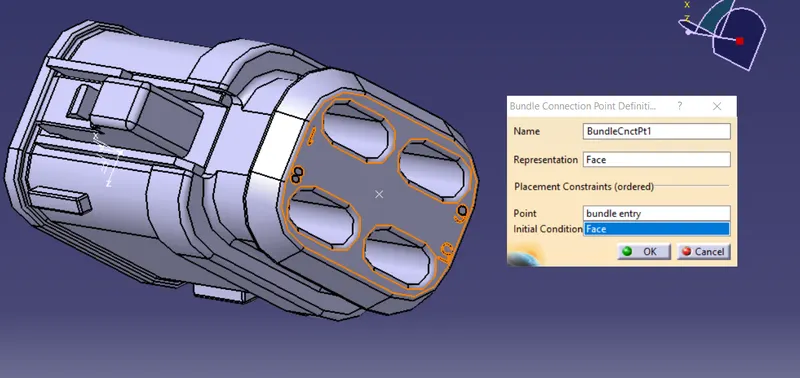
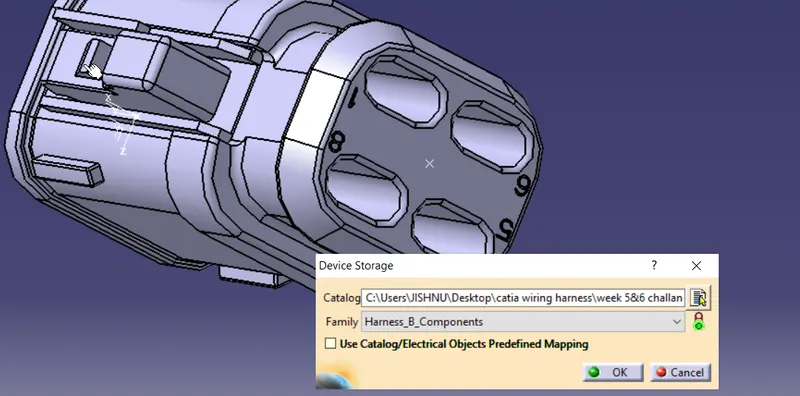
Save and add to catalog
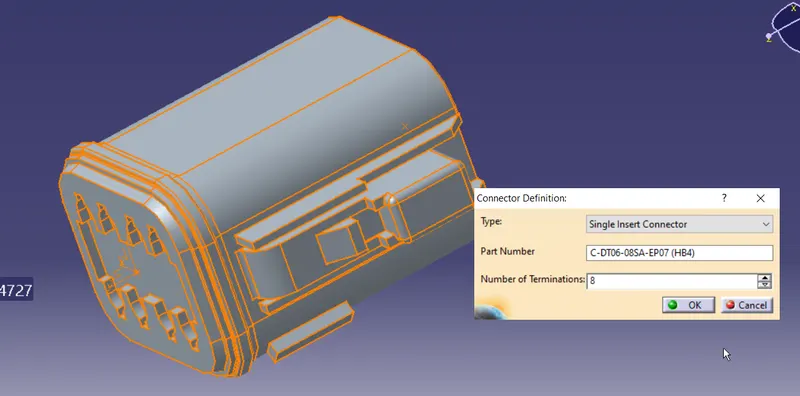
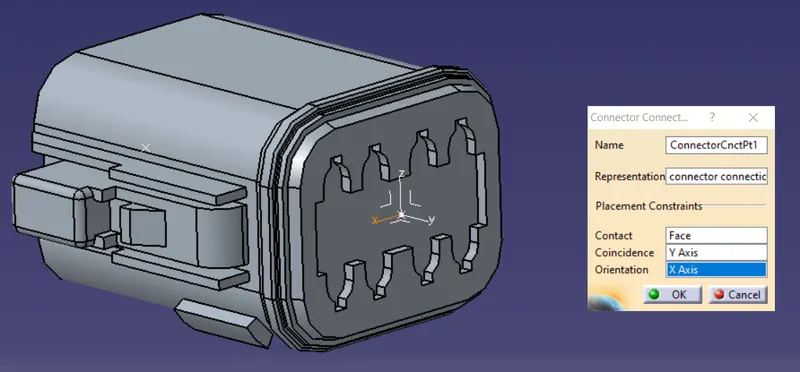
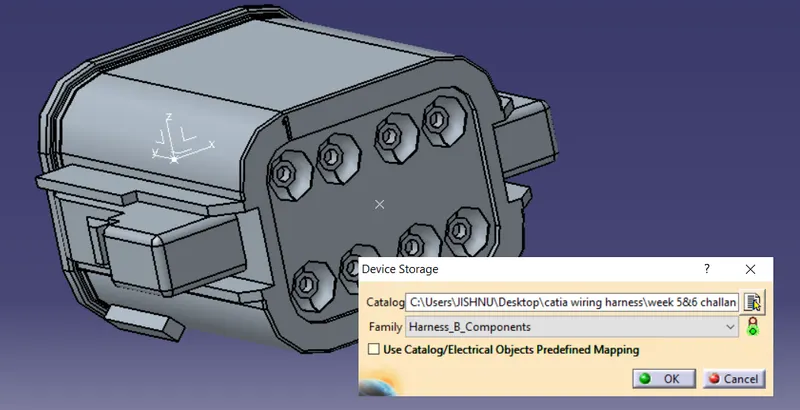
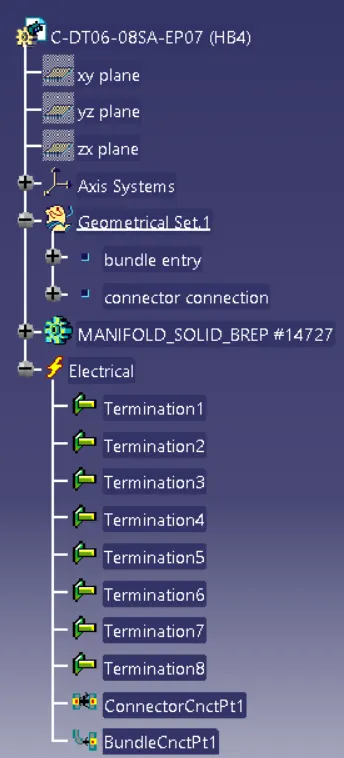
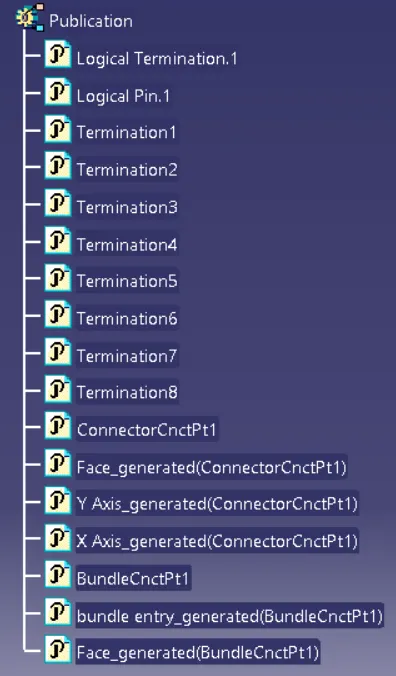
CONNECTOR no.4 : C-DT06-08SA-EP07 (HB4)
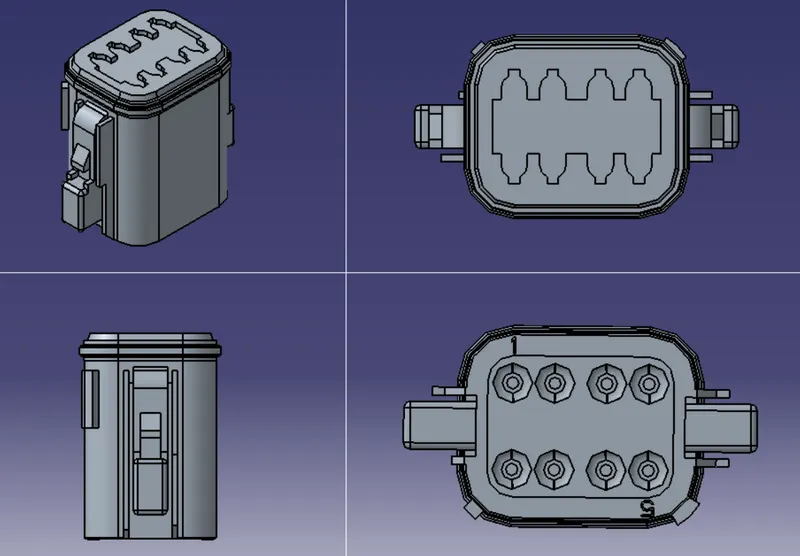
Add bundle entry mid point, conector conection mid point and axis.
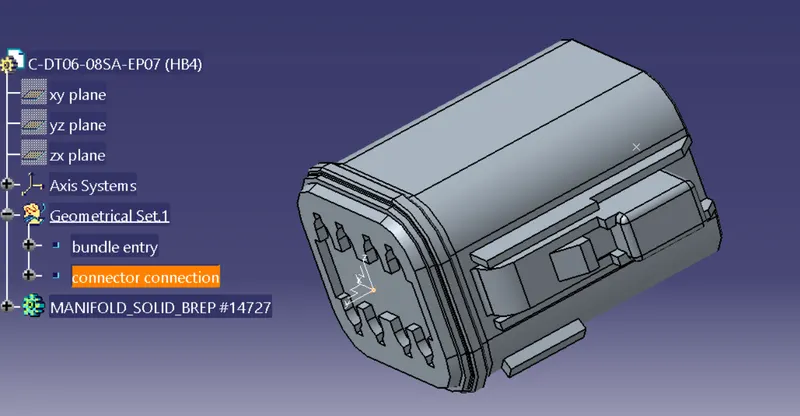
Define connector from electric part design
Define connector connection
Define bundle entry point
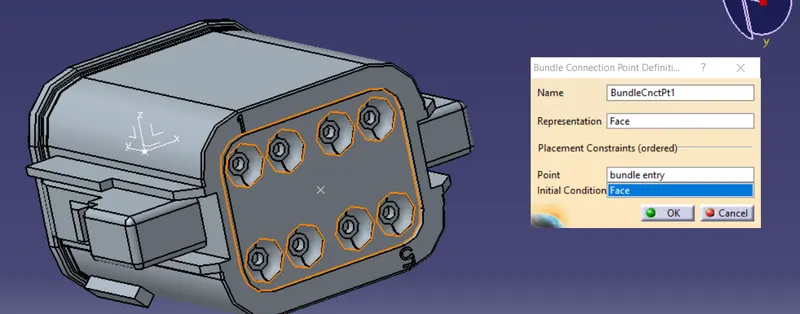
Save and add to catalog
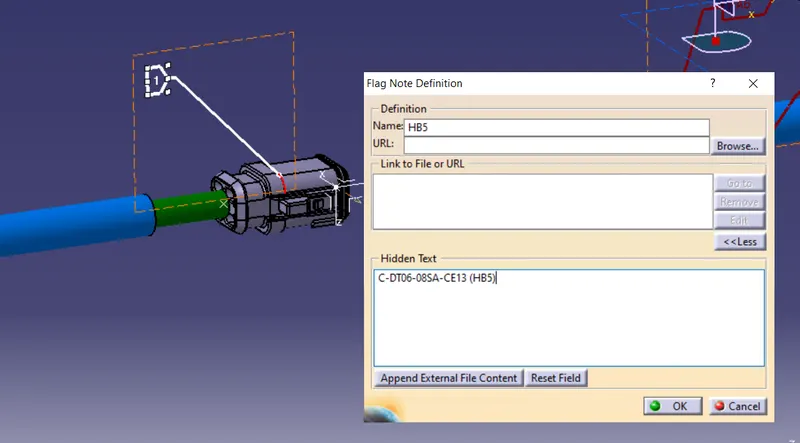
CONNECTOR no.5 : C-DT06-08SA-CE13 (HB5)
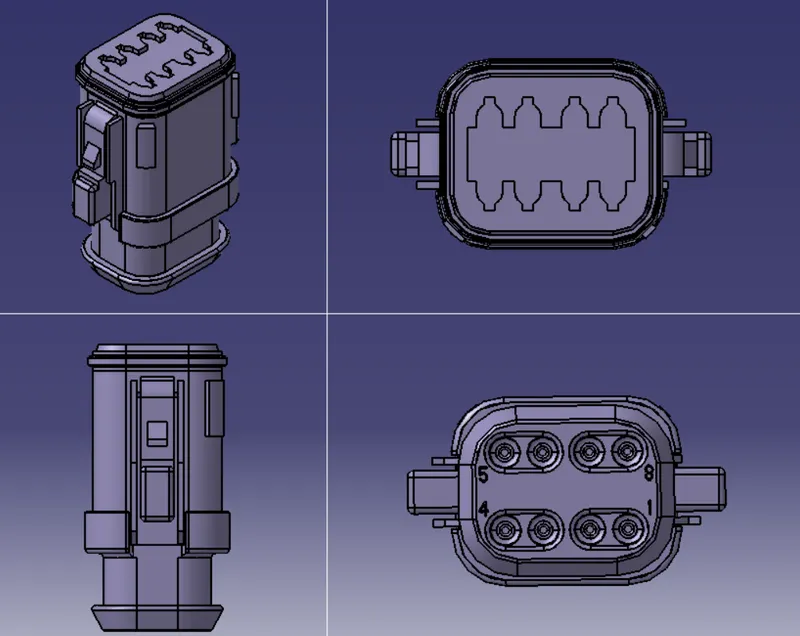
Add bundle entry mid point, conector conection mid point and axis.
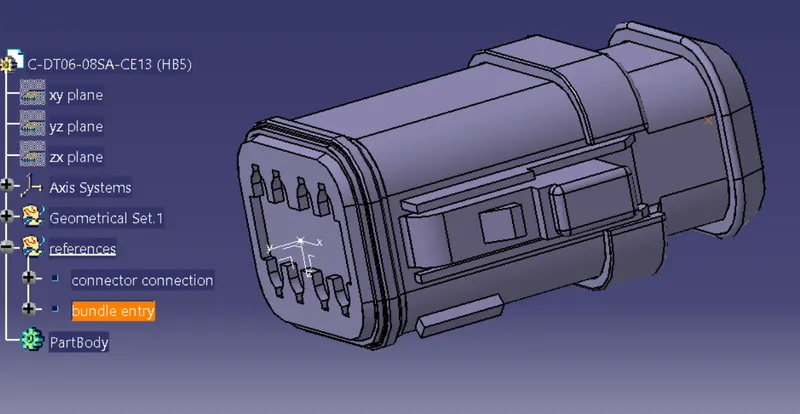
Define connector from electric part design
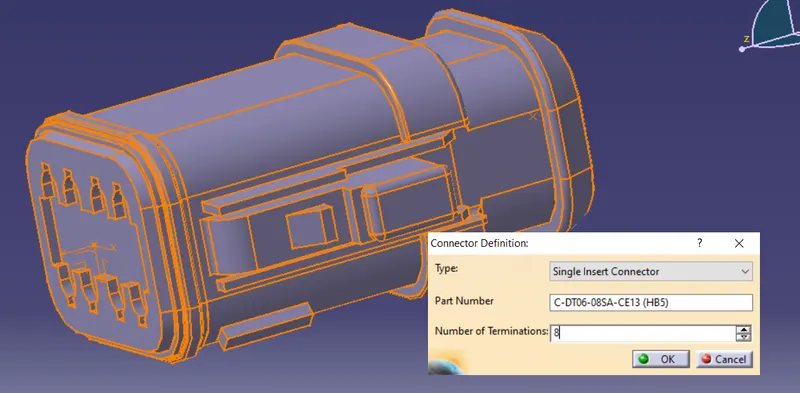
Define connector connection
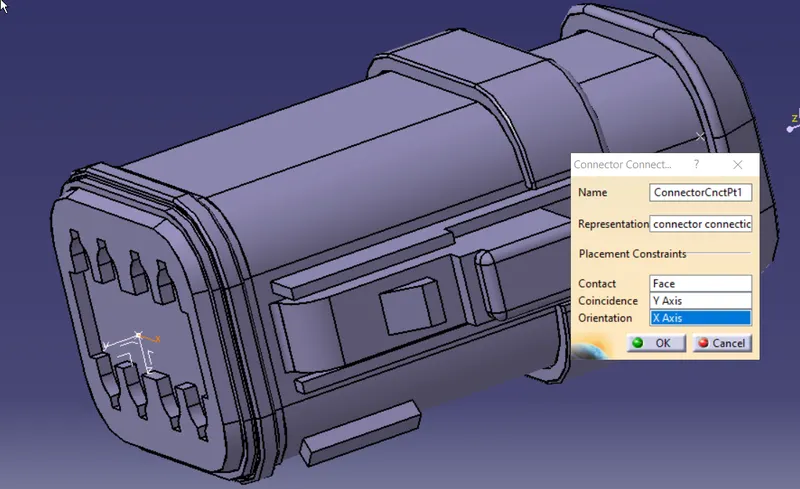
Define bundle entry point
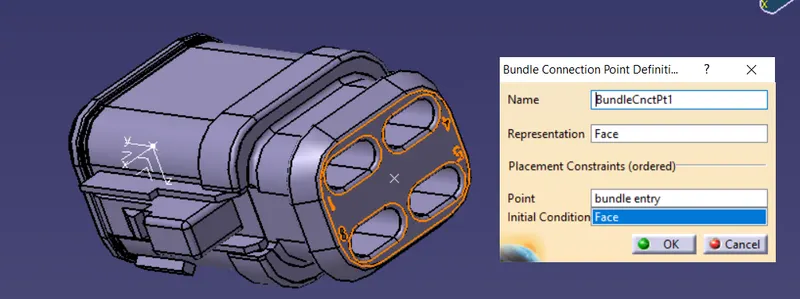
Save and add to catalog
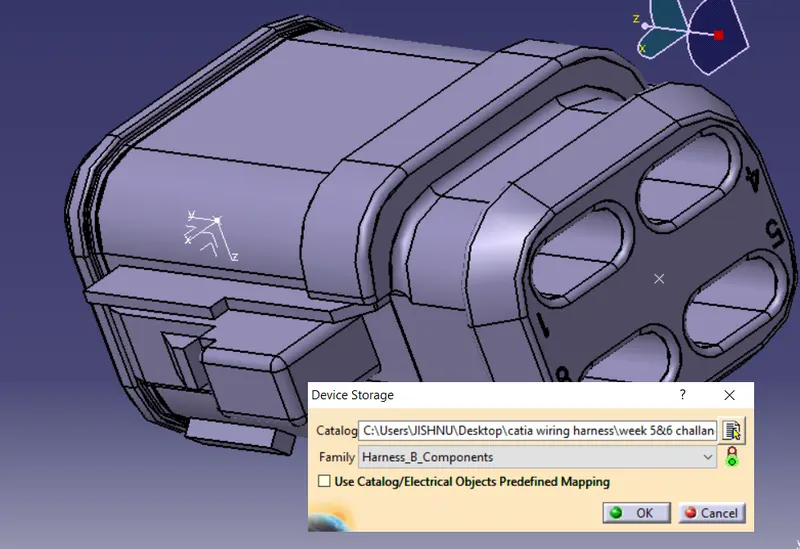
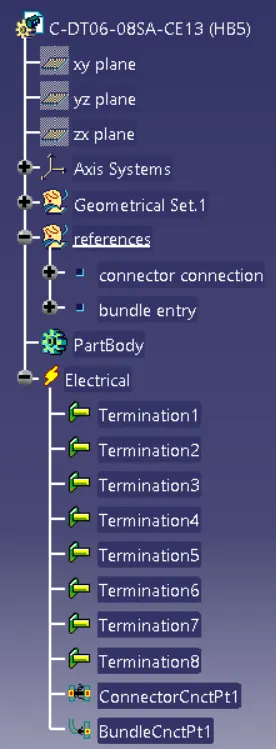
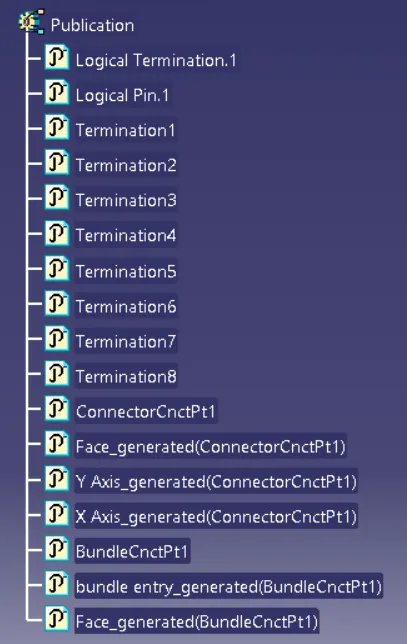
Data on catalog hunder harnessB
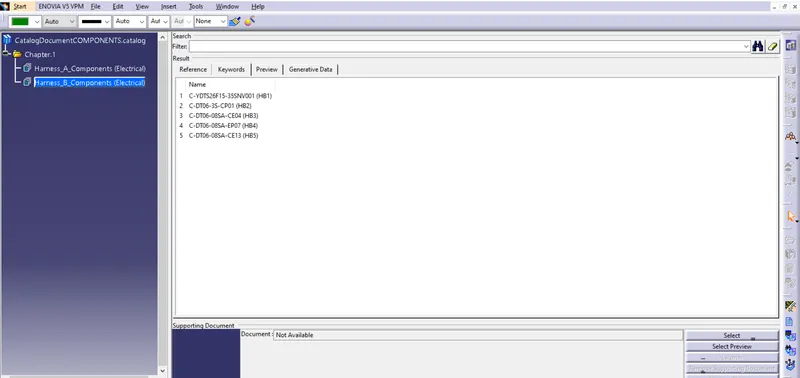
COT
Create a family for corogative tube in catalog whicch was created early
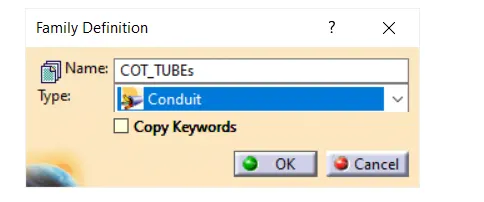
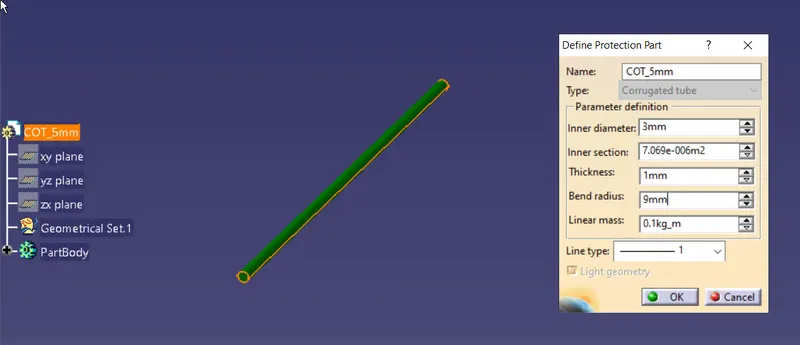
Create a few COT tubes and add it to the family
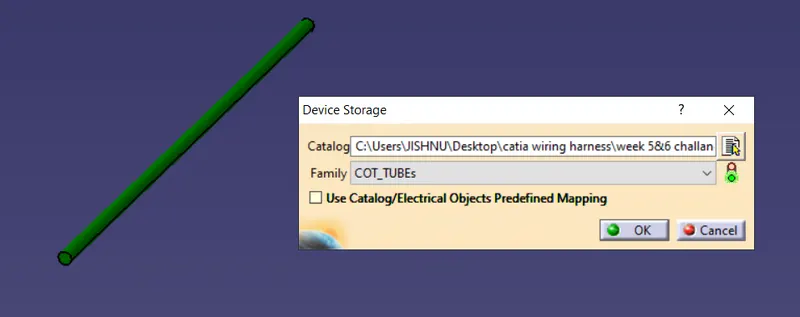
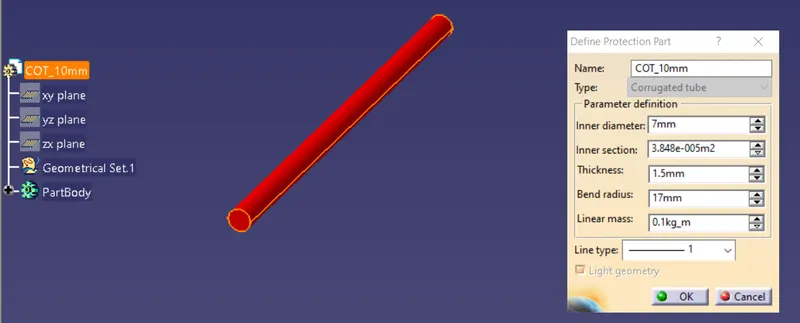
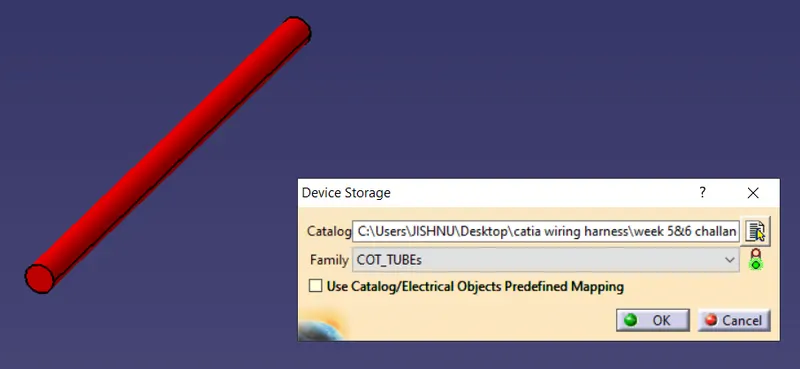
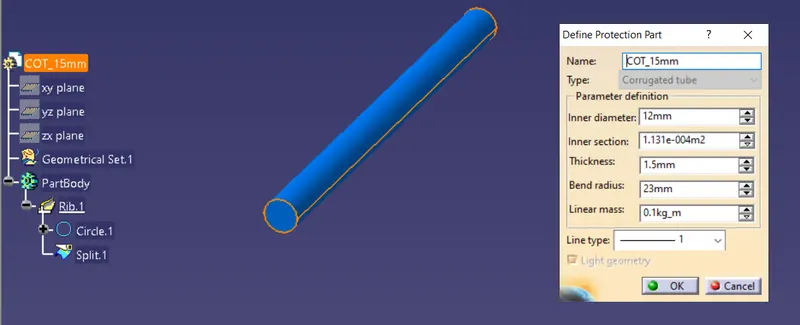
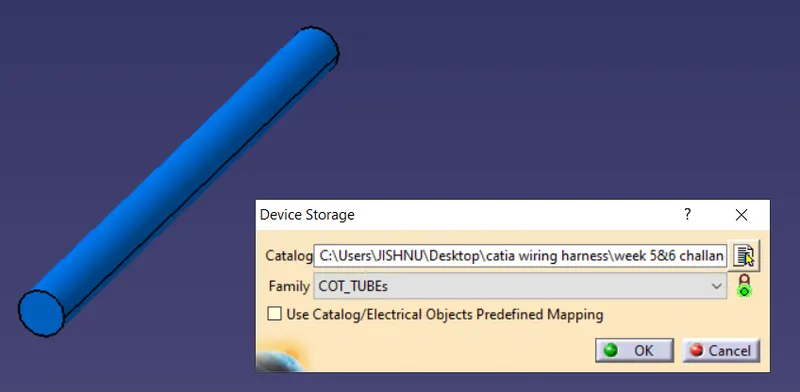
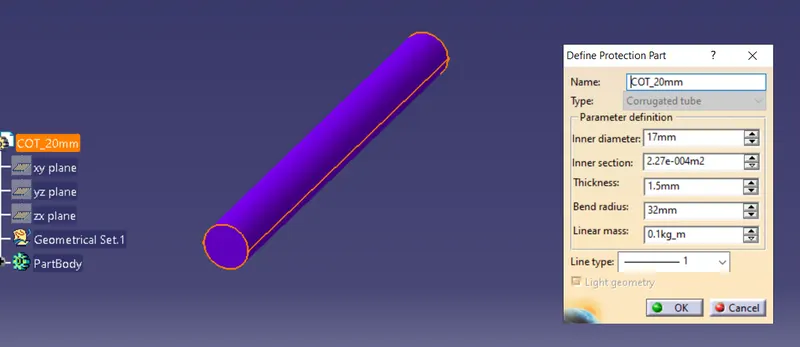
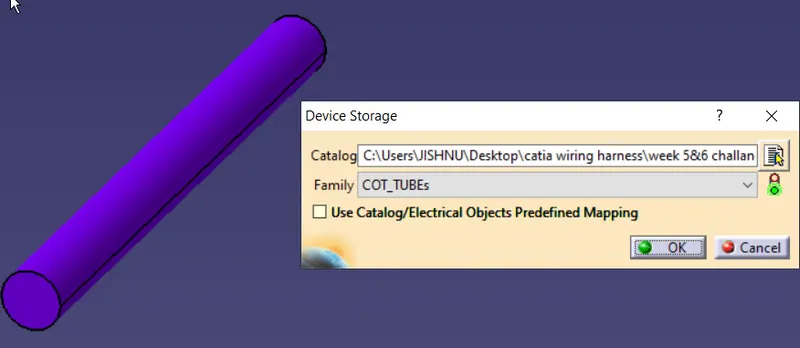
Data stored to COT_tube family
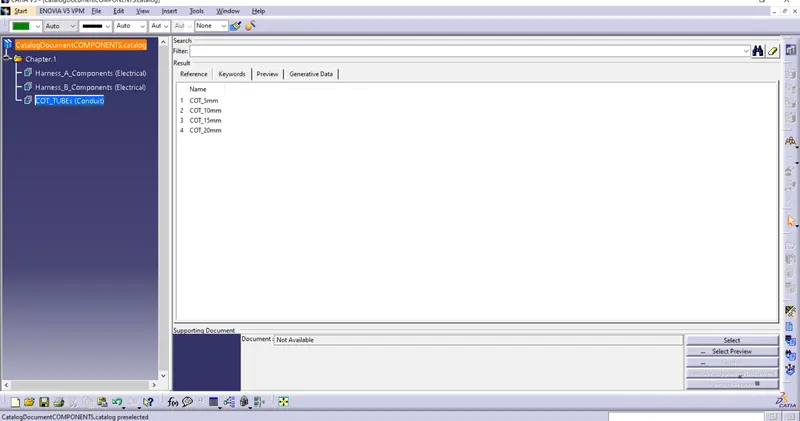
Create Harness A product file
Given reference diagram
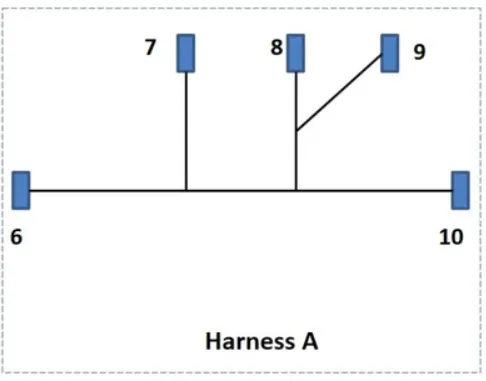
Create a product file, Harness_A_ASSY
opn catalog browser and locate Harness_A_components family
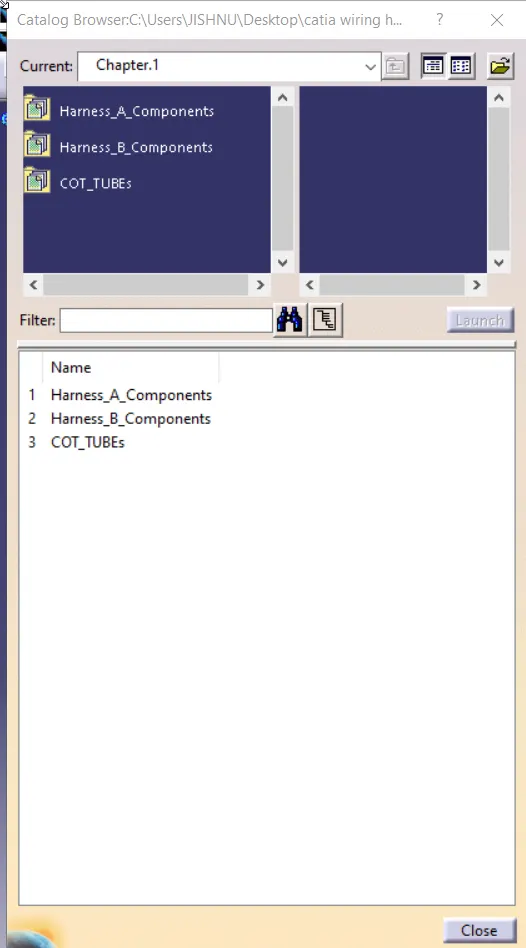
add all required data
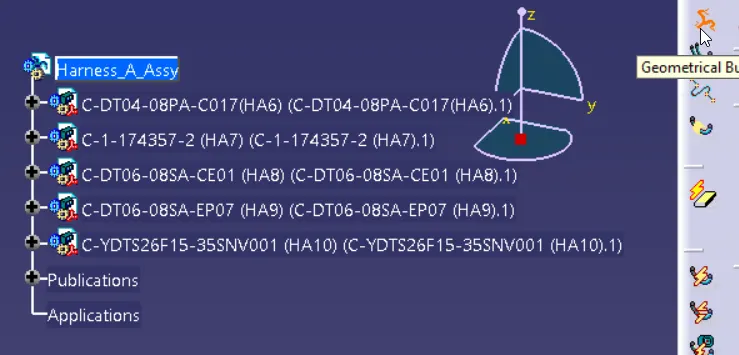
convert mechanical assy to geometrical bundle
firsly possision HA6 and HA10

adding Main branch
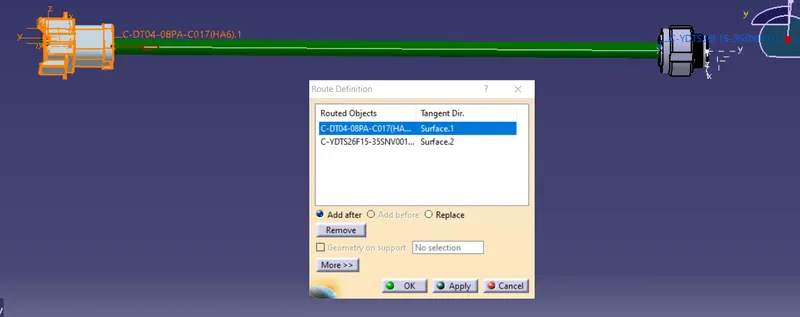
add 2 branching point
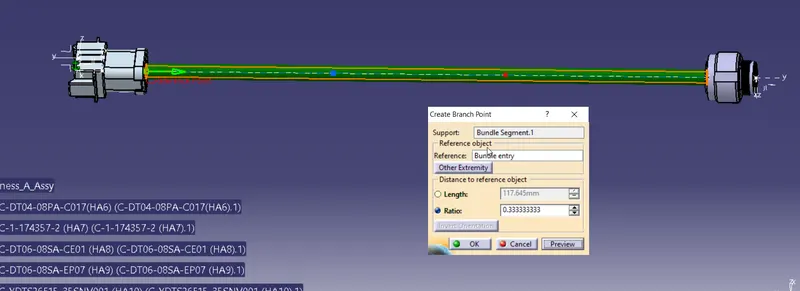
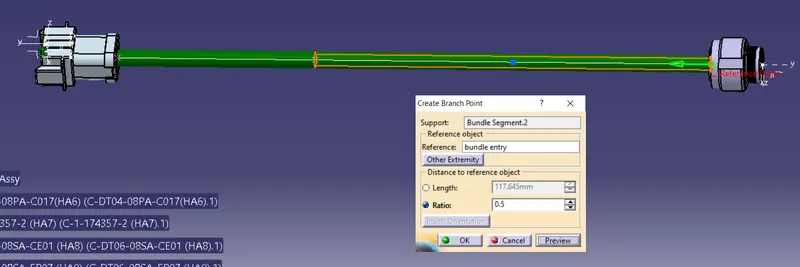
Position HA7 with respect to first branching point as per the diagram
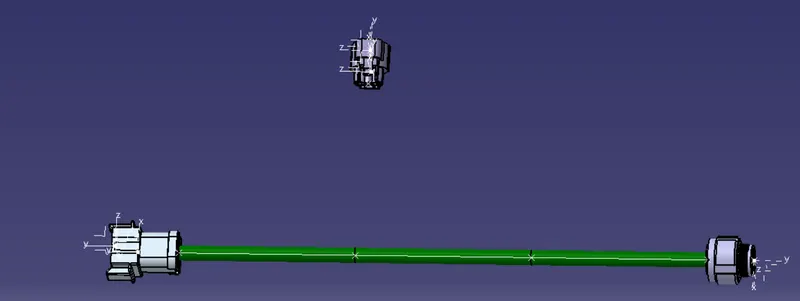
Add harness
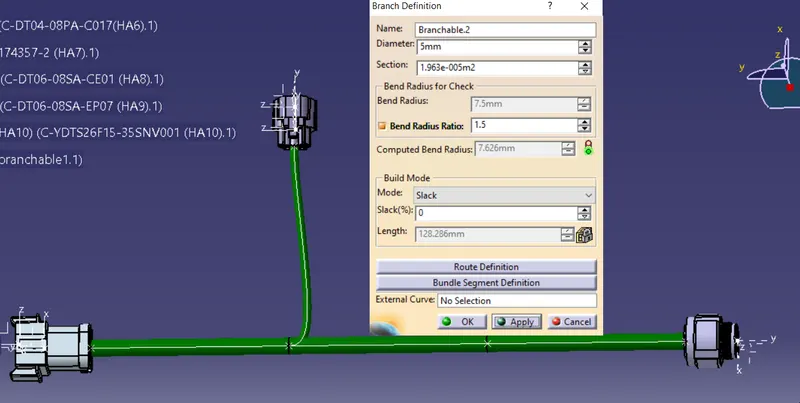
Position HA8 with respect to first branching point as per the diagram
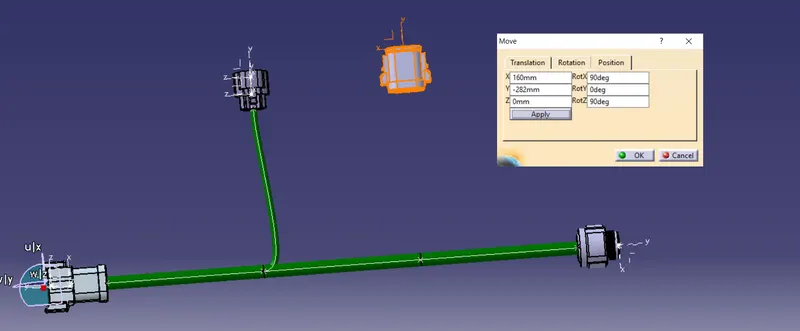
adding branch
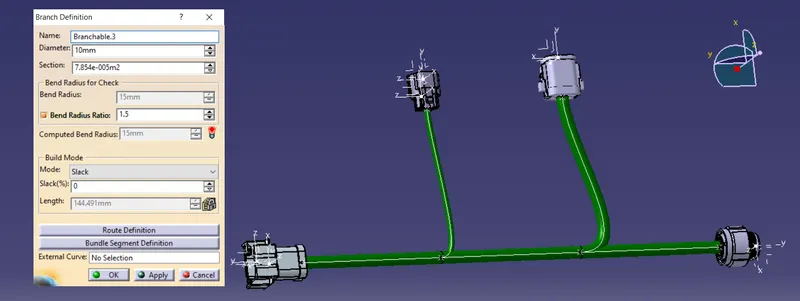
add branching point
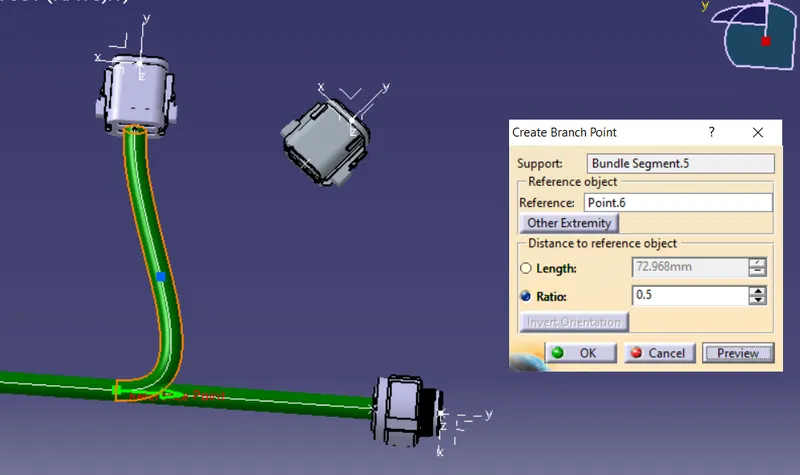
Position HA9 with respect to first branching point as per the diagram
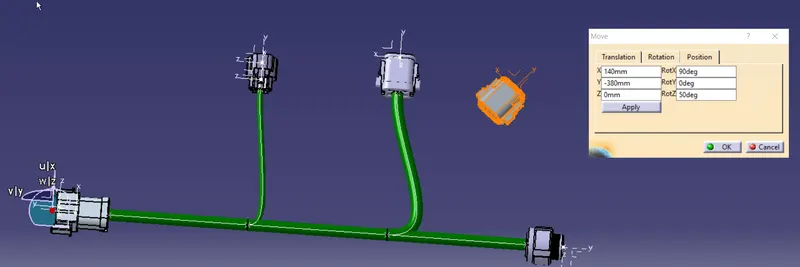
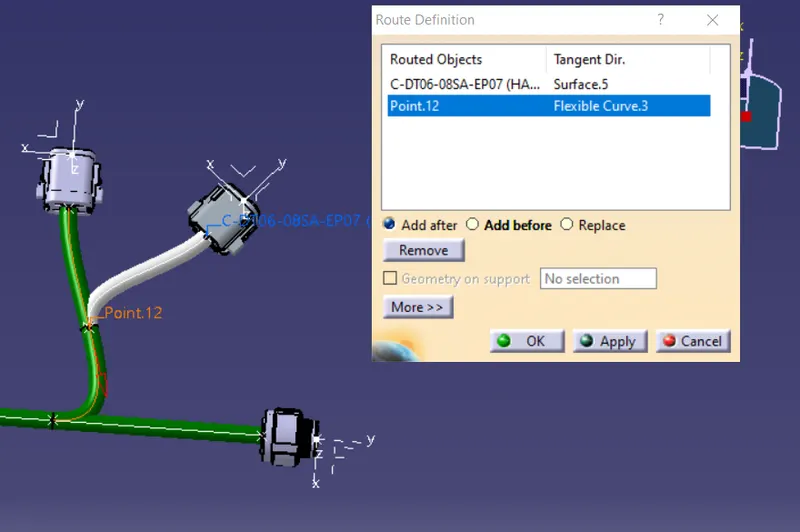
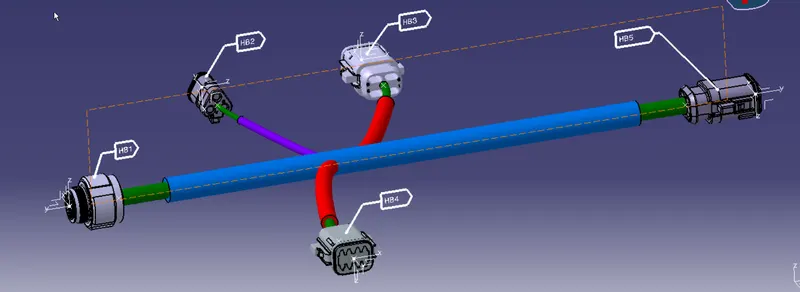
create a plane and add anotation flags on all connectrs
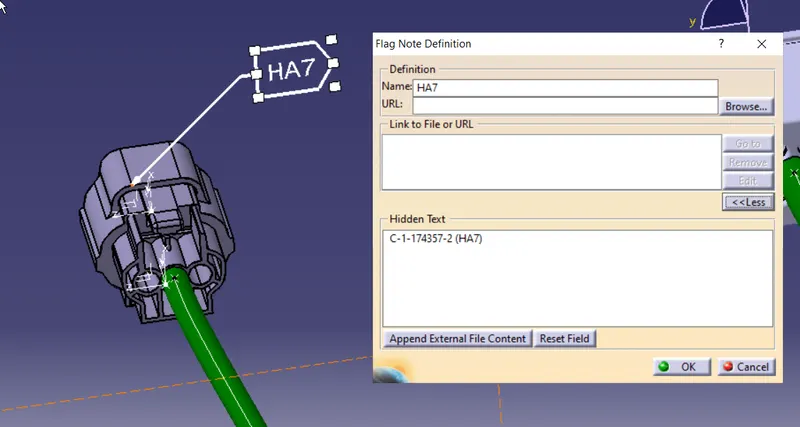
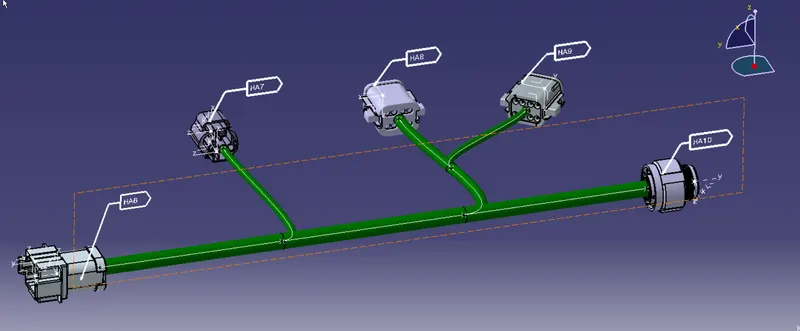
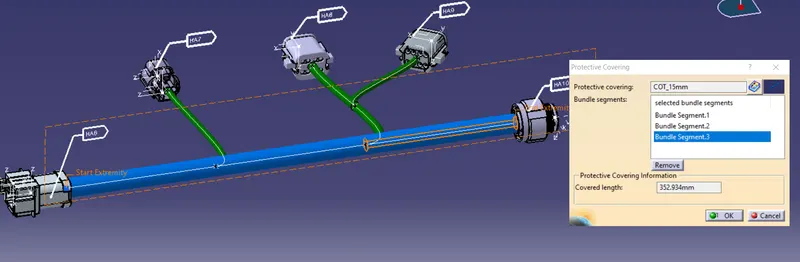
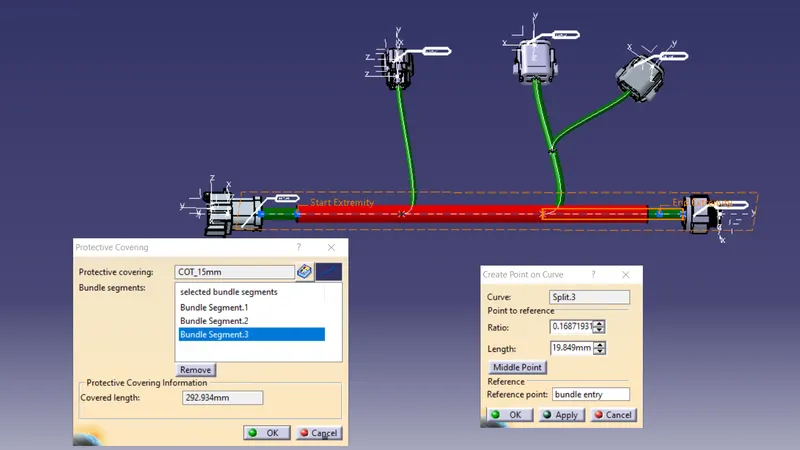
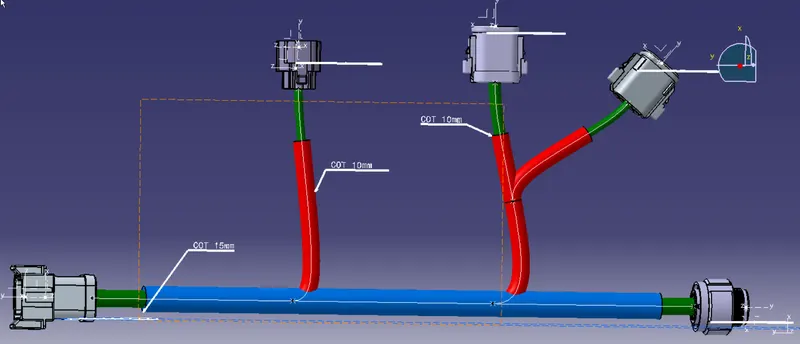
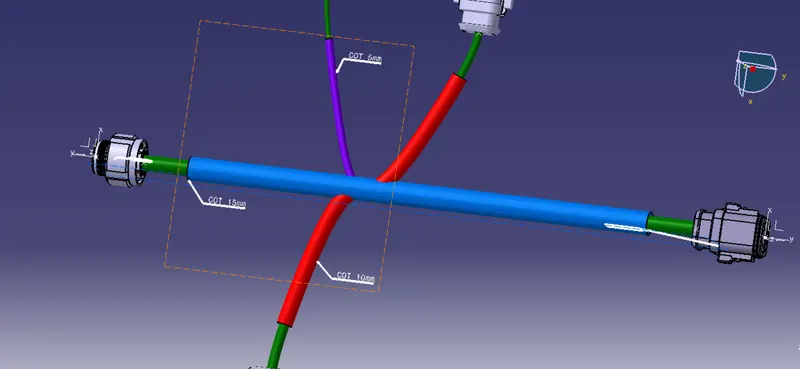
Adding COT_tube
Create product assy file Harness_B_ASSY
add all nessory data from the catalog
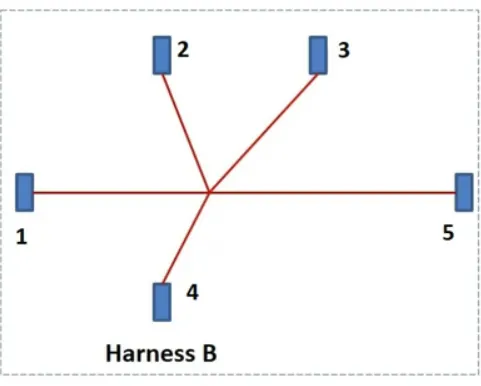
define as geometrical bundle
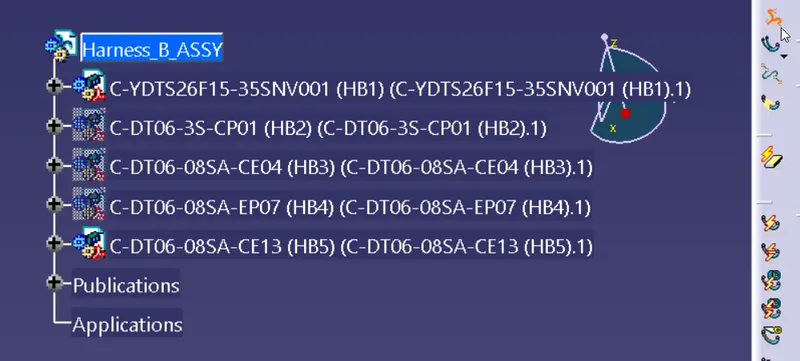
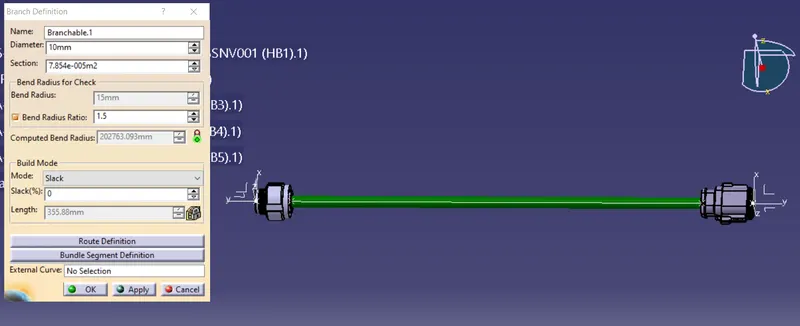
create main branch between HB1 and HB5
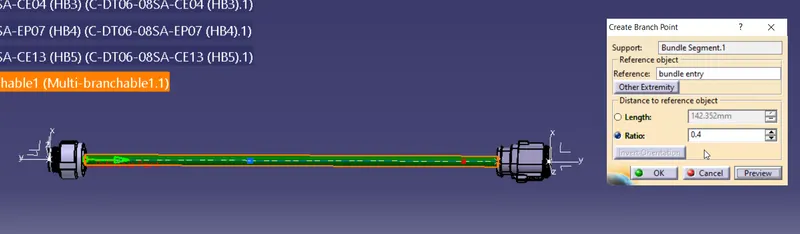
create a branching point
Add HB2 , HB3 & HB4 to respective position
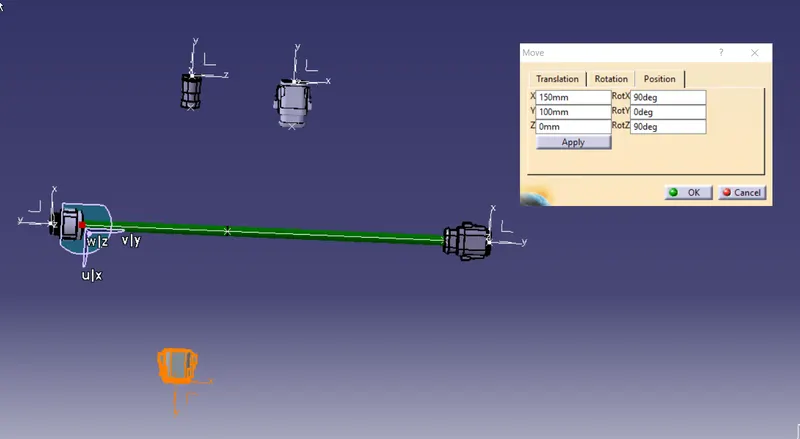
adding branges
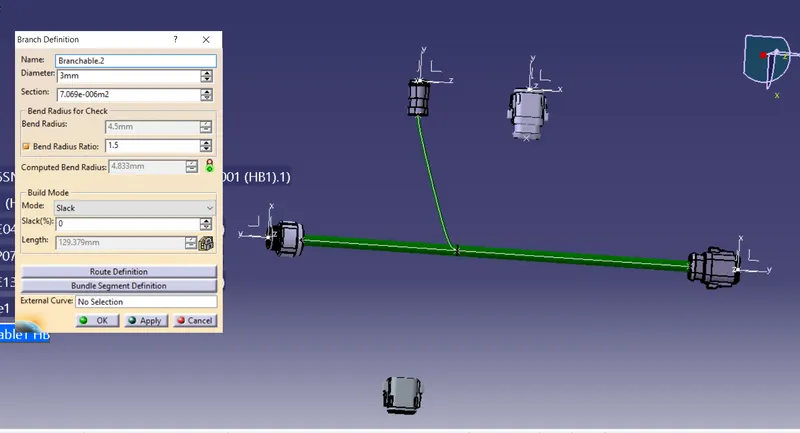
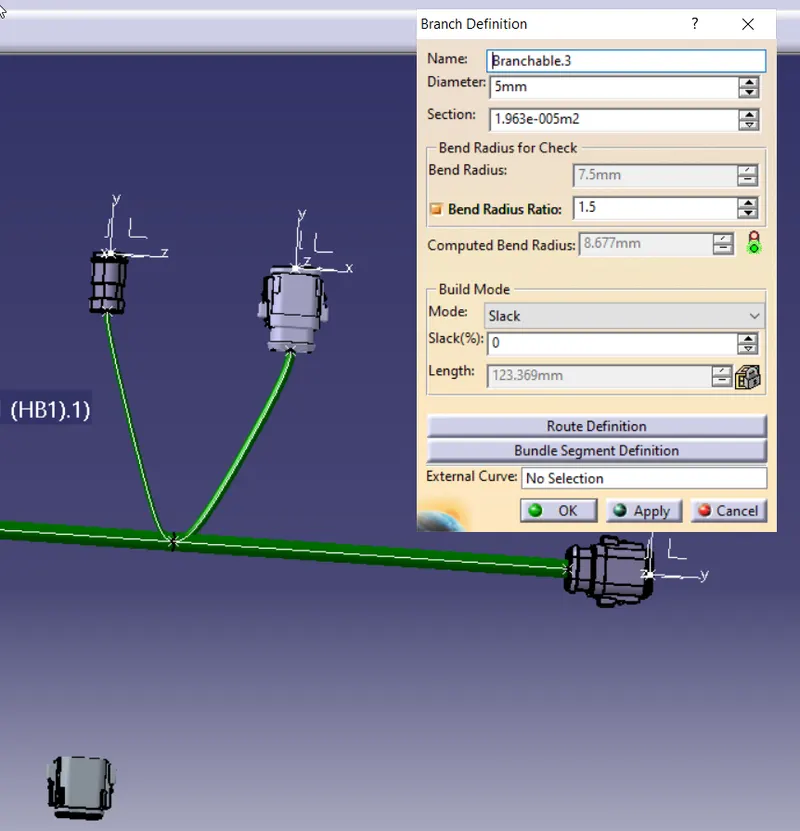
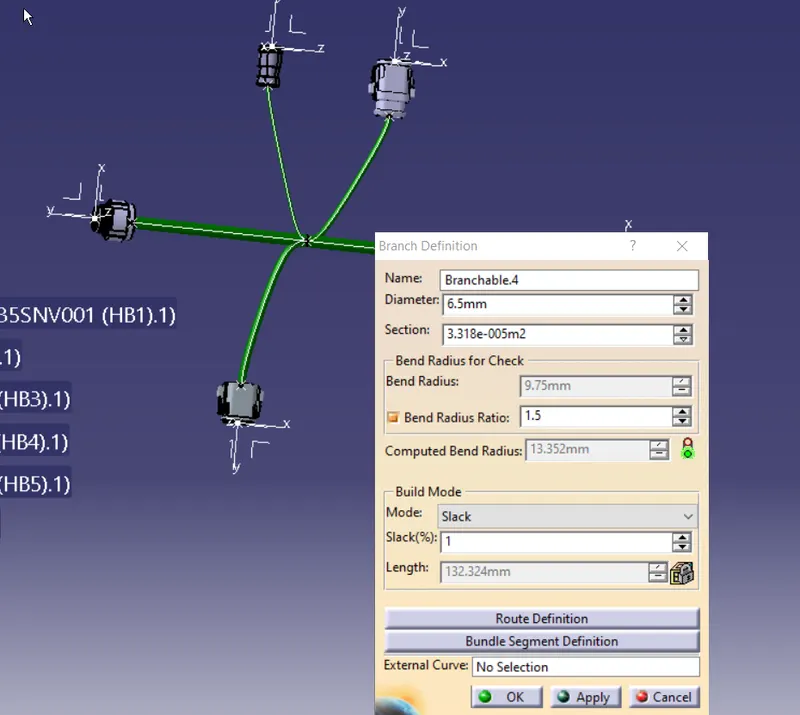
check for disconected branch
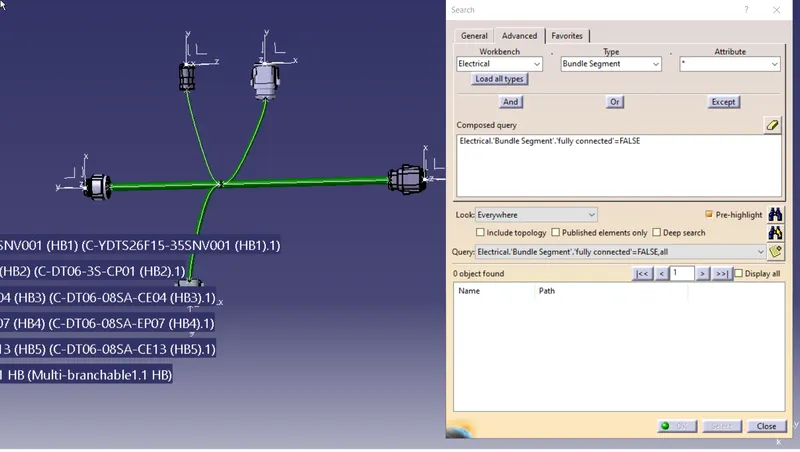
no disconnected branch found
Add respective protective cover. from data sved in catalog
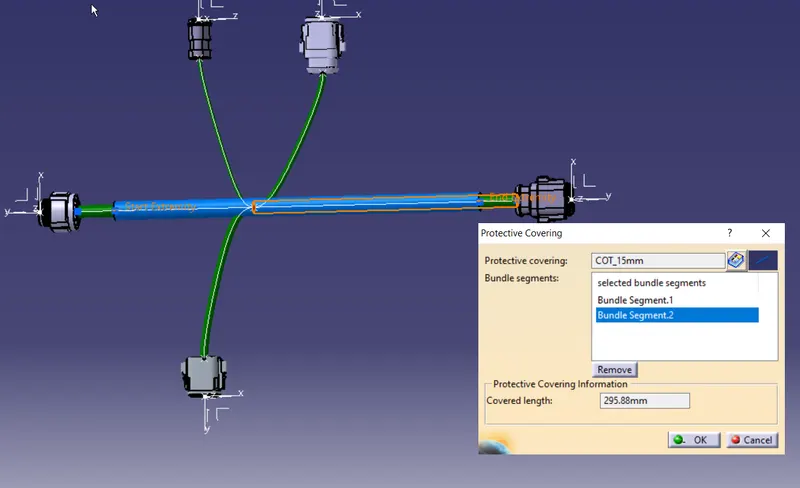
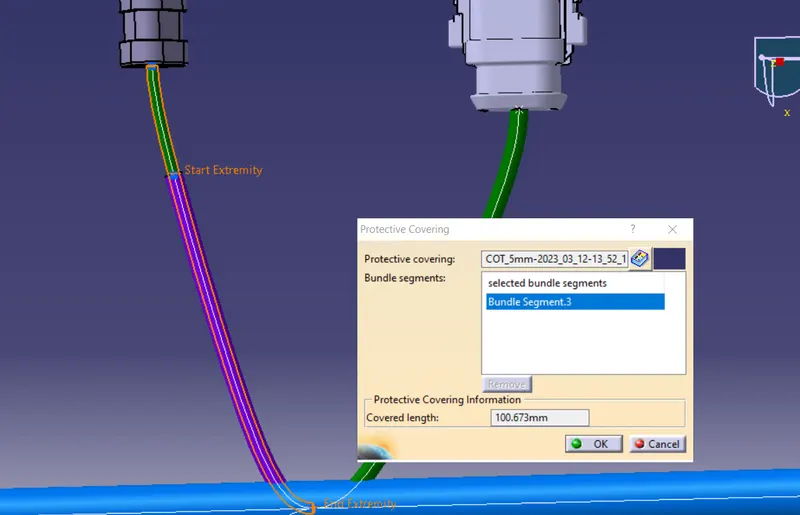
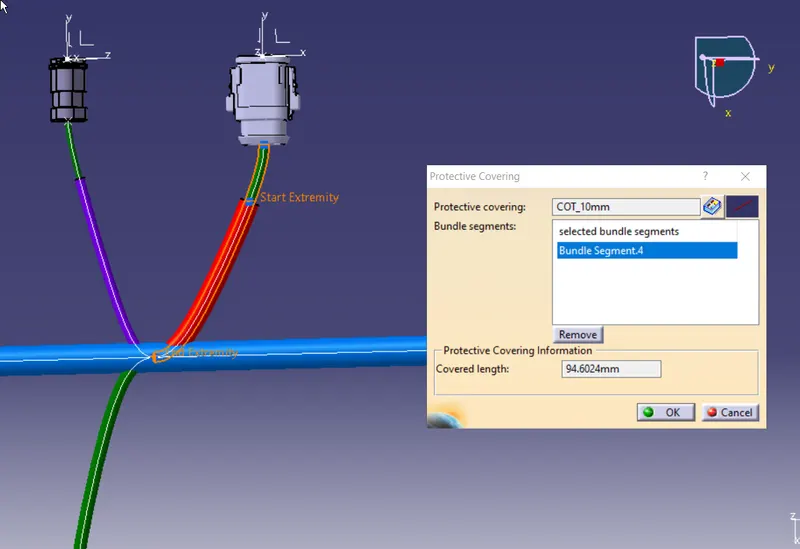
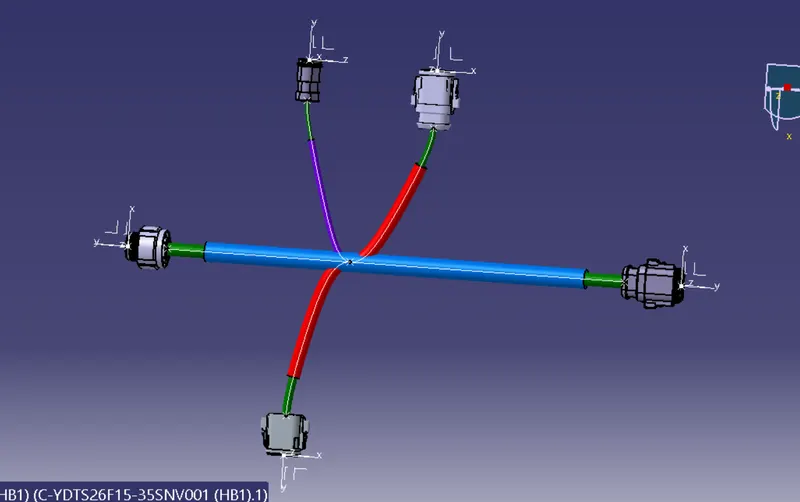
add flag notes
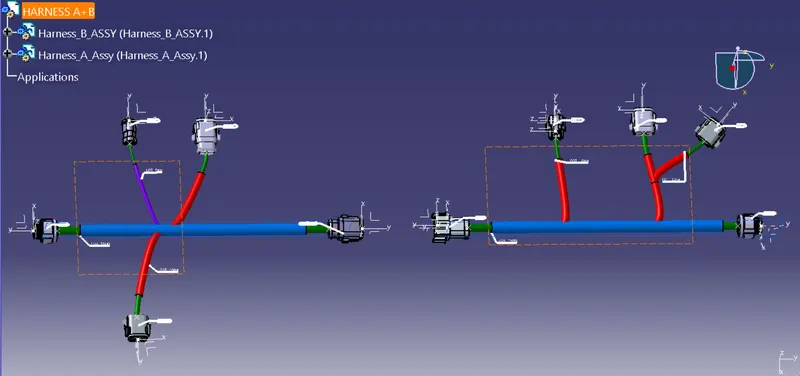
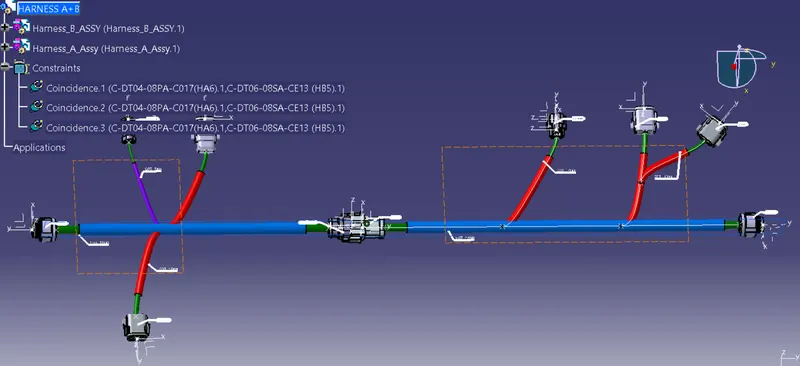
Create a new product assy with Harness A and Harness B
Use snap tool to align the 2 harness
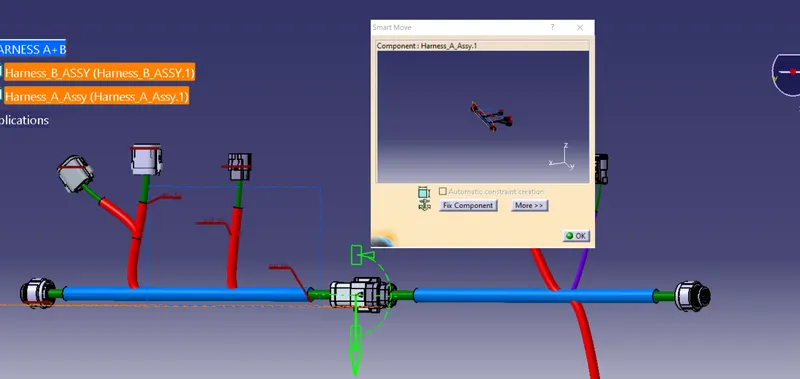
Electricaly disconnected
Electricaly connected
To generate catpart
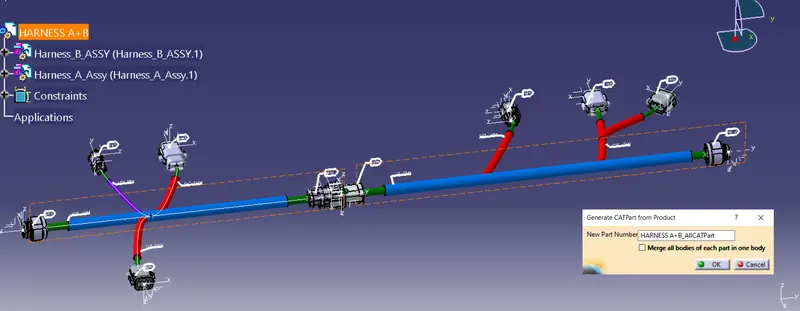
converted file
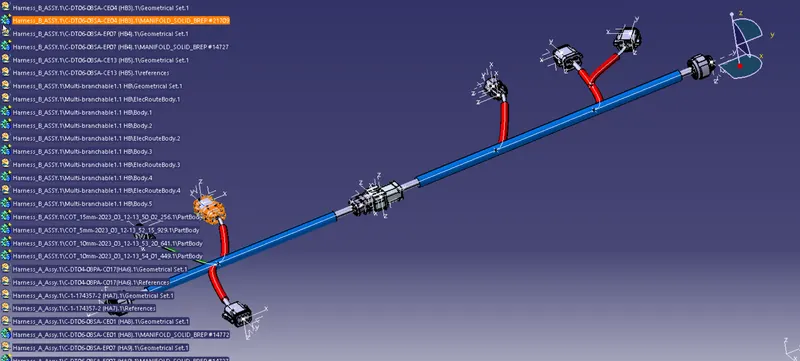
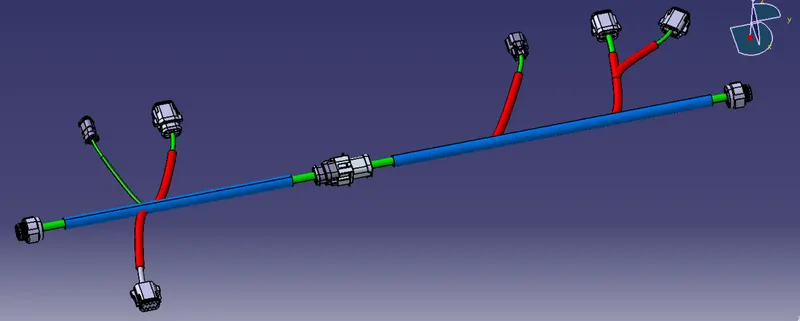
re-adjust the color profile and hide unnessory detail
save file as .igs
ALL FILES ATTACHED AS IN ZIPED FOLDER
igs, catpart , assymbly files