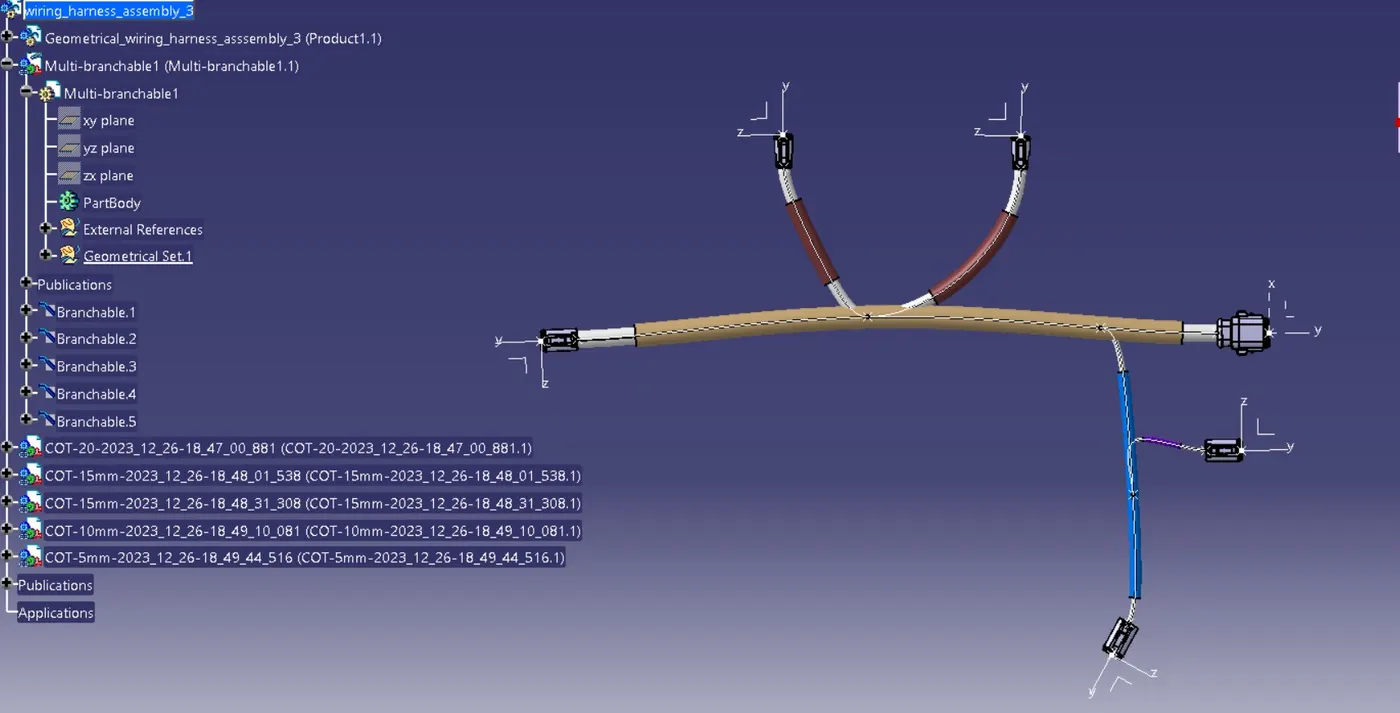
Wiring harness design in CATIA V5 - 3D modeling Week 4 Challenge
ASSIGNMENT :-3
Download connector form T.E.com online and saved them to the folder named it Assignment 3
1. Go to file new product and named it wiring harness context assignment 3
2. Then go to same product right click and component and new product save this file
3. Open this new product file to new window named it geometric wiring bundle assignment 3 save it same location where previous file was saved .
4. Define all the connectors geometrically by defining its connector connection point and bundle connection point then at connector connection point position ucs by giving y axis to words mating part and x axis towards locking direction and Z axis for upward or third one direction.
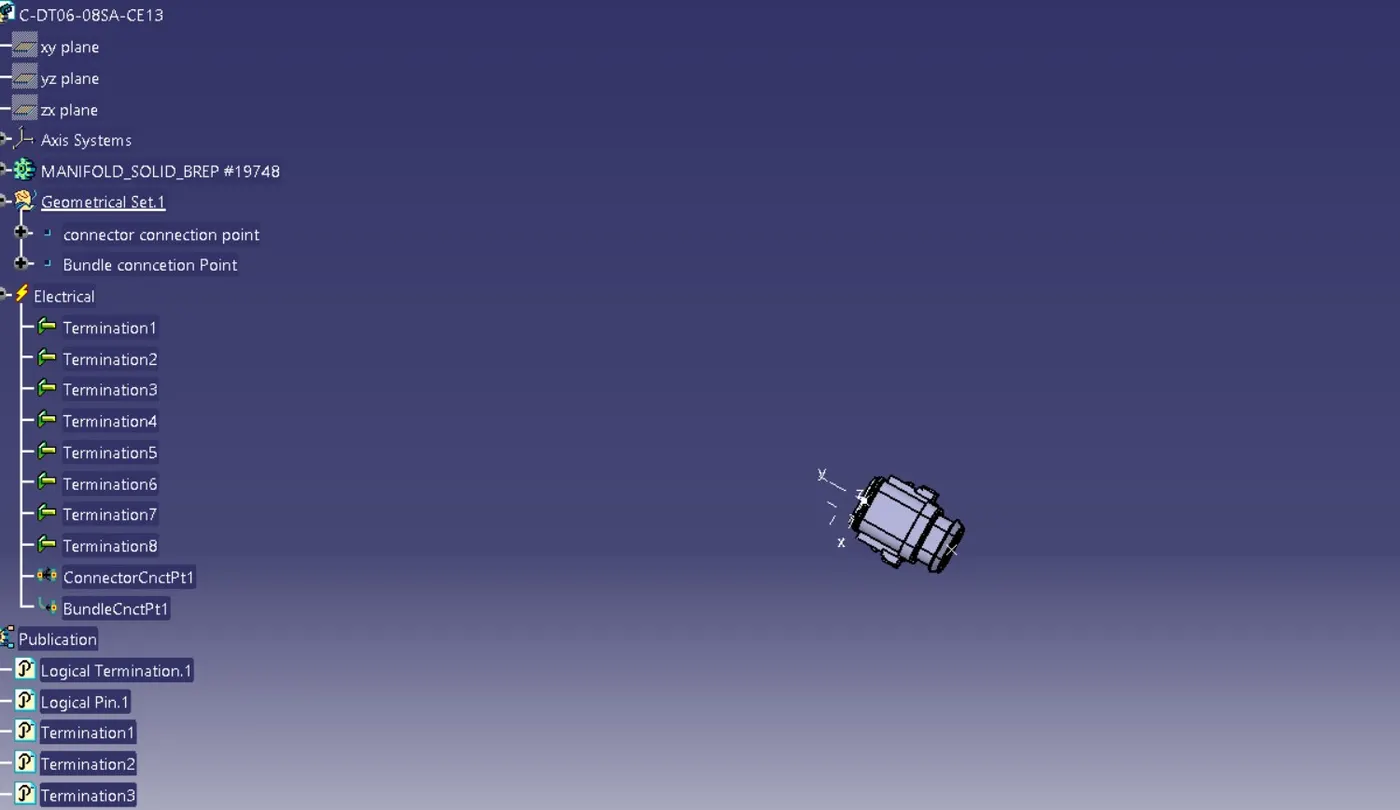
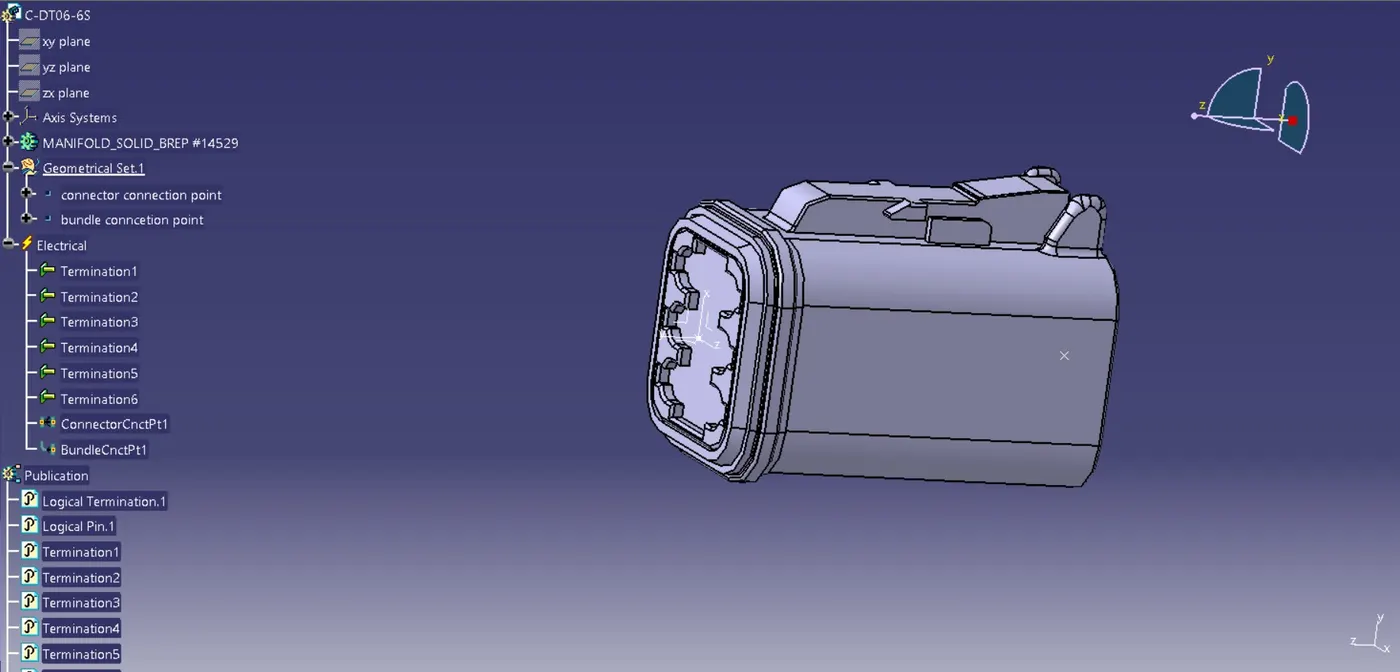
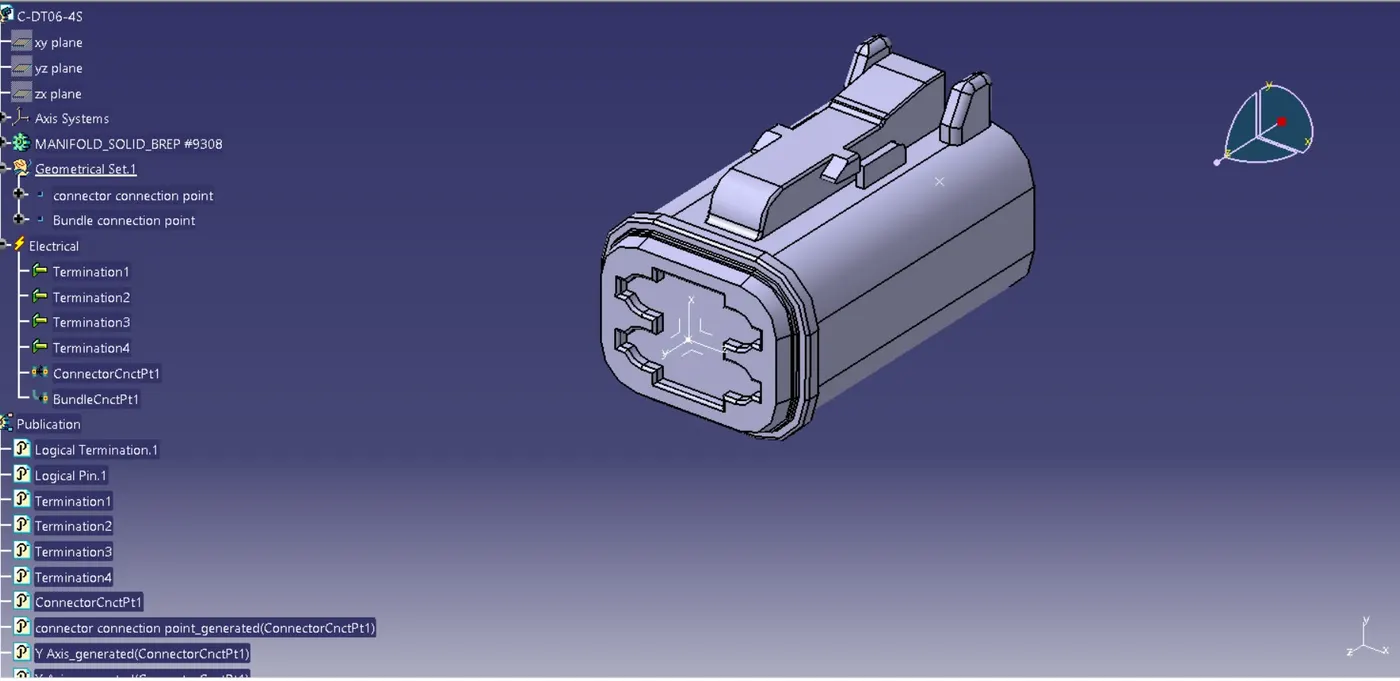
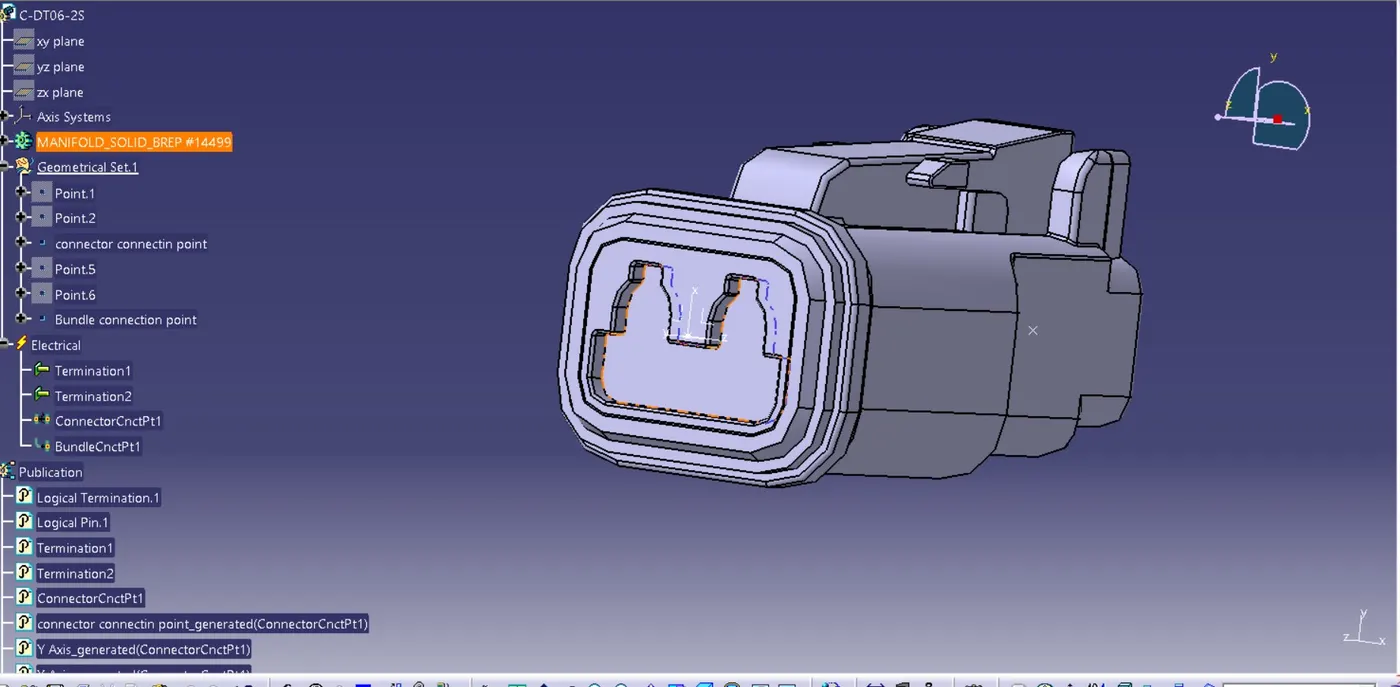
5. Now define this connectors electrically by going to electrical part design and define connector connection and bundle connection for all the connectors.and save it to catalog.
6. Now go to part assembly and bring all the connectors which are required to this product by existing product file or by existing part file or by catalogue.
7. Arrange all this connectors as they are required position properly.
8. Those connectors are C- DT 06-08SA,C-DT06-6s,C-DT06-4S,C-DT06-2SC-DT06-4S,C-DT06-2S
9. C- DT 06-08SA ,C-DT06-6s having total distance of 550mm having then connector C-DT06-4S is at distance of 100mm form main branch then same at distance of 150mm form that branch.then connector ,C-DT06-2S is at a distance of 300mm form main branch. To left side.
10. Now go to the wiring harness assembly define this product file as geometrical bundle to define it electrically.
11. Now go to multi brachable document and connect two connectors as main branch.
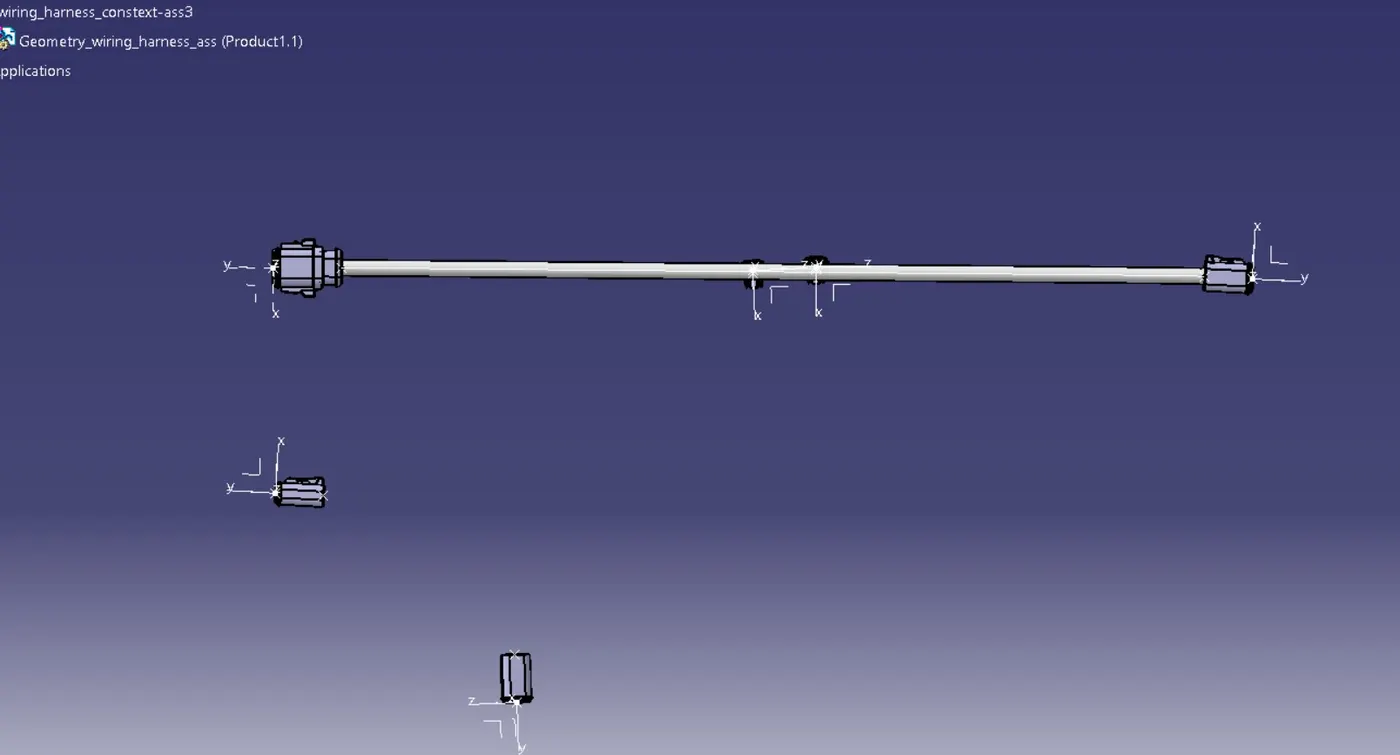
12. Now have to place branch point at distance of 100mm from connector C-DT06-08SA give here branch of 10mm diameter .of length 250mm and connector C-DT06-4S .
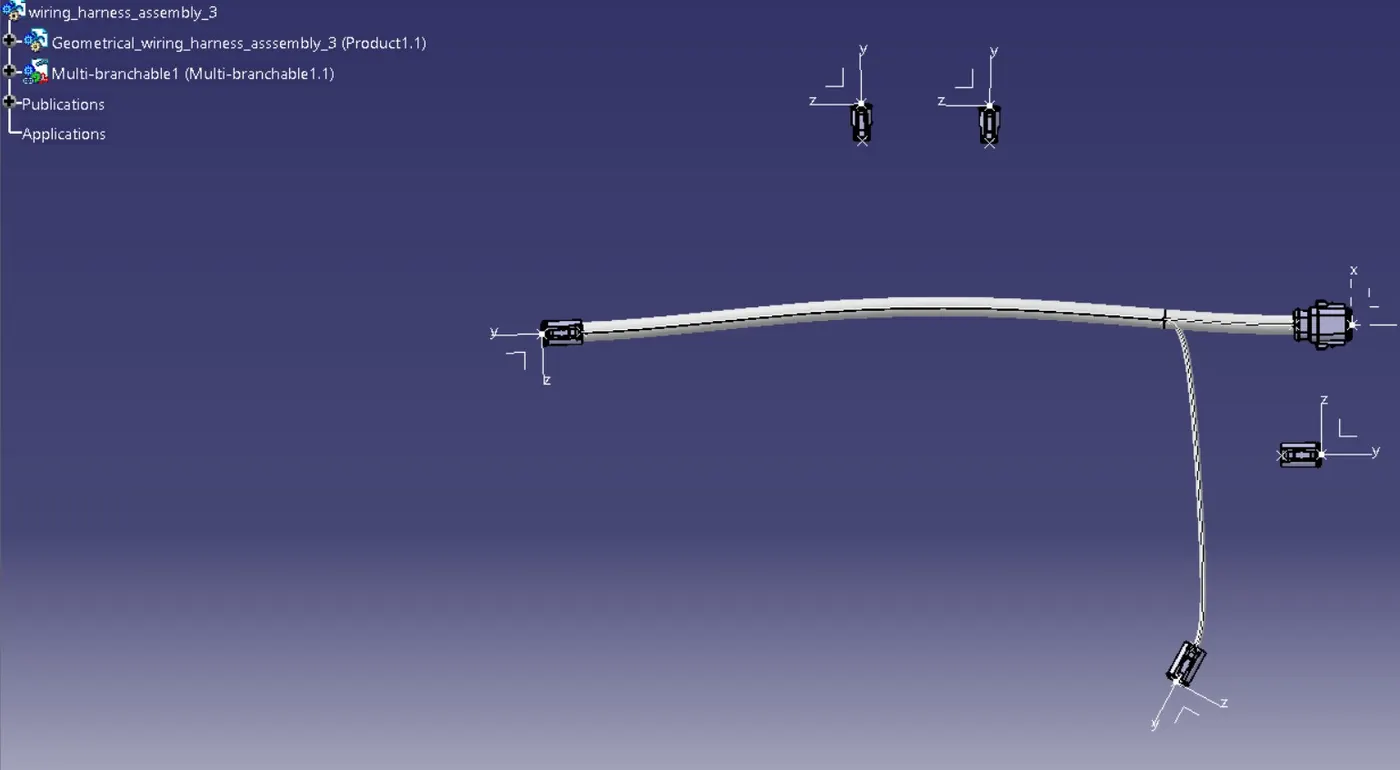
13. Again give branch point at distance of 150mm from first branch point and give branch of 100. form that branch to connect another connector C-DT06-4S.
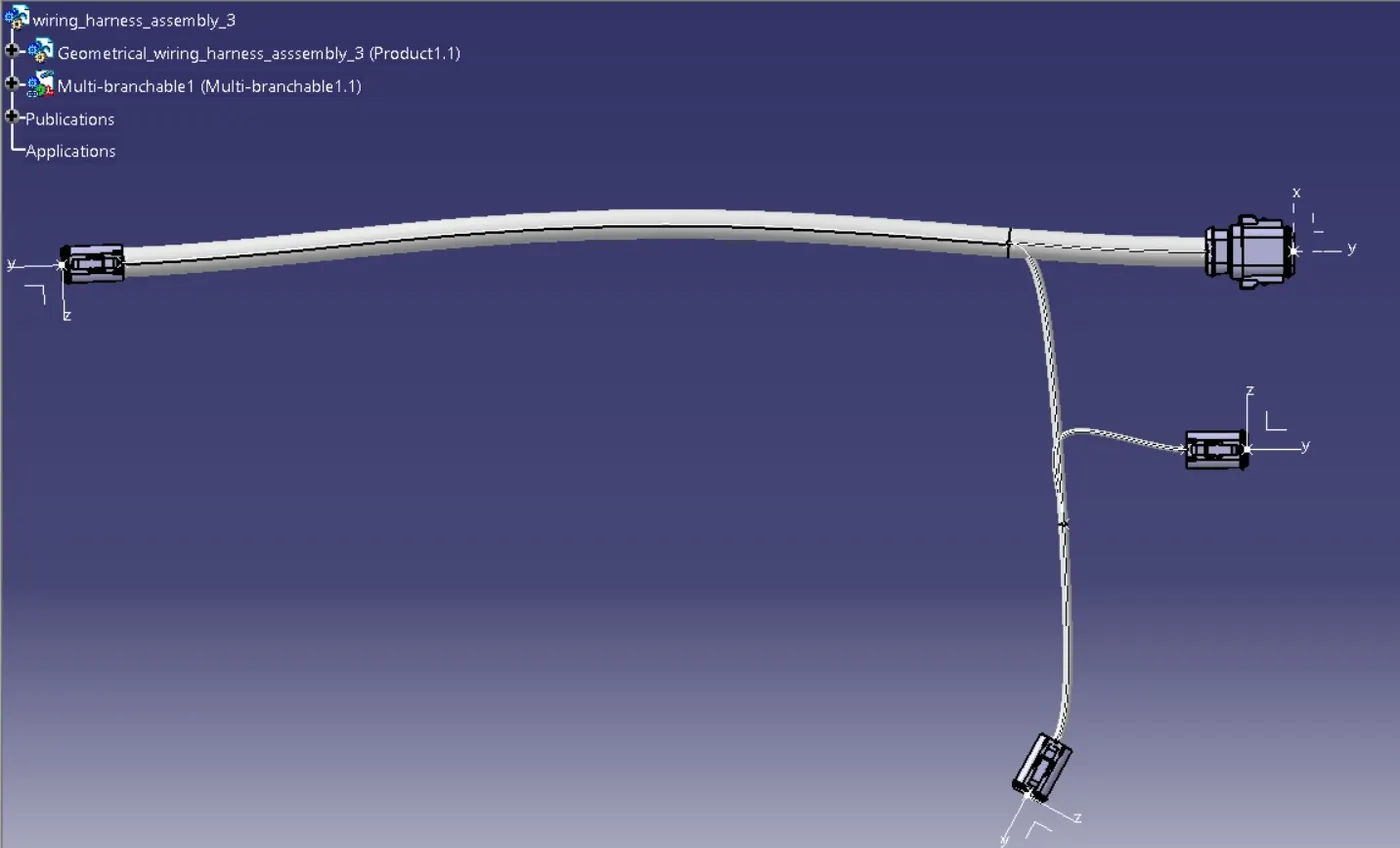
14. Now form C-DT06-6S there is another branch point and give there two branches at distance of 150mm to connect two connectors C-DT06-2S.
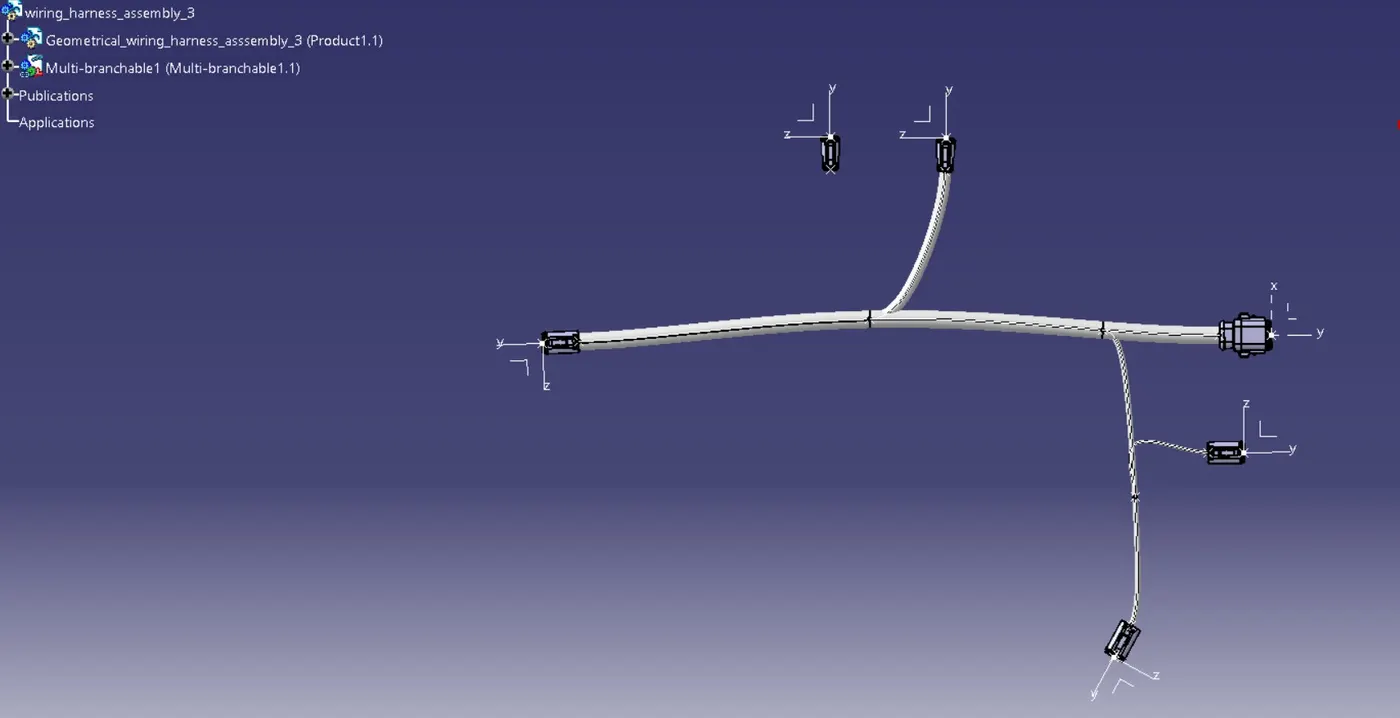
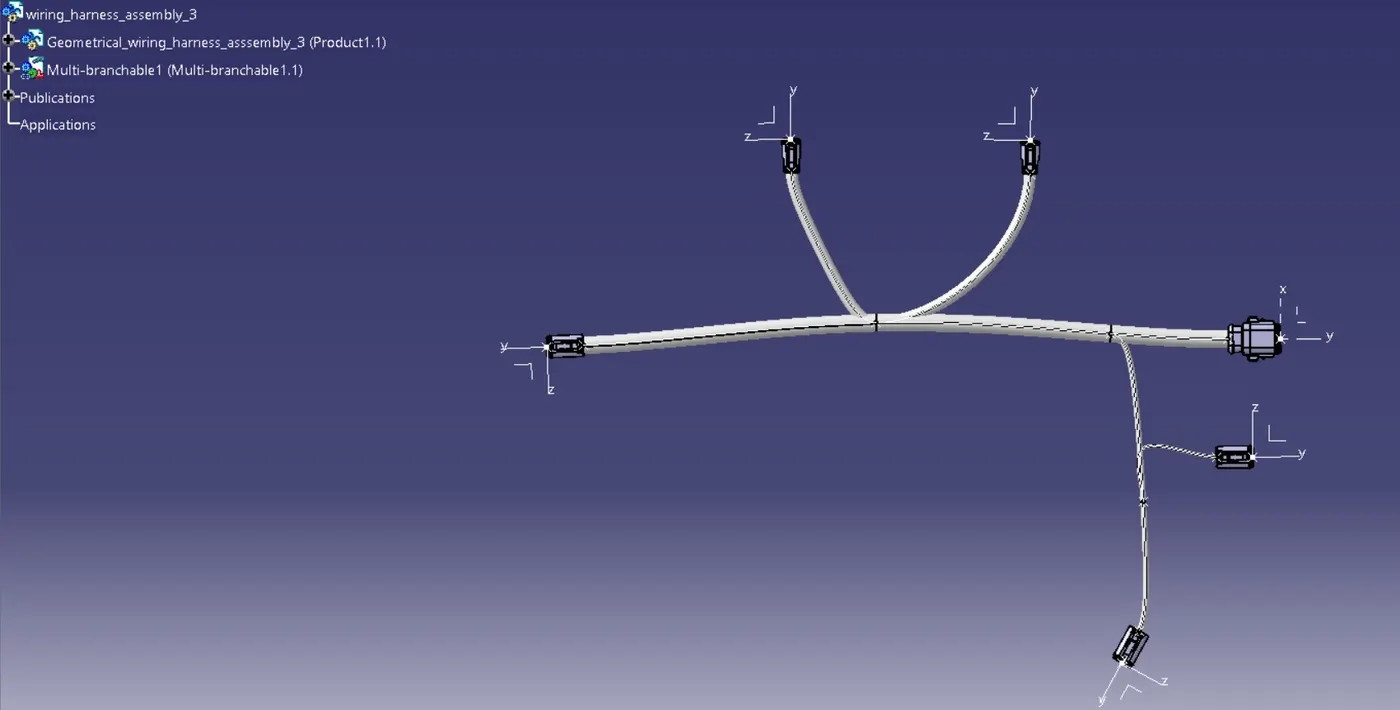
15. Now we have to give cot tube to it so go to catalog and select 20mm cot tube by double click on it and and select main branch and 15mm cot tube for sub branch.