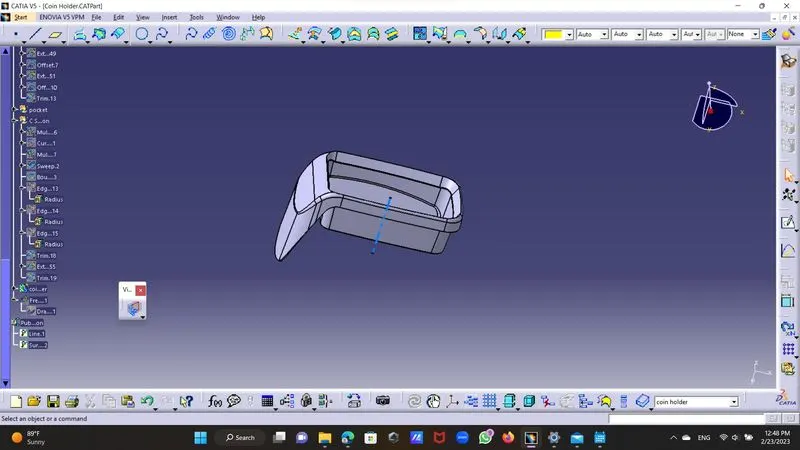
Week 8 - Challenge 3 - Coin Holder Design
DETAIL REPORT :-
COIN HOLDER
STEP 1:-TOOK Class A Surface done draft analysis
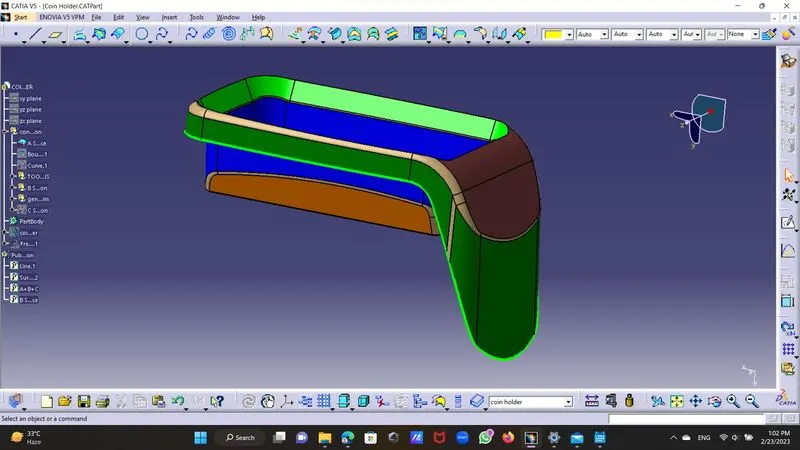
STEP 2:-Tooling Axis - Took intersection of the class A Surface.
extract base surface from A surface then took a point on base surface at zero
drew a axis perpandicular to base this is our Tolling Axis .
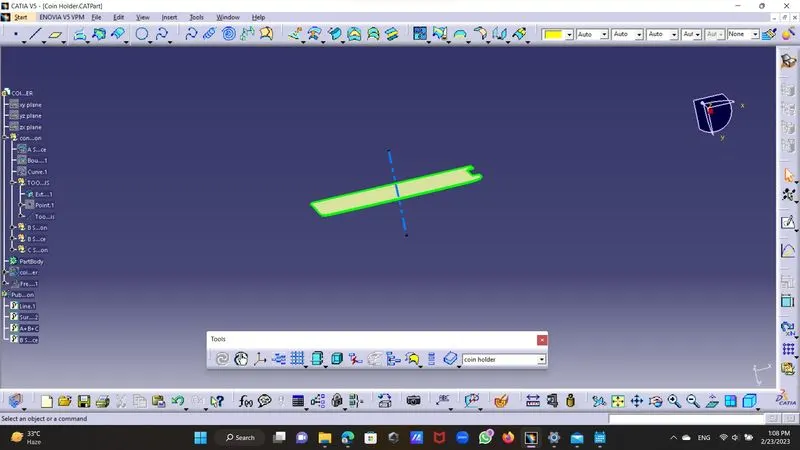
STEP 3:-CREATION OF B SURFACE
SIDE WALLS :- Exreapolate base and plane which is inclined to it to reduse complixity in drawing .
did surface untream and extrapolate them about 20 mm Trim them with each other took offset of it.
Step 4:-side walls :- extract side walls and untream them and extrapolate them about 20mm trim with each
other and offset them give them edge fillet by extracting each filleted portion seperatly and meassred them
for accurate results.
STEP 5:-TOP WALL:-extract top wall from class A Surface as it is and offset it about 2.5 mm inside .
STEP 6:- Intial Trim by triming base portion with side walls and top surface we done initial triming .
STEP 7:-Outer Flangs:-From Class A Surface By doing multipal extract make outer boundries of the outer flangs,
extract outer flang from class A Surface of both the multipal extract one by one and extrapolate multipal extract
limited to 7-10 mm .
Then by extracting multipal extract 2 extract them about 4 mm with point continuity.
if doesent happen them extract them sepretly and untrim and extrapolate them .
STIP 8:- Final trim:- trim outer flang and top wall with base with together and we will get final surface.
STEP 9:-By extrapolating pocket from class A Surface and untrim it extrapolate it offset by 2.5 mm them trim it and
trim again with base surface previously made offset .to make no changes in drawing we Replace this new trim with previous offset.
Give fillet to upper portion and inner portion.
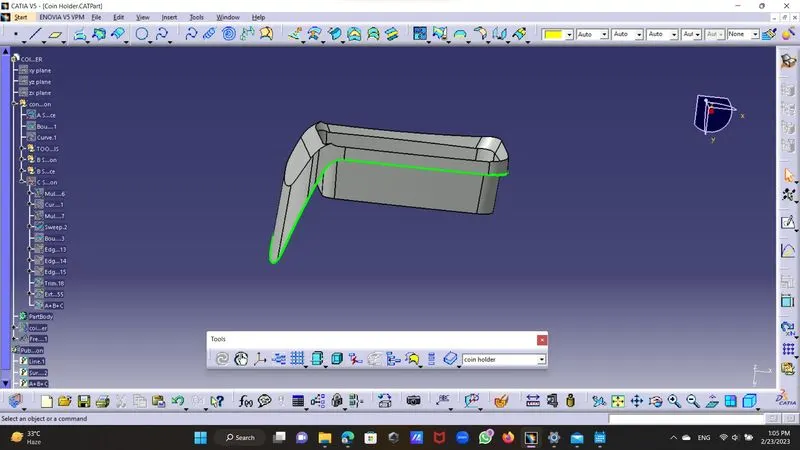
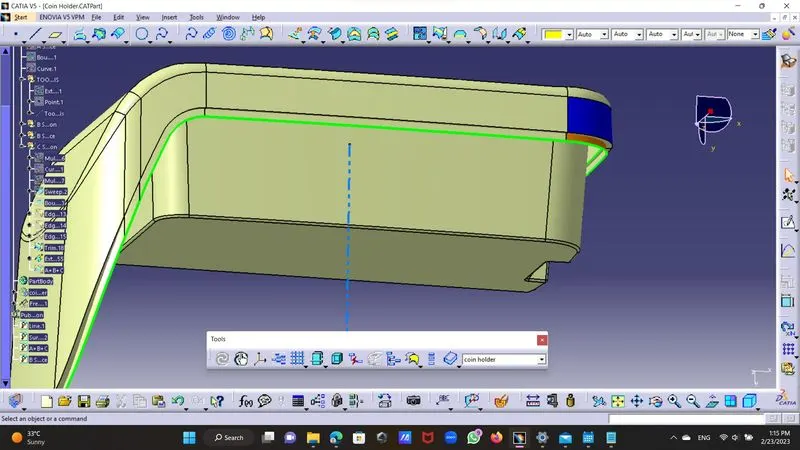
STEP 10:- C SURFACE CREATION
by extraction the boundry of outer flang from class A Surface and used swept with reference surface here thr reference surface is
outer flang multipal extraction and guide curve is boundry extracted gave draft angle as 90 deg and legth as up 5mm ,extracting this with
Class A Surface and then by extraplatin the boundry of Class B Surface and triming it with class C Surface will get final surface.
STEP 11:- Close Surface forming :-
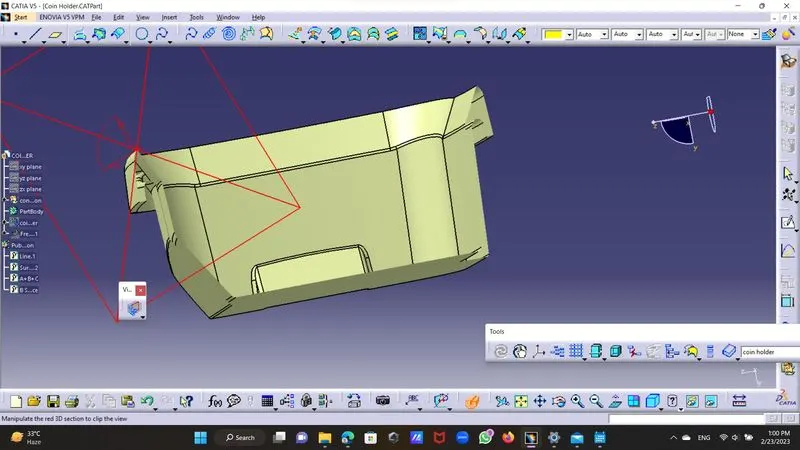
After compling drawing go to part design and use thick surface tool from side tool bar and put last trim it we get convert in solid.
sectional view
STEP DRAFT ANALYSIS:-
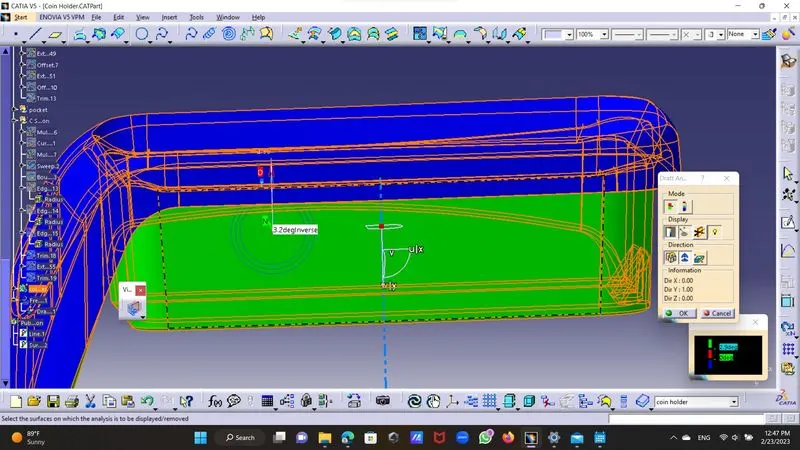
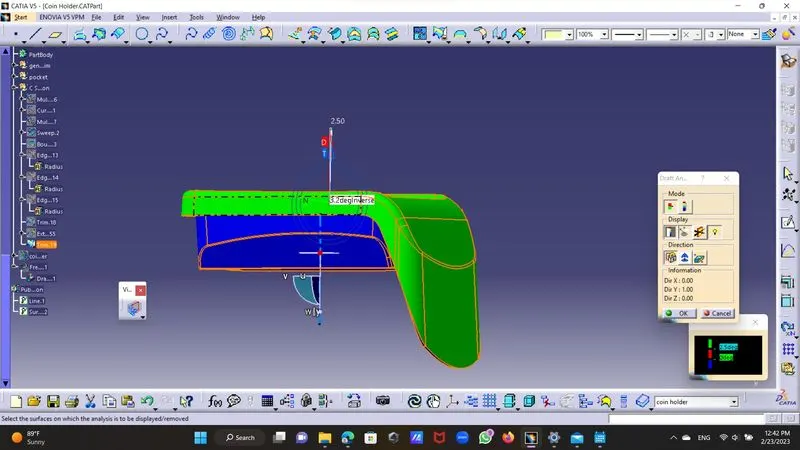
go to feature analysis from insert and chose compass and mach it with tolling axix then lock it,then go to Analysis undet the running point and checked
draft to all sides and thick surfaces out draft taken is 90 deg so its nearer to it checked.
As green colour shows draft is above 90 ,
Red colour shows draft is 0 to 90 deg,
Blue colour shows draft is negative .
solid body:-