Week 8 - Challenge 2 - Switch Bezel Design
REPORT
SWITCH BEZEL
STEP 1:- Draw a tooling axis by Bisecting method,extract base surface and took a point on surface,select a axis system ,took a position sketch yz plane and point 1 intersection and reference element.
drew two lines with intersection and bisect them.
Took another another sketch select ZX plane intersect it and draw two lines and bisect them.
STEP:-2
get out of the sketch and take extension line with bisecting and bisect them and drew a toolin axis
STEP :- 3
B SURFACE CREATION
STEP 4:- Insert a geometrical set and named it as BEZEL REST SURFACE
exract top surface untream it and extrapolate it about 50 mm,
STEP 5:-Insetert a geometrical set and named it as wall
extract side walls one by one and untream them and extrapolet them about 50 mm,untream the base surface and extrapolate it .
STEP 6:-Inset a geometrical set and named it as offset :-
offset all the side walls and top surface and base by 3 mm.
STEP7:-TRIM
Trim all the side walls and top surface together and got bezel.
STEP 8:- extract corner fillet and untream it and meassured got value R=15,
STEP 9:- Top corners fellet meassured is R=14 inside so deducted thickness through that value gain is R=12.5,
give fillet it by R=12.5.
C SURFACE CREATION :-
STEP 10:-Took a multiple exract and continous tagency and select boundry of surface A extrapolet end of two boundries by small distance and trim them
used smooth curve command and by curvature select the
and convert it to smooth curve.
STEP 11:-SWEPT Took Swept command sub type with draft direction and select snooth curve as boundry and tooling axis as draft direction and gave draft angle of 3 deg.
STEP 12:-by using join command joind two surfaces Surface A and Surface C.Had a gap of 0.029 .
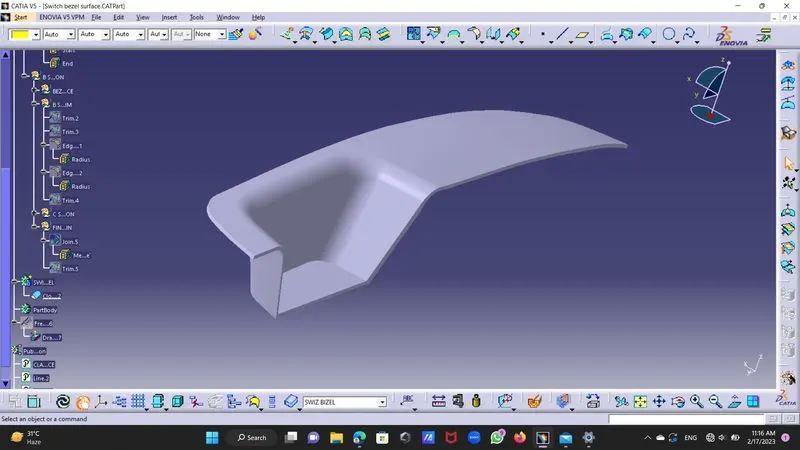
STEP 13:-Triming join and Surface B will get final Surface.
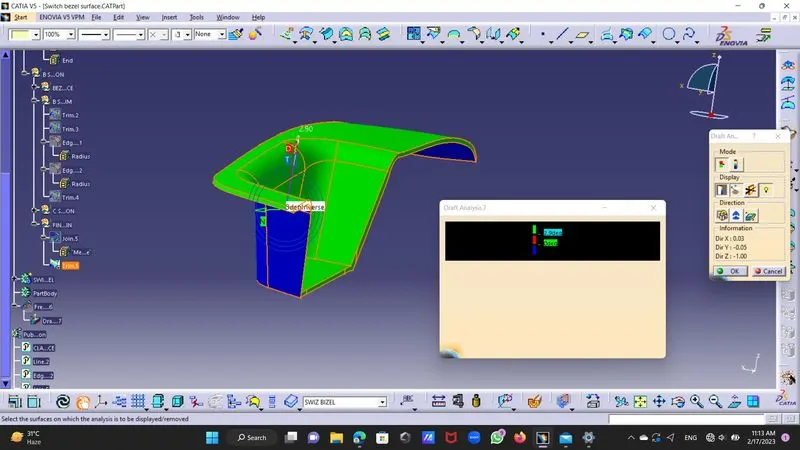
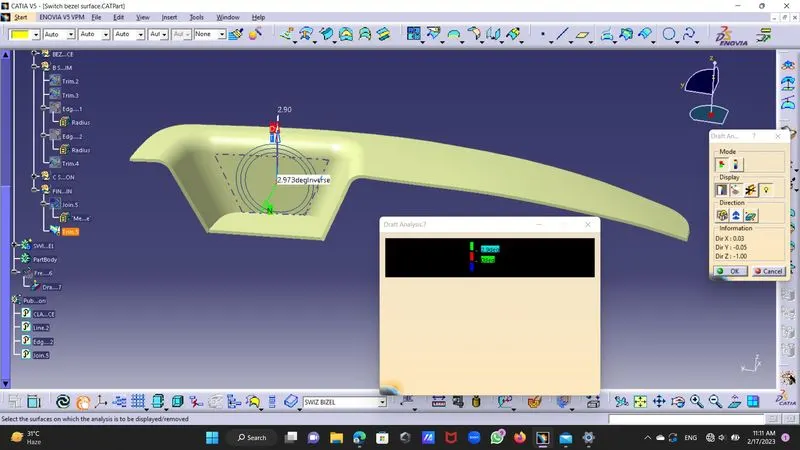
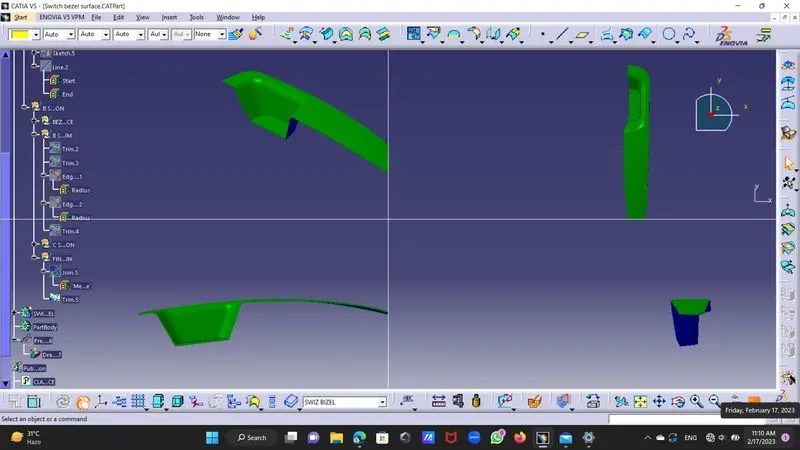
DRAFT DIRECTION:
Use compass and mesh it with tooking axis and locked it.
seen a draft angle by color scale
green colour shows draft above 2.9 degree
red colour shos draft from 0 to 2.9 degree
blue colour shows negative value
I have given draft of 3 deg but was not equal along thick part so adjust it to 2.9 deg.
then by changing position of second bisector line adjust other values.
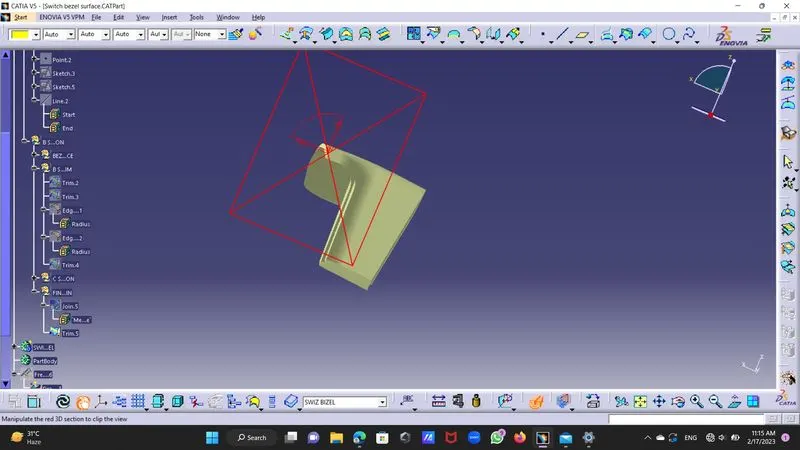
Finally went to part body and insert a body and choose close surface.