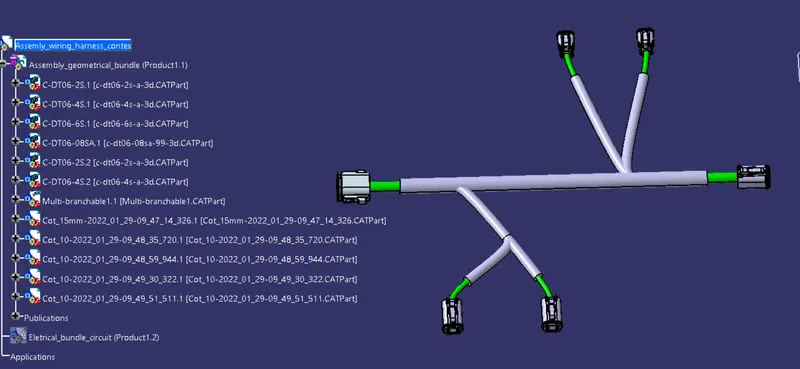
Wiring harness design in CATIA V5 - 3D modeling Week 4 Challenge
Aim : The aim of the project is to create the electrial harness layout in Electrical workbench using the following connections as shown in the layout.
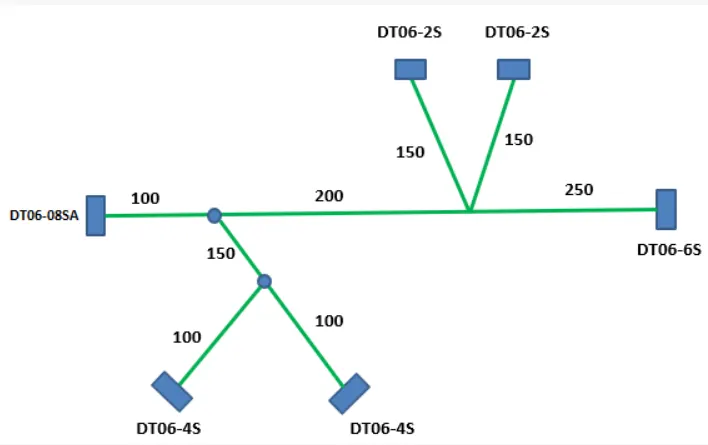
- DT06-08SA
- DT06-6S
- DT06-4S
- DT06-2S
Procedure :
- Create/Download 3D connector
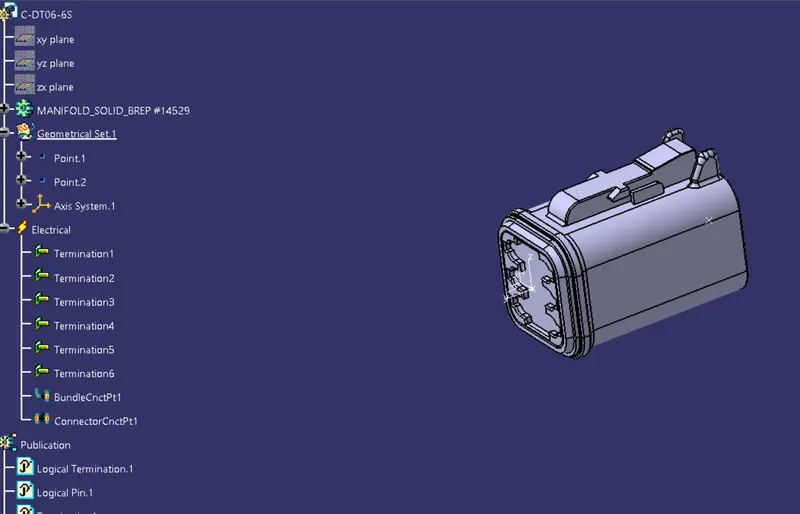
- Create required geometrical parameters
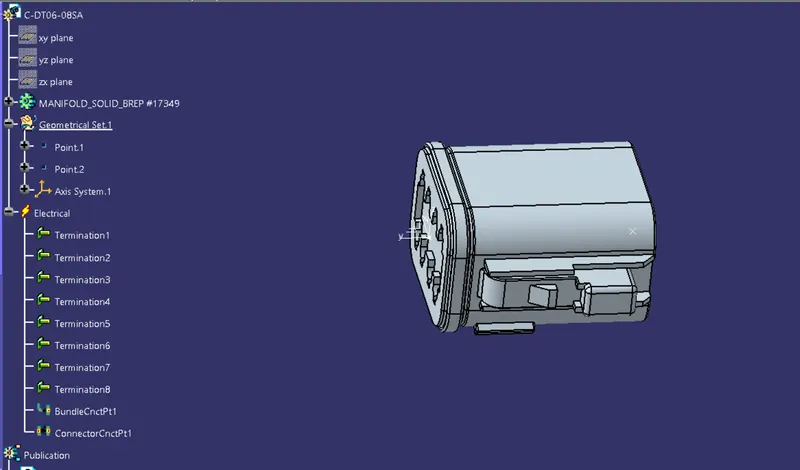
In the reference geometry required reference points like bundling entry point connector connection point and cavity connection points and also the required axis is created in the geometry parameters
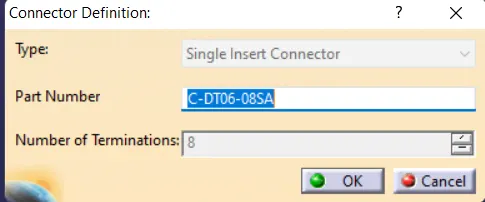
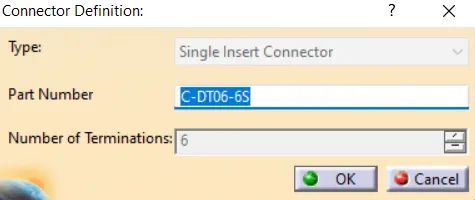
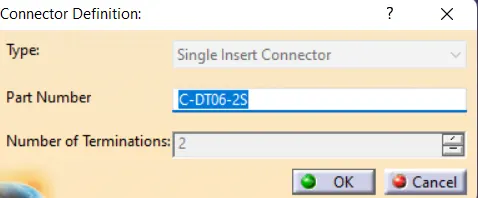
- Define part as connector
The parts are defined as connectors by using the define connector option in the CATIA and while defining the connector we give the number of terminals that are there for the connector.
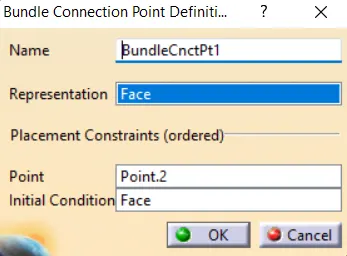
- Define bundle connection point
It is the point that goes on Wire entry side of the connector
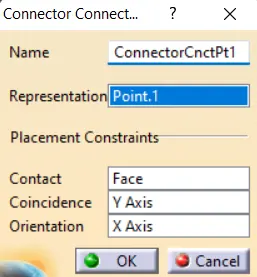
- Define connector connection point
It is the point that goes on Mating Face of the connector
- Define cavity connection point
1.Connection DT06-08SA
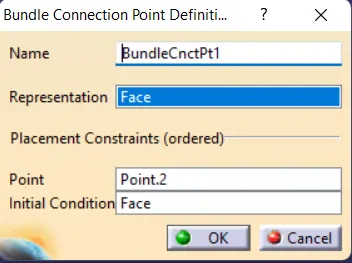
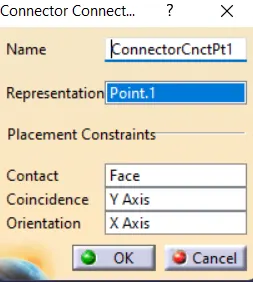
2.Connection DT06-6S
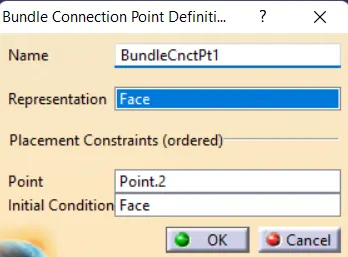
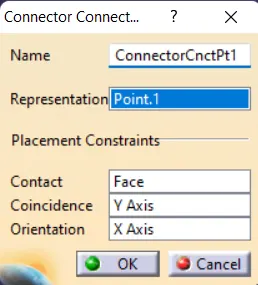
3.Connection DT06-4S
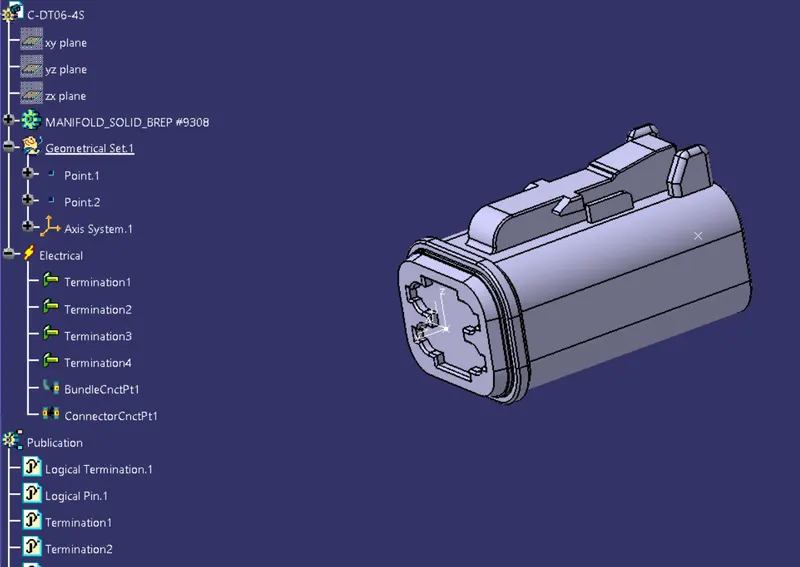
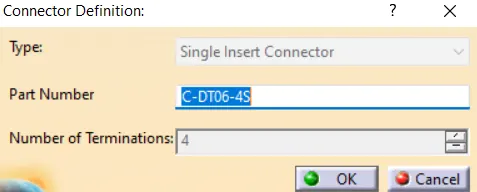
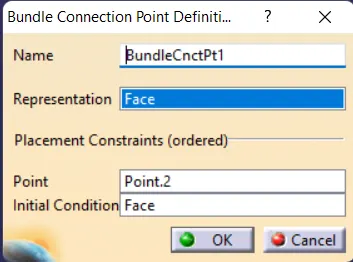
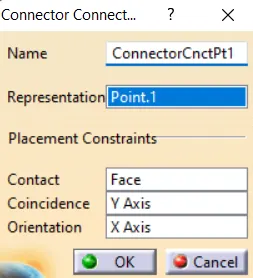
4.Connection DT06-2S
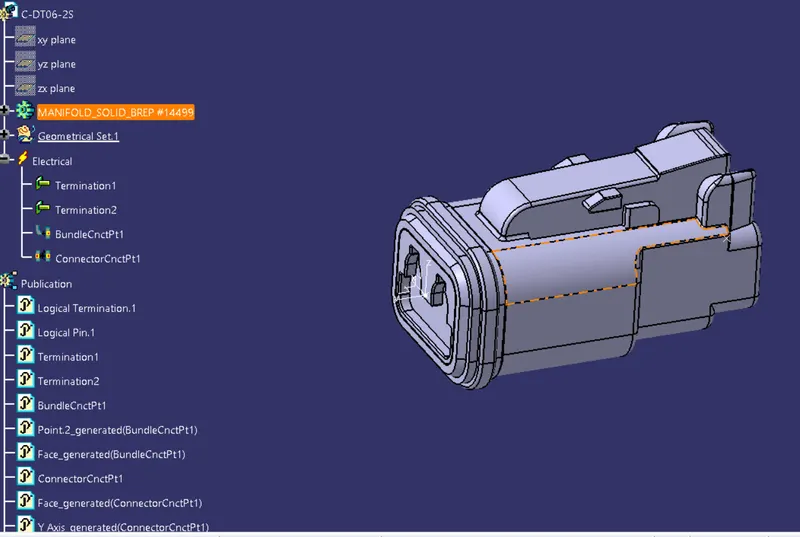
- After creating the connectors in all the connectors are inserted into the Assembly.
- Then, mechanical assembly is converted into the Harness assembly by using the "Geometrical Bundle" option available in the harness assembly.
- Multi-Branchabe is created and the branches are created as per the requirement.
- The Brachables are created by using the "Harness Installation workbench.
- Finally, the COT tubes are added to the branches. The required Cot tubes are already created and it is added into the Catlogue.
- From the catalog, the Cot tubes are added.