Wiring harness design in CATIA V5 - 3D modeling Week 4 Challenge
Aim:
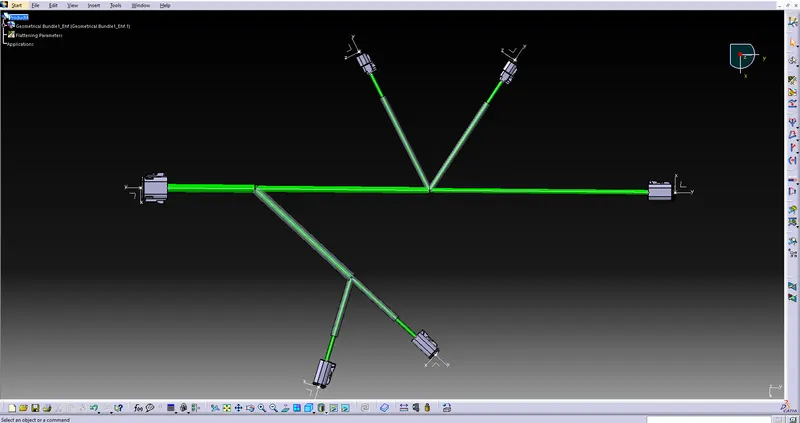
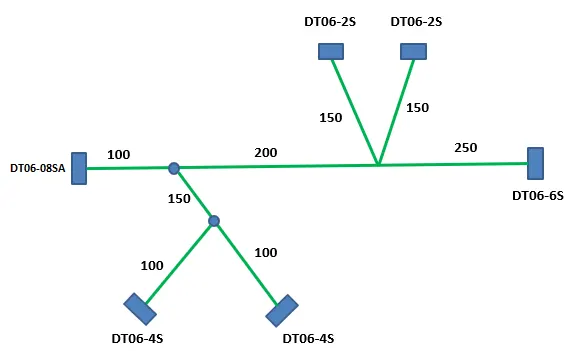
1) To Route the following harness layout in the Electrical workbench.
2) Add protective covering on all branches connected to DT06-2S & DT06-4S connectors.
Given:
CAD data of the following Connectors:
- DT06-4S
- DT06-6S
- DT06-2S
- DT06-08SA
The above given connectors were downloaded from the www.te.com
PROCEDURE :
Step 1:
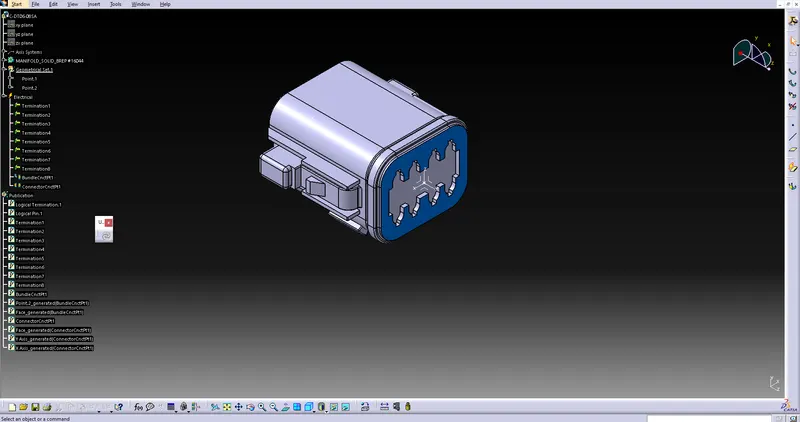
- After Downloading the connectors, we have to define the connectors electrically, on Electrical part design
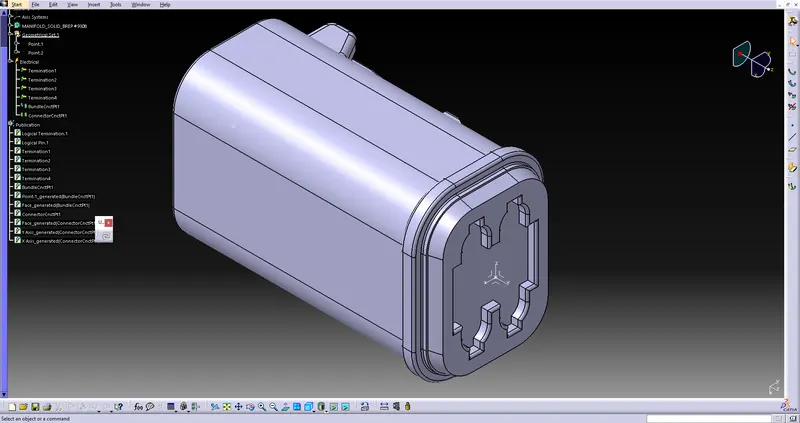
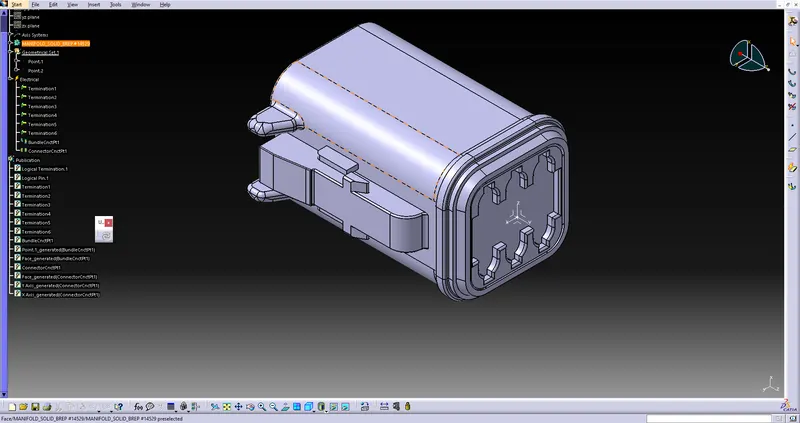
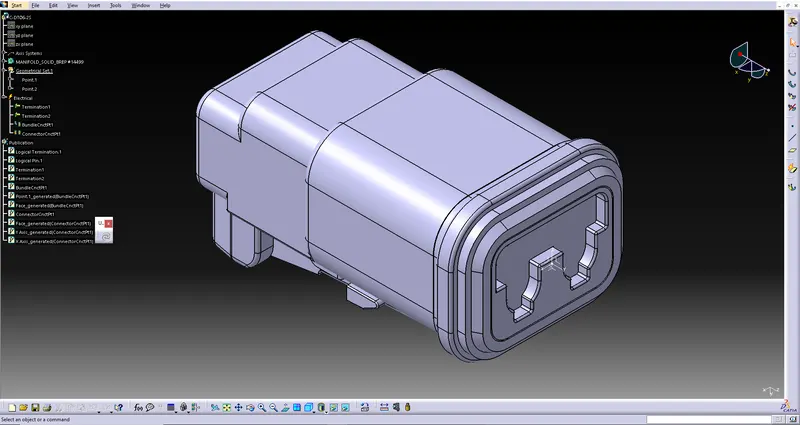
Electrical design for the following parts :
The following was defined for all the connectors:
- Connector connection point
- bundle connection point
- axis system at the connector connection point
- define all the connectors as electrical components
DT06-4S
DT06-6S
DT06-2S
DT06-08SA
Step 2:
- Then we have to insert the connectors as components on Electrical Harness Assembly
- Then we have to arrange the corresponding components on their respective positions as per the given layout design.
Connectors Layout Design:
Step 3:
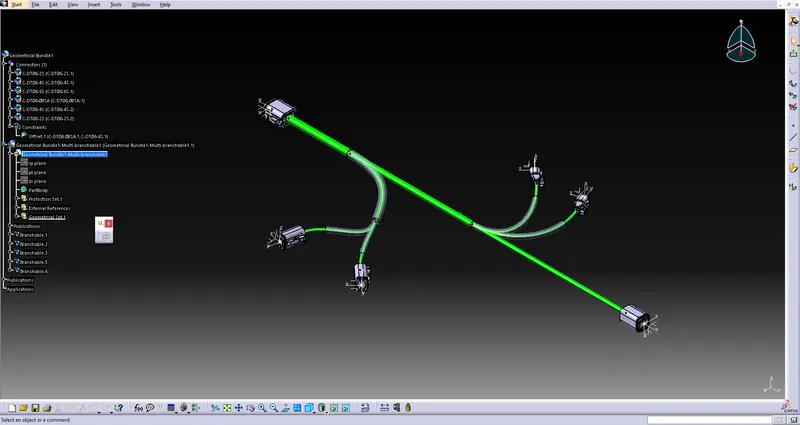
- Now, we have to route wiring harness as per the layout design given.
- We use the multi branchable to add all the necessary brances , branch points.
- And we have to provide protective covering by light protector option in Electrical Harness Installation.
Step 4:
- Lastly, we have to check the network analysis on Electrical Harness Flattening
- and flatten the wiring harness by extracting the product from Electrical harness Assembly, to check the conformity with given layout design, as follows.