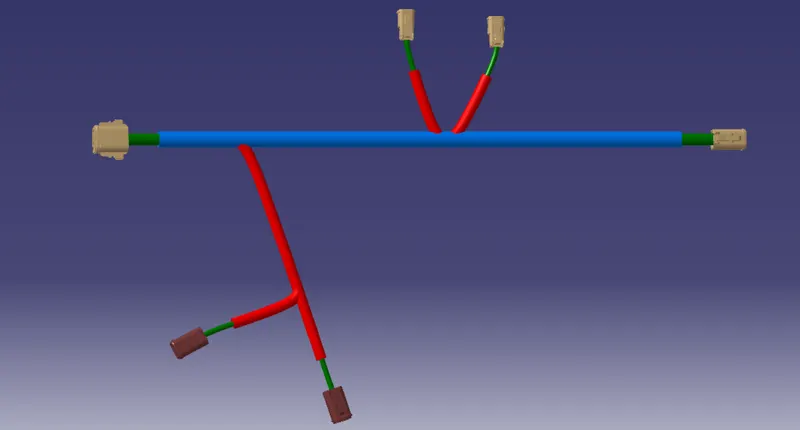
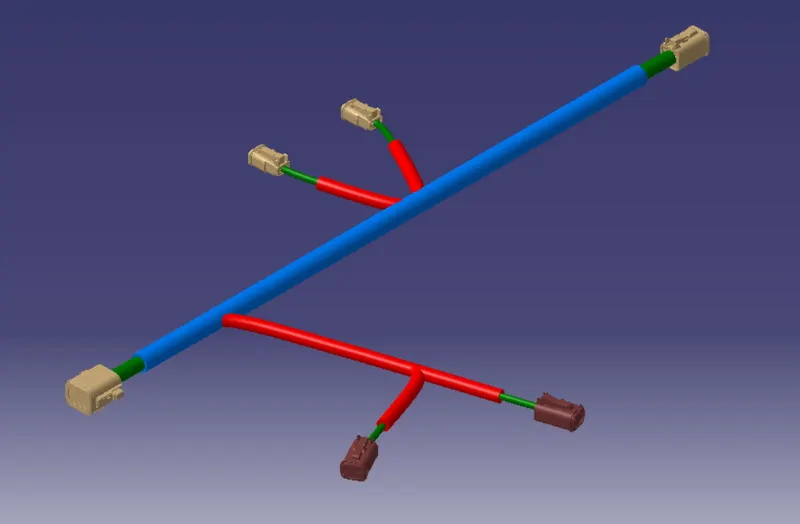
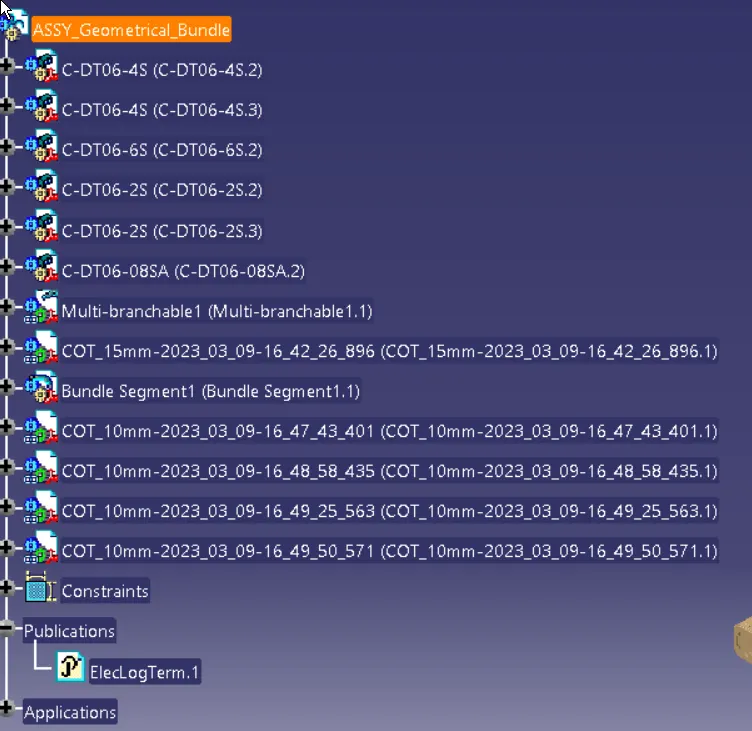
Wiring harness design in CATIA V5 - 3D modeling Week 4 Challenge
Wiring harness design in CATIA V5 - 3D modeling Week 4 Challenge
Question:
Route the following harness layout in Electrical workbench. Make assumption for harness bundle diameters. Use Following connectors as shown in layout diagram.
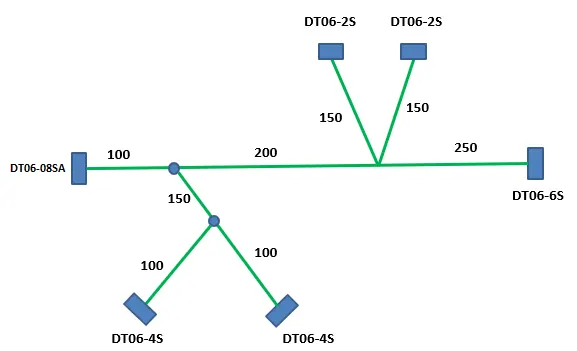
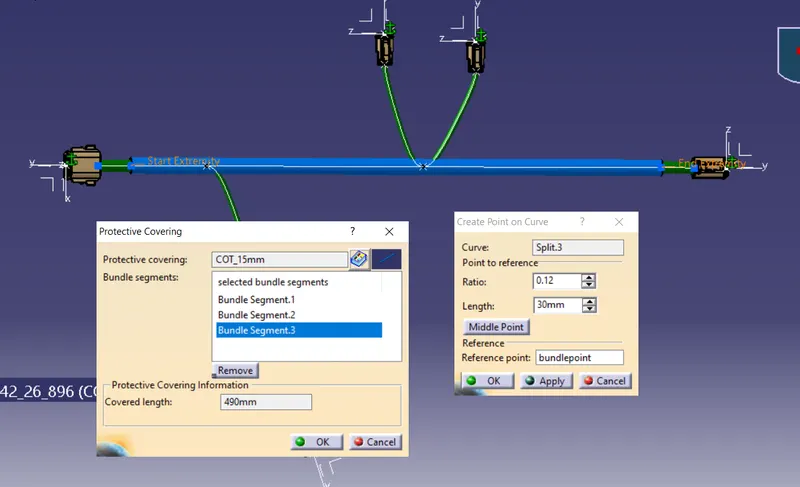
Add protective covering on all branches connected to DT06-2S & DT06-4S connectors. Keep end extremity at 30mm (from connectors end)
link for parts: www.te.com
- DT06-4S
- DT06-6S
- DT06-2S
- DT06-08SA
Solution:
firstly lets create a catalog document
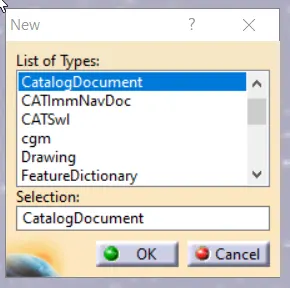
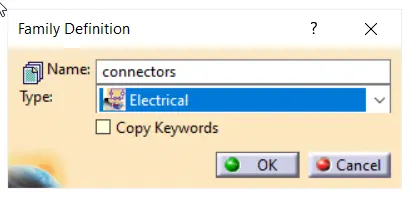
create a famly for connectors
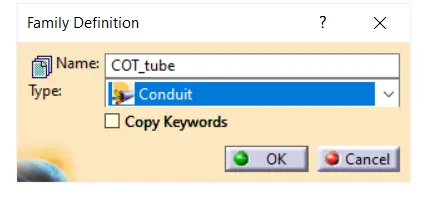
create a famly for COT tube
save the file in apropriate folder
search download required files from www.te.com and convert to electrical parts.
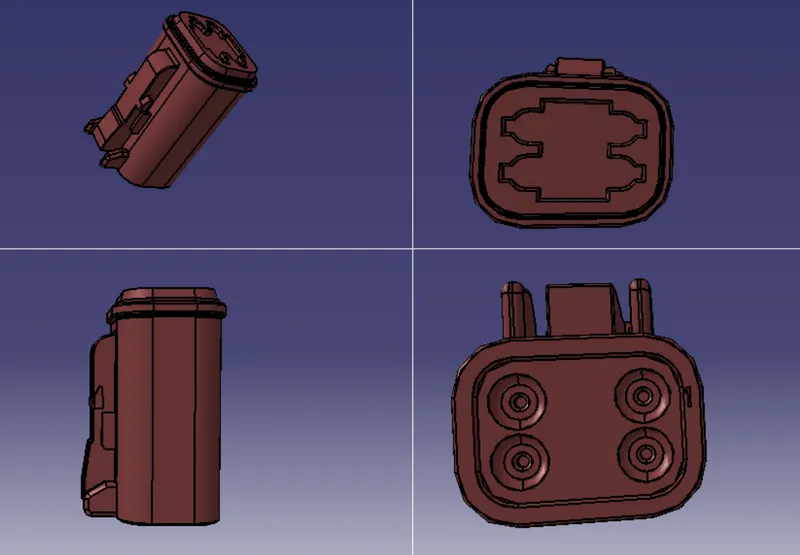
Part : DT06-4S
Link : https://www.te.com/usa-en/product-DT06-4S.html
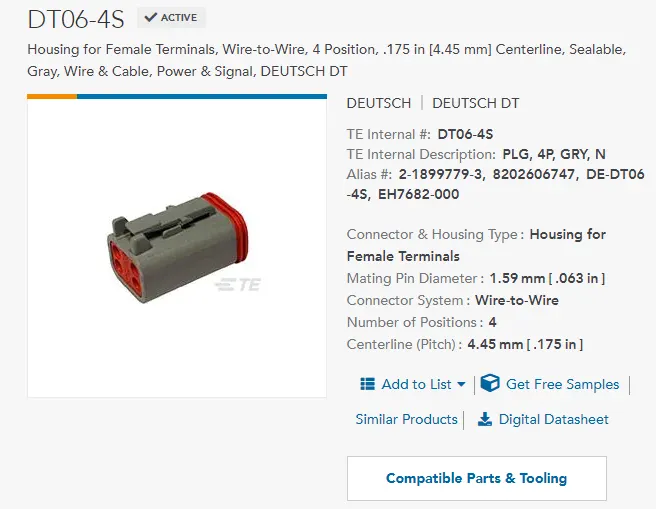
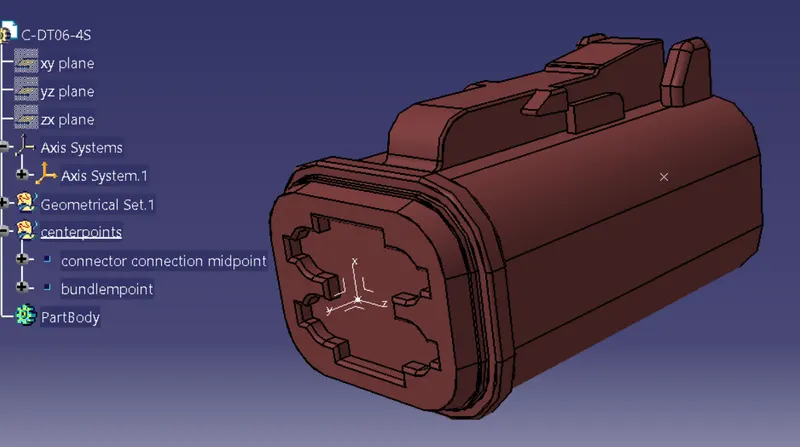
add mid points and axis system
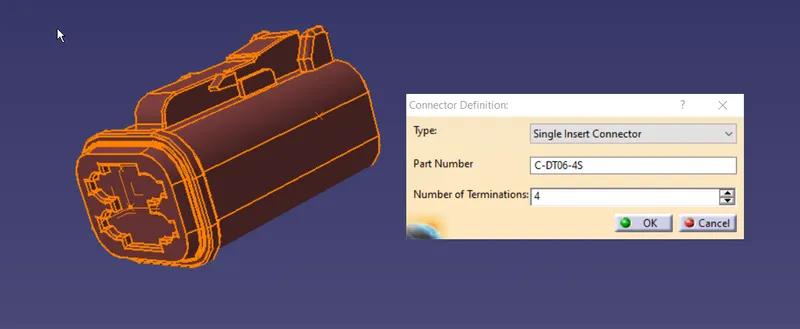
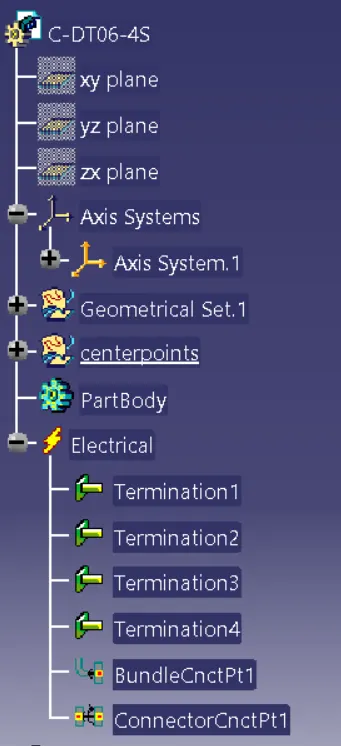
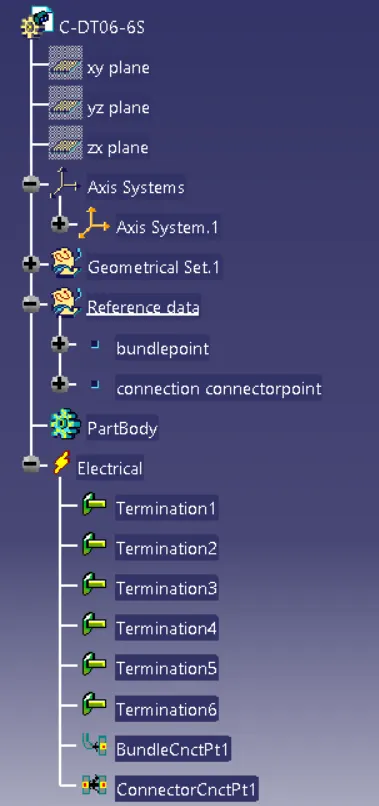
open electrical part design,define as connector
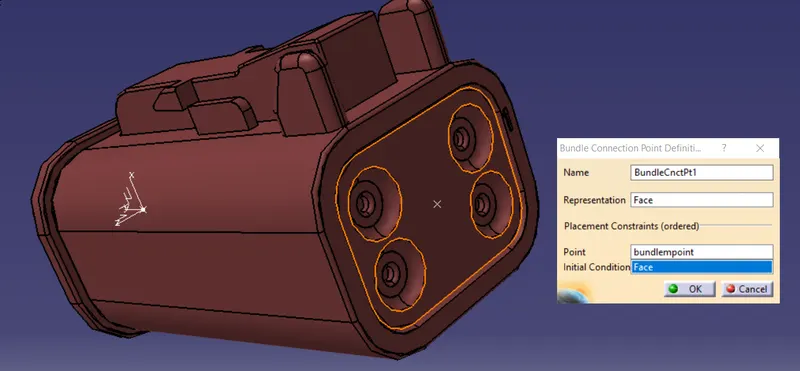
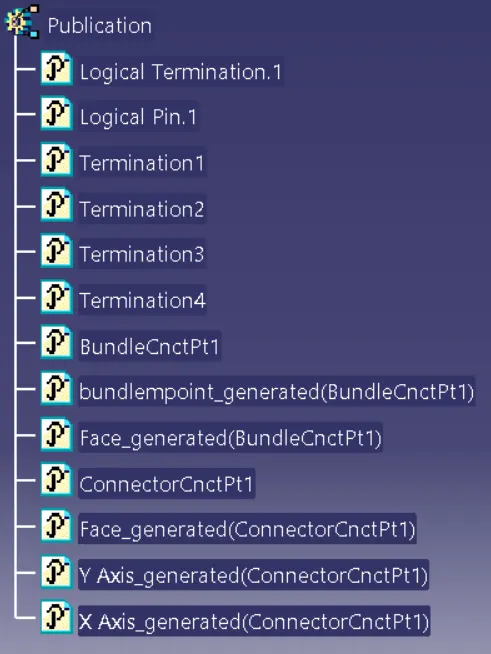
Define bundle connection point
Define connector connection point
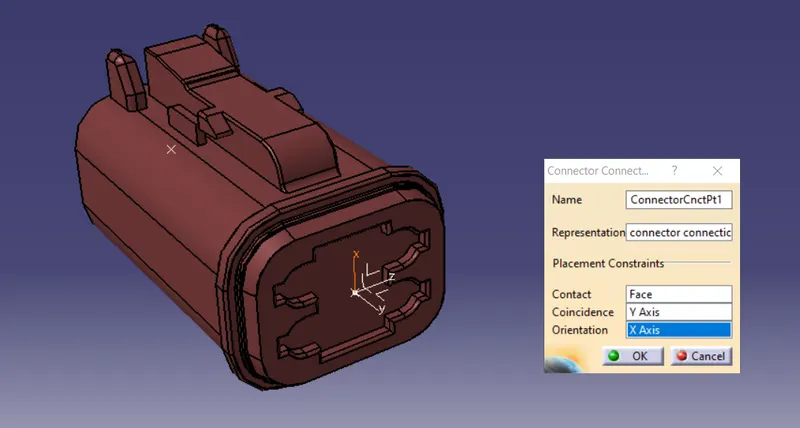
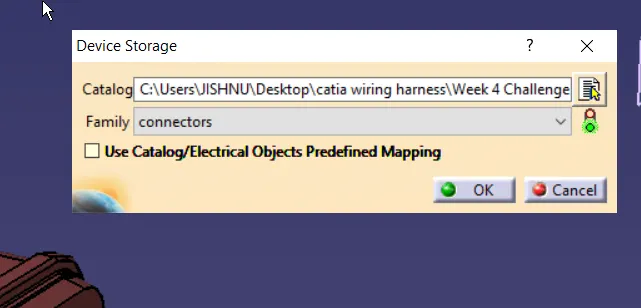
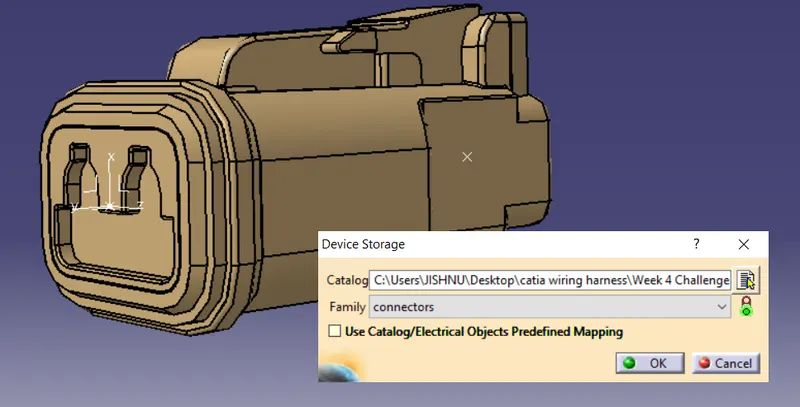
Save file and add to catalog ,connectors family
Part : DT06-6S
Link : https://www.te.com/usa-en/product-DT06-6S.html
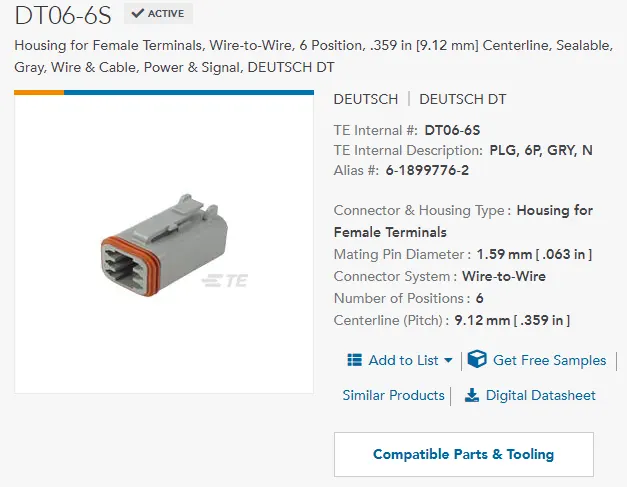
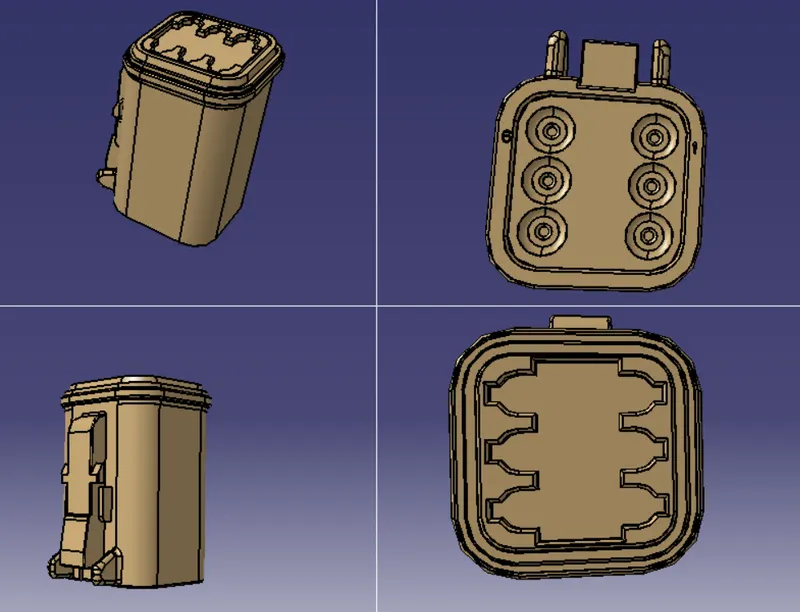
create reference points for bundle entry andconectoconnection, and also axis system
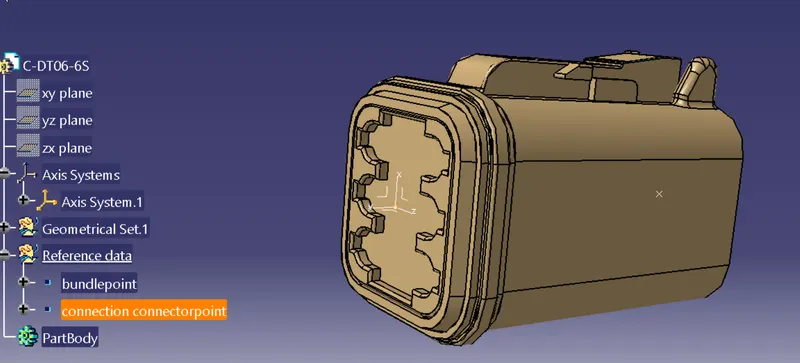
Open electrical part design,define as connector
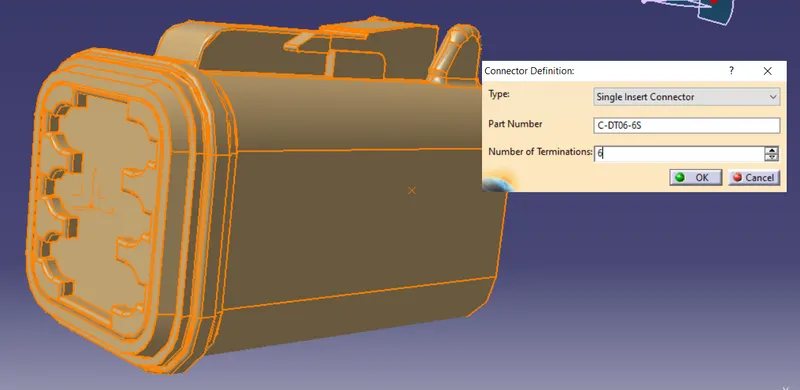
Define bundle connection point
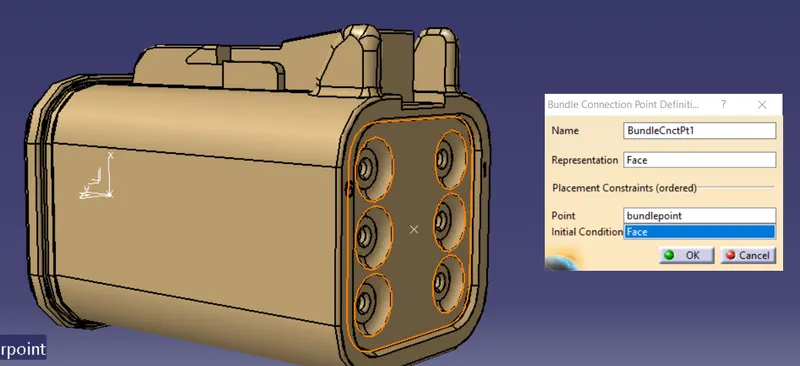
Define connector connection point
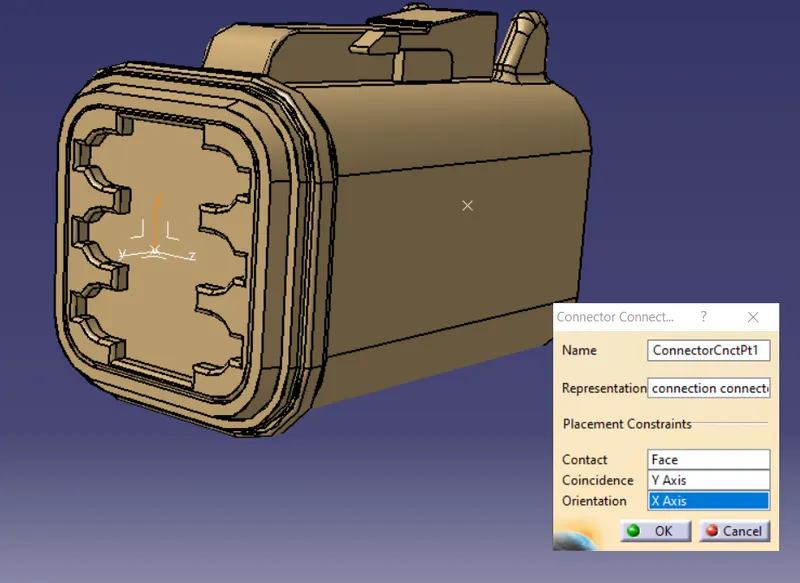
Save file and add to catalog ,connectors family
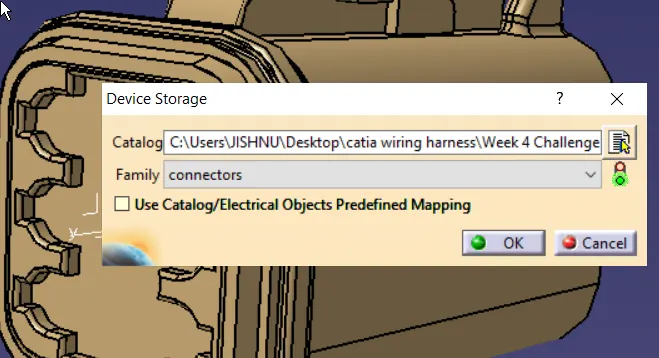
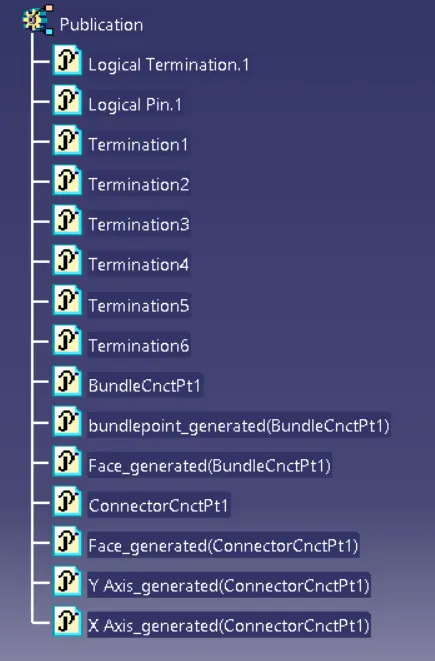
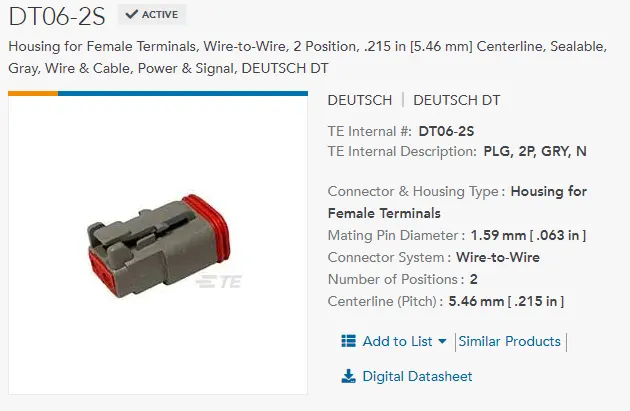
Part : DT06-2S
Link : https://www.te.com/usa-en/product-DT06-2S.html
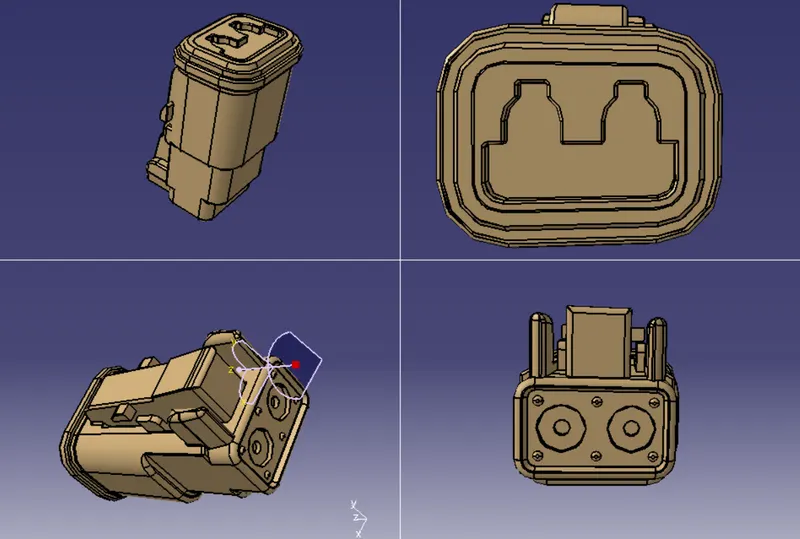
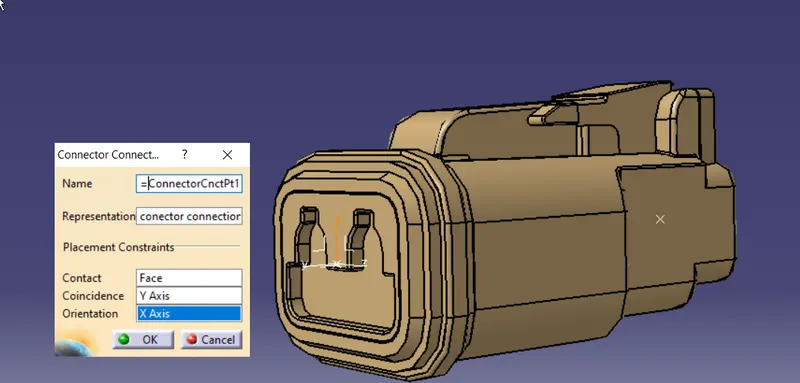
create reference points for bundle entry andconectoconnection, and also axis system
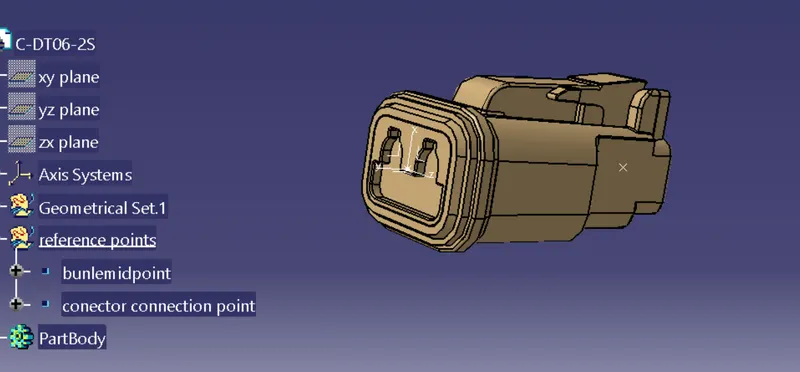
Open electrical part design,define as connector
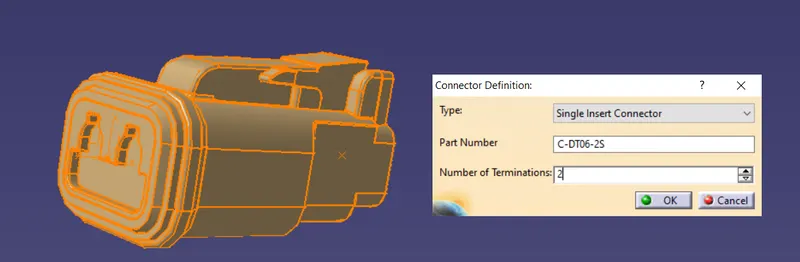
Define bundle connection point
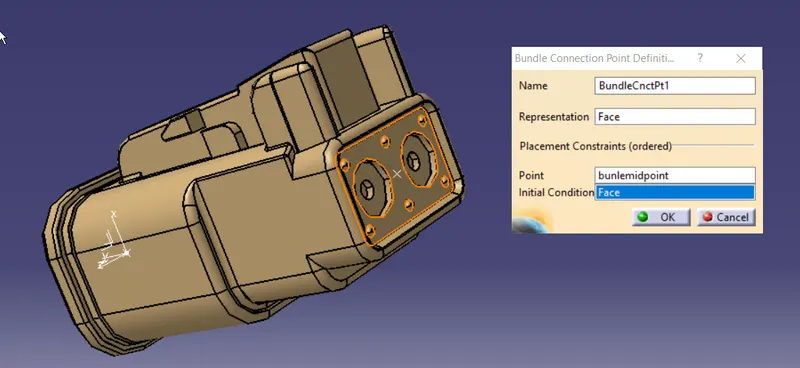
Define connector connection point
Save file and add to catalog ,connectors family
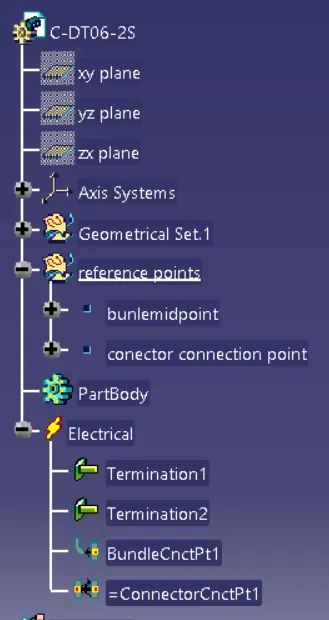
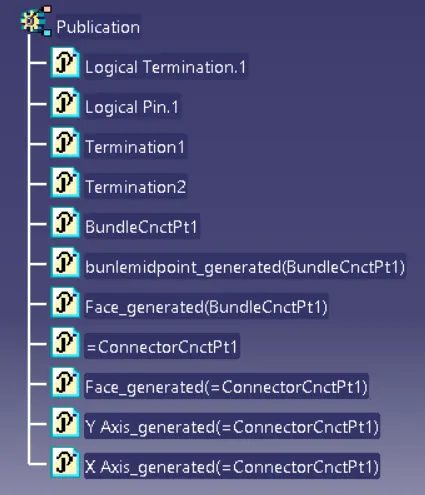
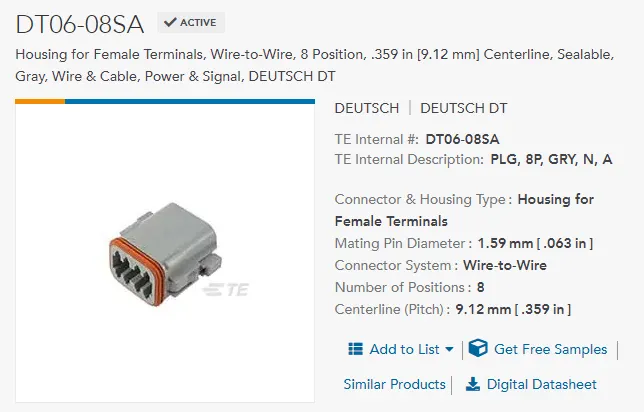
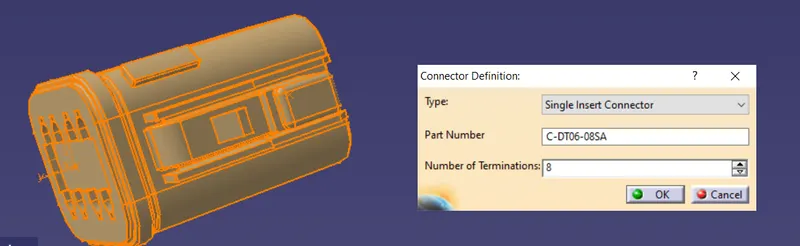
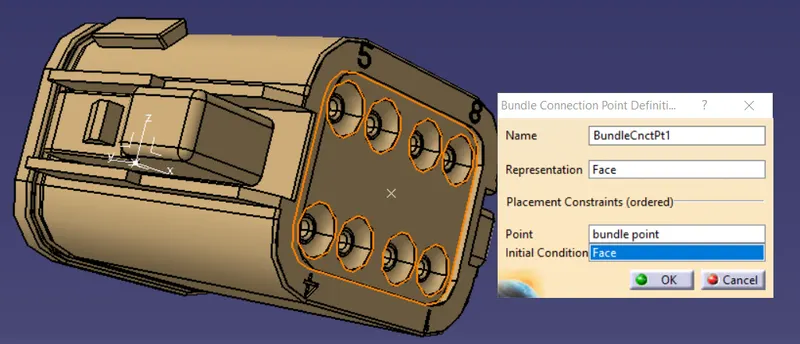
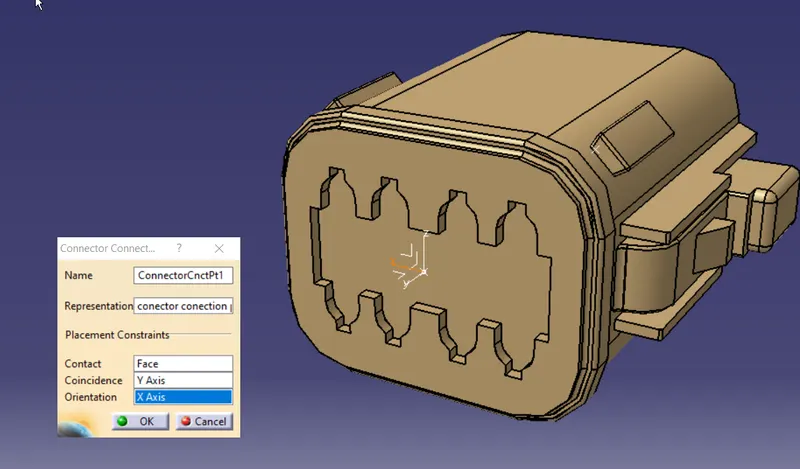
Part : DT06-08SA
Link : https://www.te.com/usa-en/product-DT06-08SA.html
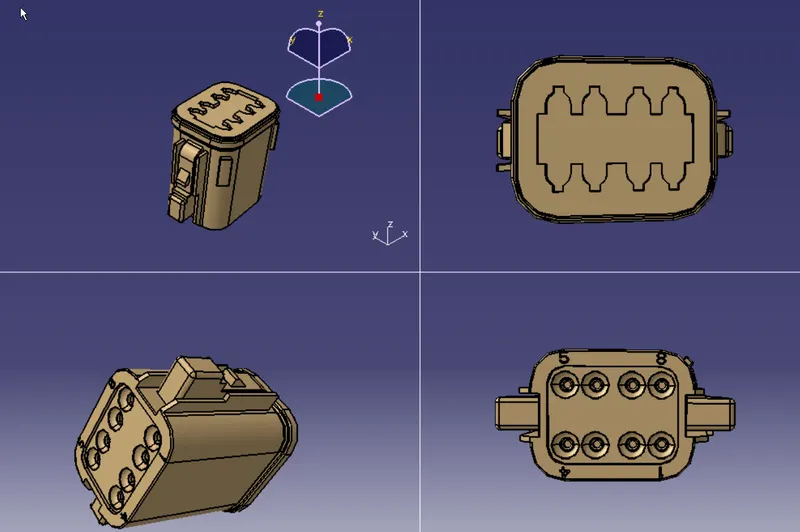
Create reference points for bundle entry and conector connection, and also axis system
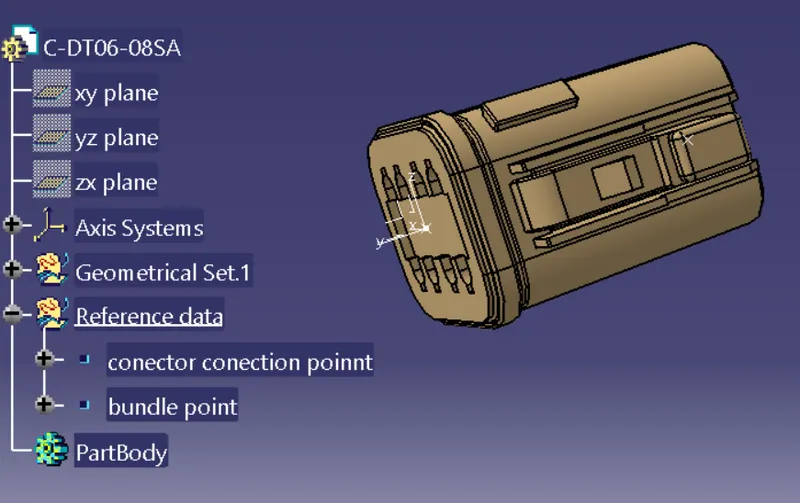
Open electrical part design,define as connector
Define bundle connection point
Define connector connection point
Save file and add to catalog ,connectors family
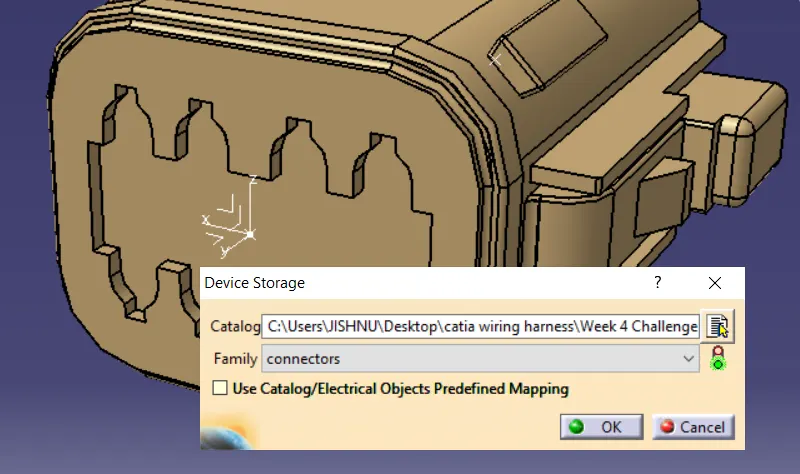
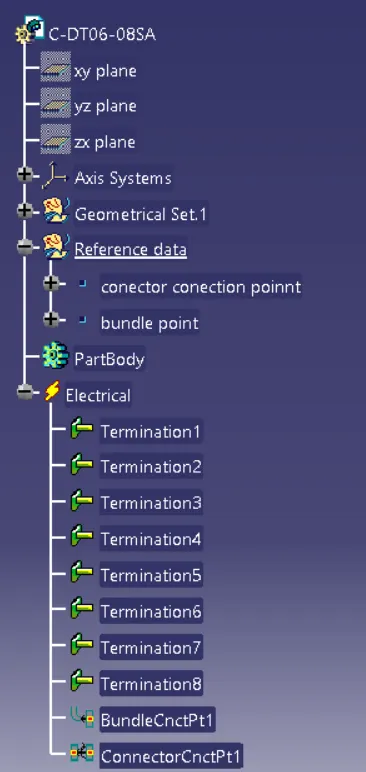
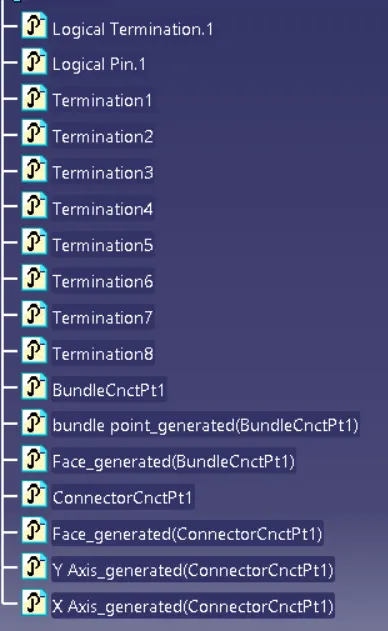
Creation of Corogative Tube profile for protection of wire:
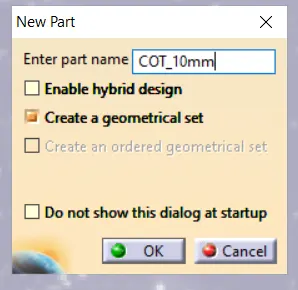
Create multiple size COT tube, Save and add to catloge with famly name COT_Tube as shown below
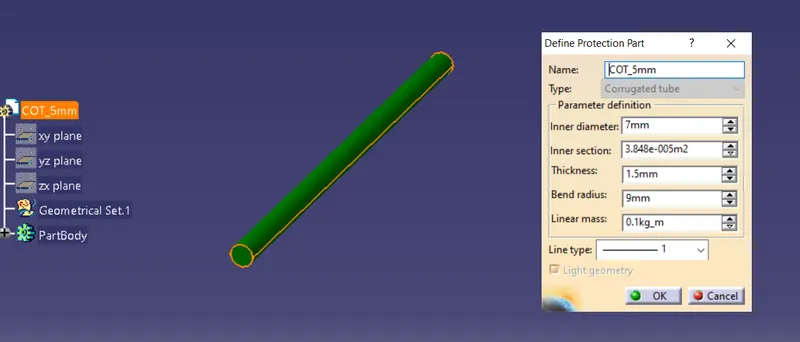
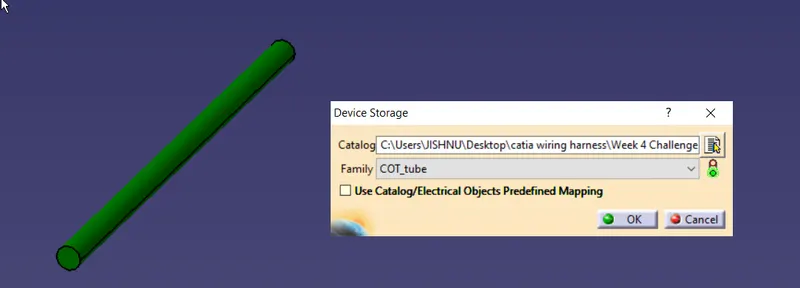
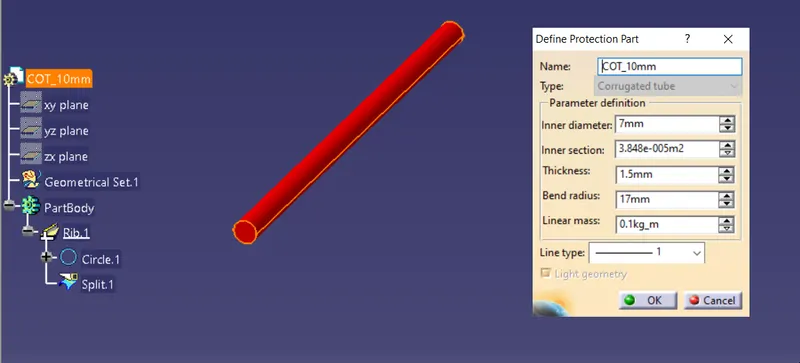
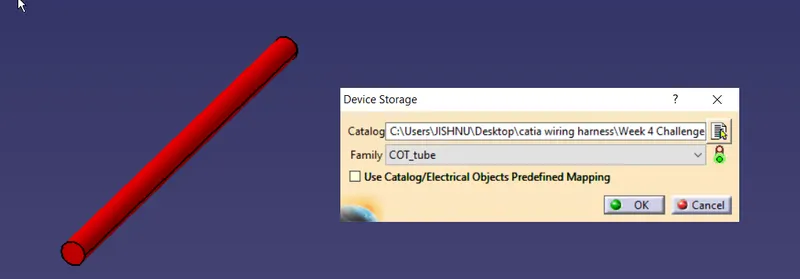
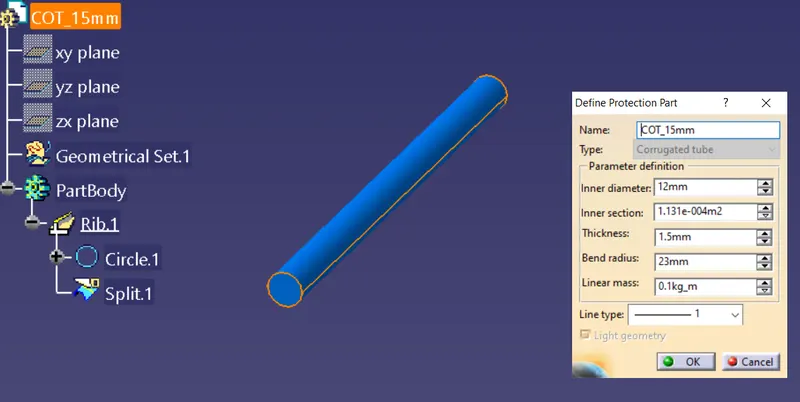
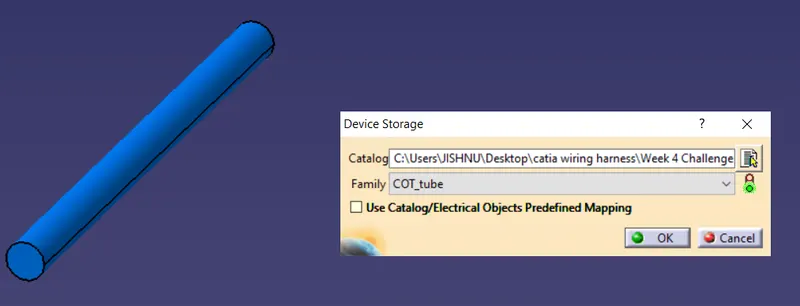
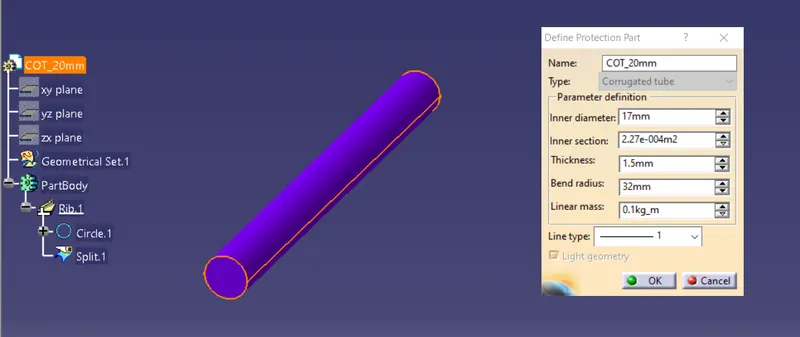
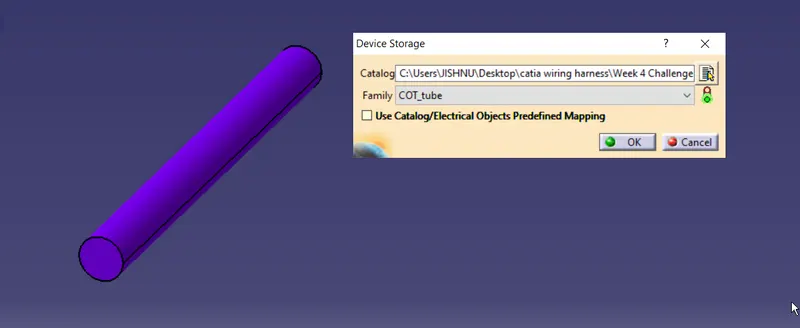
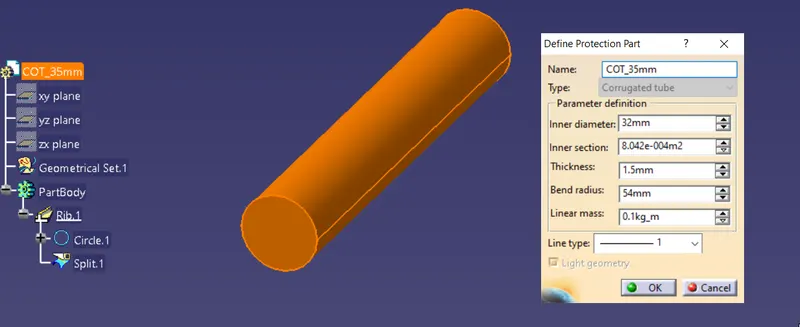
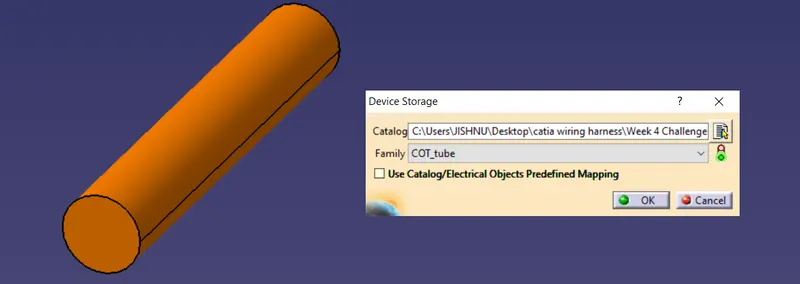
Below shown are the data dtored to the catalog created
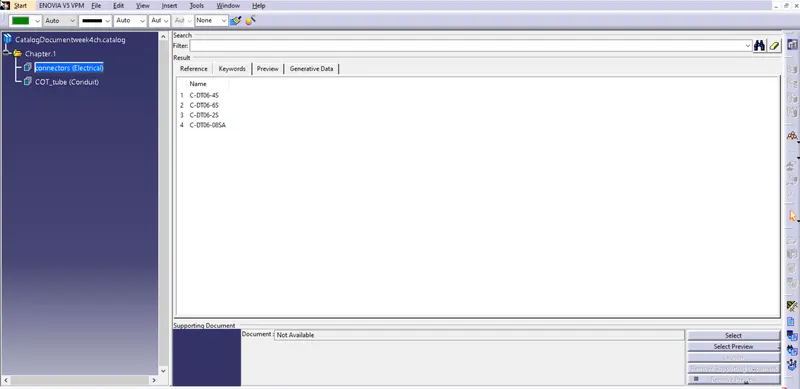
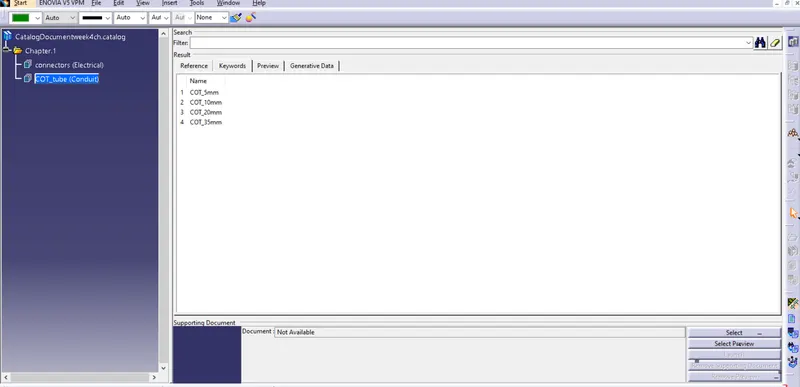
Once completed defining and adding parts to catalog, Create a product to add the nessory parts
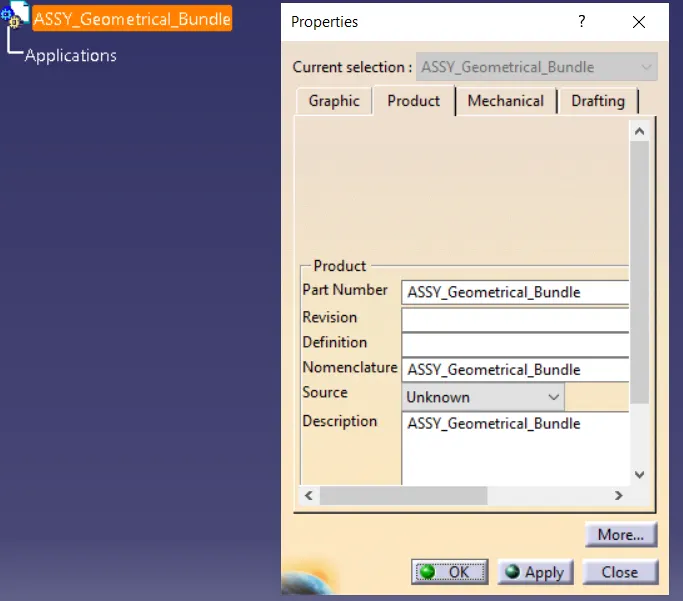
convert geomtrical bundle from mechanical to electrical from electrical harness assymbly
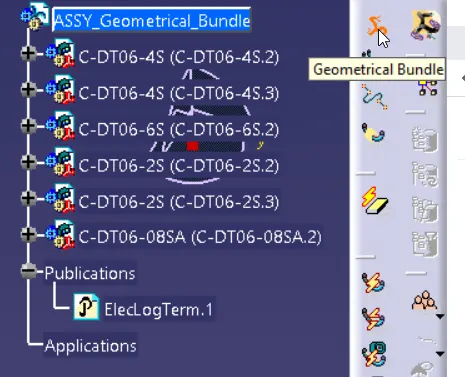
From catalog browser add all required parts
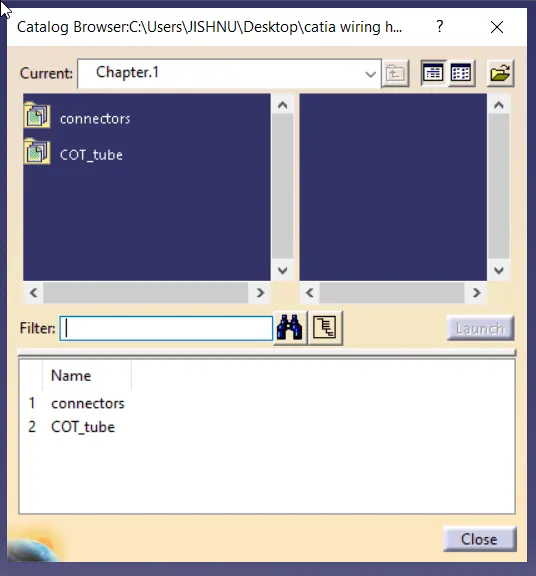
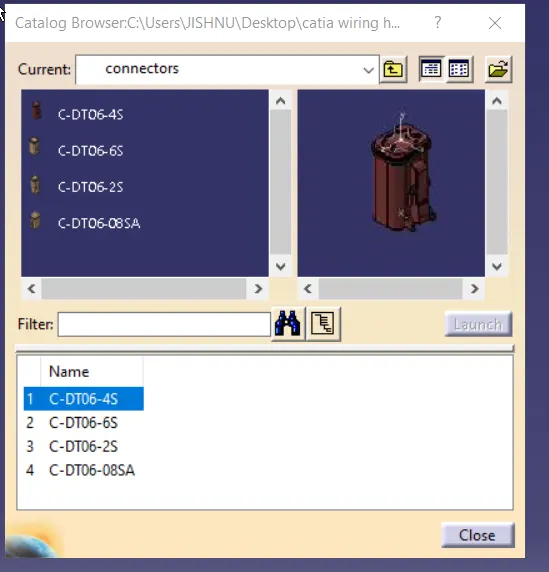
As per the diagram we need;
DT06-4S -->2 nos.
DT06-6S -->1 nos.
DT06-2S -->2 nos.
DT06-08SA -->1 nos.
lets fix dt06 -08SA for reference
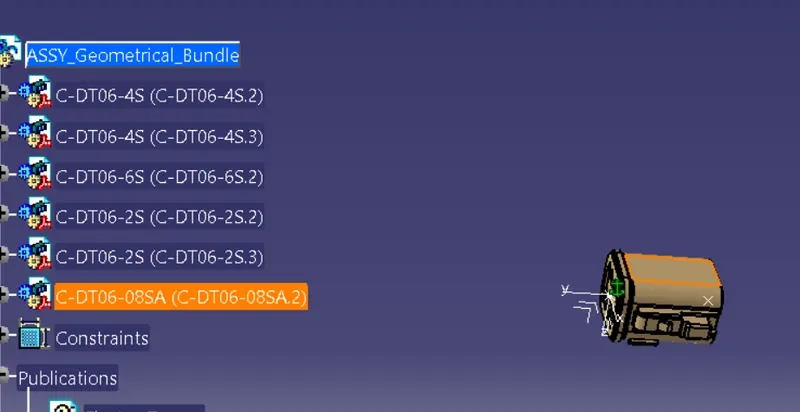
and connect rest with refernce to it
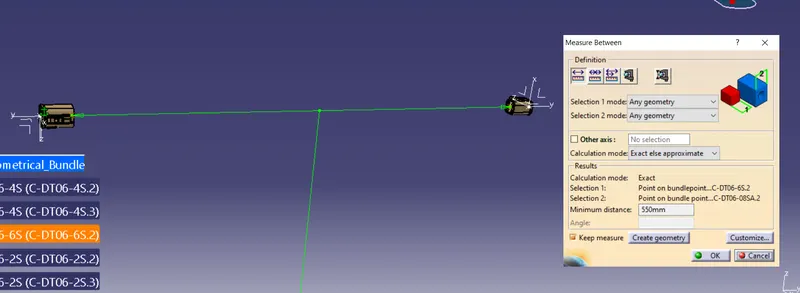
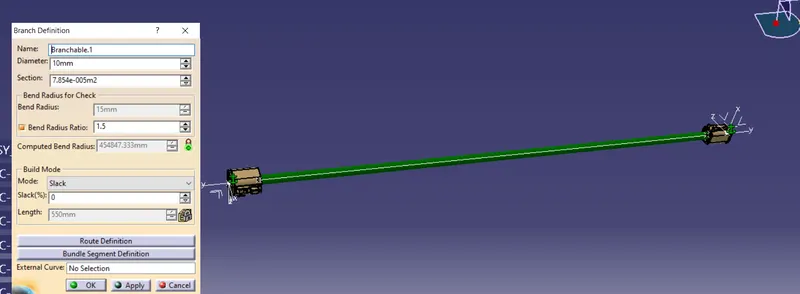
create branch definition
create a branch point100mm from DT06-08SA
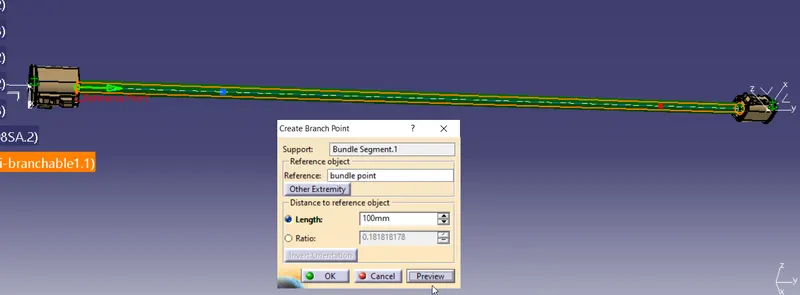
create a branch point 250mm from DT06-6S
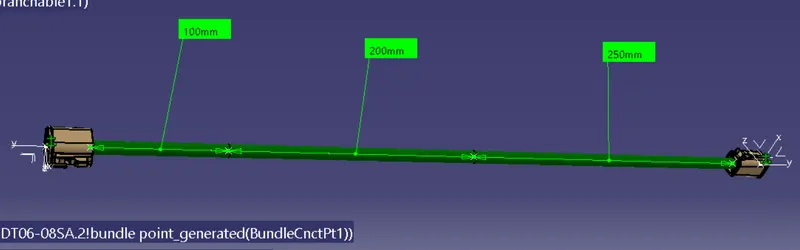
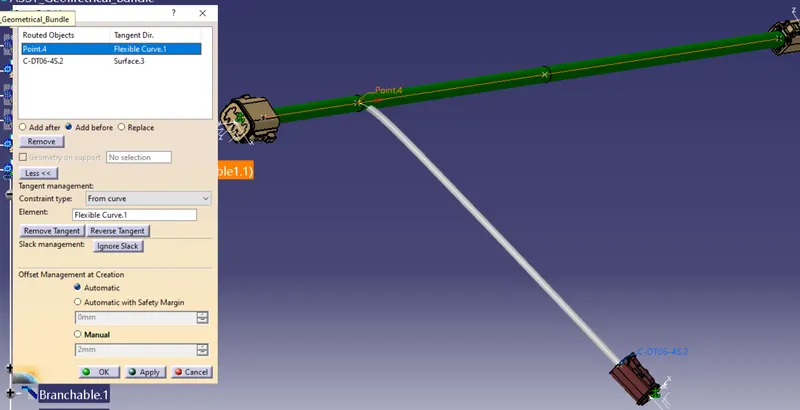
create a branch
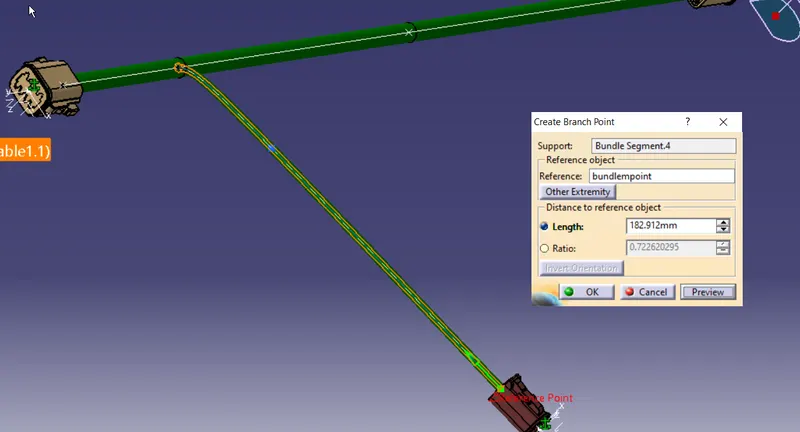
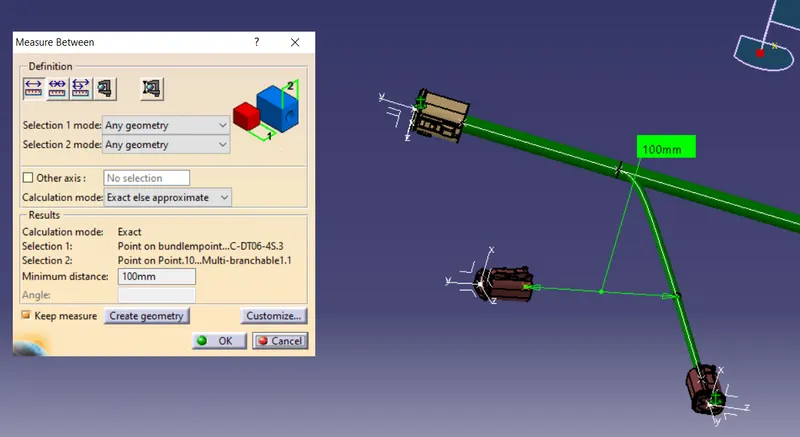
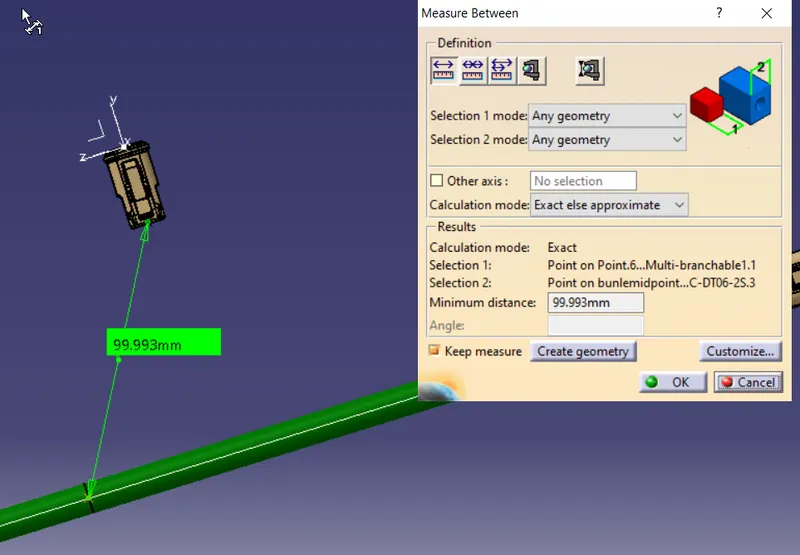
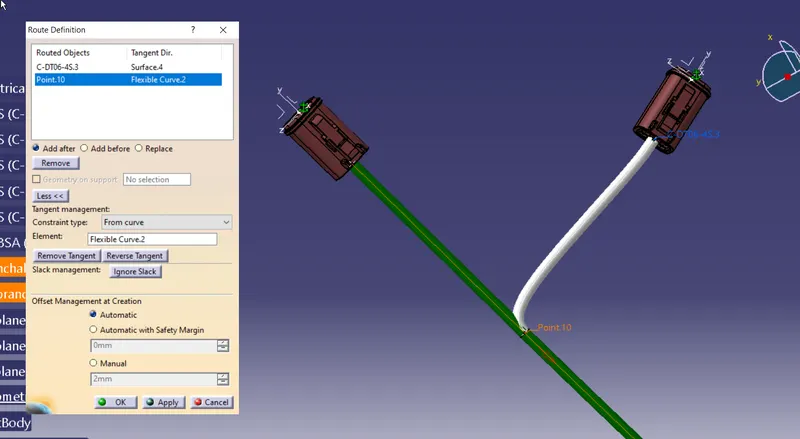
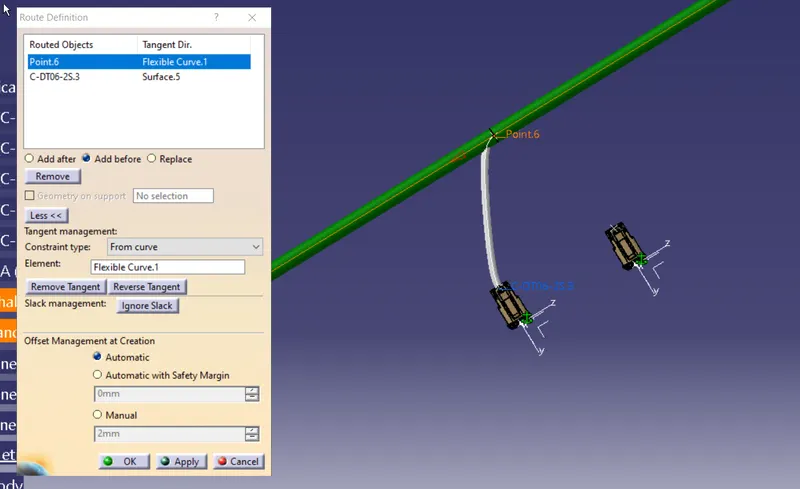
Measurements
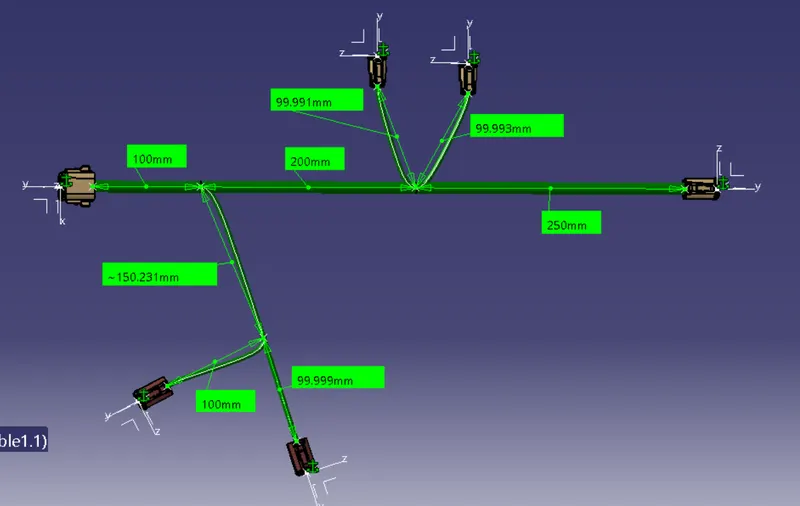
Now to apply protective sleeve/tubing
open protective covering from electrical harness assymbly
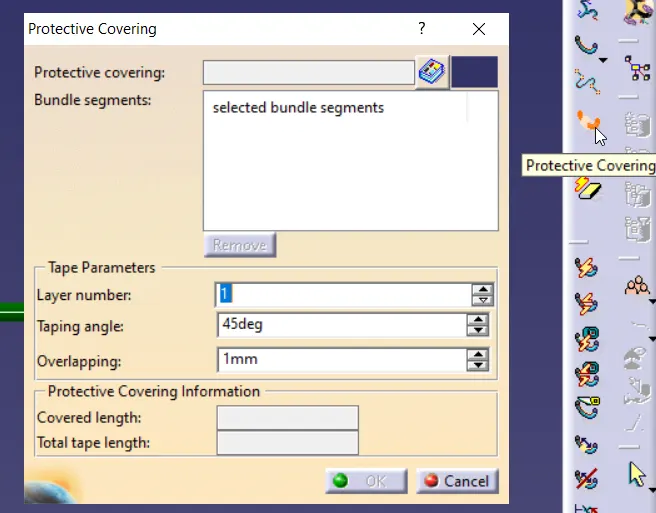
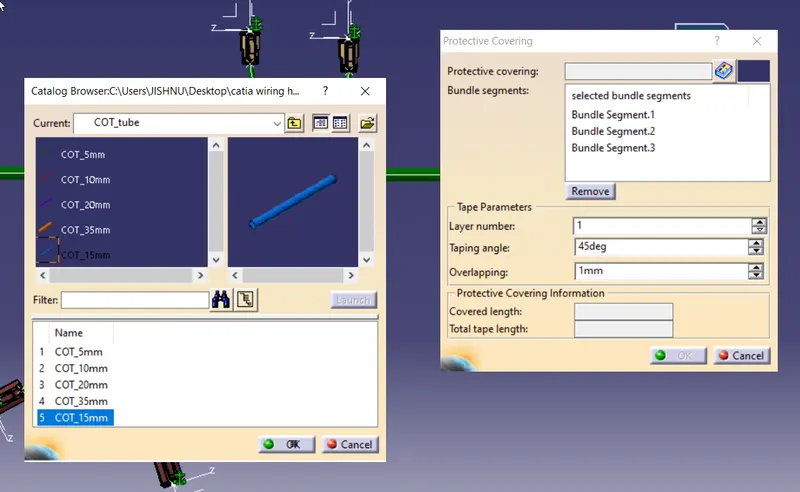
lets select 15mm cot tube for main branch
apply 30 mm offset for tubing on both ends
And for harness branch lets take 10mm cot tube and provide offsets
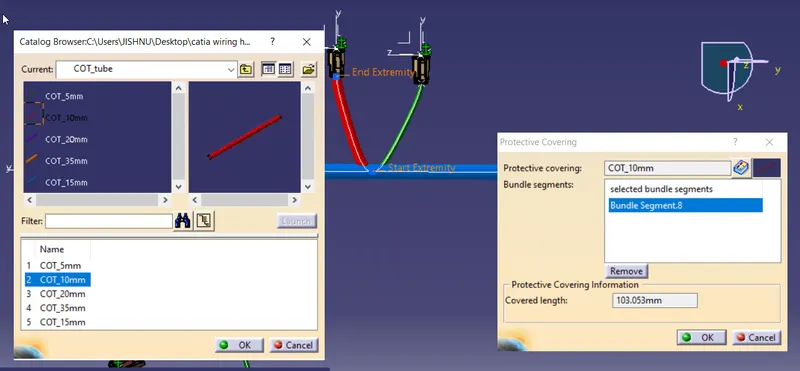
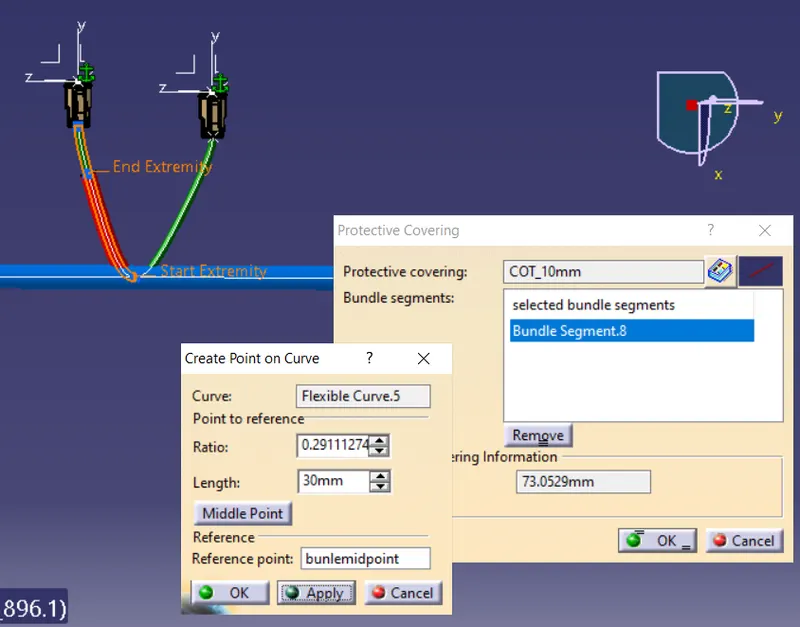
simmilarly apply for all branch