Wiring harness design in CATIA V5 - 3D modeling Week 2 Challenge
Aim
To define electrical property of the given componend.
Objective
To download the given CAD file and their respective compactable part from te.com. Then to define the Electrical properties correctly and to create catalogues of the components so that it can be used later.
SOLUTION METHODOLGY
Defining the connector
We need to define the connector by following the below steps.
- Download the connector data.
- Create required geometrical parameter by identify the bundle side and the connector side.
- Define part as electrical connector.
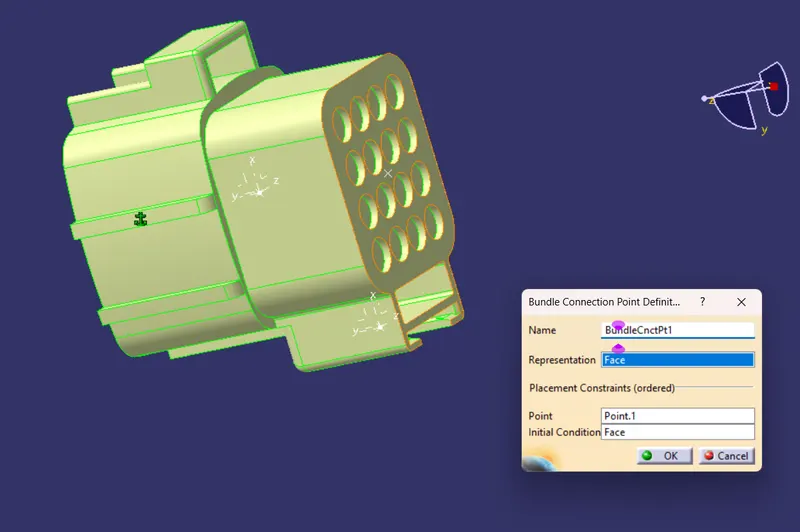
- Define bundle connection point.
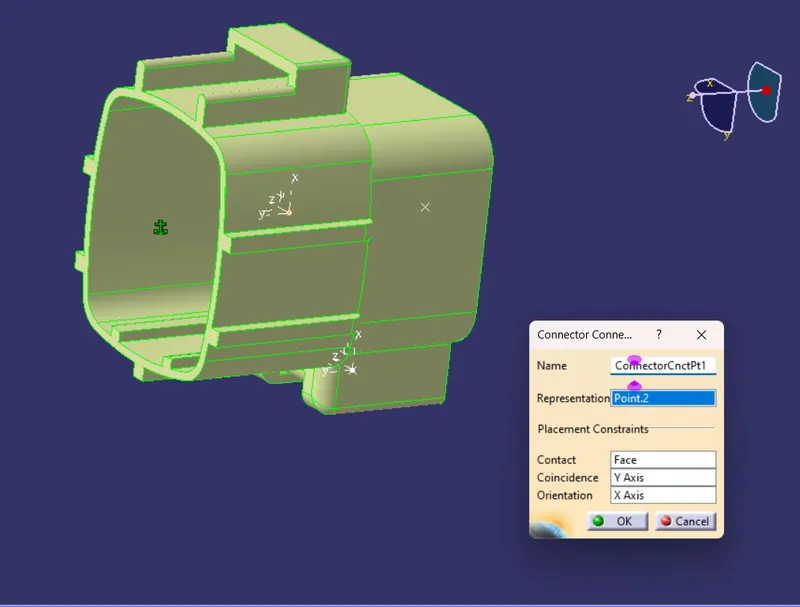
- Define connector connection point.
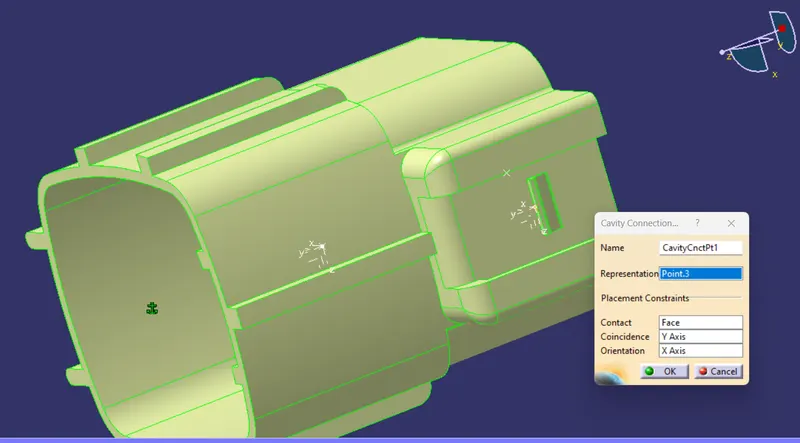
- Define cavity connection point.
Defining the mounting clip
- Download the clip 3d data.
- Create the geometry parameter.
- Define the part as mounting component.
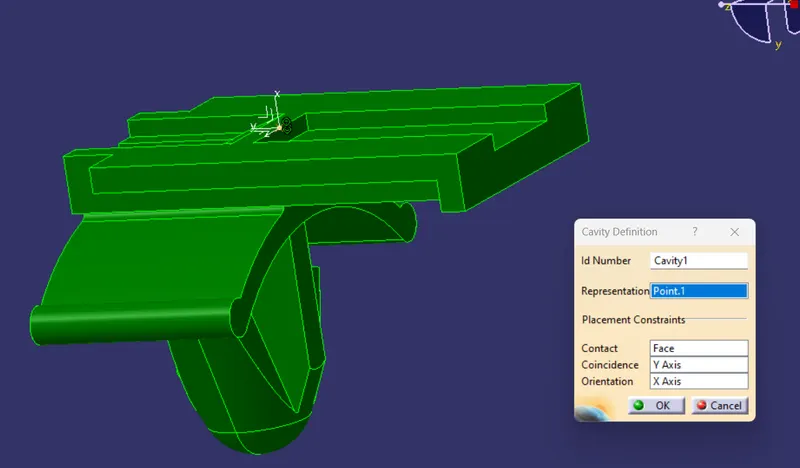
- Define the part as cavity.
Defining the Mating connector
- Download the Compactable mating connector from the connector side.
- Create required geometrical parameters.
- Same as above process
Steps
Open the file in Electrical Assembly Design Workbench, then
Defining Bundle connection point
Defining Connector connecting points
Defining cavity connecting point
Then open the cavity file
Then define the cavity define point
After that create a new product file then copy the both electrical defined files
Then Use Connect Electrical Device to join the both
We can do both in the assembly work bench also, by using snap tool
Assemply with Different mating parts
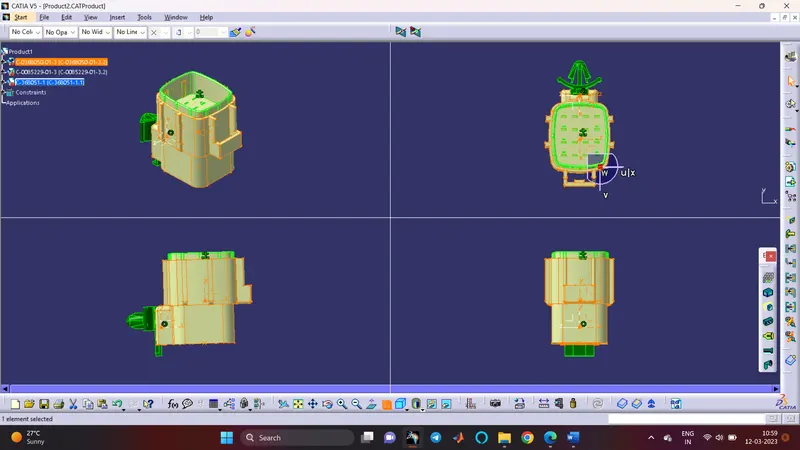
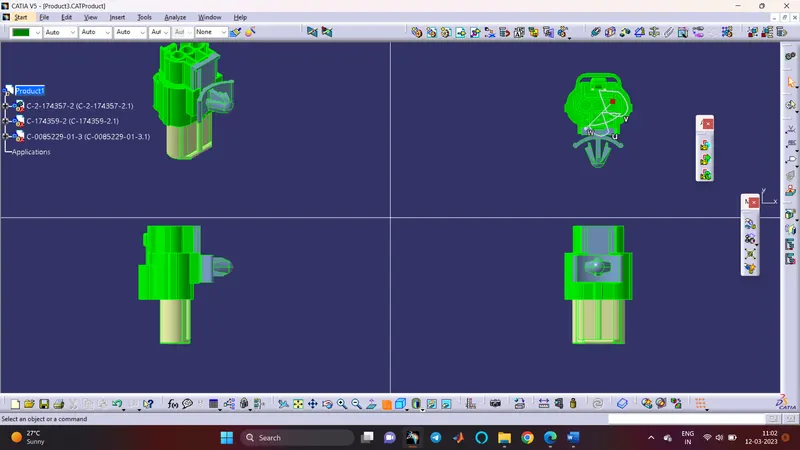
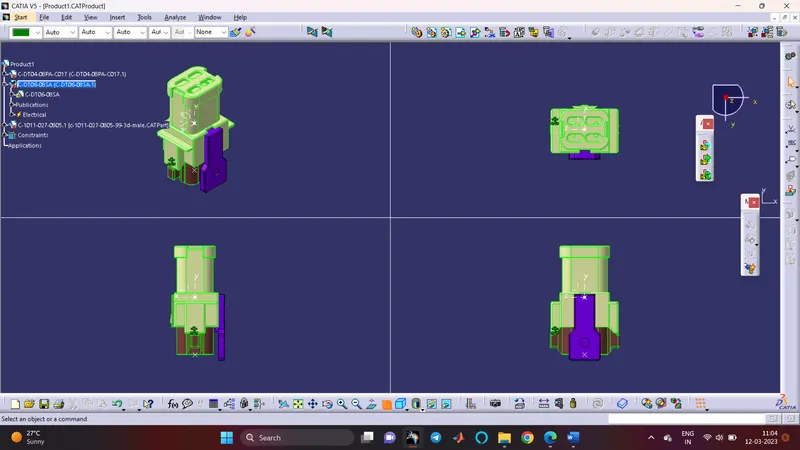
After all the assembly take the electrical assembly workbench and store it in the connector cataloge
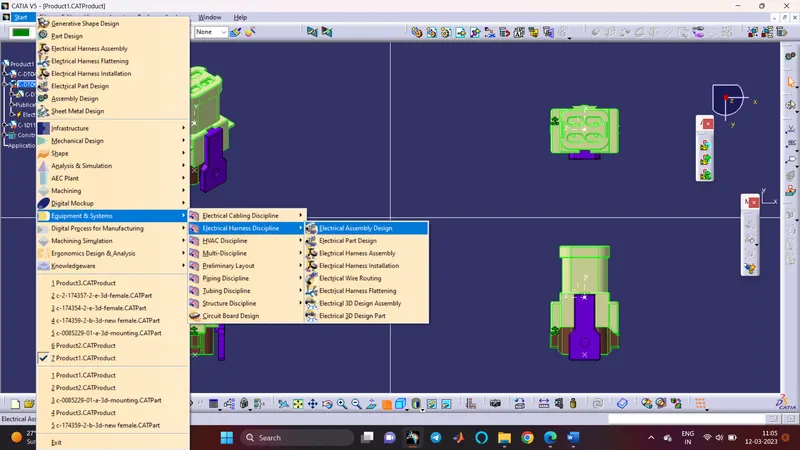
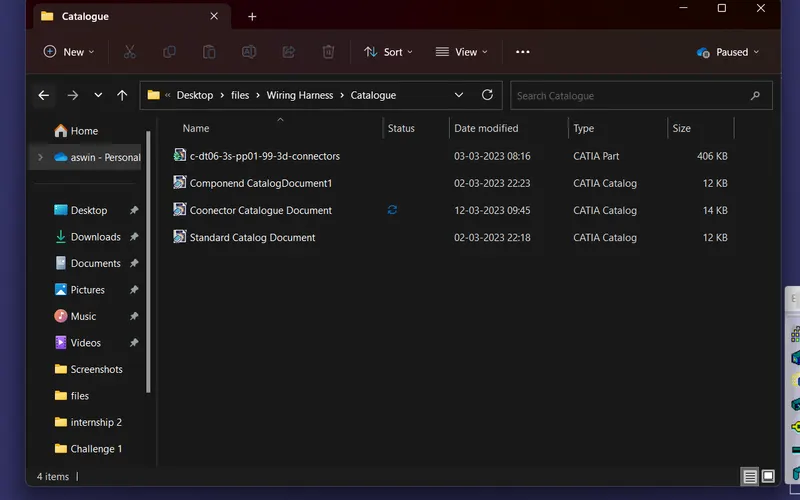
Conclusion
The Given parts are defined as electical componend and stored in the cataloge