Wiring harness design in CATIA V5 - 3D modeling Week 2 Challenge
1.Deutsch DT06 – 08SA
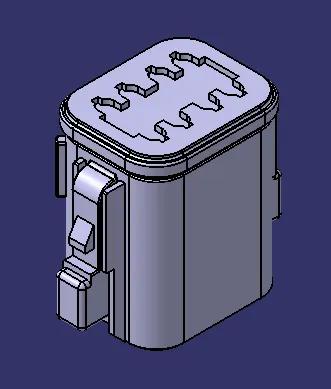
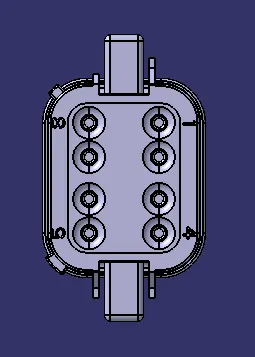
The above shown image is an connector with 8 terminal connection.
DT-06 - It's an series nuber
08SA- It denotes the number of terminal connections in the connector.
Steps to define the part to work in an Electrical Harness Assembly
In Part Design Work Bench
- Define as an Geometric parameter
In Electrical Part Design
- Define as an Connector
- Define Bundle connection point
- Define connector connection point
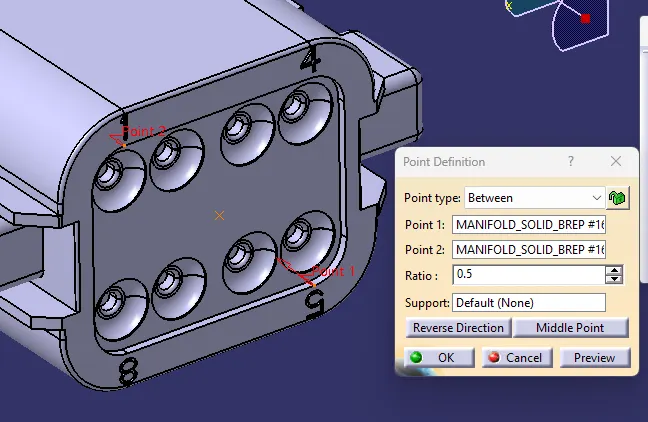
Define as an Geometric Parameter
To define as an Geometric parameter is to create an point and axis system to an connector.
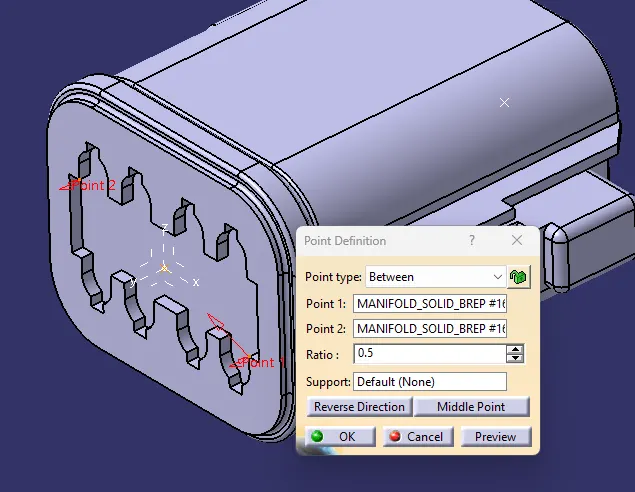
To assemble with the other mating connector we need reference point and axis system to define the connector connection point. In the axis system Y axis should face towards the mating side x axis shoul face the locker side of an connector. Z axis should face on the upper side.
Same as to create an point in an Bundle entry side.
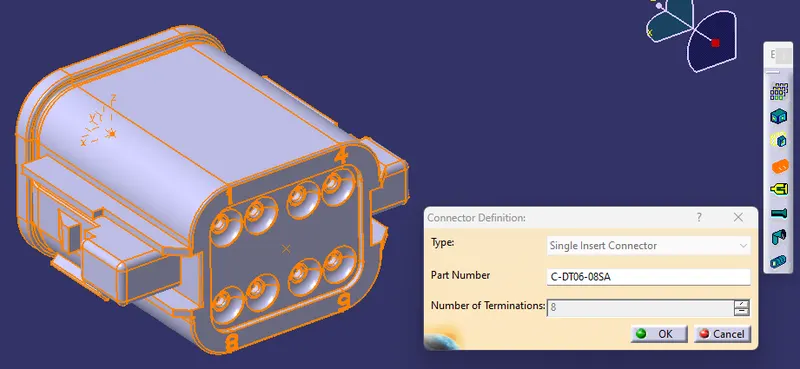
Define as an Connector
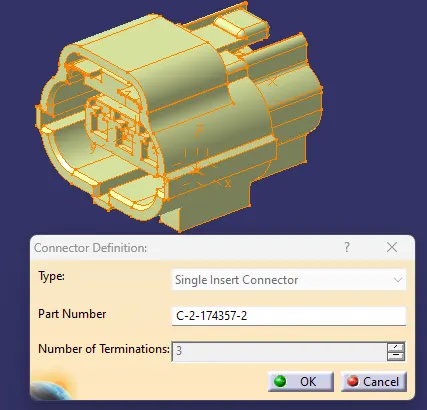
In the Electrical Part Design workbench the part can be defined as an connector. Select the part and mention the number of terminals in the connector.
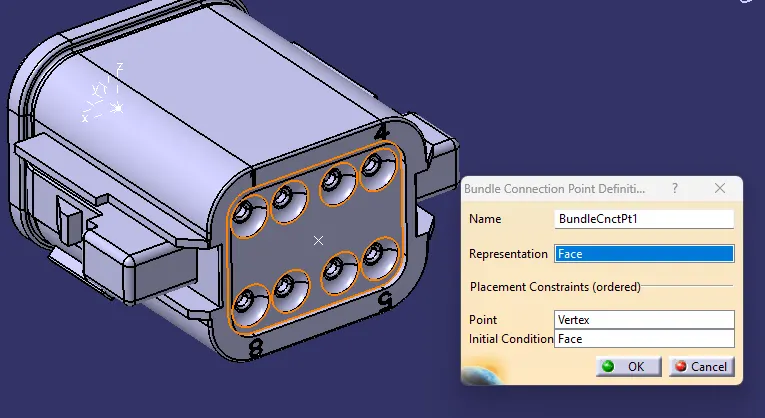
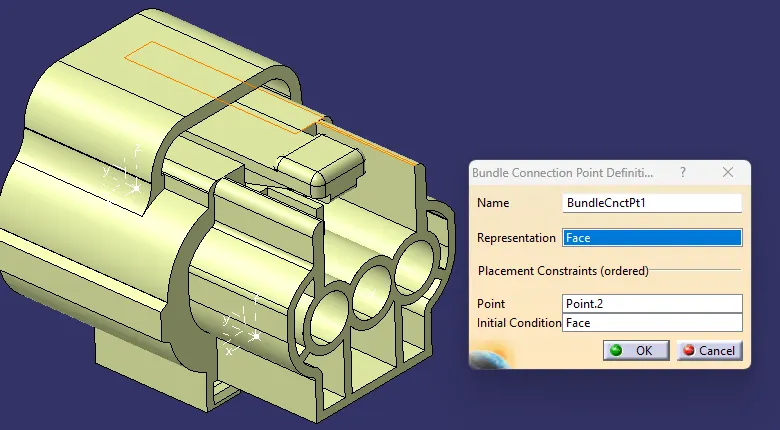
Define Bundle connection point
Bundle connection point is used to assemble the Backshell component if needed.

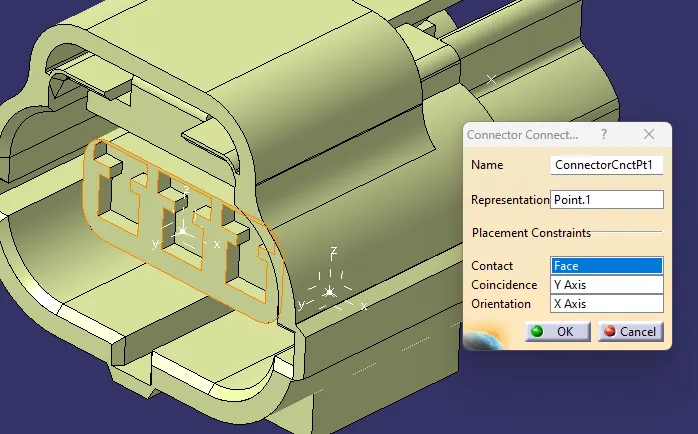
Define connector connection point
Connector connection point is used to assemble the connector the other mating componnent.
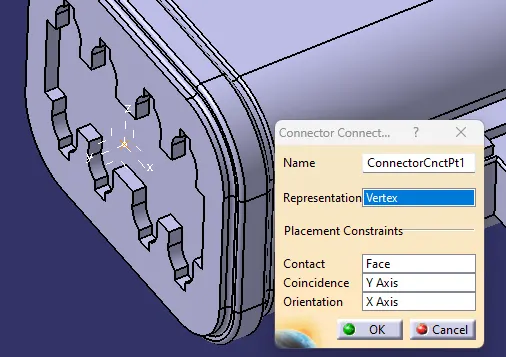
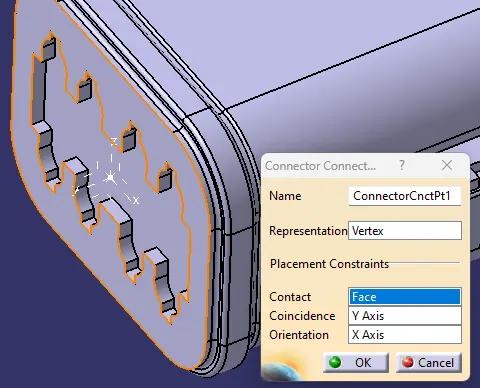
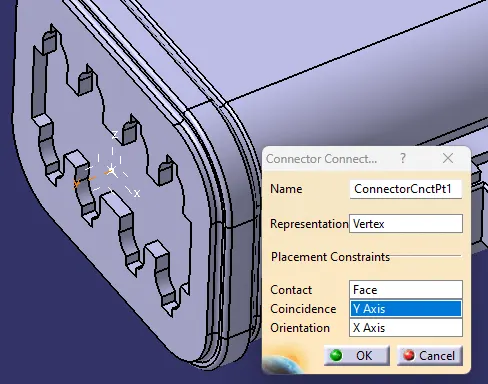
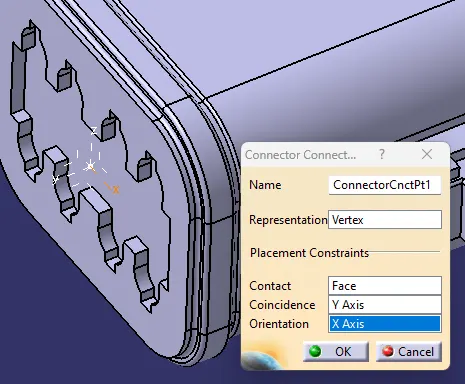
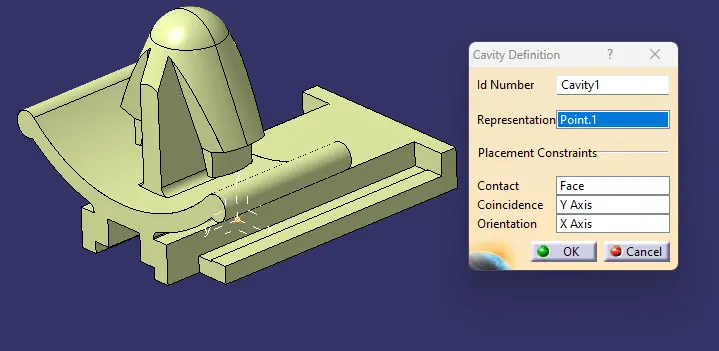
- Select representation as an vertex point.
- Contact face as the mating face of the connector.
- Coincidence as an Y axis
- Orientation as an locking side axis x axis.
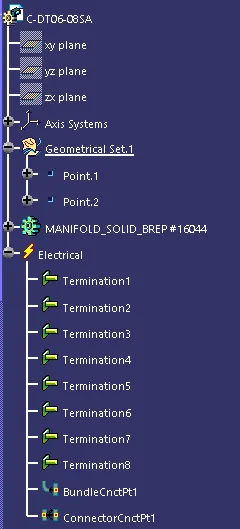
Tyco 174357-2
Geometrical Parameters
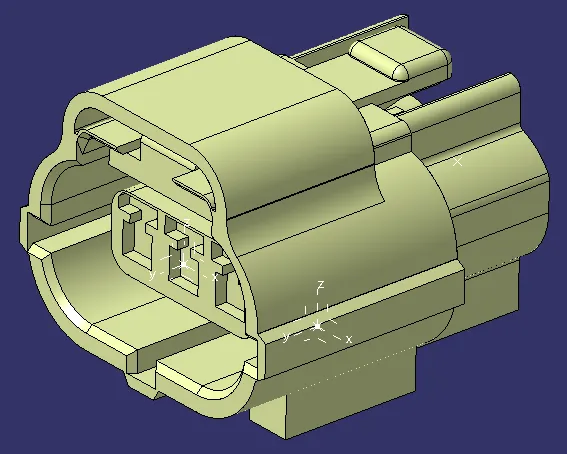
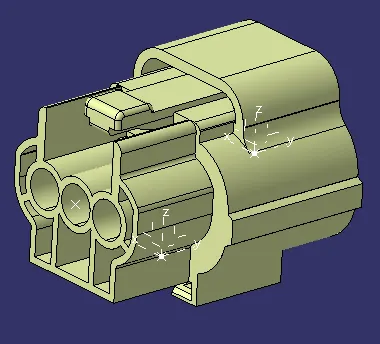
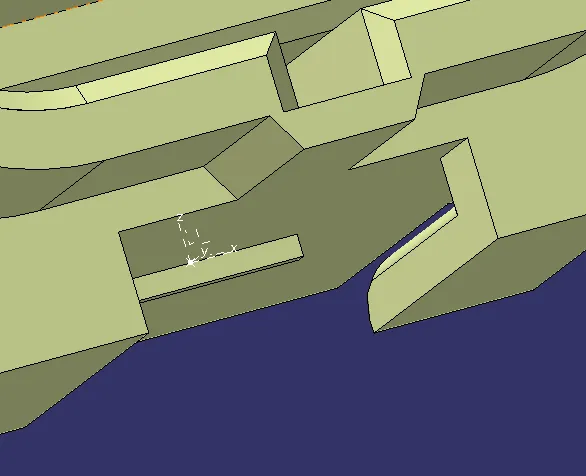
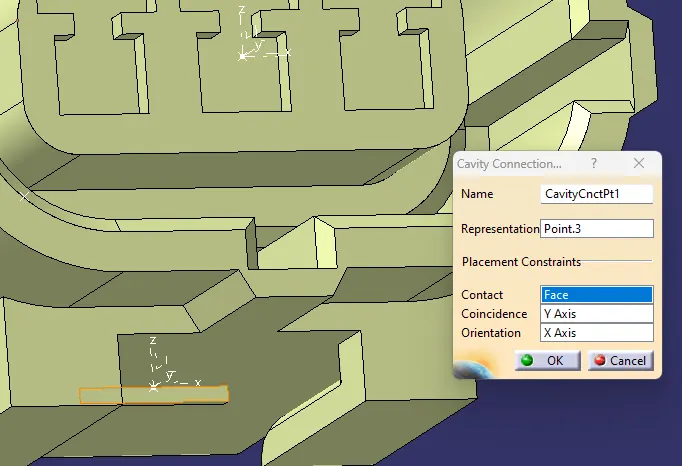
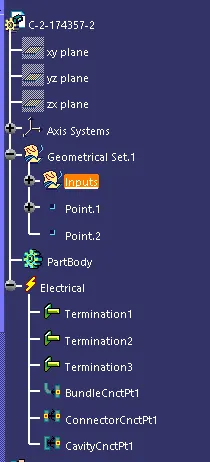
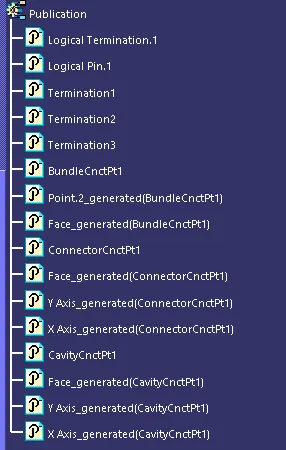
Same as above first define the part as an geometrical parameters to the connector mating side , bundle point and cavity connection point.
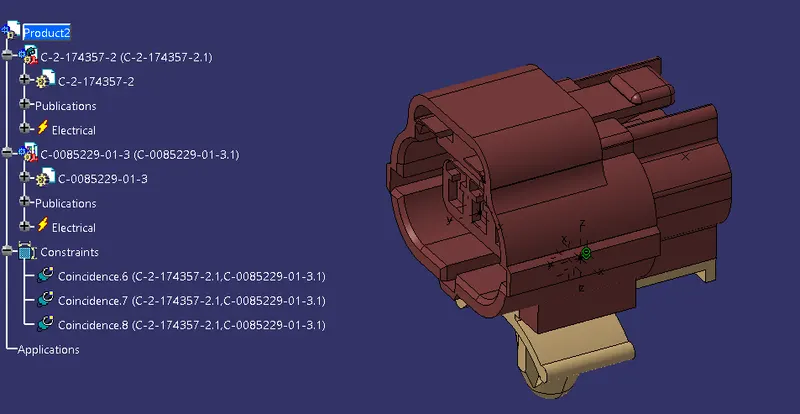
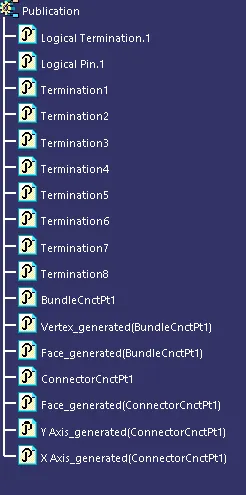
Tree Structure
Tyco 85229-1
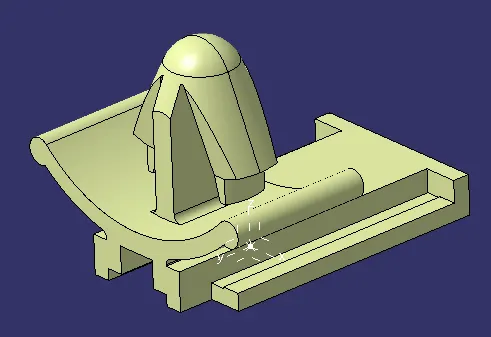
- Its an cavity part to define as an geometric parameter by create an point and axis system to mate with the connector as an mounting part.
- Next define as an electrical properties by define as an cavity part.
Assembly of an Connector and Cavity
- In the electric harness assembly work bench create an product to assemble the Connector and cavity.
- Using connect electric devices feature select the two components it will automatially constarined with the respective point and axis.