Wiring harness design in CATIA V5 - 3D modeling Week 2 Challenge
Q1. Download the following connectors & Connector clip cad data from the given link & define it as Electrical Connector using an Electrical Part Design Workbench. Define all the necessary properties of Connectors & clips.
WIRING HARNESS DESIGN IN CATIA V5
INTRODUCTION
A wiring harness combines electrical and mechanical CAD to connect all the electrical parts in the automotive at the optimum level.
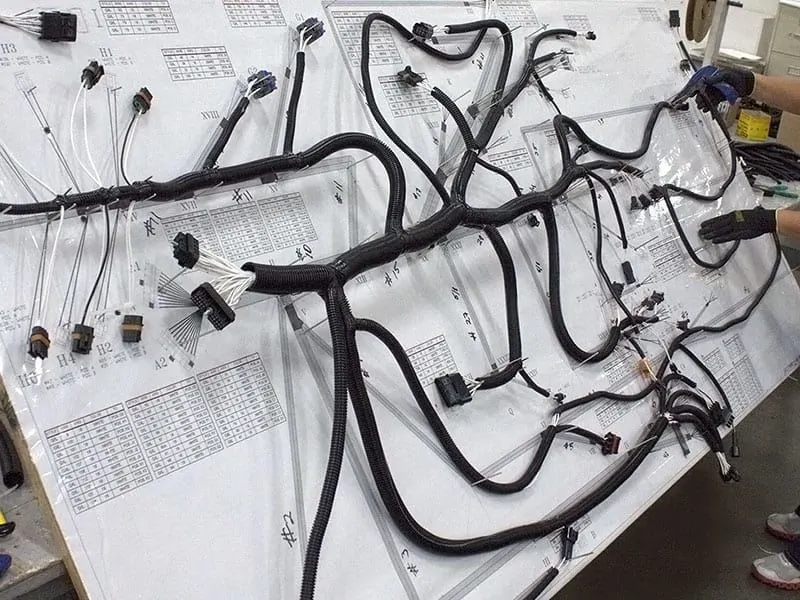
DESIGN OF WIRING HARNESS IN CATIA V5
To design the wiring harness in CATIA V5, the interface and some settings have to be changed in the design modeler.
The electrical part design, electrical harness assembly, electrical harness installation, electric harness flattening, and electrical assembly design must be customized to the workbench for easy access.
1) Electrical part design: The mechanical part is converted into an electrical part by manipulating its electrical properties into it.
2) Electrical Harness Installation: Route the harness.
3) Electrical Harness Flattening: Finalizing the routing
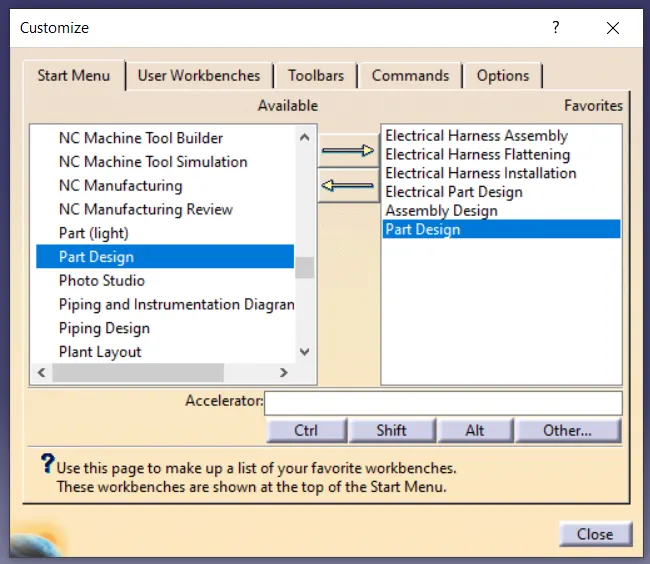
CUSTOMIZED SETTINGS FOR THE ELECTRICAL ENVIRONMENT
An electrical catalog has to be made to save the electrical parts into it and use it whenever required.
1)Infrastructure settings: In the product structure option enable cache management.
2) Equipment and system: In Electrical mapping select the connector catalog created as an electrical catalog.
3) Electrical Harness installation
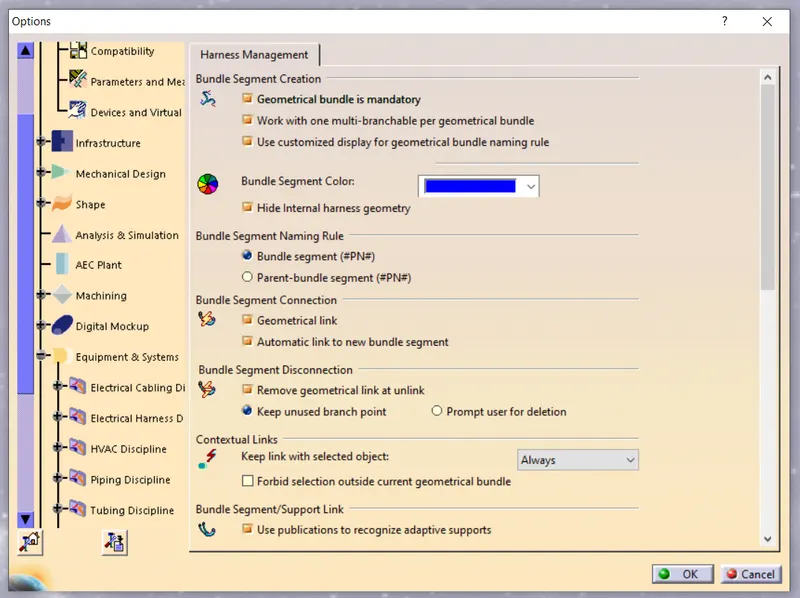
Diagram-1
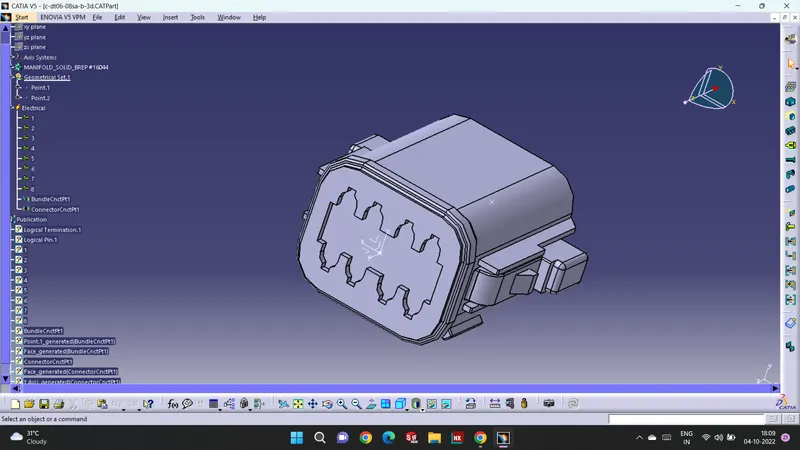
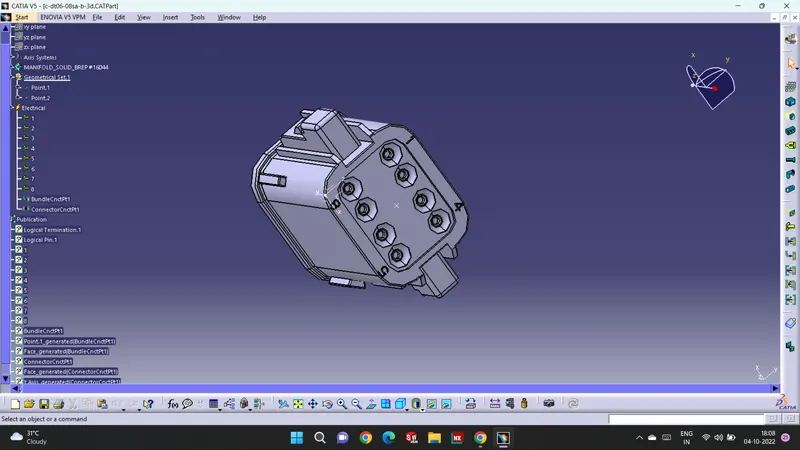
Diagram-2
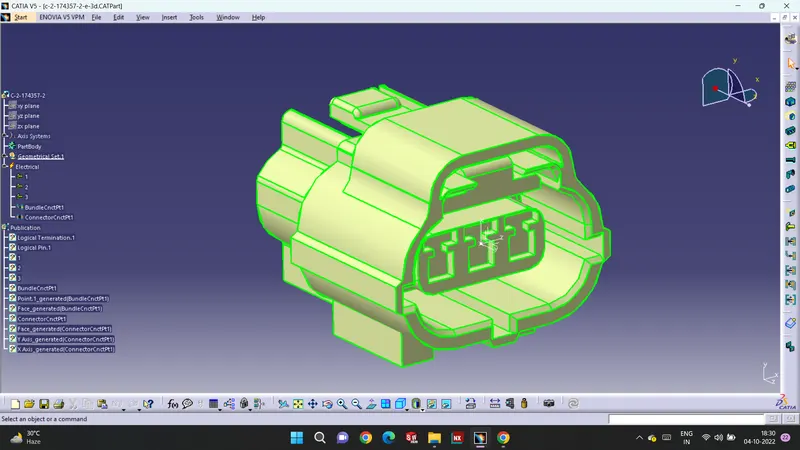
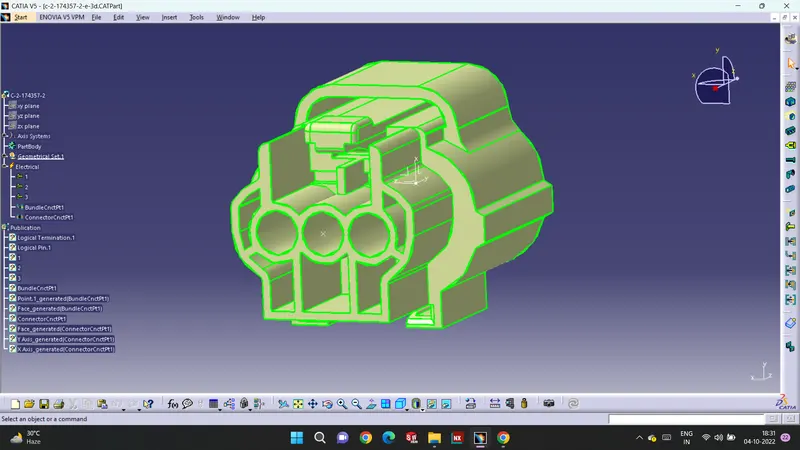
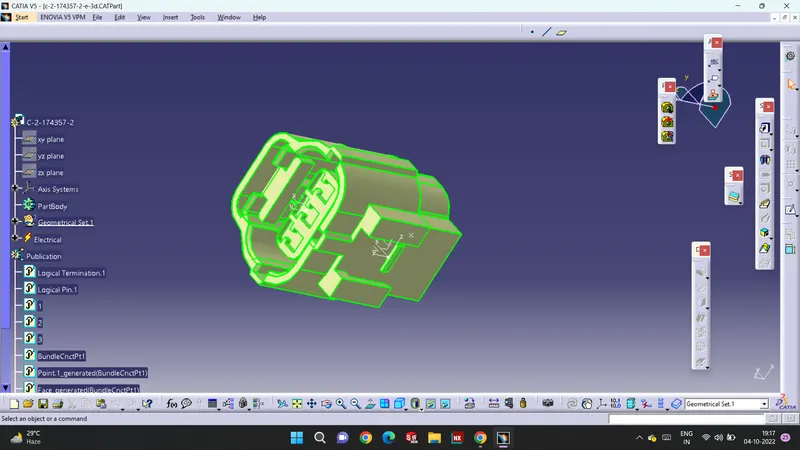
Diagram-3
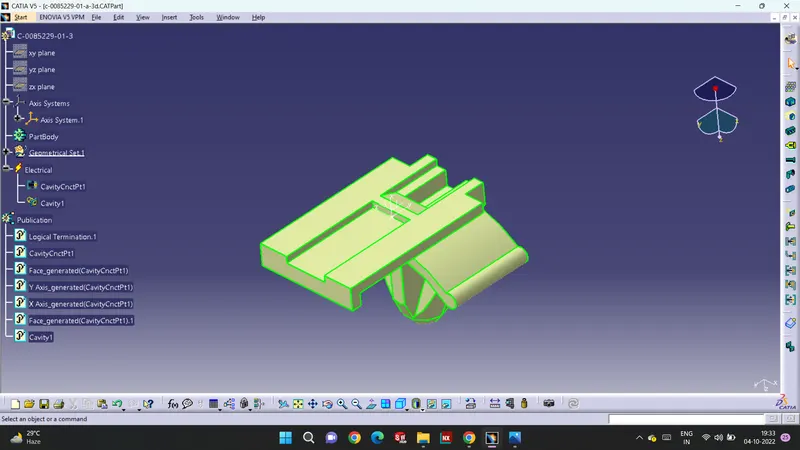
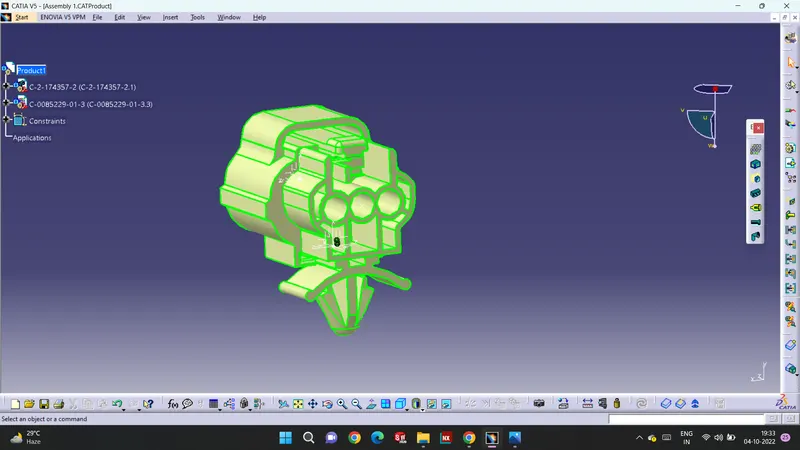
Assembly Of Part 1 and Part 2
CONCLUSION
The connector is successfully modeled in CATIA V5 and the same is added to the catalog for further reference.