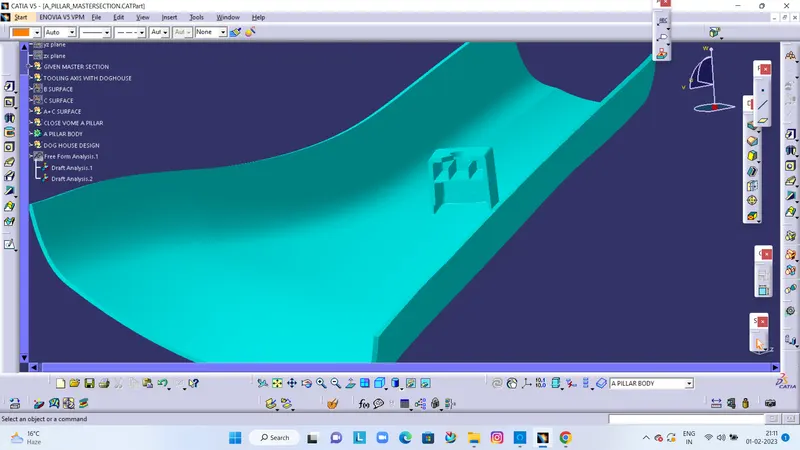
Week 9 - Project - A pillar Design with Master Section
AIM:
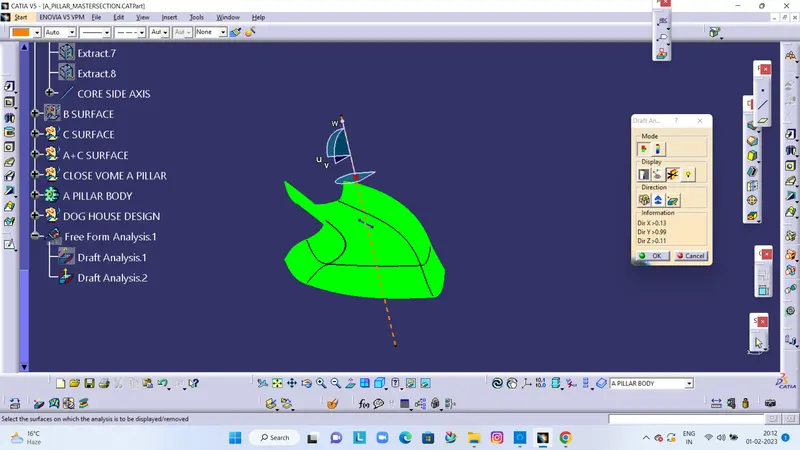
Create the Pillar, Plastic component through the given Class-A surface. To begin with, the tooling axis for the given Class-A Surface should be created meeting the requirements of the draft angle and at the end perform the Draft analysis on the model.
TOOLING AXIS
- Now we create tooling axis for the Class A. First a create axis system for where we want, then we create intersect based on the axis system.
- Extract the bottom surface and insert point on a surface then create lind based on a point.
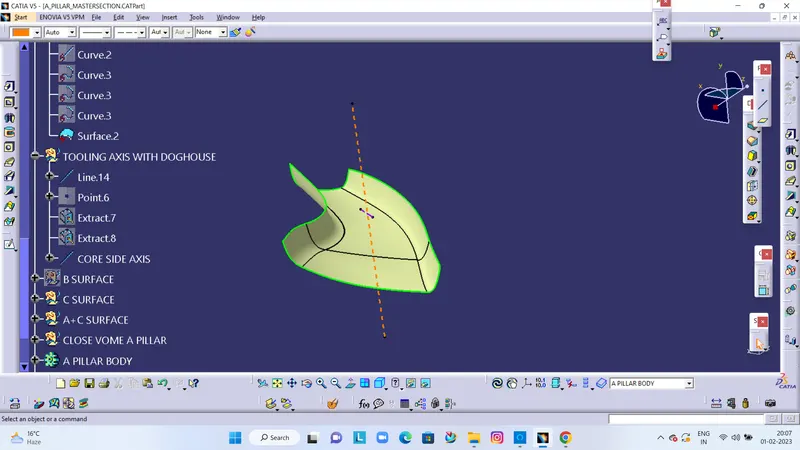
DRAFT ANALYSIS ON CLASS A SURFACE
CLASS B SURFACE
- Now create a class B surface.
- In class B, first create base of class B from class A. Insert geometrical set define as class B, that is base of class B.
- Use extract command and extract a base from class A. Then use untrim tool get full body of a base. Next use extrapolate tool extended a base , then offset of 2.5 mm.
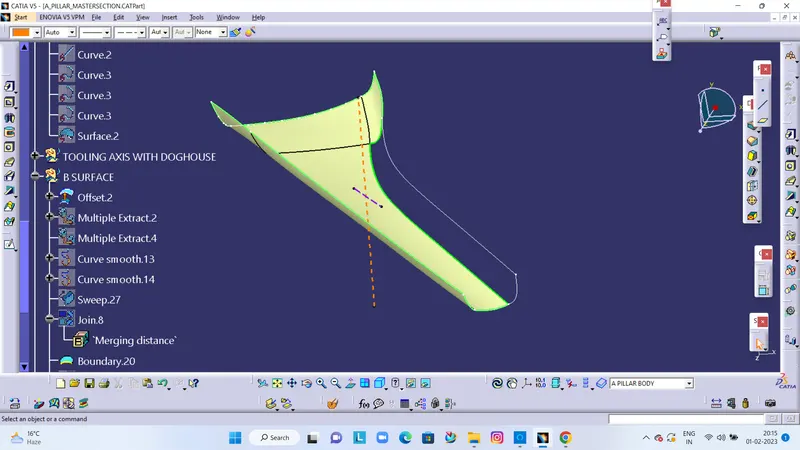
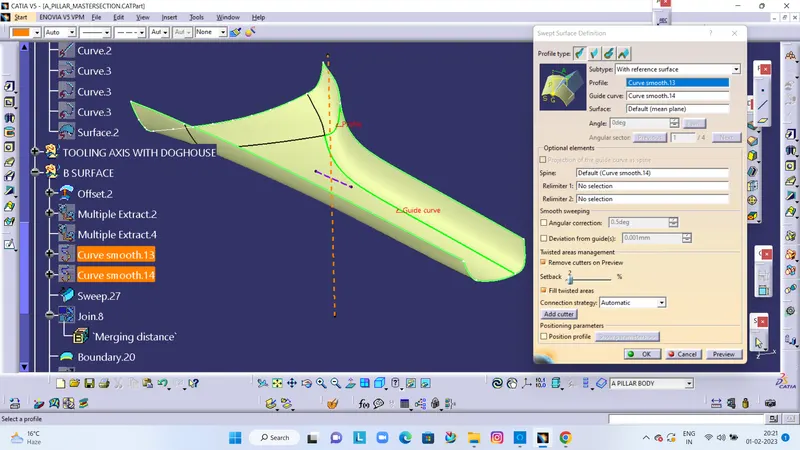
AFTER CREATE PATCH
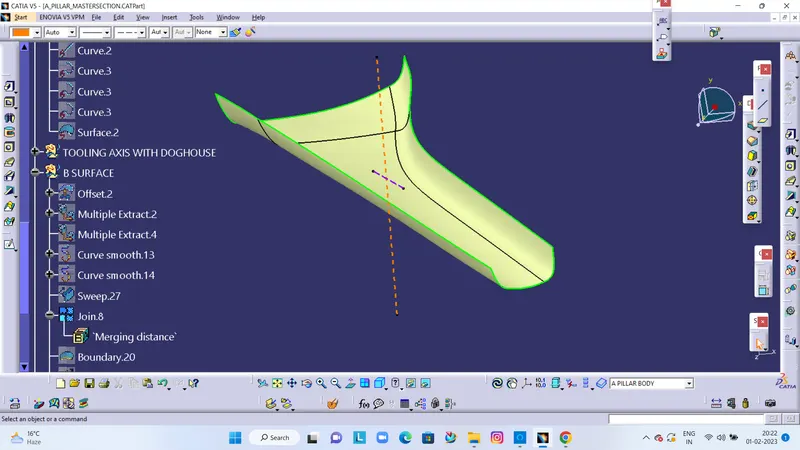
CLASS C
- Class C is nothing but its connecting part of Class A & B.
- Unhide the class A and take boundary of its and now boundary select the all corner of a class A and use sweep commends the we get a class c of boundary in Class A.
- Then trim it finally get class C.
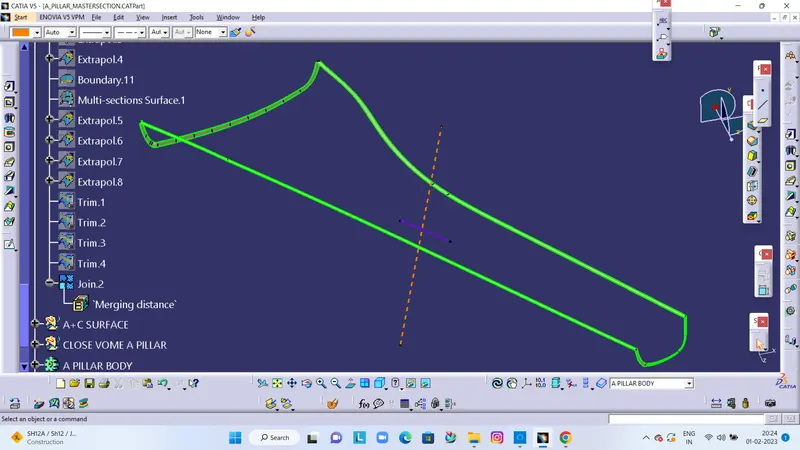
JOIN A+ C SURFACE
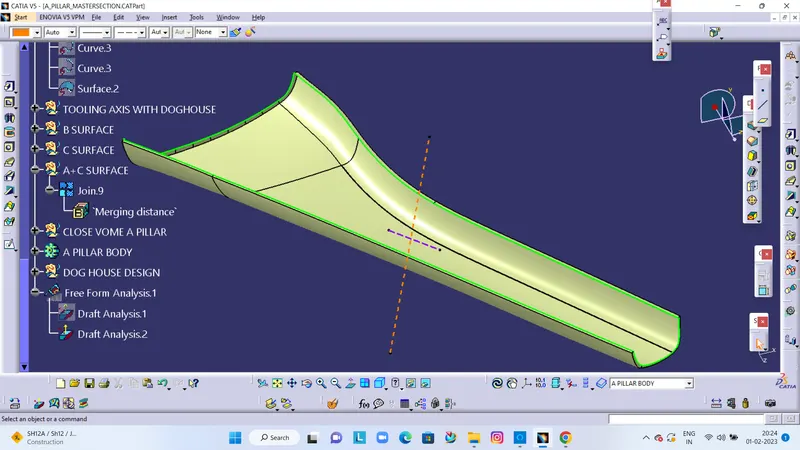
TRIM WITH B SURFACE
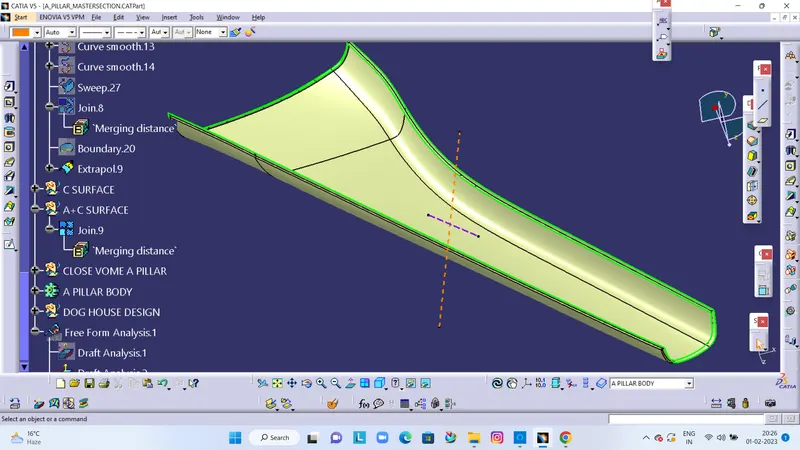
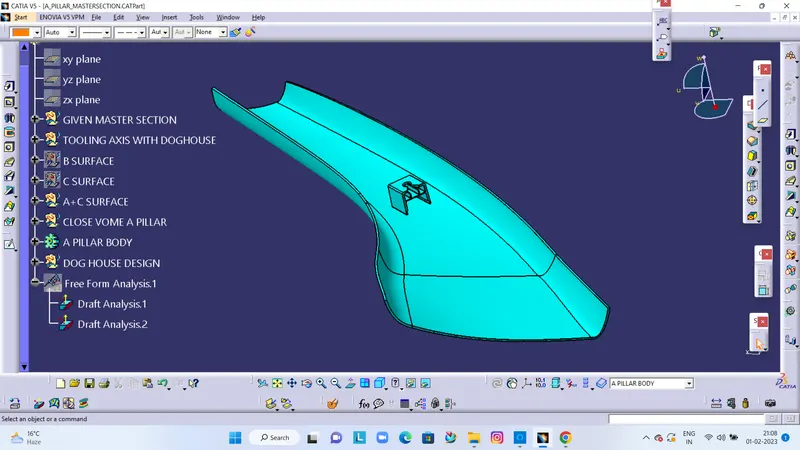
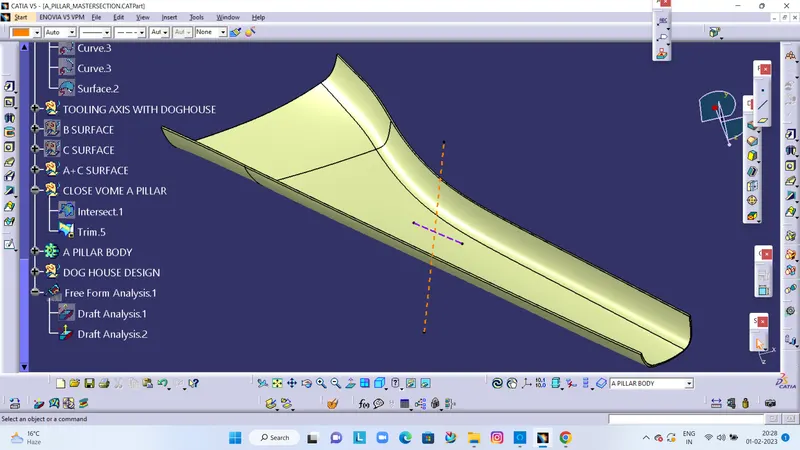
A PILAAR FINAL CLOSE VOLUME
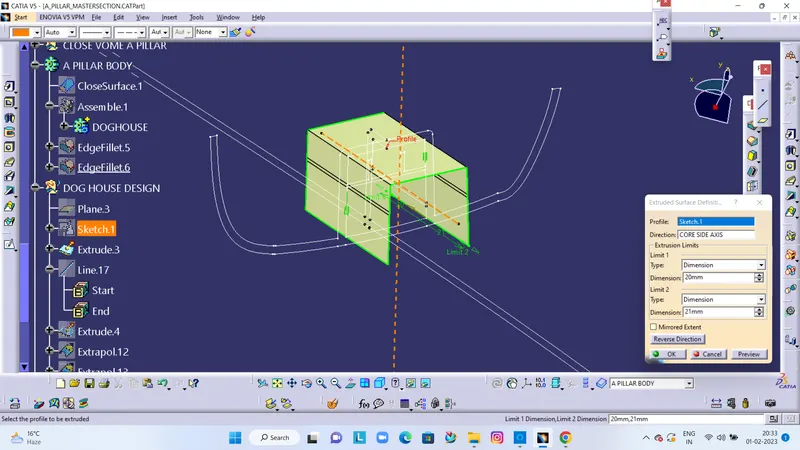
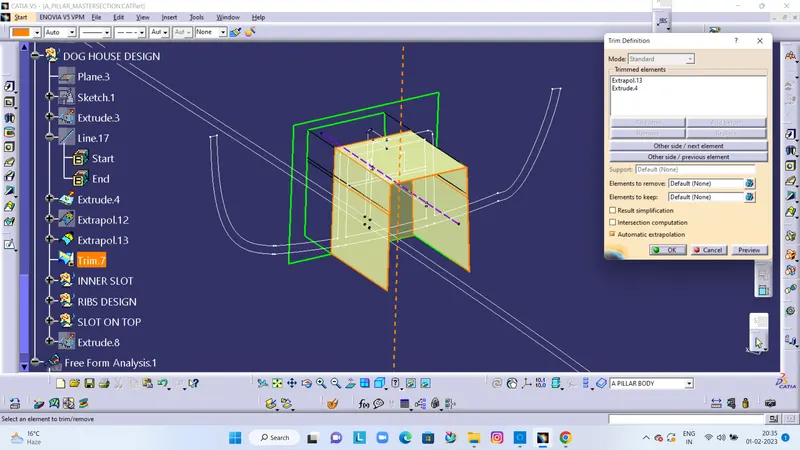
DOG HOUSE
- Create sketch for a dog house, create extrude.
THICKEN 2.5MM
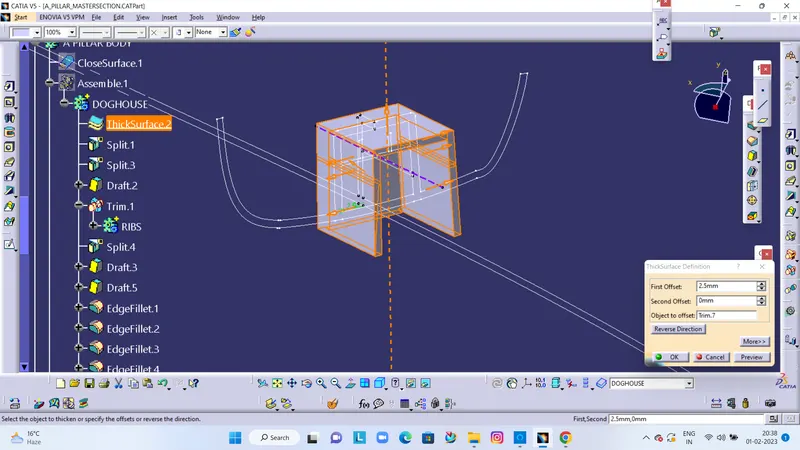
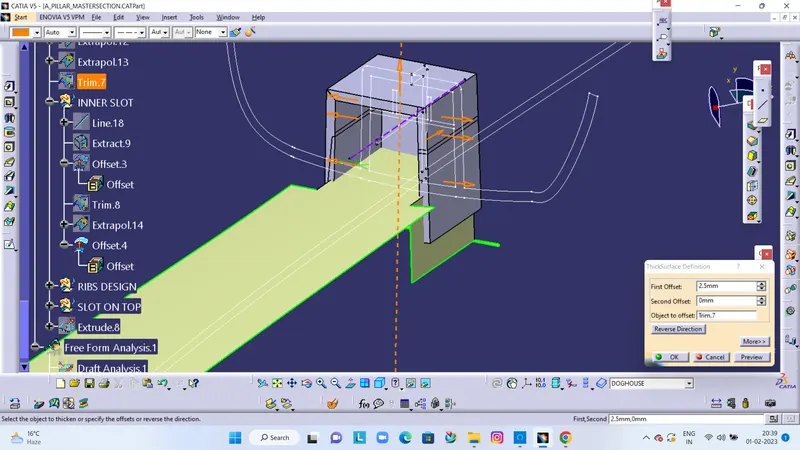
CUT INNER SLOT OFFSET WITH 1MM.
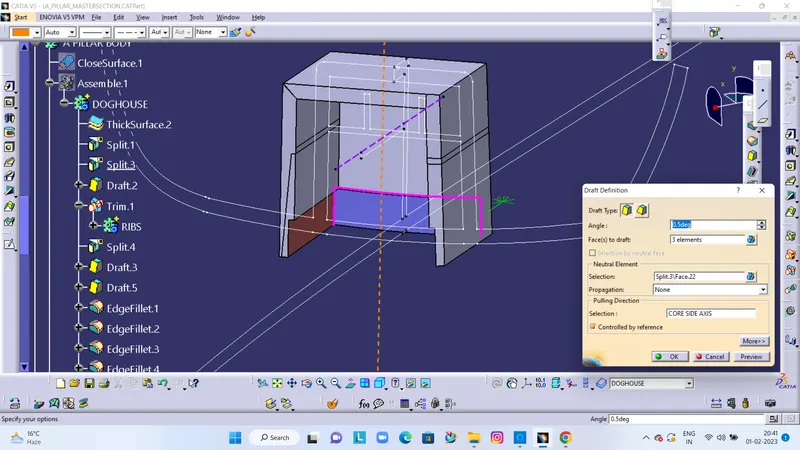
GIVE DRAFT IN INNER SLOT
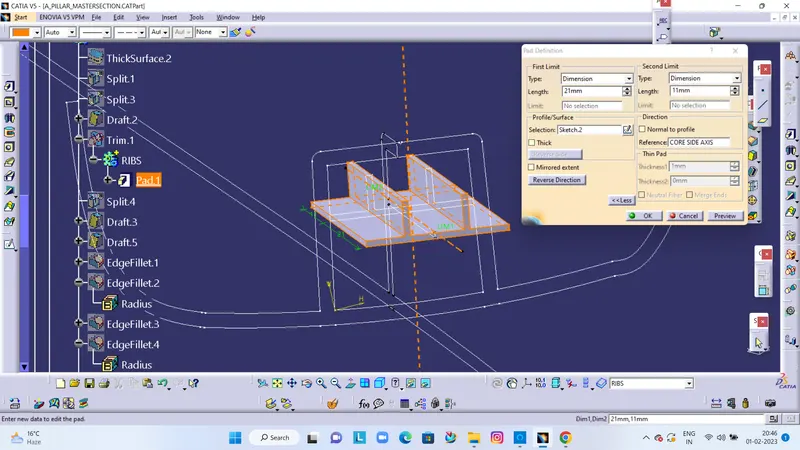
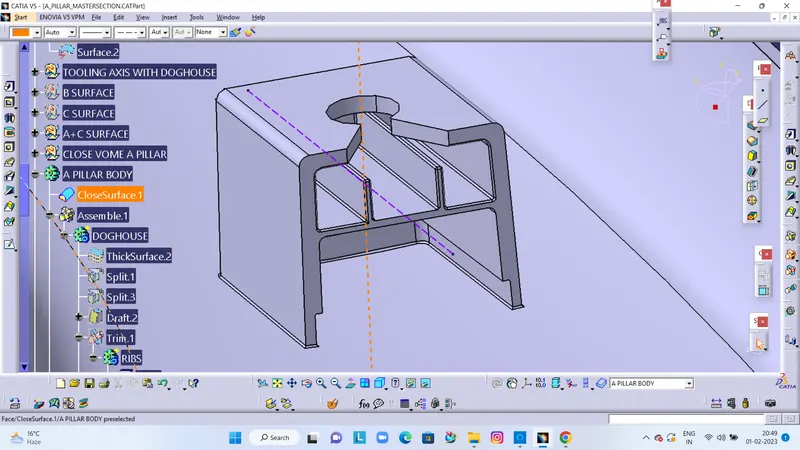
RIBS CREATION
UPPER SLOT ON DOGHOUSE
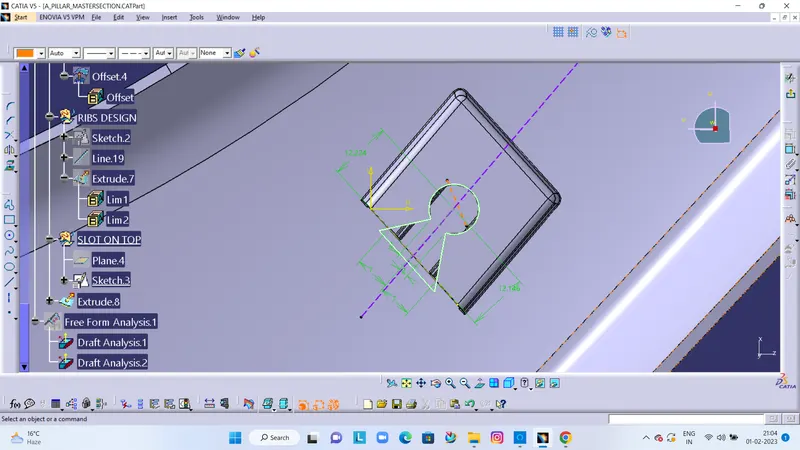
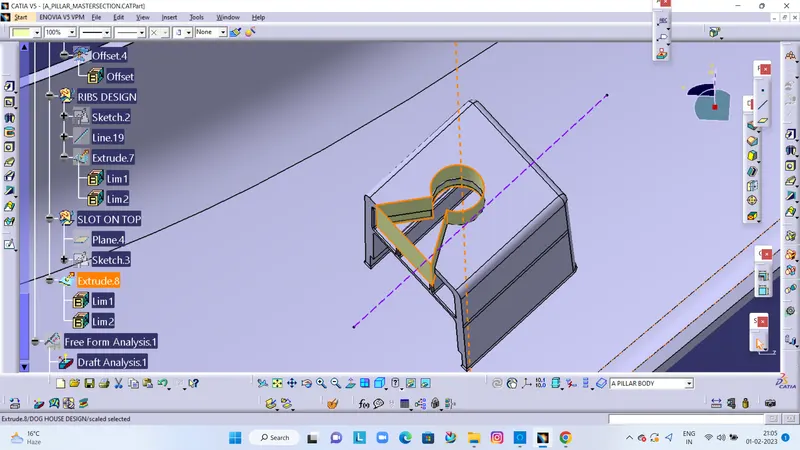
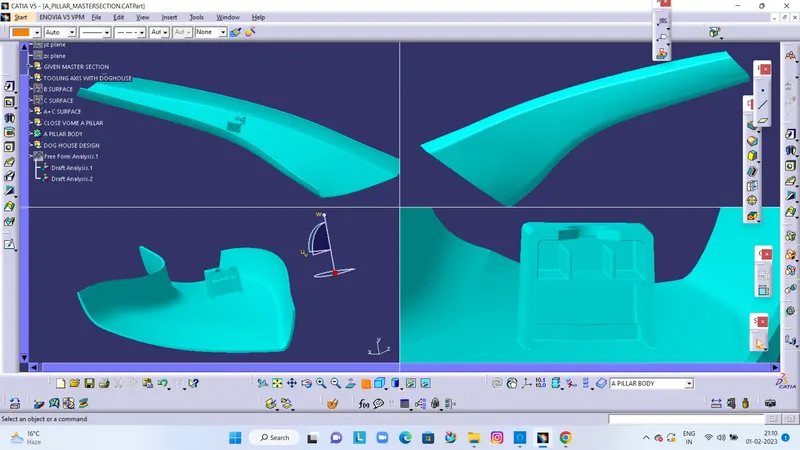
FINAL DOGHOUSE WITH RIBS
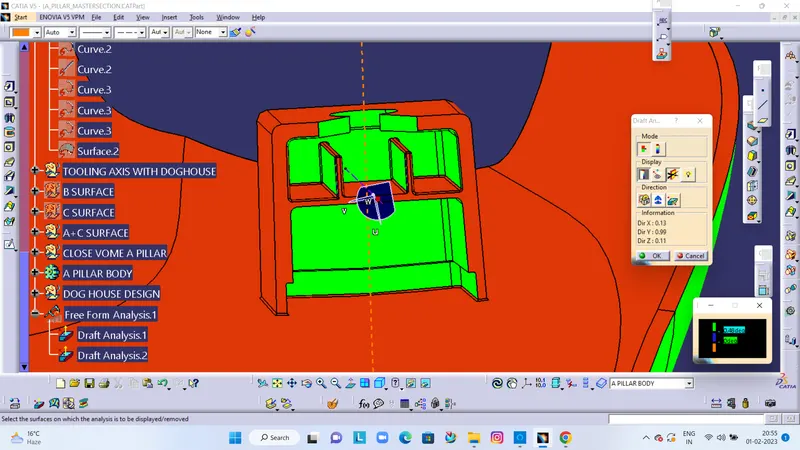
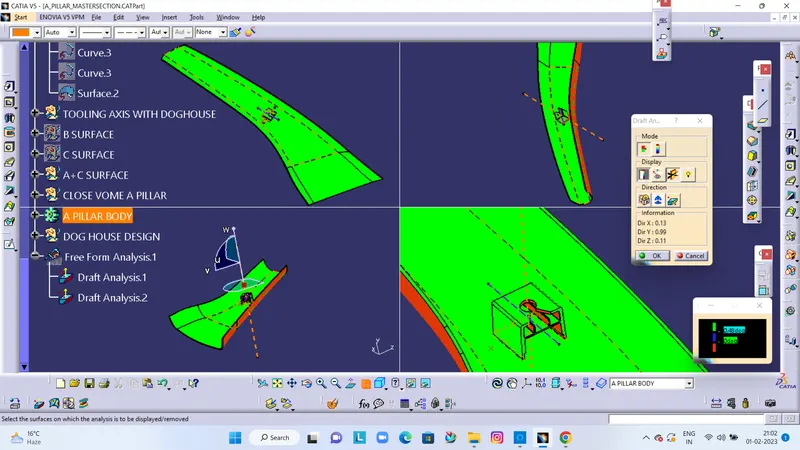
DRAFT ANALYSIS WITH MAIN TOOLING AXIS
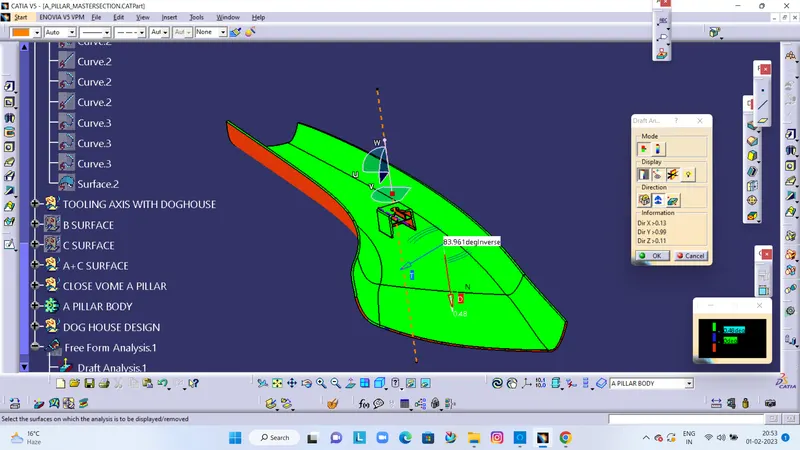
DRAFT ANALYSIS WITH CORE AXIS