Week 9 - Project - A pillar Design with Master Section
REPORT
Step1 : tooling is is the main thing of the designing the plasitic design that is the help to the make a mould is which direction is going to move for the moulding process
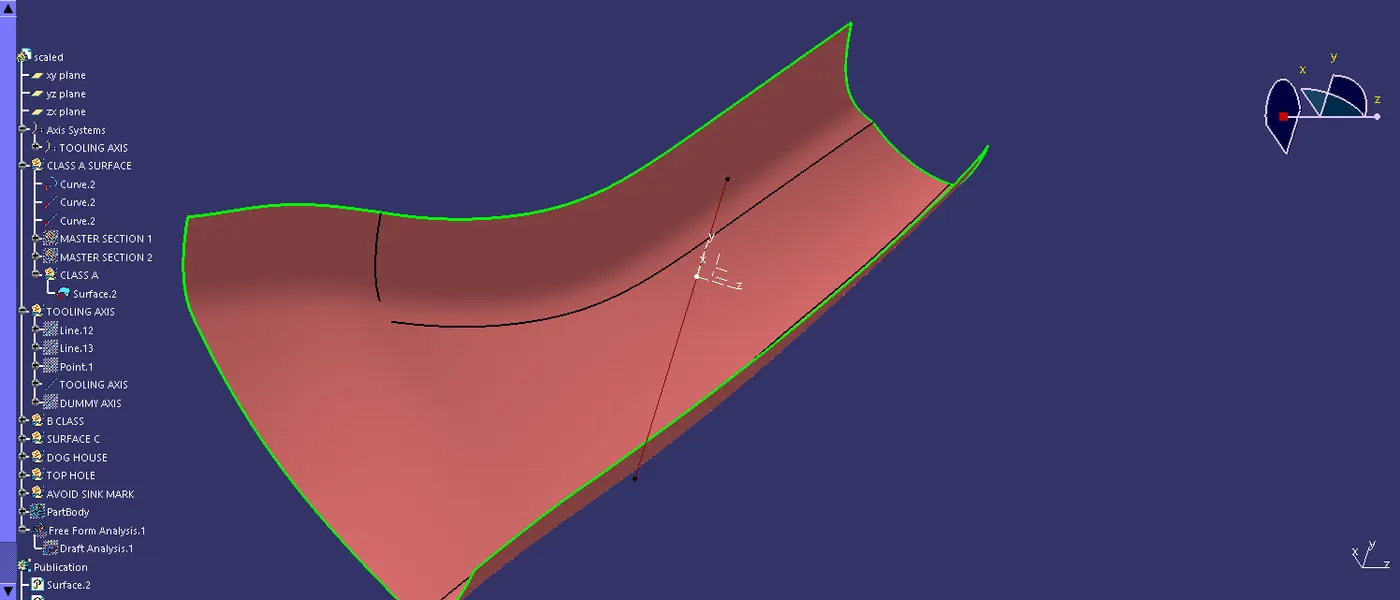
Step 2: created a tooing axis with using the master section line is referance for the make in the tooling axis for using bisecting line command created line of tooling axis.
Step 3: Next process is making the surface b with using the surface A , in this surface is offsetted in reqiured dimension that is the surface b.
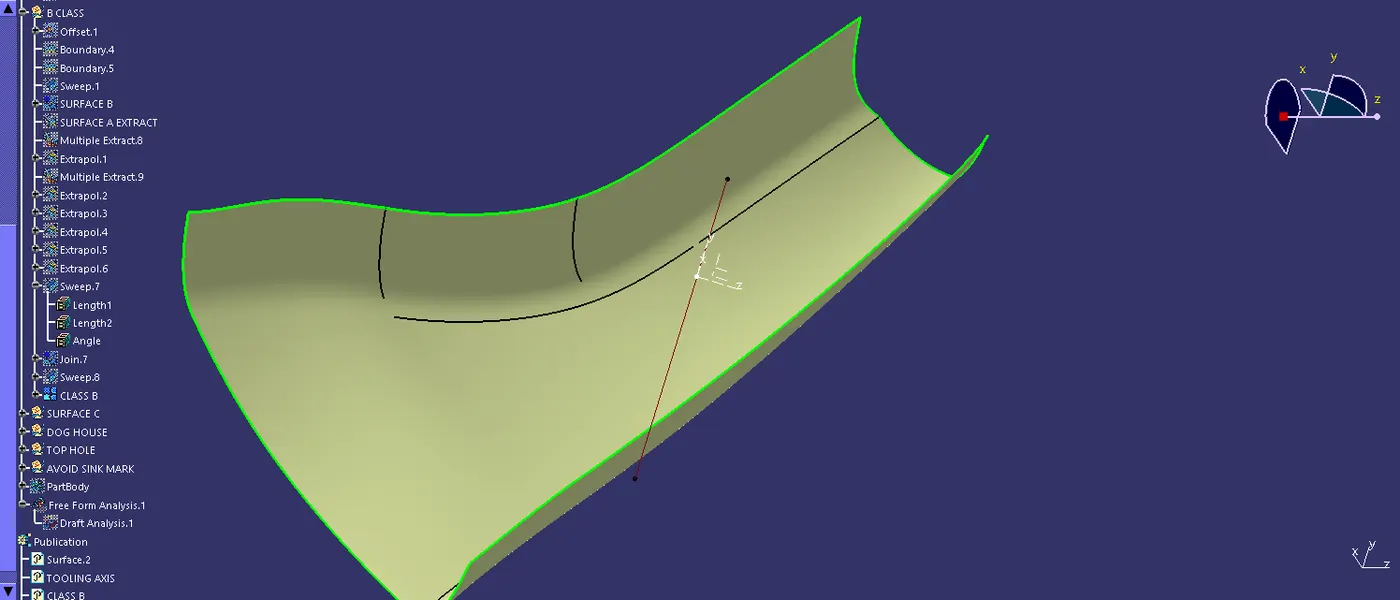
Step 4: using the surface A to make a surface c in that place is using the command of sweep and the fill , blend command to use to create the c surface and then the a&c surface is joined together for the create a closed surface .
Step5: trimed the two suface and then the final closed surface is got from the design after that move on to the in part workbech to using the command to create the closed solid body.
Step 6: After that we doing in the dog house design in the design is using referance in the master section of the view.
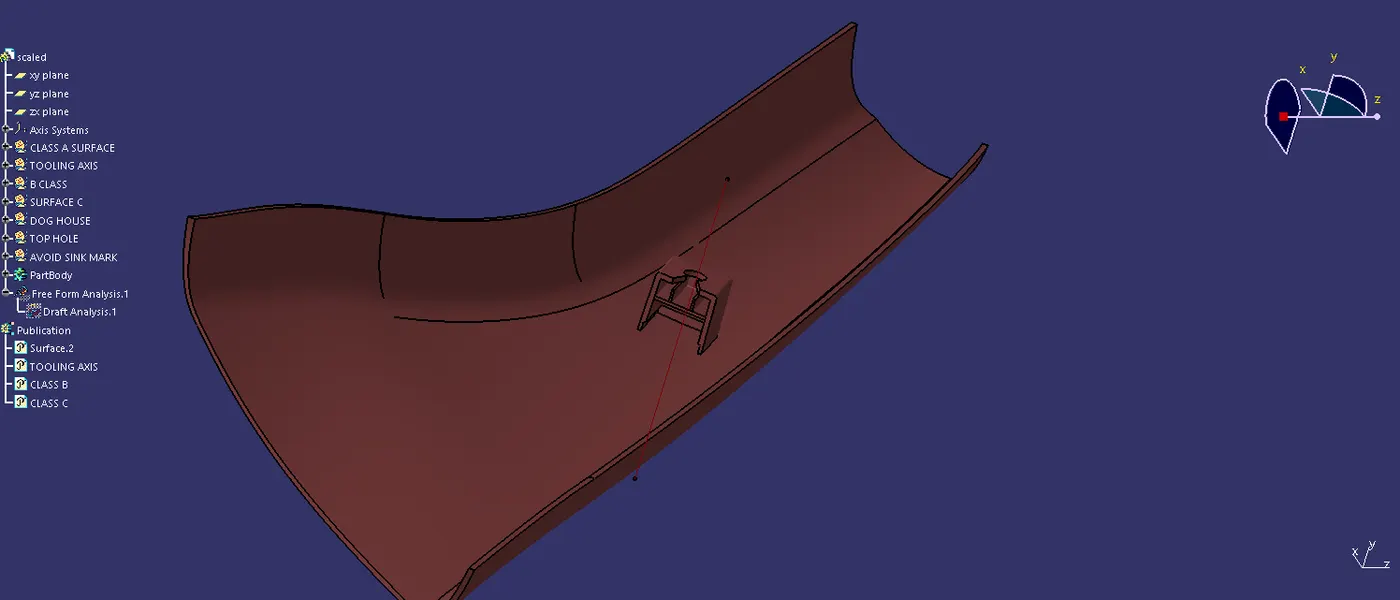
Step 7: using the lines are referance and drawn the line in that section after that of the using extrude command to create a surface of the dog house .
Step8: move to the part work benchusing the thicken command and make a surface into the thick part.
Step 9: in that process is we are using the part and surface worbench are used for design the part.
Step10: finally the part are joined togather with using the boolean opearation command.
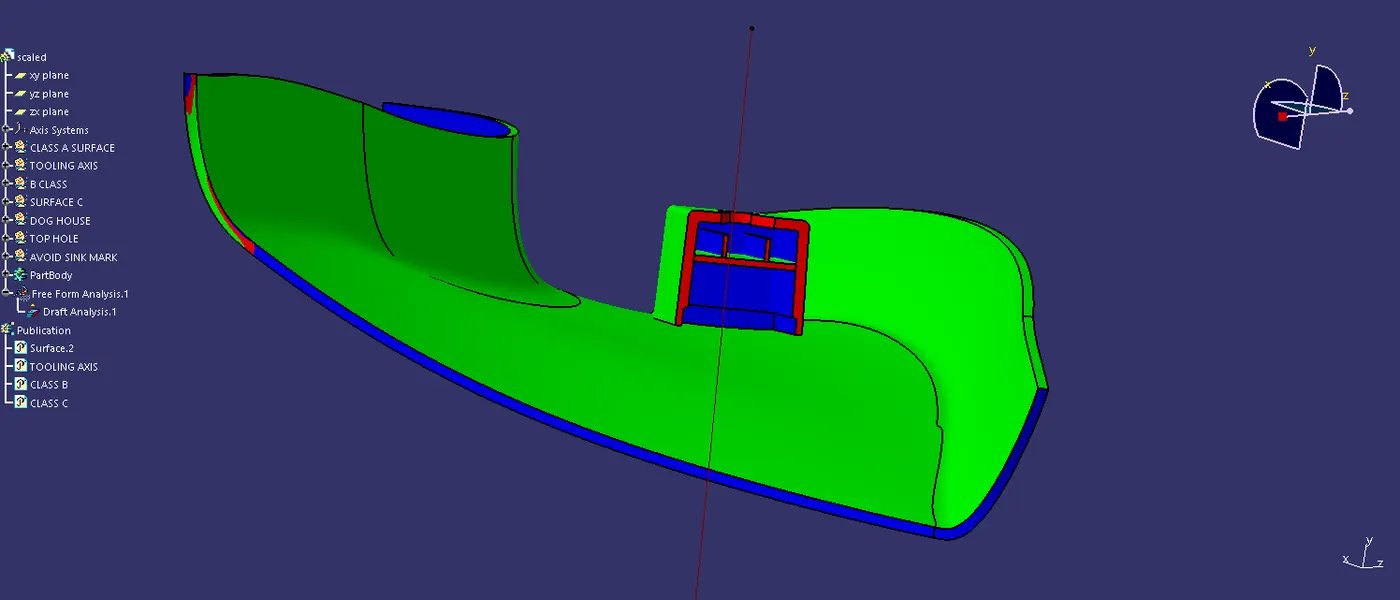
Step11: in the parts draft analysis is done for the purpose os the mould assuseablity and the draft angle.
Step12: draft analysis is the main thing of the plastic design.
Step 13: publication is the easy accuse of the part in make it for the publication tool.