Week 8 - Challenge 2 - Switch Bezel Design
Report
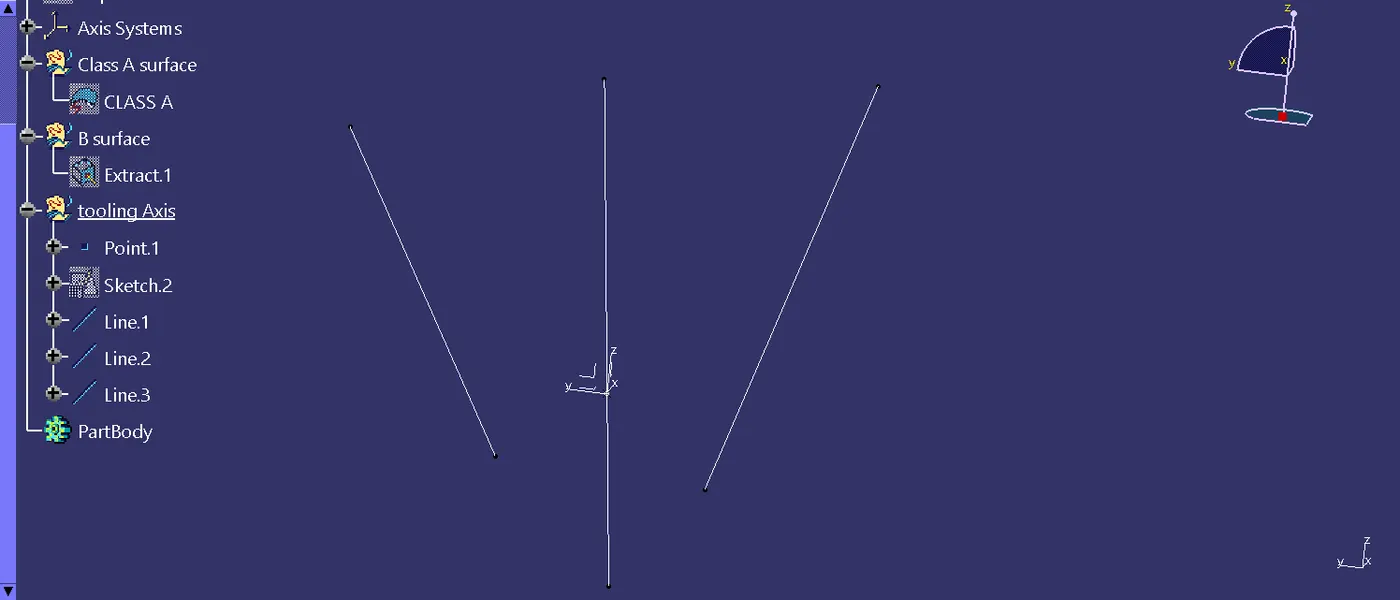
Step1: In first step i created in tooling axis which side gone to the making the moulding, so i create the point on the base surface with using the point tool and then i create the axis of the point coordinate, and making the poisition sketch using intersect 3d element tool for intersect line was created and then using line tool and surface bench to draw the bisecting line.
Step2: creating the zx plane and sketch, using the cut part tool and took for the referance line of suface and create a angular line of that line and make it of the tooling angle and create a bisecting line between the two axis line and made the tooling axis line.
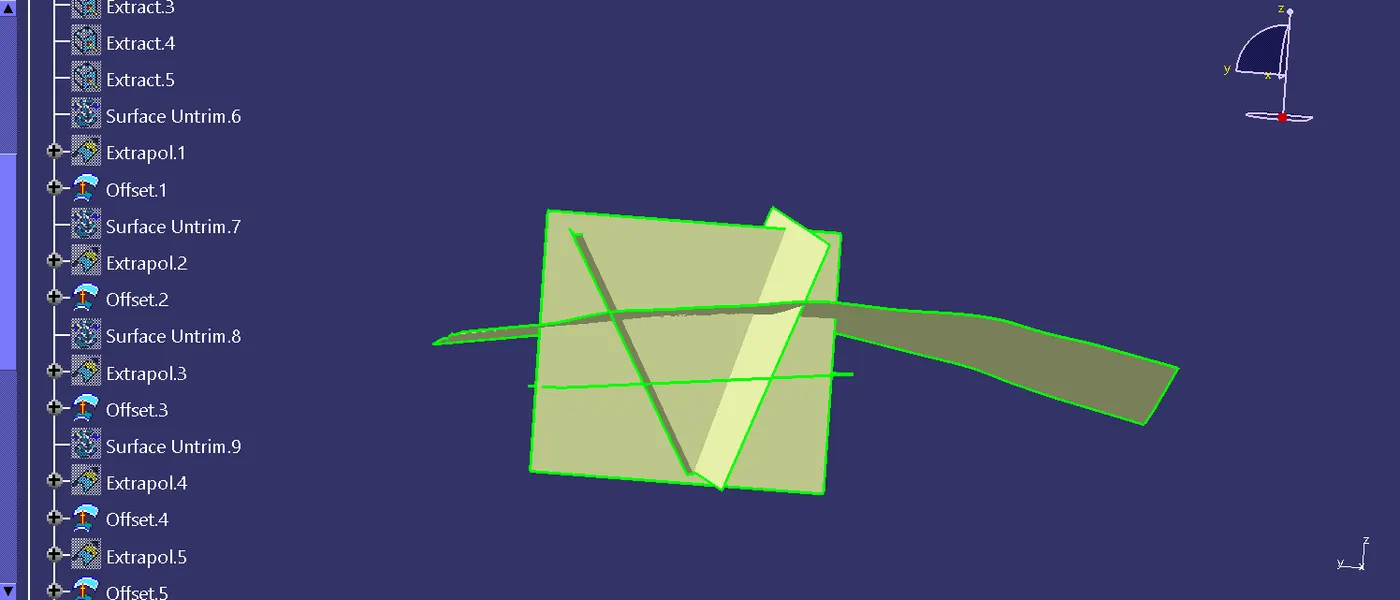
Step3: Take it for the class A surface and extract tool is used to extract the surface and untrimed and the exploaration tool is used to expand the length of suface .
Step4: Using the trim tool remove for un wanted suface and then the offset of the suface in suface A to 2.5mm as per given dimension make it for offset.
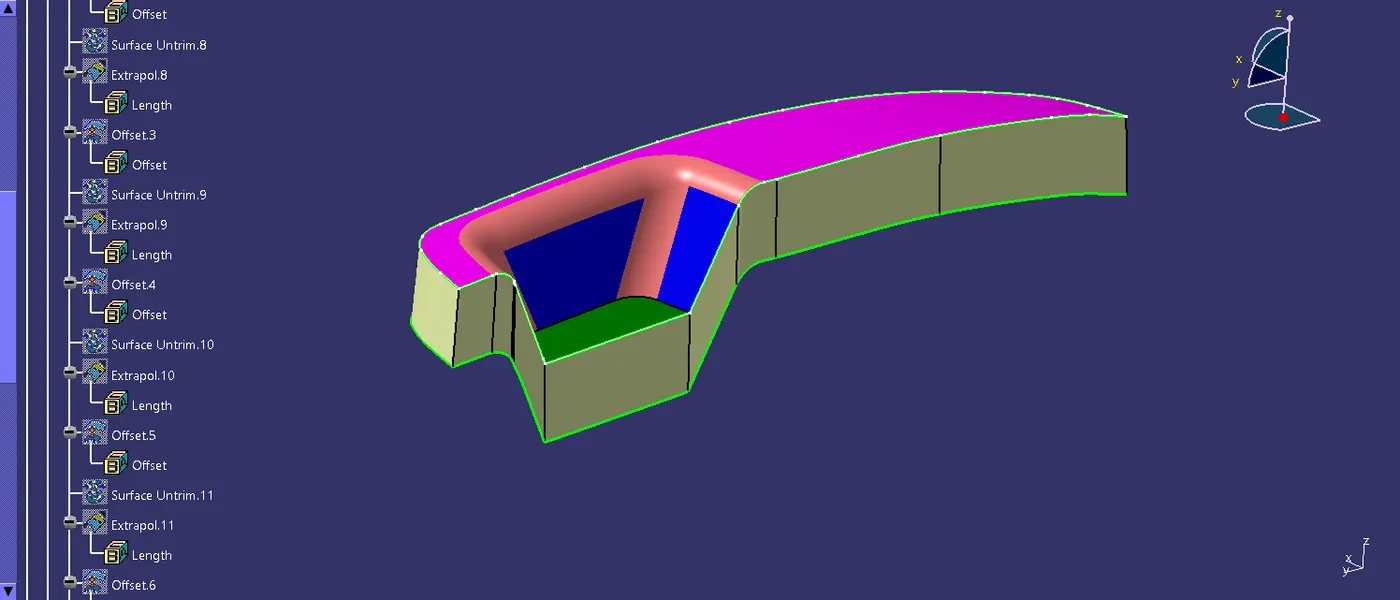
Step5: In this step making the fillet and make it extract command crate a boundary line and create the sweep that is the C suface.
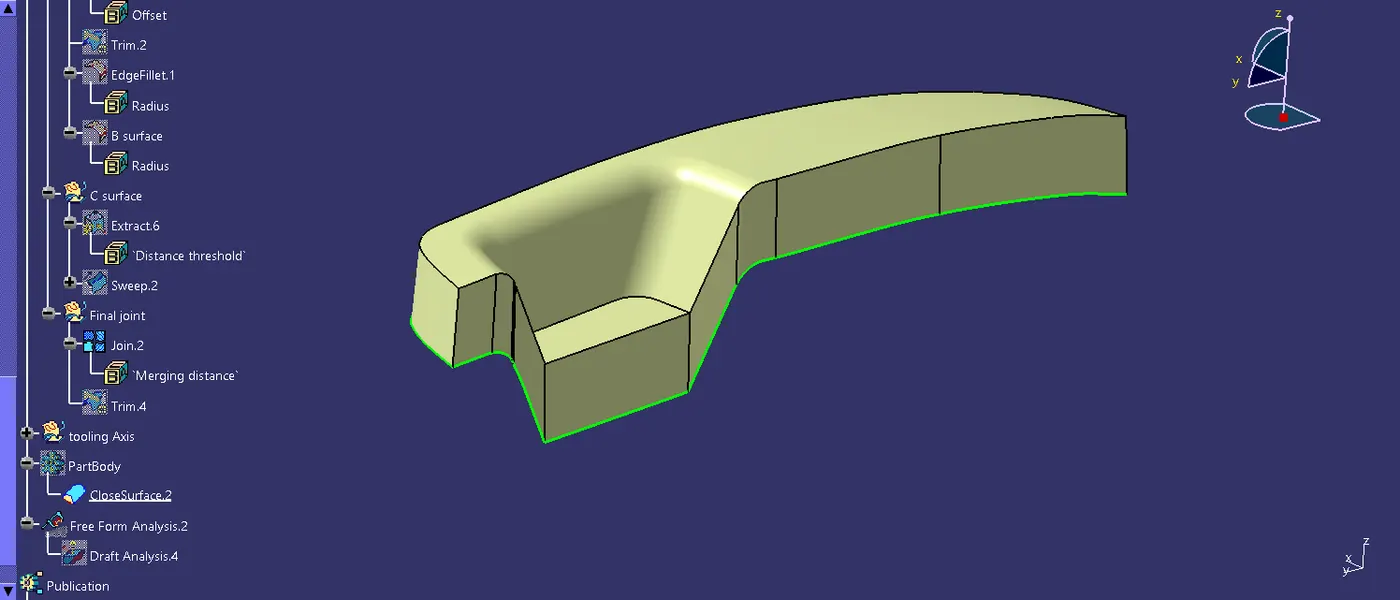
Step6: lets join the a and c surface and make it the one suface for prepareing solid material,b surface is used to trim the joint surface and b surface.
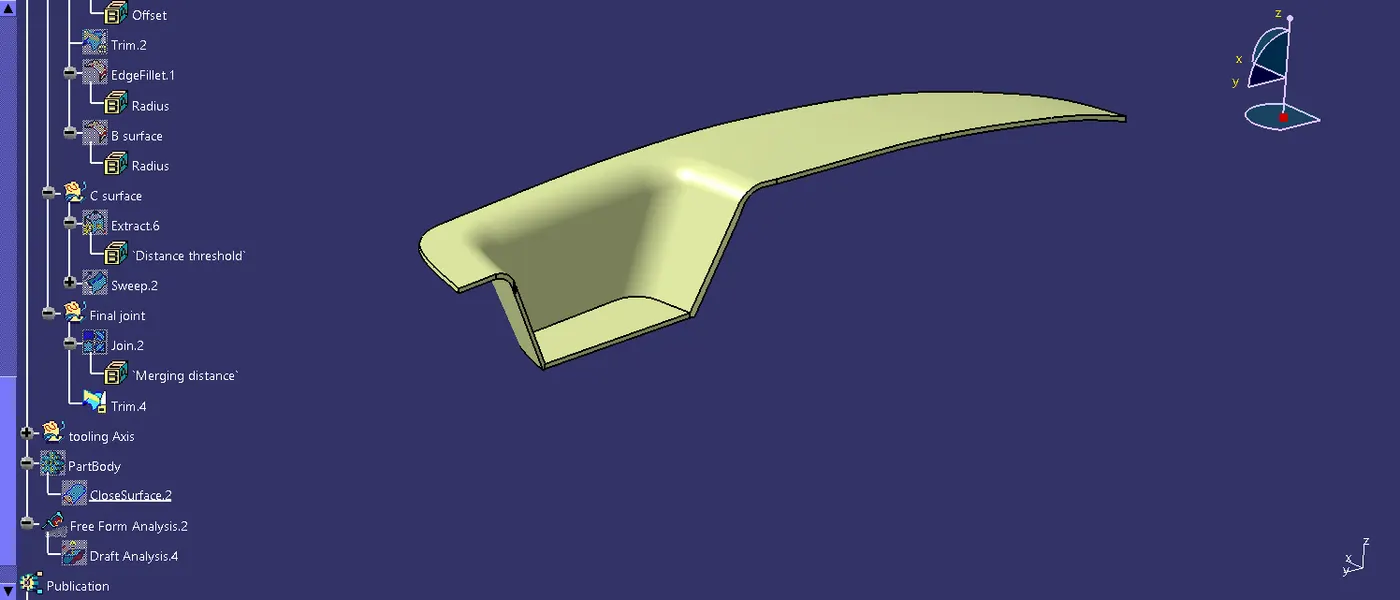
final trimed surface
A and C joint surface
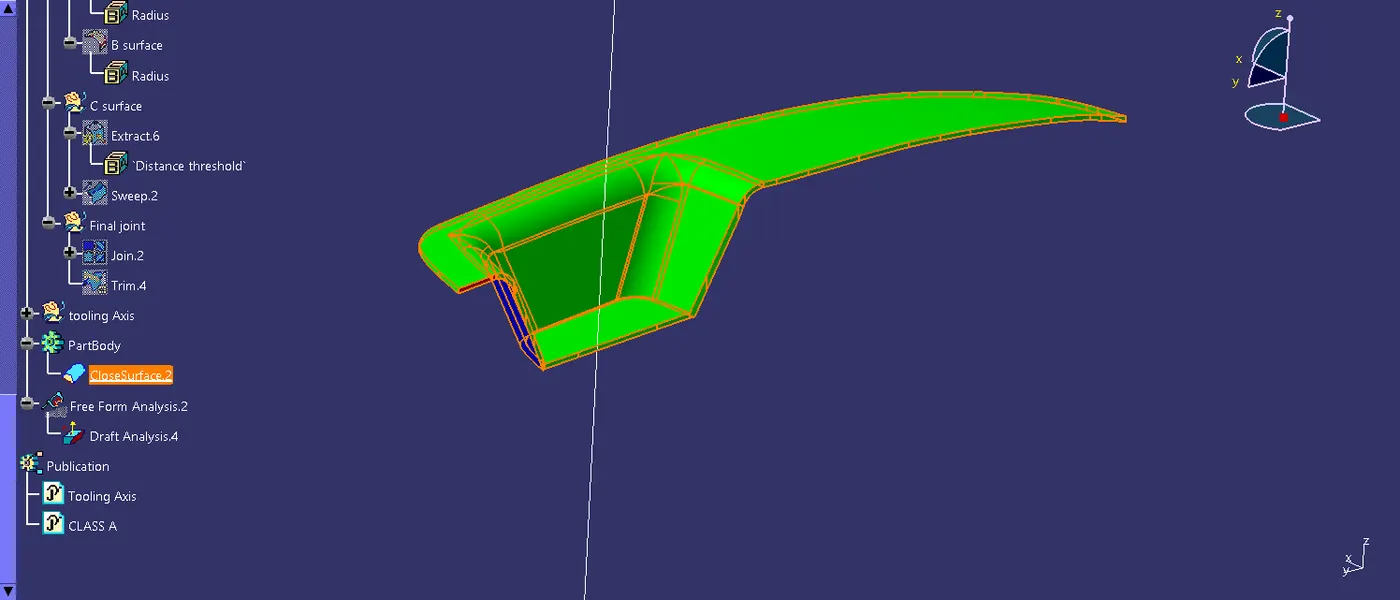
Step7: draft analysis is the main thing for the making surface design, using the drafting to analysis the angle of core of the mould or cavity of the suface.
Step8: publication is done on the tool command for referance porpose of tooling axis and surface A.
Step9: In part work bench close suface tool is used to make the solid surface.
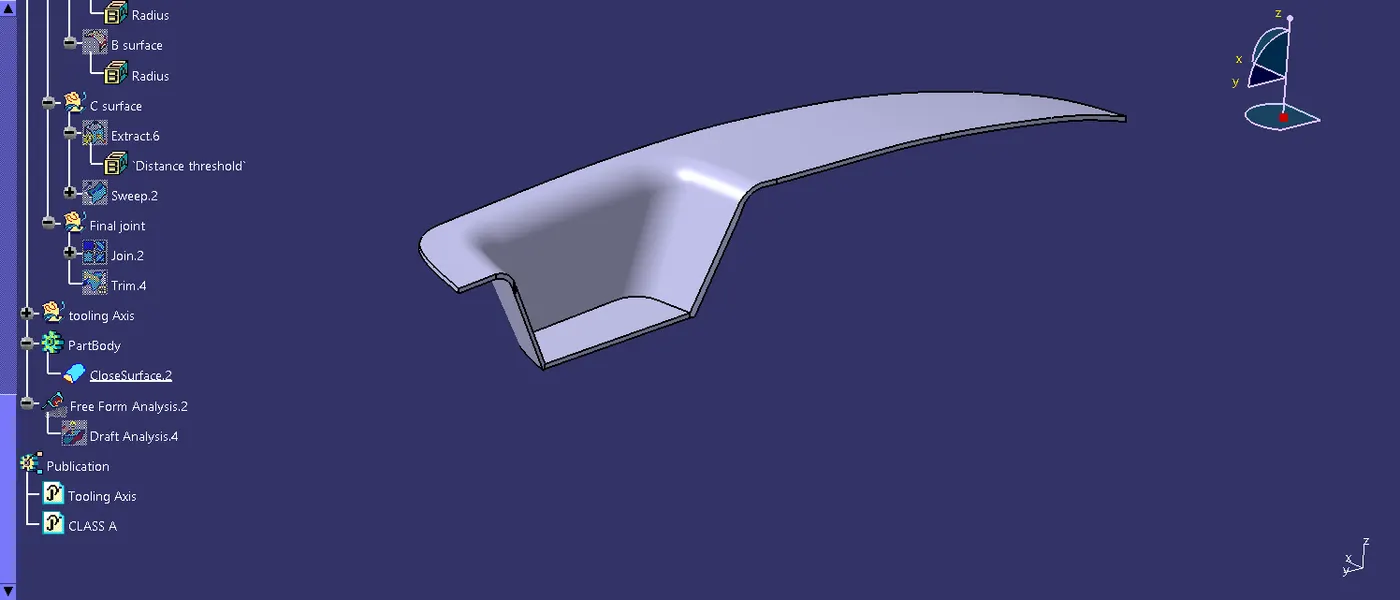
close surface