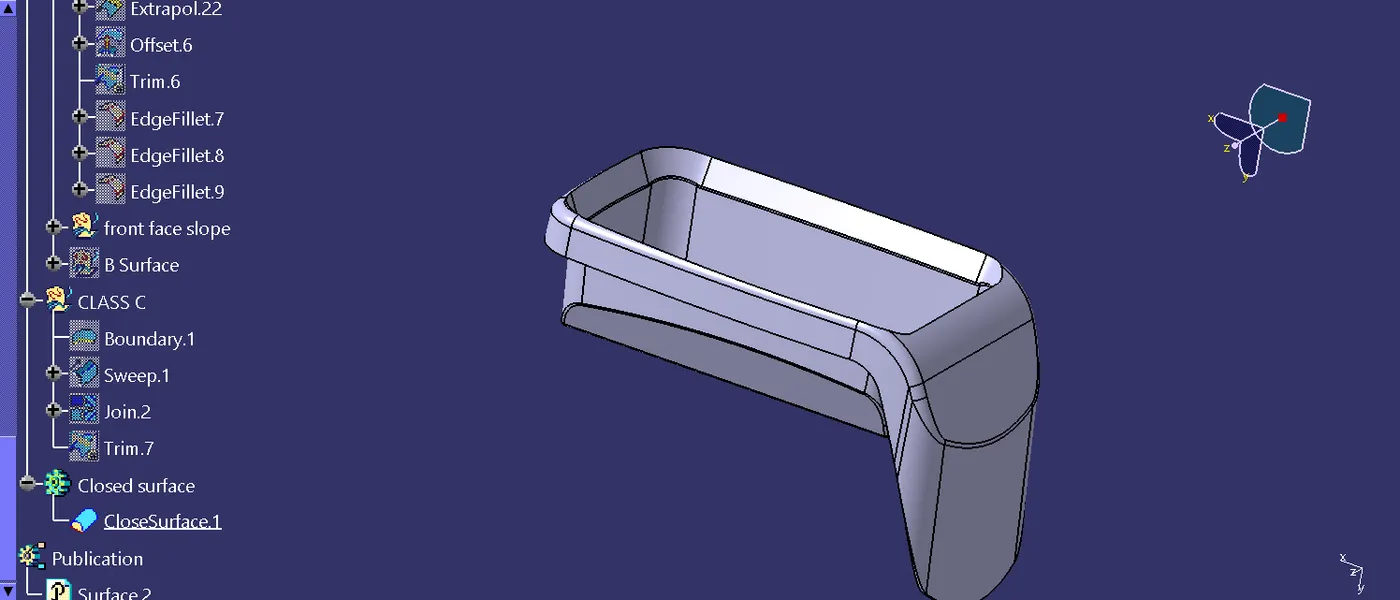
Week 8 - Challenge 3 - Coin Holder Design
Report
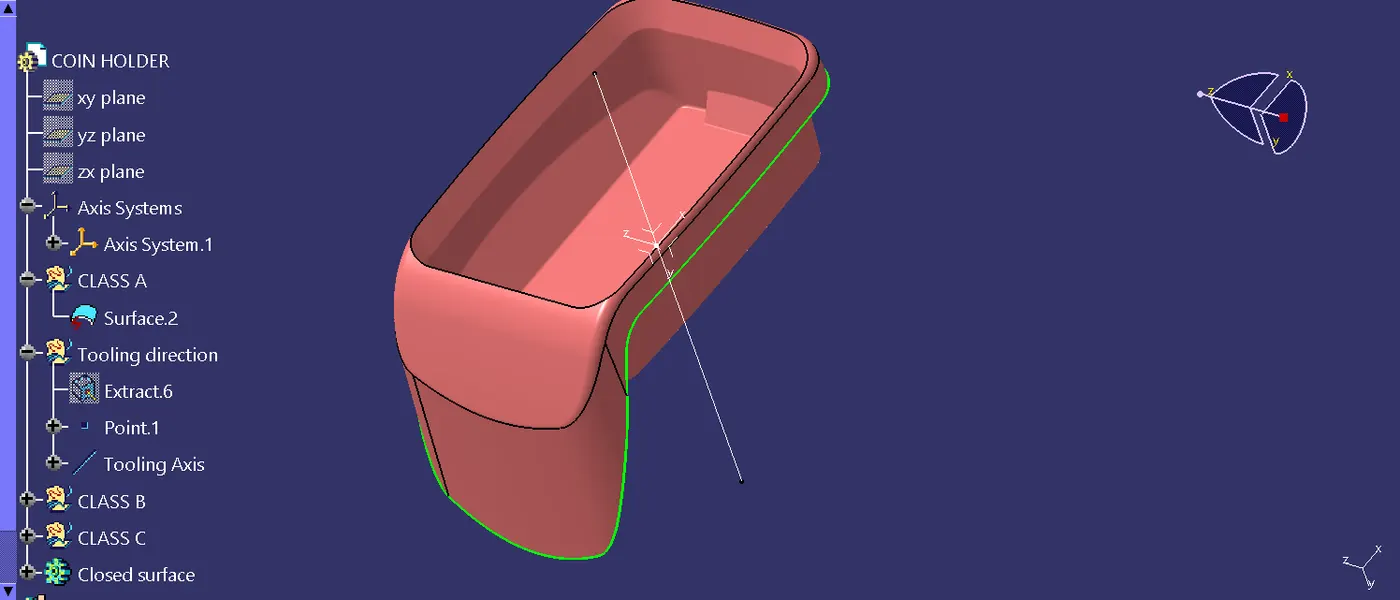
Step 1: Using the point tool make point in which is my tooling axis ,and then make a axis of the point for the perpose of axis drawn.
Step2: Created the BClass surface is first using a extract or multiple extract tool made the flat surface extraction.and the all surface are untrimed then expolaration tool is used to exstand the surface and then using the trim tool .
Step 3: Using the trim tool trimed the all surface and then offset the as per the given dimension 2.5mm and hide the other surface.
Step 4:in the base is having the one small box iside of base surface that also the same process of making the surface that tool is extract, untrim,expolaration, trim that are all the commands in the used in process of making surface.
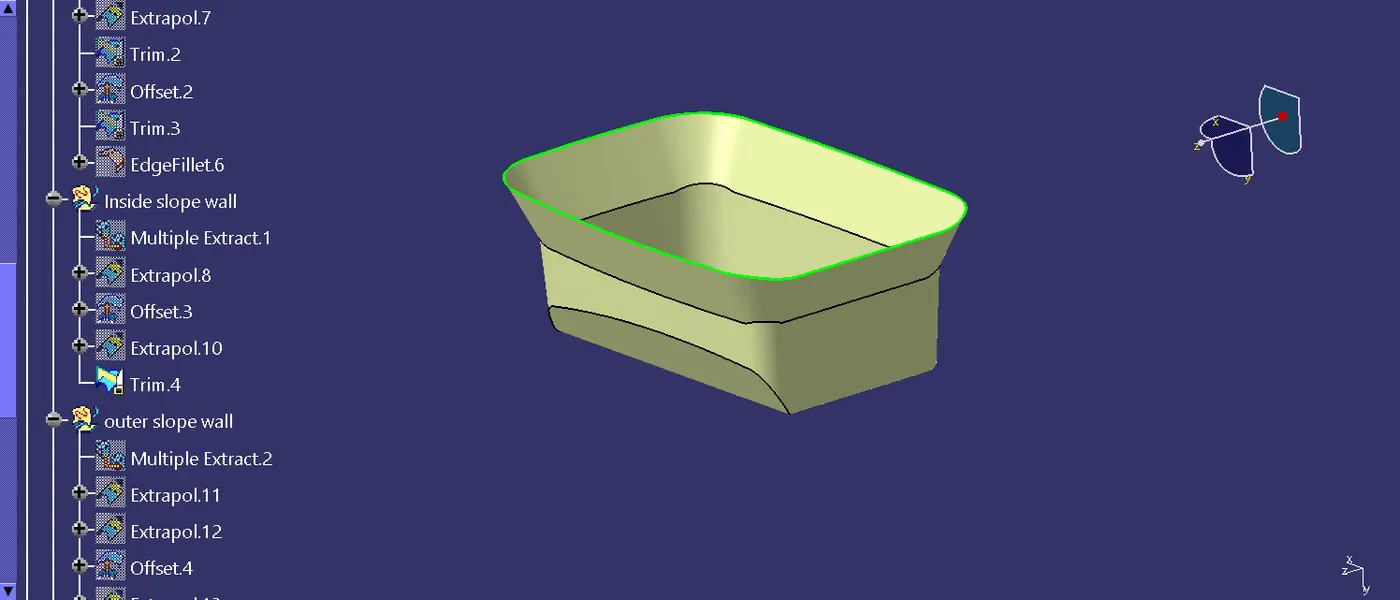
Step5: In this process of the inner slope of wall to make using the extract tool and the expolaration of using the point contiunous command of making the expanded surface and then the offseted that surface and trimed into the already existed surface.
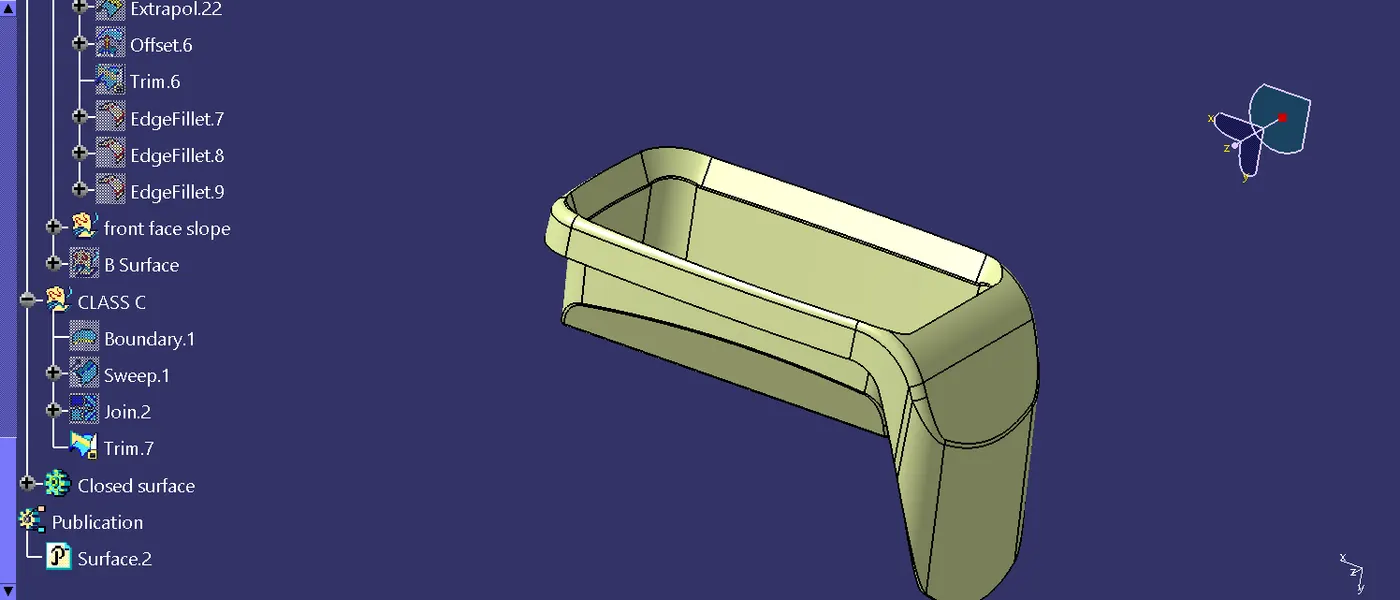
Step 6 : In this the outer side of the slope wall is made with the same tool and commands
Step 7: in the after created the suface trimed with the already existed surface and made the b surface .
Step 8: in the C class surface is made with the class a in boundary surface was created and then the sweep is used to make a closing of the two suface. and then trimed with the two surface.
Step 9: In part body is created the closed surface of the thicken suface is used in this command on closed surface
b