Week 8 - Challenge 1 - Base Bracket Design
Report
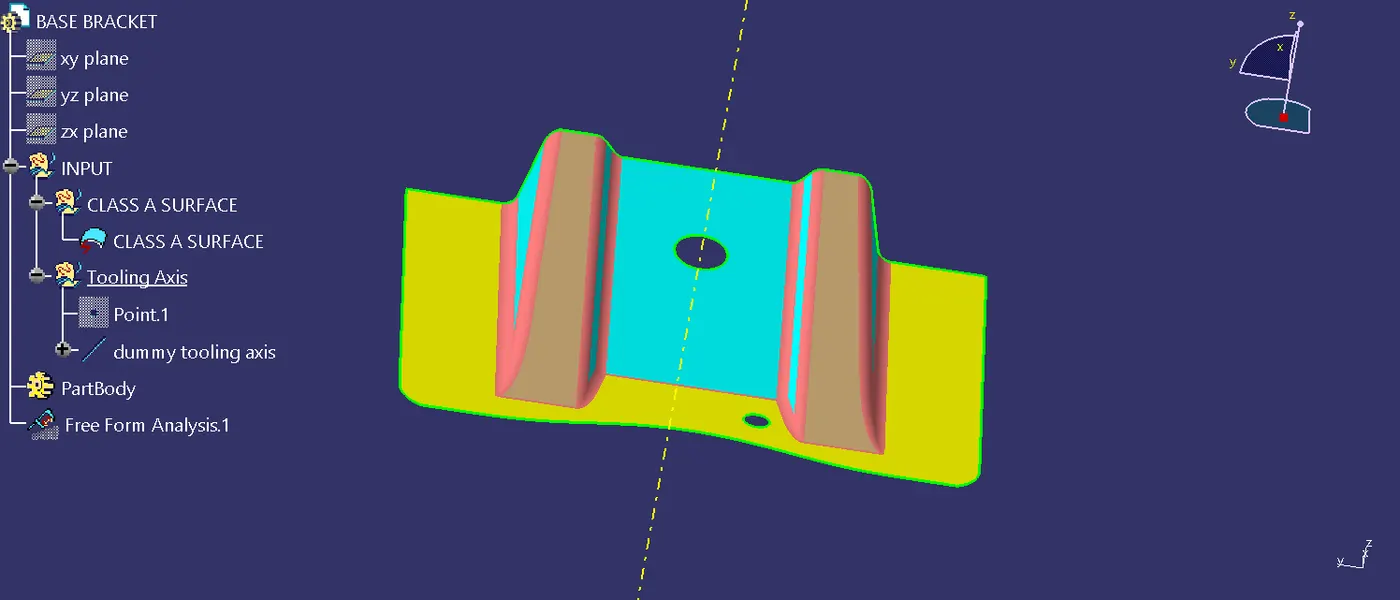
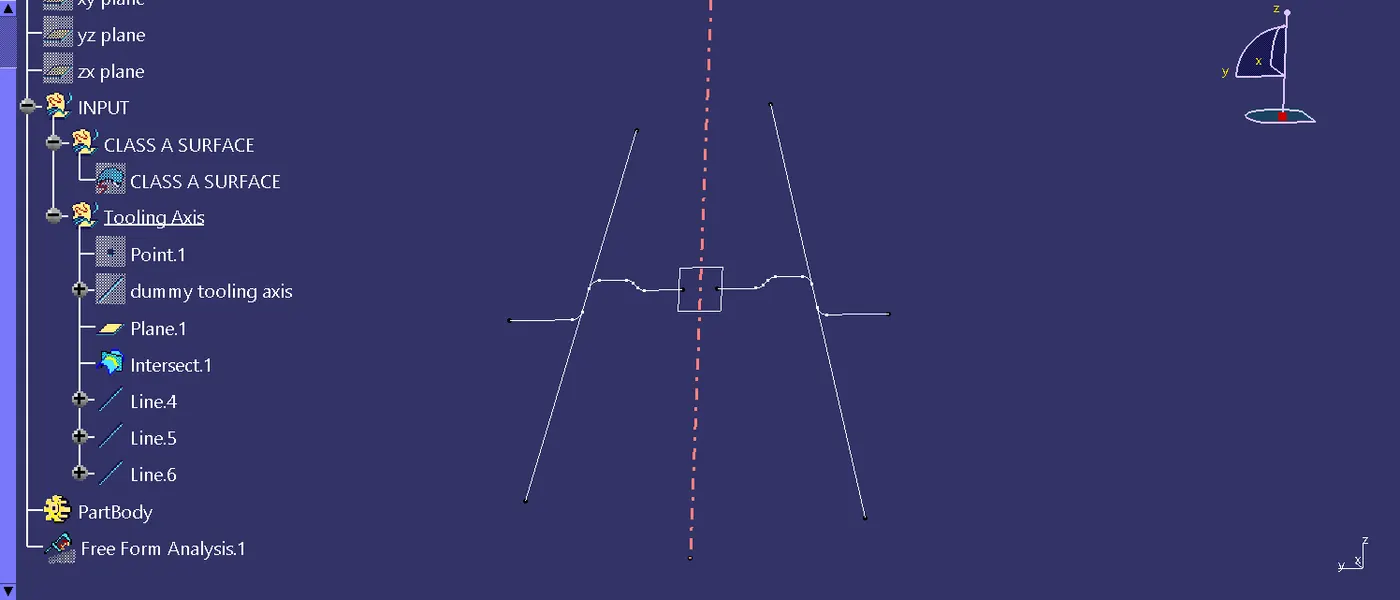
Step1: making a tooling axis with the sutiable direction of moulding. so the tooling axis is created and first i did given surface diagram create a dummy axis and the using the intersection tool intersect the line and created the the angle line with using the line tool , that intersecting line create with help of plane which one i created.after that using the line tool and bisecting line and created a tooling axis.
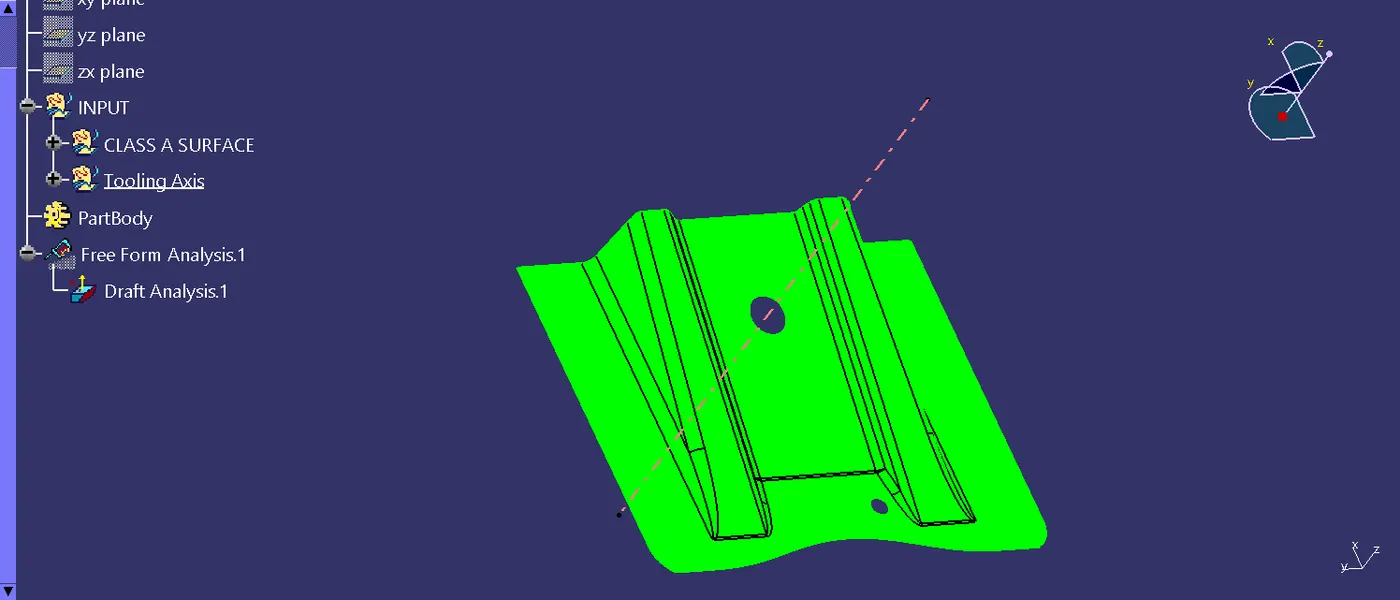
Step 2: drafting analysis is the analysis the angle of the surface because of making the product possiblity. in this i used drafting analysis tool is used to analysis the surface and it 0 deg is green and 2 deg in blue colour surface.
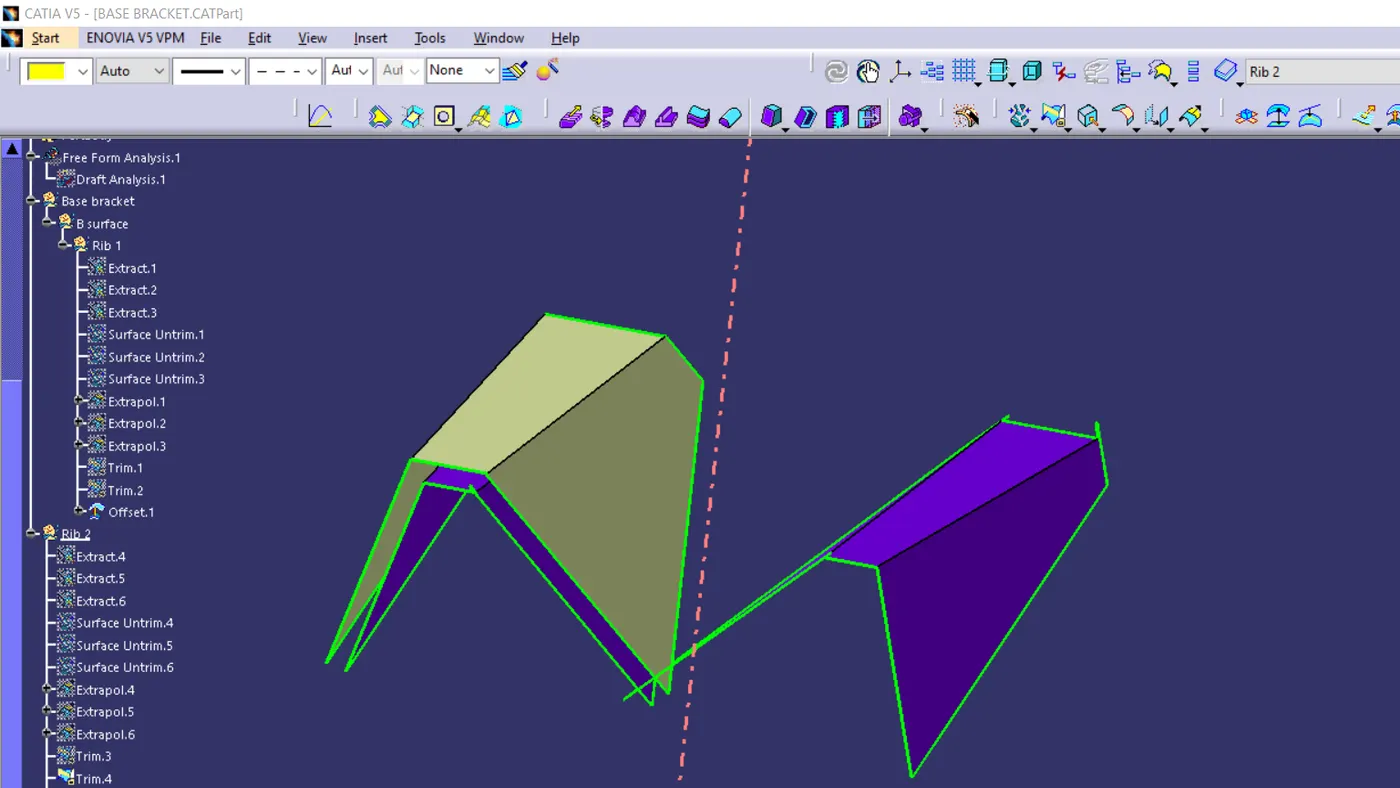
Step3: In the given surface model using the extract tool and extract the flat surface and then untrimed the all the surface ,using extrapolation tool and increase the size of each size of surface and then trimed the required shape of the surface then offseted for the 2.5mm and each of the surface in the design.
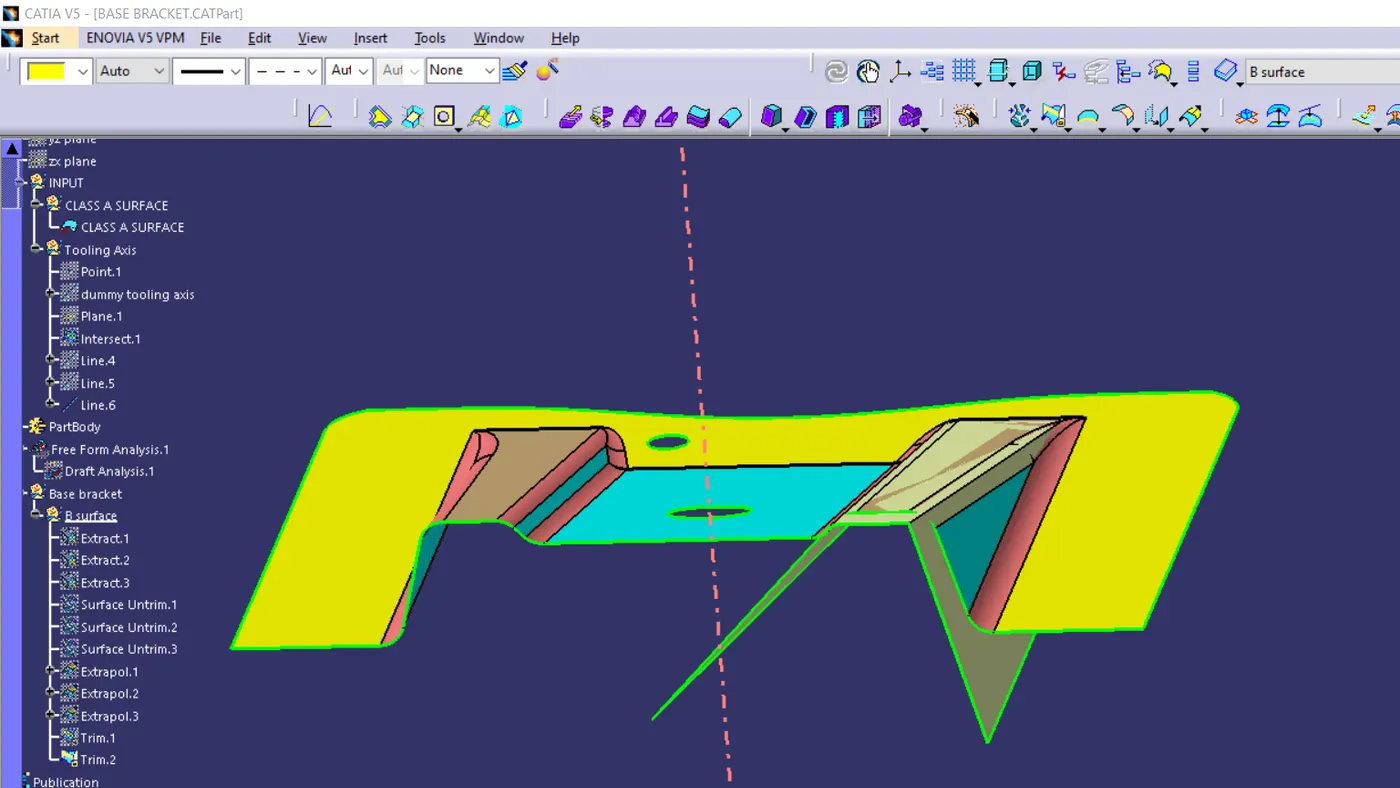
Step4: publication is the help to refere the suface of the design and publication tool is open the tool bar and last of the given in publication command and then click which surface design is make publication selecting and ok.
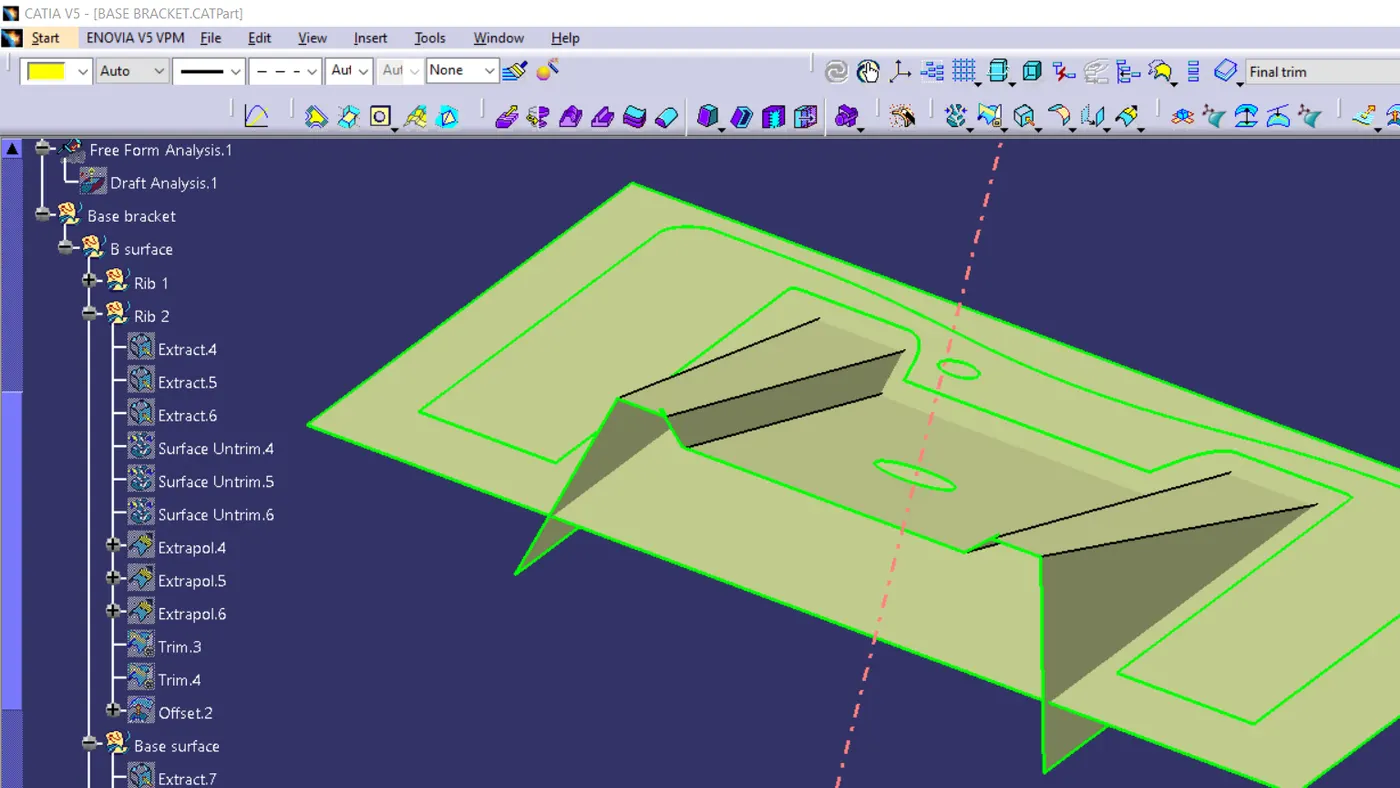
Step5: base also making the same process of tool is using in this surface and then trim the all surface and then doing the fillet of the surface
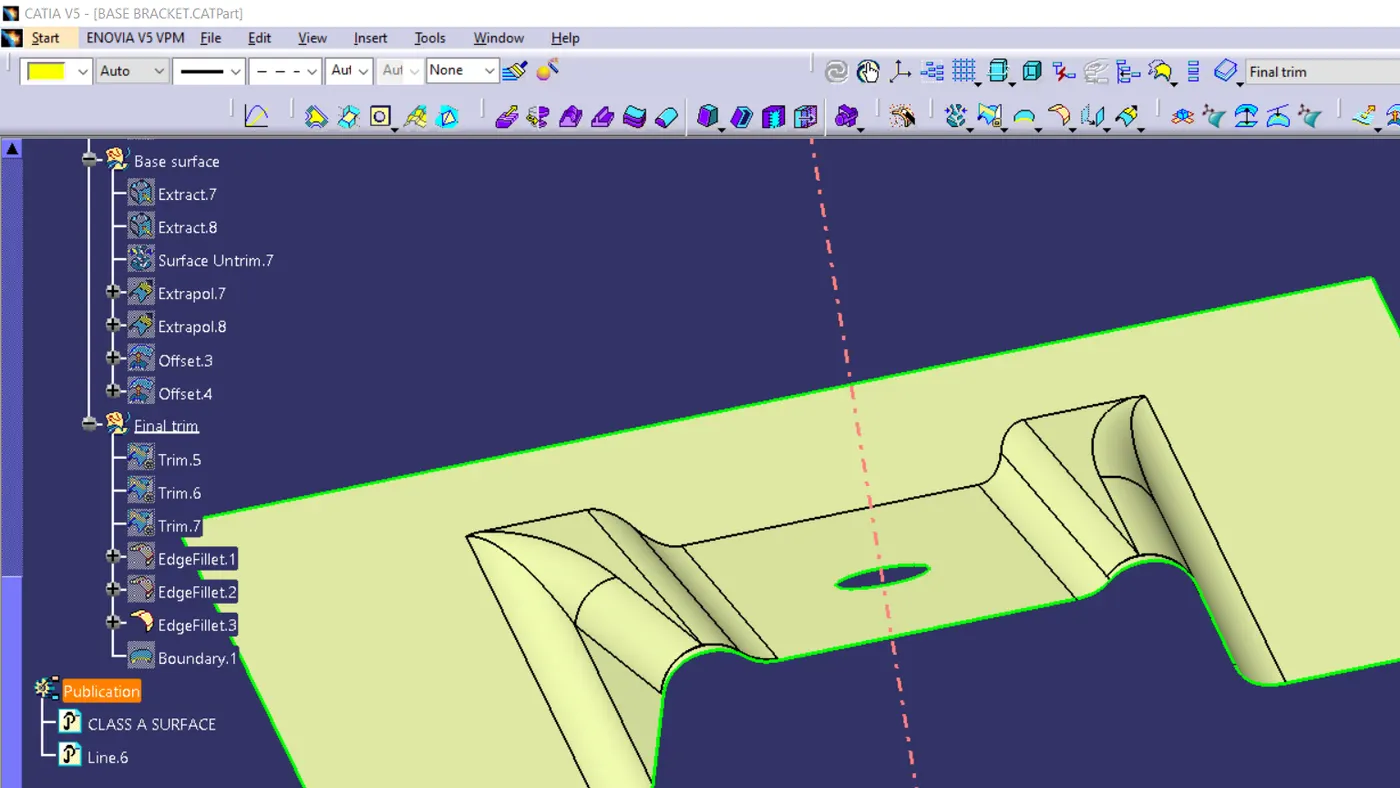
Step6: Fillet is doing with fillet tool and the fillet radius is 3 add 2.5 and did the fillet because of the offseted to the 2.5mm
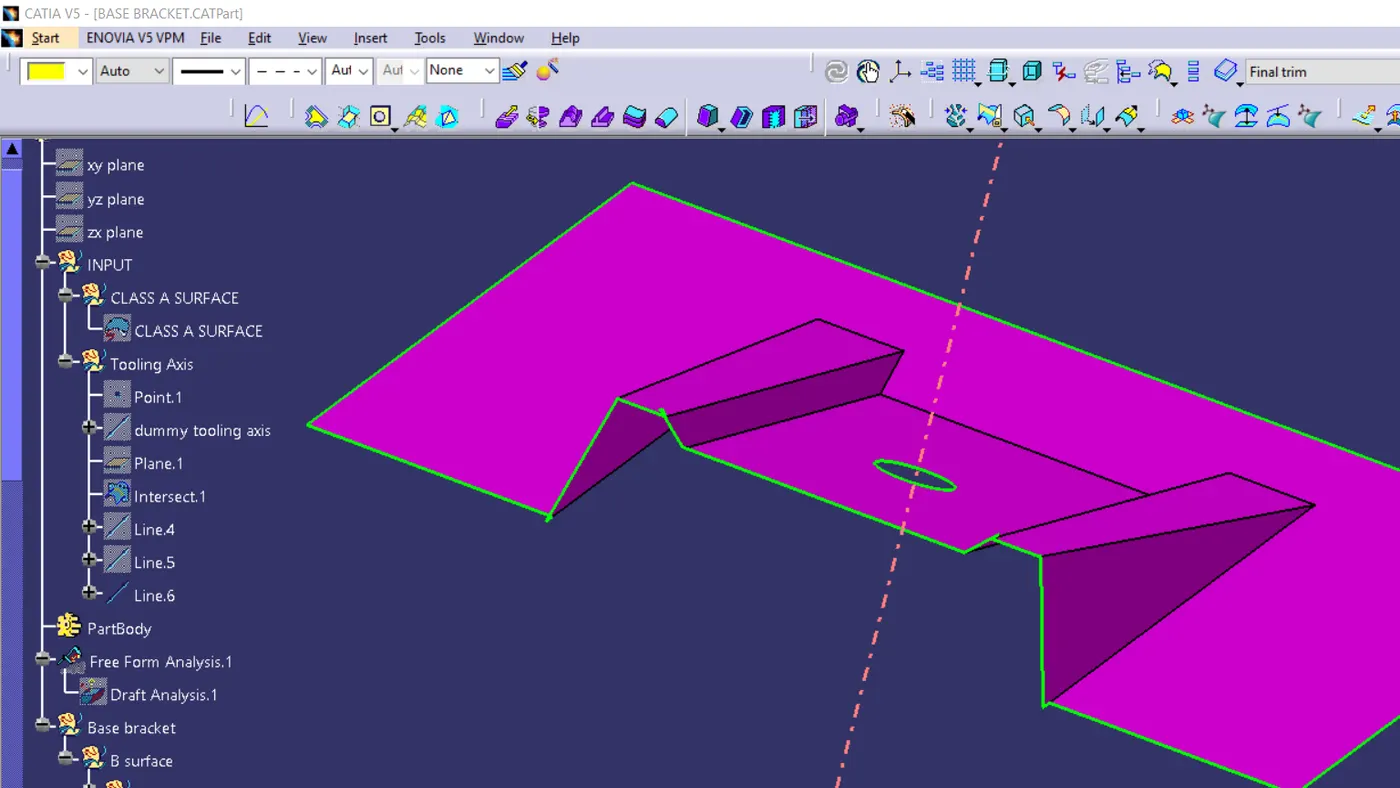
Output of the surface and before the fillet image
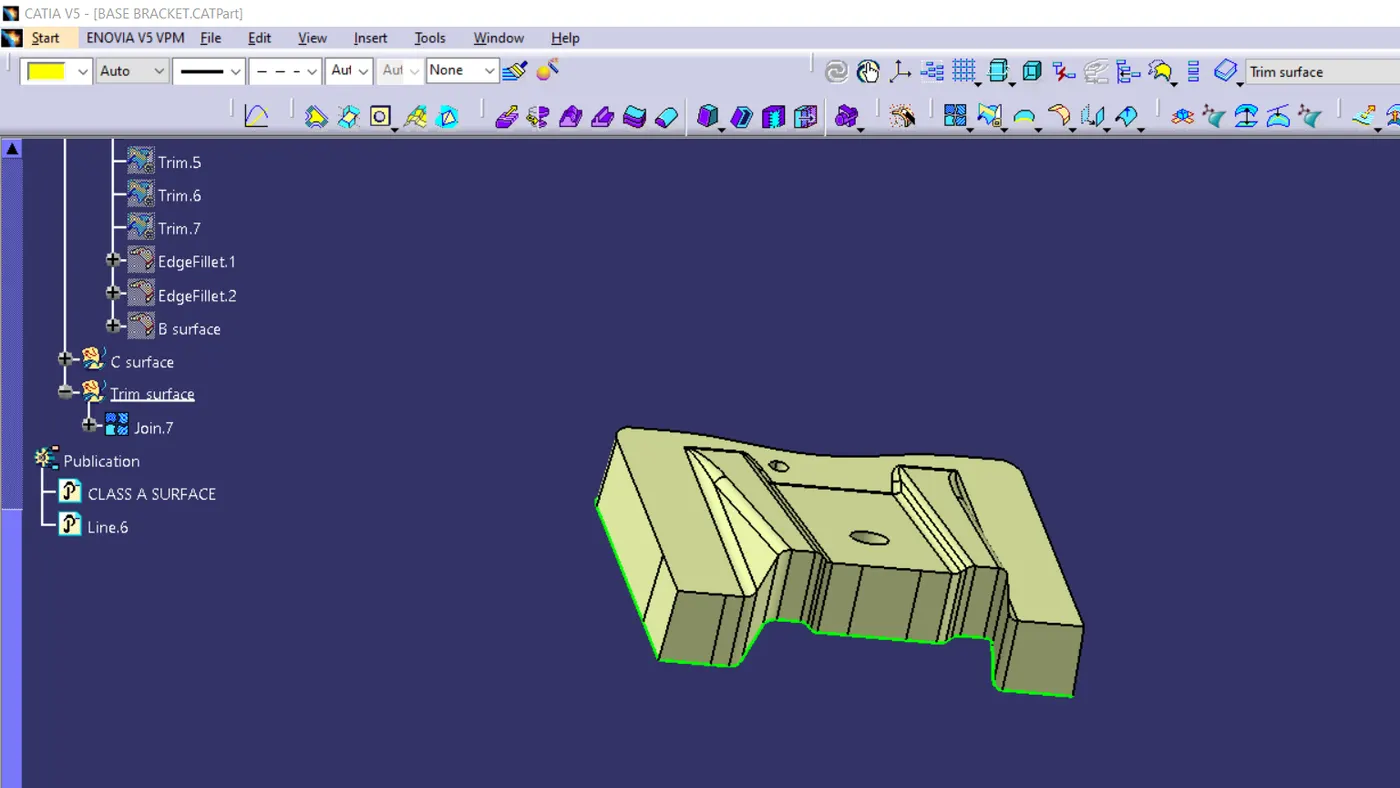
Step7:After finishing the surface B, in surface A is making the boundary and sweep it but in my design is boundary command is showing error so i with using the extract tool in point continuous making the boundary of it and done with sweep command.
Step8: After that adding the surface A and surface C with using the join tool.
Step9: Thentrim the surface B and joined surface.
Step10: then moved to the part work bench and make it the closed surface.
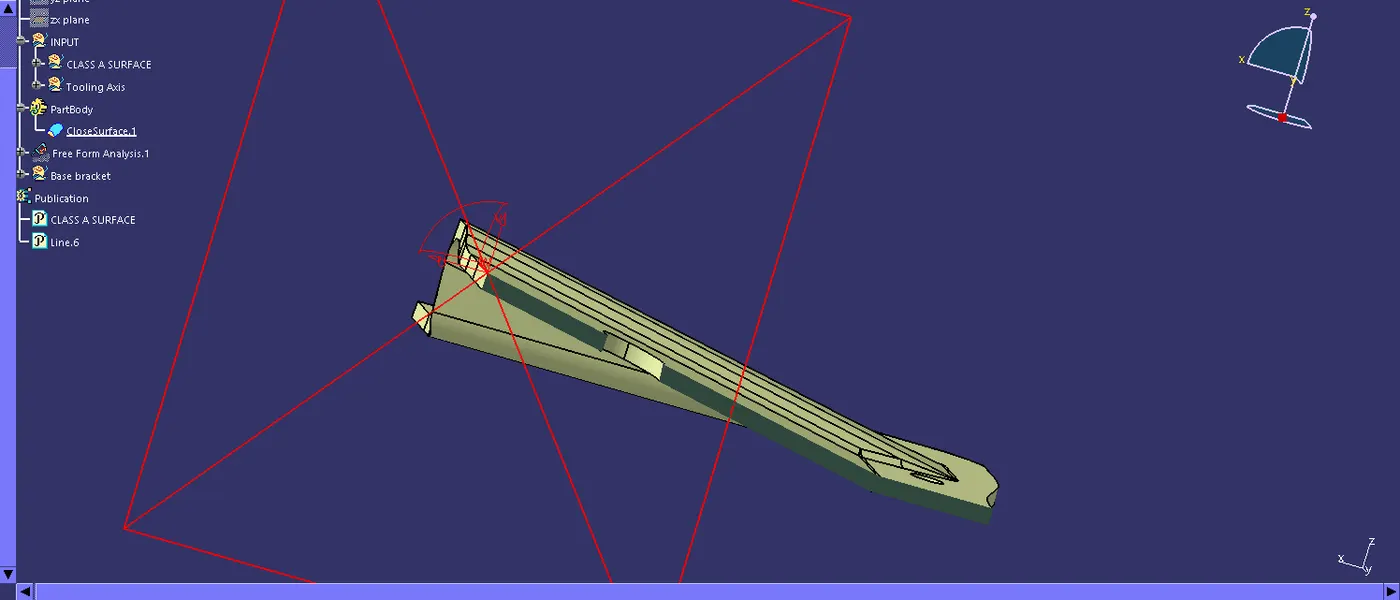
final image of the suface design to full closed solid.