Week 8 - Challenge 4 - Bumper
REPORT
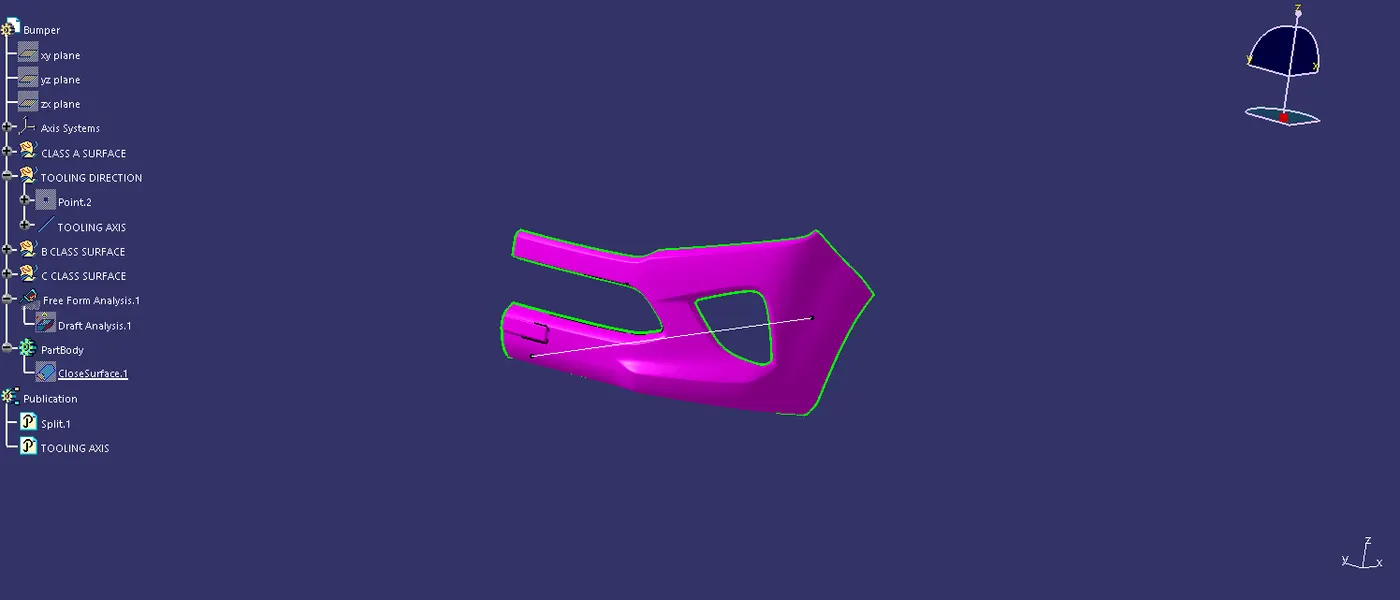
Step 1: frist i did the middle of point creation using the measure tool , keep geomentry clicked and create a centre gravity that point is the middle of the design and that point move into the separate geomentry.
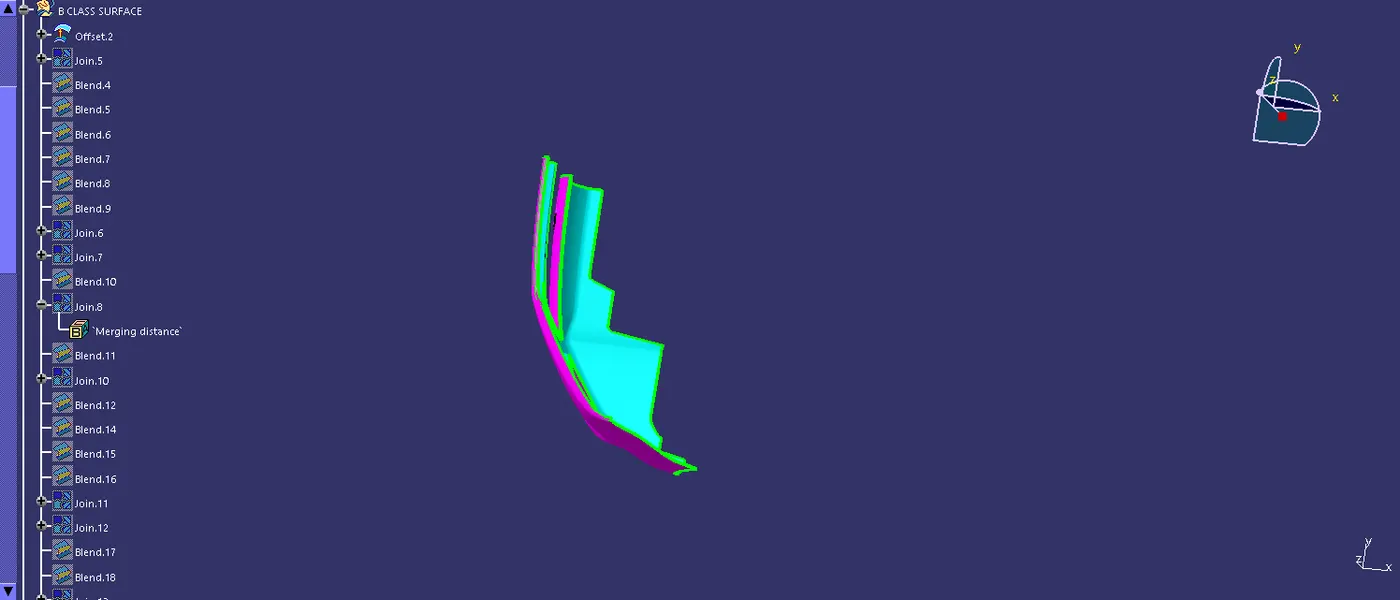
step 2: Next step is the create b surace of using the extract tool , and then offset the surface at using the offset tool,during the offset surface is having the some patches of opened surface.
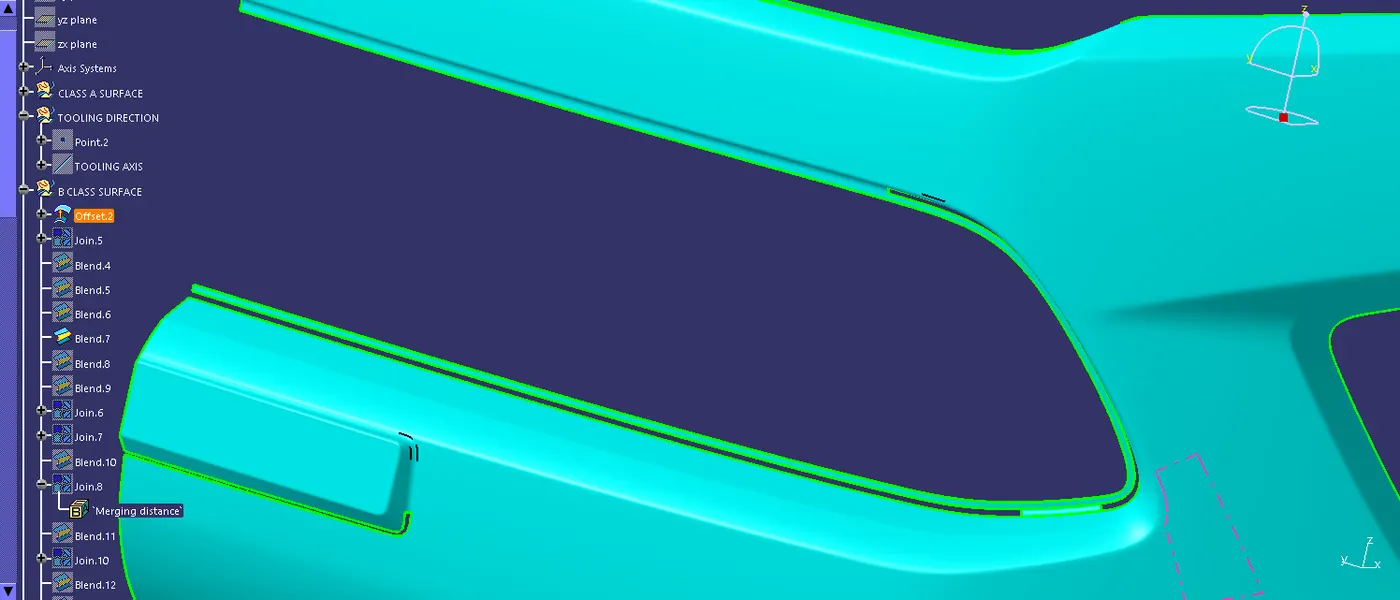
Step 3: Using the blend tool to make a patches is filled and then the patches are join together and make a join in surface and patches.
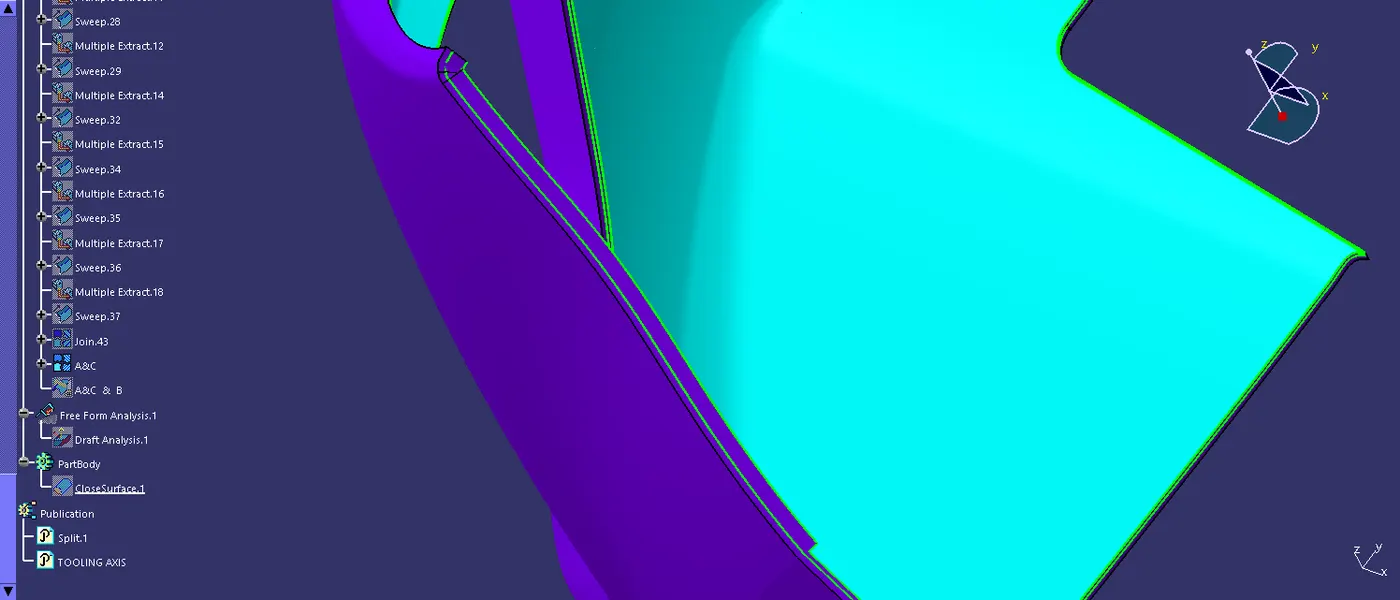
Step 4: using the a surface boundary and created by the boundary command that is used to make the c surfarce , in the procees is make a multi extract create boundarty of the A surface because of complicated to sweep the surface A.
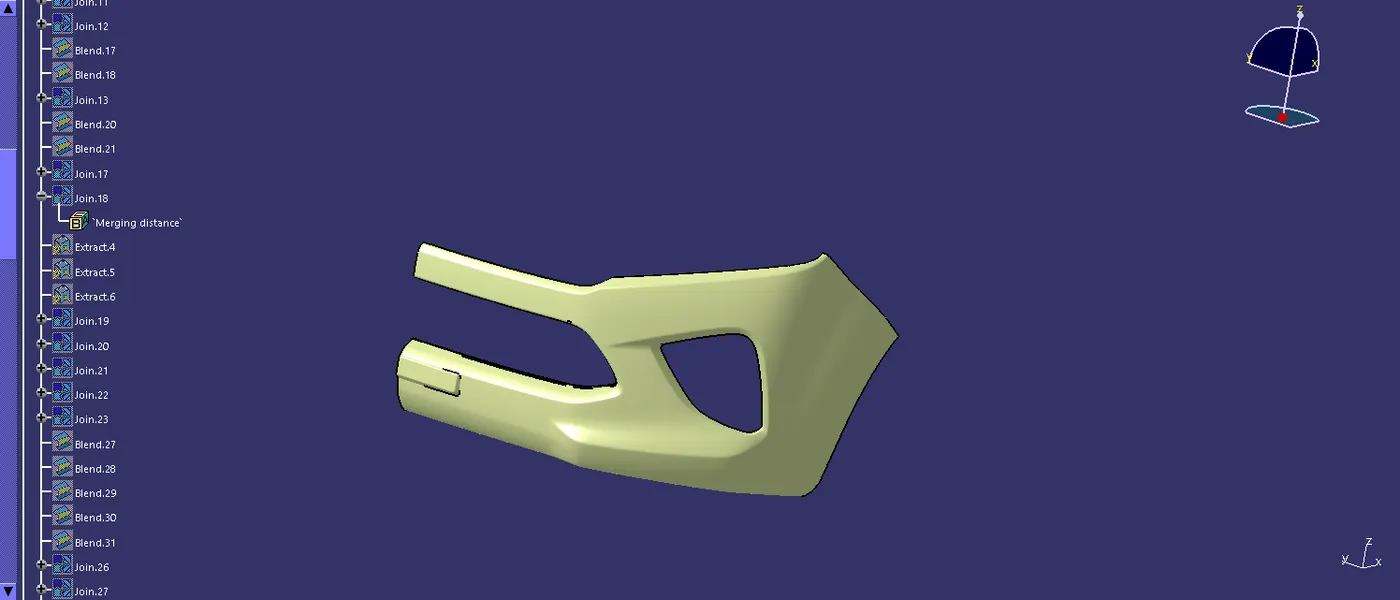
Step 5: After that make a all the sweep in the join tool to a single command, and add into the A and C surface then that of the b surface is trimmed with A and C surface.
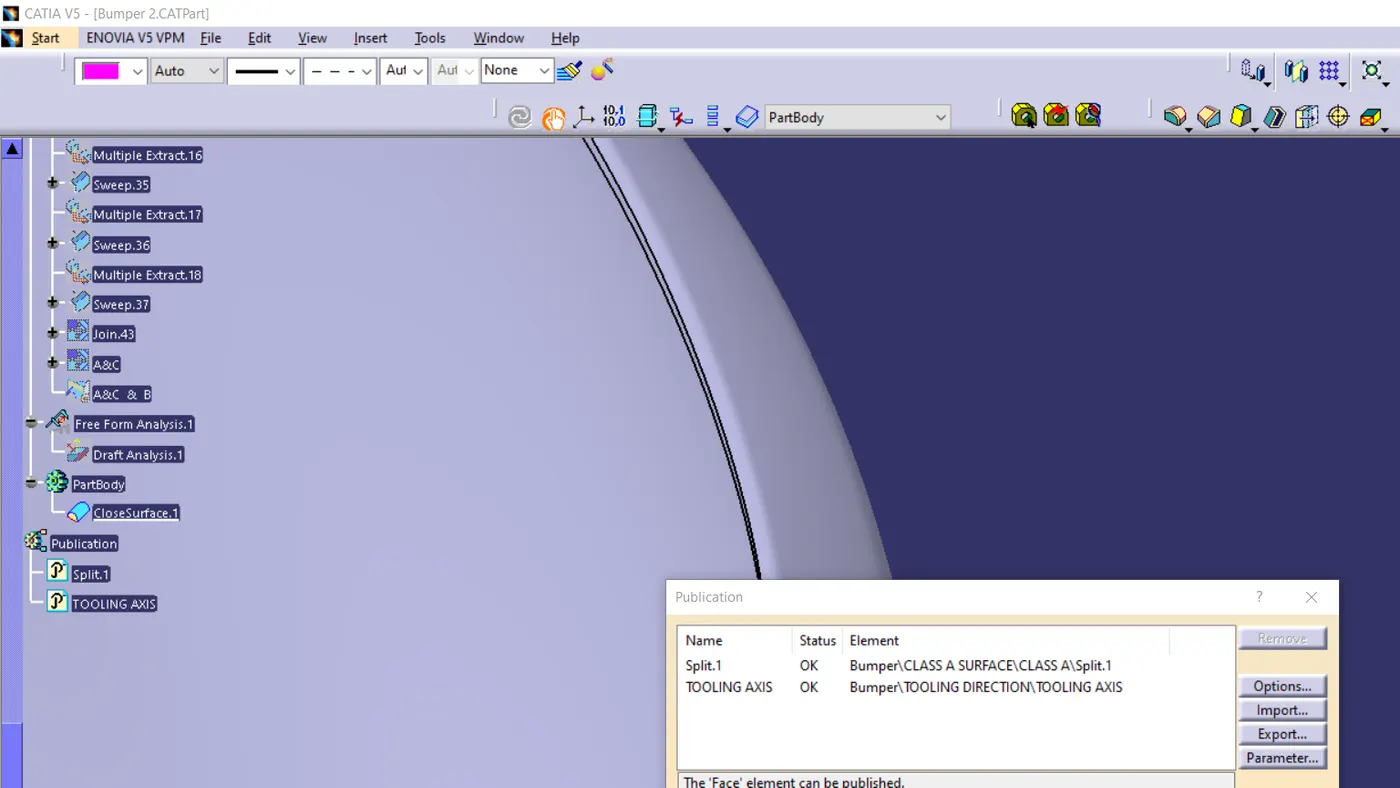
Step6: In that pulicate the a surface and tooling axis is the easy to acces the a surface and tool axis.
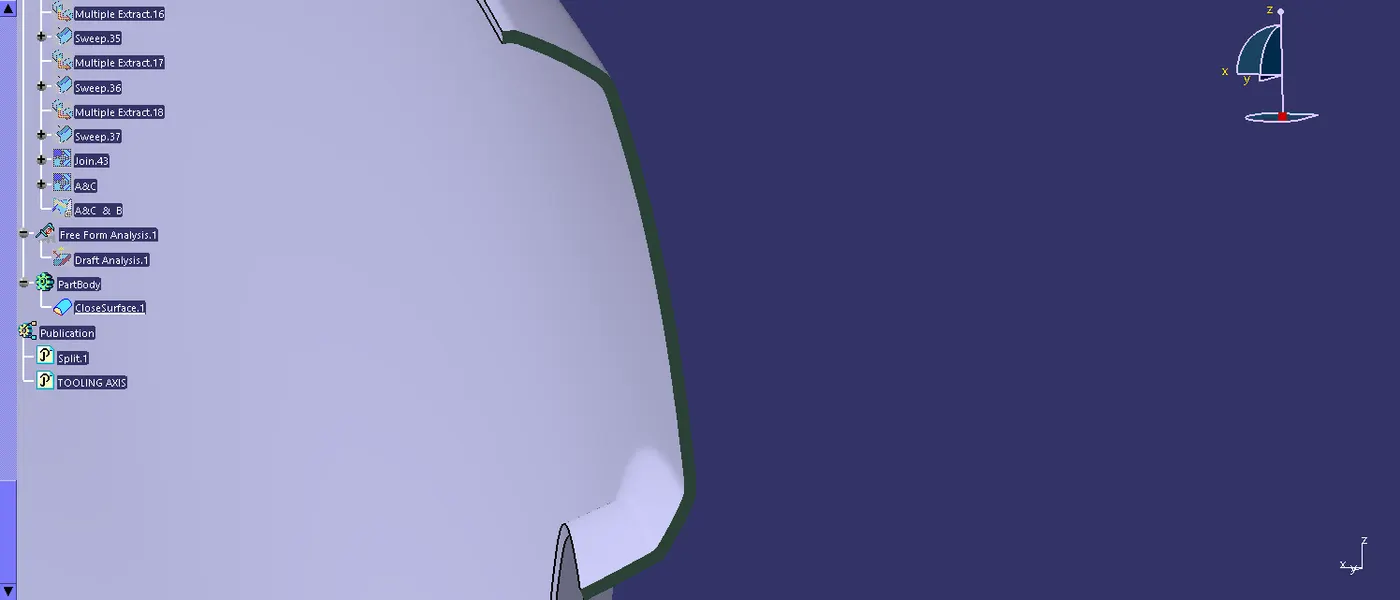
Step 7: In part design is create a surface to a solid body with using the tool of closed surface.
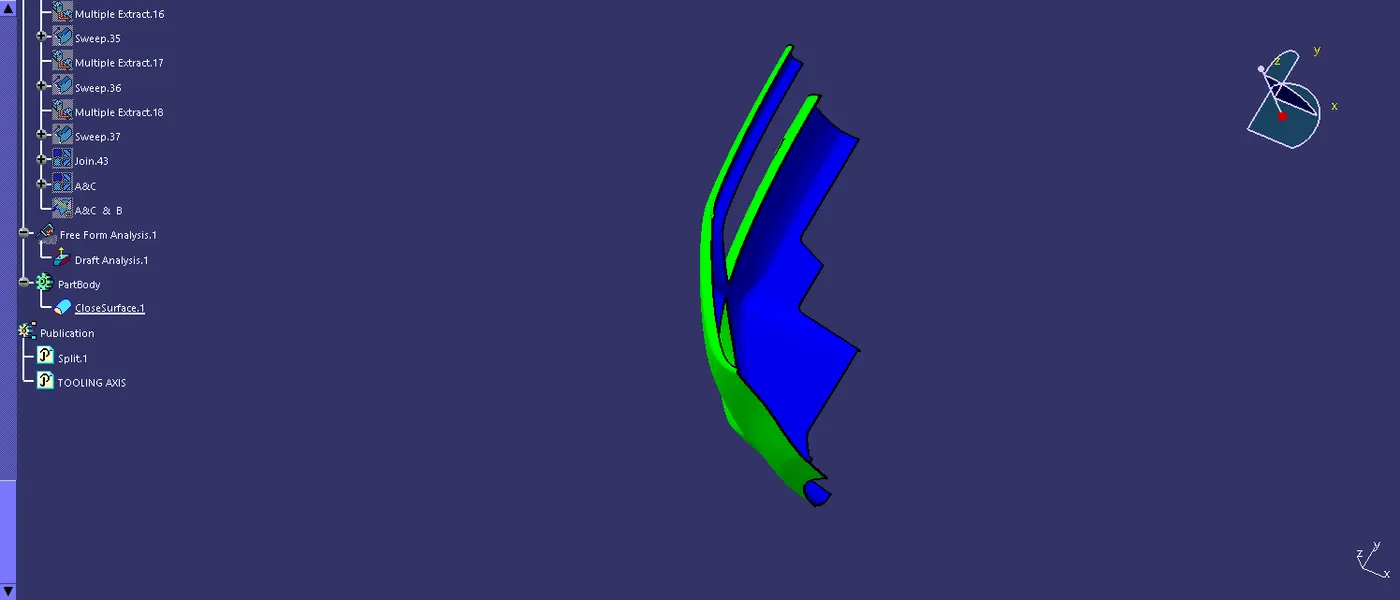
Step 8: in that of the draft analysis is done on the using the draft analysis tool.