Week 8 - Challenge 6 - Core & Cavity Design
REPORT
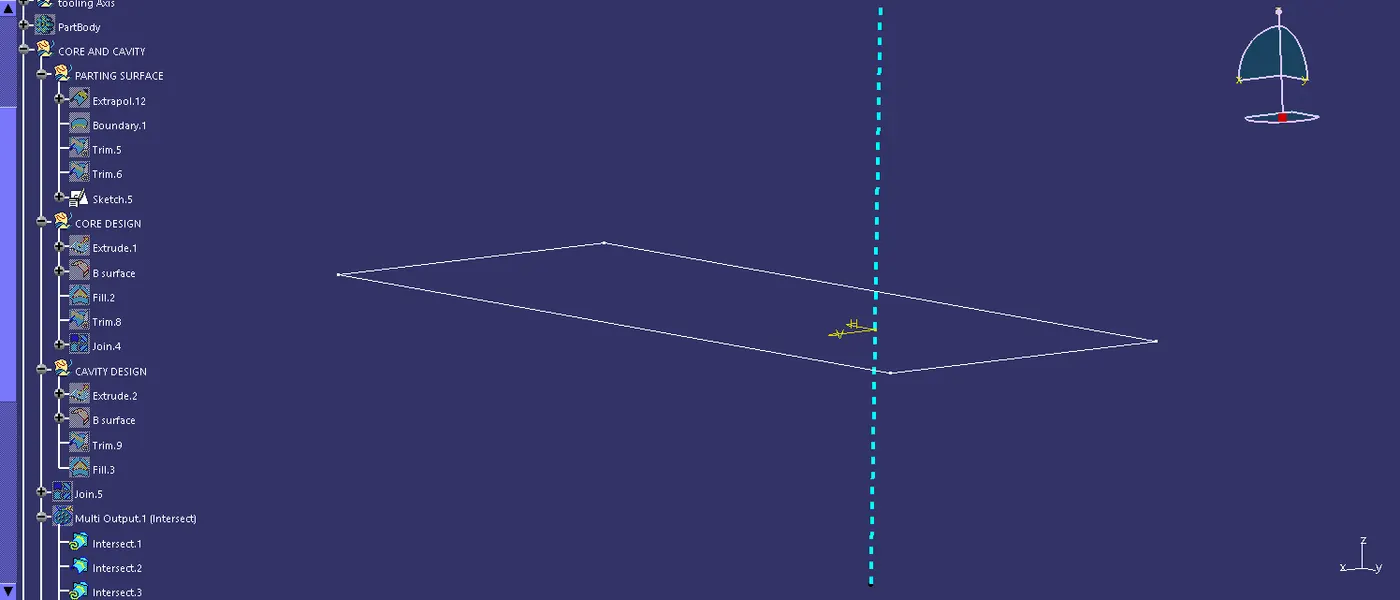
Step 1:first creating a separate geomentry for the core and cavity design took the a surface design and then extrapolate,after that took the surface and b surface trim with the a,c and b surface ,then gone to sketch drawn the rectangle and came back to the work bench extrude the surface and make a draft analysis of the part and making a mould.
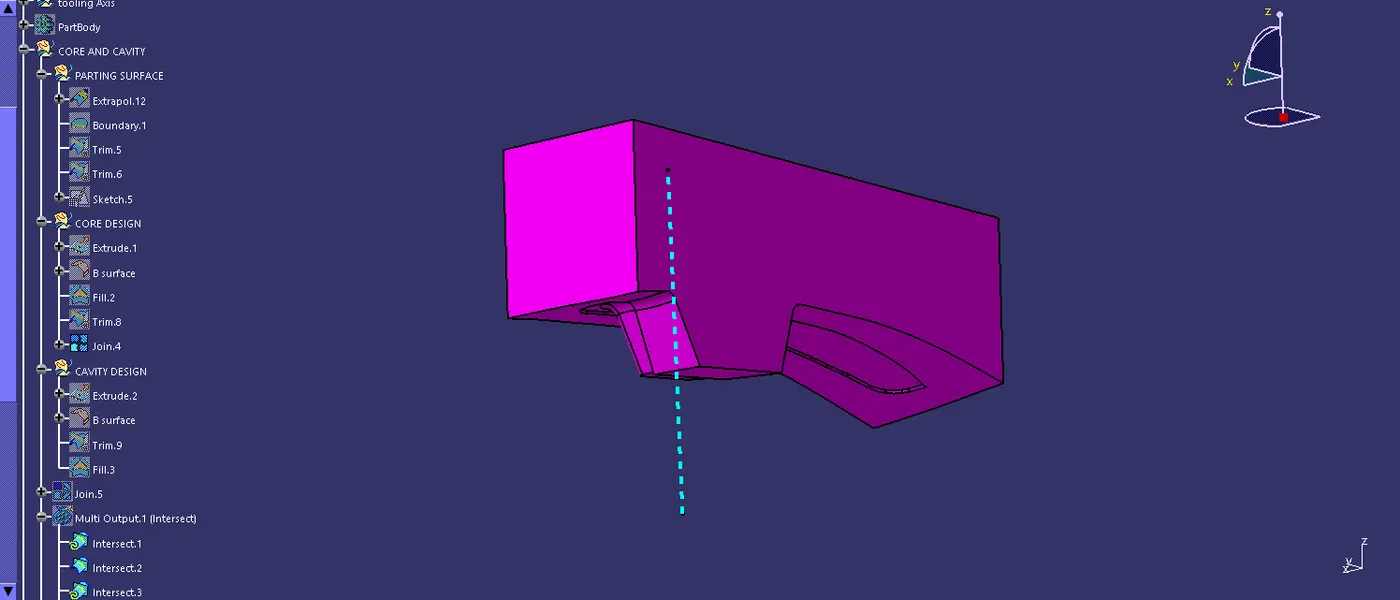
Step 2: extude the rectangle then trim over the created surface and move on to the part design and close surface tool is used to make closed surface to closed solid.
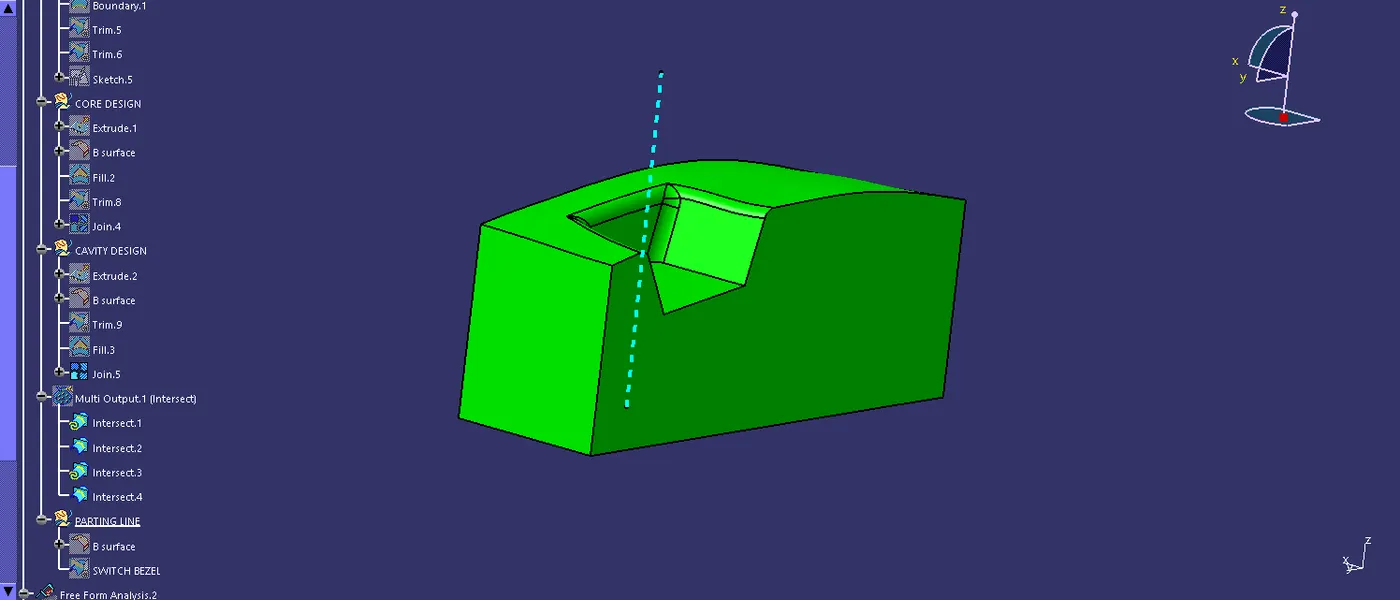
Step 3:In b surface is took and rectangle extrude is took and then trim over the surface and the using the fill tool and cover the rectangle bottom and then move into the part design then using the closed surface tool and make a solid body.
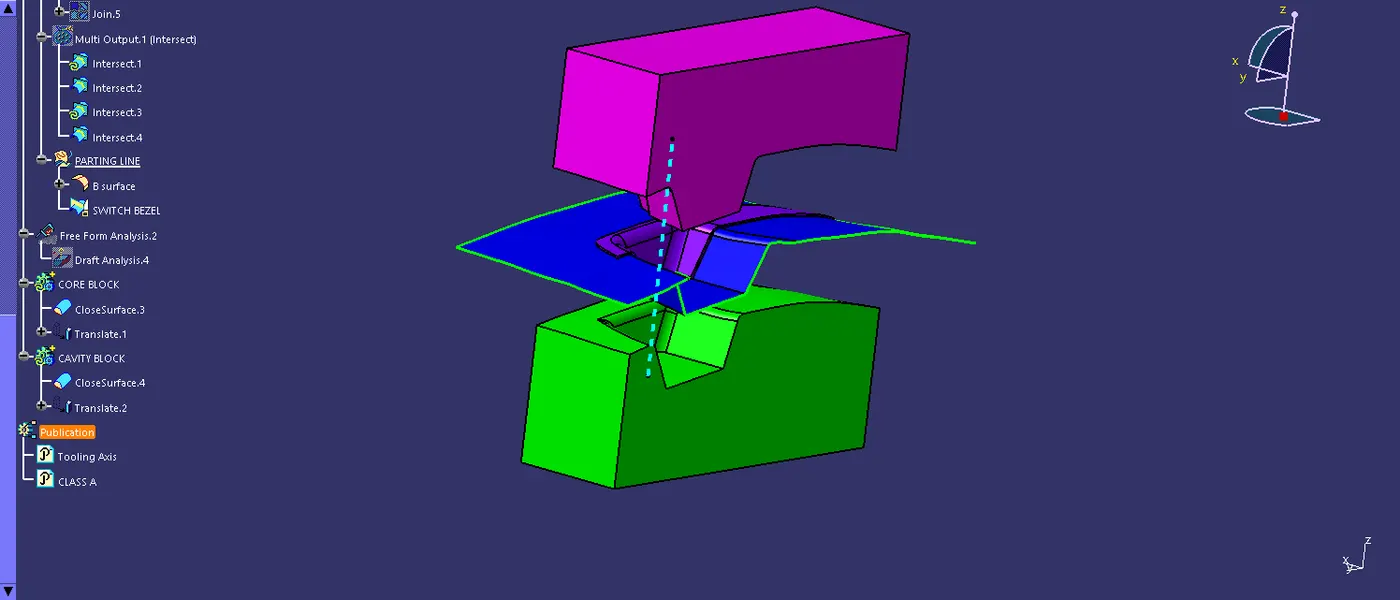
step 4: Using the traslate tool to make a distance between the core and cavity for a best view.