Week 9 - Project 1 - Door Applique Design with Engineering Features
AIM:
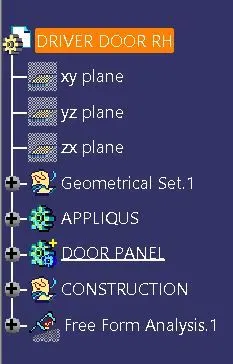
- Create the Base Bracket Plastic component through the given Class-A surface. To begin with, The tooling axis for the given Class-A Surface should be created to meet the requirements of the draft angle and, in the end, perform the Draft analysis on the model.
- Create the Heat Stakes and the locators considering the design rules mentioned in the video for the door applique.
SOFTWARE: CATIA v5.
COMMAND: Tooling axis> Thicksurface> Sketch> Pad> Boolean> Draft analysis.
- Heat staking also known as thermoplastic staking, is the process of joining two dissimilar materials together. In heat staking, we use local heating and cooling to raise the temperature of plastic components and allow plastic reforming to be carried out. This reforming can be used in a wide variety of applications.
Top 5 reasons for using heat staking for plastic assembly:-
- Multiple staking shapes for different benefits.
- Excellent durability.
- No extra materials are needed.
- Increased efficiency.
- Easy maintenance.
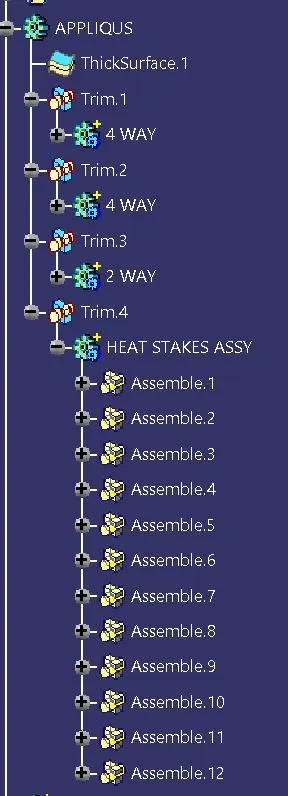
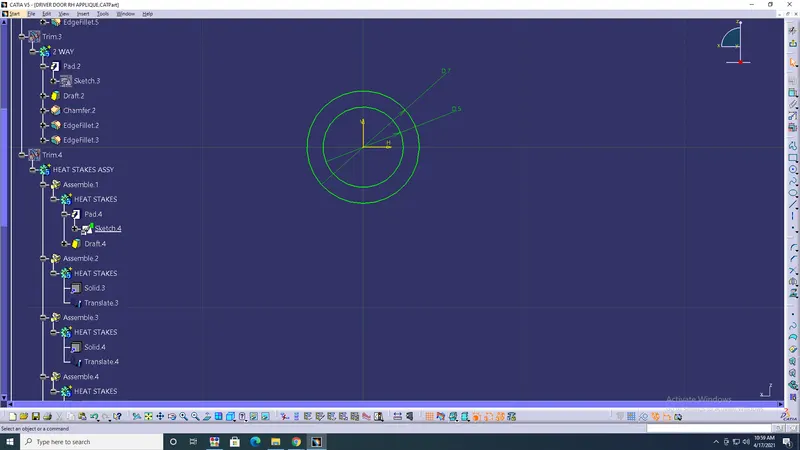
- 4-way mean you prevent movement at 2 axis (+X, -X, +Y and -Y) on the plane. Generally, you have a cylindrical pin on the fixture and a circular hole at the workpiece part.
- 2-way mean you prevent movement only at 1 axis on the plane. And generally, you have a cylindrical pin on the fixture and a slot hole at the workpiece part.
We generally use one 4-way and one 2-way at the same time. We need freedom of movement because the distance between pins at the fixture or the holes at the workpiece might not be fully accurate.
- DEGREE OF FREEDOM:
DOF of a point is the number of independent coordinates required to define the position and orientation of a point.
PROCEDURE:
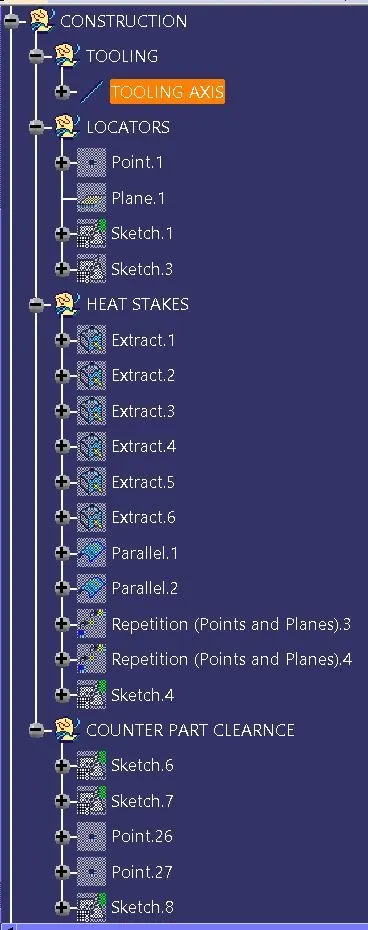
- Point> Plane> Tooling axis> ok.
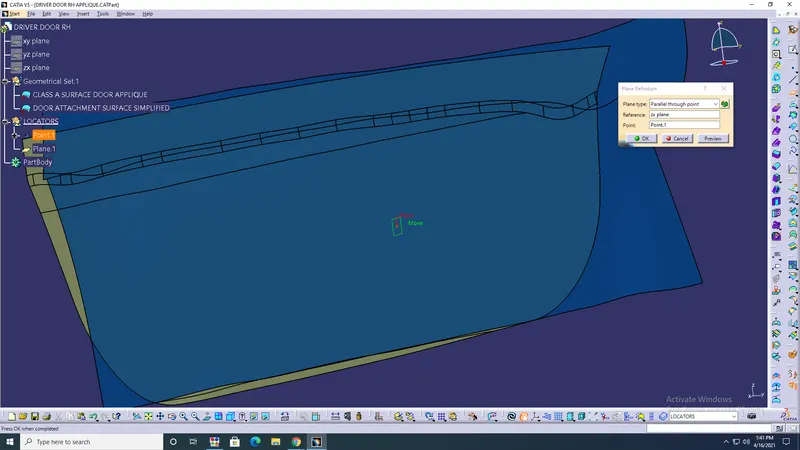
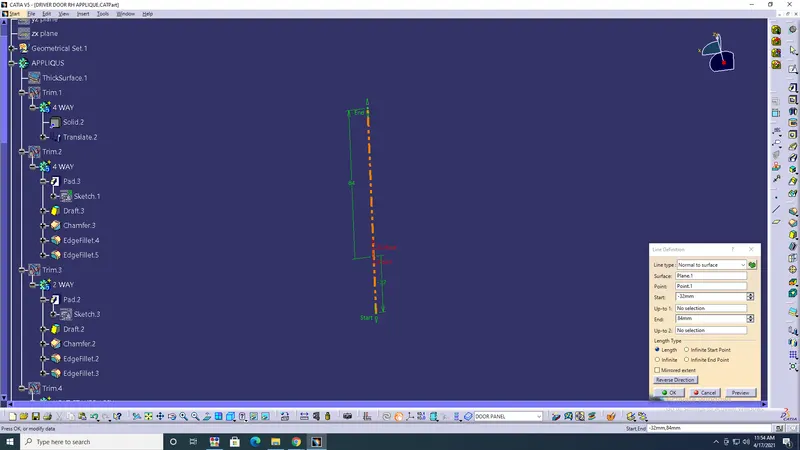
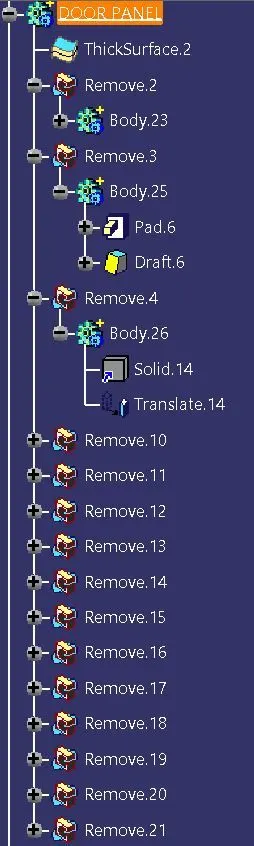
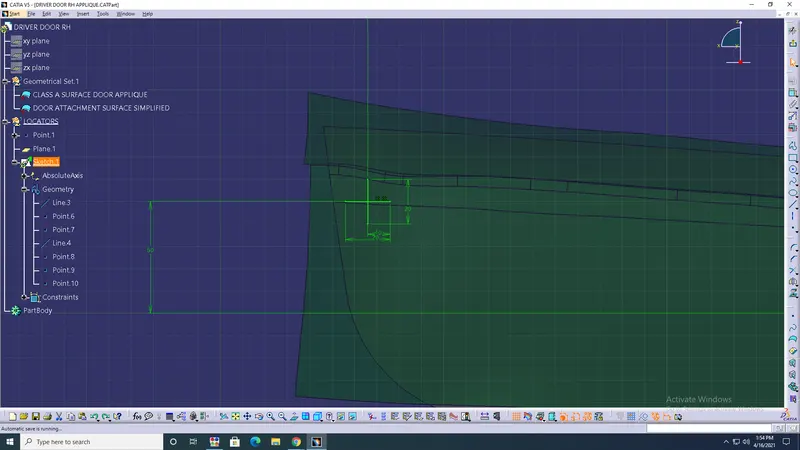
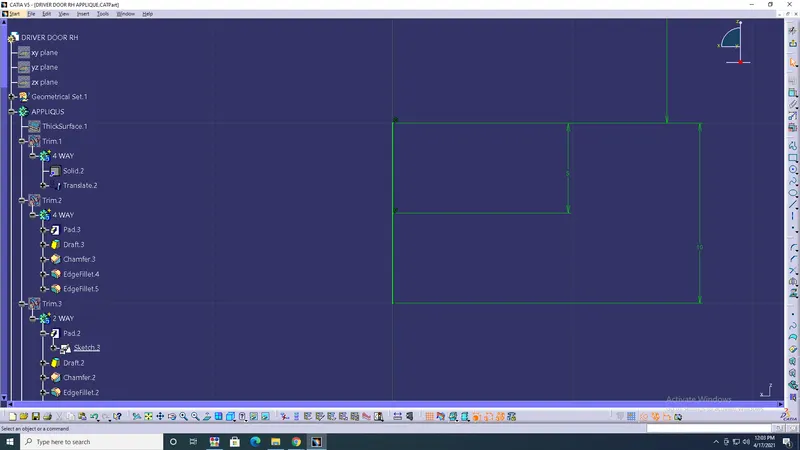
- Sketch> 4 way locator> class A surface Thickness> Pad> Draft> Chamfer> Edge fillets> Untrim> ok.
- Copy> Translate> X=-450, Y=-8, Z=-45.> Untrim> ok.
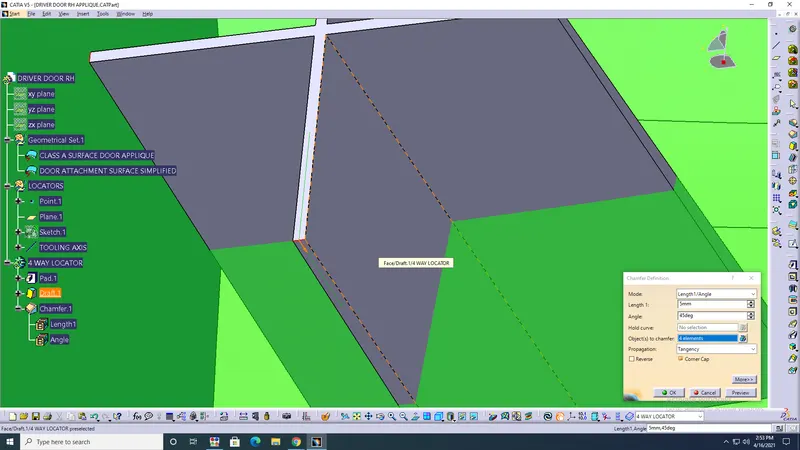
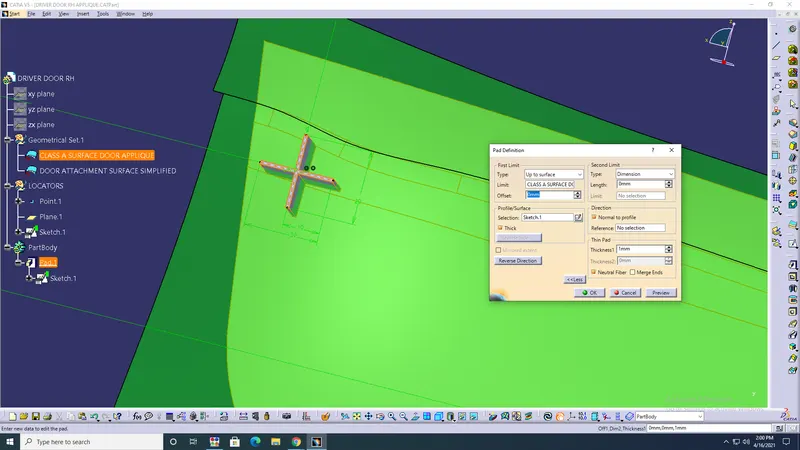
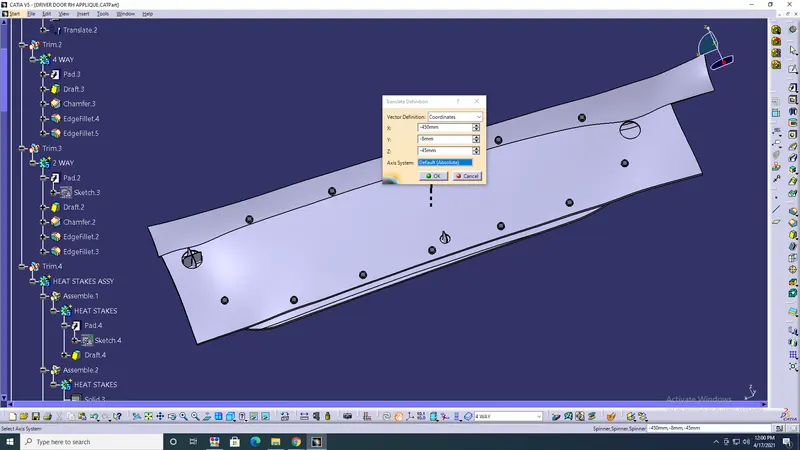
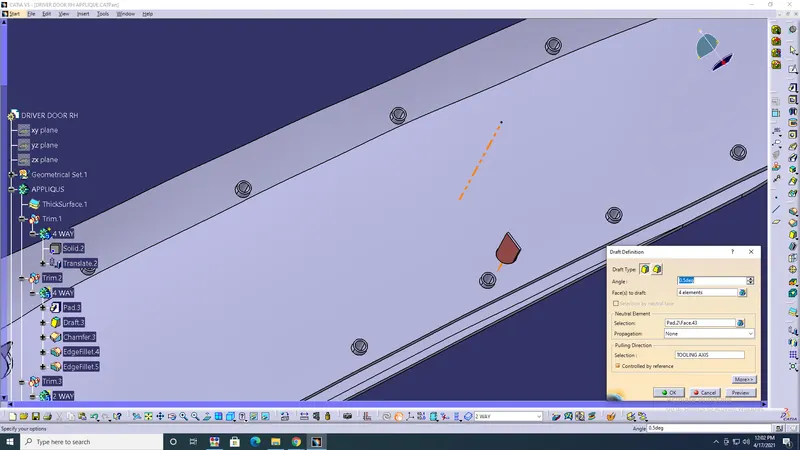
- Sketch> 2 way locator> Pad> Draft> Edge fillets> Chamfer> Untrim> ok.
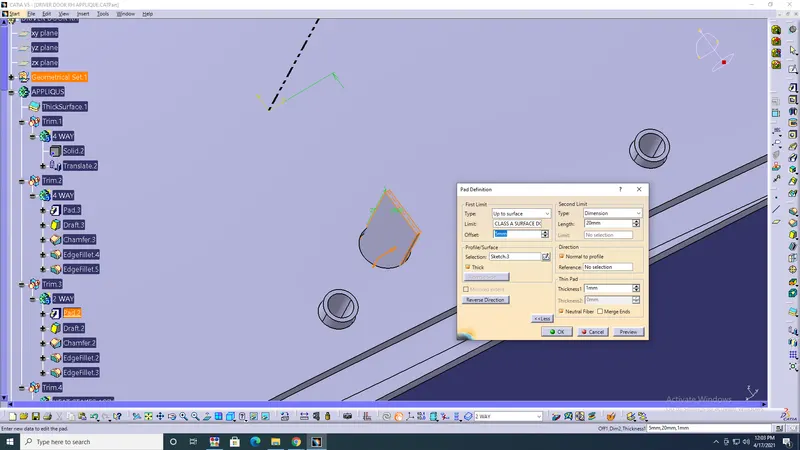
- Extract> Boundary> Parallel Curve> Create Points> Sketch> ok.
- Pad> Draft> Copy> Translate> point to point> Assembly> ok.
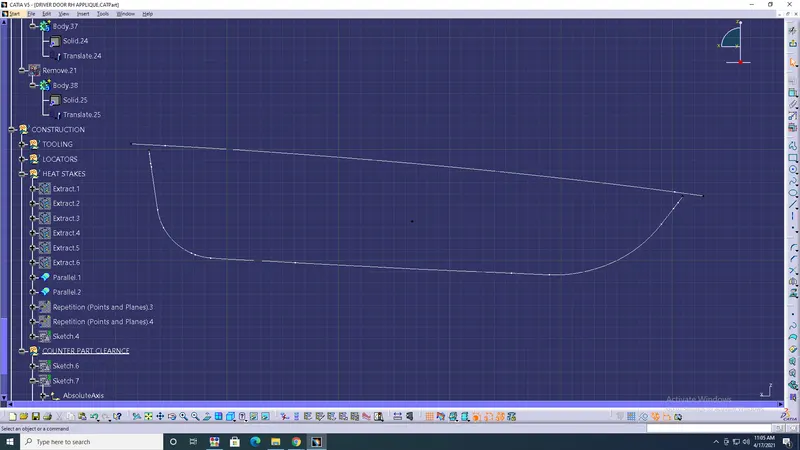
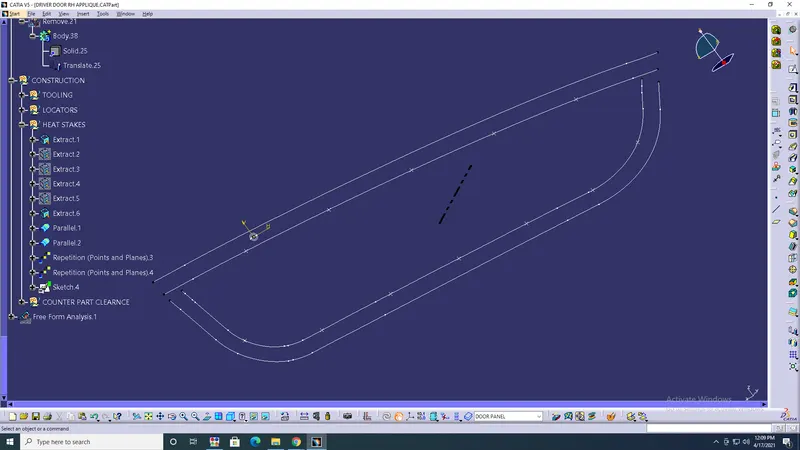
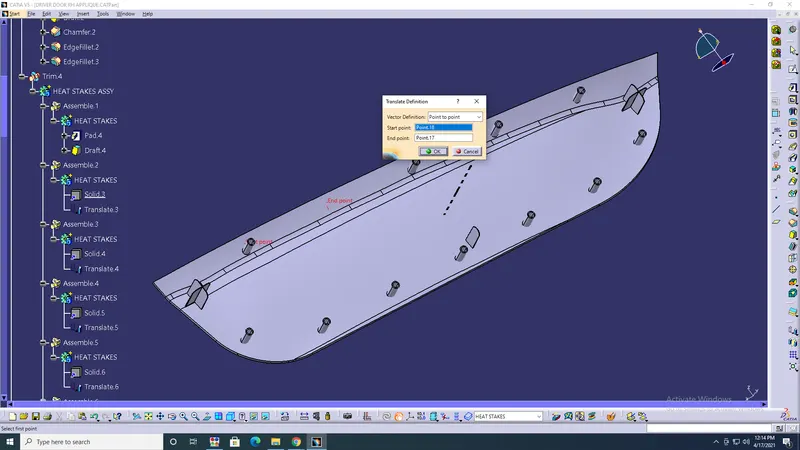
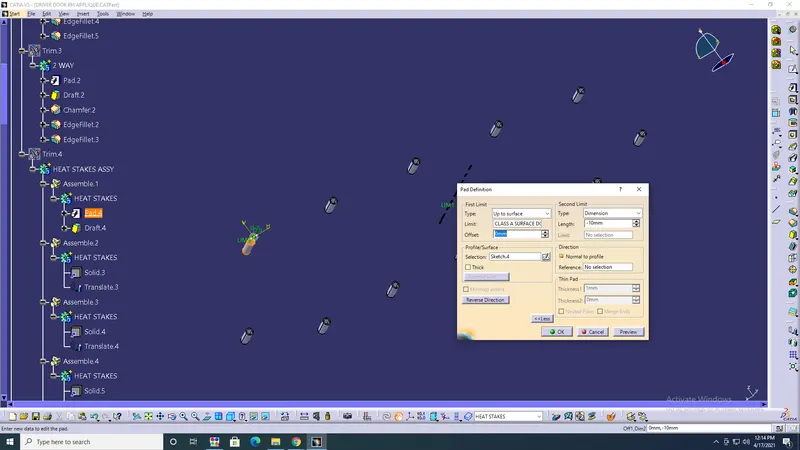
- Counterpart clearance> copied Sketch> 2 way & 4 way> Pad> Draft> Translate> Remove> ok.
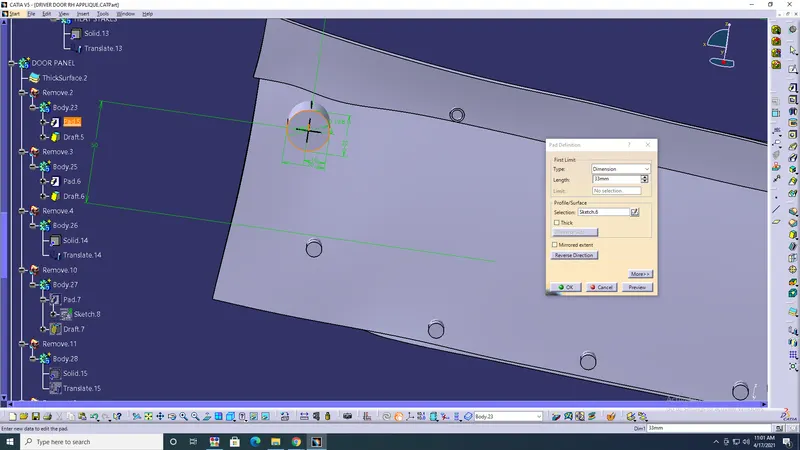
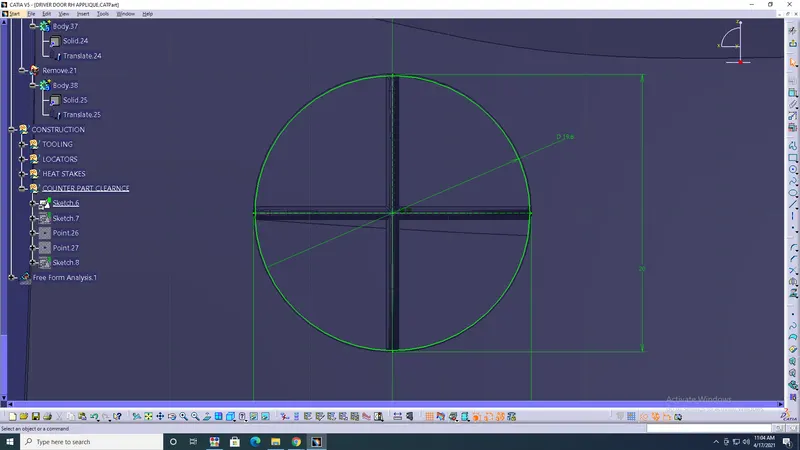
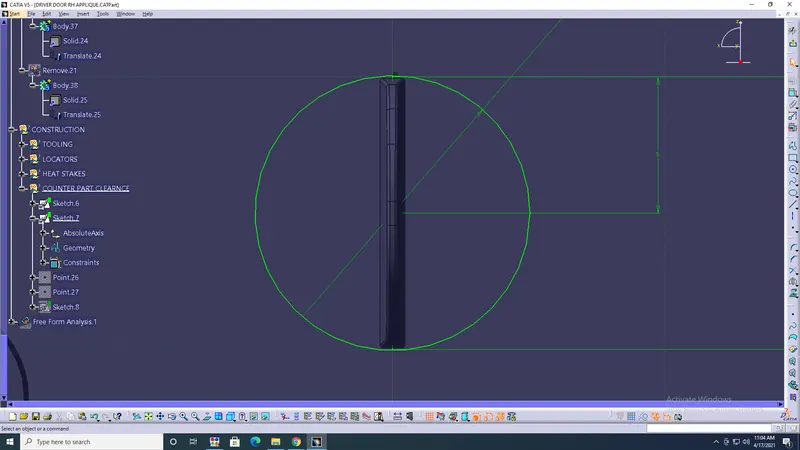
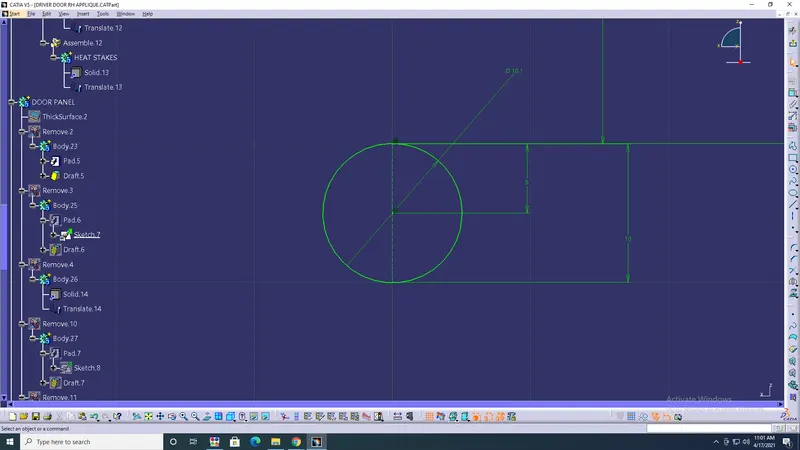
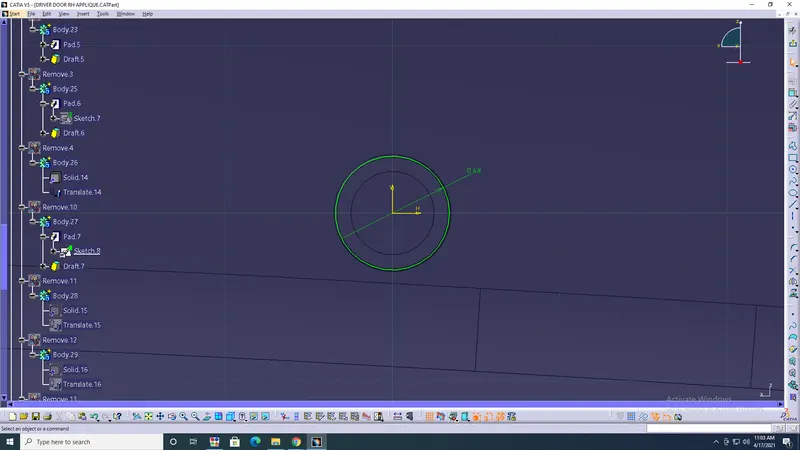
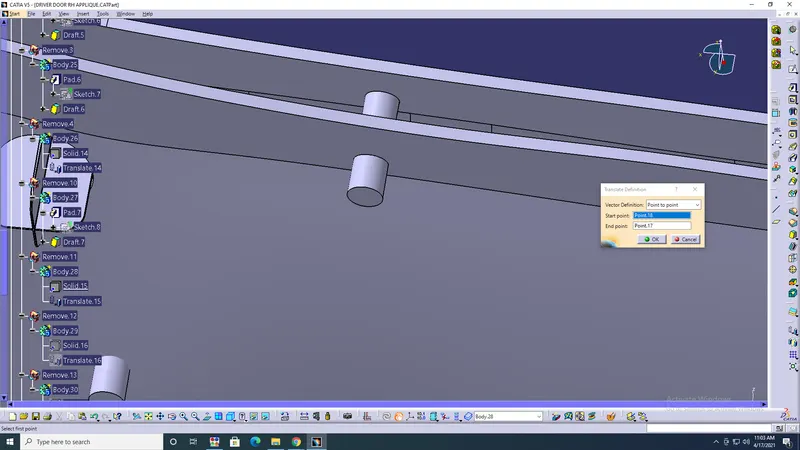
- Heat Staker> copied sketch> Pad> Draft> Translate> point to point> Remove> ok.
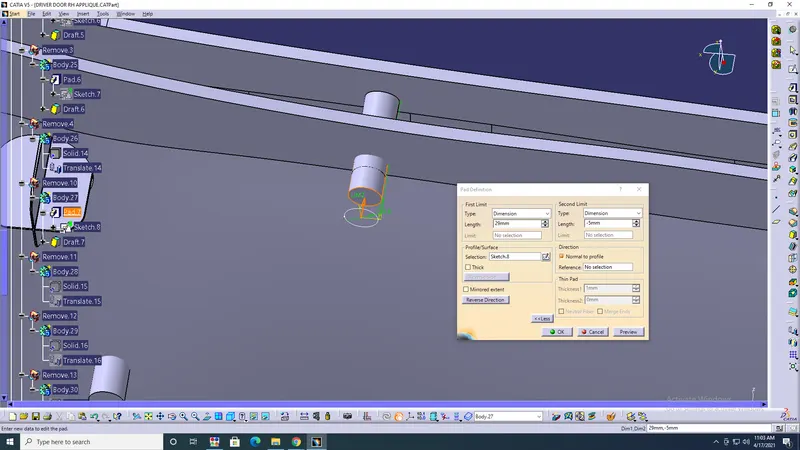
- Draft Analysis
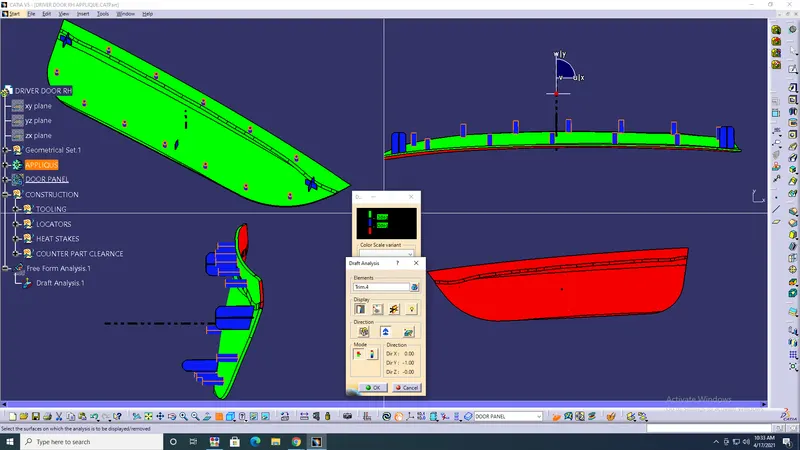
RESULT: From a given surface model, created 2&4 way locators, Heat stakes, and Draft analysis.