Week 8 - Challenge 1 - Draft Analysis on a Fan Cover
AIM: To create a tooling axis for the fan cover model and draft an analysis of the model.
SOFTWARE: Catia v5.
PROCEDURE:
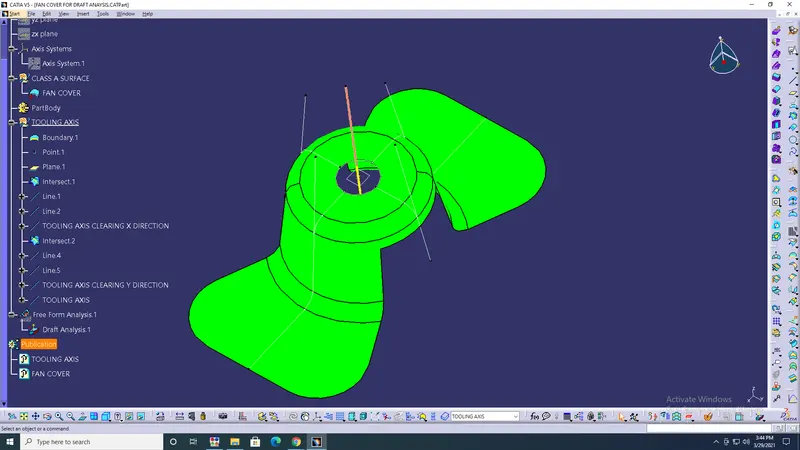
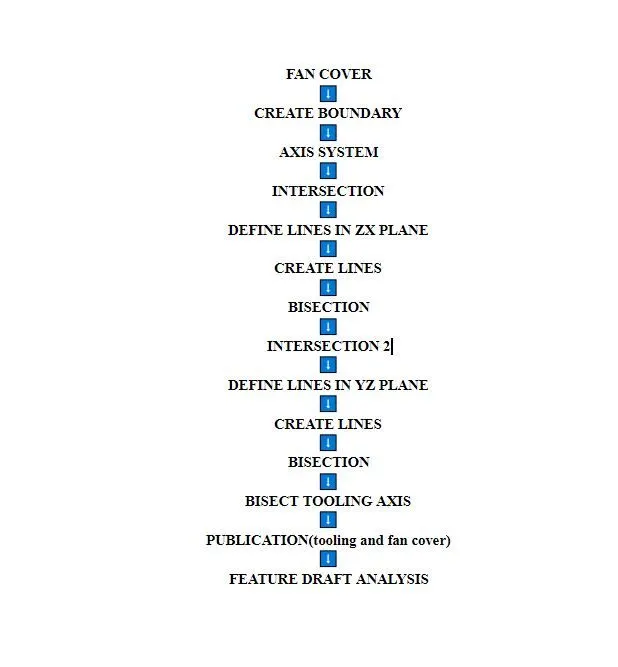
- Insert> Geometrical set rename has Tooling axis> Create a boundary for circle> ok.
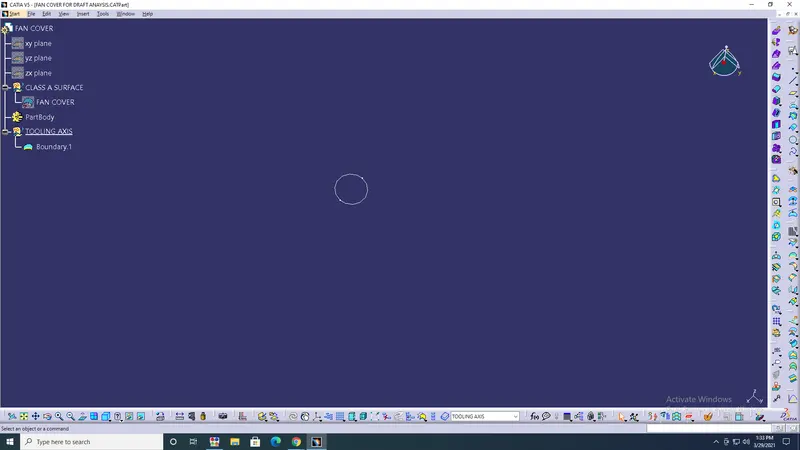
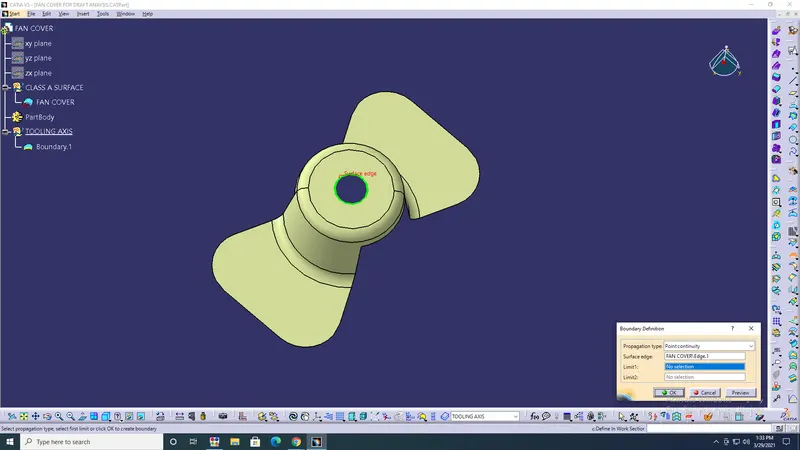
- Create a point and plane at the circle centre.
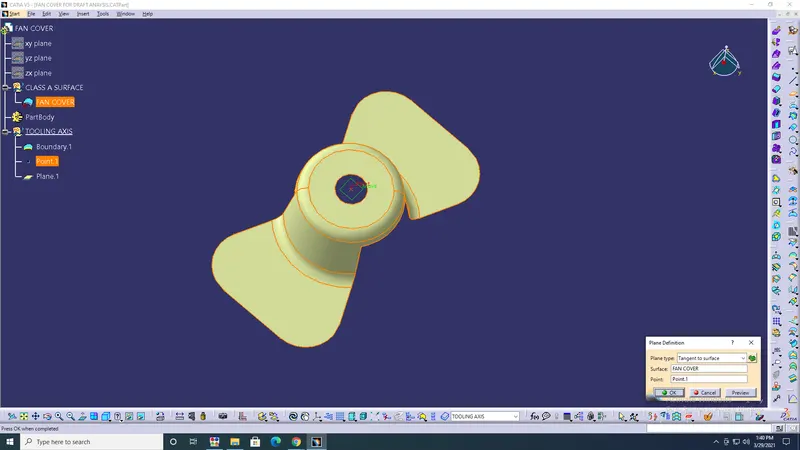
- Axis system> Origin has a point> ok.
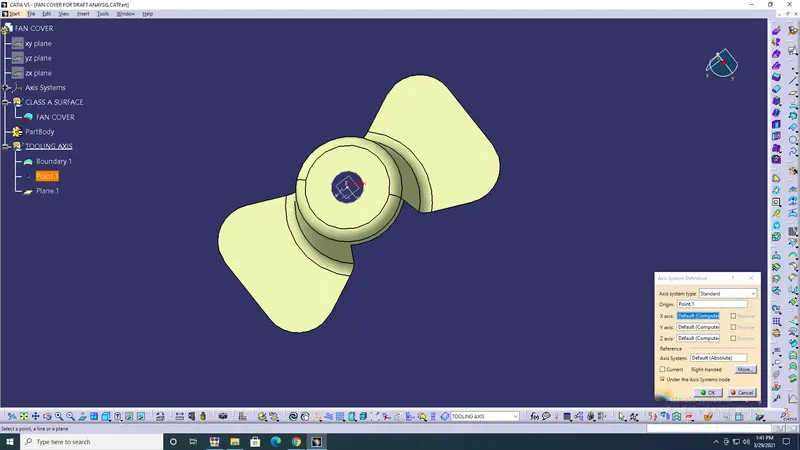
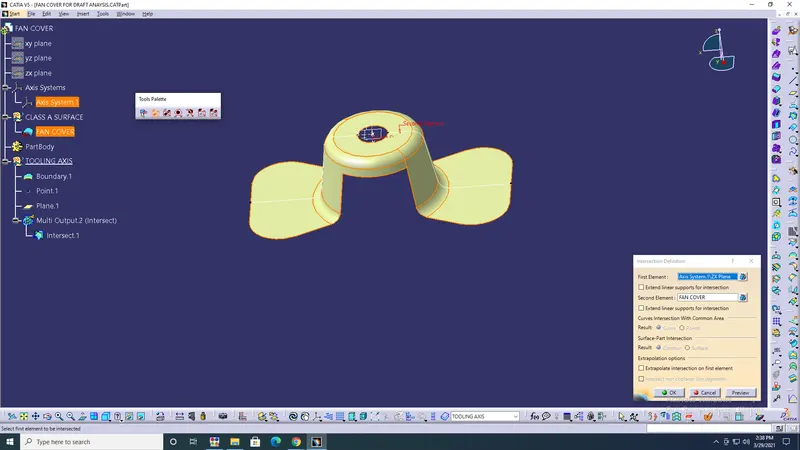
- Intersection Defination> First element has axis system ZX plane & Second element has fan cover> ok.
- Hide all except intersect
- Line defination> create lines on both sides with intersect/vertex> ok.
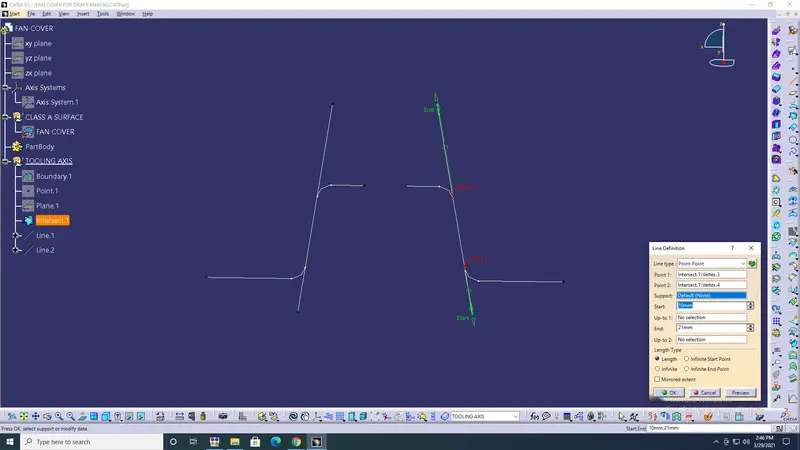
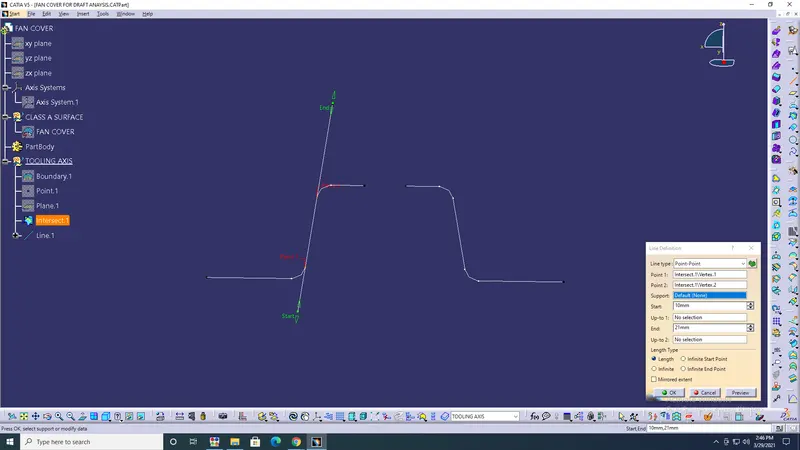
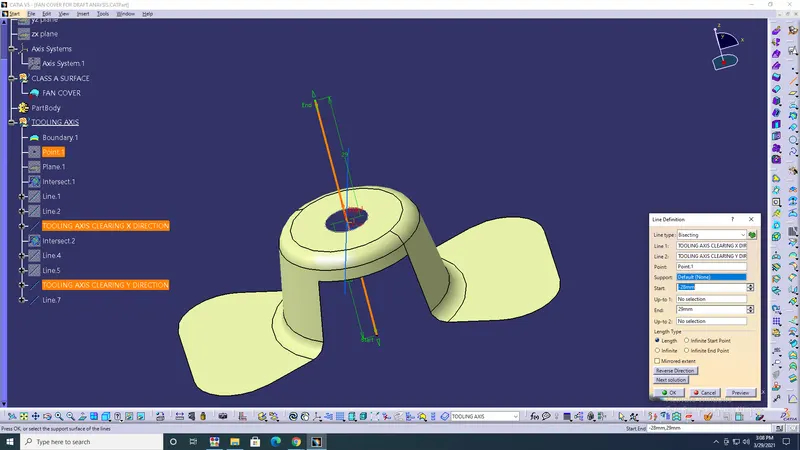
- Line defination> Bisecting> Select line 1&2,point> ok.
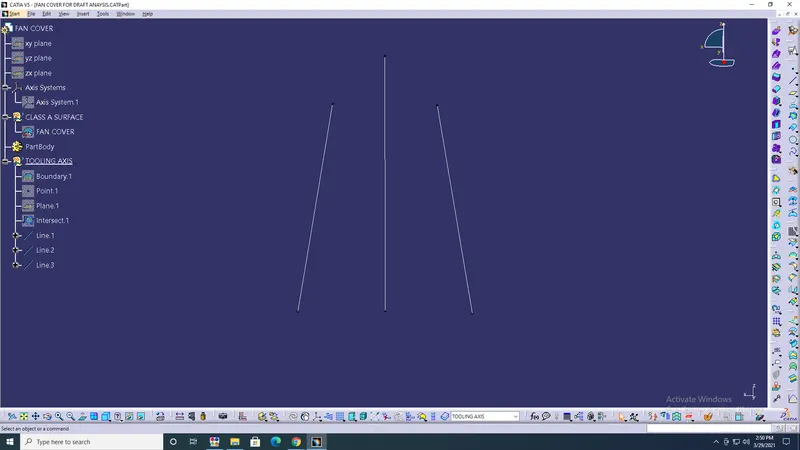
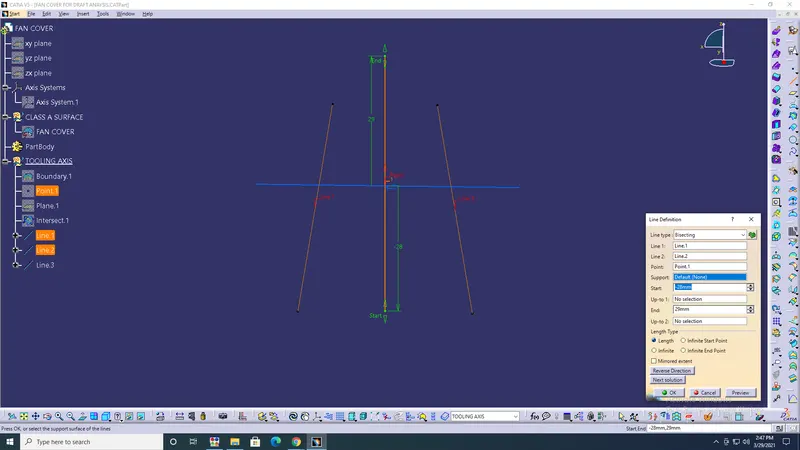
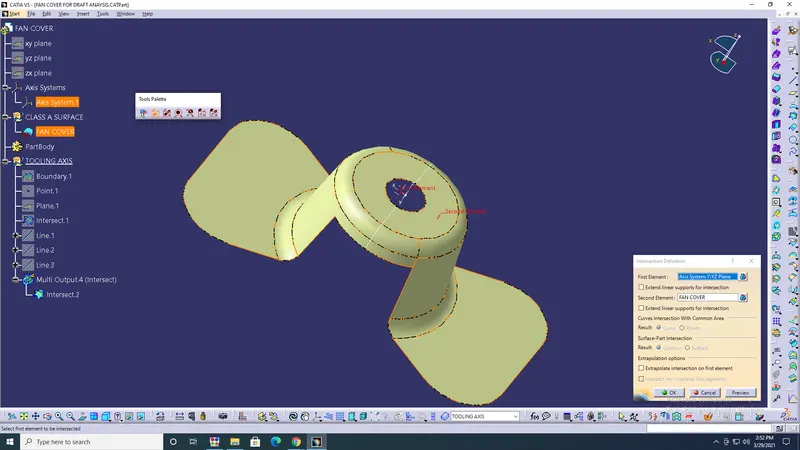
- Intersection Defination> The First element has an axis system YZ plane & the Second element has a fan cover> ok.
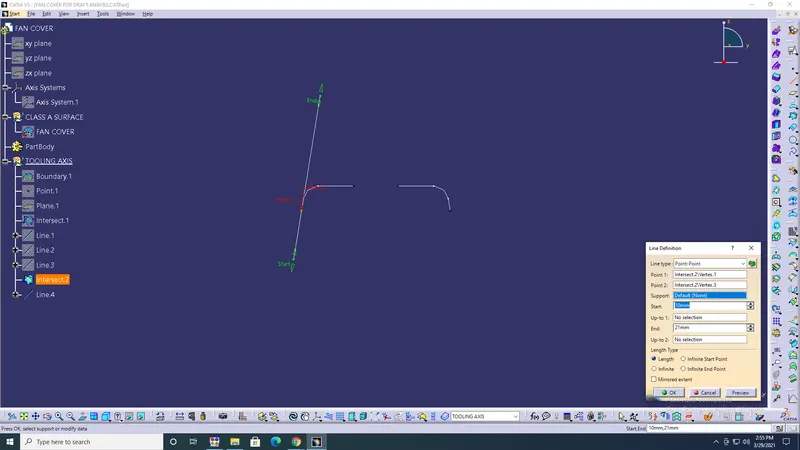
- Line defination> create lines on both sides with intersect/vertex> ok.
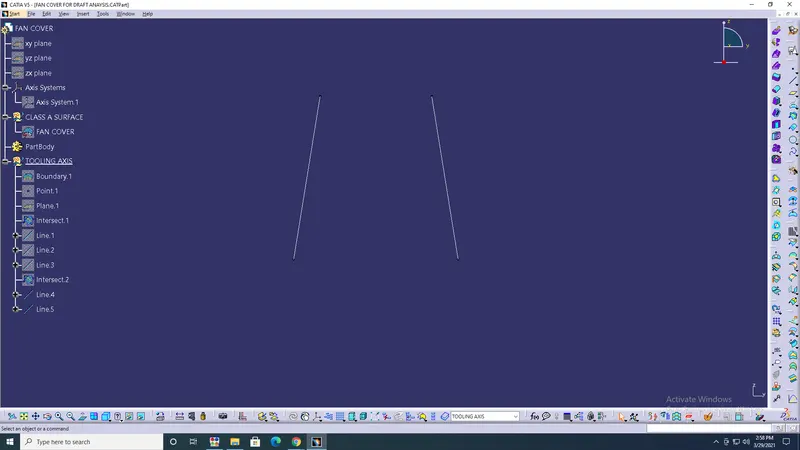
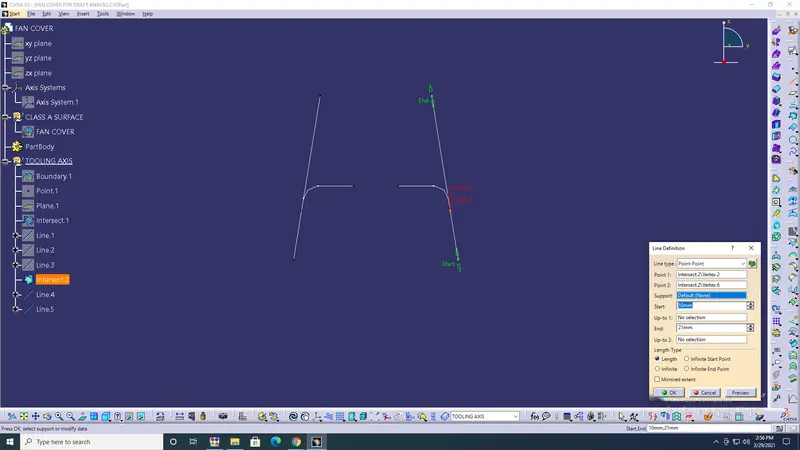
- Line defination> Bisecting> Select line 3&4,point> ok.
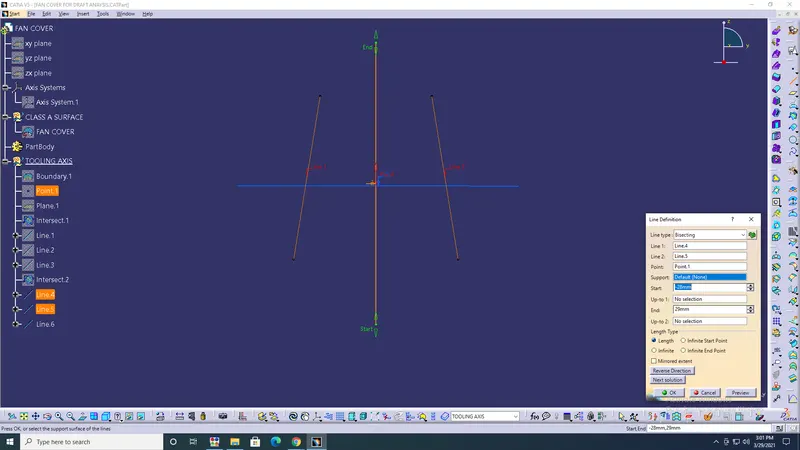
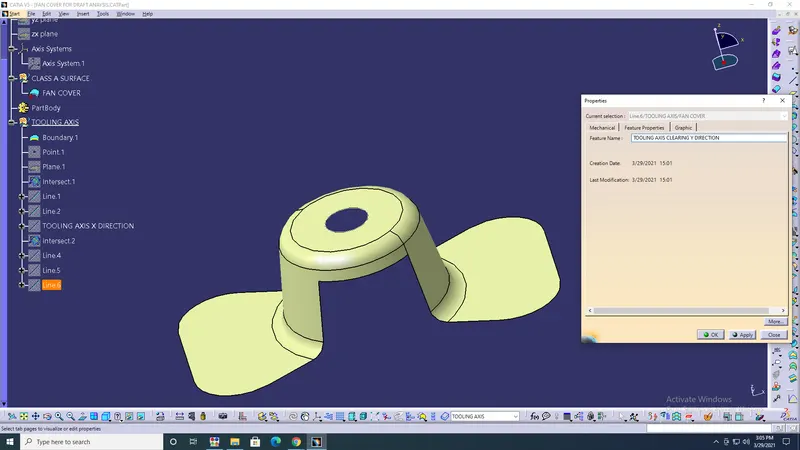
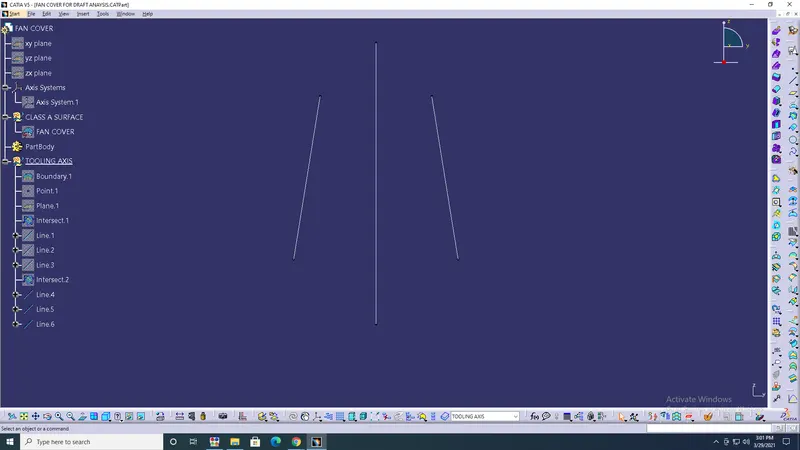
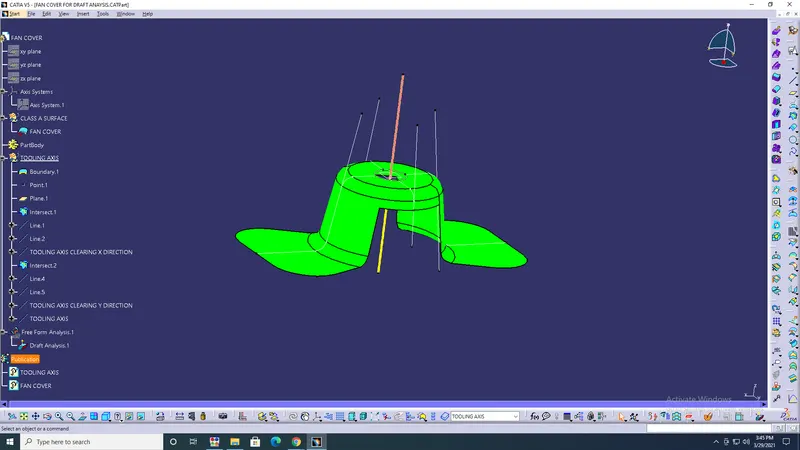
- Line defination> Bisecting> Tooling X direction & Tooling Y direction & Point> ok.
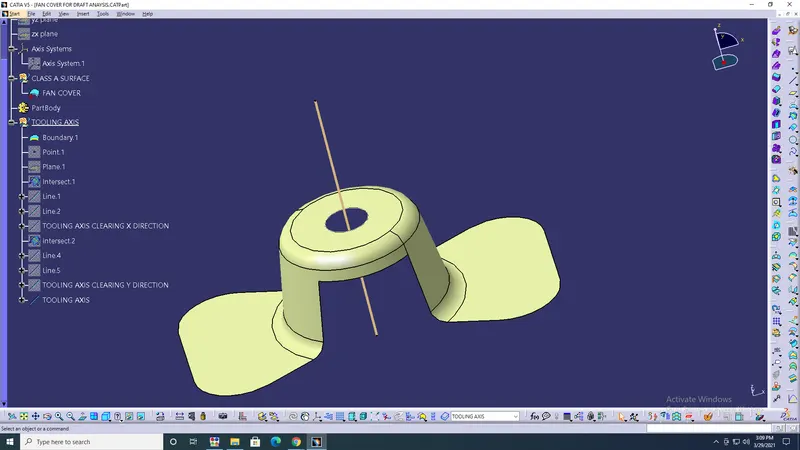
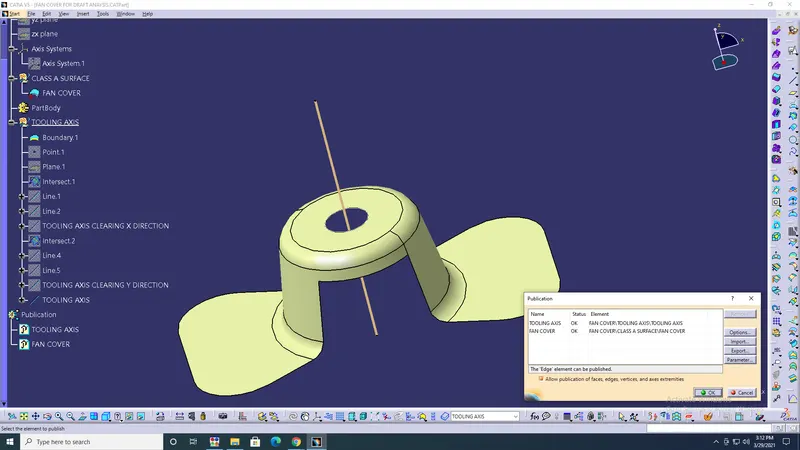
- Tools> Publication> Tooling axis & fan cover> ok.
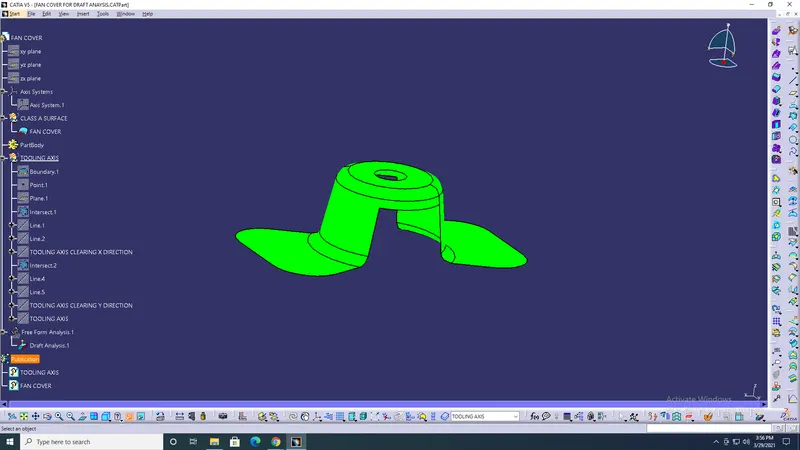
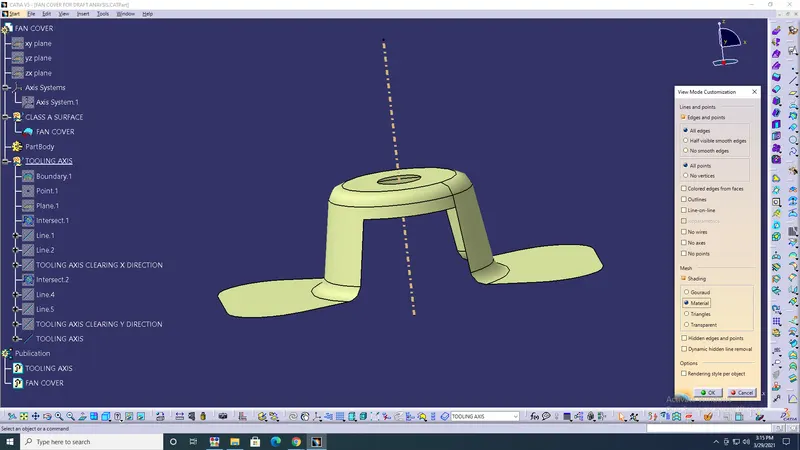
- Coustamize view parameters> Select material option> ok.
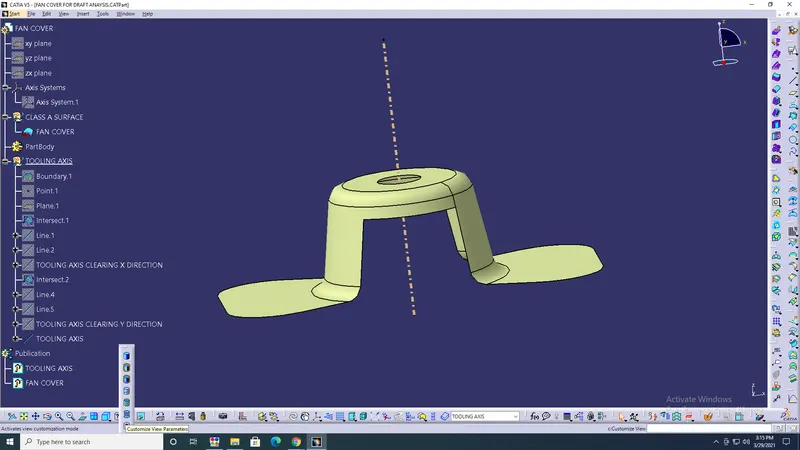
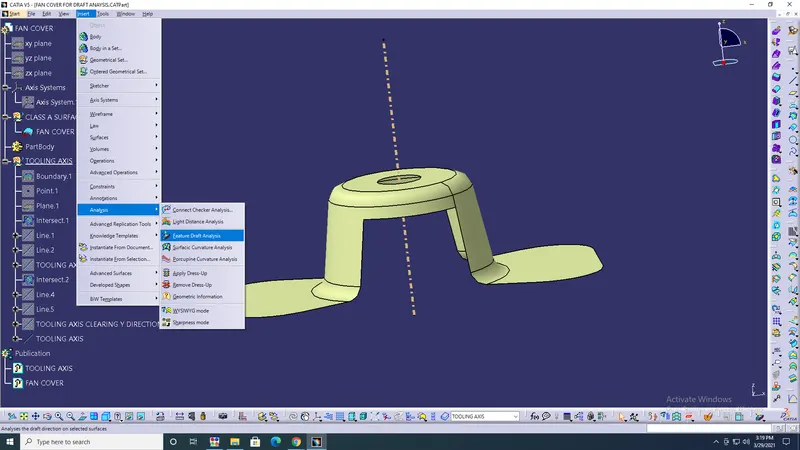
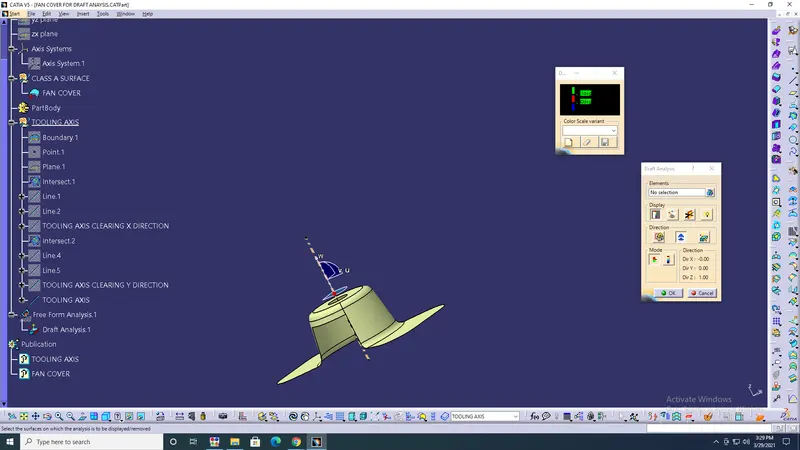
- Insert> Analysis> Feature draft analysis> ok.
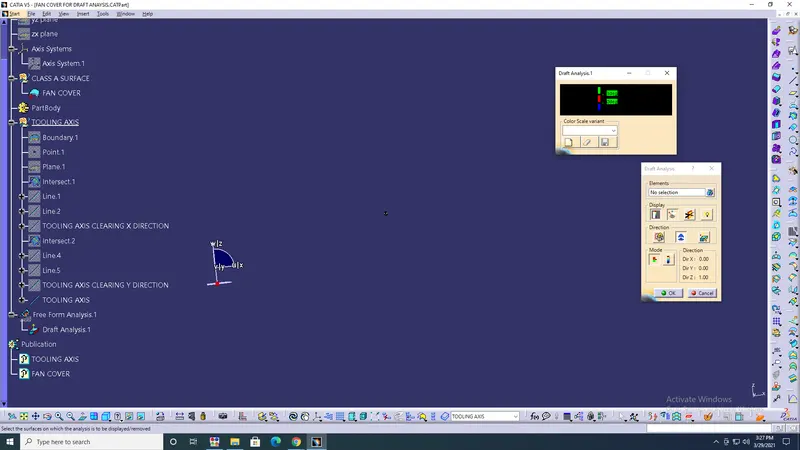
- Then draft analysis diagonal box will open> Compass> Zoom out and select redpoint on compass > Drag to fan cover bisecting line.
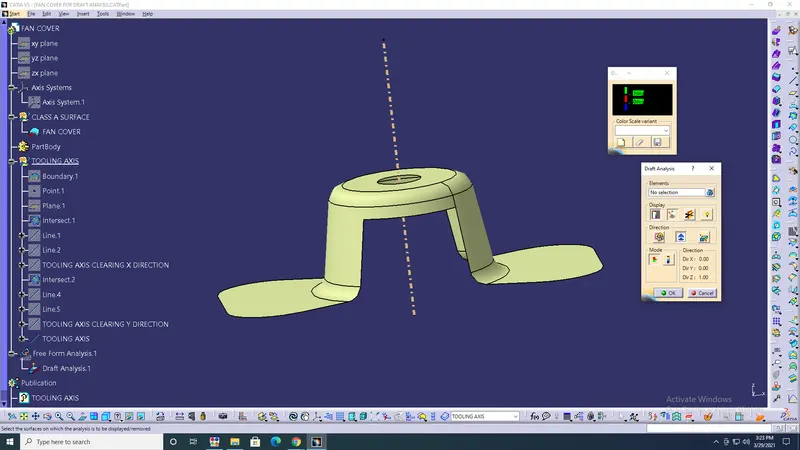
- Lock the compass> Select on the surface of the fan cover> The colour will change.
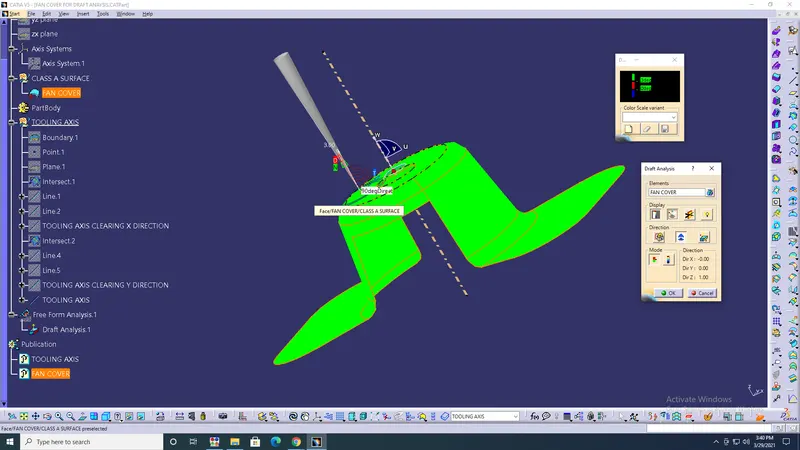
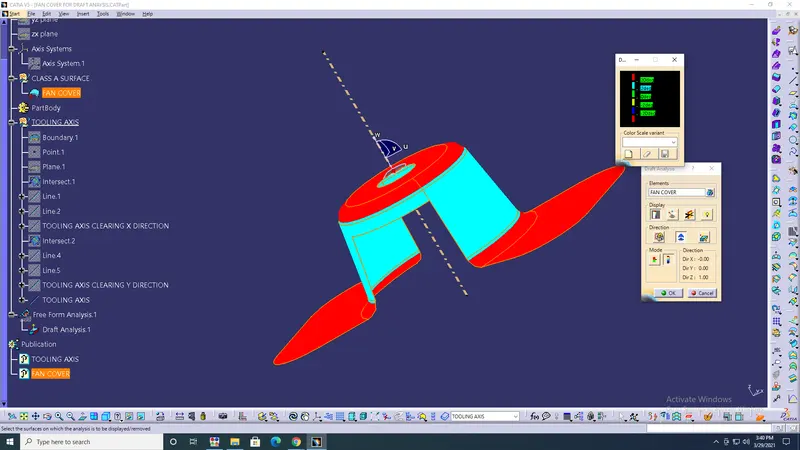
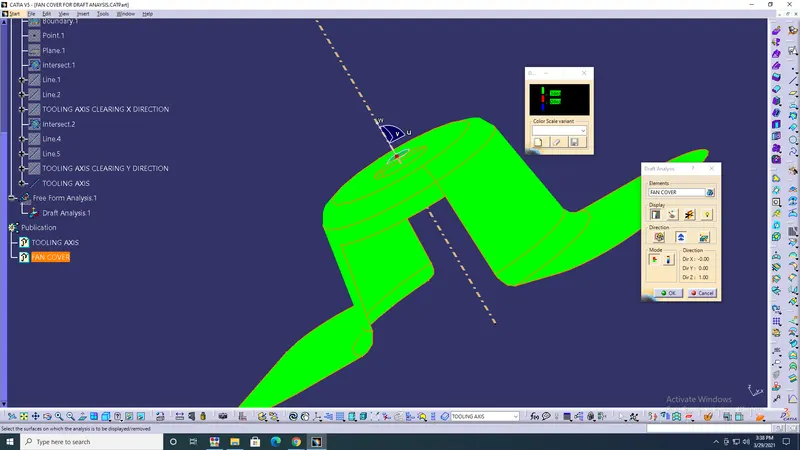
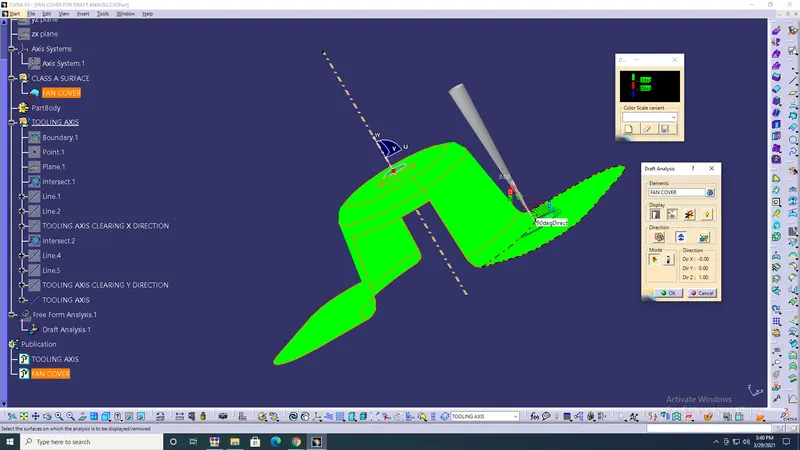
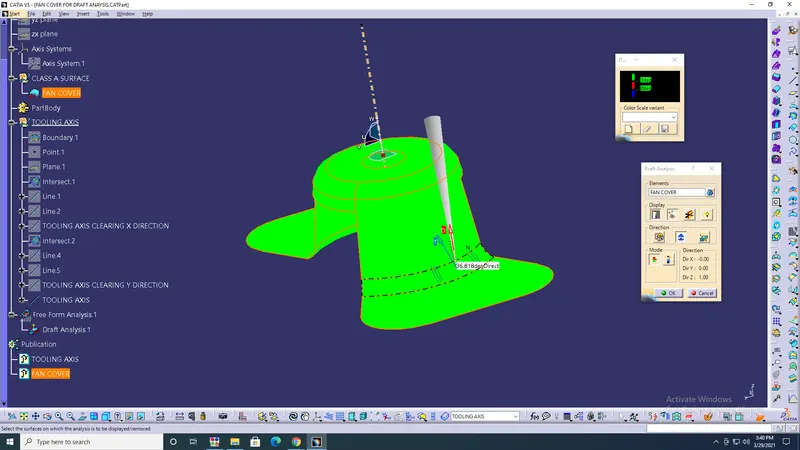
RESULT: In plastic automotive design, the draft should be between 0 to 3degree only.