Week 8 - Challenge 4 - Coin Holder Design
AIM: To create class B&C surface from given class A surface Coin holder with Tooling axis and Draft analysis.
SOFTWARE: CATIA v5.
COMMANDS:
- Menu> Shape> Generative shape design.
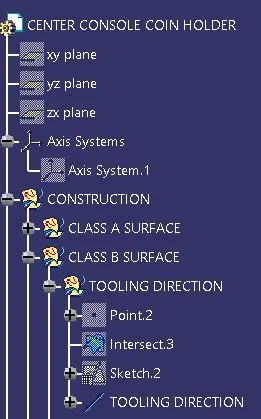
- class A surface> Coin holder.
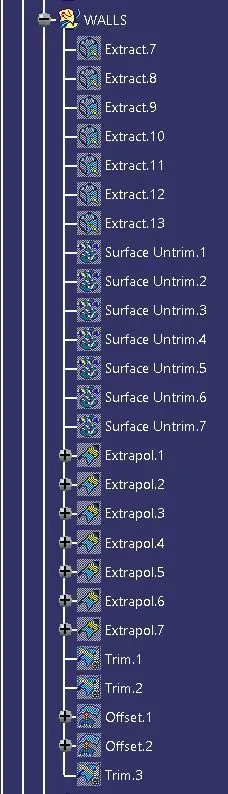
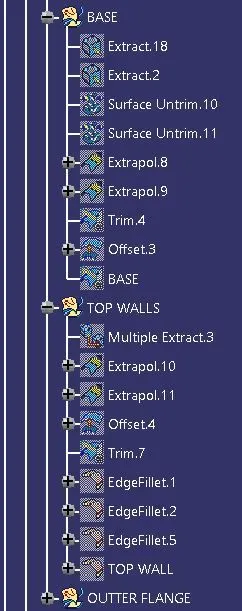
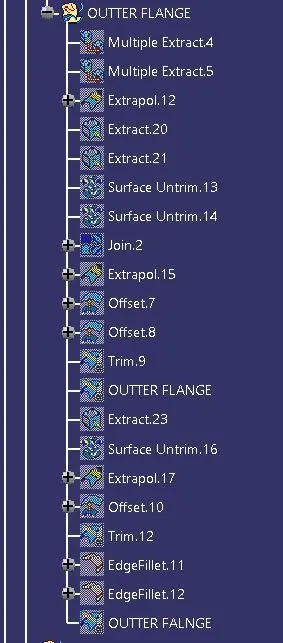
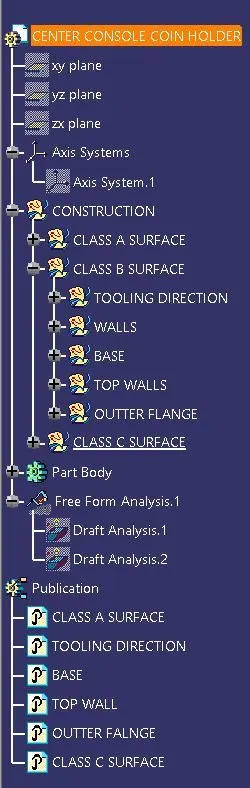
- class B surface> Tooling direction> Walls> Base> Top walls> Outer flange.
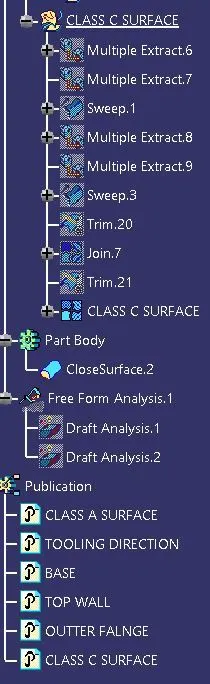
- class C surface> Sweep> Trim> Join.
- Draft analysis.
- Publication> class A surface> Tooling direction> Walls> Base> Top walls> Outer walls.
PROCEDURE:
- Create> Intersect> Point> Axis system> mid Line> Tooling direction> Draft analysis> ok.
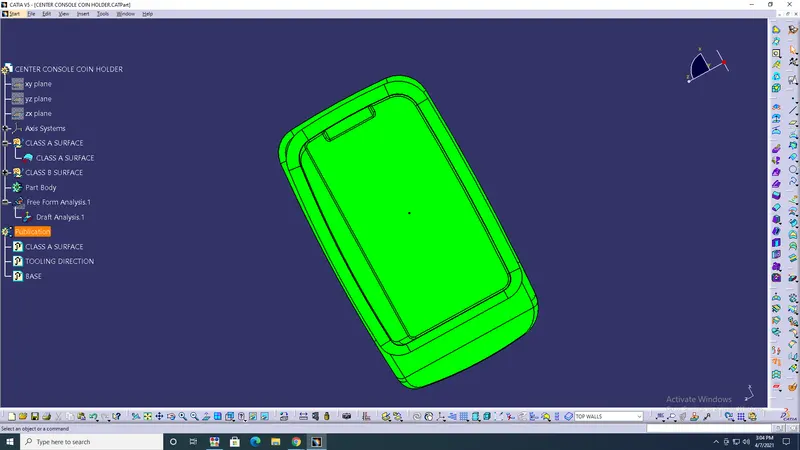
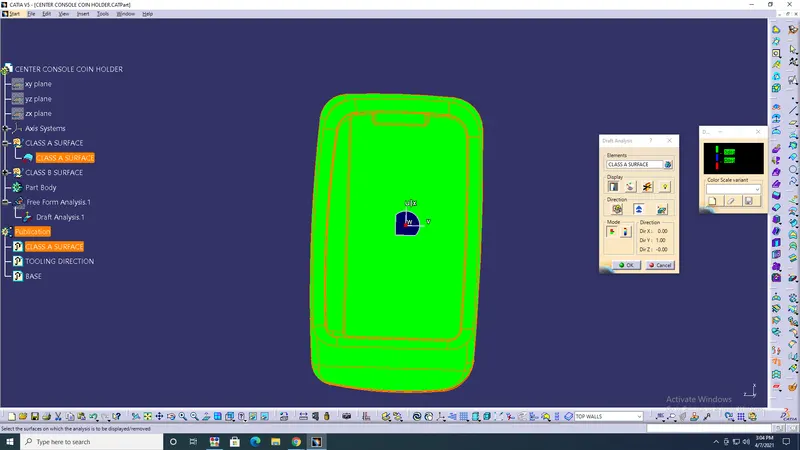
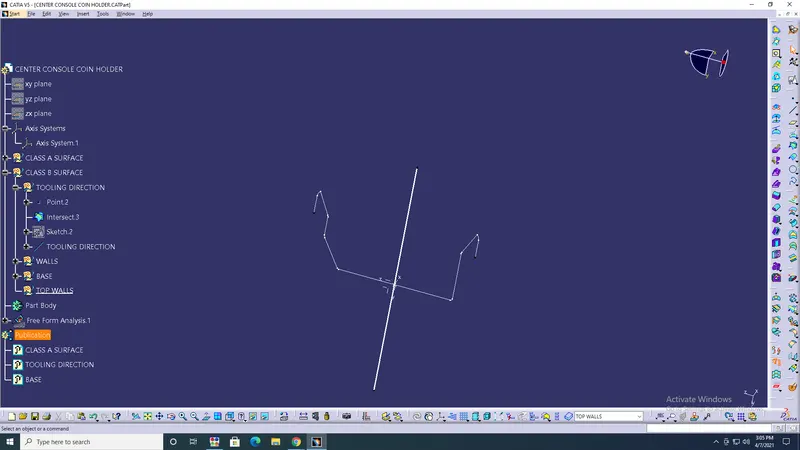
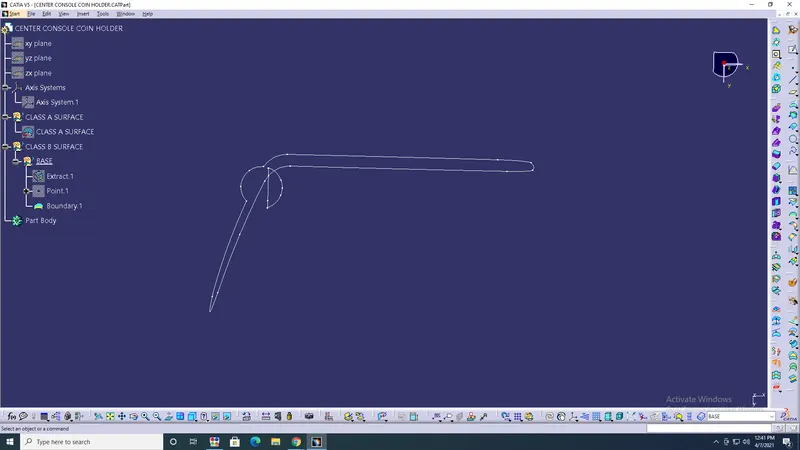
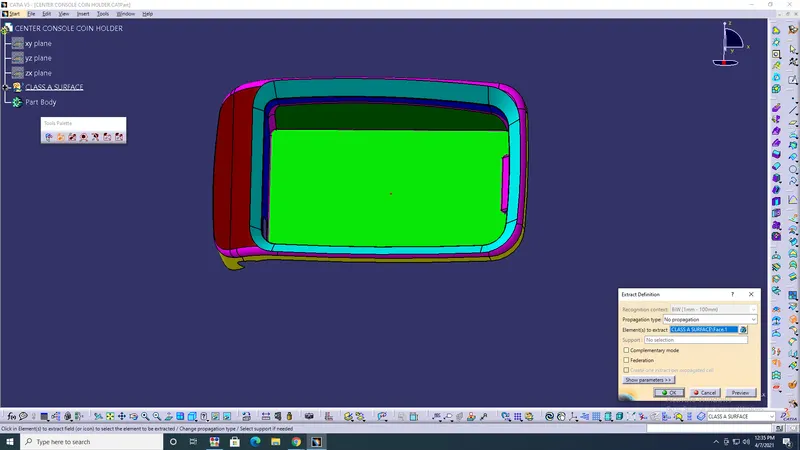
- Extract> Surface untrim> Extrapolate> Offset> Trim> ok.
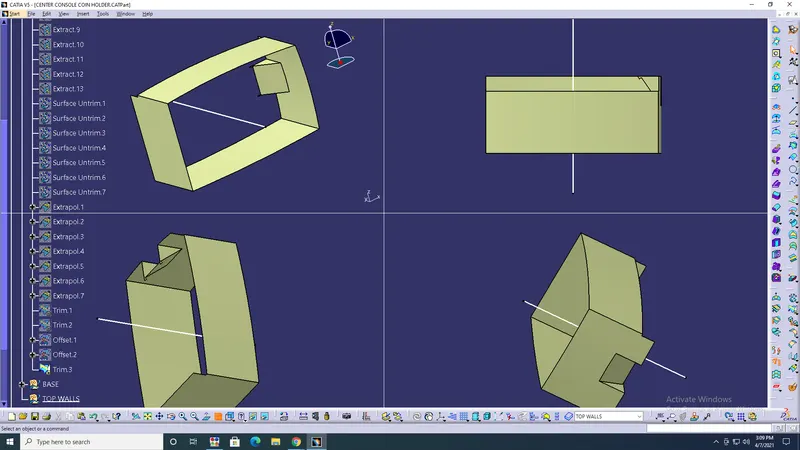
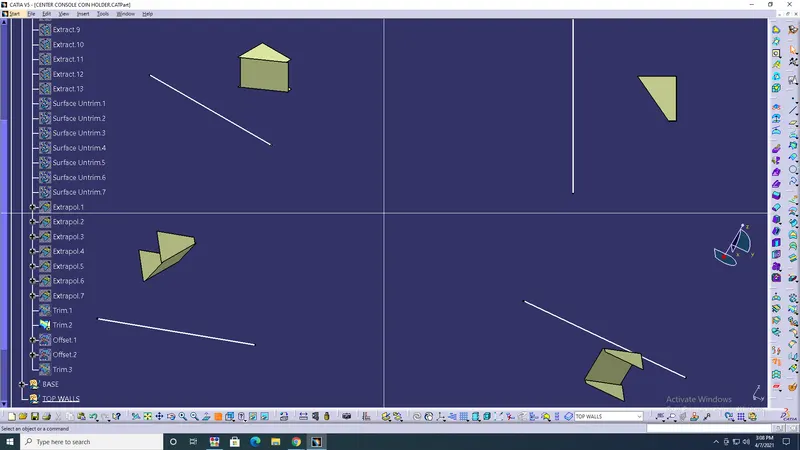
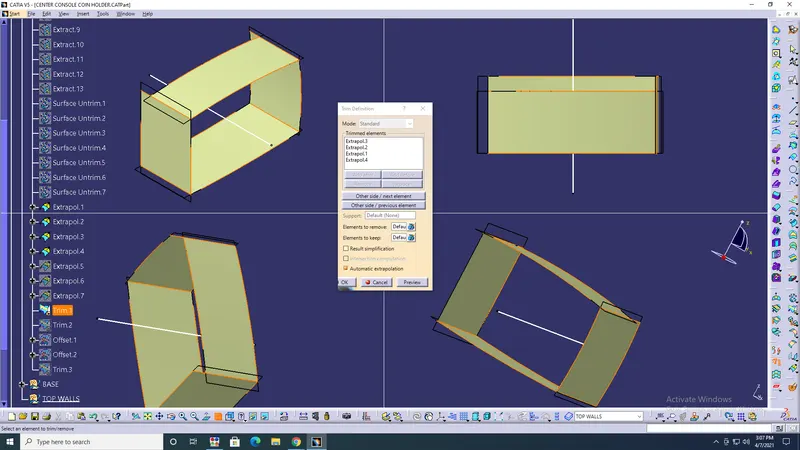
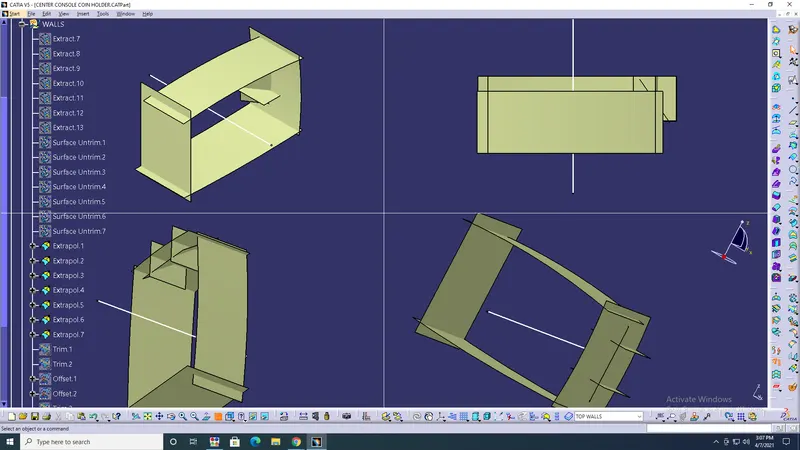
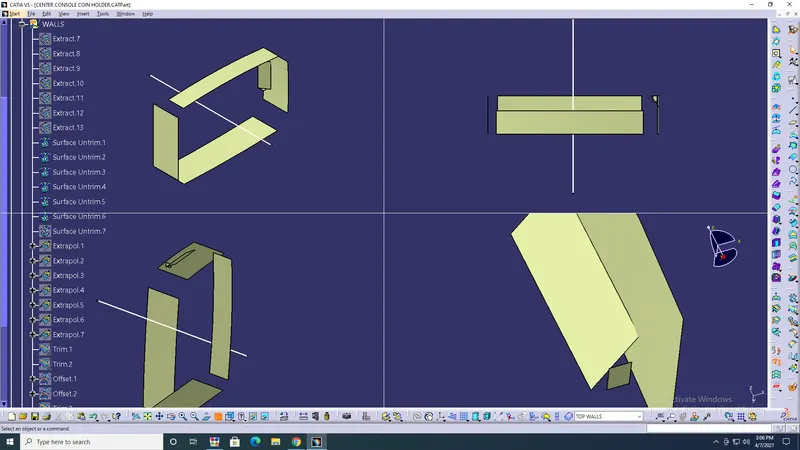
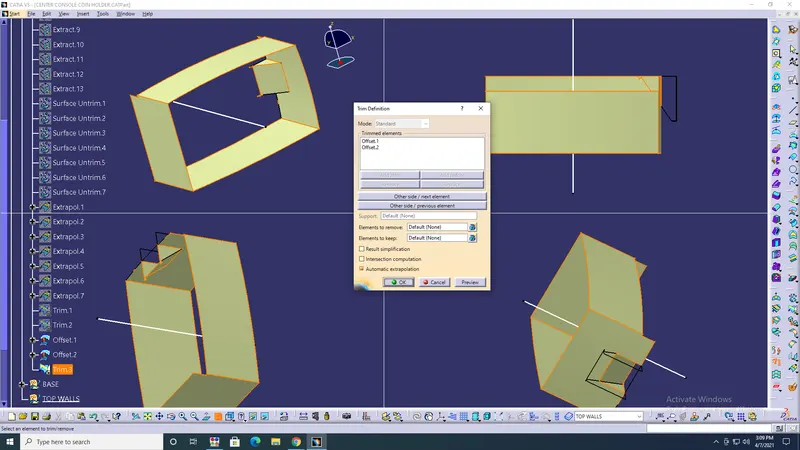
- Create> Extract> Surface untrim> Extrapolate> Trim> Offset> Join> Base with walls> ok.
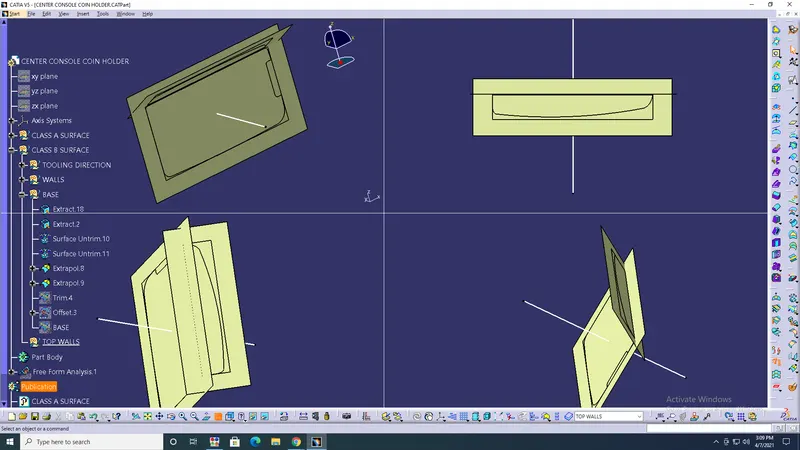
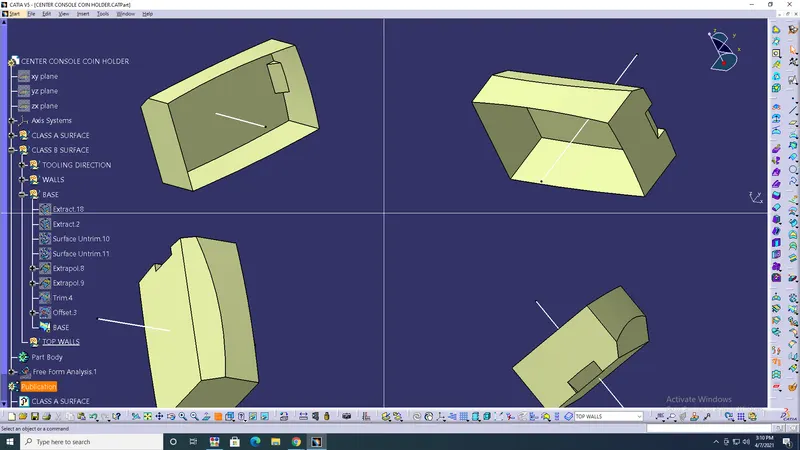
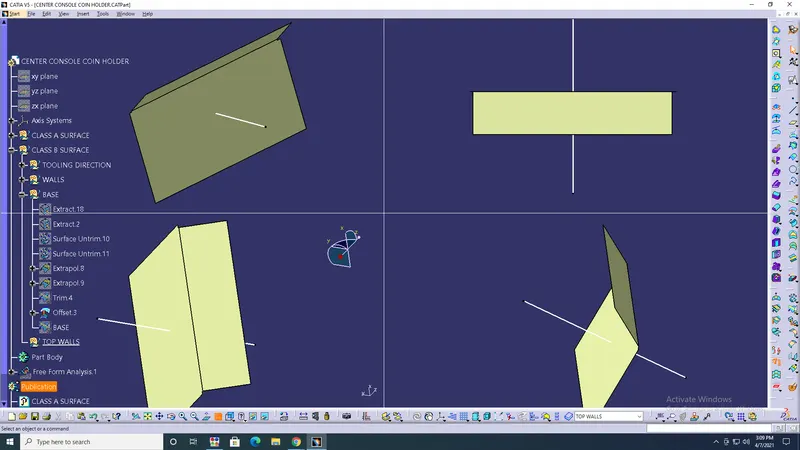
- Top wall> Multi section> Extract> Extrapolate> Trim> with base and wall sections> ok.
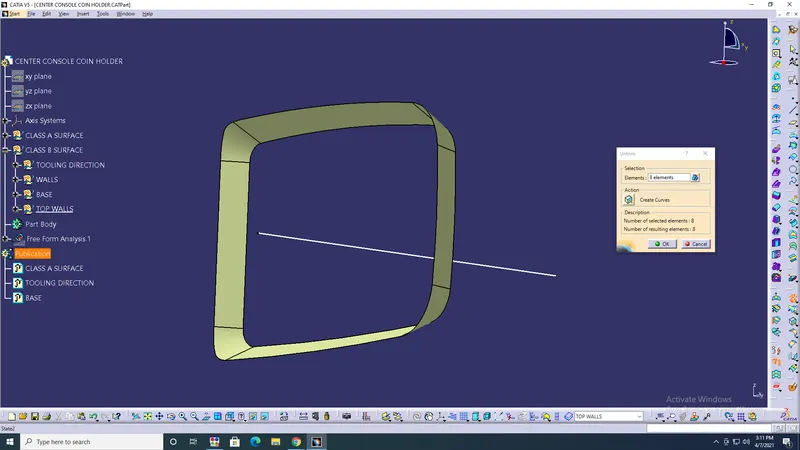
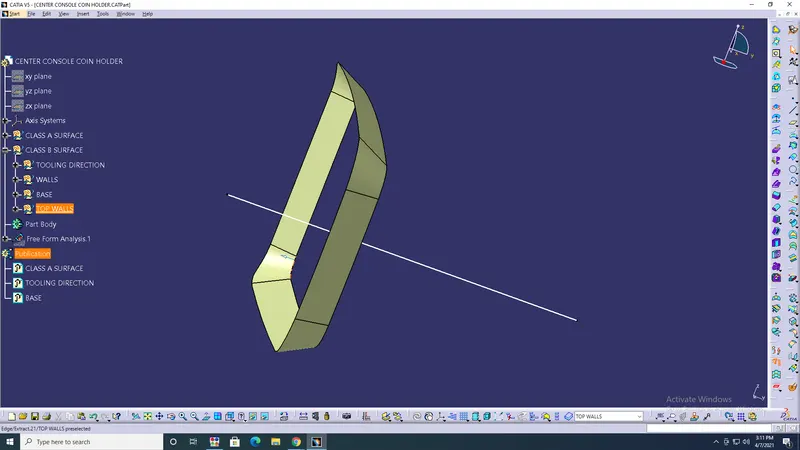
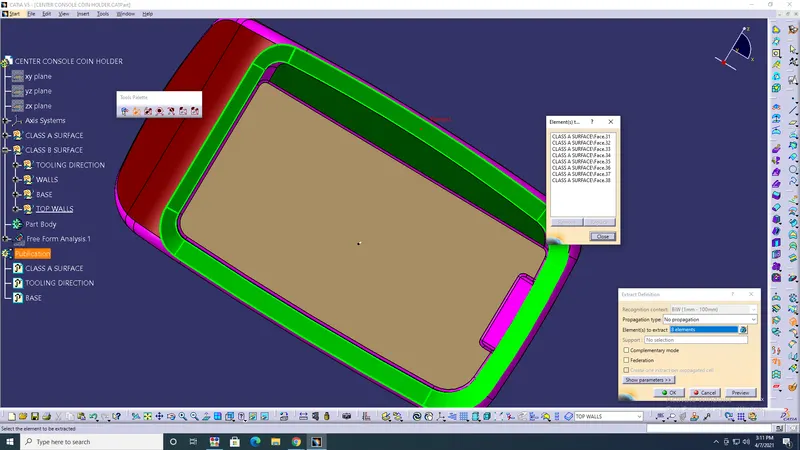
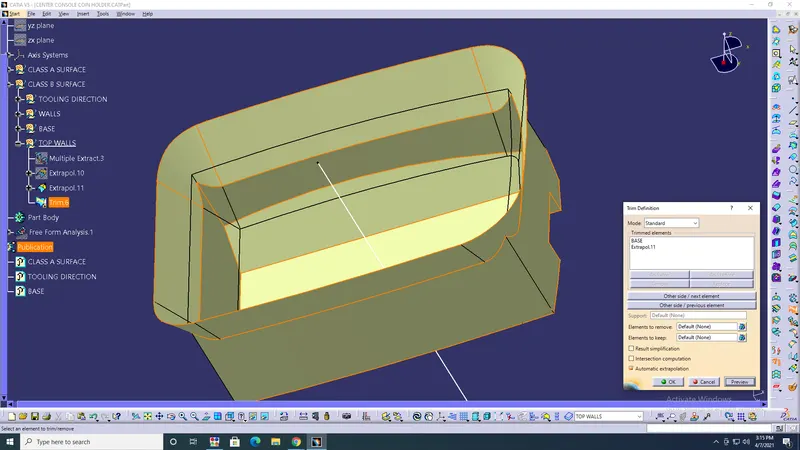
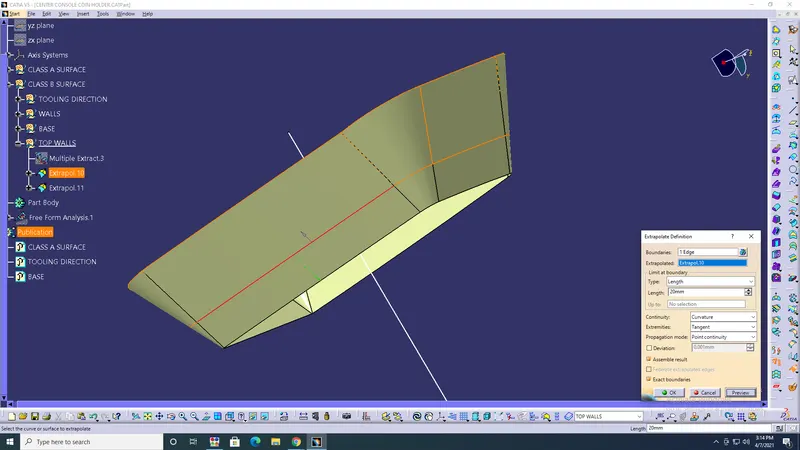
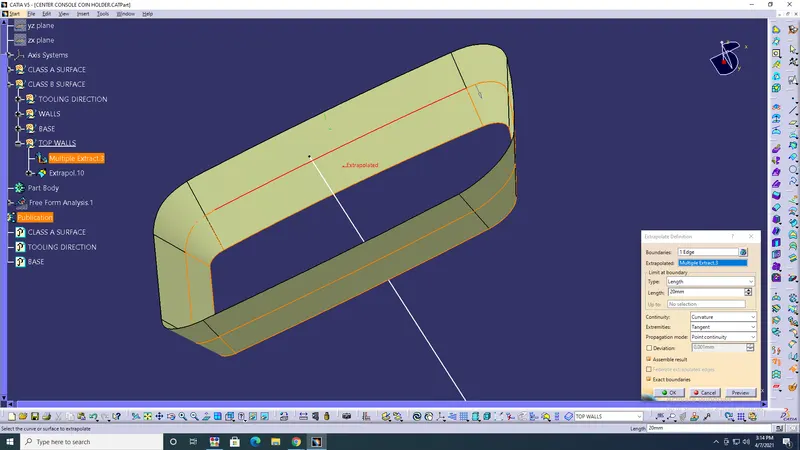
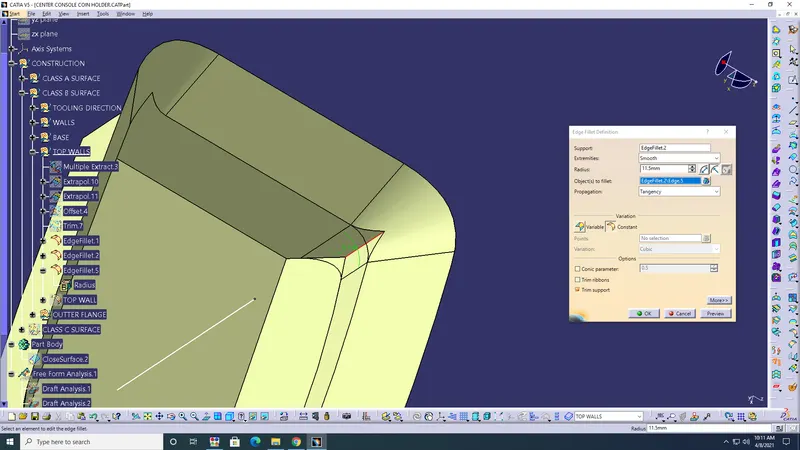
- Edge fillets> Top> 2mm> Base surface> 1mm> ok.
- Walls> Edge fillets> ok.
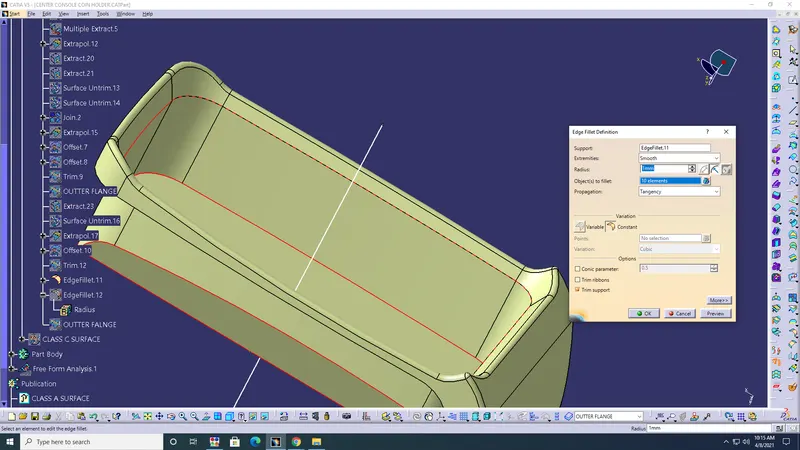
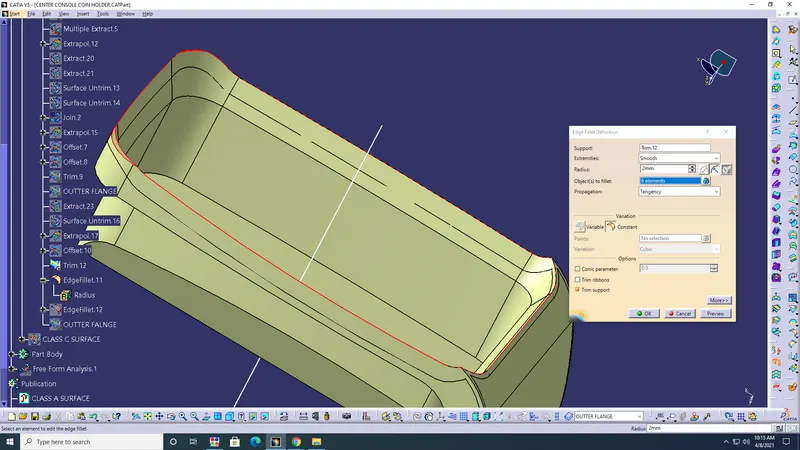
- Outer flange> Extract> Surface untrim> Extrapolate> Join> Boundary> Offset> Trim> ok.
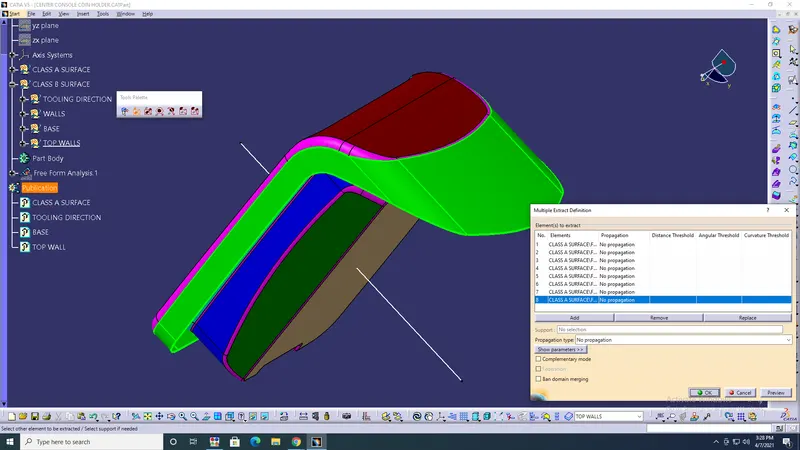
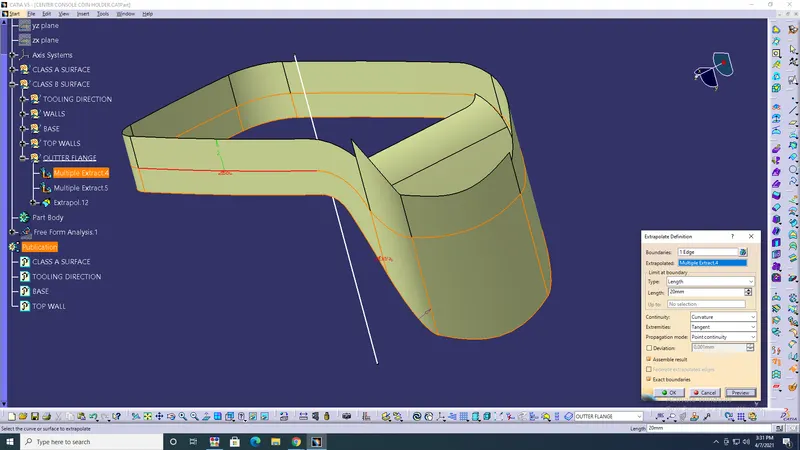
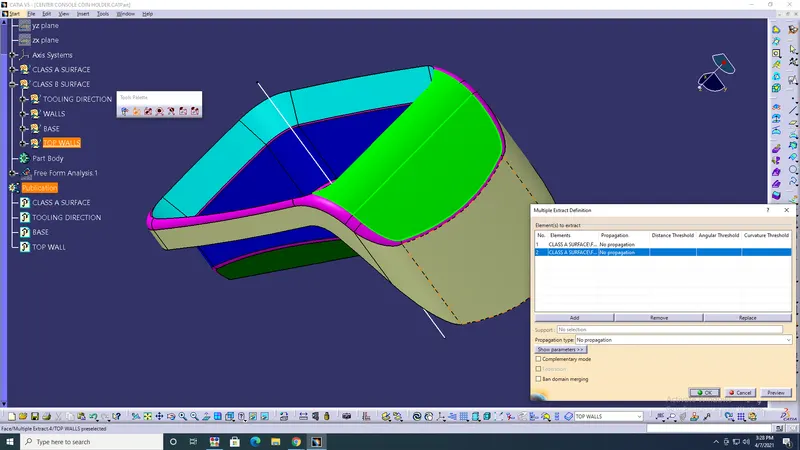
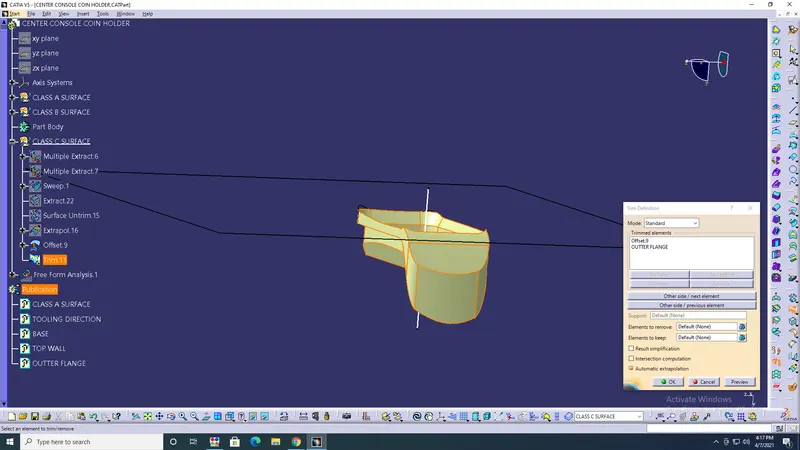
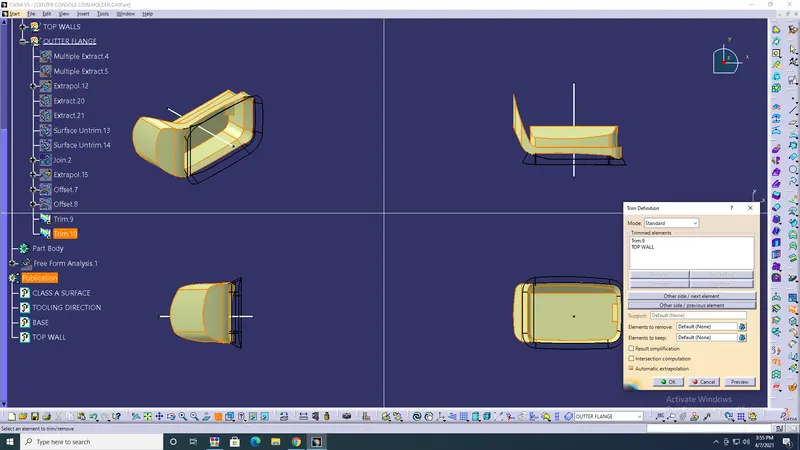
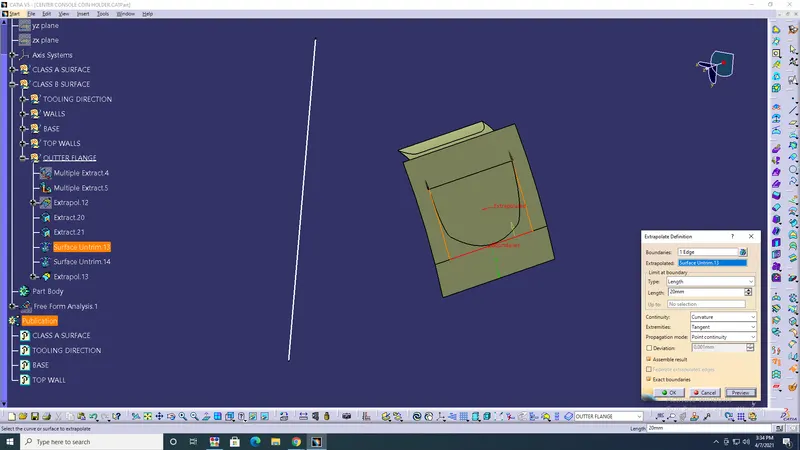
- Class C surface> Extract> Extrapolate> Sweep> ok.
- Hole> Extract> Sweep> Trim> Join> ok.
- Join> all the surfaces> ok.
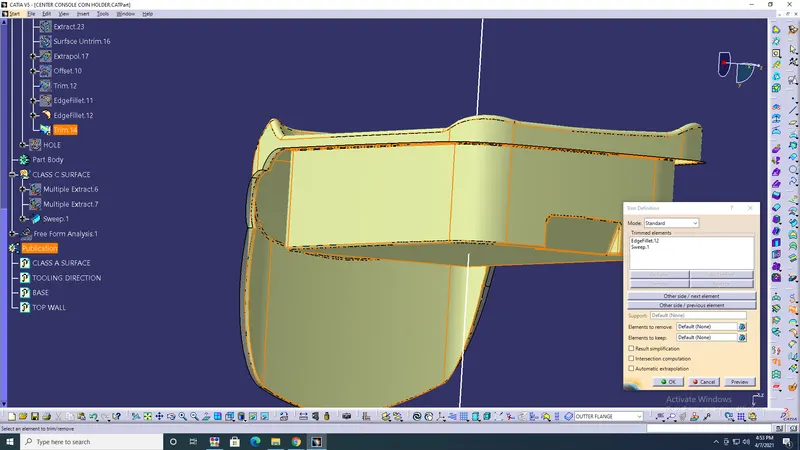
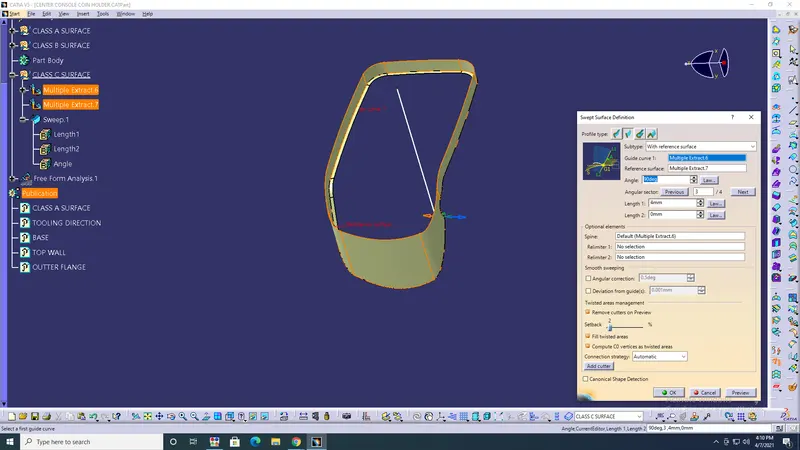
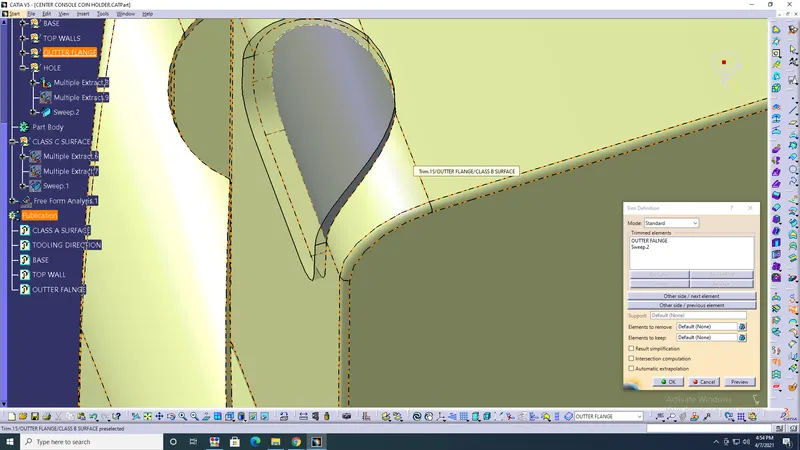
- Draft analysis> Closed surface body> Draft should be in tooling axis> ok.
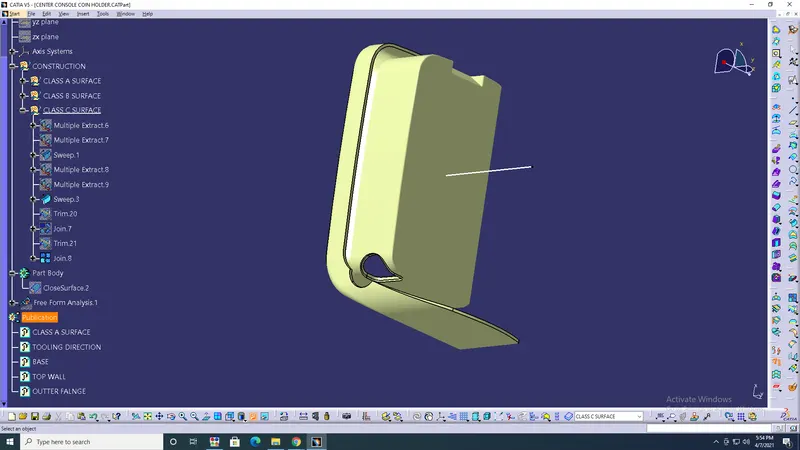
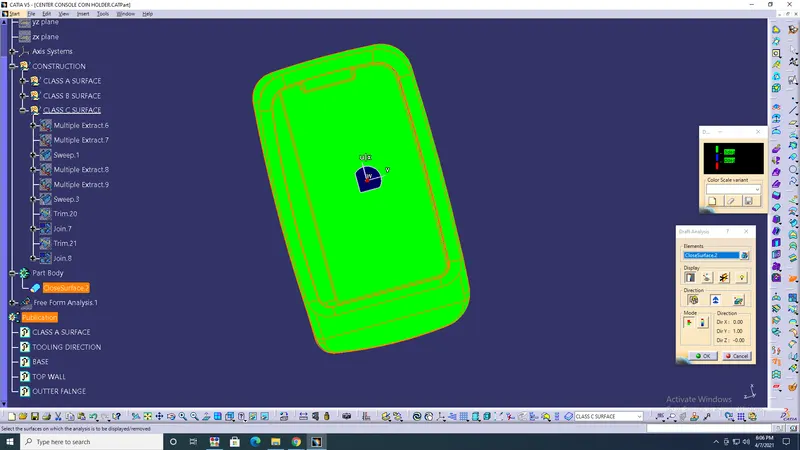
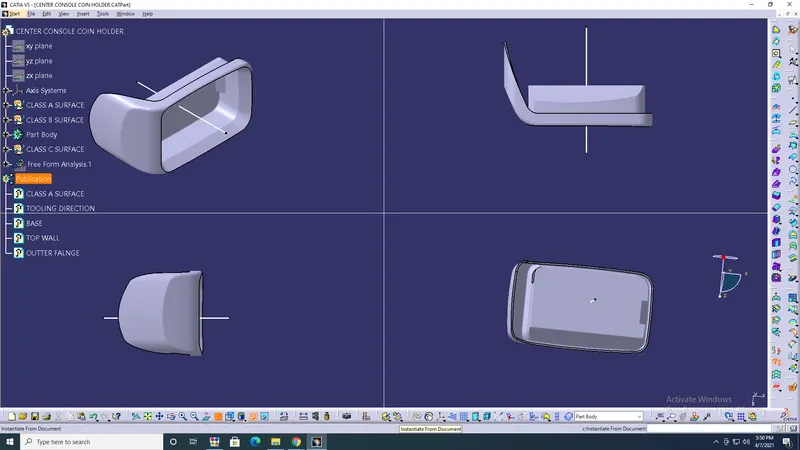
RESULT: Has given class A surface created class B&C with required command, and Draft analysis is performed on the surface.