Week 9 - Project 1 - Door Applique Design with Engineering Features
Aim: To create 2-Way and 4-Way locking pins and heat stakes on the given Door Applique part. Also create Class-B Surface and Class-C Surface on the given Class-A Surface and perform draft analysis on the Class-A surface and Final Body.
The Class-A surface of the Door Applique is given as shown:
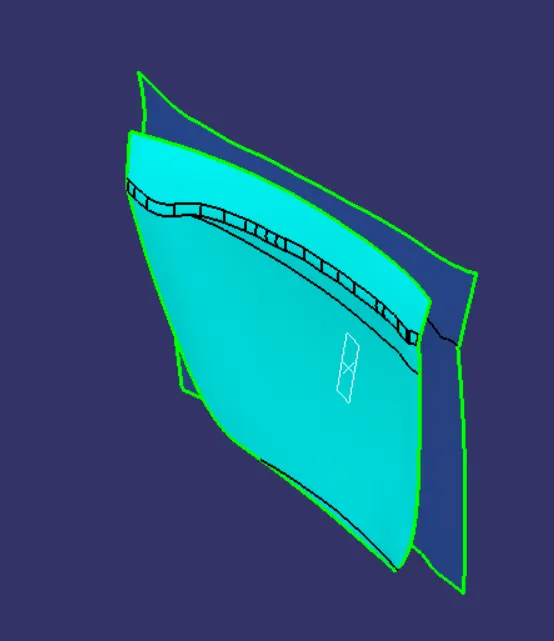
Fig. 1: Class-A Surface of the Door Applique
Draft Analysis:
Considering the geometry of the given part, the tooling axis might be oriented along the Y-direction. Put a point on the Class-A surface at the center and draw a line parallel to the Y-direction and name it as Tooling Axis.
Put the View Mode in the Material mode and perform the draft analysis on the Class-A Surface. The results are shown below:
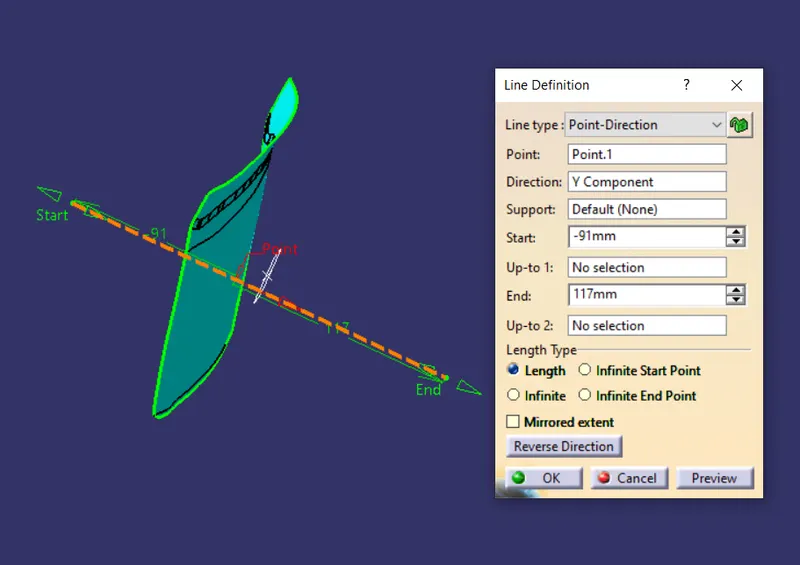
Fig. 2: Tooling Axis for Door Applique
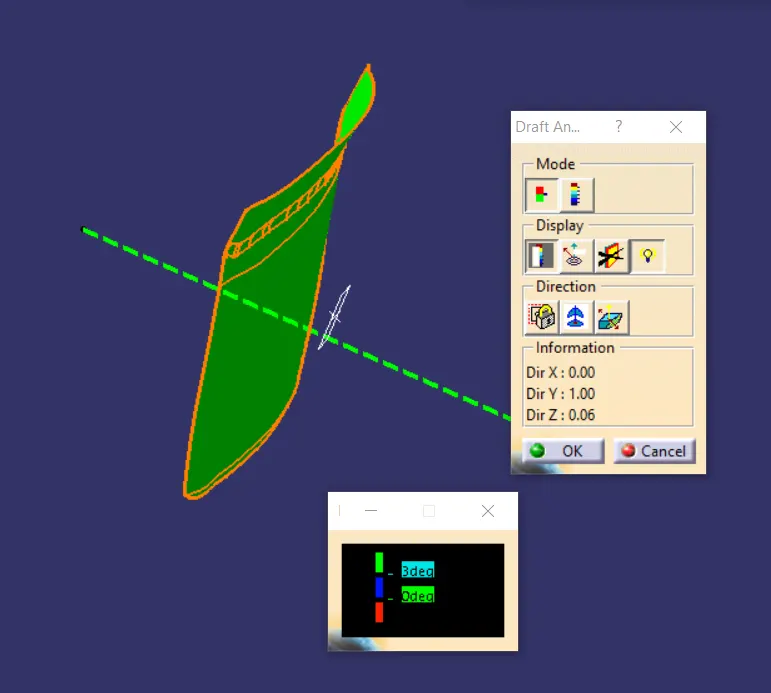
Fig. 3: Draft Analysis of the Class-A surface
Use the same Tooling axis to perform the draft analysis on the final body of the Door Applique. The results are shown below:
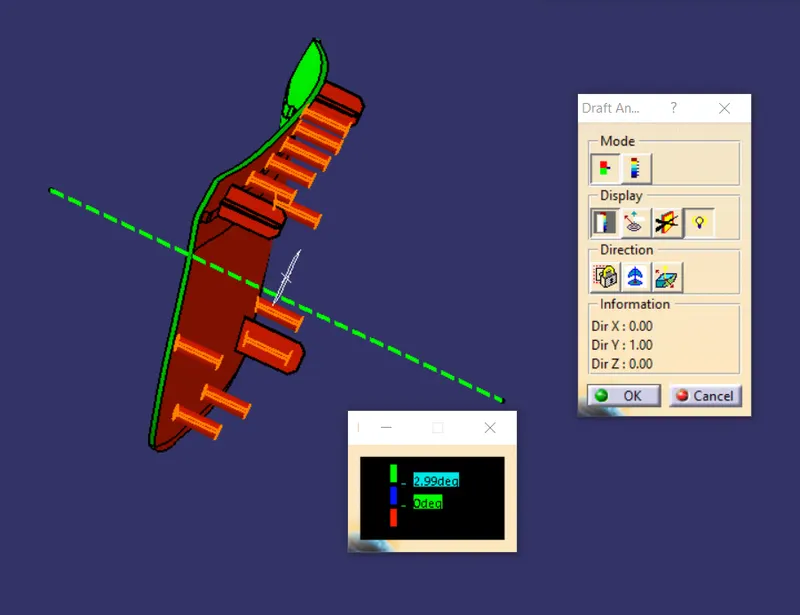
Fig. 4: Draft Analysis of the Final Body
Creating the Class-B and Class-C Surface:
- In the Generative Shape Design, use ‘Offset’ command to offset the Class-A surface by 2.5mm. Extrapolate this surface by 3mm. This is the Class-B Surface.
- For the Class-C surface, create a boundary of the Class-A surface, and sweep it along the tooling direction with a draft of 3 degree for 10mm. This is the Class-C surface.
- Extract the Class-A surface and extrapolate the surface by 2mm. Trims this extrapolated surface and the Class-B and the Class-C surface together to get a closed surface.
- Insert a body and make a Closed Surface in the Part Design Workbench. Rename it as Door Applique.
The Class B and Class-C surface are shown below:
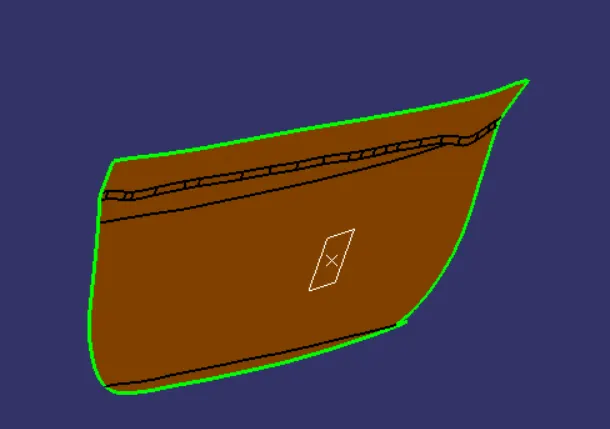
Fig. 5: Class-B Surface
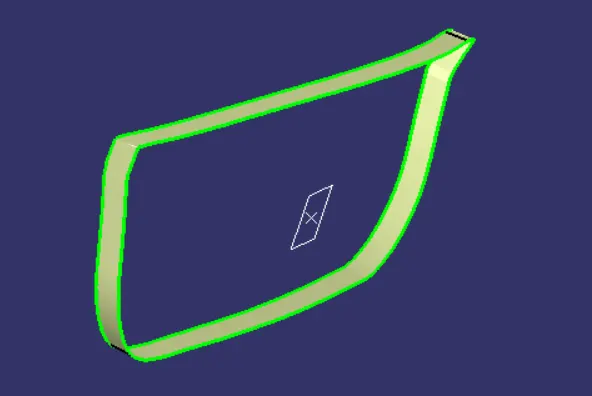
Fig. 6: Class-C Surface (Extrapolated)
Creating the 4-Way and 2-Way locators:
- Insert a Geometrical set to draw the sketches for the locators. Insert a plane parallel to XZ plane and passing through a point on the center of the Door Attachment Surface. The sketch for the 4-Way and 2-Way locators is shown below.
- ‘Pad’ the 4-Way locator using the ‘Thick’ option and giving a thickness of 1.3mm Neutral Fibre such that it extends beyond the Class-A surface and is also above the door attachment surface. Draft the locator using the design rules for rib design by 0.5 degree and give an entry chamfer to the locator. Fillet the edges by giving the fillet radius of 0.5mm.
- ‘Assemble’ this body to the Door Applique Body.
- Copy the 4-Way locator body and use ‘Paste Special’ and paste it into the main feature tree using the ‘Result with a link’ option. Translate this copied body to an appropriate place. Check the height of the locator above the door attachment surface. ‘Assemble’ the locator into the main body.
- Follow similar steps to make a 2-Way locator.
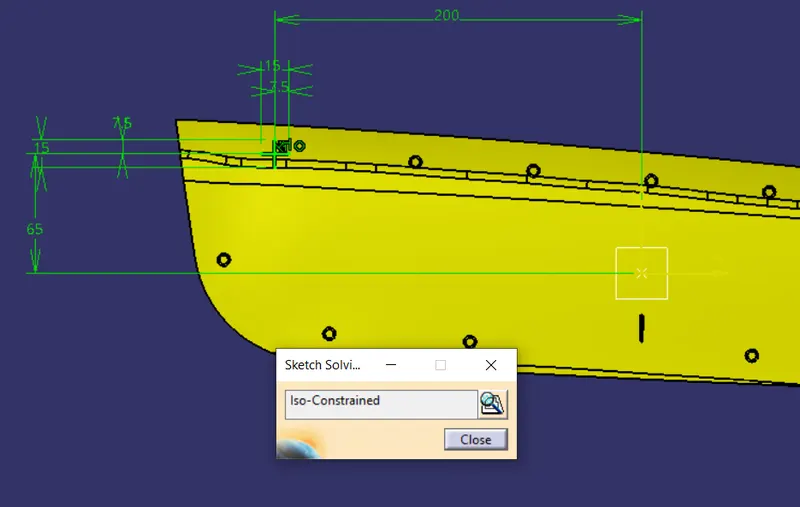
Fig. 7: Sketch for 4-Way Locator
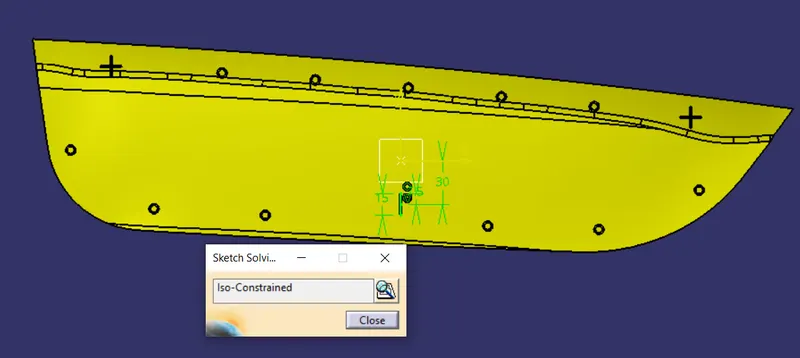
Fig. 8: Sketch for 2-Way Locator
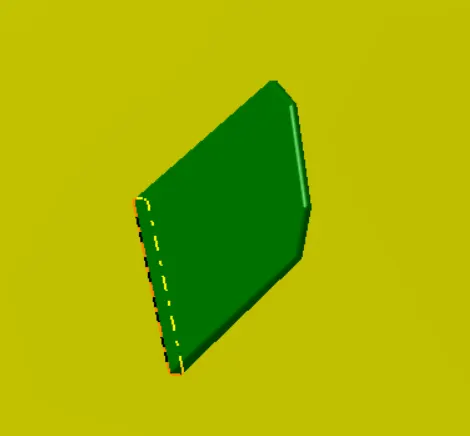
Fig. 9: 2-Way Locator Pin
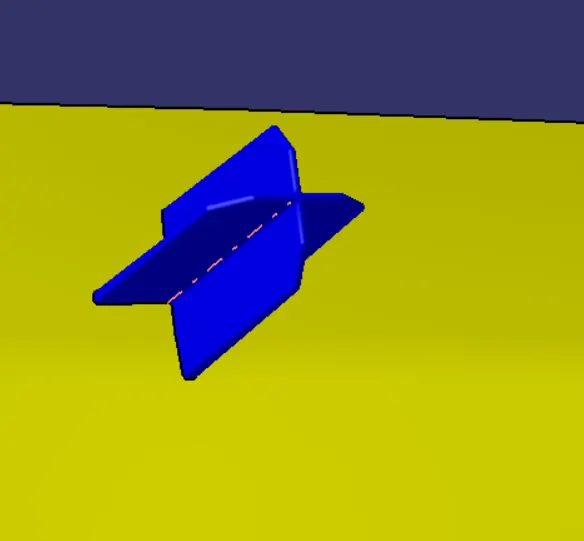
Fig. 10: 4-Way Locator Pin
Creating the Heat Stakes:
- Extract the boundaries of the Class-A surface and make a ‘Parallel Curve’ at a distance of 15mm from the boundary. Put points at equal distance on this curve using the ‘Points and Planes Repetition’ command.
- In the Geometrical Set of Heat Stakes, draw a sketch on the plane on the door attachment surface. Draw a sketch of the heat stake with one of the point as center point as shown below.
- ‘Pad’ this sketch similar to the locators and maintain the top surface of the heat stake below the top surface of the locator. Give a draft of 0.5 degree along the tooling axis and fillet it.
- ‘Assemble’ this body on a body named as ‘Heat Stake Asm’.
- Copy and ‘Paste Special’ this body several times and translate each body from point to point as drawn on the parallel curve. ‘Assemble’ all these bodies and finally ‘Union Trim’ the body with Door Applique. The heat stakes are shown below.
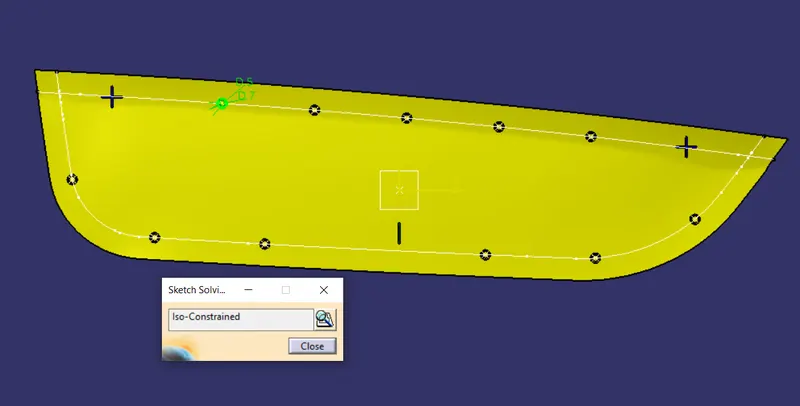
Fig. 11: Sketch for Heat Stakes
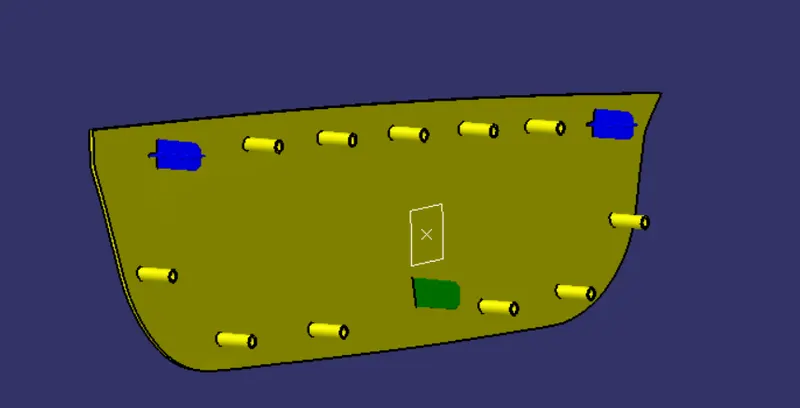
Fig. 12: Final Heat stakes and locators in place
Creating the insertion points on the Support Surface:
- Use ‘Thick Surface’ command to thicken the support surface so that material can be removed to make way for the locators and heat stakes.
- Draw the circle sketch on the plane such that it is just covering the periphery of the locator as shown. ‘Pad’ this sketch in a Body and draft it according to the rib design rules and ‘Remove’ it from the Door support. Maintain a clearance of about 0.1mm on each side. Also give a draft of 0.5 degree.
- Use ‘Copy and Paste Special’ and translate this body to the other locators and ‘Remove’ it from the Door Support.
- Similarly draw a circle on the periphery of the heat stake, pad it and translate it to other heat stakes and Assemble these in a body named ‘Heat Stake Holes’ and ‘Remove’ this body from the Door Support body.
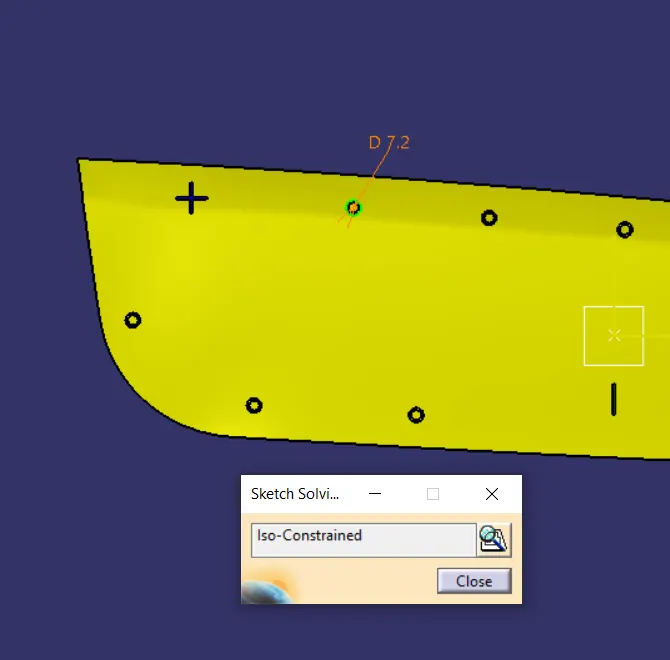
Fig. 13: Sketch for Holes to pass Heat Stakes in the support surface
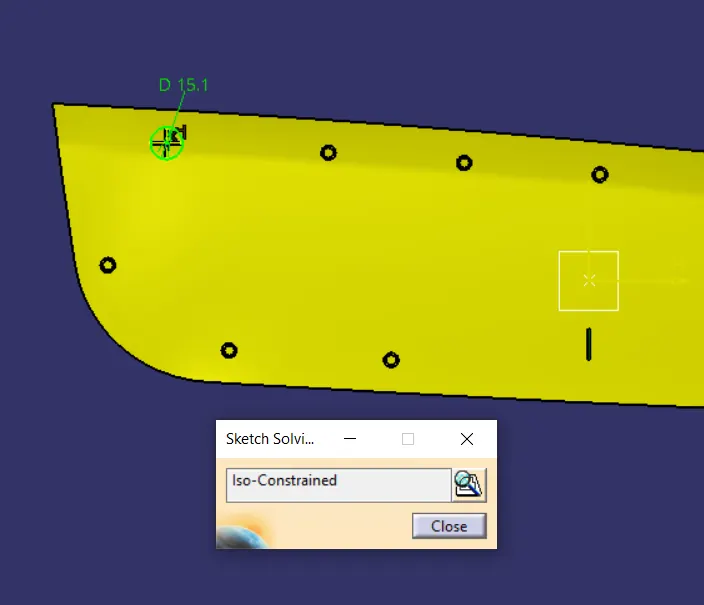
Fig. 14: Sketch for holes to pass locators in the support surface
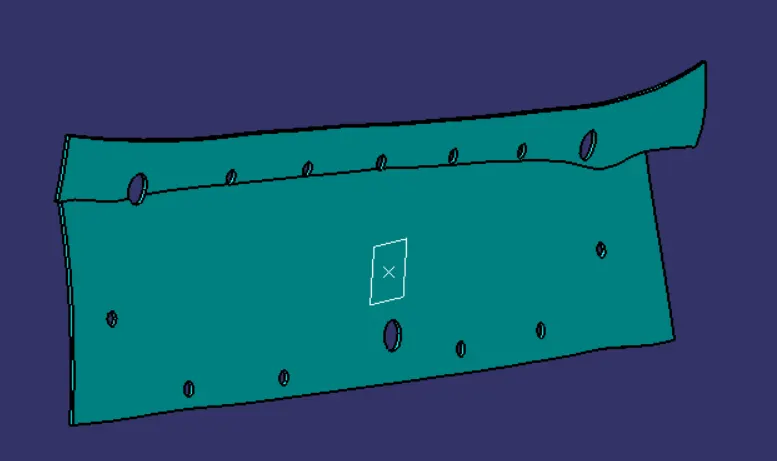
Fig. 15: Final Door Applique Support
The final orientation of the Door Applique is shown below:
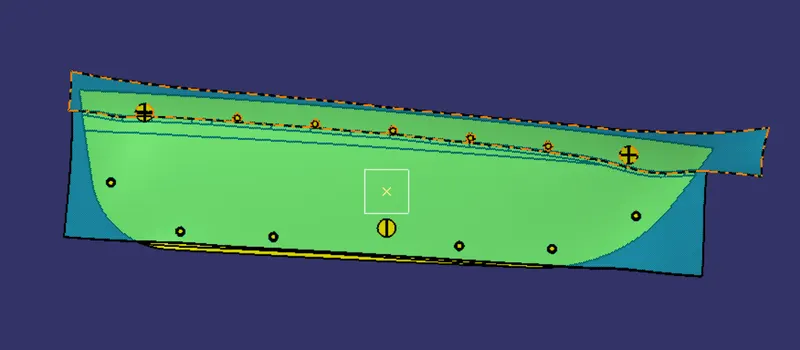
Fig. 16: Front View
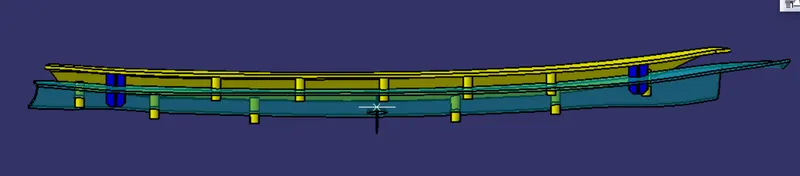
Fig. 17: Top View
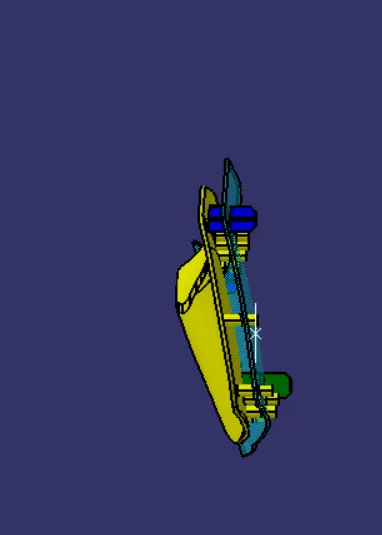
Fig. 18: Right View
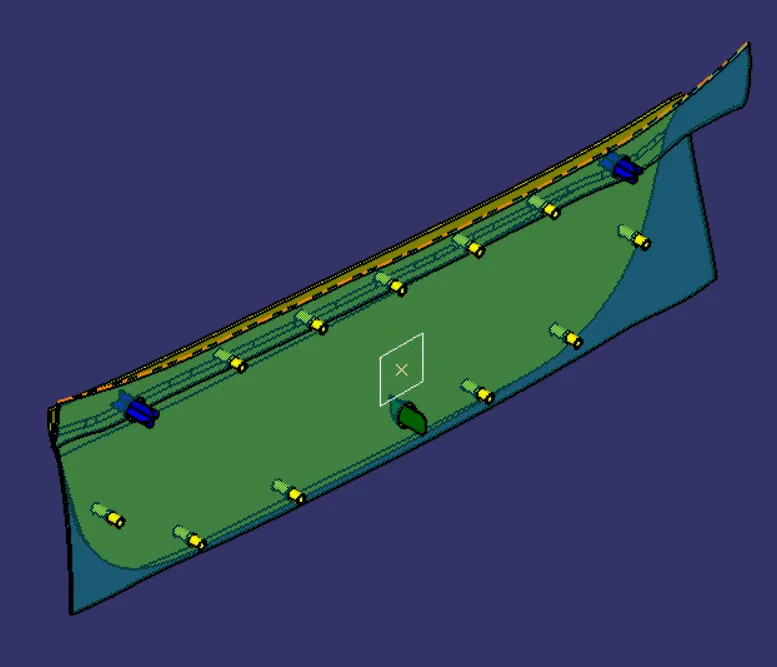
Fig. 19: Isometric View
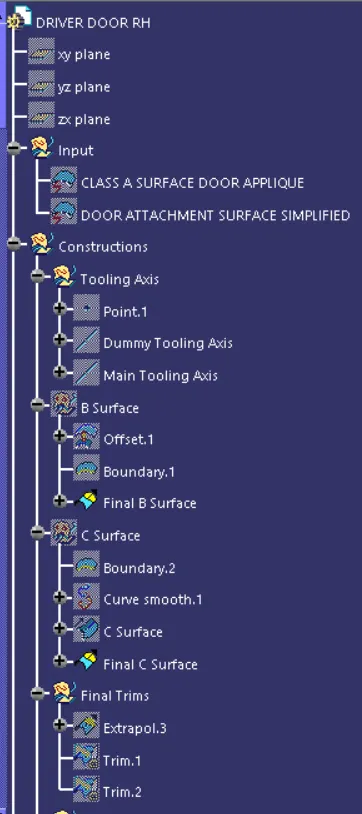
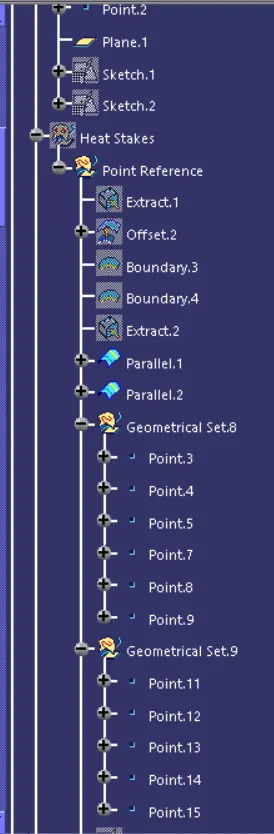
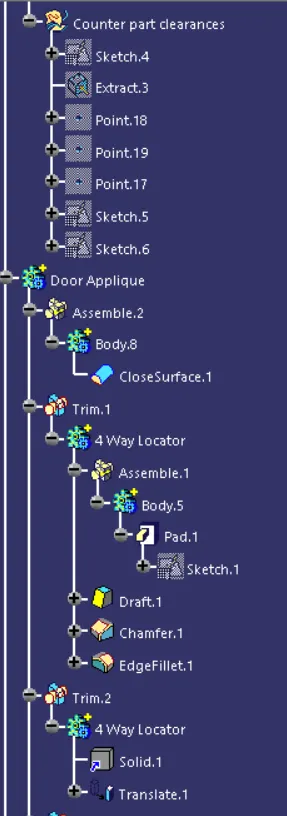
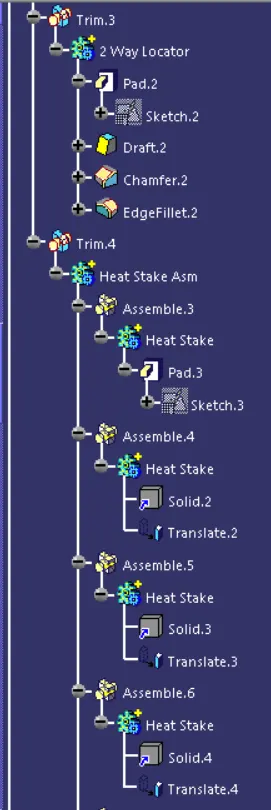
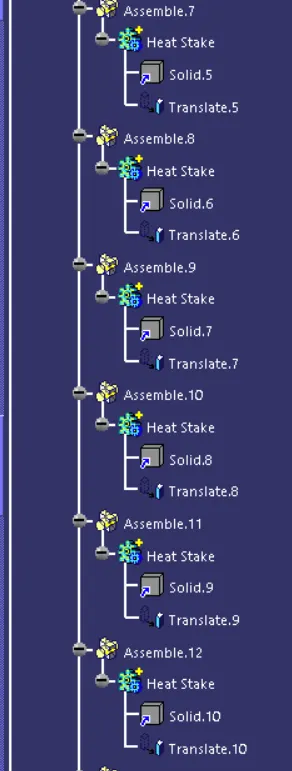
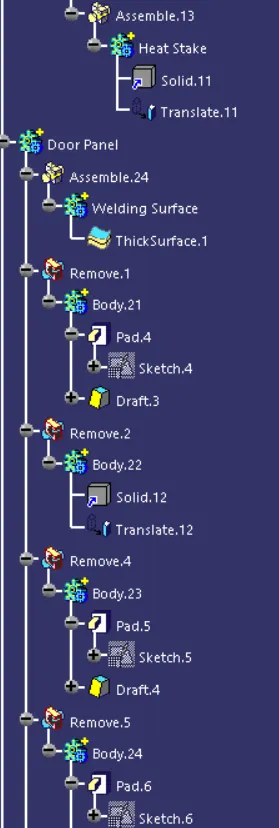
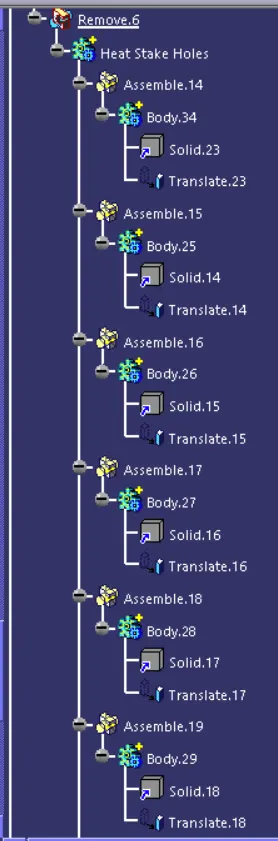
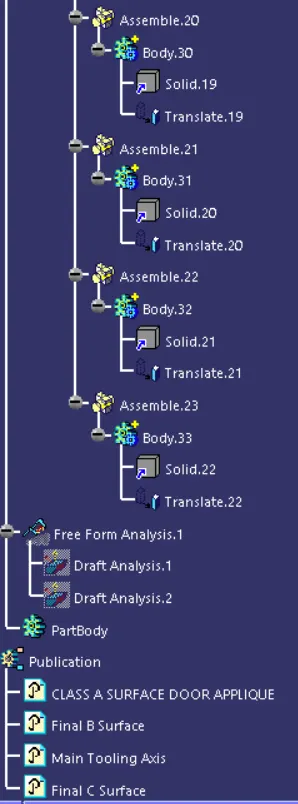
The feature tree is shown below:
Conclusion: The Class-B and Class-C surface were created successfully and Locators and Heat Stakes were made at appropriate positions on the Door Applique.