Week 9 - Parametric study on Gate valve.
- AIM :To perform a parametric study on the gate valve simulation by setting the opening from 10 % to 80%.
- OBJECTIVE:
- Obtain the mass flow rates at the outlet for each design point.
- Calculate the flow coefficient and flow factor for each opening and plot the graph.
- Discuss the results of the mass flow rate and flow coefficient.
- PROCEDURE:
- Download the gate valve model from the source for simulation.
- open the ansys fluent workbench> space claim> open the gate valve on space claim for geometric makeup.
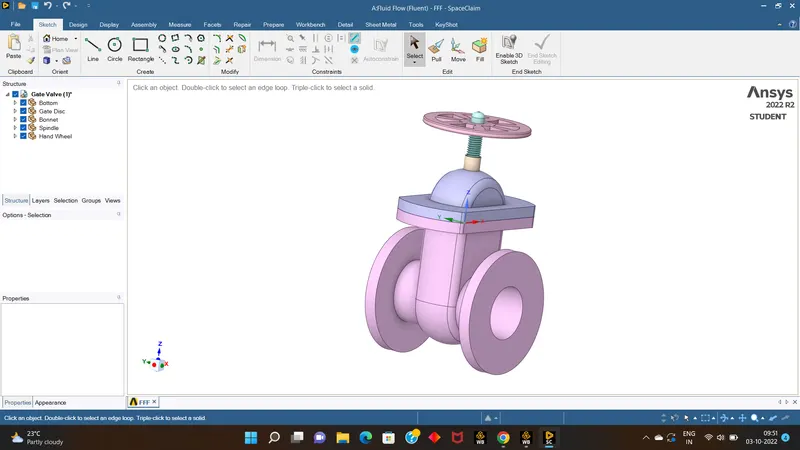
- than hide all the components expect gatevalve & spindle.
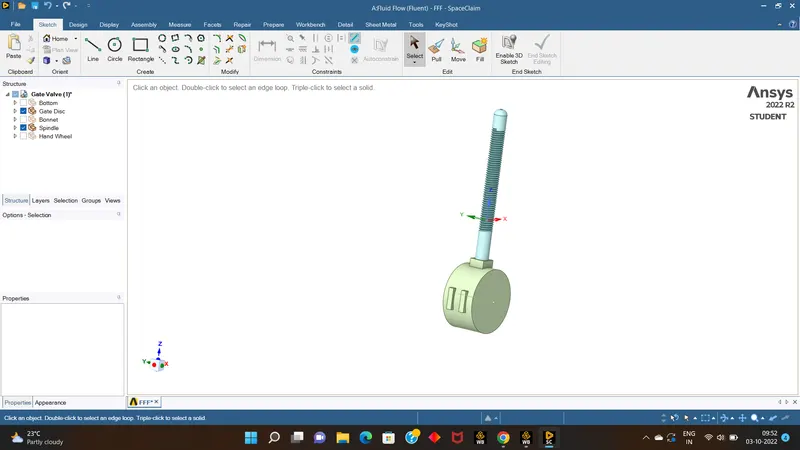
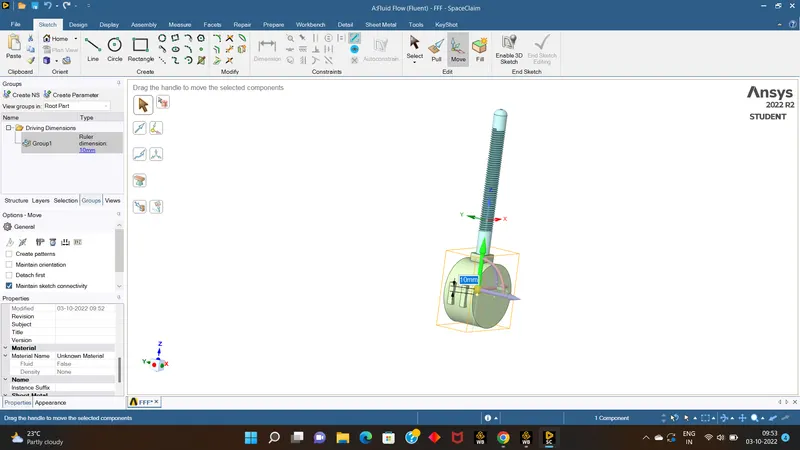
- than using tool move select the whole gate valve & drag along the Z axis & move it to 10mm, than on left side of the workbench there is structure dilouge box > go to group > enable parametric option.
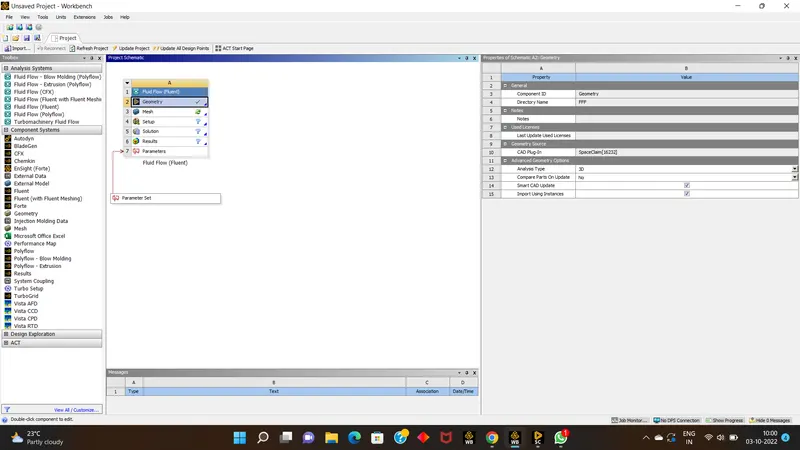
- than go to spaceclaim > enable bottom component & go to prep & do volume exclude & pull the inlet,out to 800mm from both sides.
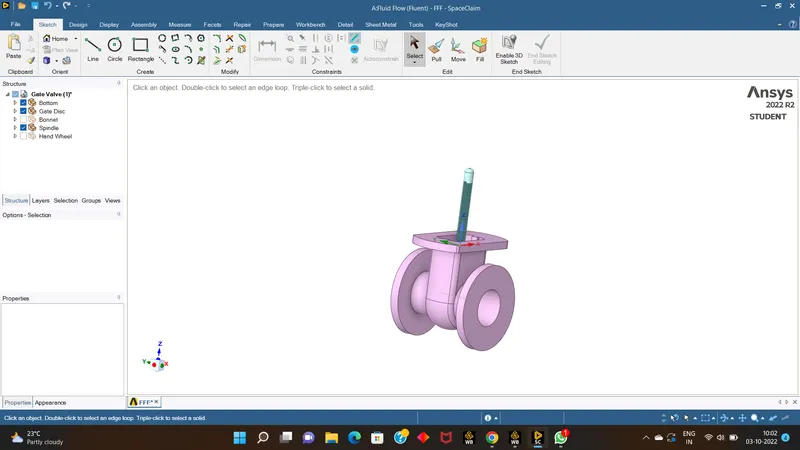
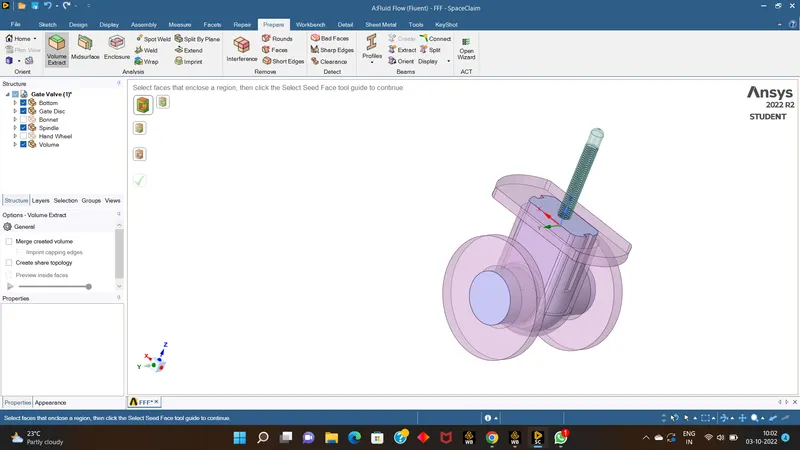
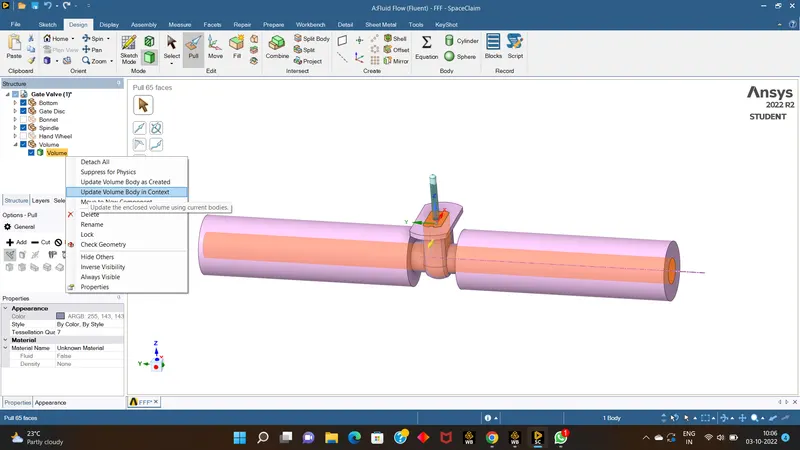
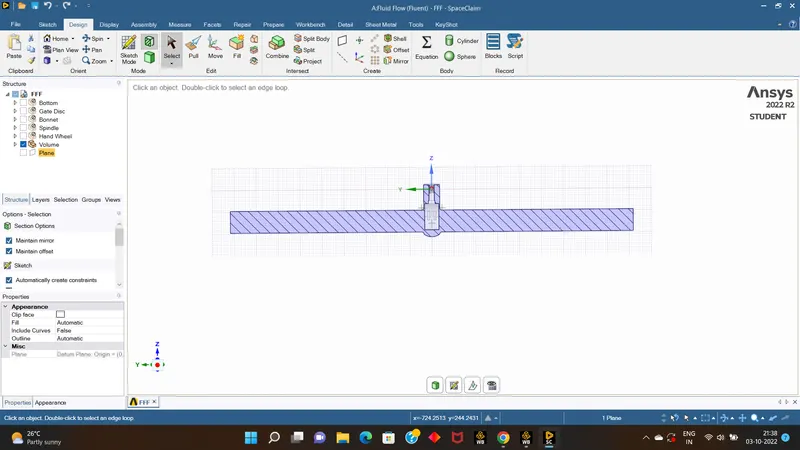
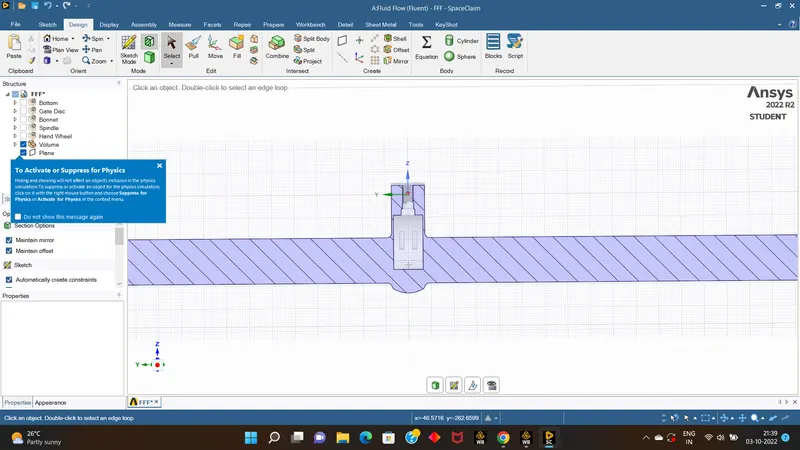
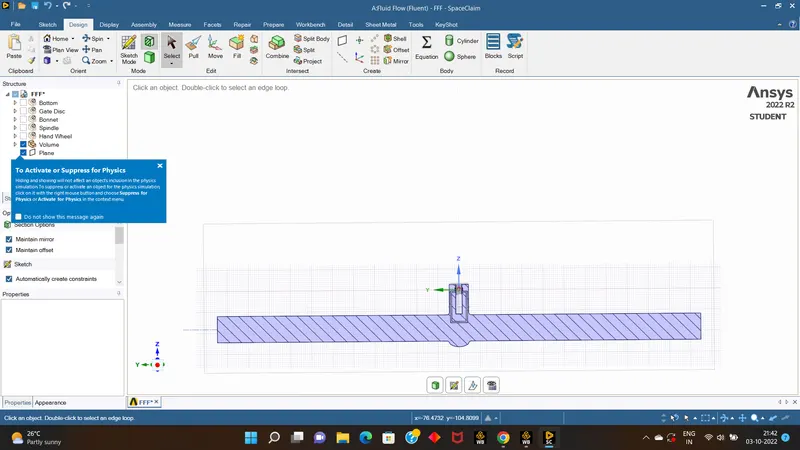
- we can also view its section view to see the rise of 10mm in gate disc.
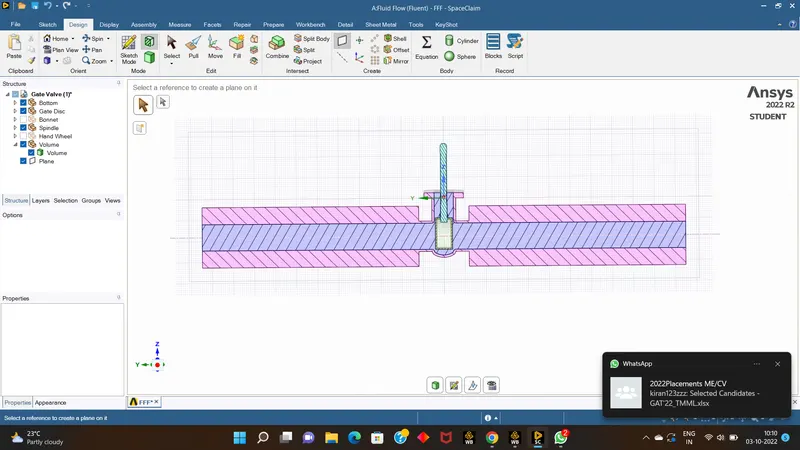
- now close the space claim & open meshing part
- name the components as inlet & outlet at their respective sides,and go for meshing the components.
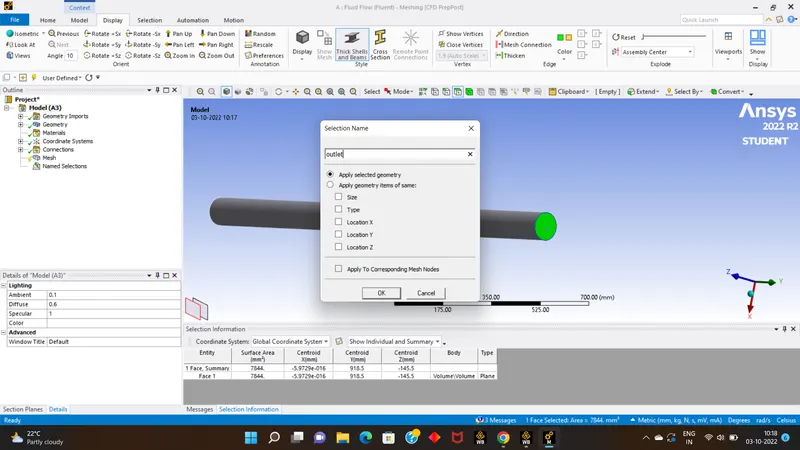
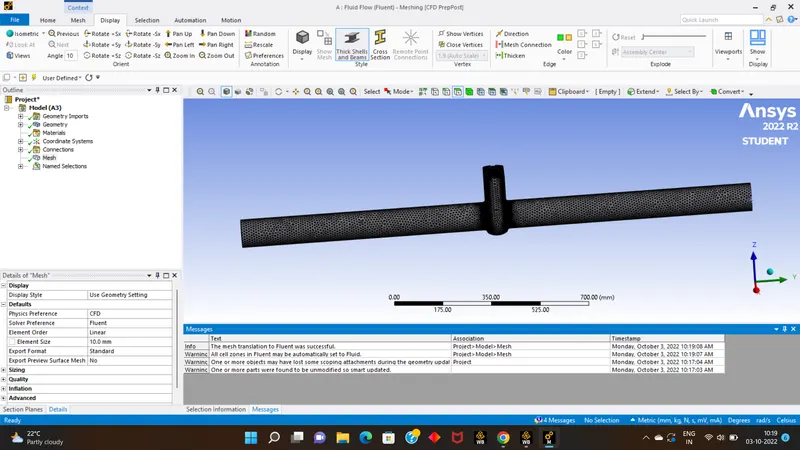
- now close the meshing & open setup part.
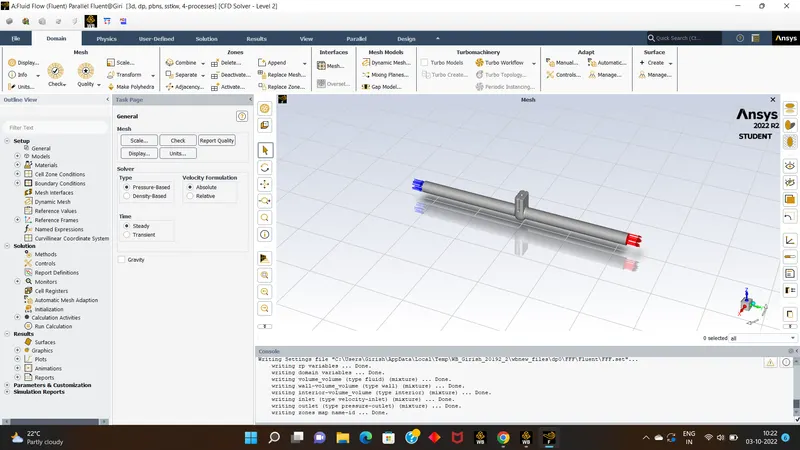
- than set up the gravity for the z axis as -9.81m/s, also set up all the required physics model to run the solutions as viscous model> add material>cell zones > boundry conditions.
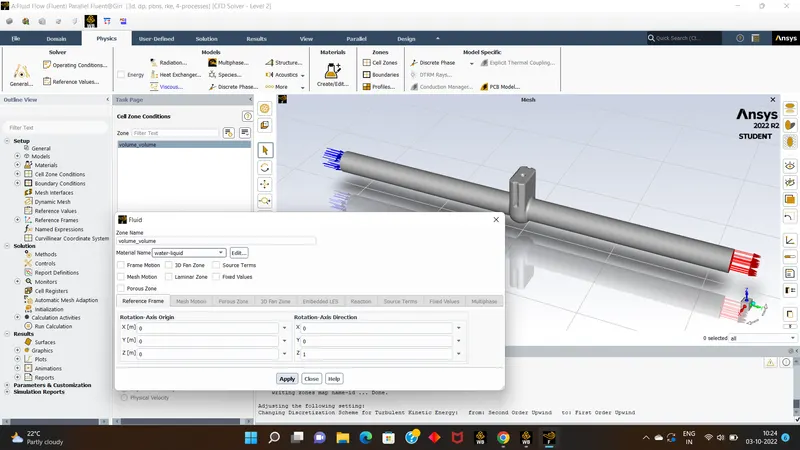
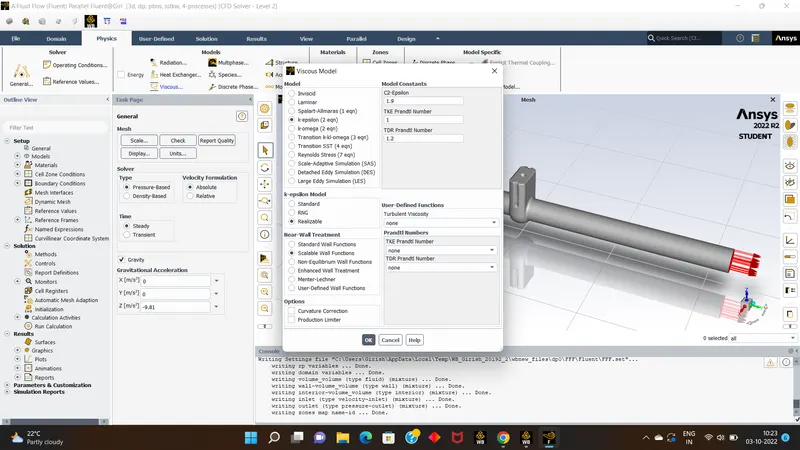
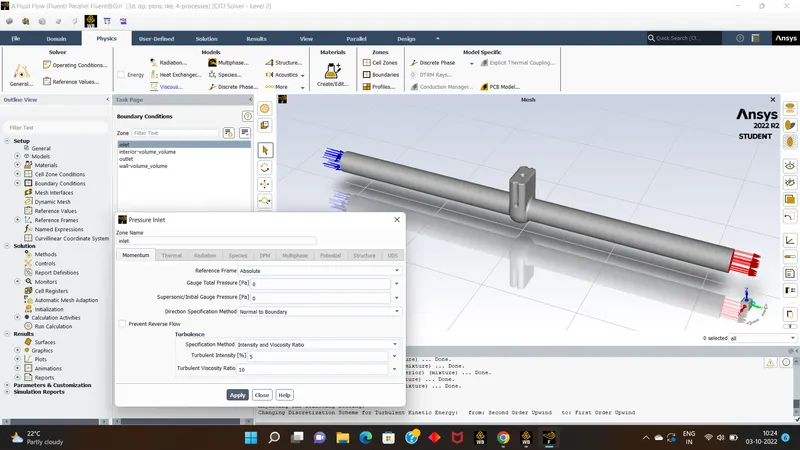
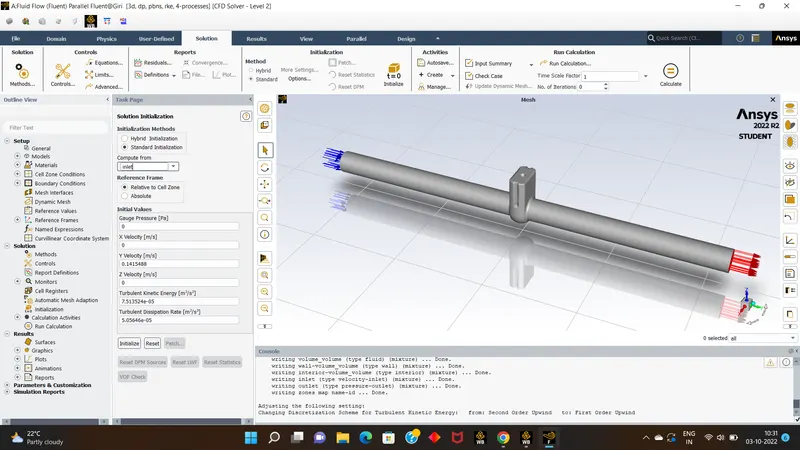
- than go for solution part for standard initilazion with more options for inlet compute,
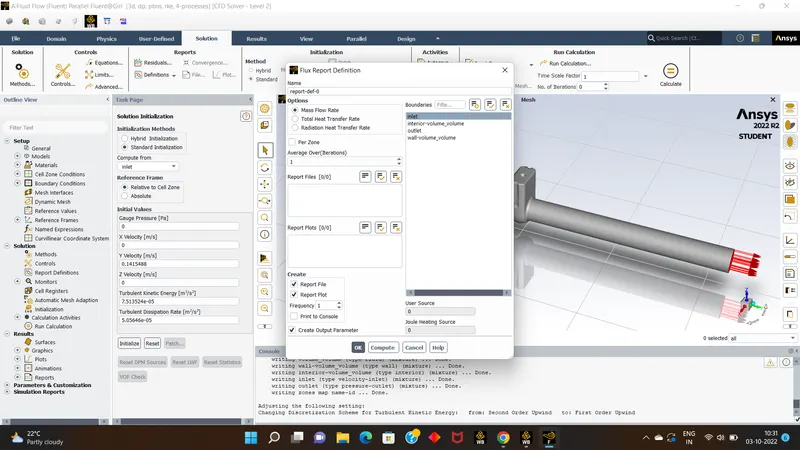
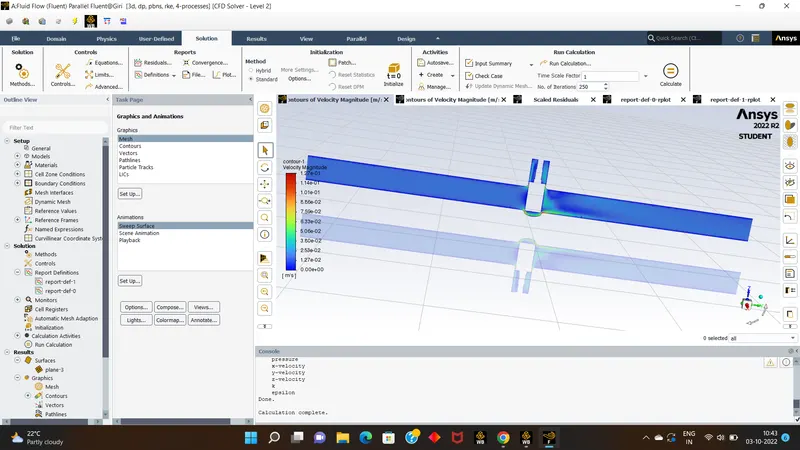
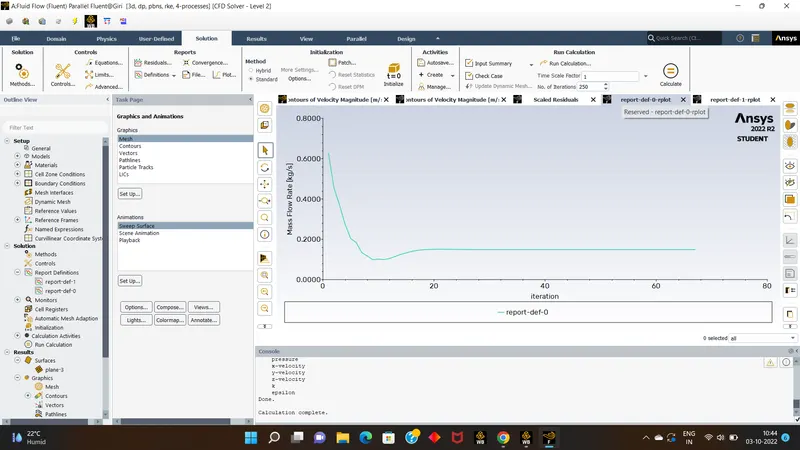
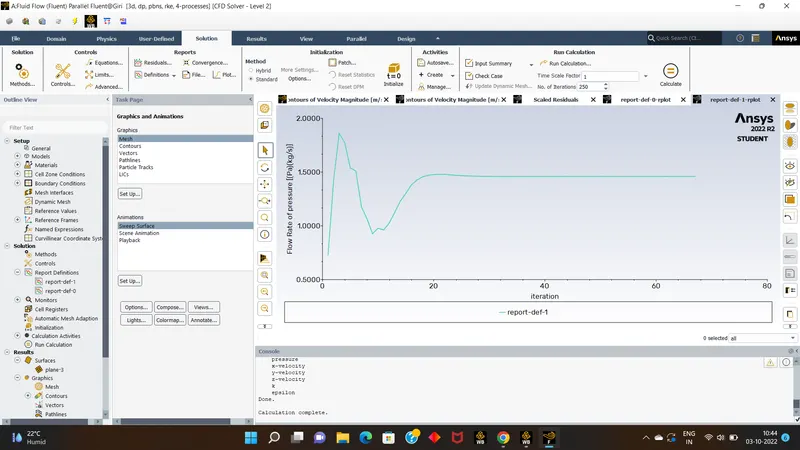
- next set the definations for mass flow rate & as well as flow rate, than go for results Set the contour for velocity by creating new plane over YZ axis.
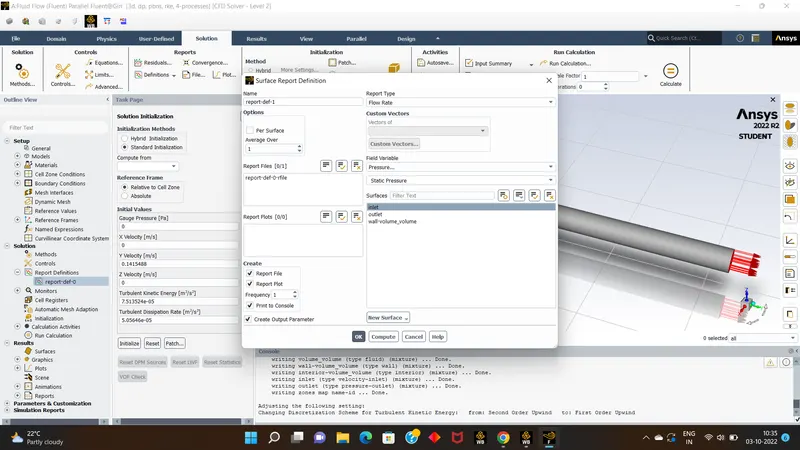
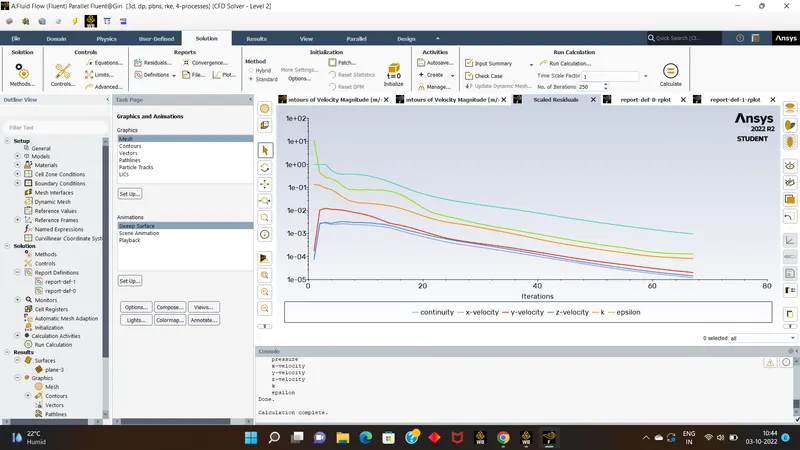
- than come back solutions set up the animations part &run the calculations for 250 itterations.
- lets see the obtained results.
- next we will go with parameter simulations for nxt rise of gate valve.
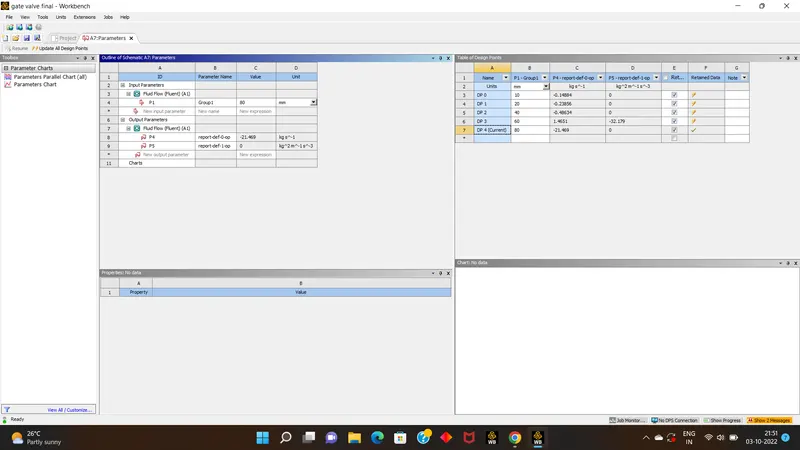
- this was the parameter results were obtained.
- now we will go one by one section view of geometric model for rise of gate by 20,40,60,80 mm rise.