Project 1 : CFD Meshing for Tesla Cyber Truck
AIM: For the given model, check and solve all geometrical errors and Assign appropriate PIDs. Perform meshing with the suitable Target length and element Quality criteria.
OBJECTIVE: Complete the given task with the suitable target lengths & Quality cretria.
PROCEDURE:
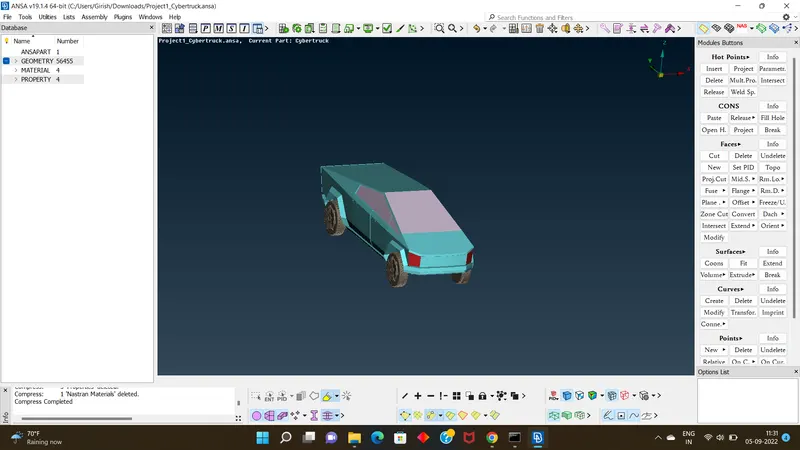
- go download the model from the given file.
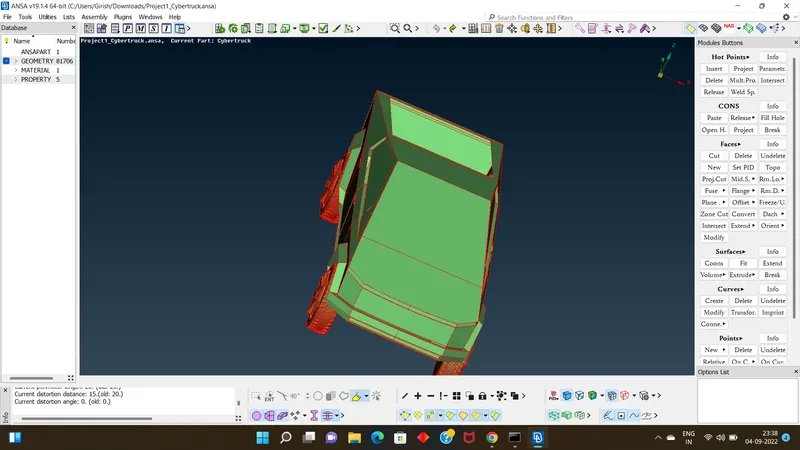
- when you get the model in workbench make the cross hatches visible.
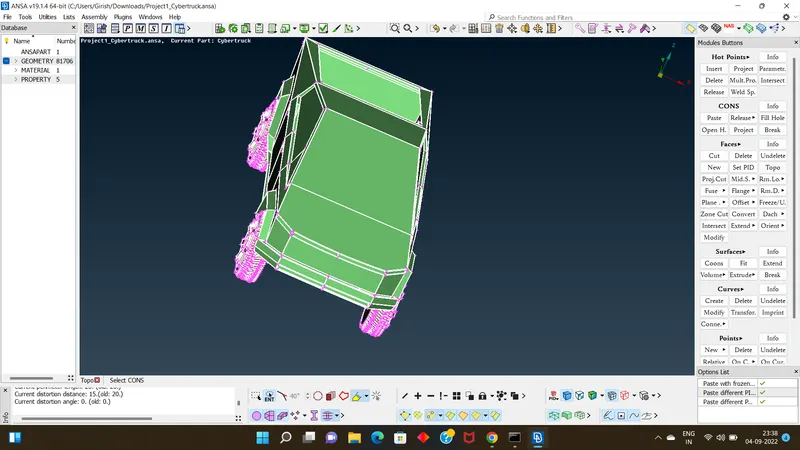
- go for tool topo, than convert the draw mode from ENT to PID.
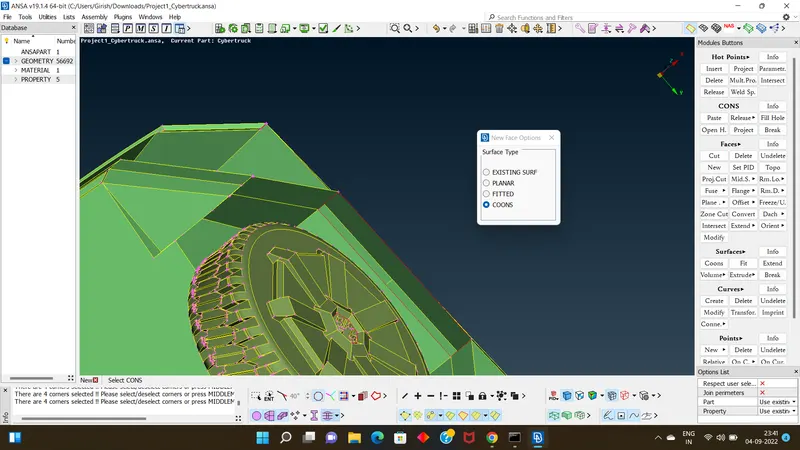
- Than check the model carefully & go for topo clean up .
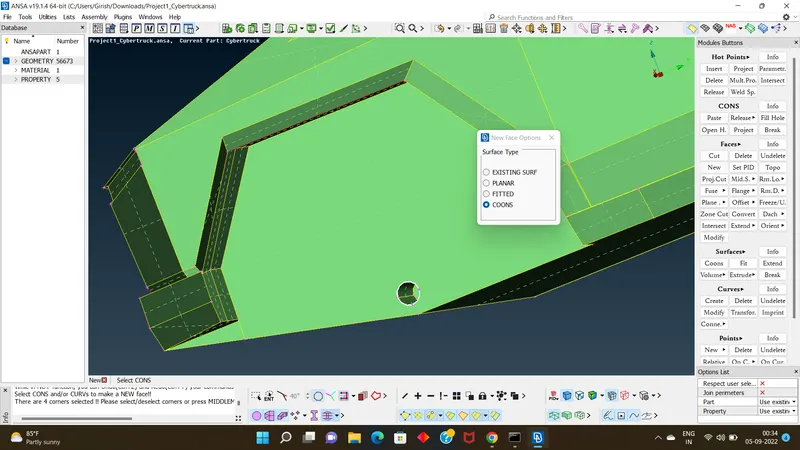
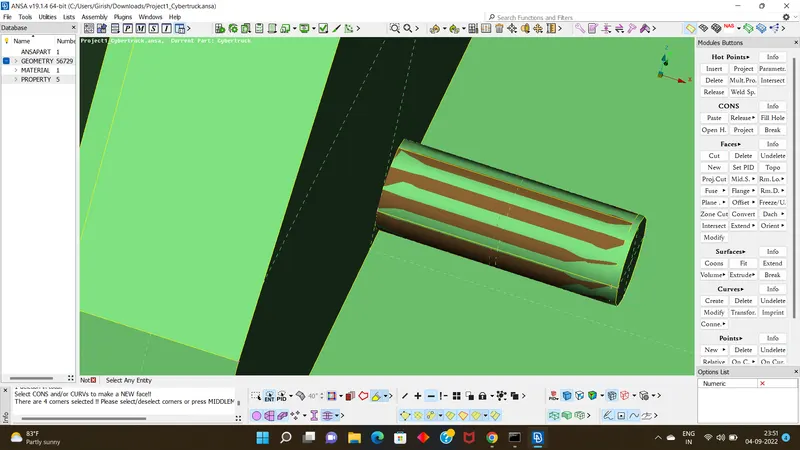
- using tools new,delete,project,fine, etc do the topo clean up at required palce to the model.
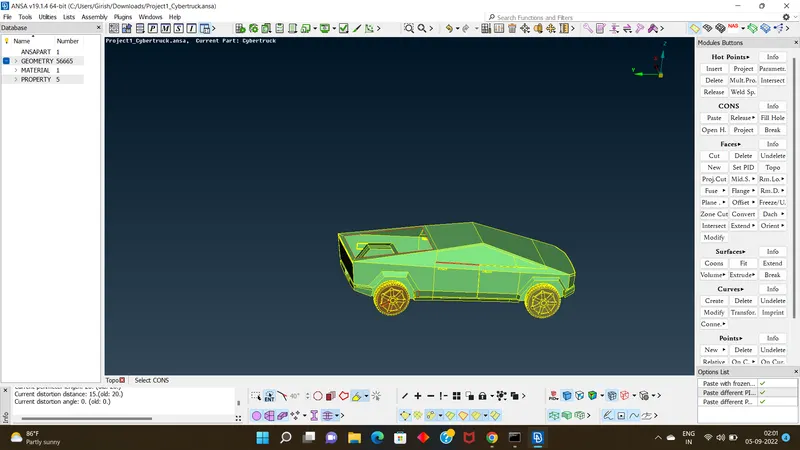
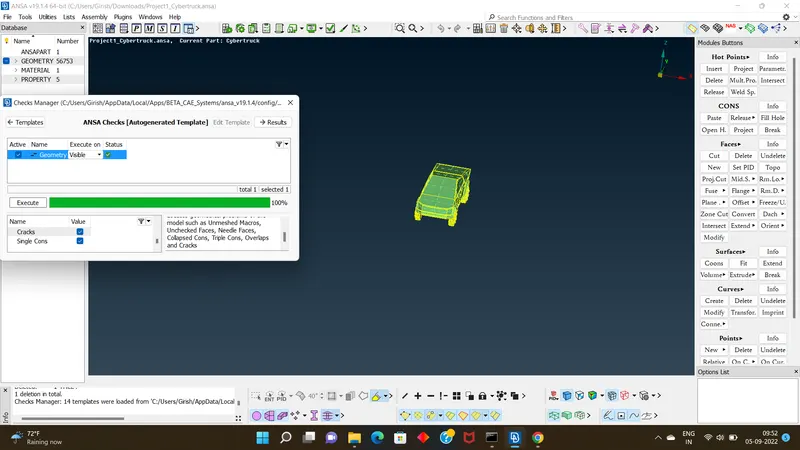
- Than using check tool check the model for any errors left ,if single coons are there thn we need to clear it out ,if triple coons are present than it fine ,we can proceed.
- than go for assigning pids to the model to their respective parts like body,windows,tyre & rim etc.
- nxt move to mesing & assigning Quality cretria for the respective target lengths.
- the target lengths are given as:Body - 5 mm
Lights - 4mm
Rims and Tyres - 2 mm
Window - 5mm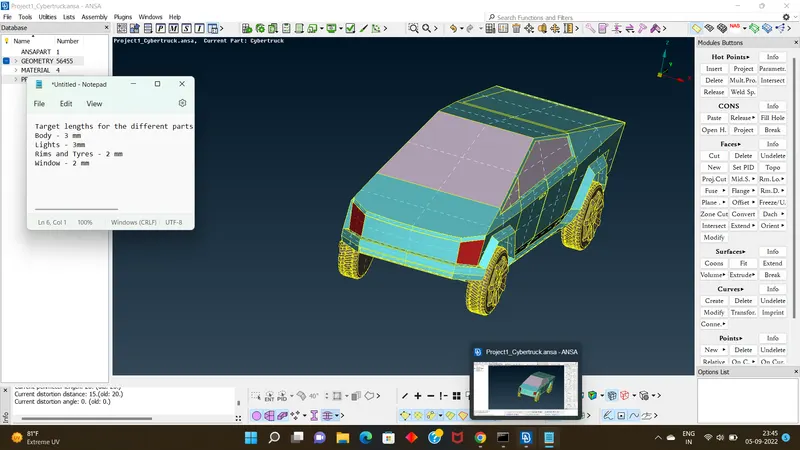
- than deploying meshing over the model by keeping quality certeria in mind
- than after deploying meshing to each particular part clear all the errors using tool reconstruction,move ,smooth etc.
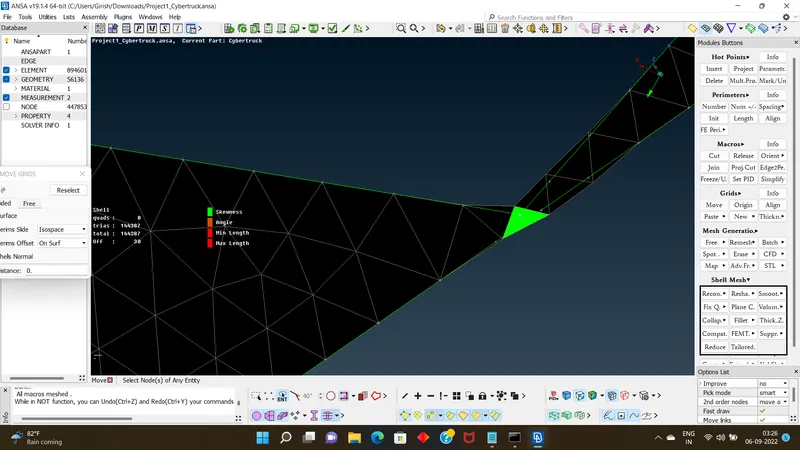
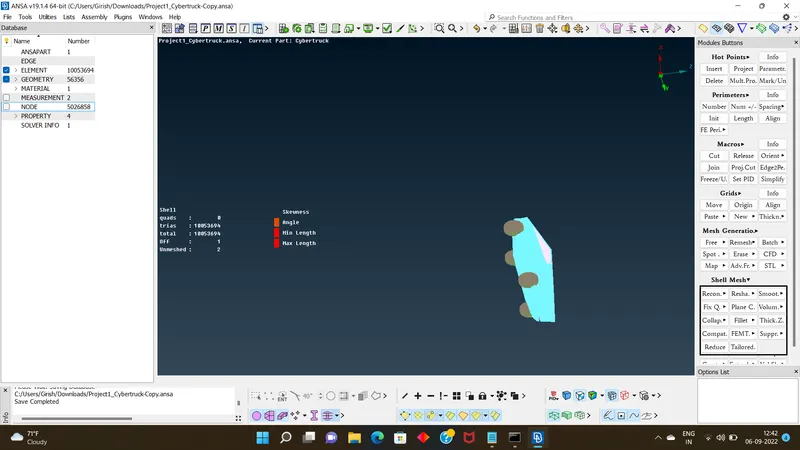
- at last make sure all the parts should be meshed with 0 offs.
- once after meshing, now its time to make wind shield over truck surface.
- For that first create new points at the bottom surface using tools relative at points
- than using that points create a curve of rectunglar and create surface at bottom.
- than at a distance of 2X crate a new surface above the truck using off set tool
- simillarly at front create a surface at a distance of 4X from mid point which we took as reference.
- at back create at a distance of 3X.
- assign PID's to each of the new surfaces
- after assigning pid's go for meshing
- mesh the top surface with target length as 100,bottom surface target length as 20 respectively.
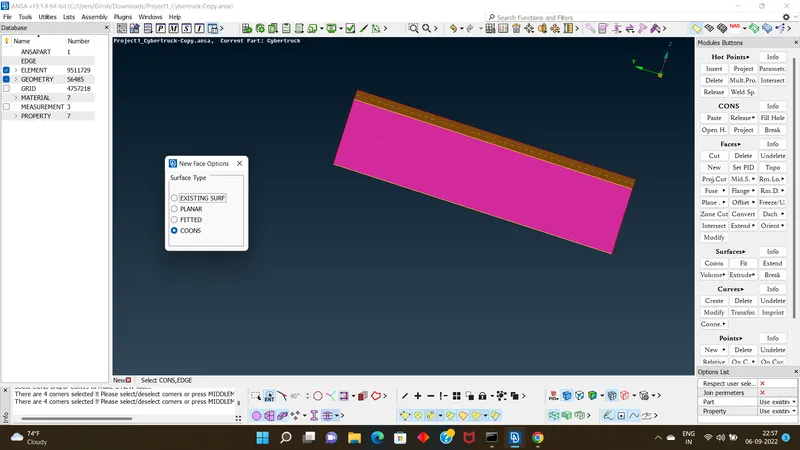
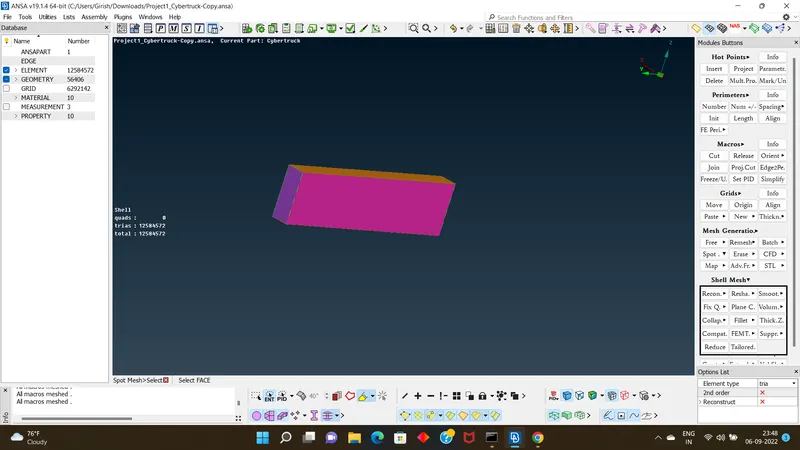
- as there is difference in target lengths so meshing should be done to side surface with spacing tool
- after deploying mesing to all the surfaces, go for volumetric mesing
- And hence finally complete the aim of task.
note: the model is not able to upload dono the reason if u send me ur mail id i can send the model to ur mail id.
whats the reason for not uploading the model here.