Creation of 1D Connectors
AIM:
- To understand types of connections and deploy suitable connectors as per the requirement.
OBJECTIVES OF THE PROJECT:
- To understand the different types of connectors in HYPERMESH.
- To deploy rigid, seam weld, spot weld, bolt spot with rigid, spot with spring connections.
- To practice the connectors tools on the component provided.
- To realize the connections.
PROCEDURE:
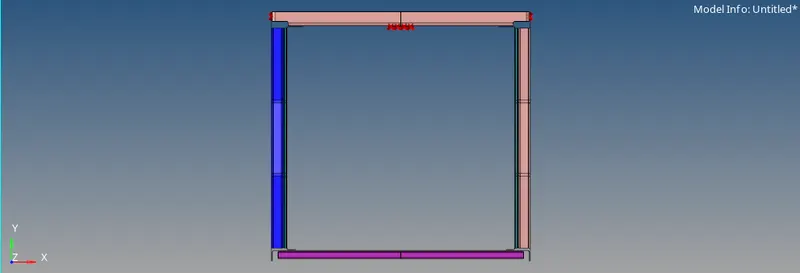
- First step is go to FILE > IMPORT > MODEL > OPEN > BROWSE > IMPORT to import the geometry.
- Then, go to PREFEERENCES > CRIERIA SETTINGS > 2D and enter the following values-
Target Element Length = 5
Aspect ratio = 5
Skewness = 45
Warping = 15
Taper = 0.5
Min length = 2
Max length = 8
Min angle Quad = 45
Max angle Quad = 135
Min angle tria = 30
Max angle tria = 110
Tria % = 15
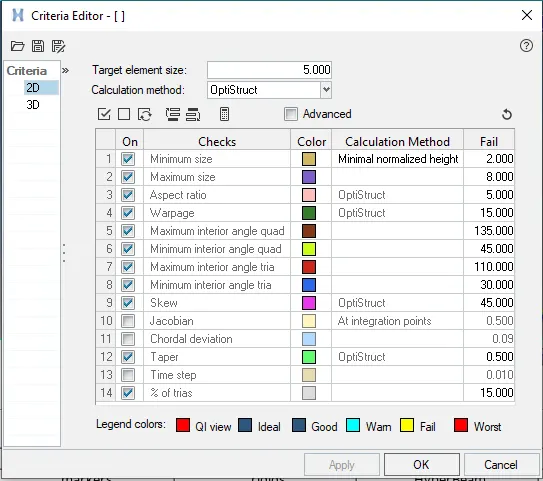
- This will set the criteria values for the mesh elements.
- Then go to 2D > AUTOMESH > SURFS > DISPLAYED > ELEMENT SIZE = 5 > ELEMENT TYPE > MESH.

- This will deploy the mesh on the component surface.
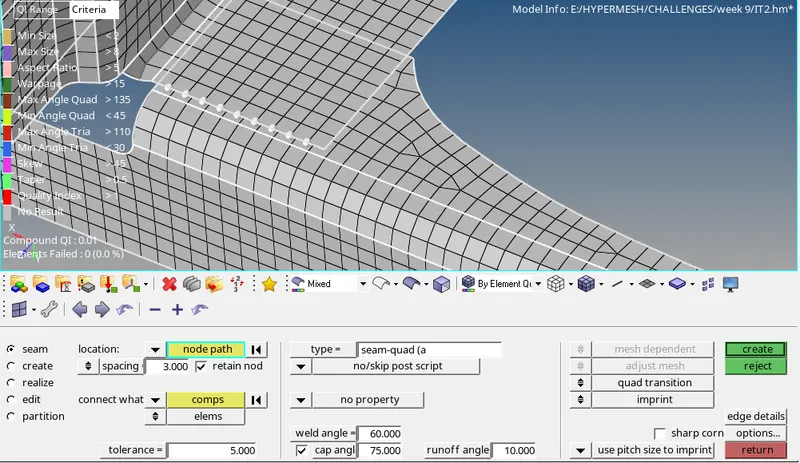
- Now, for creating connectors go to, 1D > CONNECTORS > SEAM > NODEPATH > SPACING = 5 > RETAIN NODES > COMPONENTS > TOLERANCE = 10 > TYPE = SEAM-QUAD (ANGLED+CAPPED+L) > CREATE. This will create seam connection.
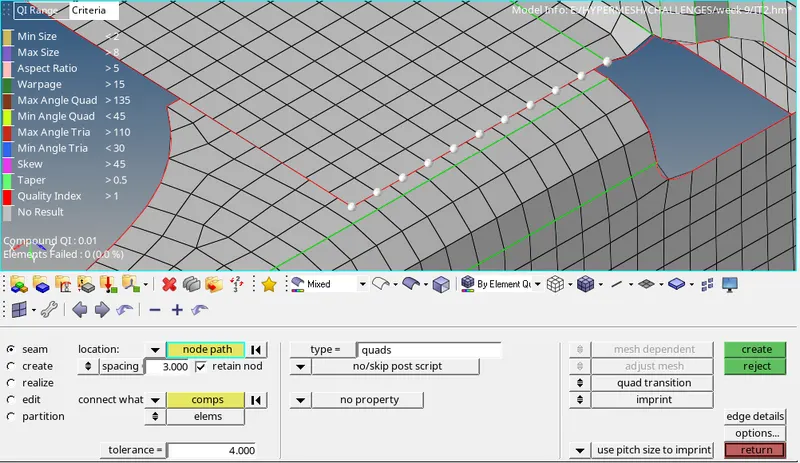
- For creating quad connections, go to 1D > CONNECTORS > SEAM > NODEPATH > SPACING = 5 > RETAIN NODES > COMPONENTS > TOLERANCE = 10 > TYPE = QUADS > CREATE.
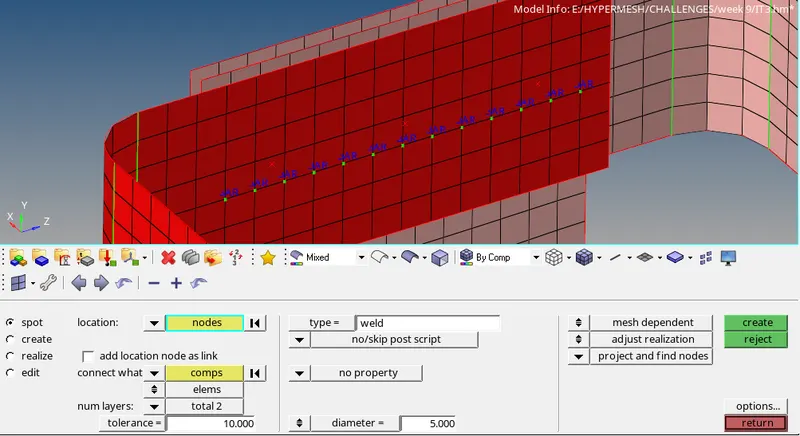
- For creating spot weld connections, go to 1D > CONNECTORS > SPOT > NODEPATH > COMPONENTS > NUM LAYERS = 2 > TOLERANCE = 10 > TYPE = RIGID > DIAMETER = 5 > CREATE.
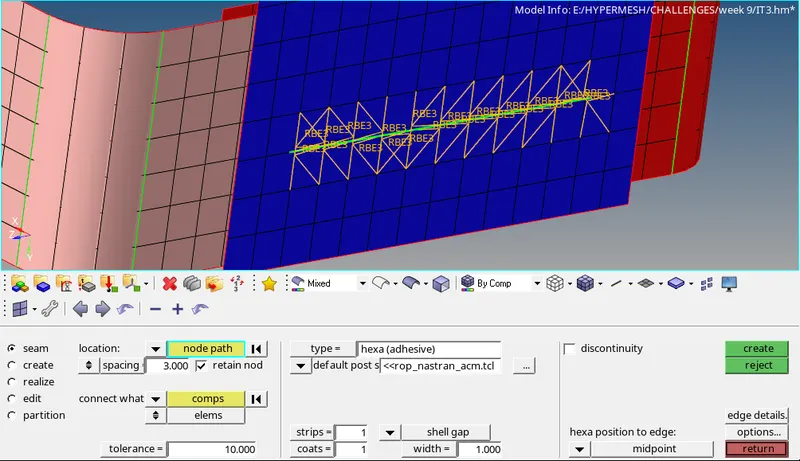
- For creating HEXA (Adhesive) connection, go to 1D > CONNECTORS > SEAM > NODEPATH > SPACING = 5 > RETAIN NODES > COMPONENTS > TOLERANCE = 10 > TYPE = HEXA (ADHESIVE) > CREATE.
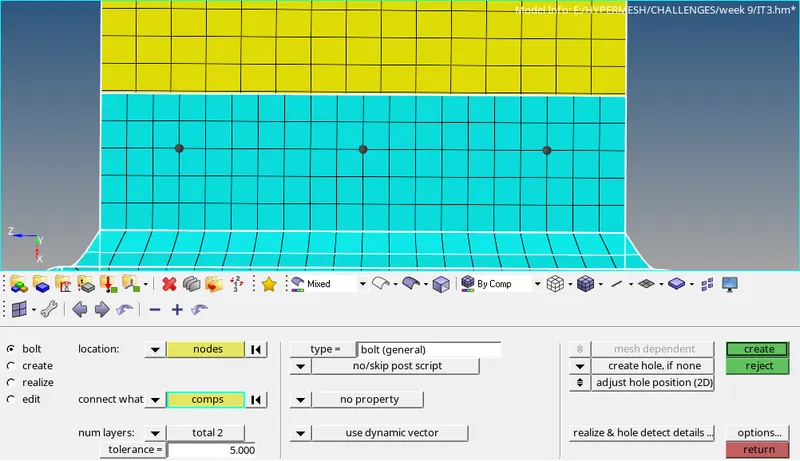
- For creating bolt connection go to, 1D > CONNECTORS > BOLT > NODES > COMPONENTS > NUM LAYERS = 2 > TOLERANCE = 10 > TYPE = BOLT (GENERAL) > CREATE. The representation of spring elements is by RBE2.
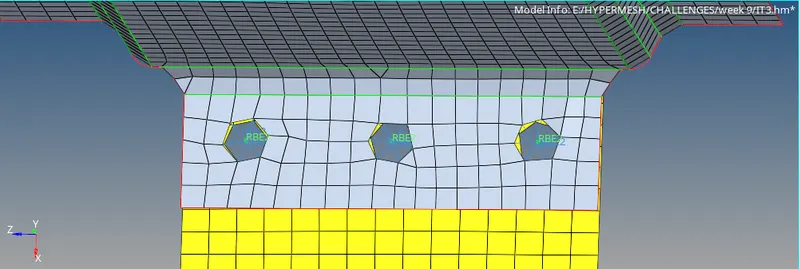
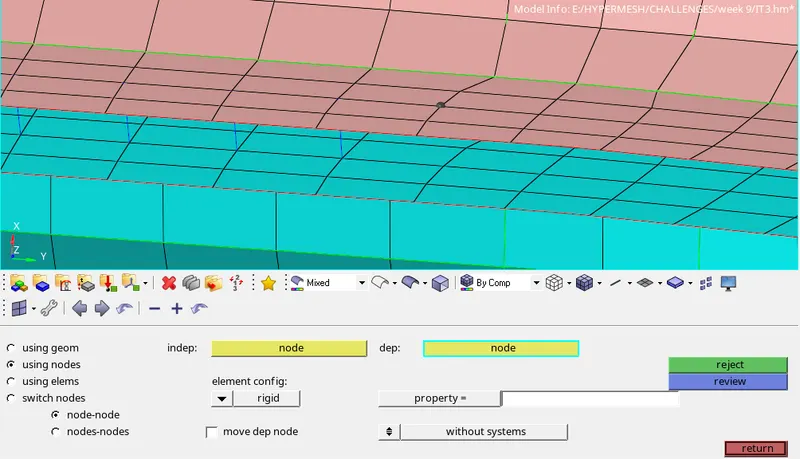
- For creating spot weld with rigid elements, go to 1D > SPOTWELD > USING NODES > ELEM CONFIG = RIGID > INDEP NODE > DEP NODE. The representation of spring elements is by RBAR.
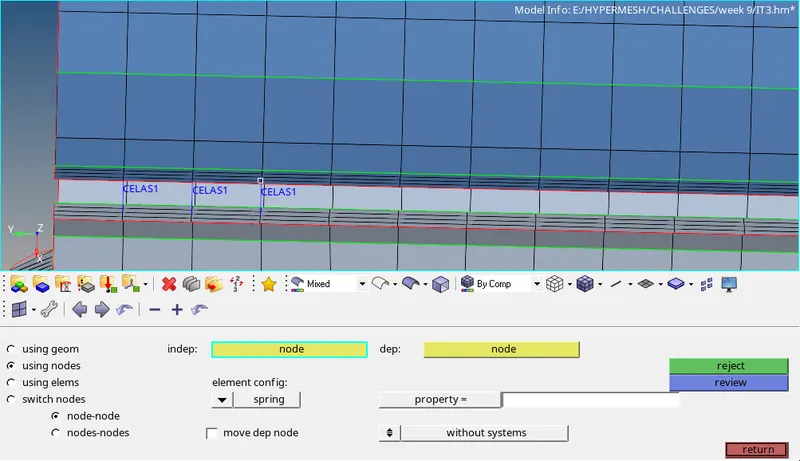
- For creating spot weld with spring elements, go to 1D > SPOTWELD > USING NODES > ELEM CONFIG = SPRING > INDEP NODE > DEP NODE. The representation of spring elements is by CELAS.
LEARNING OUTCOMES:
- To deploy seam weld connections.
- To deploy seam weld quad connections.
- To deploy spot weld connections.
- To deploy bolt connections.
- To deploy spot weld with rigid connections.
- To deploy spot weld with spring connections.
- To realize the connectors with different options.
RESULTS:
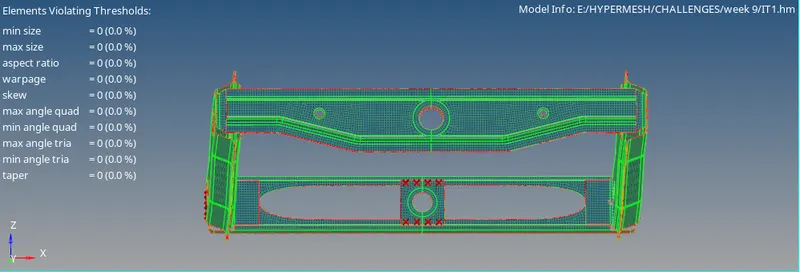
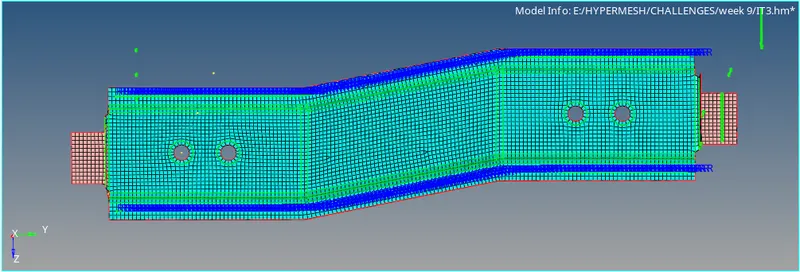
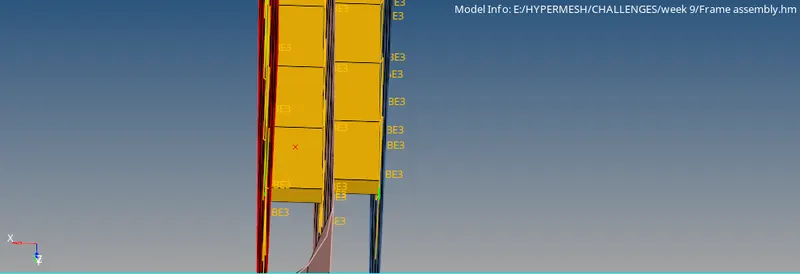
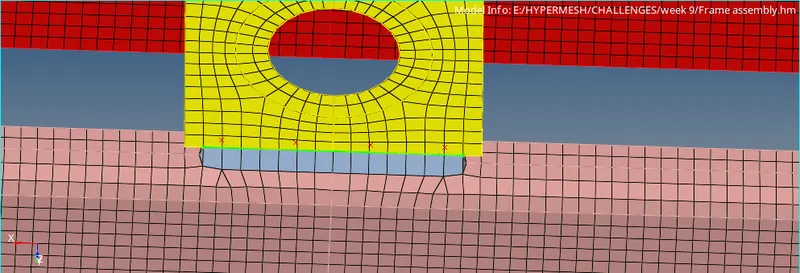
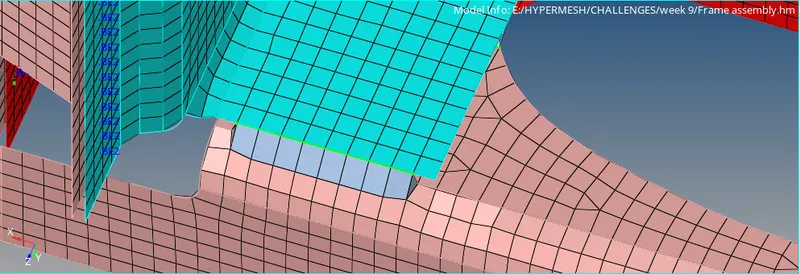
CONCLUSION:
- Hence, by completing this project we conclude that 1D connections have been deployed to the FE model.