Week 9-Creation of 1D Connectors Challenge
Connecter Challenge:
Objective:
- Create mesh for the model given below and connect individual FEA models using the connector suggested in the question.
Procedure:
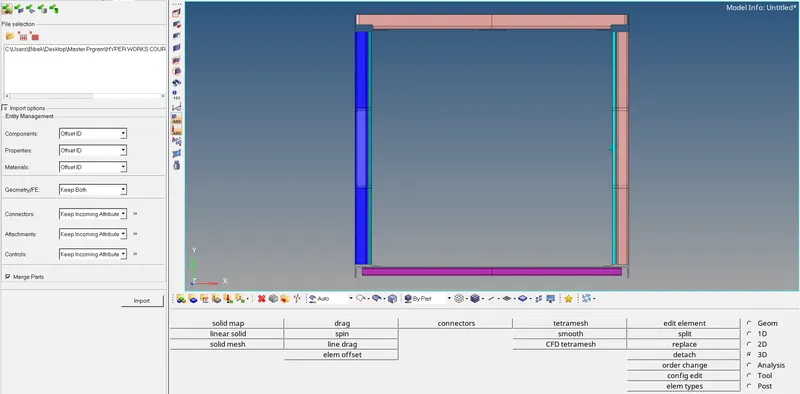
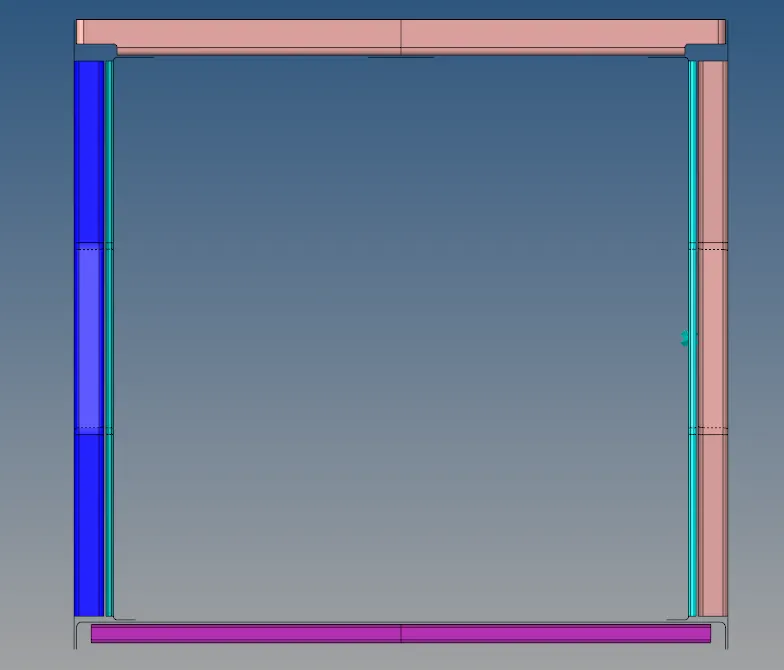
- The first step is to import the geometry into the Hypermesh GUI as shown below,
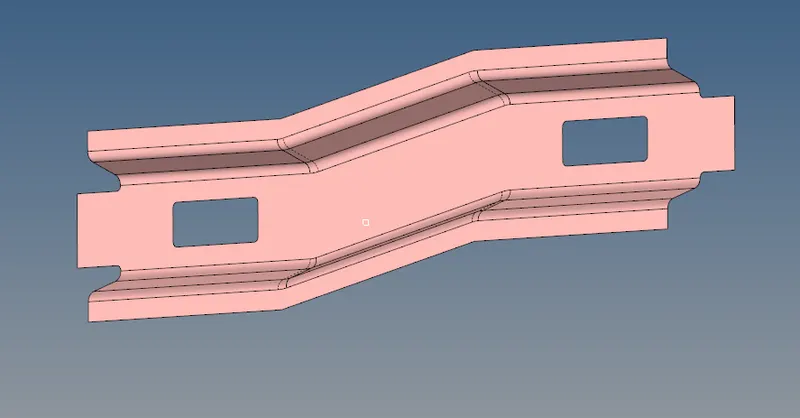
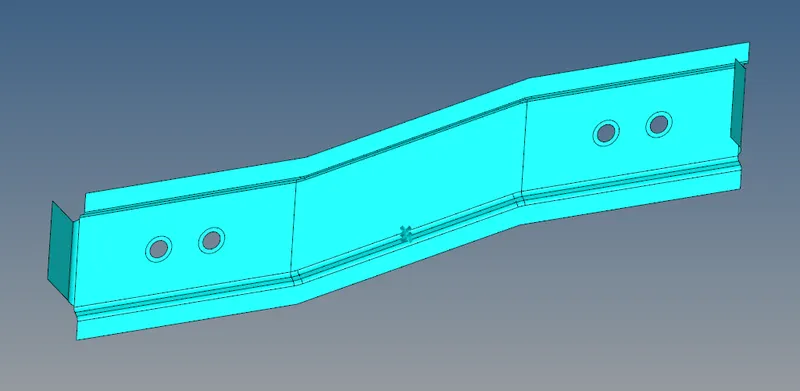
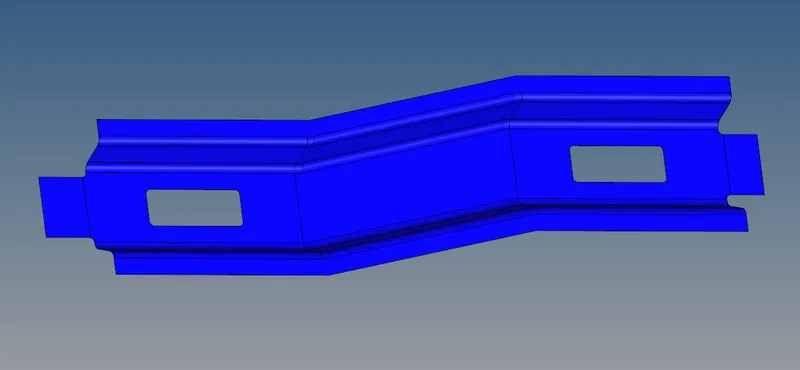
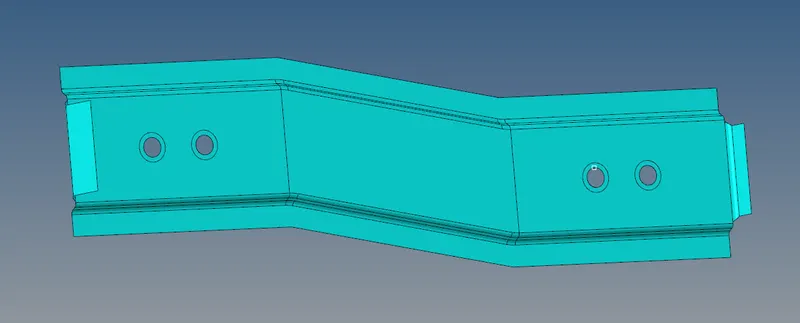
- There are 9 different components in the model which are given below
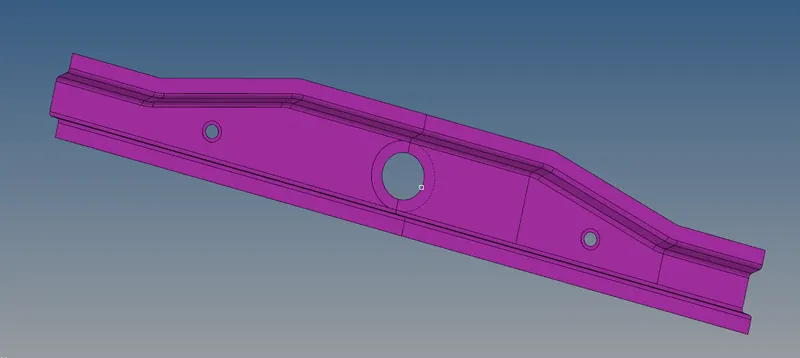
- Front Truss 1
- Front Truss 2
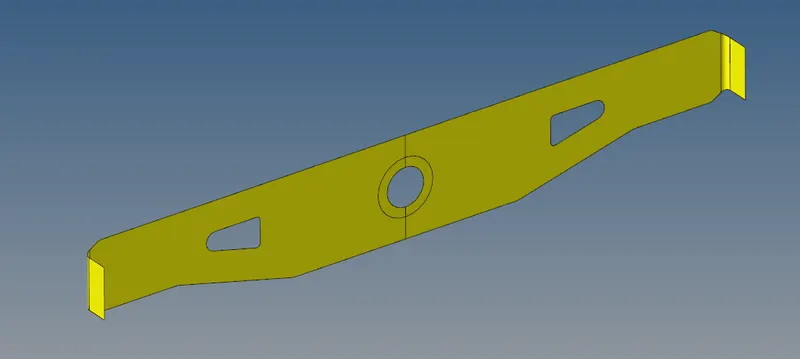
- Reinf Plate
- Right rail 1
- Right rail 2
- Left rail 1
- Left rail 2
- Rear truss 1
- Rear truss 2
- Front Truss 1
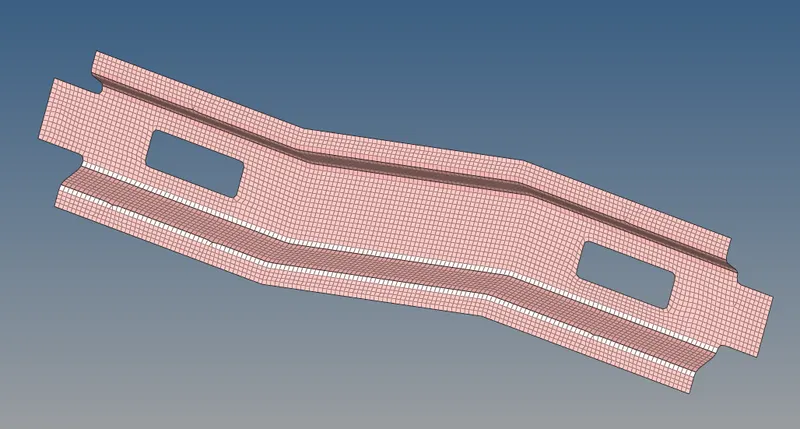
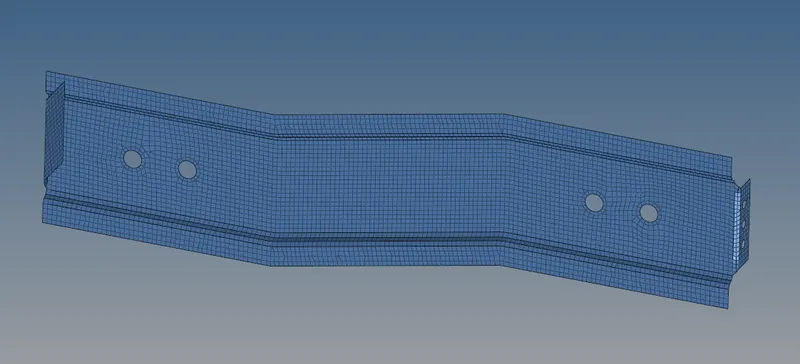
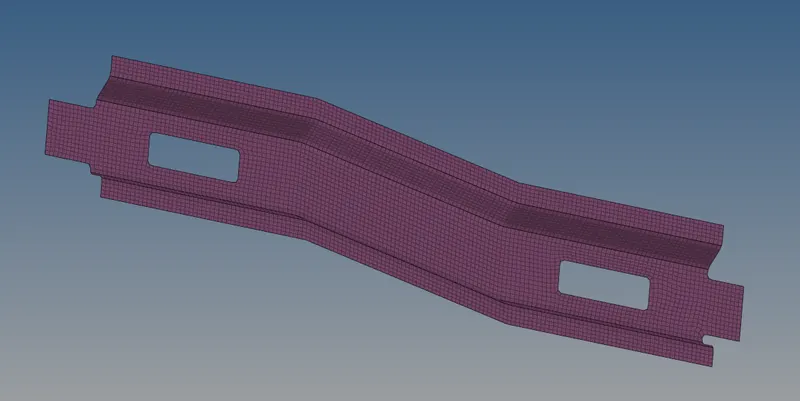
- Then the next step is to mesh each component with the proper criteria as mentioned in the question. The mesh for each component is given below
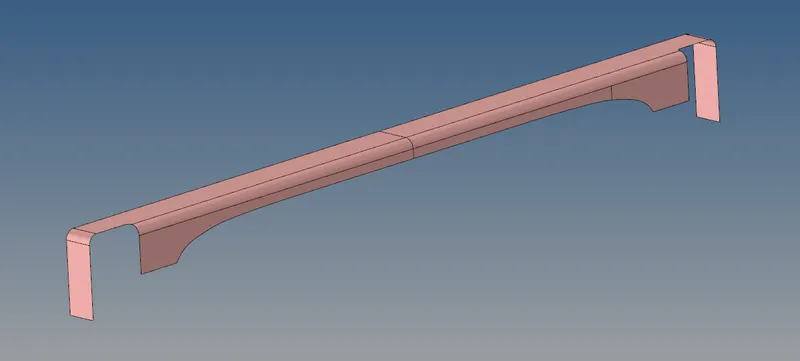
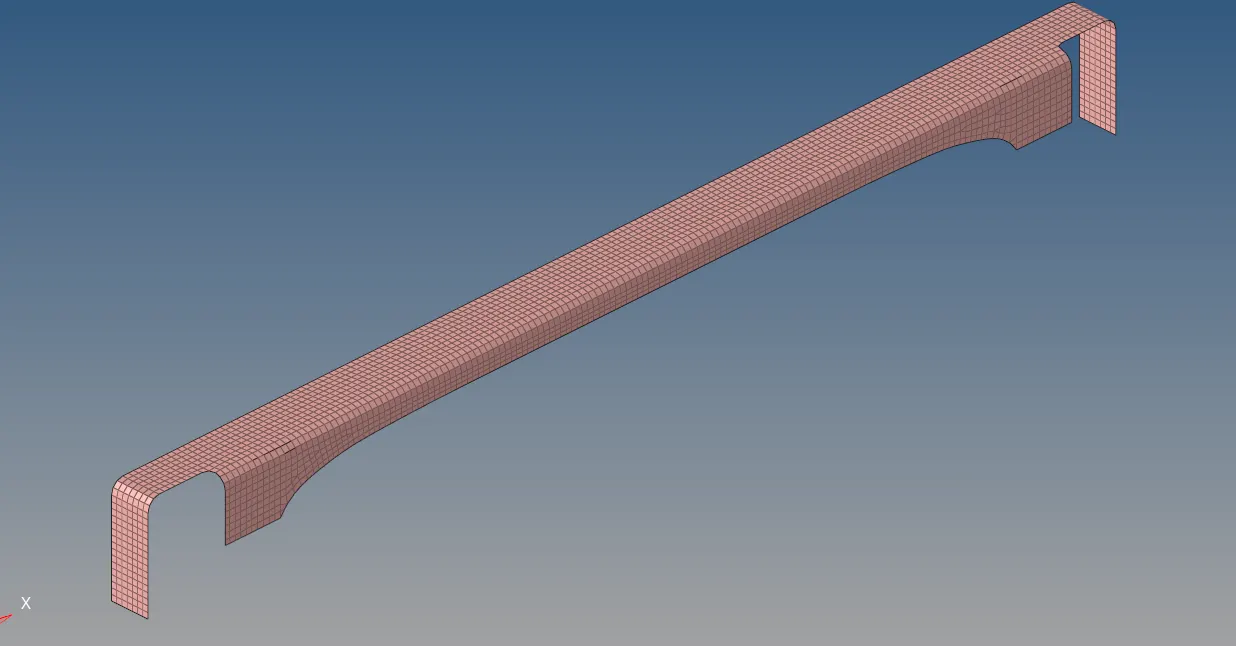
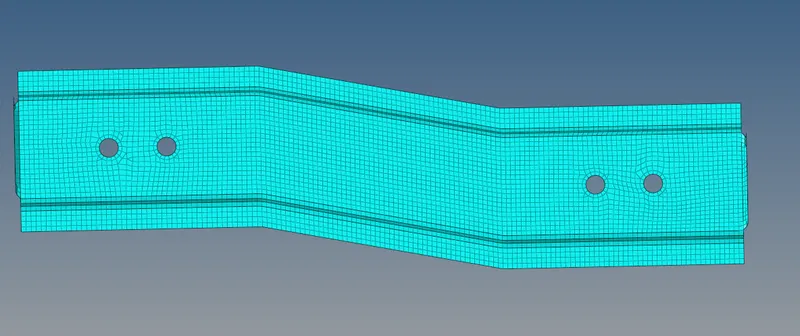
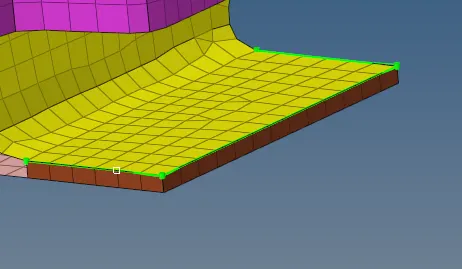
- Mesh body of Front truss 1
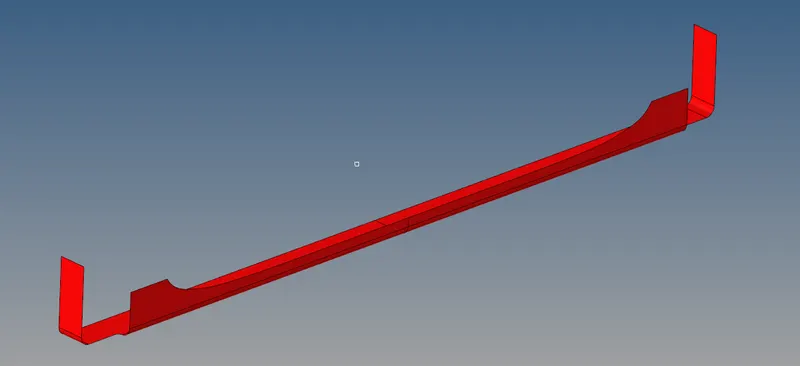
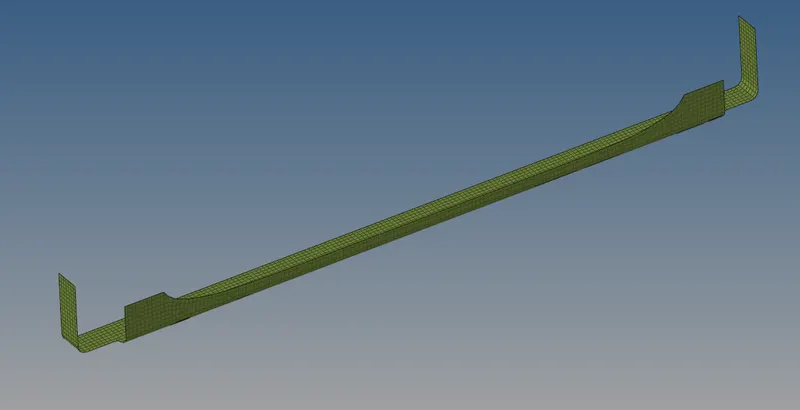
- Mesh body of Front truss 2
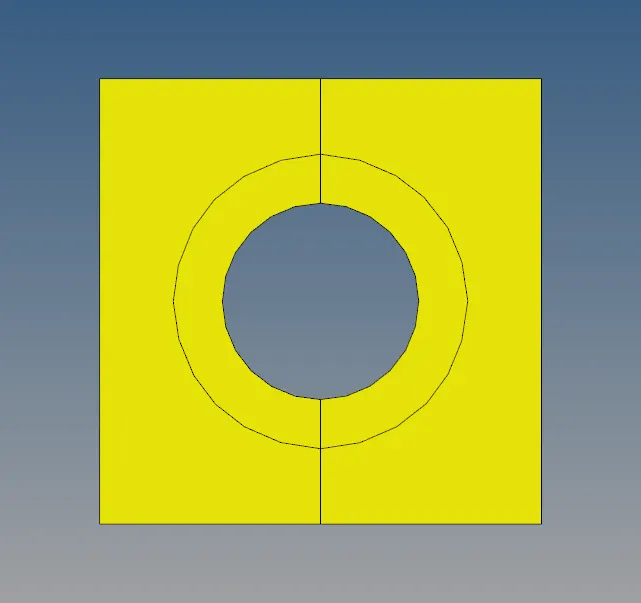
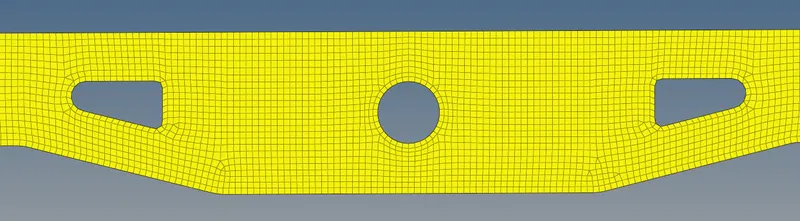
- Mesh body of Reinf plate
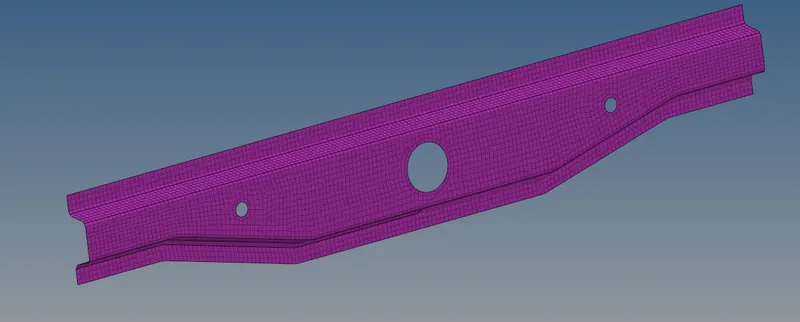
- Mesh body of Right rail 1
- Mesh body of Right rail 2
- Mesh body of Left rail 1
- Mesh body of left rail 2
- Mesh body of Rear truss 1
- Mesh body of Rear truss 2
- Then creating connectors as mentioned in the question
-
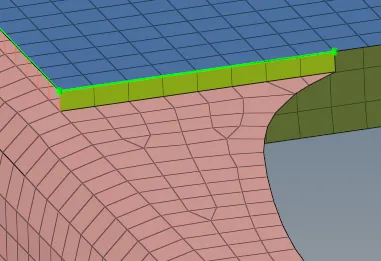
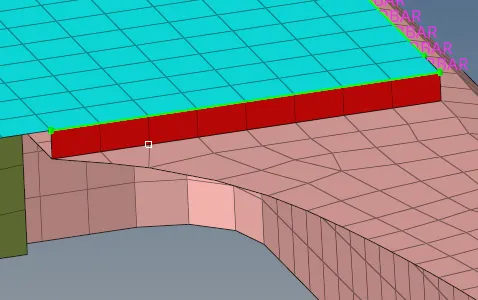
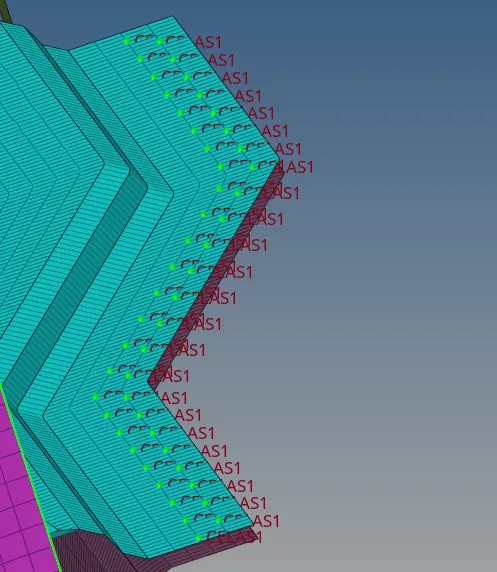
Right_Rail_2 & Front_truss_1:- Seam-Quad(angled+capped+L)
-
-
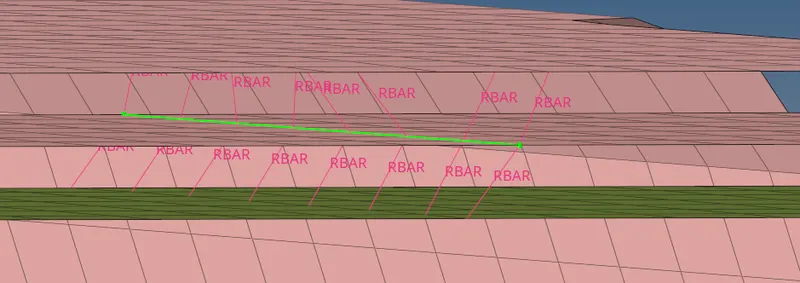
Left_Rail_2 & Front_truss_1:- Quad elements
- First, we have to go to the connectors section of the 2D section then select seam to enter into the seam option, then select the nodes and components where the seam needs to be created and select the type of seam is required then assign the tolerance and create the connector.
- First, we have to go to the connectors section of the 2D section then select seam to enter into the seam option, then select the nodes and components where the seam needs to be created and select the type of seam is required then assign the tolerance and create the connector.
-
Front_truss_2, Front_truss_1 & Right_Rail_1:- Spot weld with 2 Layers and 5 mm Diameter
- To create a spot weld we have to select the nodelist, components and then assign the parameters to make the spot weld in the required nodes.
- To create a spot weld we have to select the nodelist, components and then assign the parameters to make the spot weld in the required nodes.
-
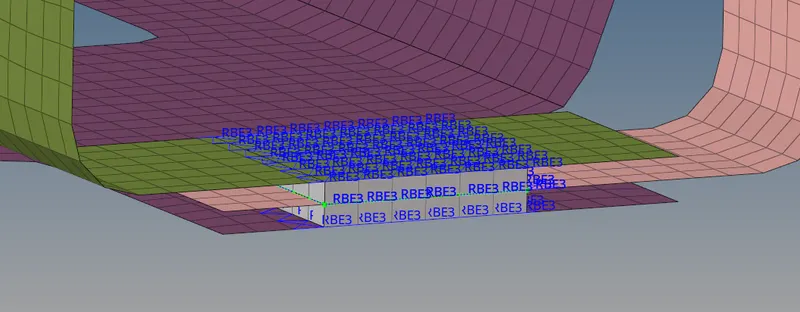
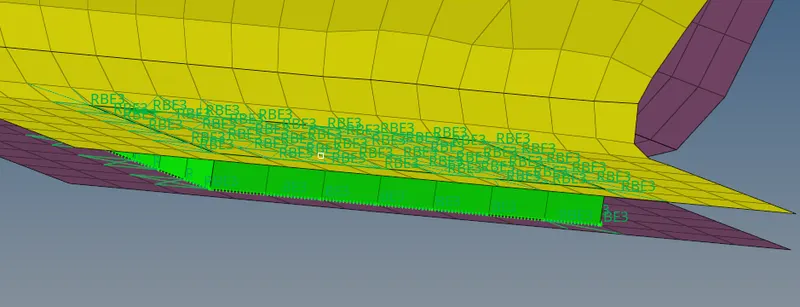
Front_truss_2, Front_truss_1 & Left_Rail_1:- Hexa (Adhesive)
- To create adhesive we have to select the area option present in connectors, then we have to select the elements, components, mention tolerance, number of coats and then click on create to create the adhesive layers.
- To create adhesive we have to select the area option present in connectors, then we have to select the elements, components, mention tolerance, number of coats and then click on create to create the adhesive layers.
-
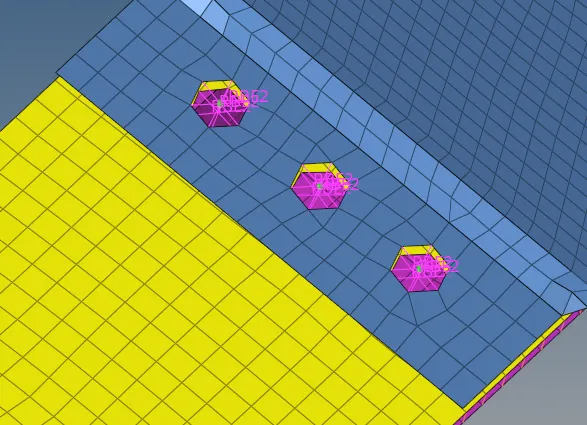
Rear_truss_2 & Right_Rail_2:- Bolt Connector
- To create a bolt we have to be present in the bolt section of the connectors, then we have to give the nodelist and assign components to create the bolts.
- To create a bolt we have to be present in the bolt section of the connectors, then we have to give the nodelist and assign components to create the bolts.
-
Rear_truss_2 & Left_Rail_2:- Bolt Connector
- To create a bolt we have to be present in the bolt section of the connectors, then we have to give the nodelist and assign components to create the bolts.
- To create a bolt we have to be present in the bolt section of the connectors, then we have to give the nodelist and assign components to create the bolts.
-
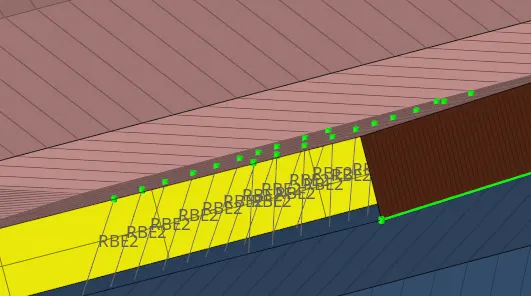
Right_Rail_1 & Right_Rail_2:- Spot-weld with Rigid Elements
- To create a spot weld we have to select the nodelist, components and then assign the parameters to make the spot weld in the required nodes.
- To create a spot weld we have to select the nodelist, components and then assign the parameters to make the spot weld in the required nodes.
-
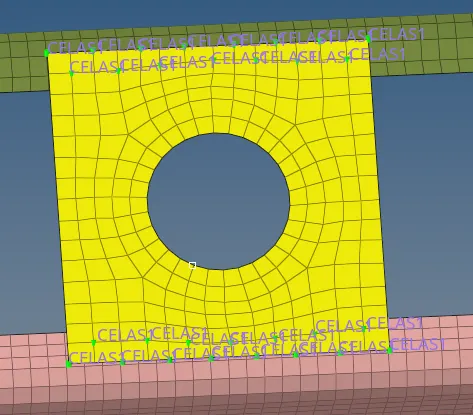
Left_Rail_1 & Left_Rail_2:- Spot-weld with Spring Elements
- To create a spot weld we have to select the nodelist, components and then assign the parameters to make the spot weld in the required nodes.
- To create a spot weld we have to select the nodelist, components and then assign the parameters to make the spot weld in the required nodes.
-
Rest all the components left Join them with suitable connectors
-
- Mesh body of Front truss 1