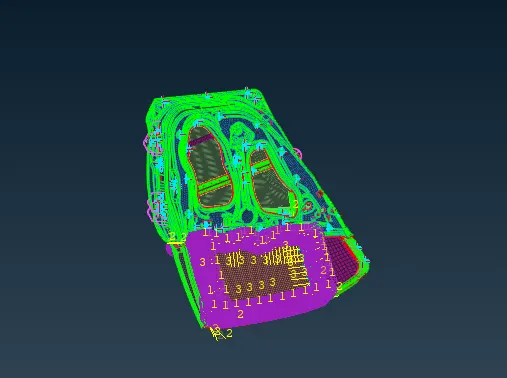
Week 9 - Creating connection for Rear door
FEA model
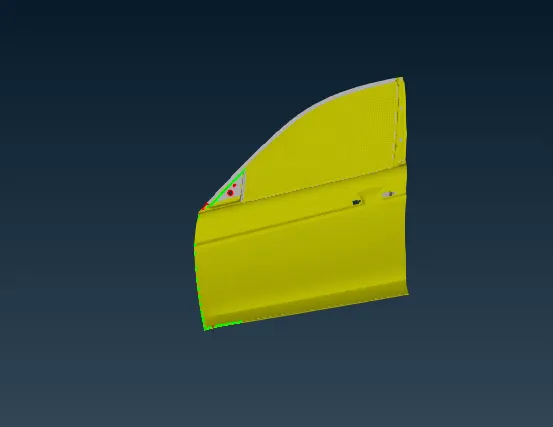
Take the FEA model and assign separate properties to each component.
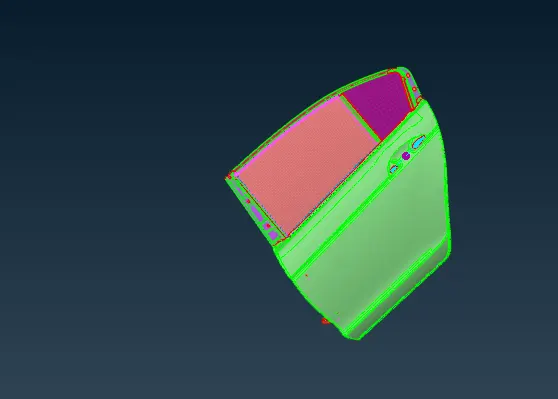
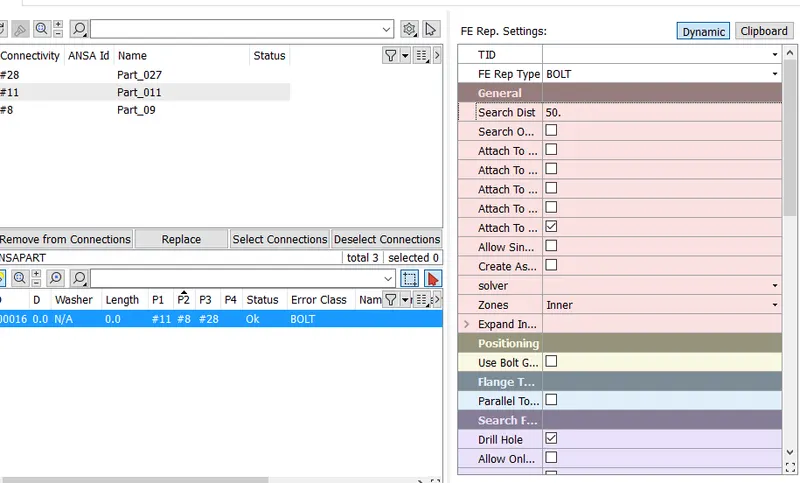
To create bolt connection where parts are fixed by bolts
Create centre point using COG option in topo. Convert 3d point into bolt. Using connection manager, select bolt to create connection.
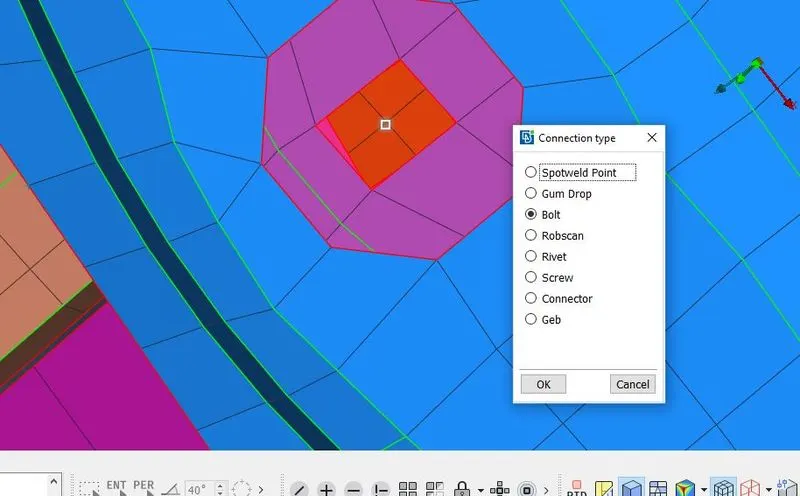
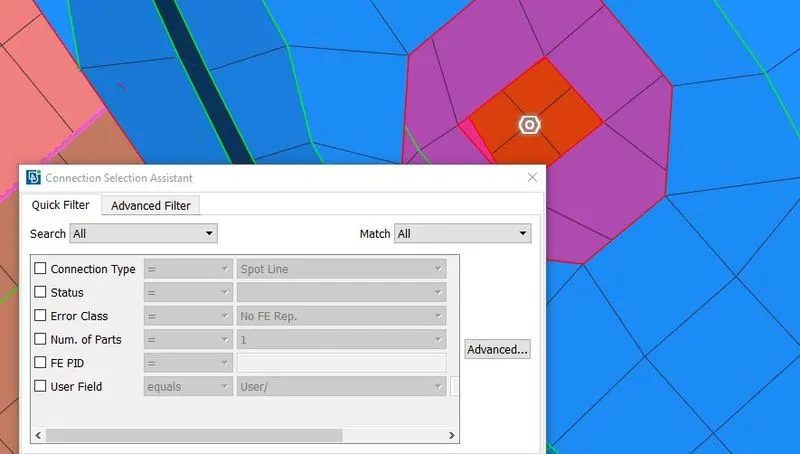
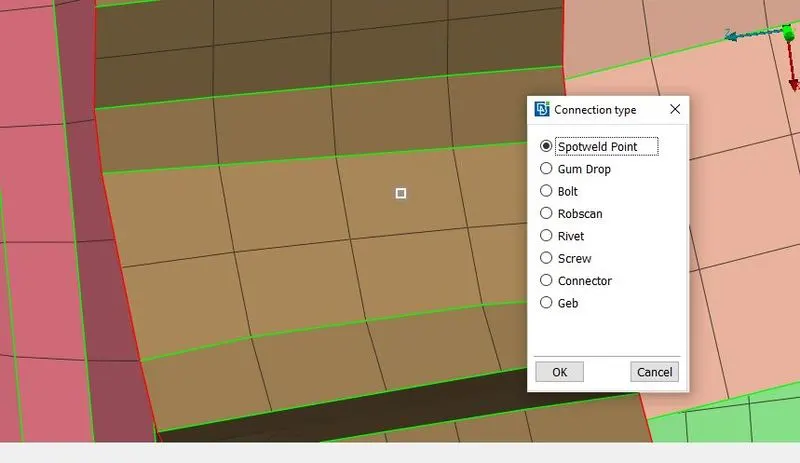
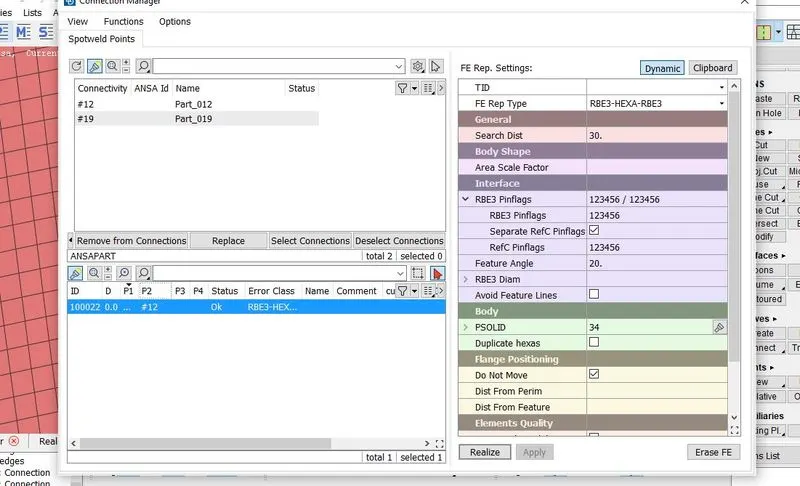
Below are the steps to create spot weld
Create centre point using COG option in topo. Convert 3d point into spot weld point. Using connection manager, select spot weld point to create connection.
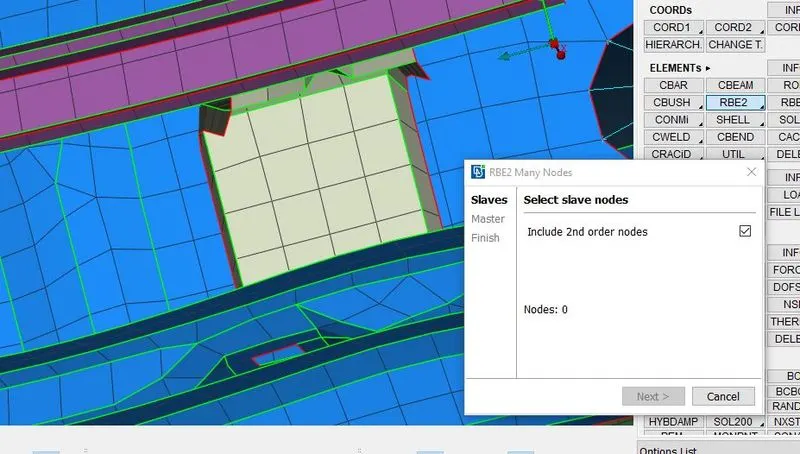
To create RBE2 connection, selection RBE2 option from NASTRAN deck. Select many node option and create RBE2 connection at required location.
Above steps are repeated to create bolt, RBE2 and spot weld connection at different location.