Week 9 - Creating connection for Rear door
Weekend batch
Objective
To provide requred connections for the given Rear door FE model
Procedure
Bolt connections
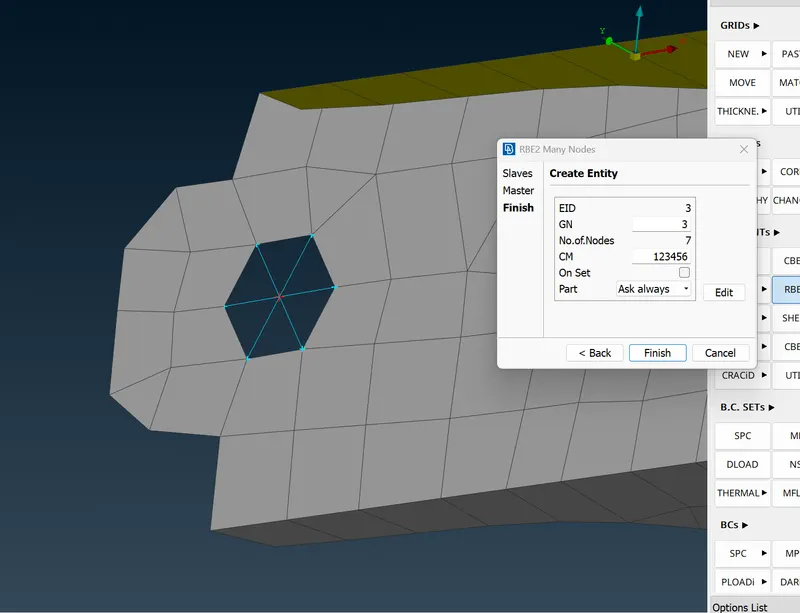
RBE2 command is used to create connections for bolt
RBE2 -> Many Nodes and loop option enabled for easy selection of holes
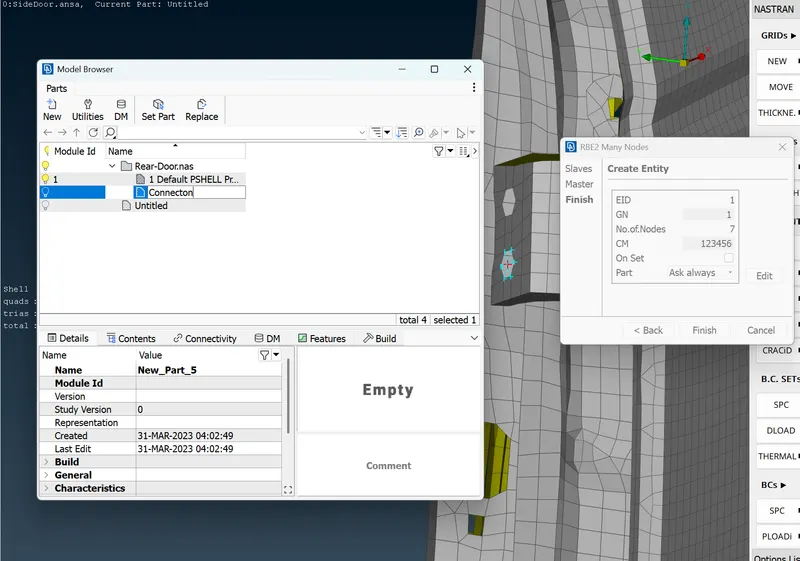
The created connection is grouped under Connections in model browser as shown below
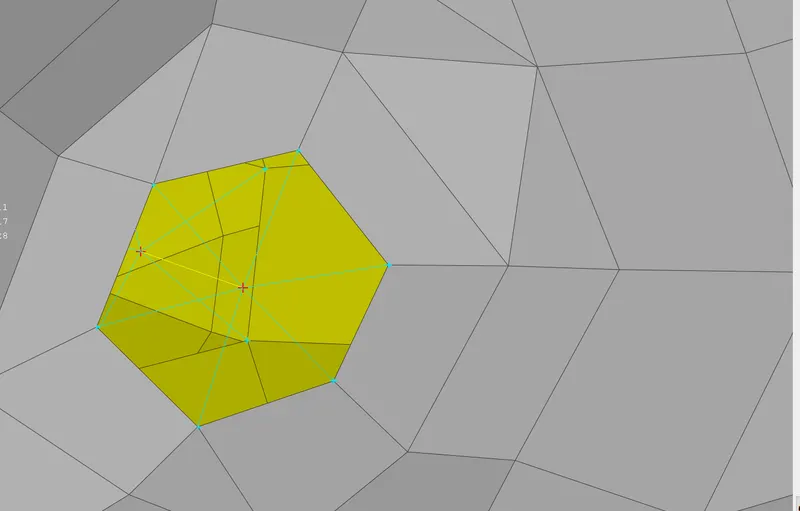
For mating holes that are in contact cluster connections are used as shown below
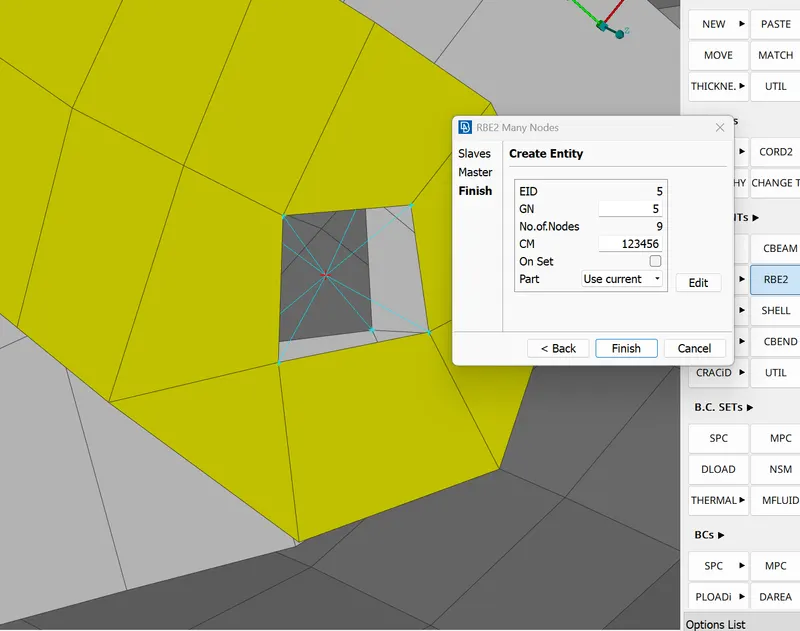
and for mating hole that are distant RBE2 -> 2nodes command is used as shown
Weld
Spot weld
Create a COG point ont element of contact
Then convert the point into spot wel point as shown below
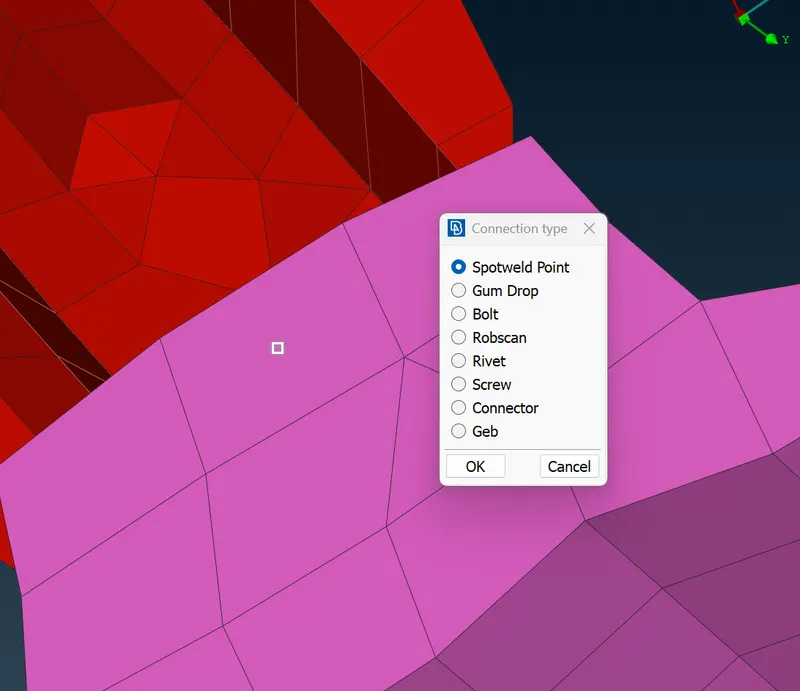
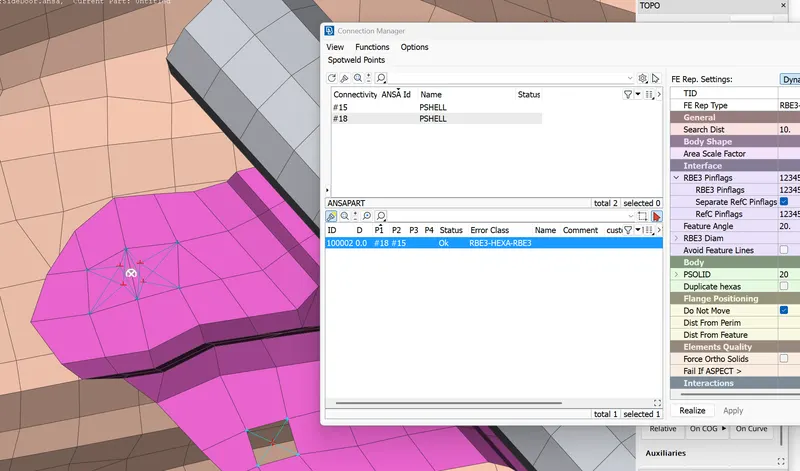
Then RBE3-HEXA-RBE3 is used to create spot weld
Seam Weld
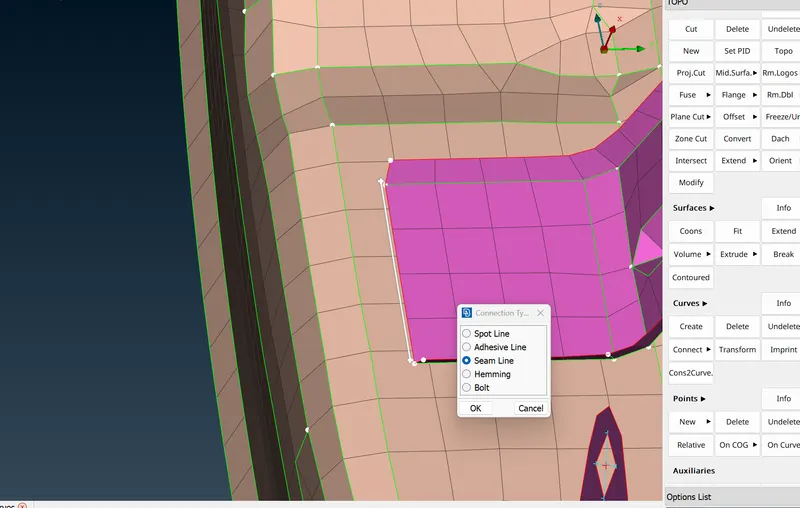
Cons to curve is used to create curve at the edge and the curve is moved and converted into seaming line
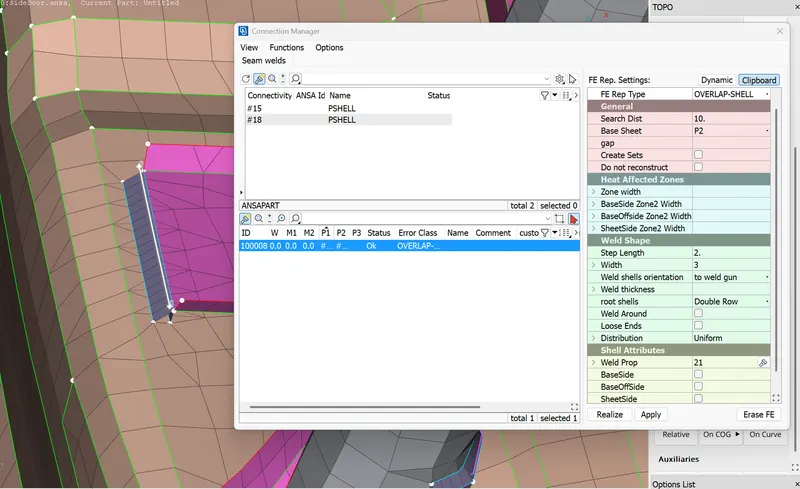
Then connection manager is used to make OVERLAP SHELL connection as shown below
CBUSH
Used to define mechanisms
Created a curve along the edges of the glass and moved it by 5mm
Converted the line to spot line
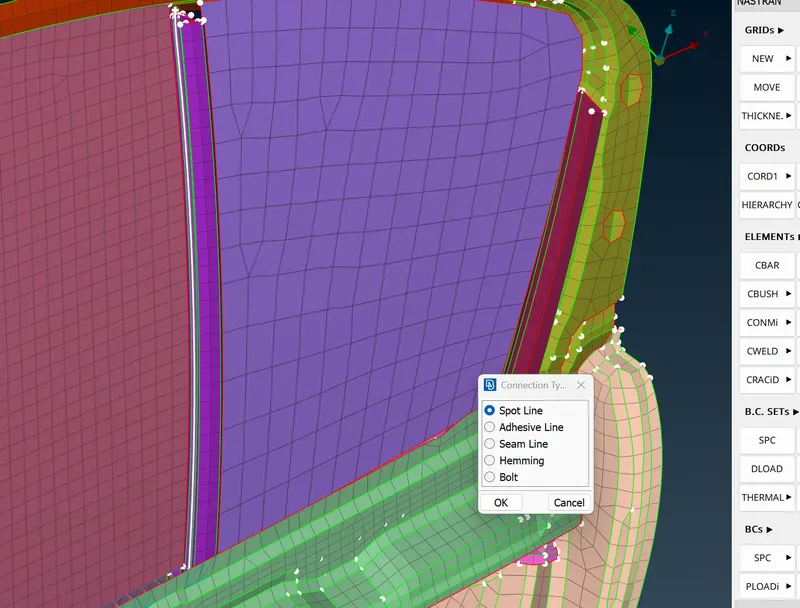
Then connection manager is used to define CBUSH connection using RBE3-CBUSH-RBE3
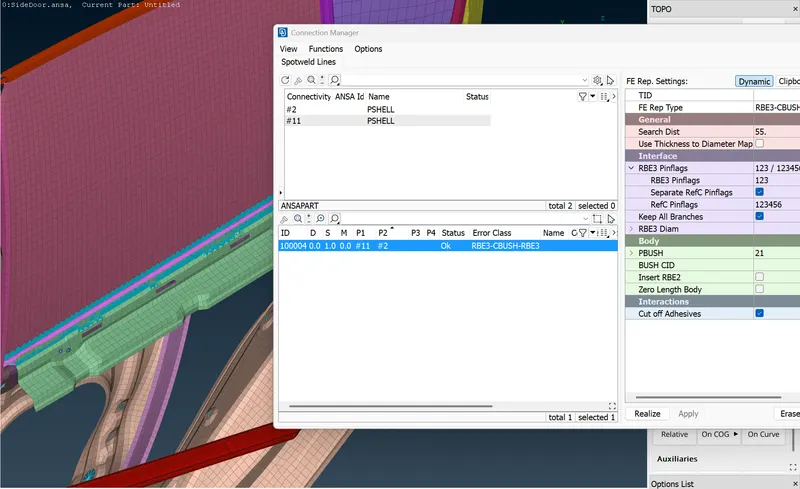
Then the process is repeated for all sides of the glass