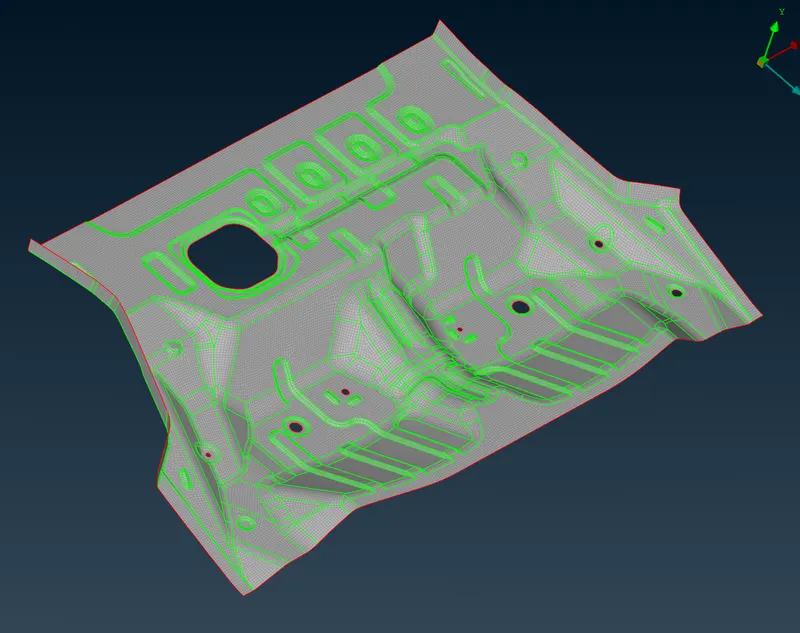
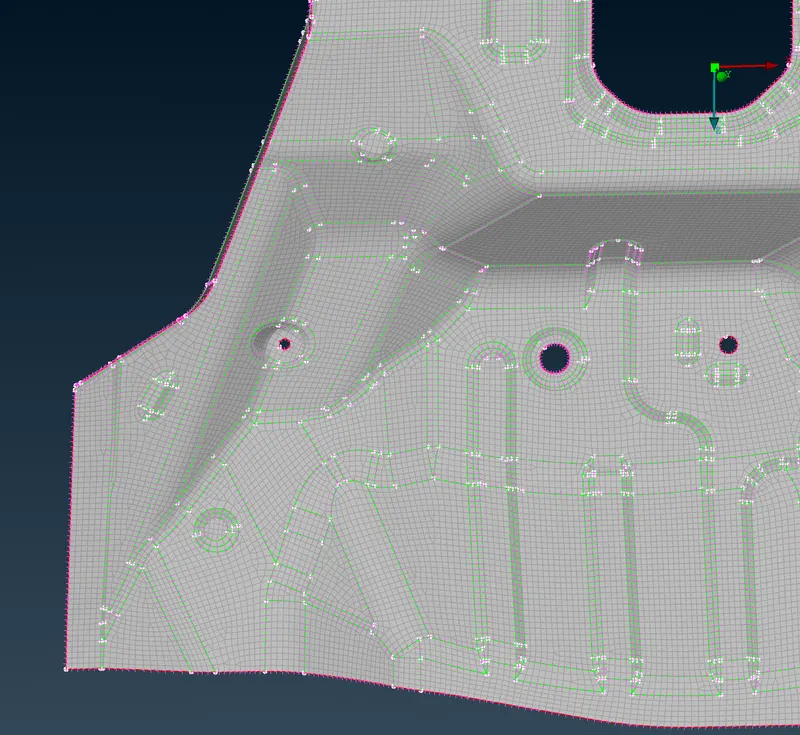
Project 1 - Meshing of Floor Panel
Weekend Batch
Objective
To create midsurface for the given cad model and mesh it so that it satisfies the above criteria
Procedure
Geometry check manager option was used to detect areas that needed cleanup
needle face were released-> deleted and then topo was used
new faces were created in places that were needed as shown below
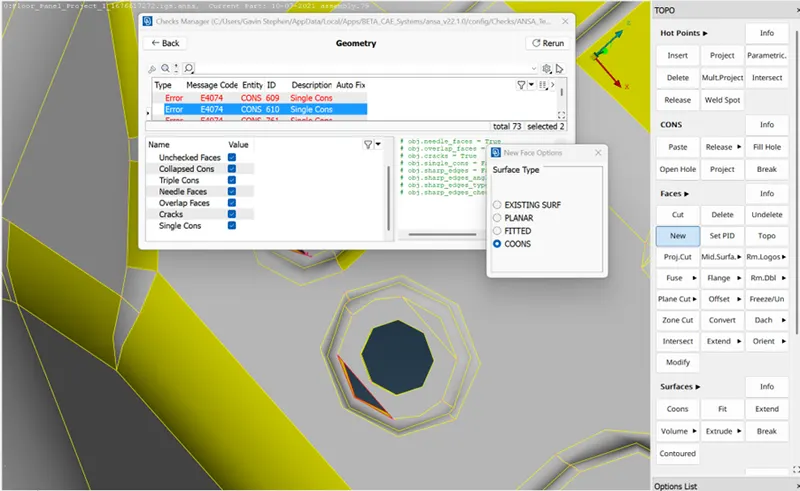
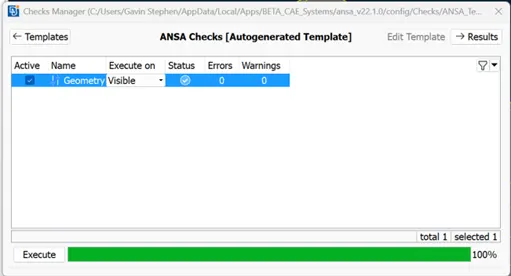
All errors were cleared till the below dialog box appeared
Faces -> Midsurface -> Skin command was used to create midsurface
The generated midsurface was allocated seperate property as shown below
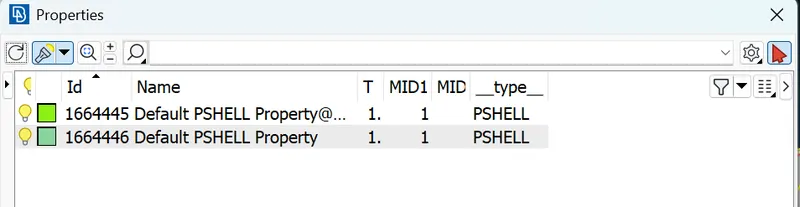
Unwanted cuts were removed from the midsurface using Macros-> Join & Cut before meshing
The given Quality Criteria was added
Perimeter -> Length was set
Batch meshing and best meshing options were used to create mesh
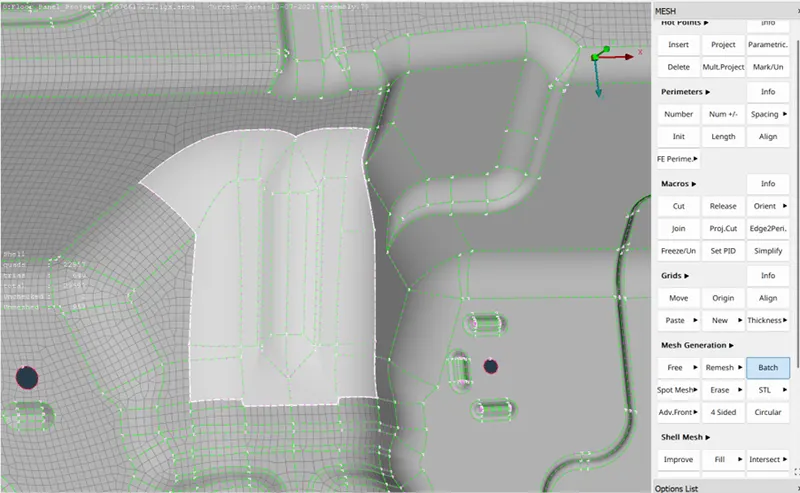
Reconstruct option was used to alternate mesh solutions
Split, Swap, Join and Collapse options were used to remove Trias as much as possible
then Smooth option was used to fine the mesh flow
after completing mesh for all geometries the results are as shown below