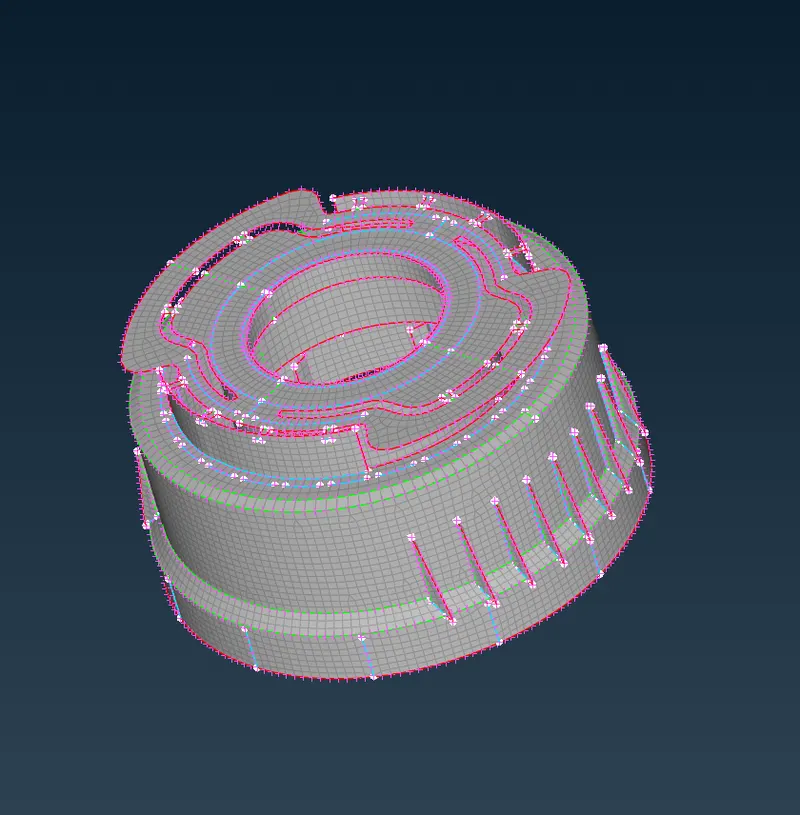
Week - 5 - 2D meshing for Plastic components
Aim
To check for the geometrical errors and take the mid surface by suitable mid surfacing techniques for the given Plastic Bottle Cap model mesh it with the given element Quality criteria
Procedure
Fine command was used to improve the visual of cad geometry and geometry checks were performed
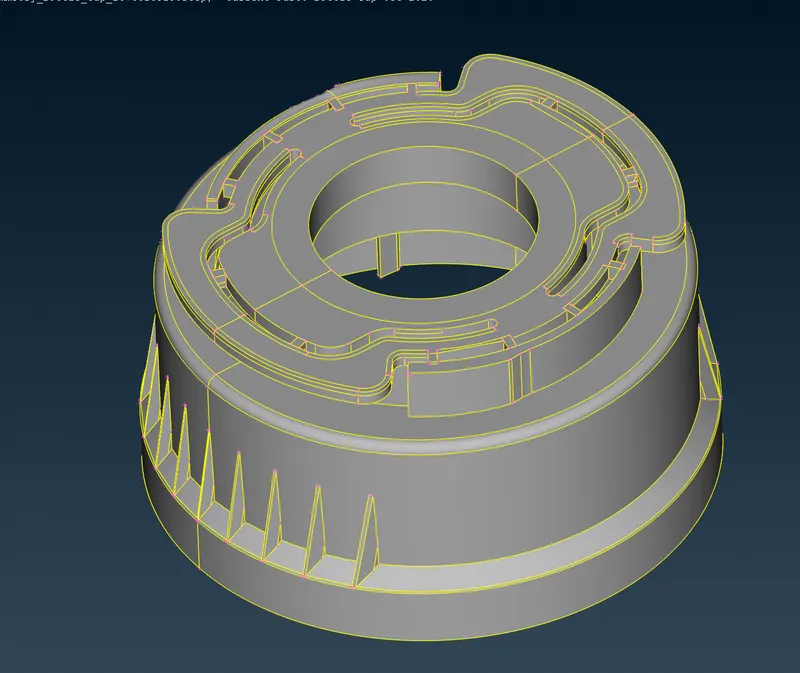
Base middle surface was created using offset command
Fill hole command was used to close theese holes,Face-> new command used for creating fillet faces
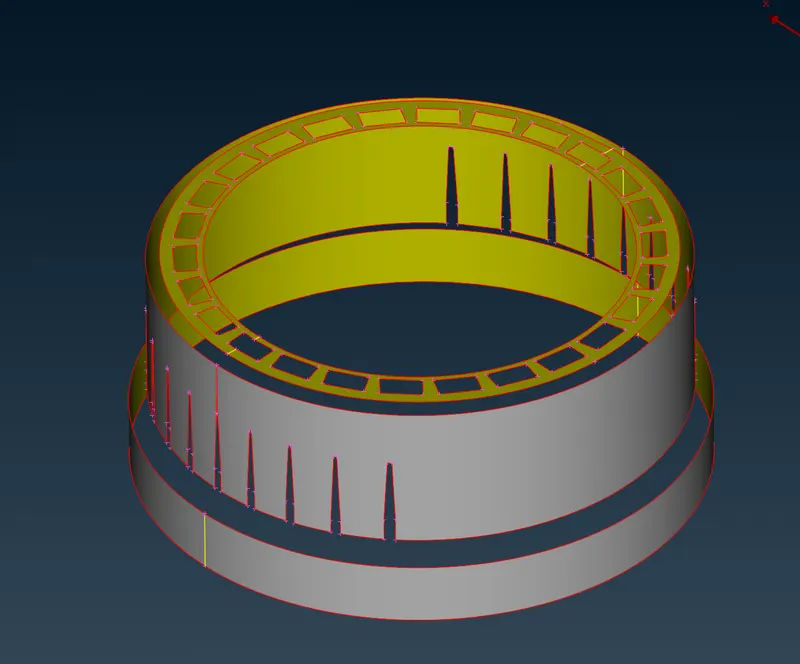
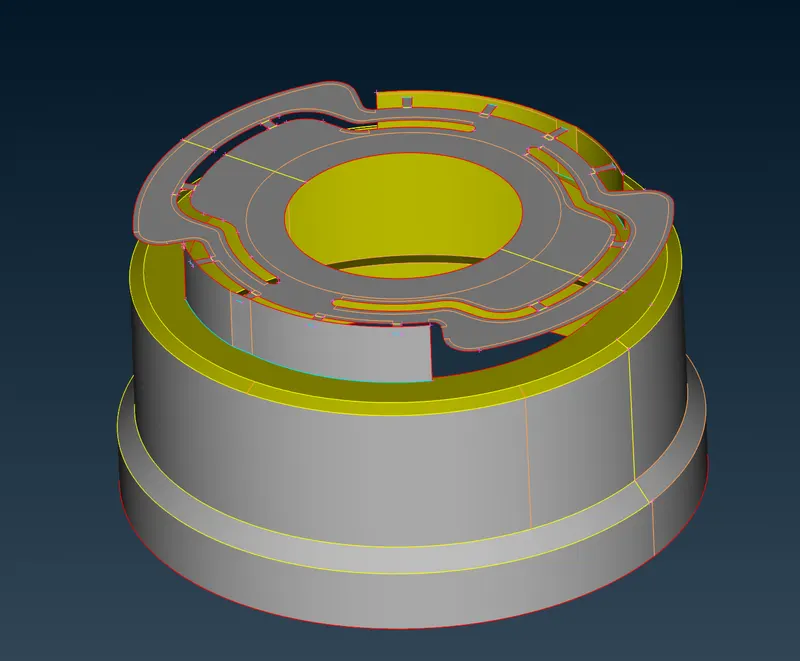
Middle surfece created was saved in a seperate property
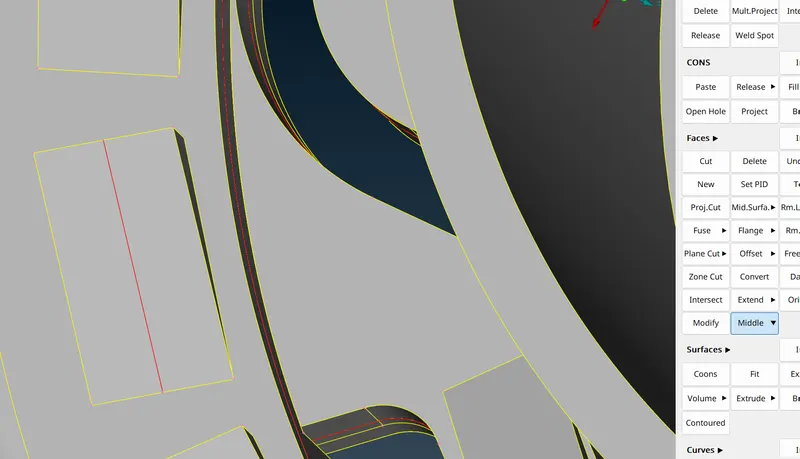
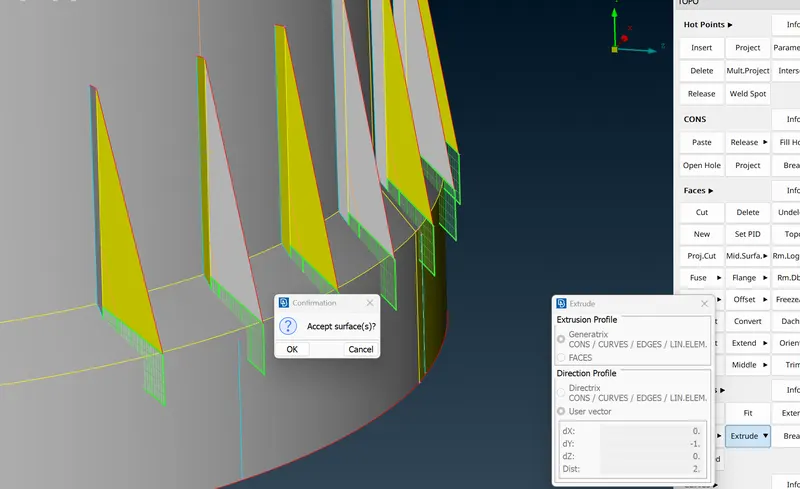
curves-> Middle option used to trace the curve of the teeth then face was creted by extenting it till the mid surface
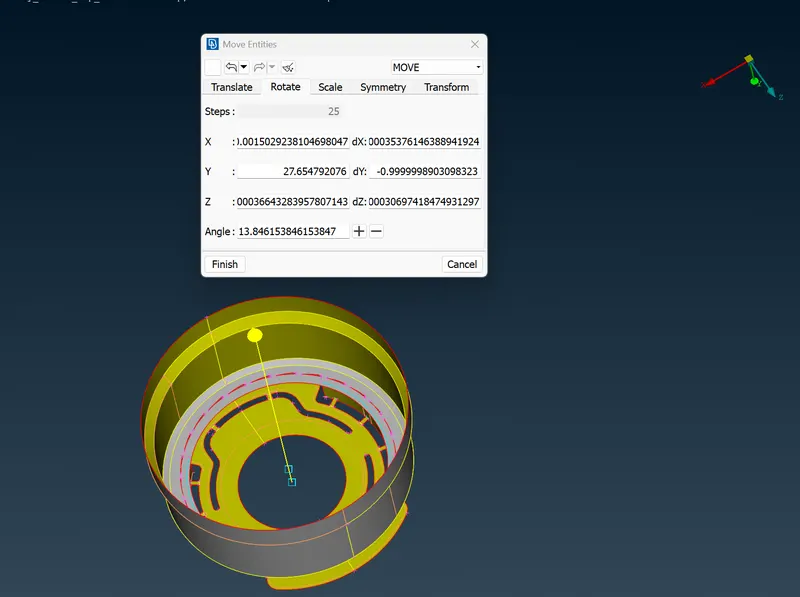
Transform-> Rotate option used for creating instances of the teeth
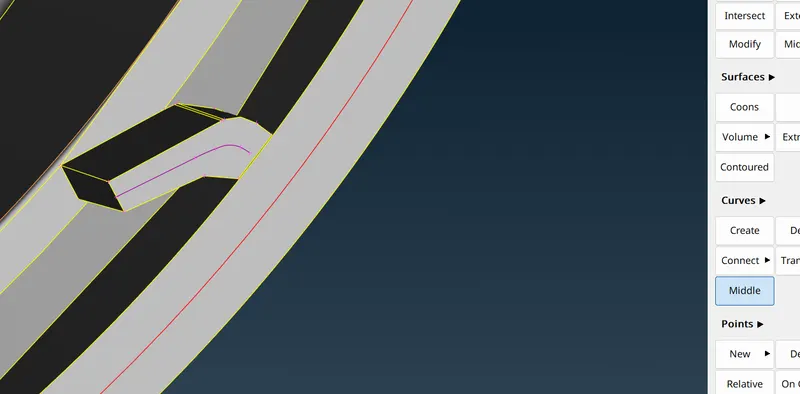
same curves-> Middle option is used to create the curve and then extrude option is used to create surface
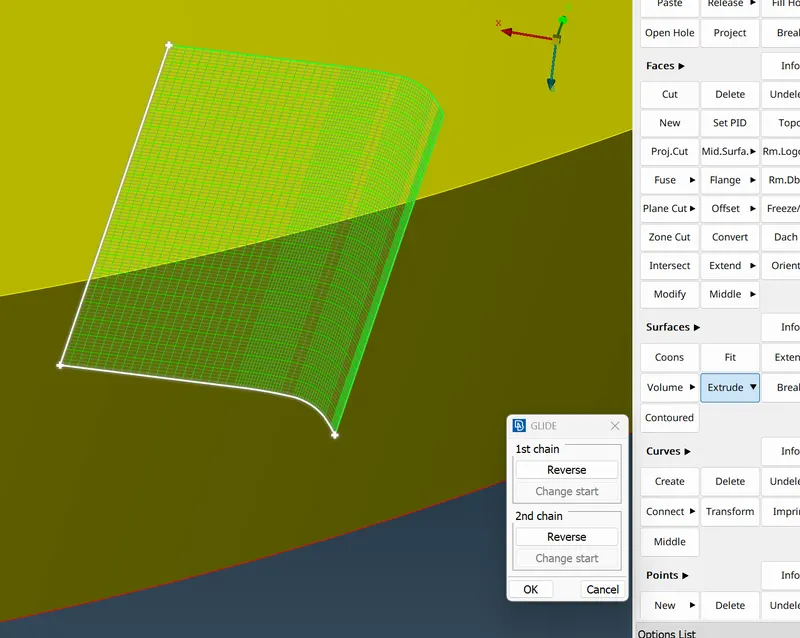
Faces-> middle option is used to create faces in the middle and extended till the mid surface
Cleaned the unwanted cuts in the mid surface
Used best option for meshing
Used Reconstruct option for remeshing areas that didn’t have fine mesh
Removed tria elements as much as possible using split, join and smooth to fine the mesh
Final model