Week 9 - Challenge 2 - Switch Bezel Design
SWITCH BEZEL DESIGN
Aim:- To create the switch bezel plastic components through the given class-A surface.
Software used:- CATIA.
Introduction:- The frame portion of the window switch that secures the switch covers and buttons in place is called switch bezelplastic component. The majority of manufactures use mouldings to create plastic trims for cars; as result, the switch bezel is designed with productions considerations in mind.
Design Procedure for Switch Bezel :-
- The provided style surface is first examined for any anomalies. If any are identified the trim, extrapolate, split and join commands are used to remedy them.
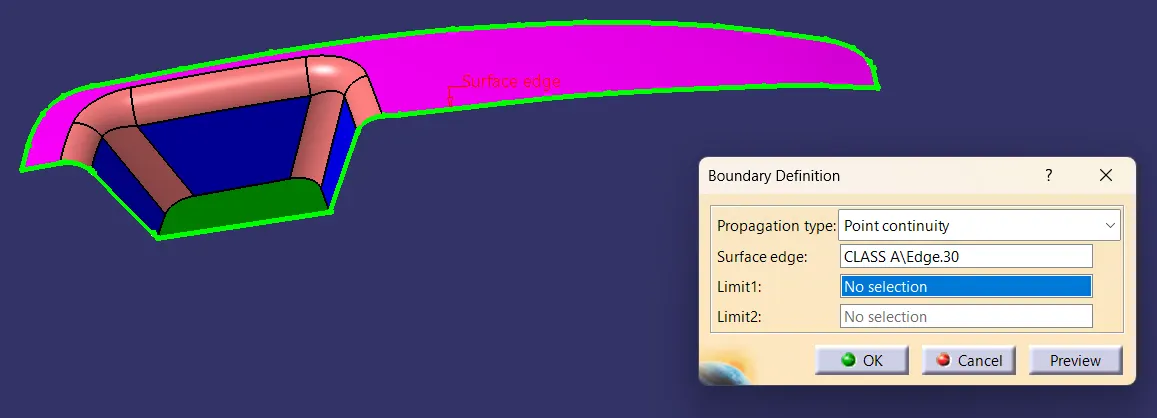
- The fig(1) shows that there are no anomalies in the giv en class-A surface and it is checked with the help of boundary command.
fig(1)
Tooling axis:-
- After interior trim(switch bezel) is manufactured, the mould cavity must be ejected with nominal 3-degree draft angle in mind.
- Thus, the above aspect is taken into consideration when creating the tooling direction, and bisecting method is applied.
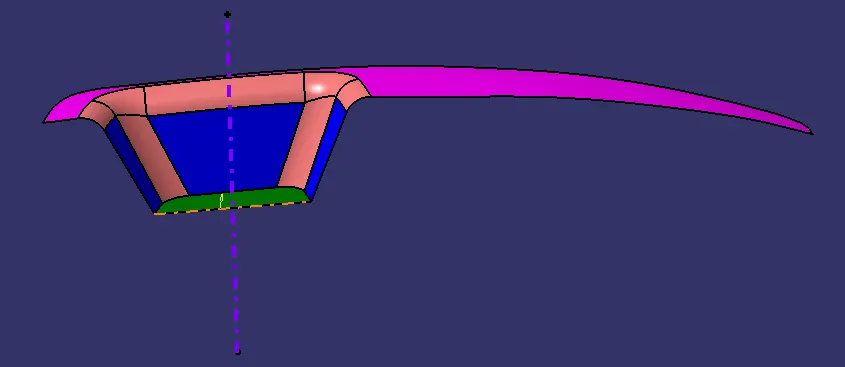
- The class-A surface is extracted and point is created in the center. An axis system is then inserted at the point where the feature is disabled.
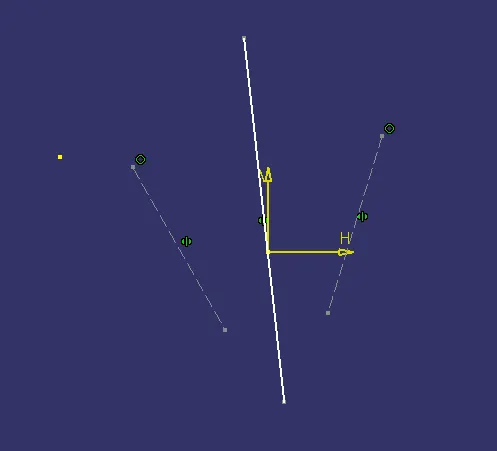
- The two inclined lines are drawn inside the positioned sketch using the project intersection along the yz plane.
- Afterwards, the inclined lines are used to draw the bisecting lines.
- The same process is again carried out along xz plane; however, because one side lacks inclined lines, a line is extruded down the z direction from the center point, yielding a tentative value of 5-degree.
- The bisecting line is created and published as the tooling axis usind these two lines from sketches 1 and 2.[as shown in fig(2) & fig(3)]
fig(2)
fig(3)
Class-B Surface:-
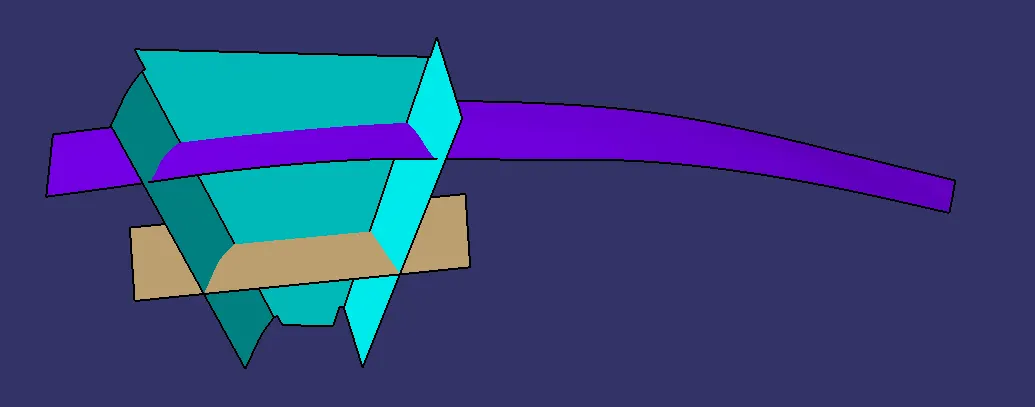
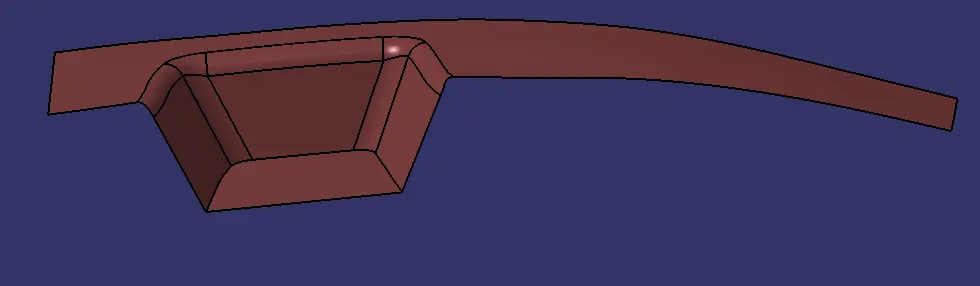
- All necessary surface have been extracted and untrimmed in order to create the class-B surface, with the exception of the offset surface.[fig(4)]
- Following that, the intersection between each surface are obtained by extrapolating them all.
- As switch bezel has a 2.5 mm thickness, the class-B surface is also offset to 2.5 mm and necessary trimming operations need to be executed.
- Lastly,12.5 mm has been applied to the corners(15 mm-2.5 mm).[2.5 mm- component thickness; 15 mm - fillet value of class-A surface.[fig(5)]
fig(4)
fig(5)
Class-C Surface:-
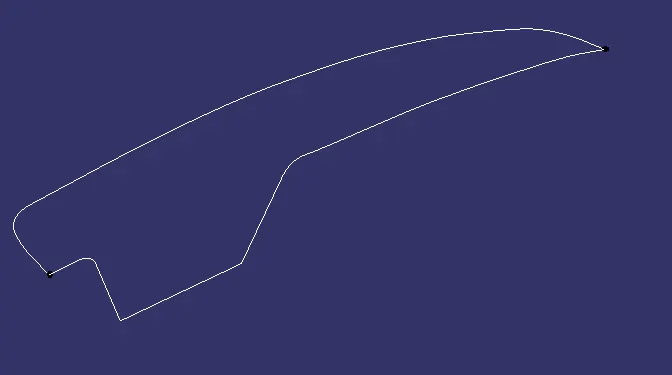
- Using multiple extract, the necessary class-A surface outside edges are extracted. Next, the curve smooth is used to smooth the curve in order to avoid the patchs.[fig(6)]
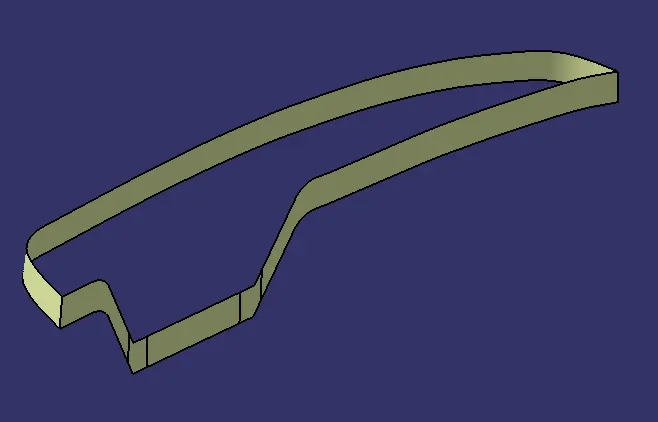
- Afterwards, use the sweep command to create the surface, at an angel of 3-degrees along with the tooling axis.
- The edges are the intersected between the surface corners using the extrapolation command, which made the trimming process smoother.[fig(7)]
- Hence, by using trim command the class-C surface obtained.
fig(6)
fig(7)
Final Surface:-
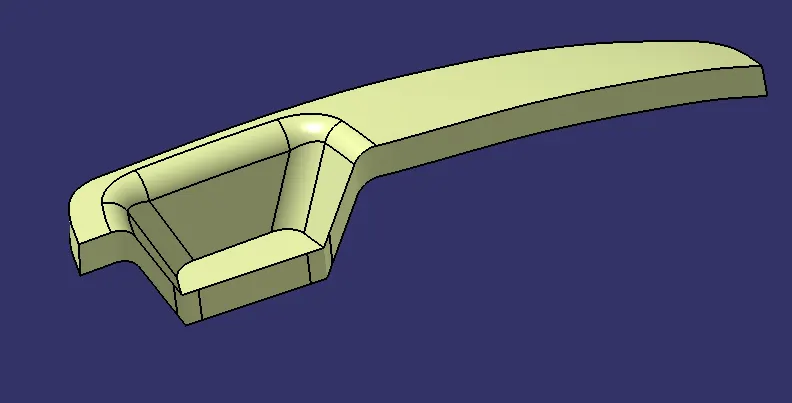
- The class-A and class-C surface are now joinned together by eliminating the gaps between them using trim surface and extrapolation.[fig(8)]
- Following that, the joined class-A and class-C surface is trimmed with class-B surface of switch bezel to acquire the final surface.[fig(9)]
- Lastly, define the part body and by using a closed surface command in part workbench; the solid part is obtained.[fig(10)]
fig(8)
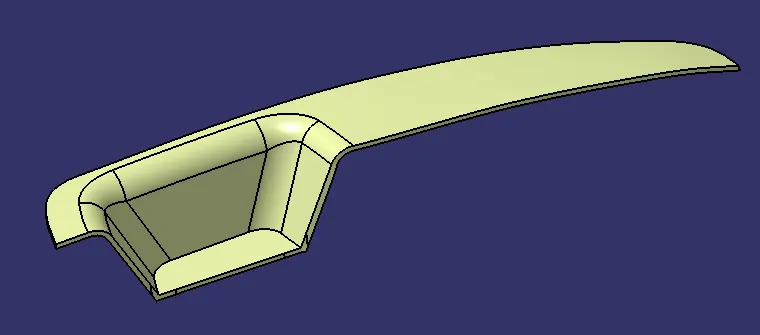
fig(9)
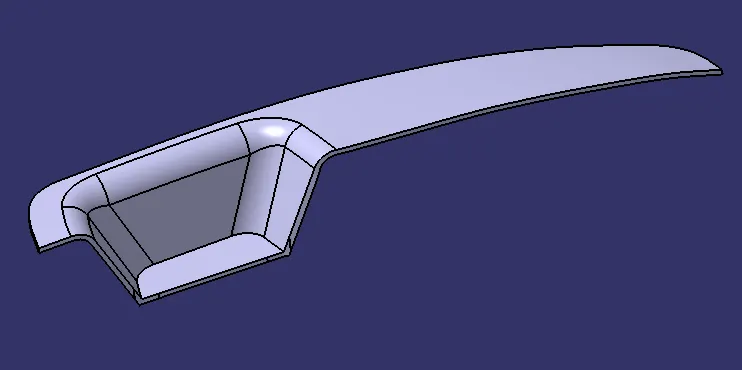
fig(10)
Draft analysis:-
- Prior to designing the class-B & class-C surface and analyzing the solid body, the class-A surface needs to be checked. Both can be done by following instructions listed below.
- In oeder to enable the feature draft analysis, switch the view mode to material mode under custom view options.
- Following this, by dragging the red pointer, the compass is aligned with the tooling axis and locked.
- Next, the nominal value of 3-degrees will be checked for the component's draft angle by selecting the quick analysis mode.
- The area that is colored green indicates that the 3-degrees draft angle is satisfied. If not, the area is measured and then changed using the running point tool to provide a successful draft for the created tooling direction.
Isometric View:-
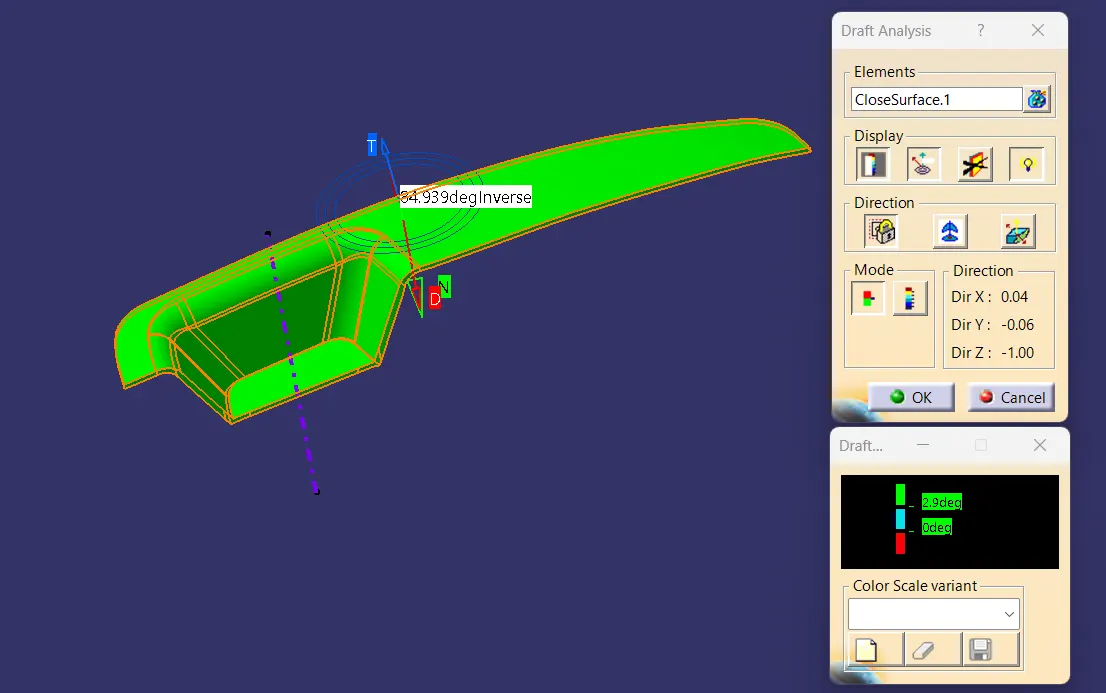
fig(11)
Front View:-
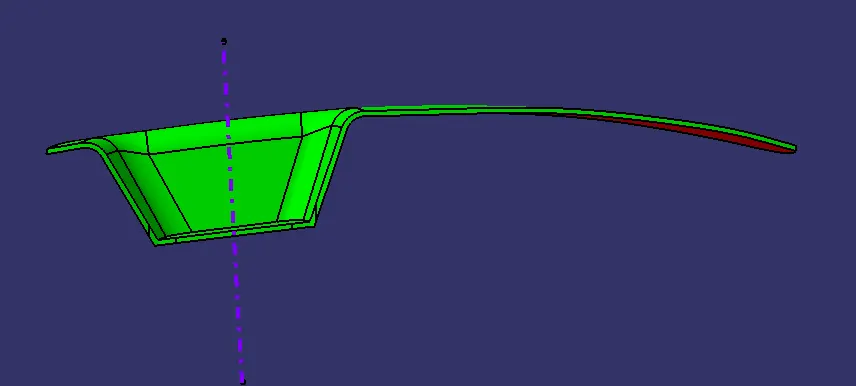
fig(12)
Side View:-
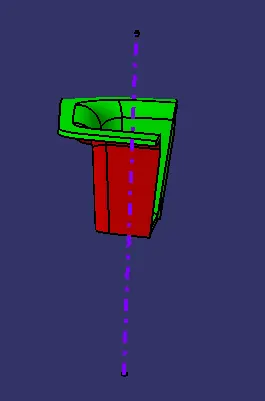
fig(13)
Top View:-
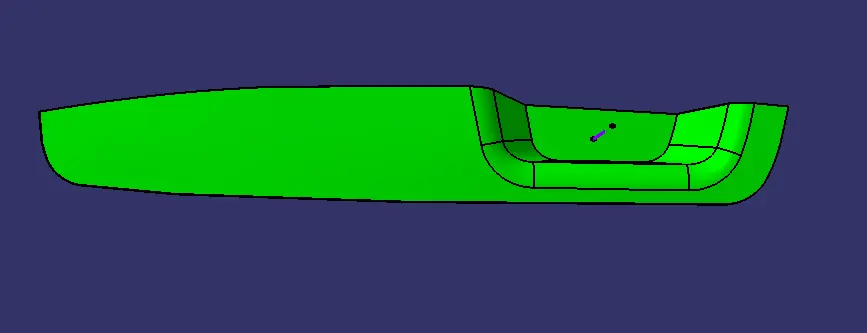
fig(14)
Conclusion:-
At last, Class A,B and C Surfaces along with Tooling direction are published, and Switch bezel moves on to next operations design: the B-side feature construction.