Week 9 - Challenge 1 - Base Bracket Design
BASE BRACKET DESIGN
Aim: To create Base Bracket Plastic part from the given class A surface.
Objective:
- To design the class-B and class-C surface.
- To create tooling axis.
- Perform the draft analysis on the component.
Focused Areas:
- Tooling axis.
- Class-B surface.
- Class-C surface.
- Draft analysis.
Command Used:
- Extract.
- Trim.
- Un-trim.
- Extrapolate.
- Sweep.
- Fillet.
- Join.
- Offset.
- Boundary.
- Close Surface.
Methodology:
Tooling direction:
Tooling axis is the direction in which core and cavity. The draft determines when the part is ejected from the mold. Due to shrinking, a zero draft may cause problematic & impossible ejection. For non-textured surfaces, it is advised to add minimun of 0.5 to 1 degree upto 3 degrees of draft, and for textured surface , 3 to 5 degrees of draft.
Procedure to create tooling axis is given below:-
Firstly,create a point in the centre of the hole of given class-A of base bracket component, using point command.
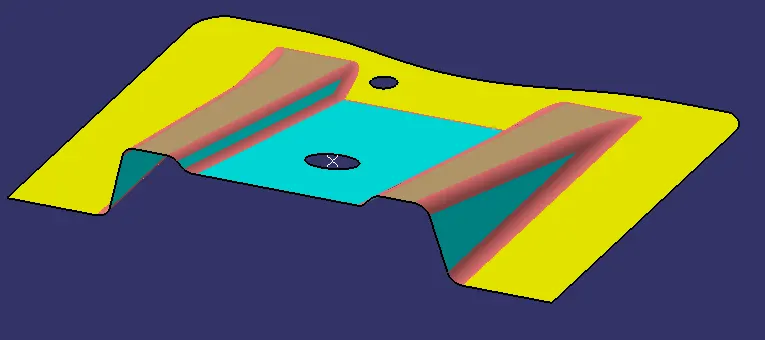
fig(1)
Then, create YZ plane at the centre of the hole using plane command.
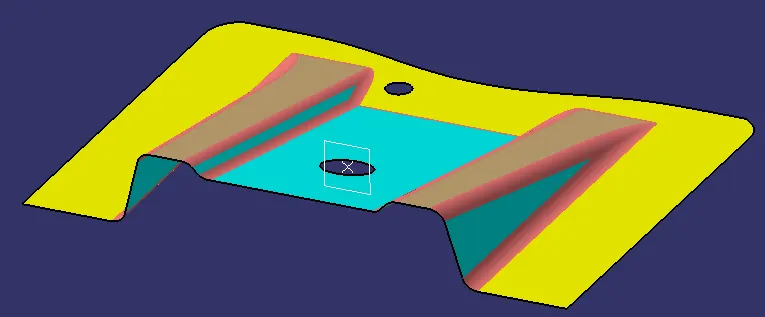
fig(2)
Afterwards, use the intersection command to create intersection between plane and surface. Create lines on each side of the intersection , shown in fig(4).
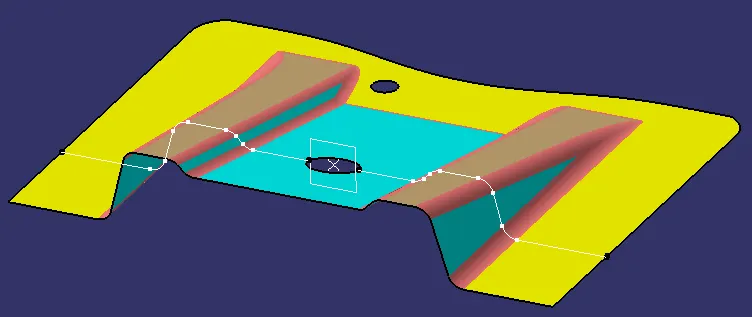
fig(3)
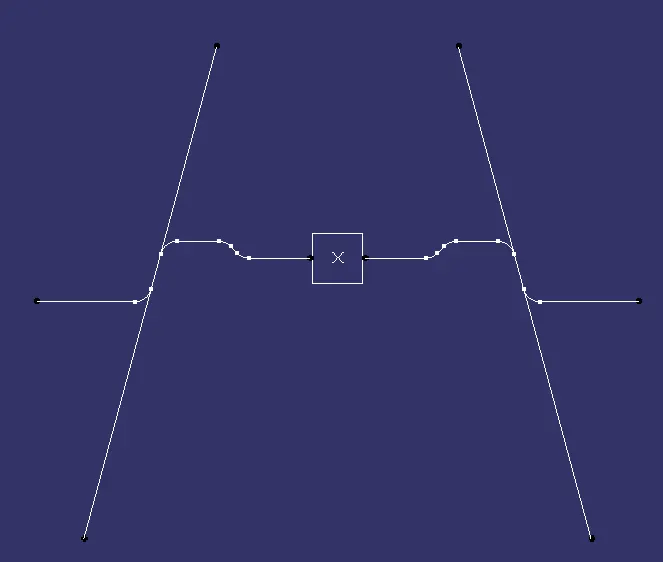
fig(4)
At last, create the bisecting line between two line as shown in fig(4). Hence, by following these steps tooling axis is aquired.
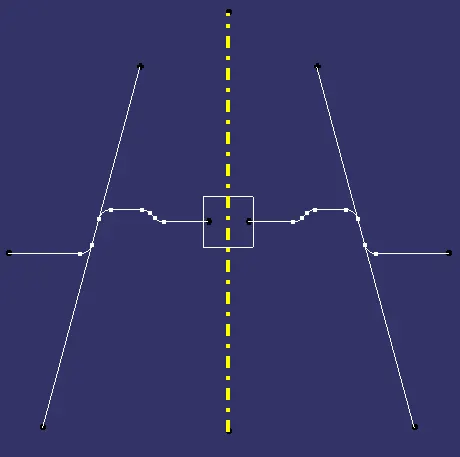
fig(5)
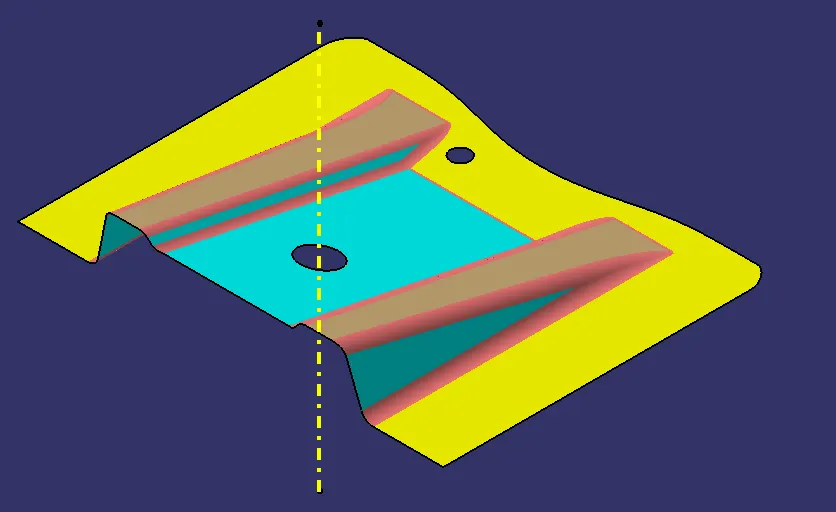
fig(6)
Introduction:-
Class-A Surface: a surface created by the designer and provided to the plastic modeler as an input. It is the outermost surface and aesthetically pleasing one.
Class-B Surface: a surface is referred to as class-B, if its thickness is less than that of class-A surface. This surface is where all of a model's engineering components are positioned.
Class-C Surface: a surface that joins class-A and class-B surface is class-C surface.
Given Class-A Surface:
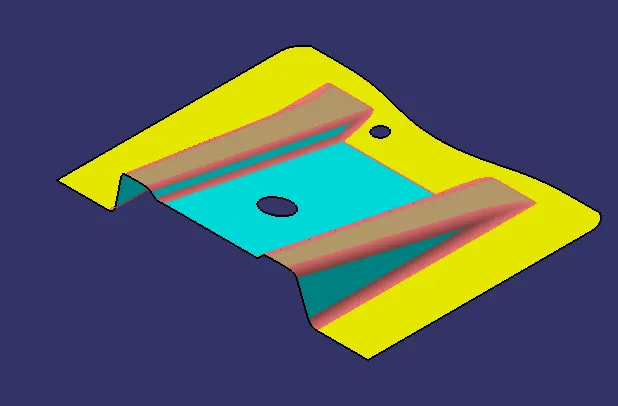
fig(7)
Class-B Surface:
Firstly, extract command is used to extract class-A surface [fig(8)] and then it is offset for 2.5mm to obtain the class-B surface [fig(9)].
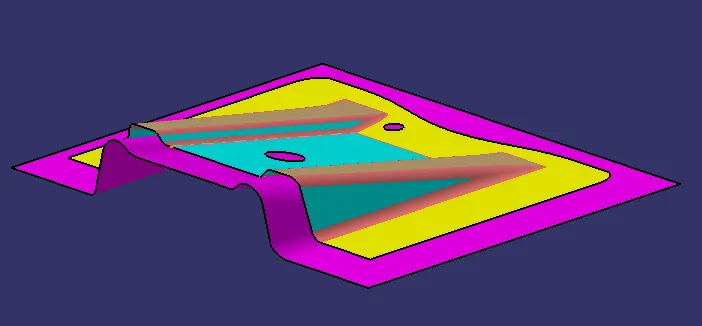
fig(8)
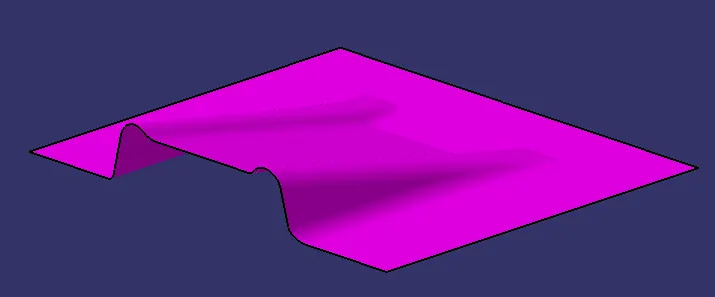
fig(9)
Class-C Surface:
To create Class-C surface, create a boundary of class-A surface and then swept it along the tooling direction.Join the class-A and class-C surface [fig(10)].
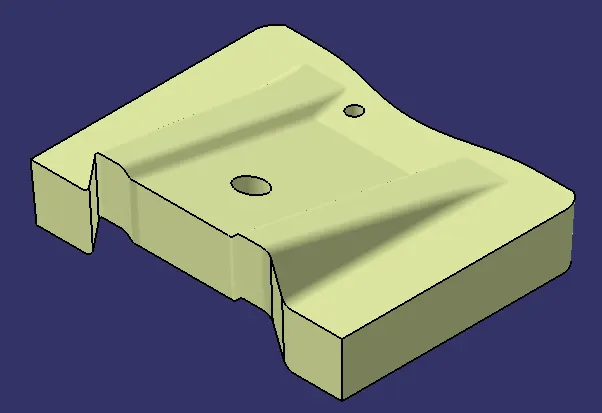
fig(10)
Lastly, trim class-A + class-C surface with class-B surface to acquire the final surface [fig(11)].
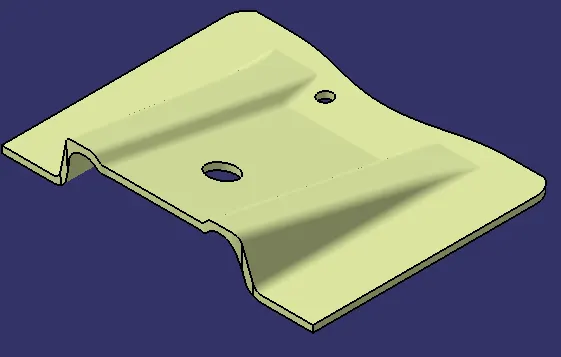
fig(11)
Close Surface:
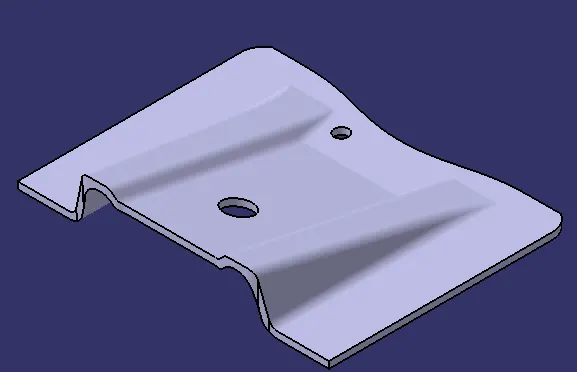
fig(12)
Draft Analysis:
Draft analysis is carried out through color ranges to show the areas on the examined element where, at any given time, the deviation from the draft direction matches to specified values. A minimum draft angle of 3 degree is considered [fig(13)].
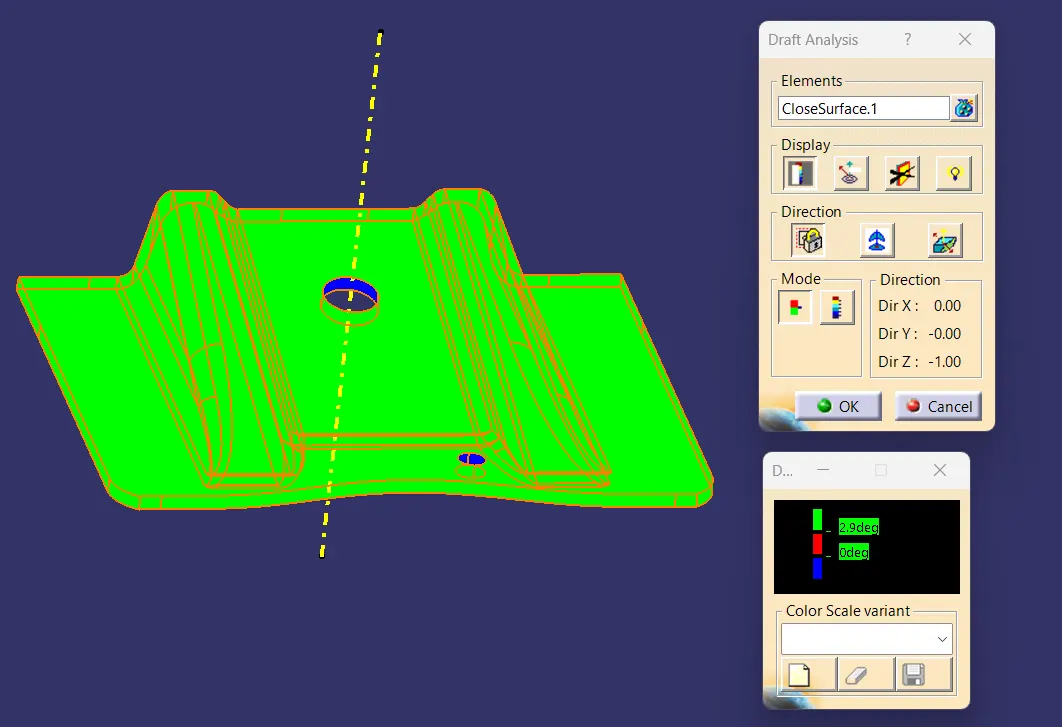
fig(13)
Isometric view:
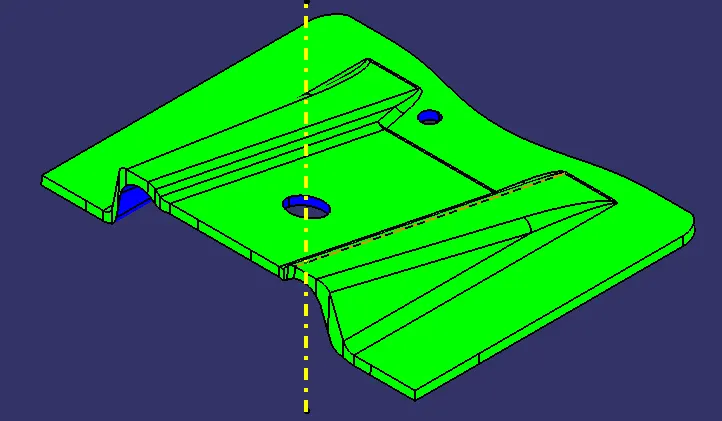
fig(14)
Front view:
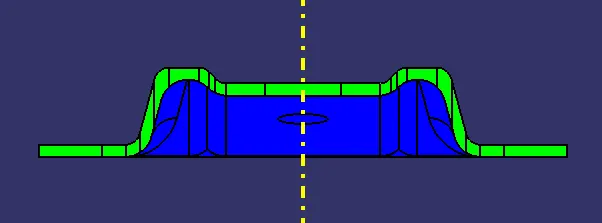
fig(15)
Side view:
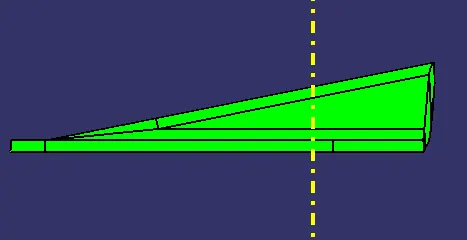
fig(16)
Top view:
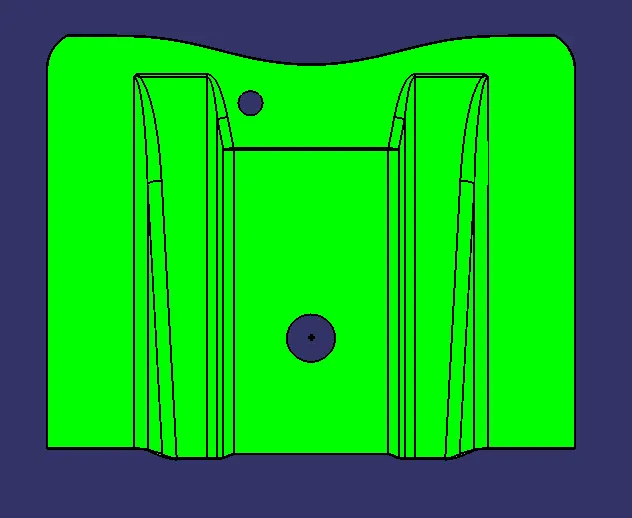
fig(17)