Week 9 - Challenge 3 - Bumper
BUMPER DESIGN
Aim:- To create the Bumper Plastic component through the given class-A surface.
Objective:-
- To create Tooling axis.
- Creation of Class-B Surface.
- Creation of Class-C surface.
- To perform Draft Analysis.
Specifications:-
- Thickness of Bumper -: 3mm.
- Minimum Draft angle of Bumper -: 3 Degree.
Introduction:-
- A Bumper is a component of equipment that is fastened to the front and back ends of acar with the purpose of lessening the force of minor collision and hopefully, lowering the repairing expenses. Stiff metal bumpers first debuted on cars in 1904, mostly served as an ornaments. Over time, bumpers have seen numerous changes due to advancements in materials and technology, increased emphasis on functionality for safety and component protection, and improved development. In an ideal world, bumper would reduce vechile disparities and shield people from harm.
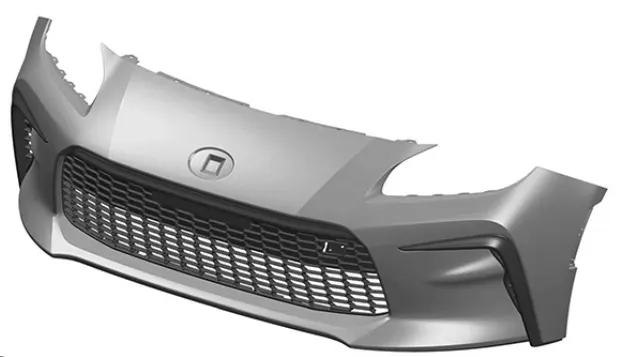
FIG(1)
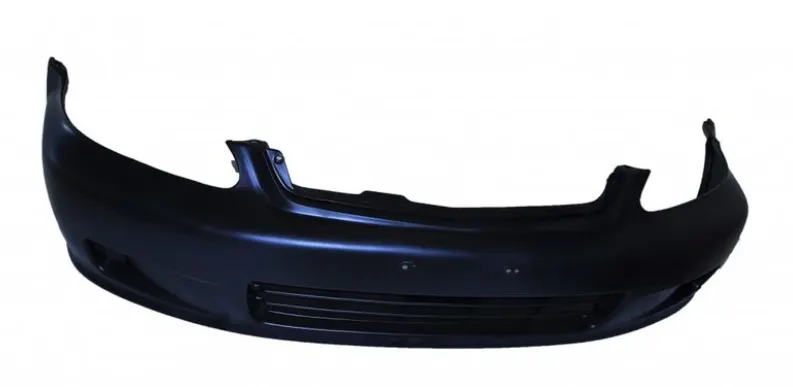
FIG(2)
Design Methodolgy:-
Class-A Surface:-
- It is both the outside and the aesthetically pleasing surface. The plastic designer uses the class-A surface as input for making the plastic component.
- Import the class-A surface, then use the boundary command in the provided class-A surface to look for any gaps. Then create a tooling axis to verify that the surface may be used for drafting.
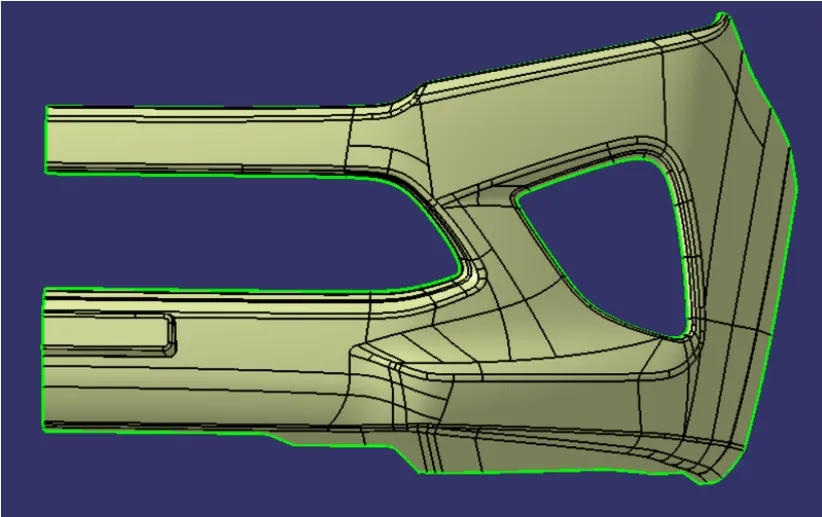
FIG(3)
Tooling Axis:-
- It is the direction for opening and closing for the core and cavity. Once class-A has been imported, use the boundary command to look for any potential irregularities.
- Using the surface option, extract the flat surface and make a point on it. Create a line using point direction in the point on surface. The created line is the tooling axis. Perform draft analysis on class-A surface using tooling axis.
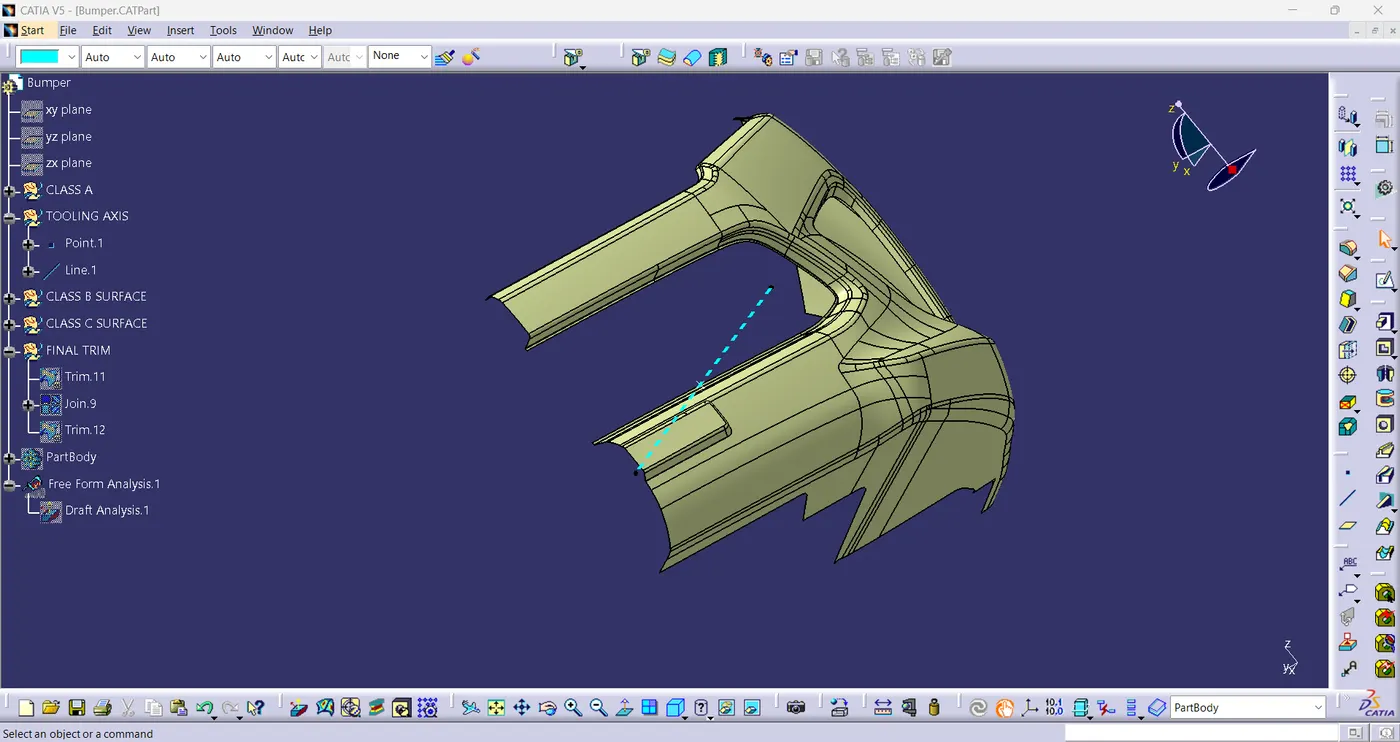
FIG(4)
Draft Analysis:-
- A part's appropriate draft angle can be quickly determined by using draft analysis tool. The amount of taper for cast or moulded Pieces perpendicular to the parting line is described by draft angle. Draft analysis works with models of three dimensional parts. the user must choose the component or surface and pulling direction in order to generate a draft analysis for any 3-D part file.
Draft Analysis of Class-A surface:-
- It offers identification based on colours. this allows us to determine which surface is clear and which is stuck by altering its colour. Here, I've given 3-degree draft angle. The colour results indicates which surface is correct, with green colour denoting a draft angle more than 3 degrees. Addiontionally the mean draft angle is 3 degrees to 0 degrees, when colour is blue. you can proceed if this surface area is small. The presence of red colour zone indicates that the draft angle is less than zero degrees or negative. Then, if its feasible, you should construct the tooling axis in another mannner; if not , instruct the design engineer to make necessary corrections for designing.
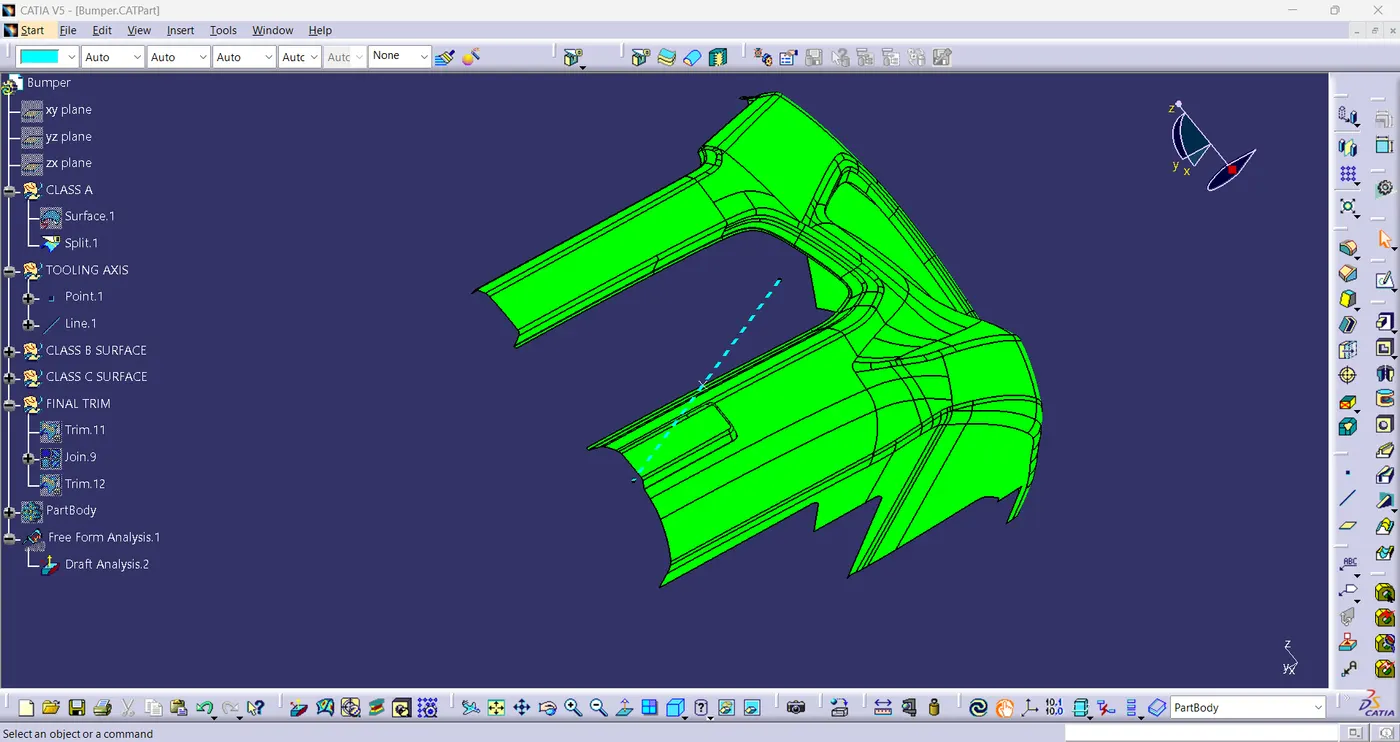
FIG(5)
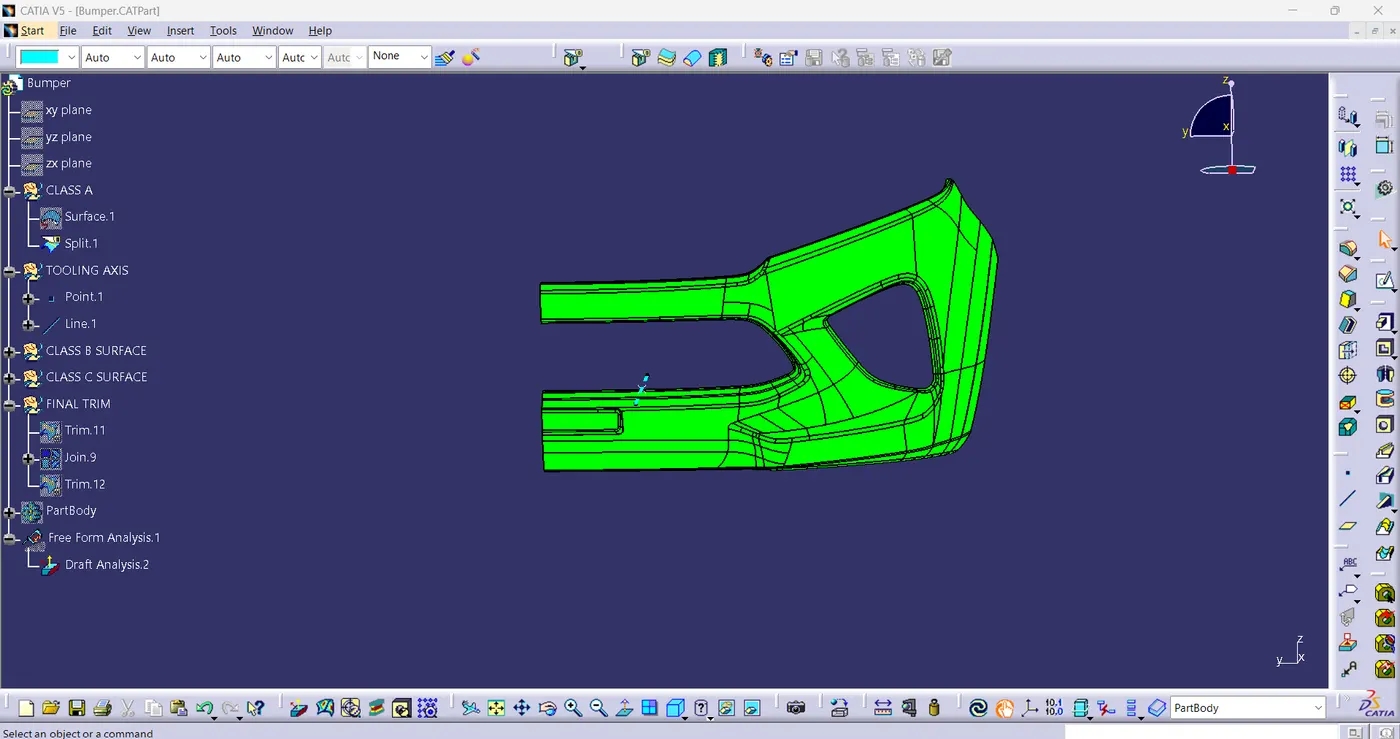
FIG(6)
Class-B Surface:-
- Class-B surface refers to the surface that lies behind the class-A. For the most part, it is not visible. It made using a class-A surface that has a thickness of, say, 2mm or 3mm.
- Here it is given that the thickness of component to be 3mm.
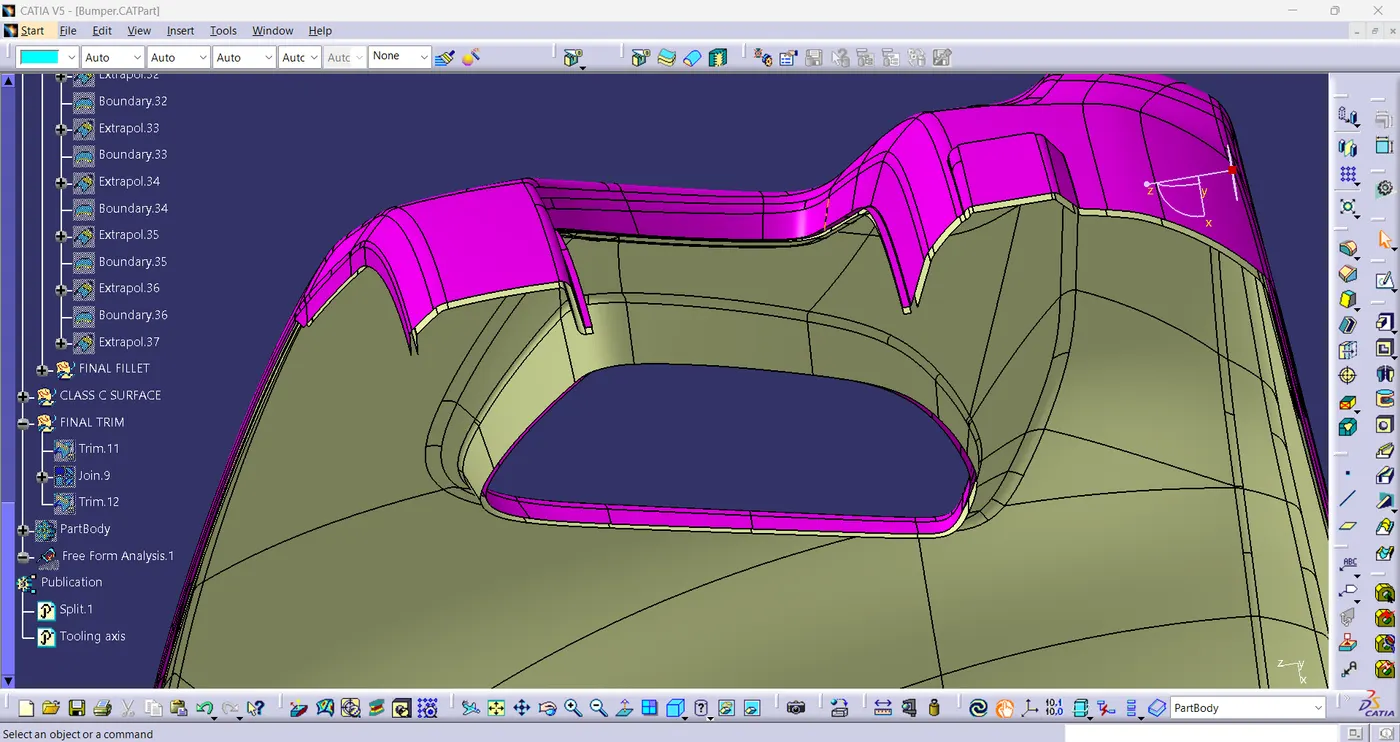
FIG(7)
PATCHES:-
- If there are four surfaces on the outside and there is surface missing on the inside, Extract all the other sides and do a multi-section surface using the four to create a surface to close the patches.
- If there are three sides of surfaces is present and one side is missing, Extract the edges of three sides and draw a spline on the side where no edges is present. Do a multi-section surface with spline and edge as input and others edges as guide for the surface.
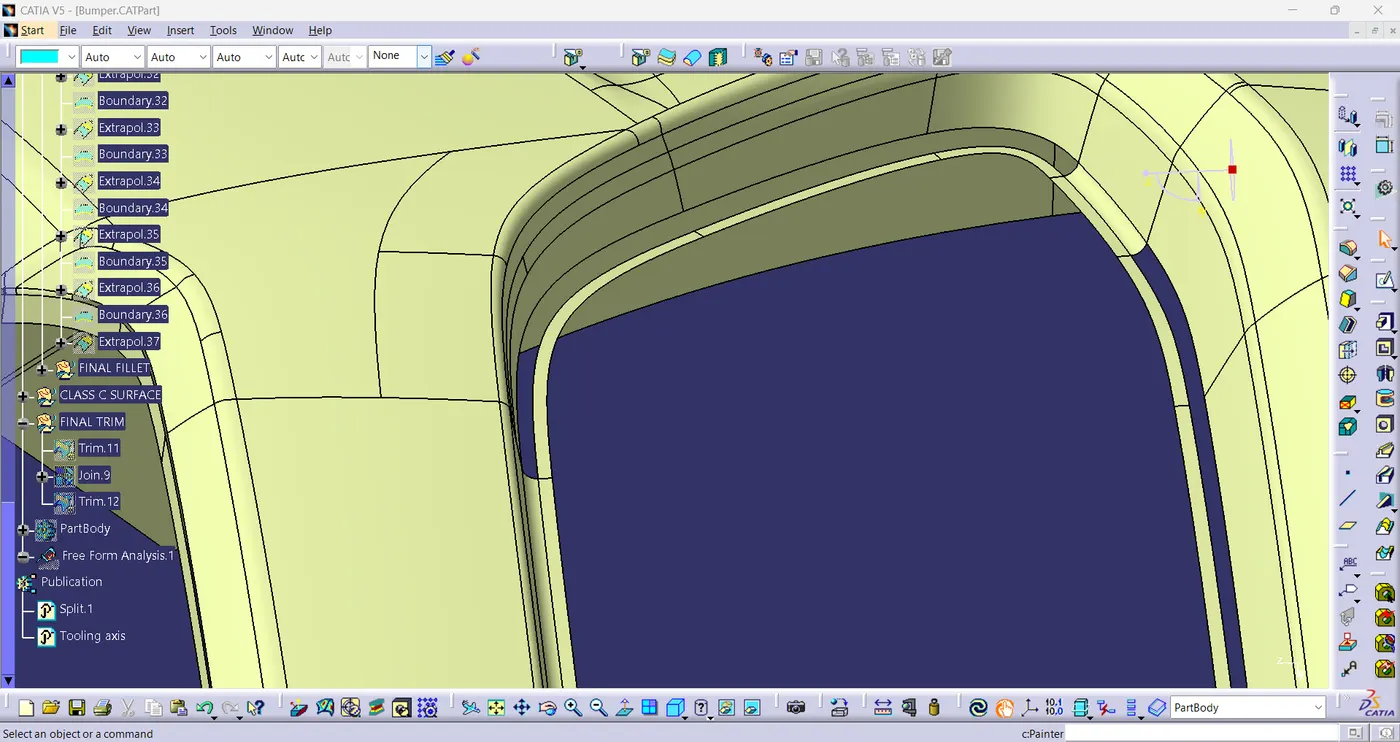
FIG(8)
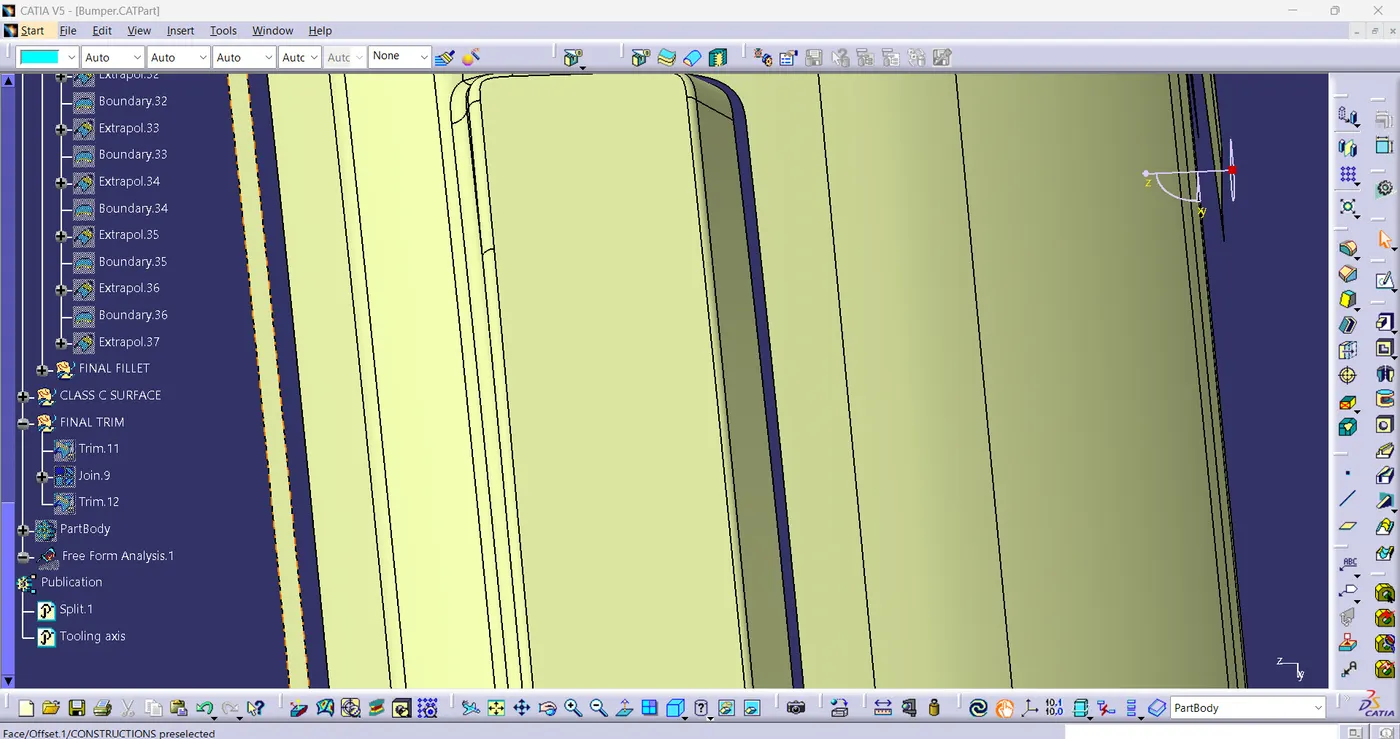
FIG(9)
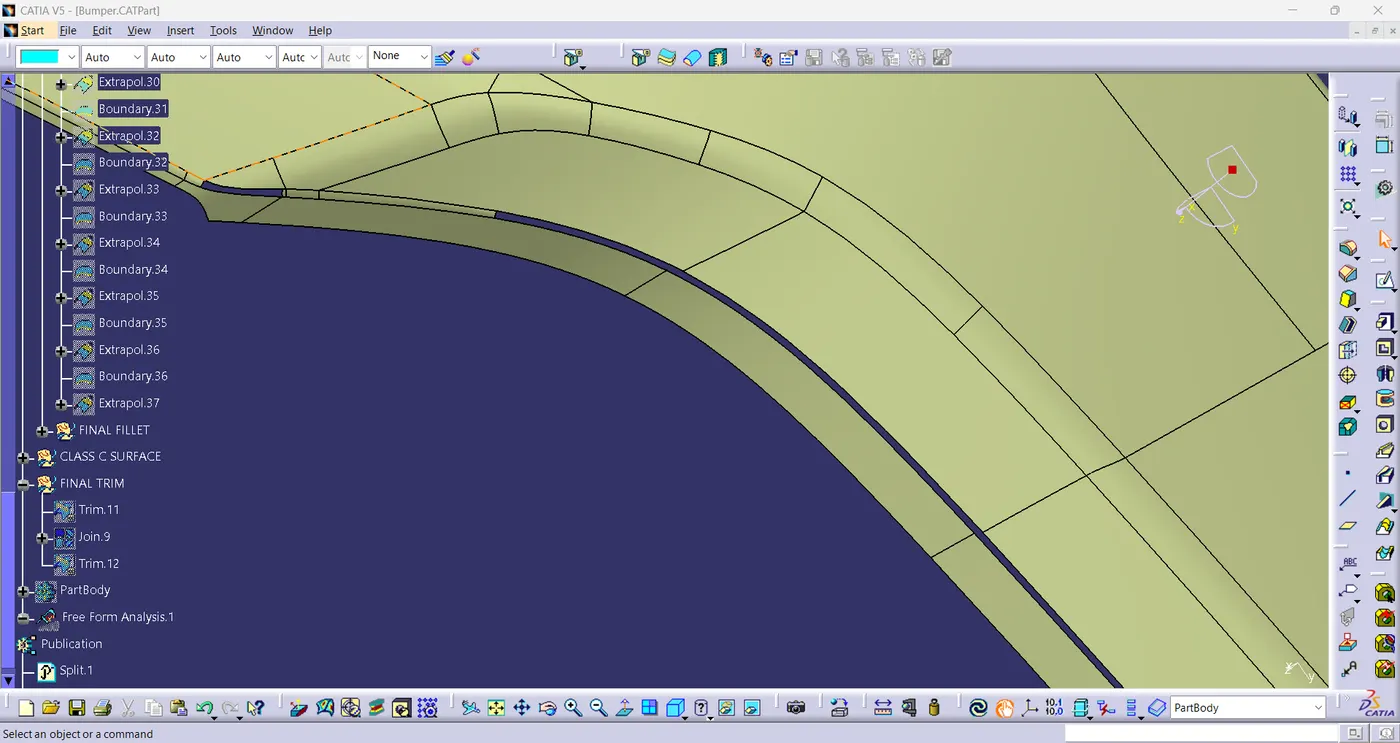
FIG(10)
PATCHES IMPROVED:-
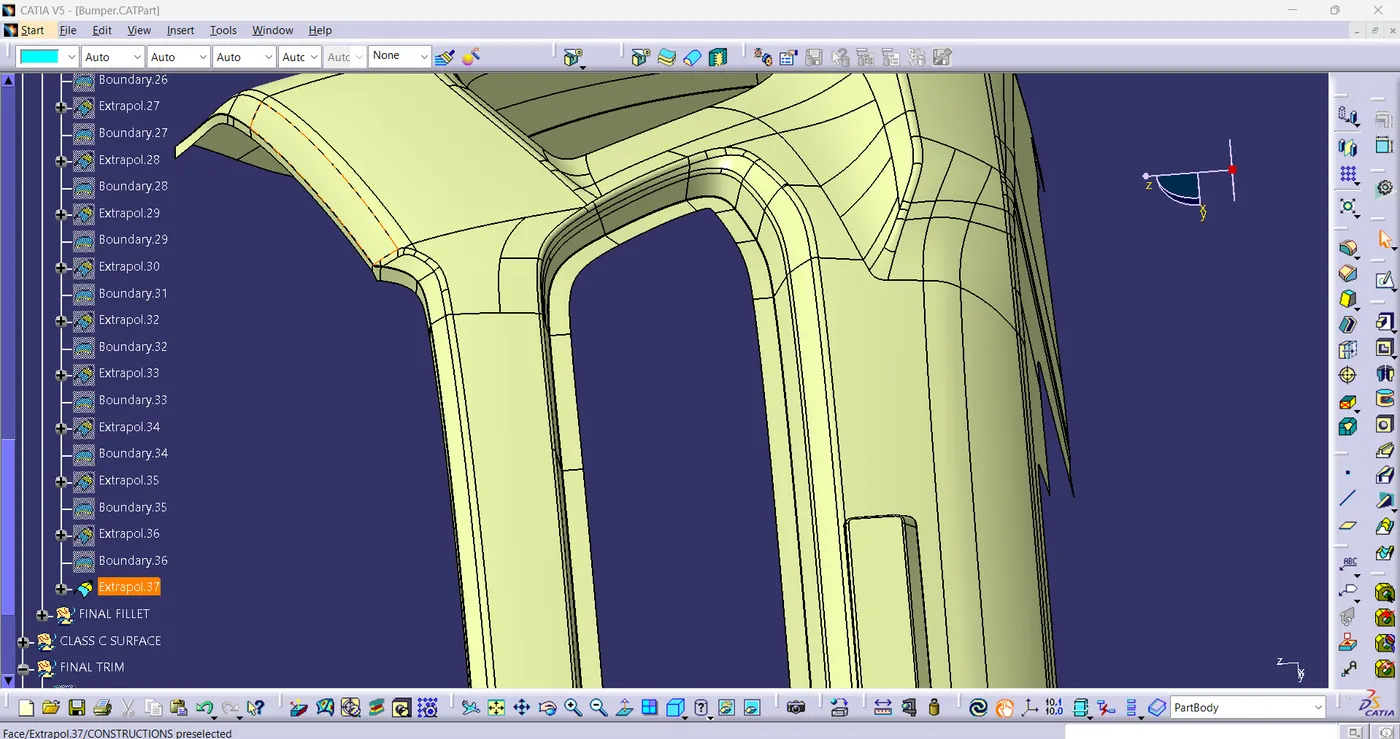
FIG(11)
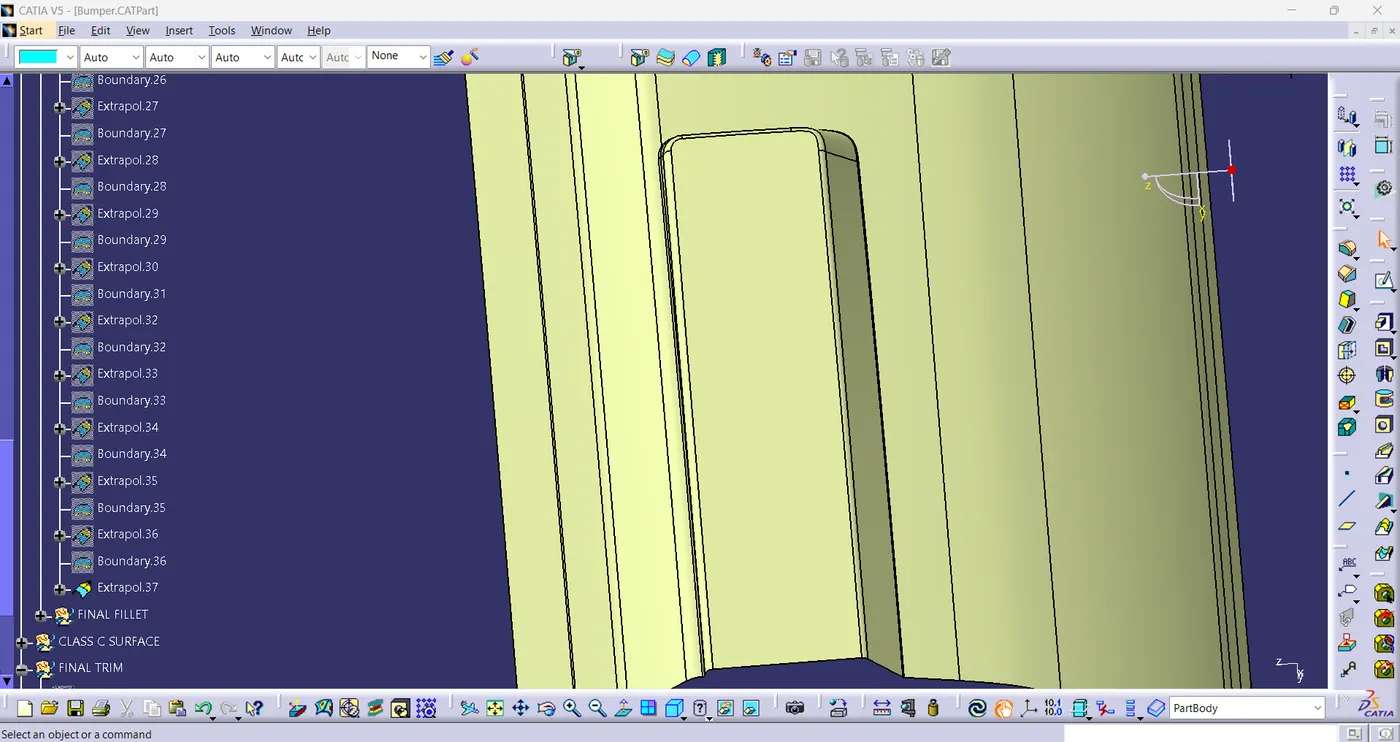
FIG(12)
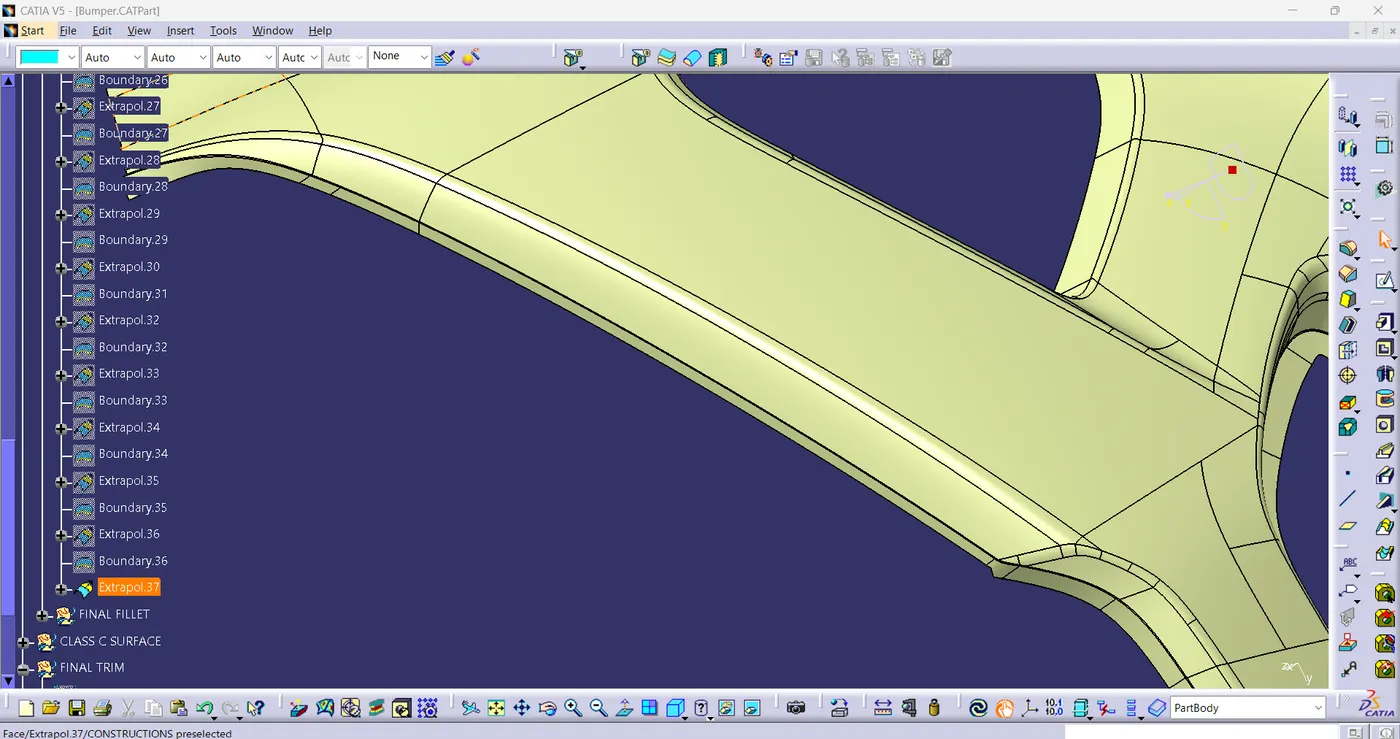
FIG(13)
CLASS-B FINAL:-
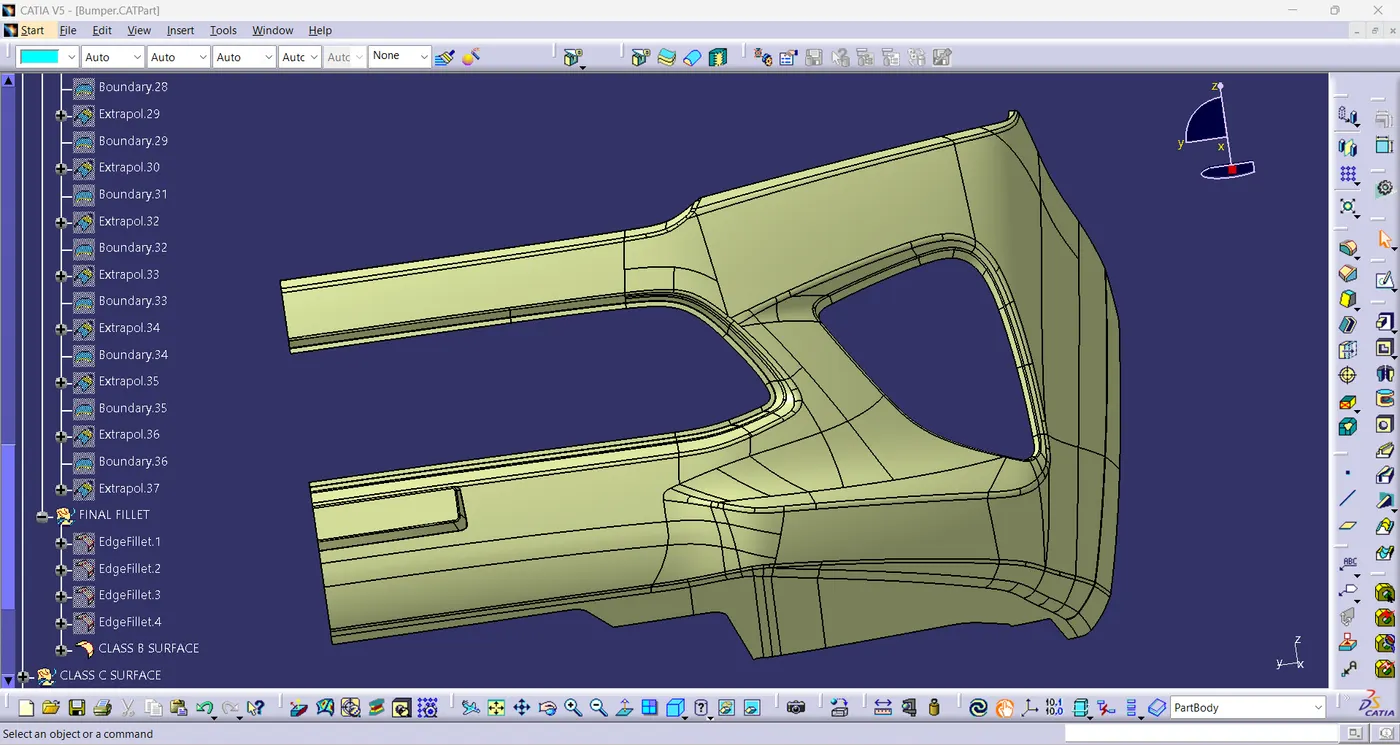
FIG(14)
Class-C Surface:-
- It is a surface which joins Class-A and Class-B surface together using join command.
- It is created using the sweep and boundary commands.
- Afterwards, create the solid surface by using closed body command.
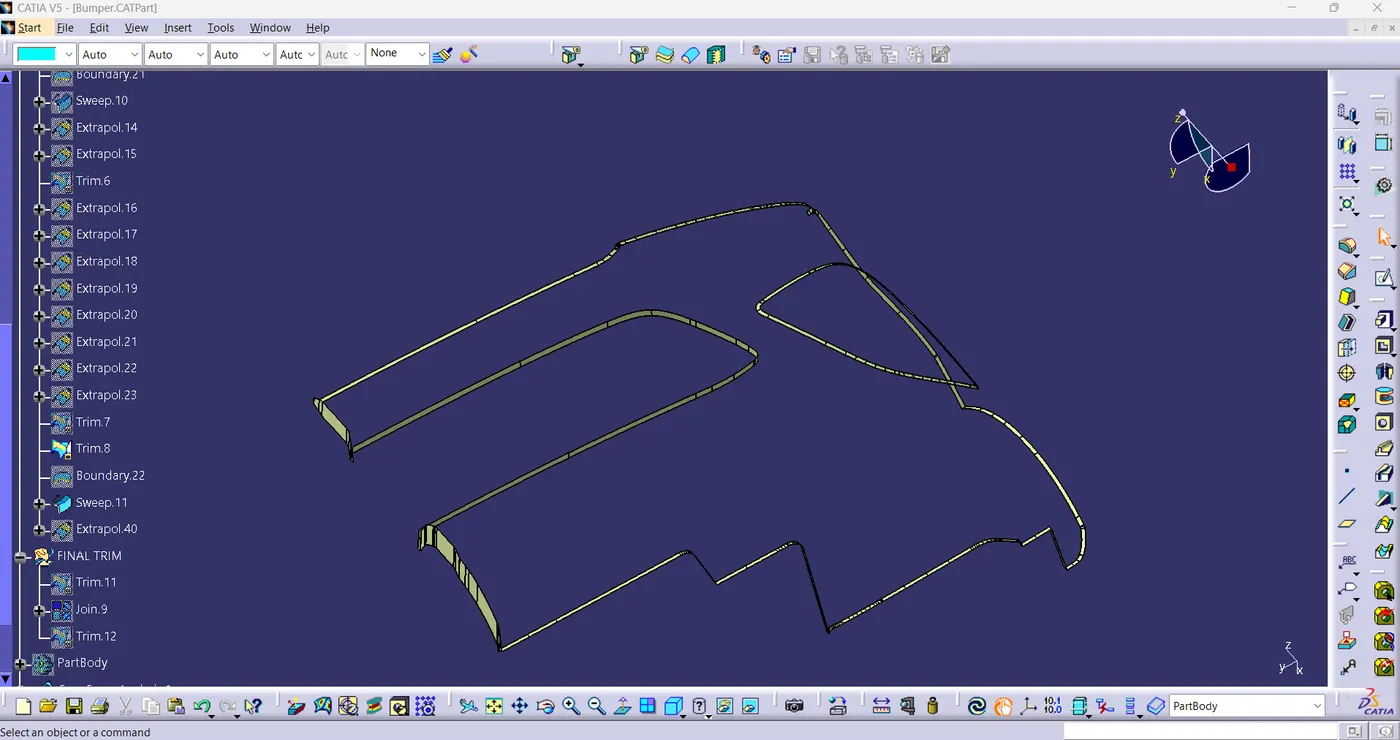
FIG(15)
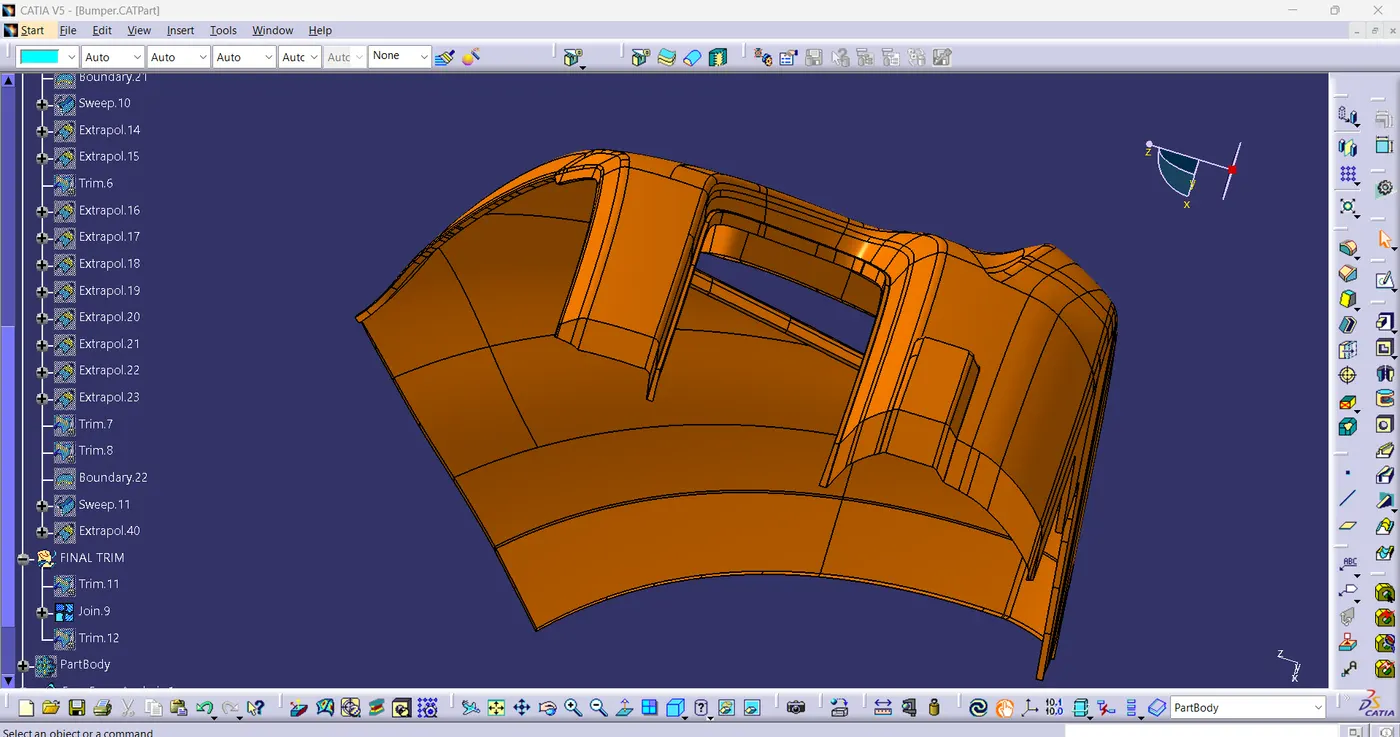
FIG(16)
Draft Analysis of Part body:-
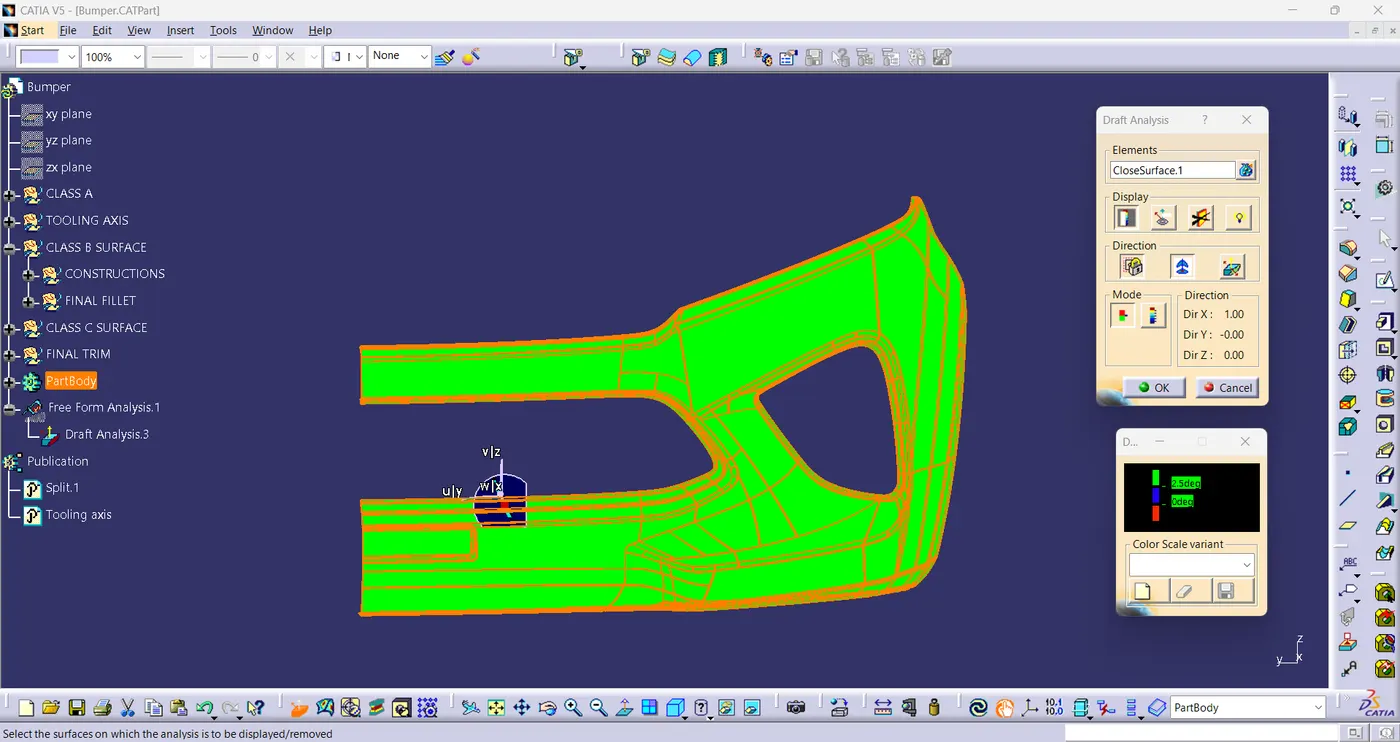
FIG(17)
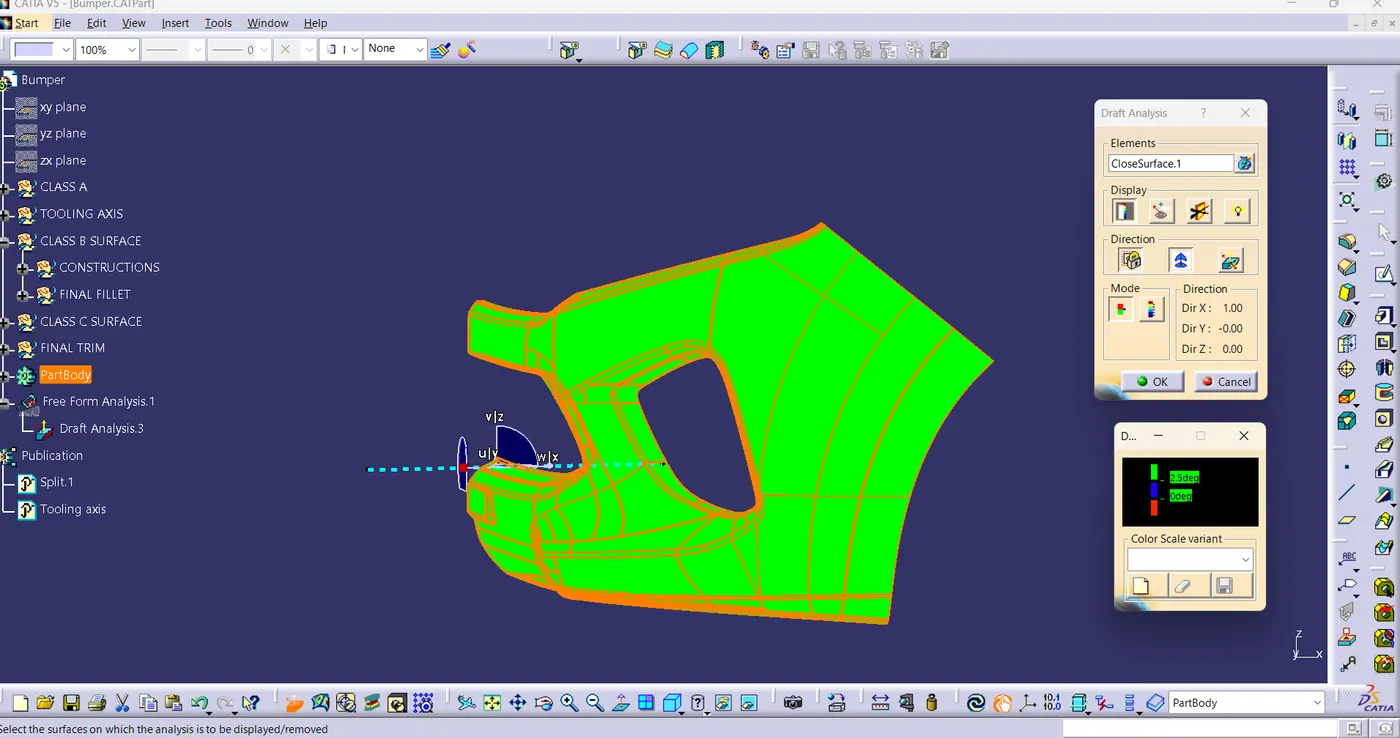
FIG(18)
FINAL COMPONENT VIEWS :-
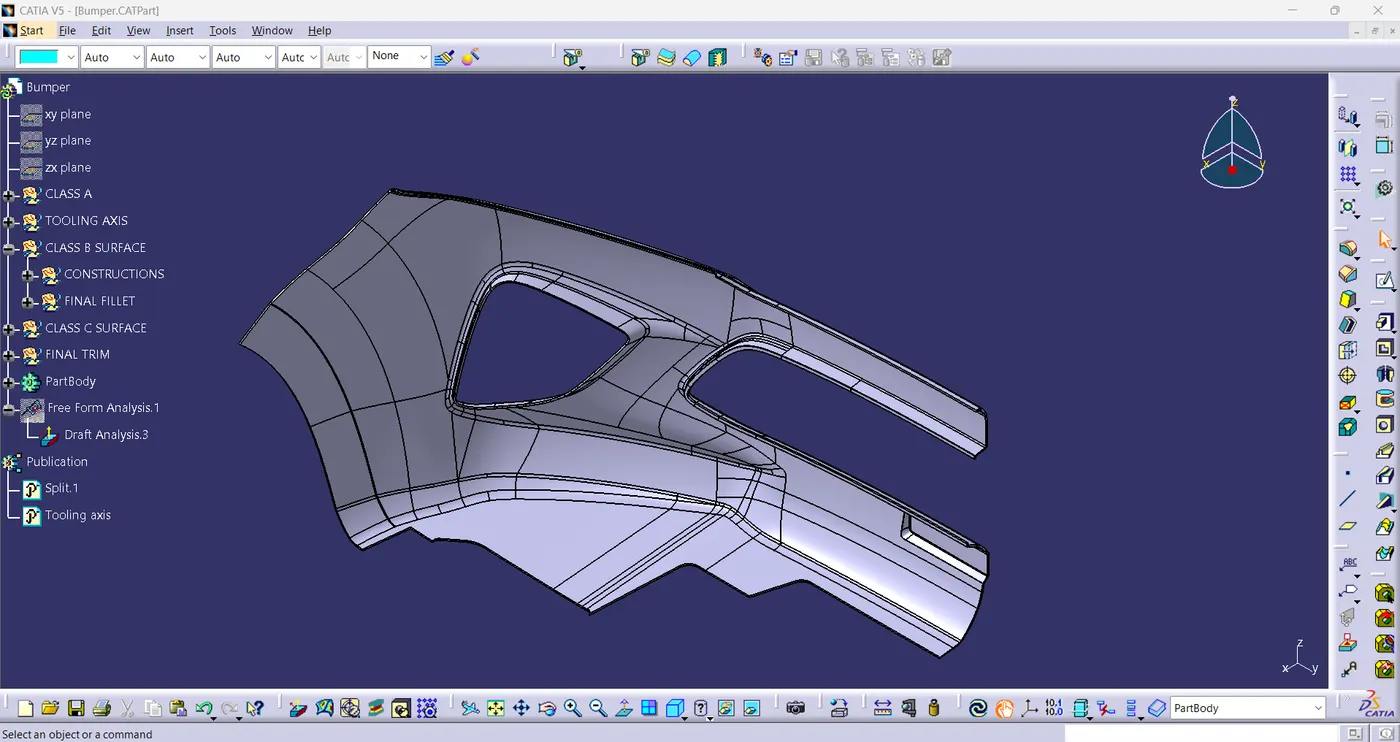
FIG(19)
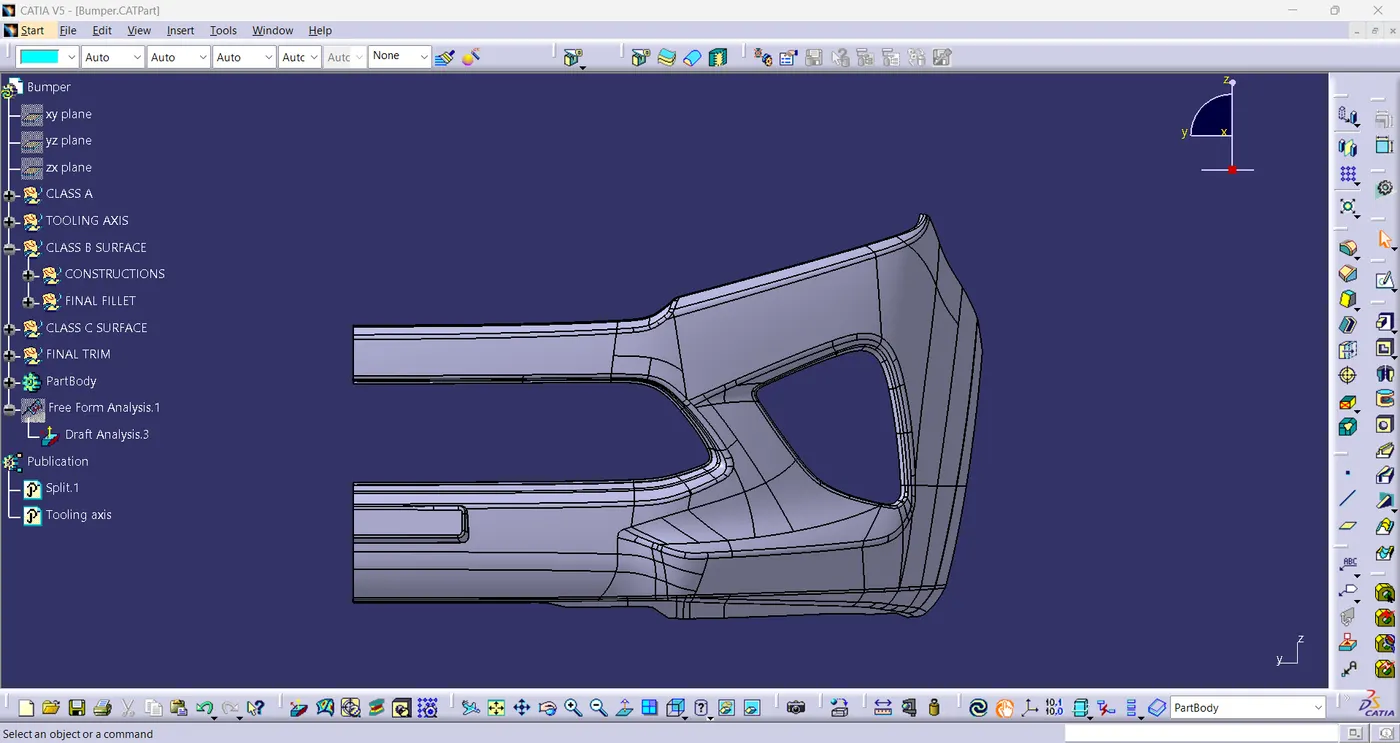
FIG(20)
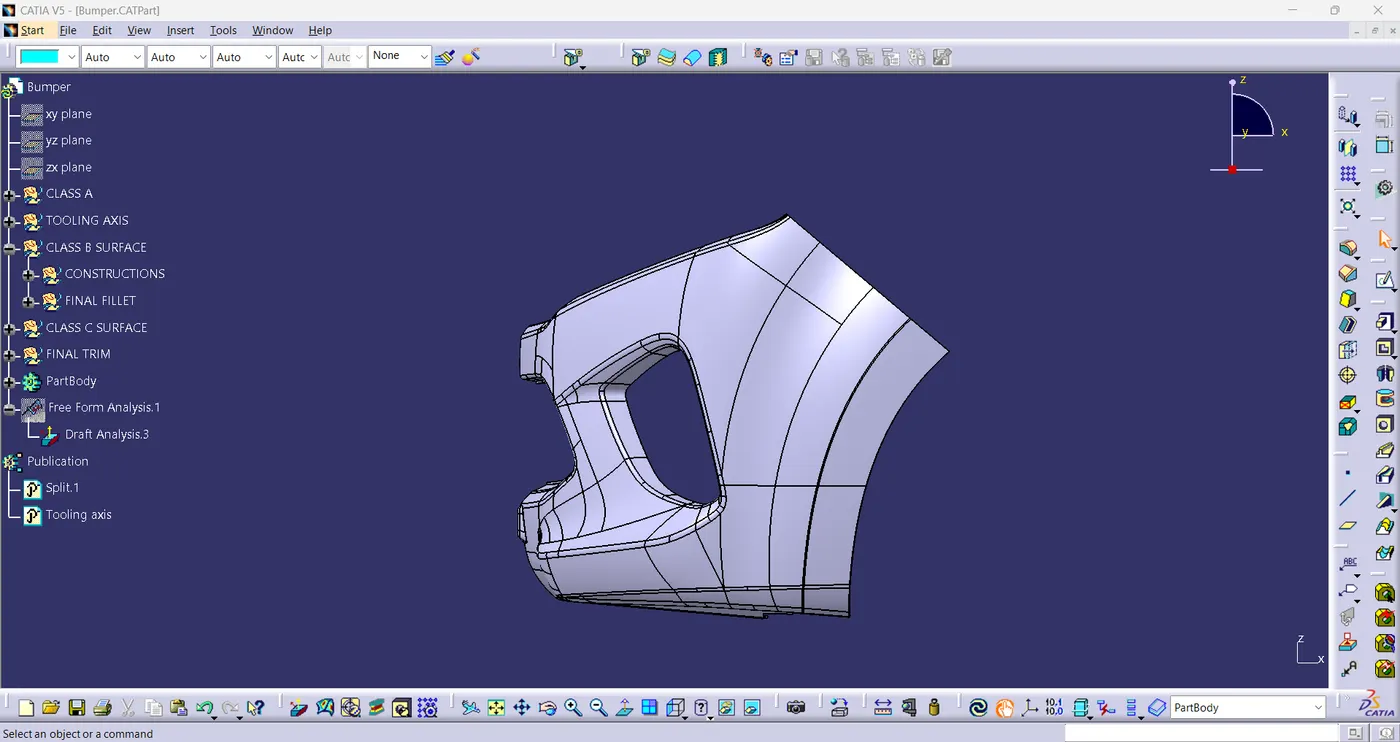
FIG(21)
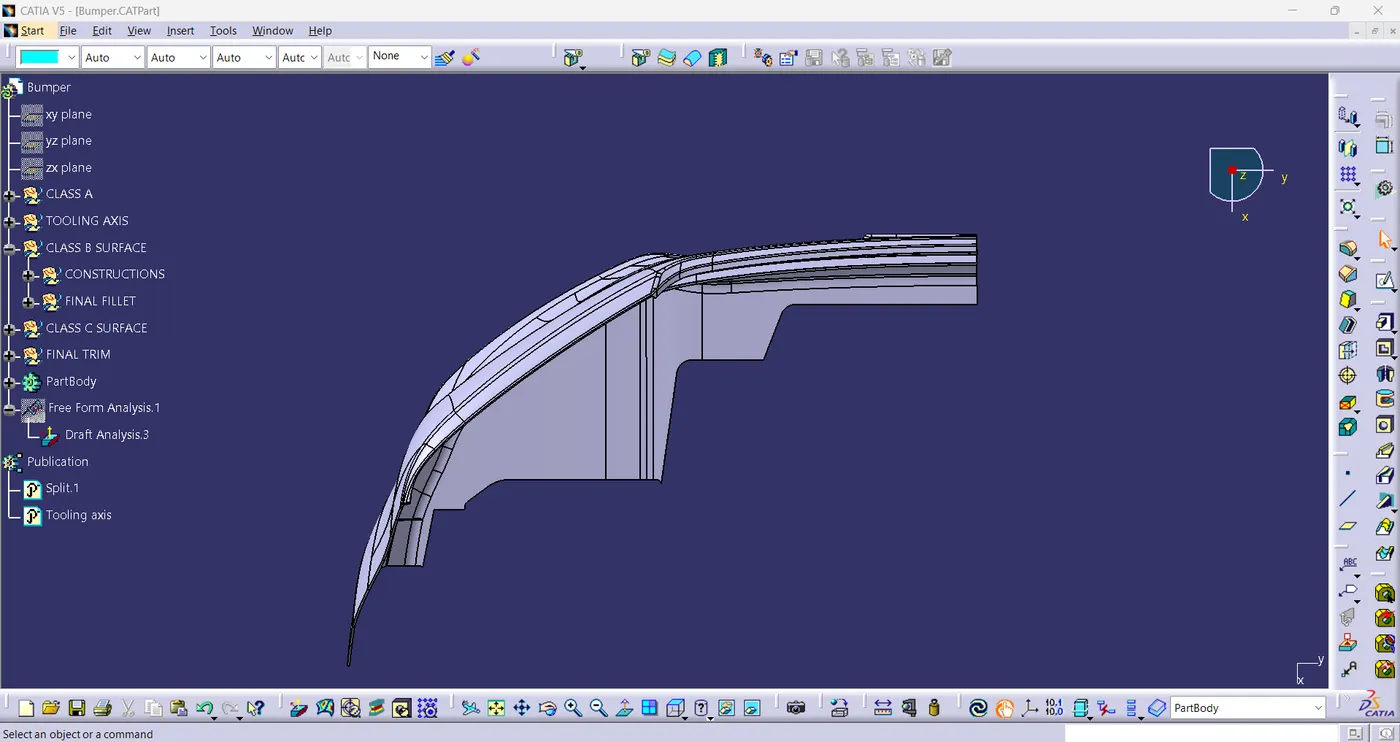
FIG(22)
Conclusion:-
- In this project, we learned how to generate Class-B and Class-C surface from given Class-A surface and how to properly determine the tooling axis.