Week 9 - Attachment Feature Creation (Ribs & Screw Boss) - Challenge 1
Assignment 27
Door Handle:=>
Repport:
Step:1 :Took a class A part and check its continuity by using boundary command.
Step:2 :Tooling Axix-
extract part of surface of class A and took a point on it,drew a line normal to surface then checked its draft my class A was some what faulty and so giving clearace at 0.1 deg so took it as draft.
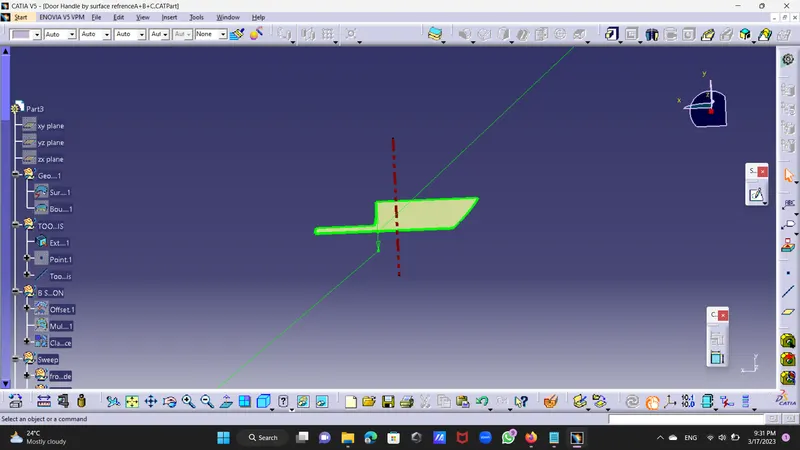
Step:3:B Surface Creation :
took geometrical set and named it as Class B surface then offset surface from class A Surface at a distance of 2.5mm downword then had one patch of triangular shape
Then i took multisection command and joind it.
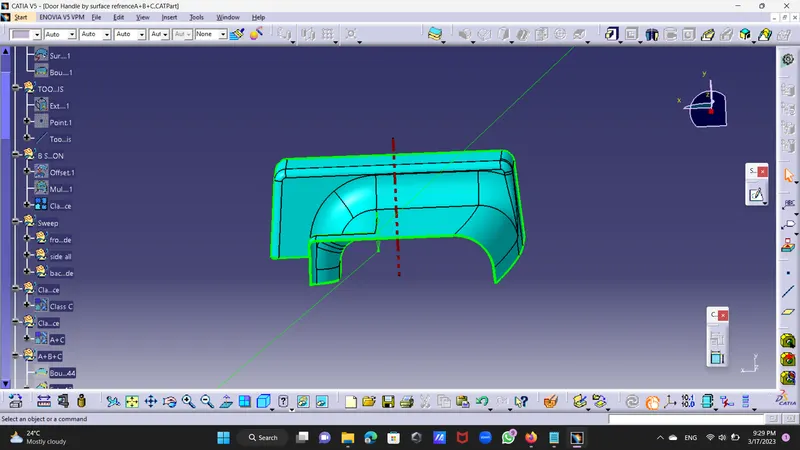
Step:4 :Class C Surface Creation
Sweep command : to create c surface used sweep commmand divided in four side front side,left side,right side,and bacl side.
by taking boundary command from tool bar drew boundary at point continuity on front side then by using sweep with draft and with reference surface command with 3 deg draft drew c surface at front.
By using sweep and with reference surface drew sweep at 90 deg bcoz its hidden underneth of both the surface.
By using sweep and with reference surface drew sweep at 3 deg draft with respective tooling axis.
join class c surface together
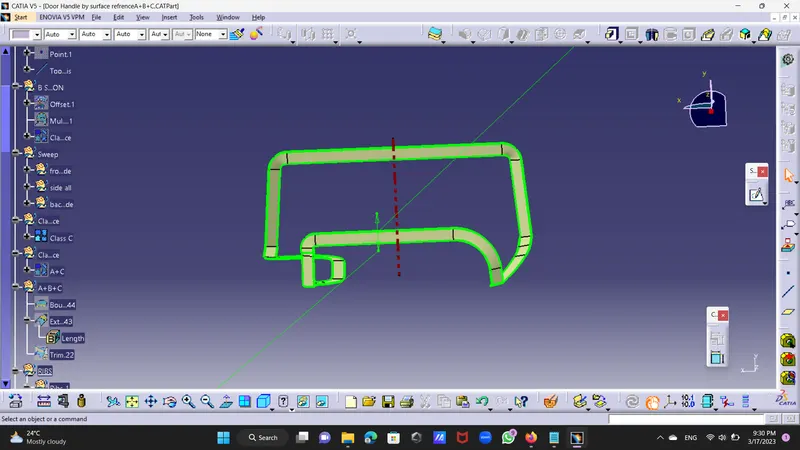
Step:5:Join Class A and Class C Surface together.
Step :6: Surface B border extrapolate beyond limit.
Step 7: Trim Surface A+C and Surface B Together.
Step 8: Create new body go to the part body and select solid body command and convert surface body to solid body.
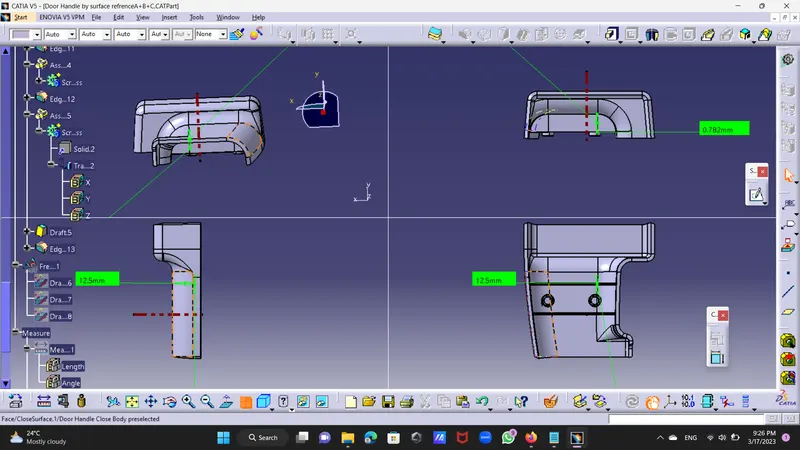
Ribs:-
Step 9:-Rib 1:By using multiple extract command extract one surface and took a sketch draw one line on part and project it on surface then extrude it to delete excess part of the rib took
same line at a distance of 12.5 mm from the ground and exeeded its some part to the underneth by 1mm.Took thickness of the rib about 1mm.
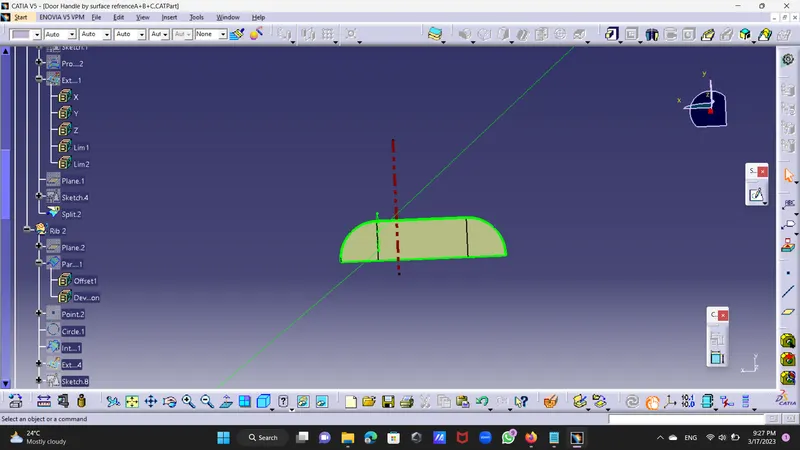
Step 10:Took new body and go to the part body took the solid body and convert this to solid .
Step 11:Now took a draft from dress up feature and give draft of 0.5deg to both side of the Rib then give fillet to Rib of 0.25mm.
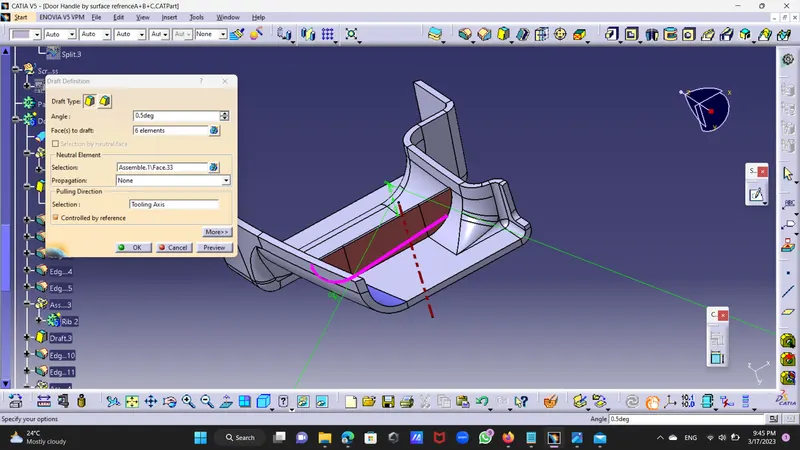
Step:12 -Rib 2:As per above took a sketch and select plane at a distanca of 18 mm from point of axis ,draw a sketch of line and intersect it with surface body and cut excess part and extrude it then cut excess part by using split command.
Screw Boss:
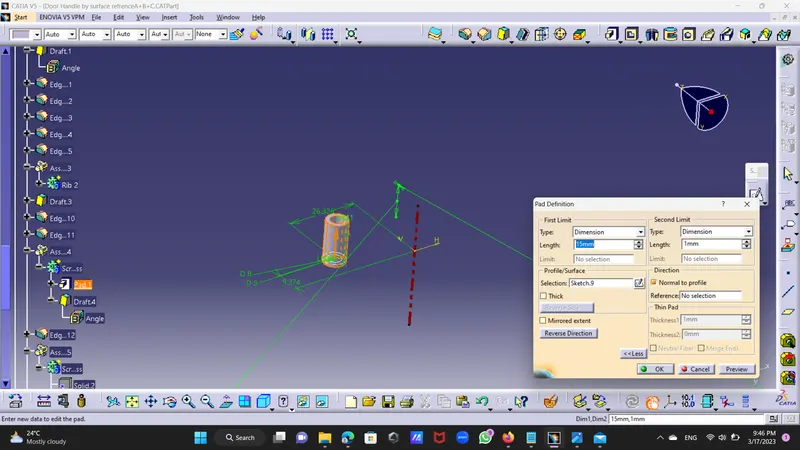
Step 13:Took a new sketch and drew a circle of 5mm diameter then by formulae of 2*D of 10 mm dia.
extrude that circle by height by 3:1 ratio to diameter by 15mm and 1 mm down.
draft : by going to dress up feature give it draft of 0.5 deg out and in with tooling axis.assembled it with part body,gave fillet it of 0.25 mm.
Screw Boss 2:By using copy command copy Scew boss 1 as parent and past it as past with link on door handle part,by using translate by coordinate command translet at particular distamce.
{used past with link becoz if need to do any change in child then can do by changing parent directly}
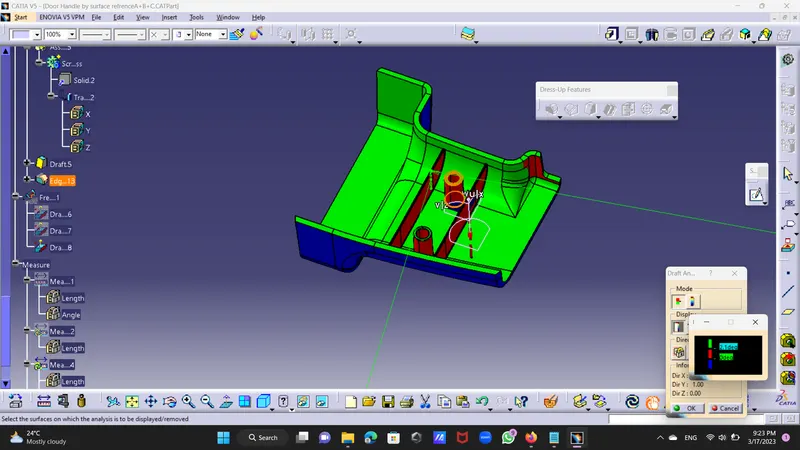
draft analysis :
did draft analysis of surface body and clearing at 4 deg draft .